Best Free CAD Software for 3D Printing in 2026: 9 Tools Compared
WLWPLegible EditorsLast verified 23 Nov 2026How we rank9 min read
★ Short answer
Tinkercad is the best free CAD software for 3D printing for most beginners, running in a browser at no cost with STL export and a 4.5 out of 5 G2 rating. Pick Autodesk Fusion for precise parts or FreeCAD for full parametric modeling at no cost.
How we make this list: we compare pricing pages, product documentation and public user reviews, then re-check every price before each update. No product paid for a place. Disclosure.
Tinkercad is the easiest free start: browser-based, free, and exports STL files, rated 4.5 out of 5 on G2.
Autodesk Fusion gives professional parametric CAD free for personal use, but commercial work needs $680 a year.
FreeCAD and Blender cost $0 forever with no licence limits, for parametric parts and sculpted shapes.
Onshape Free makes every document public, and Shapr3D Basic caps you at 2 projects with low-resolution STL export.
Four of the 9 tools are fully free with no paid plan: Tinkercad, FreeCAD, Blender and OpenSCAD.
What to look for in free CAD for 3D printing
A 3D printer needs a solid model file, usually STL, and the CAD tool you pick decides how fast you get there. Free tools now cover the whole range, from drag-and-drop shapes to professional parametric modeling.
Start with the free plan limits, not the feature list. Some free plans cap projects, make documents public, or limit export quality, and those limits decide whether a tool works for real prints.
Parametric tools suit precise parts. If a bracket must fit a 20 mm rail, you want sketches and dimensions you can edit later. Sculpting tools suit figures and organic shapes instead.
Check STL export before you commit. Every tool in this list exports STL, but the free tier of some caps the resolution, so a circle can print as a polygon.
Tinkercad is a free browser CAD tool from Autodesk that builds models from simple shapes you drag, group and resize. It needs no install, runs on any computer with a browser, and exports STL and OBJ files ready for a slicer.
The trade off is depth. Tinkercad has no parametric sketches, assemblies or dimension tools, so precise mechanical parts get hard to build. It suits beginners, students and anyone printing simple parts, brackets and household fixes.
Autodesk Fusion is a professional parametric CAD tool with sketches, assemblies, simulation and CAM in one workspace. The free personal-use licence covers core modeling, drawings and basic CAM for home projects that earn under $1,000 a year.
The trade off is the licence. Personal use is non-commercial, caps you at 10 editable documents, and commercial work needs the $680-a-year subscription. It suits makers who want professional tools and plan to sell prints later.
What we like
Full parametric modeling with a timeline
Built-in CAM, simulation and drawings
Huge tutorial library for every feature
Watch out for
Personal use bans commercial work
10-document limit on the free licence
Paid plan costs $680 a year
Paid plan adds full CAM, more documents and commercial useVisit autodesk.com
03
FreeCAD
4.1/5on G2 (62 reviews, checked Nov 2026)
PriceFree
Best serious free parametric CAD
Free planYes, open source
Paid planNone, free
PlatformsWindows, Mac, Linux
Print exportSTL, OBJ, AMF
freecad.org
FreeCAD homepage, captured Nov 2026.
FreeCAD is a free, open-source parametric modeler with sketch constraints, assemblies, technical drawings and workbenches for CAM and simulation. It costs nothing, has no licence limits, and your files stay on your own computer.
The trade off is polish. The interface feels dated next to paid tools, and learning sketches and constraints takes time. It suits makers who want real engineering CAD without paying a subscription.
Blender is a free, open-source 3D suite for modeling, sculpting and rendering. Its sculpting tools shape organic forms such as figures, masks and terrain that parametric CAD handles poorly, and it exports STL files for printing.
The trade off is precision. Blender has no dimension-driven sketches, so exact brackets and mechanical fits take extra work. It suits artists and makers printing figures, props and decorative parts.
What we like
Best free sculpting tools in this list
Huge community and tutorial library
Free forever with no licence limits
Watch out for
No parametric or dimension-driven modeling
Steep learning curve for beginners
There is no paid plan; the Blender Foundation runs on donationsVisit blender.org
05
Onshape
4.7/5on G2 (724 reviews, checked Nov 2026)
Paid from$1,500/yr
Best browser CAD for collaboration
Free planYes, public docs
Paid planStandard, $1,500/yr
PlatformsBrowser
Print exportSTL, OBJ, 3MF
onshape.com
Onshape homepage, captured Nov 2026.
Onshape is a browser-based parametric CAD system with real-time collaboration, branching and built-in version control. The free plan includes the full modeling toolset with unlimited public storage, and several people can edit one model at once.
The trade off is privacy. Every document on the free plan is public, and the licence bars commercial use, so private or paid work needs Standard at $1,500 a year per user. It suits teams and students sharing open designs.
SketchUp is a 3D modeler built around fast push-pull sketching, and its free web version runs in a browser with no install. It is quick for blocky shapes, enclosures and display stands, and it exports STL files for printing.
The trade off is precision. SketchUp is not parametric CAD, so exact dimensions and mechanical fits need care, and desktop tools need Go at $129 a year. It suits makers who sketch ideas fast and print simple forms.
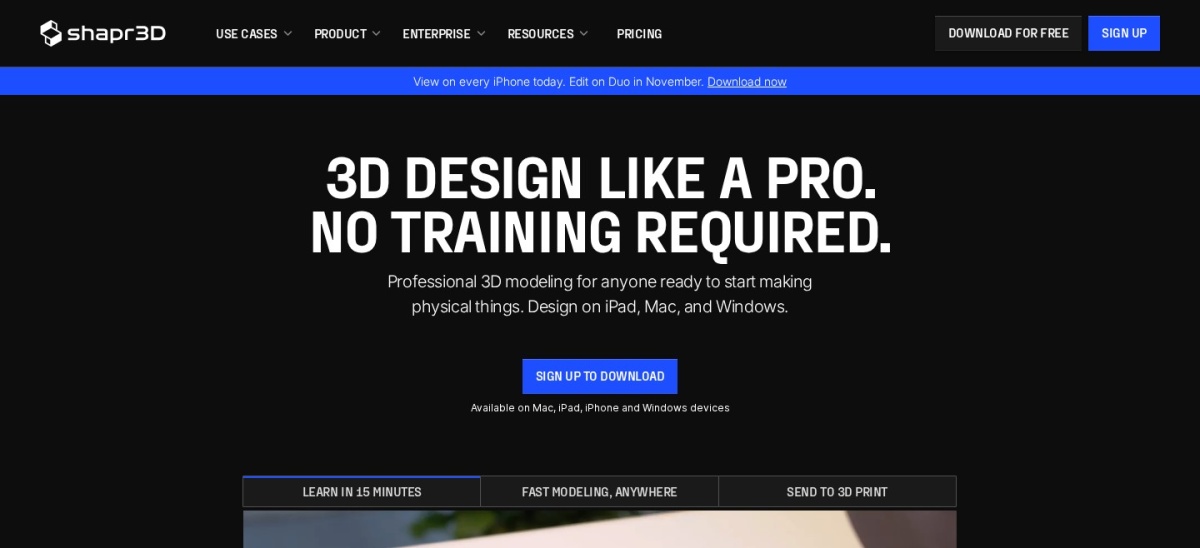
Shapr3D is a touch-first CAD app for iPad, Mac and Windows that runs on the Siemens Parasolid kernel. You sketch with an Apple Pencil, pull faces into precise solids, and sync projects across devices. The free Basic plan covers two projects.
The trade off is the free cap. Basic allows two projects and low-resolution STL and 3MF exports, so clean prints need Pro at $299 a year. It suits designers who model on a tablet and print now and then.
What we like
Direct modeling with Apple Pencil
Precise solids from the Parasolid kernel
Works offline and syncs across devices
Watch out for
Free plan caps you at two projects
Low-resolution STL export on the free plan
Pro costs $299 a year
Pro adds unlimited projects and full-resolution exportsVisit shapr3d.com
08
OpenSCAD
4.3/5on G2 (31 reviews, checked Nov 2026)
PriceFree
Best for code-driven parametric parts
Free planYes, open source
Paid planNone, free
PlatformsWindows, Mac, Linux
Print exportSTL, OBJ, AMF
openscad.org
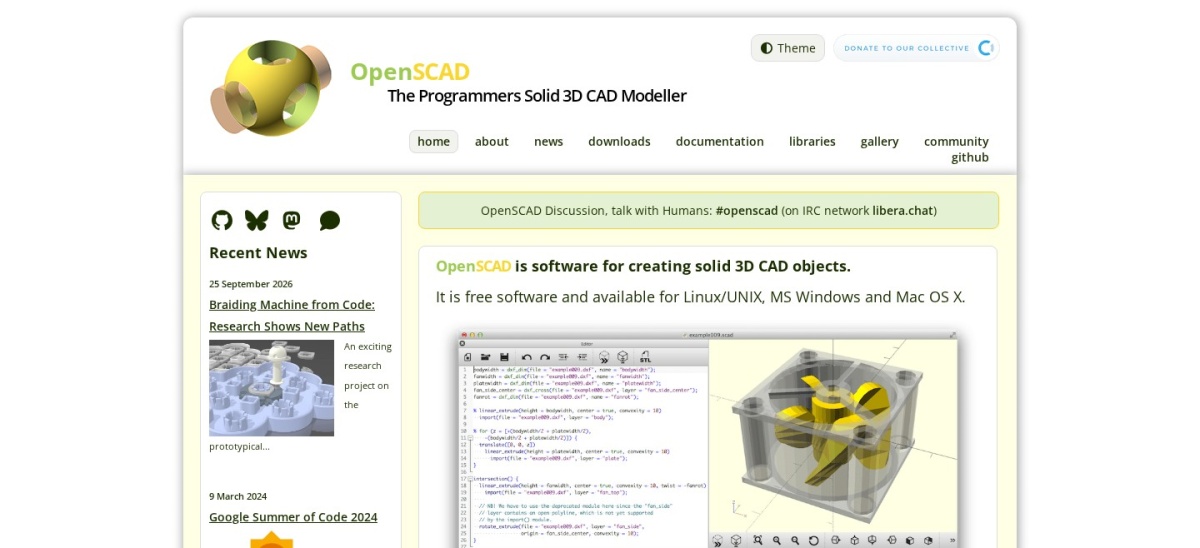
OpenSCAD homepage, captured Nov 2026.
OpenSCAD is a free, open-source CAD tool where you build solid models by writing code instead of dragging shapes. Changing one number updates the whole part, so parametric brackets, gears and enclosures are easy to reuse and version.
The trade off is the learning curve. There is no interactive modeling, so you need basic coding and maths to get going. It suits programmers and engineers who want exact, repeatable parts.
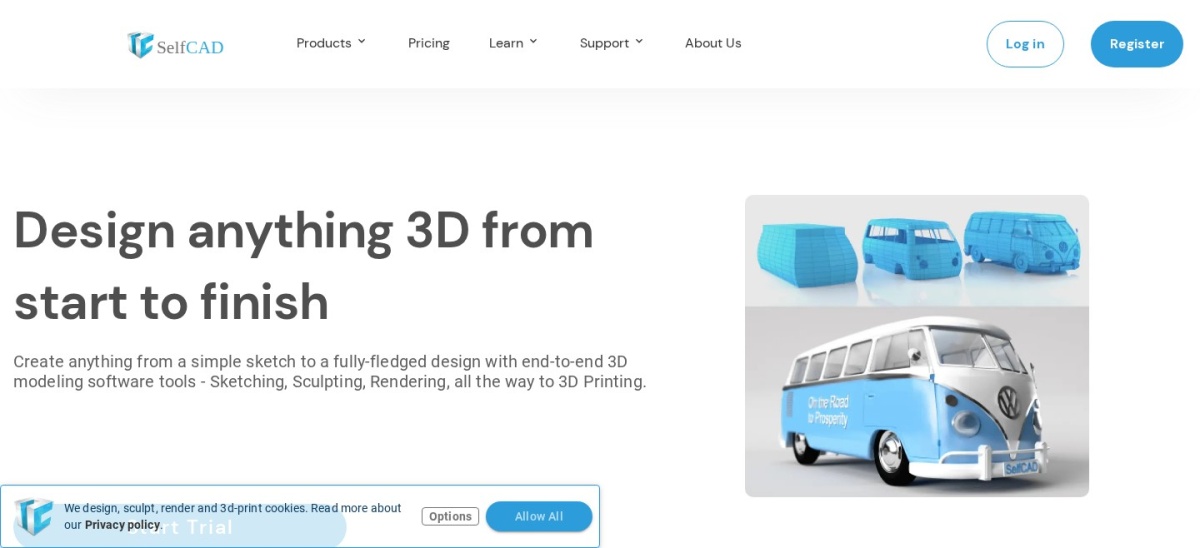
SelfCAD is a browser-based 3D tool that combines sketching, sculpting, rendering and a built-in slicer. You can design a part and prepare it for printing without leaving the app, and interactive tutorials walk beginners through each step.
The trade off is depth and price. Precision modeling trails Fusion and FreeCAD, and Pro costs $14.99 a month while strong rivals are free. It suits beginners who want one app from idea to print.
Free plans cover the basics well. Most include full modeling tools, STL export and enough projects for hobby work.
Paid plans mostly add privacy, limits and commercial rights. You get private documents, more projects, full-resolution export and the right to sell your work.
For a hobby printer, a free plan is often enough. If you sell prints, check the licence first: Fusion personal use and Onshape Free both bar commercial work.
How we chose
We started from the free CAD tools most often recommended for 3D printing, then kept the 9 with active development, a working free plan and STL export.
Prices come from each vendor's pricing page, checked on 23 November 2026. Ratings and review counts come from G2 on the same day, except SelfCAD, which uses Capterra. Where a vendor shows a sale, the list shows the regular price.
We left out slicers, which prepare models for printing but do not design them, and tools with no free plan. No vendor paid for a place, and we do not claim hands-on testing for this list.
How to choose free CAD software for 3D printing
Match the tool to the part you print most, then check the free plan limits before you invest time learning it.
Decide what you print most. Simple brackets and household fixes suit Tinkercad or FreeCAD. Figures and props suit Blender. Precise mechanical parts suit Fusion or Onshape.
Check the free plan limits. Count the projects, check whether documents stay private, and confirm STL export quality before you build a library of models.
Try the export early. Model one small part, export the STL and slice it. A tool that exports clean files on day one saves hours later.
Plan for selling prints. If you plan to sell prints, pick a tool whose free plan allows commercial use, or budget for the paid plan from the start.
FAQ
What is the best free CAD software for 3D printing?
Tinkercad is the best free pick for most beginners. It runs in a browser, costs nothing, exports STL files, and is rated 4.5 out of 5 on G2. Makers who need precise parts should look at Autodesk Fusion or FreeCAD instead.
Is Fusion 360 really free?
Yes, for personal use. Autodesk Fusion is free for home-based, non-commercial projects by people earning under $1,000 a year from their Fusion work, with a limit of 10 editable documents. Commercial work needs the paid subscription at $680 a year.
Can I use FreeCAD for commercial 3D printing?
Yes. FreeCAD is open-source software with no licence limits, so you can use it for paid work and sell the prints. The same applies to Tinkercad, Blender and OpenSCAD, which have no paid plan or commercial restriction on their free use.
Which free CAD tool is best for precise parts?
Autodesk Fusion is the strongest free option for precise parts, with parametric sketches, assemblies and drawings. FreeCAD is the best fully free choice for the same kind of work, with no licence limits at all.
Do I need a paid plan to export STL files?
No. Every tool in this list exports STL on its free plan. Shapr3D Basic is the exception to watch: its free exports are low resolution, so circles can print as polygons unless you upgrade to Pro.
What is the easiest CAD software to learn for 3D printing?
Tinkercad is the easiest, with drag-and-drop shapes and guided lessons. SelfCAD is also built for beginners, with interactive tutorials and a built-in slicer. Both run in a browser with no install.