Cinema 4D is a leading Blender alternative for motion graphics and broadcast design, backed by a 4.6/5 G2 rating across 136 reviews and MoGraph tools. For character pipelines, Autodesk Maya fits studio animation, while FreeCAD and SketchUp serve CAD and architectural workflows.
How we make this list: we compare pricing pages, product documentation and public user reviews, then re-check every price before each update. No product paid for a place. Disclosure.
Cinema 4D holds a 4.6/5 rating across 136 G2 reviews and costs $839/yr billed annually ($109/mo monthly).
Houdini scores 4.5/5 across 35 G2 reviews and starts at $299/yr for Houdini Indie under $100,000 annual revenue.
Maya holds a 4.3/5 rating across 266 G2 reviews and lists at $2,010/yr ($168/mo billed annually or $255/mo monthly).
ZBrush earns 4.7/5 across 104 G2 reviews and costs $399/yr ($49/mo monthly) for high-density digital sculpting.
SketchUp rates 4.5/5 across 1,328 G2 reviews with a free web tier and paid plans starting at $129/yr for Go.
FreeCAD holds a 4.1/5 G2 rating across 61 reviews as a free open-source parametric CAD option with $0 licensing.
How do you choose the right blender alternatives for your 3D workflow?
Blender combines modeling, sculpting, rigging, animation, simulation, and rendering in one free open-source program, so no single paid tool replaces every corner of it at once. Most teams switch to specialize in motion design, studio character animation, procedural simulations, or precision CAD.
Subscription pricing varies sharply across commercial 3D tools, from a $129/yr SketchUp Go plan to over $2,000/yr for standard Autodesk seats. Checking commercial revenue caps, file ownership rules, and add-on rendering costs matters just as much as the sticker price.
Hardware demands and team pipelines also shape switching costs. Studio character rigging, CAD assemblies, and AI asset generation each favor different interfaces and file formats, so picking the closest match to your primary deliverable avoids unnecessary retraining.
For fast AI-generated 3D assets from text or images
$20/mo
Free plan
4.7/5
Price ladder: cheapest paid plan per year
List prices, USD, checked Nov 2026
FreeCADFree
SketchUpFREE$129
MeshyFREE$240
HoudiniFREE$299
ZBrushFREE$399
Cinema 4D$839
Maya$2,010
The 7 best blender alternatives
01
Cinema 4D
4.6/5on G2 (136 reviews, checked Nov 2026)
Starts at$839/yr
Best for motion graphics and broadcast design
Core focusMotion graphics
Annual price$839/yr
Monthly price$109/mo
G2 rating4.6/5 (136)
maxon.net
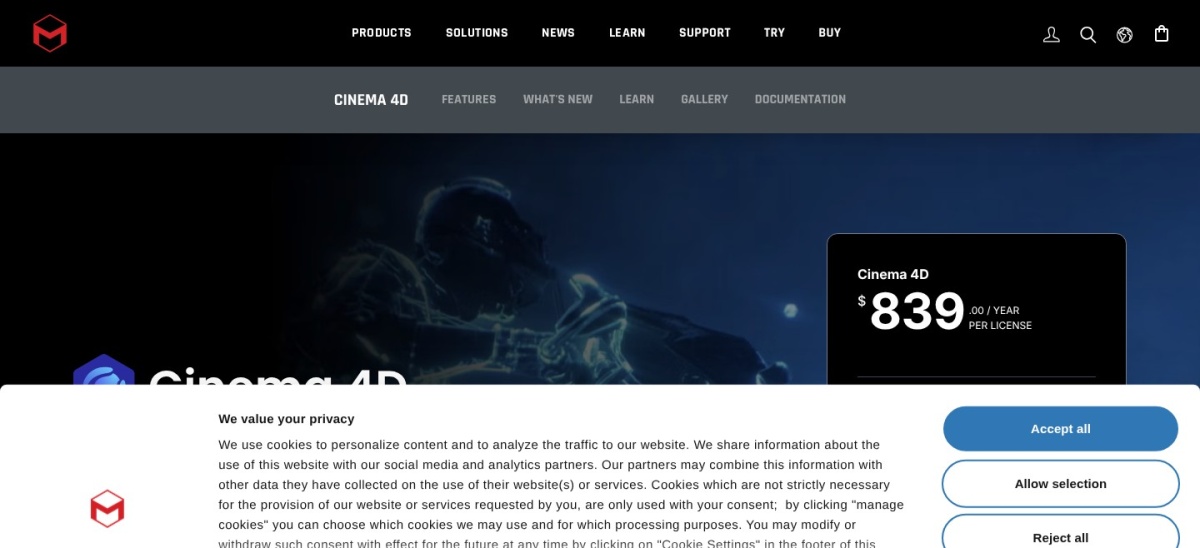
Cinema 4D homepage, captured Nov 2026.
Cinema 4D is a 3D modeling, animation, and rendering application from Maxon widely used for motion graphics, titles, and product visuals. It offers a 14-day trial and bundles Redshift rendering on paid subscriptions.
The trade off is subscription-only licensing at $839/yr billed annually or $109/mo month to month, with no perpetual license option. It suits motion designers and agencies that prioritize fast procedural cloners and After Effects workflows.
What we like
MoGraph cloners and effectors speed up motion graphics work
Approachable interface compared with complex studio suites
Includes Redshift rendering on subscription plans
Watch out for
No perpetual license option; stops opening if subscription lapses
Higher annual cost than indie or open-source alternatives
Character rigging is less specialized than dedicated animation tools
Paid plans include Redshift rendering, Team Render nodes, and ongoing Maxon updates.Visit maxon.net
02
Houdini
4.5/5on G2 (35 reviews, checked Nov 2026)
Paid from$299/yr
Best for procedural VFX, fluids, and simulations
Core focusProcedural VFX
Indie price$299/yr
Free tierApprentice (non-commercial)
G2 rating4.5/5 (35)
sidefx.com
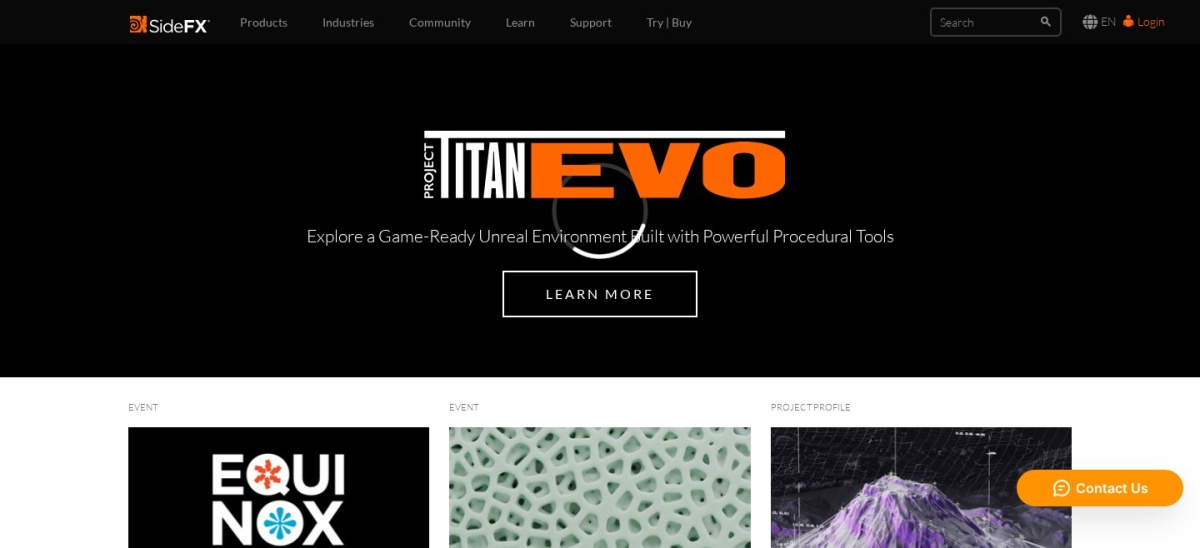
Houdini homepage, captured Nov 2026.
Houdini is SideFX's node-based 3D procedural software for visual effects, destruction, fluids, and crowd simulations. It offers a free Apprentice edition for non-commercial learning and Houdini Indie at $299/yr for creators earning under $100,000.
The trade off is a steep technical learning curve and revenue caps on the $299/yr Indie tier, which also restricts third-party renderers and caps render resolution. It suits technical artists and effects creators building reusable simulation setups.
What we like
Non-destructive node networks make changes easy to iterate
Houdini Indie is priced low for qualifying small creators
Industry-standard tool for complex simulations and FX pipelines
Watch out for
Steep learning curve for artists used to direct mesh editing
Indie plan caps revenue at $100,000 and limits render resolution
Commercial seats cost substantially more once revenue grows
Houdini Indie adds commercial project use up to the revenue limit plus 2-year option pricing.Visit sidefx.com
03
Maya
4.3/5on G2 (266 reviews, checked Nov 2026)
Starts at$2,010/yr
Best for studio character animation and pipelines
Core focusCharacter animation
Annual price$2,010/yr
Monthly price$255/mo
G2 rating4.3/5 (266)
autodesk.com
Maya homepage, captured Nov 2026.
Maya is Autodesk's 3D animation, rigging, modeling, and rendering software used across film, television, and game studios. Standard subscriptions list at $2,010/yr ($168/mo billed annually) or $255/mo monthly, with a lower-cost Indie option for qualifying creators under $100,000 revenue.
The trade off is a high standard price of $2,010/yr and a dense interface that takes time to master. It suits animators and riggers targeting studio pipelines or collaborating with teams standardized on Autodesk tools.
What we like
Deep rigging, Graph Editor, and character animation toolset
Widely adopted across film and game production studios
Runs on Windows, macOS, and Linux
Watch out for
Standard annual subscription is costly for solo users
Complex menus and node workflows carry a steep learning curve
Heavy scenes can demand strong workstation hardware
Paid plans provide commercial studio licensing, updates, and technical support access.Visit autodesk.com
04
ZBrush
4.7/5on G2 (104 reviews, checked Nov 2026)
Paid from$399/yr
Best for high-density digital sculpting
Core focusDigital sculpting
Annual price$399/yr
Monthly price$49/mo
G2 rating4.7/5 (104)
maxon.net
ZBrush homepage, captured Nov 2026.
ZBrush is Maxon's digital sculpting and painting software built to handle tens of millions of polygons smoothly. It offers a free tier with core brushes and a 20 million polygon cap, while paid plans start at $399/yr or $49/mo.
The trade off is an unconventional interface and a focus on high-detail sculpting rather than full scene animation or rendering. It suits character artists, creature modelers, and collectible sculptors.
What we like
Handles high polygon counts smoothly for fine surface detail
Free tier lets new users try basic sculpting before paying
Strong mesh cleanup tools like ZRemesher for production handoff
Watch out for
Unusual navigation and UI take practice for newcomers
Free tier caps polygon counts and limits full brush and tool access
Not a complete end-to-end animation or lighting suite on its own
Paid plans unlock the full brush library, higher polygon limits, and commercial workflows.Visit maxon.net
05
SketchUp
4.5/5on G2 (1,328 reviews, checked Nov 2026)
Paid from$129/yr
Best for architectural and interior 3D modeling
Core focusArchitectural 3D
Starting paid plan$129/yr (Go)
Free tierWeb plan (personal)
G2 rating4.5/5 (1,328)
sketchup.com
SketchUp homepage, captured Nov 2026.
SketchUp is Trimble's 3D modeling tool known for push-pull geometry creation and a large component library. It offers a free web version for personal use and paid plans starting with SketchUp Go at $129/yr.
The trade off is limited organic sculpting and character animation compared with Blender, plus a $129/yr requirement for commercial use and fuller export options. It suits architects, interior designers, and space planners.
What we like
Quick to learn for rooms, buildings, and furniture layouts
Large 3D Warehouse library saves time on standard objects
Low entry price on the $129/yr Go plan compared with heavy CAD
Watch out for
Free web plan restricts commercial use and exports
Weak for organic character sculpting and complex animation
Large architectural models can slow down without extensions
SketchUp Go and Pro plans add commercial rights, cloud storage, and expanded 3D Warehouse limits.Visit sketchup.com
06
FreeCAD
4.1/5on G2 (61 reviews, checked Nov 2026)
PriceFree
Best for free parametric CAD and engineering parts
Core focusParametric CAD
PriceFree (open source)
PlatformsWin, Mac, Linux
G2 rating4.1/5 (61)
freecad.org
FreeCAD homepage, captured Nov 2026.
FreeCAD is an open-source parametric 3D CAD modeler designed around editable dimensions, constraints, and part histories. It is completely free with no paid tiers and runs across Windows, macOS, and Linux.
The trade off is that at $0 it lacks artistic character animation, organic sculpting, and polished commercial support. It suits makers, engineers, and 3D printing hobbyists who need exact dimensions.
What we like
Free open-source software with zero subscription or seat fees
Parametric history lets you adjust dimensions after modeling
Supports Python scripting and modular workbenches
Watch out for
Not built for character rigging, sculpting, or 3D animation
Parametric constraints can trigger topological naming errors on edits
Interface feels more technical than artist-focused 3D apps
All core workbenches and updates are free under an open-source license with no paid upgrade tier.Visit freecad.org
07
Meshy
4.7/5on G2 (4,718 reviews, checked Nov 2026)
Paid from$20/mo
Best for fast AI-generated 3D assets from text or images
Core focusAI 3D generation
Starting paid plan$20/mo ($240/yr)
Free tier100 credits/mo
G2 rating4.7/5 (4,718)
meshy.ai
Meshy homepage, captured Nov 2026.
Meshy is a web-based AI 3D creation platform that generates textured models from text prompts or reference images. It includes a free tier with 100 monthly credits, while Pro starts at $20/mo ($240/yr) with 1,000 monthly credits.
The trade off is credit-based generation at $20/mo ($240/yr) and AI mesh quirks that still need manual cleanup for complex scenes. It suits indie game developers and rapid prototypers who want quick base meshes.
What we like
Generates rough 3D models from text or images in minutes
Low entry cost starting with a free tier and $20/mo Pro plan
Exports common formats like FBX, OBJ, GLB, and STL
Watch out for
Generated meshes can have uneven topology or texture artifacts
Monthly credit allowances limit heavy generation volume
Does not replace full manual scene layout, rigging, or VFX tools
Pro at $20/mo increases monthly credits to 1,000 and expands generation speed and exports.Visit meshy.ai
Should you pick a mesh artist tool or a CAD modeler?
Polygon and subdivision tools like Cinema 4D, Maya, and Blender excel at organic shapes, lighting, and animation, whereas CAD tools like FreeCAD and SketchUp focus on measurable geometry and spatial layouts. Mixing them up often leads to messy booleans or frustrating dimension edits.
If you build physical parts or architectural plans with exact measurements, start with a CAD or architectural tool first. If your goal is characters, motion graphics, or visual effects, stay in a polygon, procedural, or sculpting workflow.
How we chose
We built this list of blender alternatives around active 3D tools that cover distinct workflows—motion design, VFX simulation, character animation, digital sculpting, architectural modeling, parametric CAD, and AI asset generation. Every product had to be actively maintained in 2026 and match a real reason creators look beyond Blender.
We checked G2 ratings and review counts and verified regular pricing on each vendor's pricing or plan documentation on 29 Nov 2026. Where a vendor ran a seasonal promotion, such as a Cyber Week discount on SketchUp plans, we recorded the standard regular rate so comparisons stay consistent.
We excluded discontinued 3D tools such as Modo, niche viewers or 3D printer slicers that do not act as general 3D modeling or animation alternatives, and products where regular pricing could not be confirmed today. No vendor paid for a place, and we do not claim testing for this list.
How to pick the right alternative to Blender
Follow these four steps before paying for a license or shifting your pipeline.
Match the tool to your main output type first. Decide whether your core work is motion graphics, character animation, physics simulation, precision CAD, or quick AI base models rather than chasing an all-in-one clone.
Check commercial rules and revenue thresholds. Free or low-cost tiers such as Houdini Apprentice, SketchUp's free web plan, and indie licenses often carry non-commercial limits or annual revenue caps.
Calculate full annual cost including rendering and add-ons. Compare yearly billing against monthly rates and check whether you also need external renderers, plugins, or extra seats.
Test file exchange with the rest of your stack. Verify how cleanly models move via FBX, glTF, USD, or STEP into your game engine, compositing app, or client review pipeline.
FAQ
What are the best blender alternatives in 2026?
Cinema 4D leads for motion graphics at $839/yr with a 4.6/5 G2 rating, while Houdini ($299/yr Indie) fits VFX, Maya ($2,010/yr standard) suits character animation, and FreeCAD (free) fits parametric CAD.
Are there any free blender alternatives?
Yes. FreeCAD is free with no paid tier, while SketchUp offers a free web version for personal use, ZBrush has a free tier with polygon limits, and Houdini Apprentice is free for non-commercial learning.
How much do paid blender alternatives cost per year?
Regular paid entry pricing ranges from $129/yr for SketchUp Go and $240/yr ($20/mo) for Meshy Pro up to $299/yr for Houdini Indie, $399/yr for ZBrush, $839/yr for Cinema 4D, and $2,010/yr for Maya.
Which alternative is better for beginners or small teams?
SketchUp and Meshy are easier to pick up quickly for room layouts or AI-generated assets, while Houdini and Maya require much longer study before a small team feels fast.
Cinema 4D vs Maya: which should you choose?
Choose Cinema 4D ($839/yr) if your focus is motion graphics, broadcast visuals, and fast MoGraph animation. Choose Maya ($2,010/yr standard) if your focus is character rigging and studio animation pipelines.
Can one paid tool replace everything Blender does?
Usually not at a single low price. Blender bundles modeling, sculpting, animation, and rendering for free, whereas commercial tools often split those specialties across separate subscriptions.
SaaS SEO and WordPress specialist with about 8 years of experience. Rakib compares WordPress plugins, themes, hosting and software using public pricing, documentation and user reviews. See how we rank.