Zapier is the best workflow automation tool for most sales teams, connecting more than 9,000 apps with no code and a free plan covering 100 tasks a month. Pick Make for more power per dollar at $9 a month, or n8n when your team wants self-hosted control.
How we make this list: we compare pricing pages, product documentation and public user reviews, then re-check every price before each update. No product paid for a place. Disclosure.
Zapier leads on breadth: 9,000 plus apps, a free plan with 100 tasks a month, and a 4.5 out of 5 G2 rating from 2,181 reviews.
Make is the cheapest paid plan at $9 a month for 10,000 credits, against Zapier at $19.99 a month for its Professional plan.
n8n is the only open-source pick: free to self-host, with Cloud Starter at 20 euros a month for 2,500 executions.
Power Automate is the cheapest per-user option for Microsoft 365 teams at $15 a user a month.
Pipedrive Lite has no automations, so the real automation start is Growth at $39 a user a month.
What sales workflow automation should do
Sales workflow automation removes the handoffs between tools: a new lead in a form becomes a CRM record, a Slack alert and a follow-up task without anyone copying data by hand. The tools in this list connect apps, run workflows on a trigger, and increasingly add AI steps that draft, sort or summarise.
The billing model matters more than the headline price. Zapier charges per task, Make charges per credit, n8n charges per execution, and Power Automate, HubSpot and Pipedrive charge per user or seat, so a five-action workflow costs a different amount on each one.
CRM-native automation stays inside the CRM. If your team lives in HubSpot or Pipedrive, built-in automation may cover most of what you need before you buy another platform, and it acts on records without syncing data elsewhere.
Check what the cheapest plan actually includes. Pipedrive Lite has no automations at all, so the real starting price for automation is Growth, and Zapier Professional caps tasks at 750 a month before the bill grows.
List prices in each vendor's currency, checked Nov 2026
MakeFREE$108
BardeenFREE$120
Power AutoFREE$180
ActiveCamp.$180
ZapierFREE$240
n8nFREE€240
HubSpotFREE$240
Pipedrive$468
Apollo.ioFREE$588
The 9 best workflow automation tools for sales teams
01
Zapier
4.5/5on G2 (2,181 reviews, checked Nov 2026)
Paid from$19.99/mo
Best workflow automation tool overall
Free plan100 tasks a month
Paid planProfessional, $19.99/month
Apps9,000 plus
BillingPer task
zapier.com
Zapier homepage, captured Nov 2026.
Zapier is the widest-known automation tool for business, connecting 9,000 plus apps with Zaps that move data between them. The free plan covers 100 tasks a month with two-step Zaps, and a 14-day trial opens the full Professional plan. A task counts each time a Zap step runs.
The trade off is price. Professional starts at $19.99 a month, and the bill grows with every step a Zap runs, so busy multi-step sales workflows can get costly fast. It suits non-technical teams that want the widest app coverage and the fastest setup.
What we like
Widest app coverage here, 9,000 plus apps
Fastest setup for non-technical teams
Free plan covers 100 tasks a month
Watch out for
Per-task pricing punishes multi-step workflows
Professional caps tasks at 750 a month
Team adds shared workspaces and support from $69 a monthVisit zapier.com
02
Make
4.6/5on G2 (336 reviews, checked Nov 2026)
Paid from$9/mo
Best value visual automation builder
Free plan1,000 credits a month
Paid planCore, $9/month
Apps1,000 plus
BillingPer credit
make.com
Make homepage, captured Nov 2026.
Make is a visual builder for scenarios that pull data, process it and send it on, with routers, filters and AI agents in the same visual canvas. The Core plan costs $9 a month for 10,000 operations, and one operation covers what Zapier might count as several tasks, so it is usually cheaper at volume.
The trade off is complexity. Long scenarios cost more credits per run, and the visual builder takes longer to learn than Zapier's linear Zaps. It suits visual builders who want more power per dollar and branching logic.
What we like
Cheapest paid plan in this list
10,000 operations for $9 a month
Visual branching and AI agents built in
Watch out for
Long scenarios cost more credits per run
Takes longer to learn than Zapier
Pro adds more operations and priority support at $16 a monthVisit make.com
03
n8n
4.7/5on G2 (328 reviews, checked Nov 2026)
Paid from€20/mo
Best open-source automation platform
Free planSelf-hosted Community Edition
Paid planCloud Starter, 20 euros/month
Executions2,500 a month on Starter
BillingPer execution
n8n.io
n8n homepage, captured Nov 2026.
n8n is a node-based workflow automation tool built for technical teams, with a visual editor, code nodes and AI agent nodes. It is the only open-source pick here: the Community Edition is free to self-host, and Cloud Starter costs 20 euros a month billed annually for 2,500 executions.
The trade off is hosting. Self-hosting puts installation, updates and uptime on your own team, and the cloud price is in euros, not dollars. It suits technical RevOps teams that want code-level control and cheap execution-based pricing.
What we like
Free to self-host, open source
Cheapest execution-based pricing
AI agent nodes built in
Watch out for
Self-hosting puts upkeep on your team
Cloud prices are in euros, not dollars
Pro adds more executions and team features at 50 euros a monthVisit n8n.io
04
Apollo.io
4.7/5on G2 (9,664 reviews, checked Nov 2026)
Paid from$49/user/mo
Best for prospecting and outreach in one
Free planYes, limited credits
Paid planBasic, $49/user/month
Database200 million plus contacts
Best forProspecting teams
apollo.io
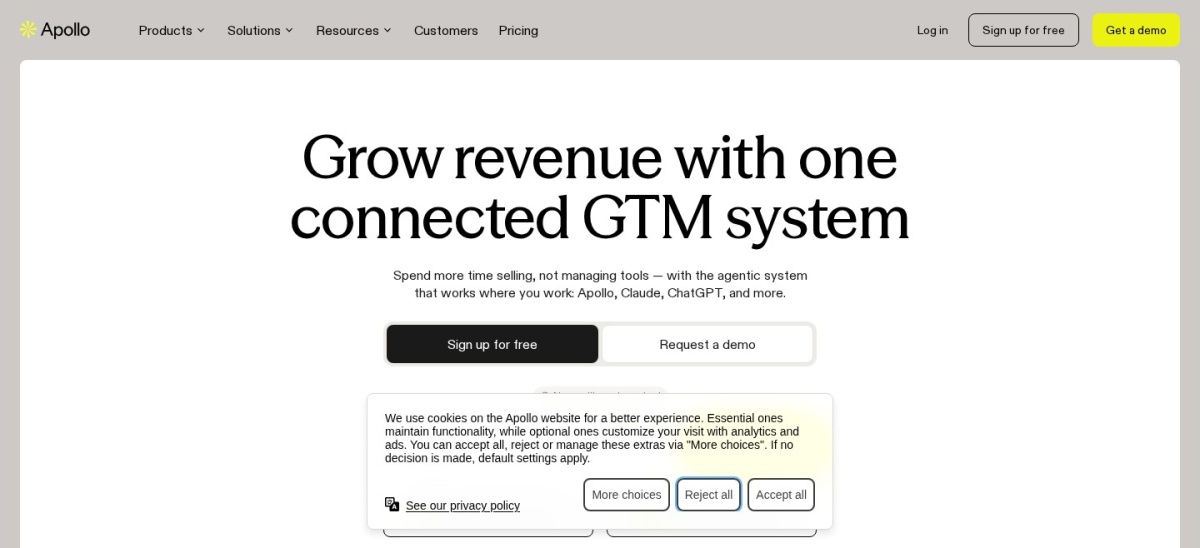
Apollo.io homepage, captured Nov 2026.
Apollo.io is an all-in-one sales intelligence platform with tools to prospect, engage and drive revenue. It combines a B2B database of more than 200 million contacts with email sequences, call tasks and workflow automation, so a sales team can find, enrich and reach prospects without leaving the app.
The trade off is price per seat. Basic costs $49 a user a month billed annually, and the database depth is the draw, so teams that only need automation will find cheaper tools here. It suits teams that need prospecting data and outreach in one system.
What we like
B2B database with 200 million plus contacts
Prospecting and outreach in one system
Rated 4.7 out of 5 from 9,664 reviews
Watch out for
Dearest per-seat price for automation alone
Database is the draw, not the automation
Professional adds advanced sequences and reporting at $79 a user a monthVisit apollo.io
05
Pipedrive
4.3/5on G2 (5,034 reviews, checked Nov 2026)
Starts at$39/user/mo
Best CRM with automation built in
Free planNo, 14-day trial
Paid planGrowth, $39/user/month
Automations50 active on Growth
Best forSmall sales teams
pipedrive.com
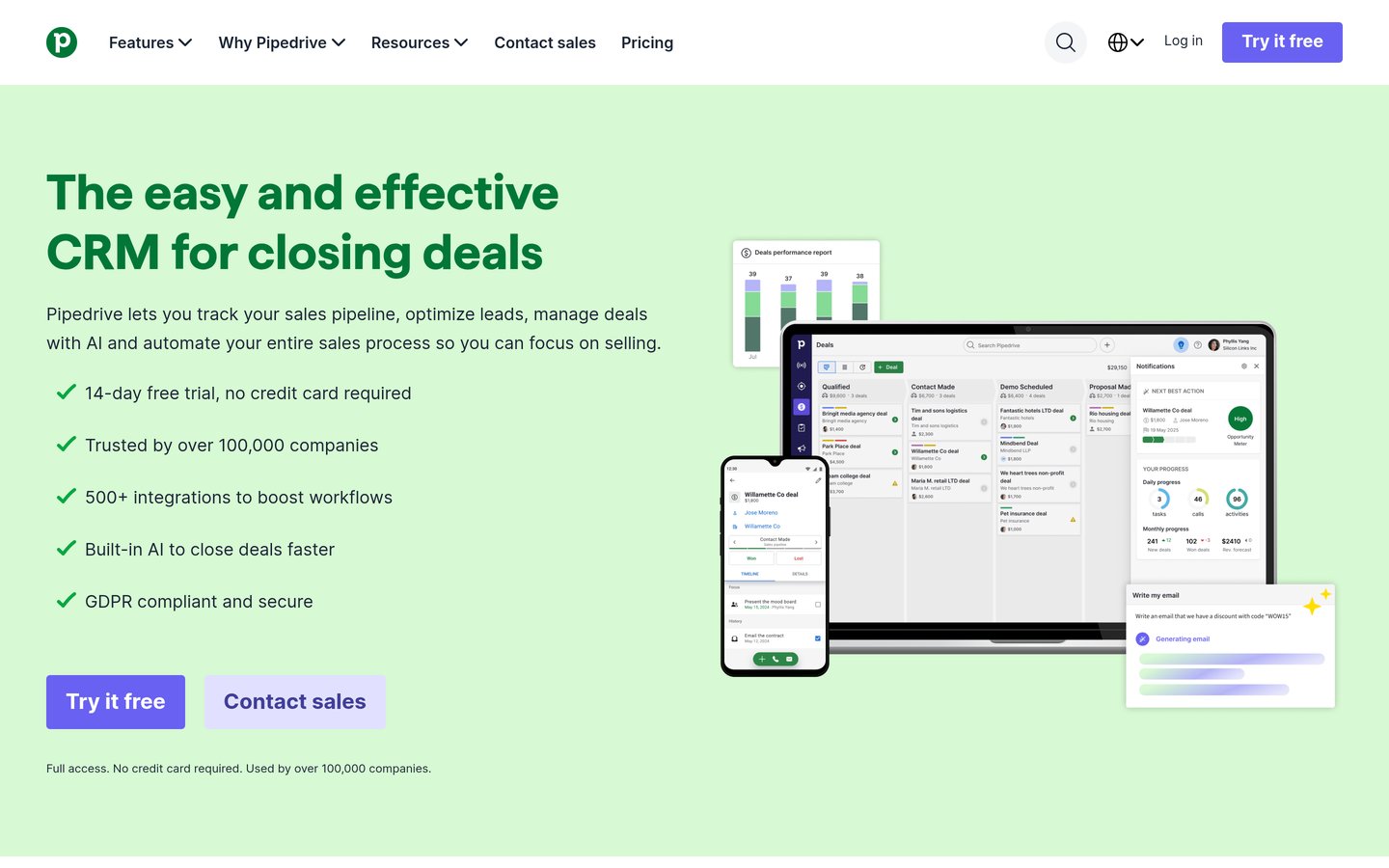
Pipedrive homepage, captured Nov 2026.
Pipedrive is a sales CRM where automation lives inside the pipeline. Its automation builder handles deal-stage triggers, automatic task creation, email sequences and lead assignment rules without a separate subscription, so follow-ups stop falling through the cracks.
The trade off is the plan gap. The $14 Lite plan has no automations, no email sync and no sequences, so the real starting price for automation is $39 a user a month on Growth, which also caps active automations at 50. It suits sales teams that want CRM and automation in one purchase.
What we like
Automation inside the sales pipeline
Largest review base for a CRM here
Visual pipeline that sales teams learn fast
Watch out for
Lite plan has no automations at all
Growth caps active automations at 50
Professional adds more automations and reporting at $49 a user a monthVisit pipedrive.com
06
HubSpot Sales Hub
4.4/5on G2 (3,304 reviews, checked Nov 2026)
Paid from$20/user/mo
Best for HubSpot CRM teams
Free planYes, free CRM
Paid planStarter, $20/user/month
WorkflowsBasic on Starter, full on Pro
Best forHubSpot CRM teams
hubspot.com
HubSpot Sales Hub homepage, captured Nov 2026.
HubSpot Sales Hub is the CRM with automation built in for teams already on HubSpot. Workflows automate lead routing, lifecycle stages, task creation and nurture emails, and the free CRM covers contacts, deals and pipelines before you pay anything.
The trade off is the upsell path. Real workflow depth sits on Professional at $100 a user a month, and Starter at $20 a user a month covers only basic automation. It suits HubSpot CRM users who need data sync and cleanup without a third-party tool.
What we like
Workflows inside the CRM, no sync needed
Free CRM covers contacts and deals
Largest HubSpot app ecosystem
Watch out for
Deep workflows need Professional at $100
Starter automation is basic only
Professional adds full workflows and reporting at $100 a user a monthVisit hubspot.com
07
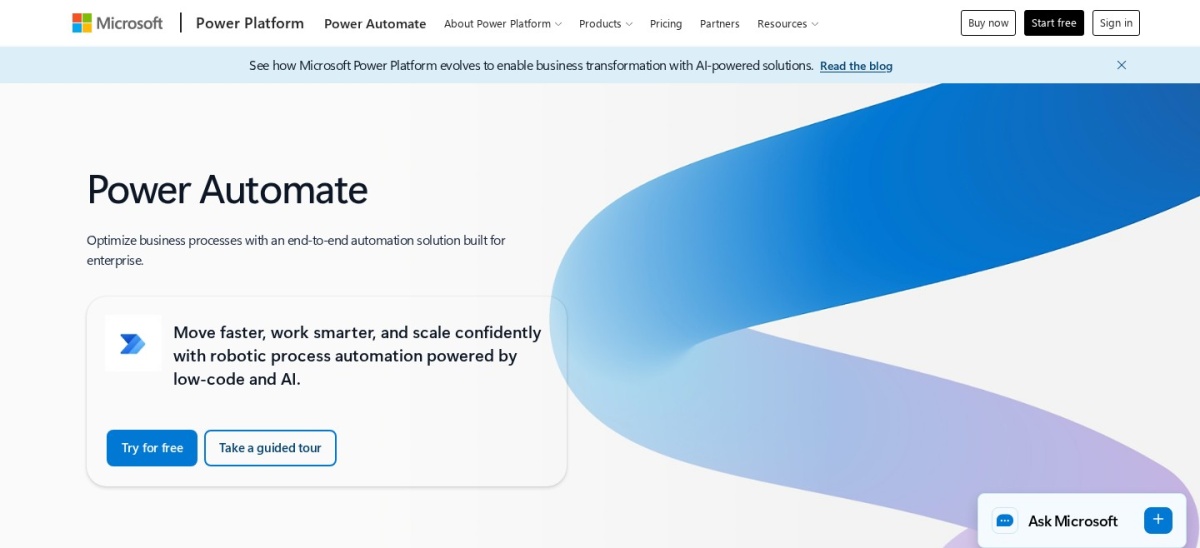
Microsoft Power Automate
4.4/5on G2 (1,094 reviews, checked Nov 2026)
Paid from$15/user/mo
Best for Microsoft 365 teams
Free planYes, with Microsoft 365
Paid planPremium, $15/user/month
FlowsCloud and desktop
Best forMicrosoft 365 teams
microsoft.com
Microsoft Power Automate homepage, captured Nov 2026.
Microsoft Power Automate is the automation tool inside Microsoft 365, for cloud flows and desktop flows that drive Windows apps. It automates approvals and flows across Microsoft 365 and SharePoint, with identity handled inside Microsoft's own products, and Premium costs $15 a user a month billed annually.
The trade off is the ecosystem lock-in. It shines inside Microsoft 365 and weakens outside it, and desktop flows need Windows. It suits Microsoft-centric organisations that already run on Microsoft 365.
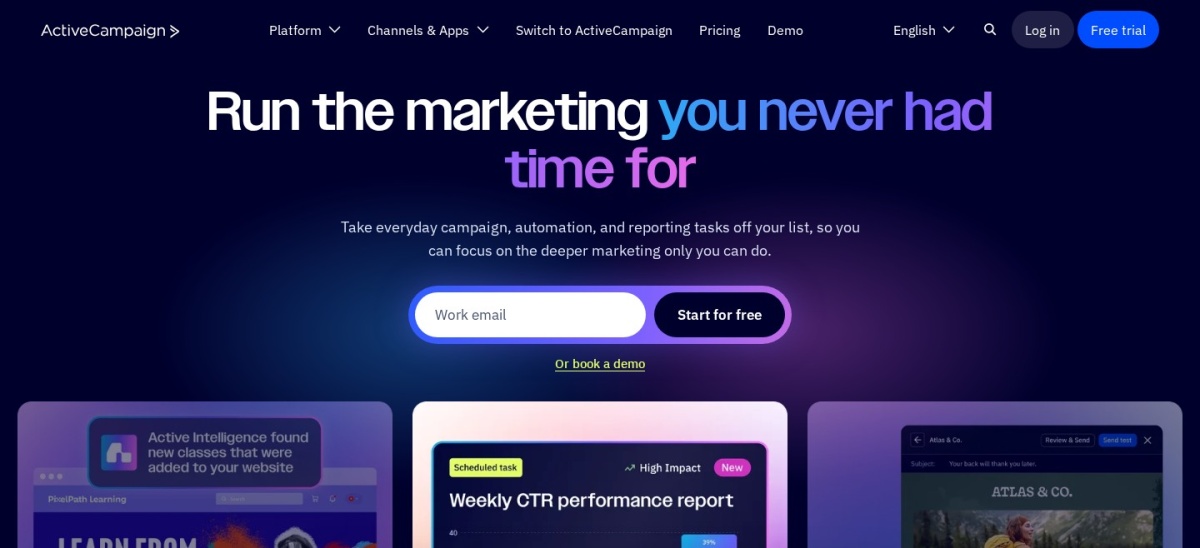
ActiveCampaign is a marketing and sales automation platform that turns email into a sales workflow. Its automations suggest, personalise and validate campaigns, with CRM, lead scoring and sales pipelines built in, and Starter costs $15 a month for 1,000 contacts.
The trade off is the contact meter. The bill grows with contacts, not users, so a large list costs far more than the entry price suggests. It suits small sales teams that want email automation and a CRM in one place.
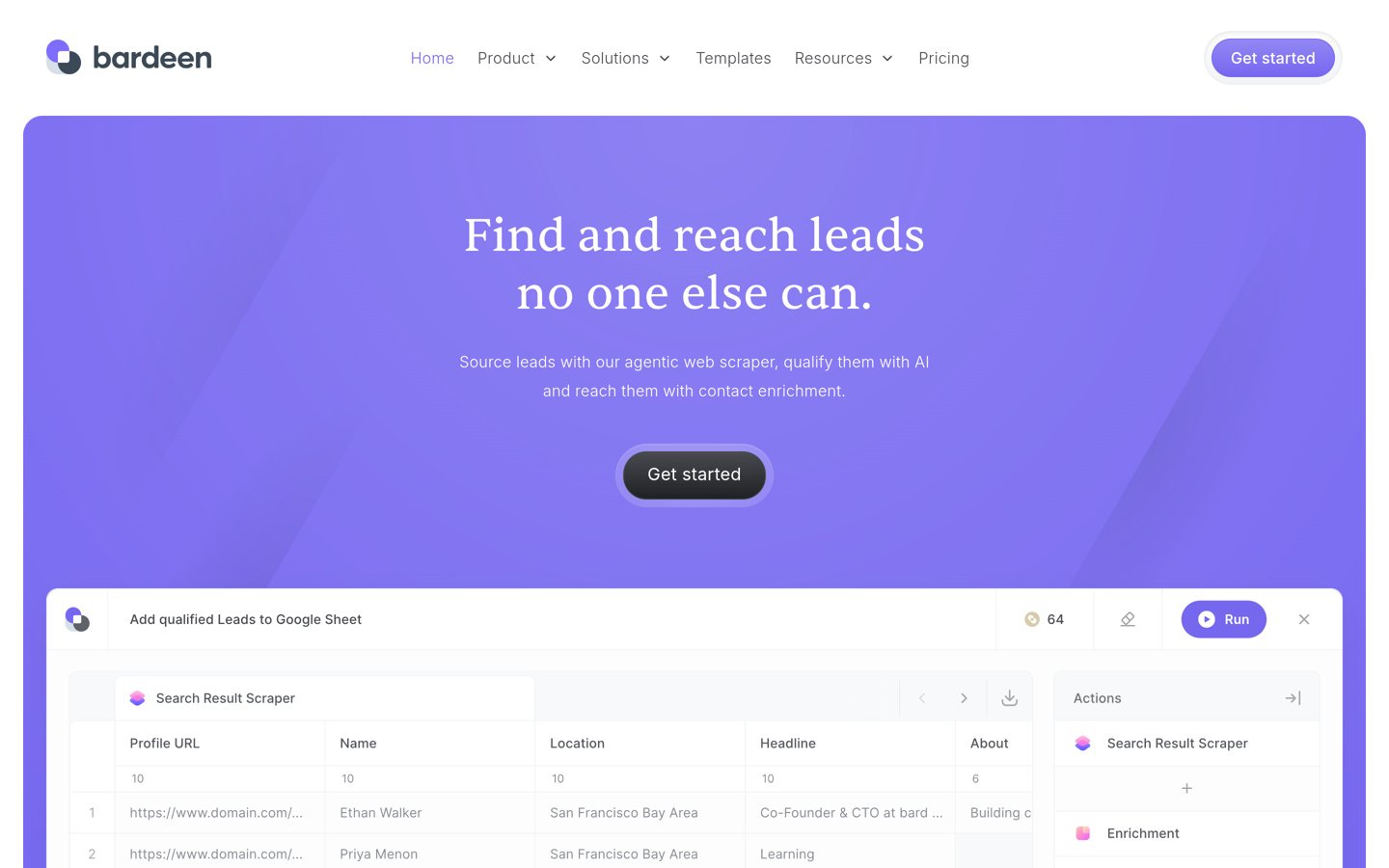
Bardeen is a browser automation tool for sales teams that works where reps already work: in the browser. It automates prospecting, data entry and follow-ups from web pages and LinkedIn, with AI agents that draft and sort, and it holds the highest G2 rating here at 4.8 out of 5.
The trade off is evidence. The rating rests on only 36 G2 reviews, so treat the score with care, and browser automation covers less than a full workflow platform. It suits reps who live in the browser and want quick wins without a platform rollout.
Connector tools such as Zapier, Make and n8n move data between any apps on rules you define. They suit teams whose stack spans many tools and who need workflows that cross app boundaries.
CRM-native automation such as Pipedrive, HubSpot and Salesforce Flow acts on records inside the CRM. It suits teams whose whole pipeline already lives in one CRM and who want fewer tools to maintain.
Most teams end up with both: a connector for cross-app glue and CRM automation for deal-stage triggers, task creation and follow-up sequences.
How we chose
We started from the workflow automation tools most often used by sales teams, then kept those with a verifiable rating on G2 and a clear automation role.
Prices come from each vendor's pricing page, checked on 26 November 2026. Ratings and review counts come from G2 on the same day. Where a vendor shows a first-year discount, the list shows the regular price.
We left out tools with no verifiable rating and enterprise platforms with quote-only pricing. No vendor paid for a place, and we do not claim hands-on testing for this list.
How to choose a sales workflow automation tool
Start with where your sales data lives, then match the billing unit to your volume.
Map your three most repeated handoffs. Lead routing, follow-up tasks and CRM updates are the usual wins. Automate those first and measure the hours saved.
Check the billing unit before comparing prices. Per-task, per-credit, per-execution and per-seat prices are not comparable at face value. Work out the monthly cost at your real volume.
Start with CRM-native automation if you live in one CRM. HubSpot, Pipedrive and Salesforce Flow may already cover your needs without a second subscription.
Test with one live workflow. Build one real workflow, run it for two weeks and check that failures are easy to spot before you automate the rest.
FAQ
What is the best workflow automation tool for sales teams?
Zapier is the best pick for most sales teams. It connects more than 9,000 apps with no code, has a free plan covering 100 tasks a month, and is rated 4.5 out of 5 on G2 from 2,181 reviews.
Is Zapier or Make cheaper for sales workflows?
Make is usually cheaper at volume. Core costs $9 a month for 10,000 operations, while Zapier Professional costs $19.99 a month for 750 tasks, and one Make operation often covers what Zapier counts as several tasks.
Can I automate sales workflows without a separate tool?
Yes, if your team lives in one CRM. Pipedrive Growth, HubSpot Sales Hub and Salesforce Flow all automate deal-stage triggers, task creation and follow-ups inside the CRM, with no connector needed.
Is n8n really free?
The self-hosted Community Edition is free, and you run it on your own server. Cloud Starter costs 20 euros a month billed annually for 2,500 executions, so the cloud price is in euros, not dollars.
What is the cheapest workflow automation tool here?
Make is the cheapest paid plan at $9 a month for Core, with a free plan covering 1,000 credits a month. Bardeen costs $10 a month and Power Automate costs $15 a user a month.
Do these tools need a developer to set up?
Zapier, Make and Bardeen are built for non-technical teams, with visual builders and templates. n8n suits technical teams that want code nodes and self-hosting, while Power Automate suits Microsoft 365 teams.
SaaS SEO and WordPress specialist with about 8 years of experience. Rakib compares WordPress plugins, themes, hosting and software using public pricing, documentation and user reviews. See how we rank.