Best AI Tools for Business Automation in 2026: 9 Tools Compared
WLWPLegible EditorsLast verified 24 Nov 2026How we rank13 min read
★ Short answer
Zapier is the best AI tool for business automation for most teams, with 9,000+ apps, a free plan and a 4.5/5 G2 rating. Pick Make for the lowest paid price at $9 a month, or n8n if you want to self-host.
How we make this list: we compare pricing pages, product documentation and public user reviews, then re-check every price before each update. No product paid for a place. Disclosure.
Zapier leads on breadth: 9,000+ apps, a free plan with 100 tasks a month, and a 4.5/5 G2 rating from 2,181 reviews.
Make is the cheapest paid plan at $9 a month for 10,000 credits, against Zapier at $19.99 a month for its Professional plan.
n8n is the only open-source pick: free to self-host, with Cloud Starter at $20 a month for 2,500 executions.
Power Automate is the cheapest per-user option for Microsoft 365 teams at $15 a user a month, with standard connectors often already included.
Bardeen has the highest G2 score at 4.8/5, but from only 36 reviews, so treat that score with care.
What to look for in a business automation tool
Business automation means software that moves data and finishes routine steps without a person doing them by hand. The tools in this list connect apps, run workflows on a schedule or a trigger, and increasingly add AI steps that draft, sort or summarise.
The billing model matters more than the headline price. Zapier charges per task, Make charges per credit, n8n charges per execution, and Power Automate, HubSpot, ClickUp and monday.com charge per user or seat. A cheap monthly rate can still cost more once volume grows.
AI features are now part of most of these tools. Zapier, Make and n8n all offer AI builders that draft workflows from a prompt, and our guide on adding an AI chatbot to WordPress shows how the same idea works on a website.
Free plans are useful for learning, but they cap volume hard: 100 tasks a month on Zapier, 1,000 credits on Make, 100 credits on Bardeen. Expect to pay once an automation runs every day.
Zapier is the widest-known automation tool for business, connecting 9,000+ apps with Zaps that move data between them. The free plan covers 100 tasks a month with two-step Zaps, and a 14-day trial opens the full Professional plan. A task counts each time a Zap step runs.
The trade off is price. Professional starts at $19.99 a month, and the bill grows with every step a Zap runs, so busy workflows can get costly fast. It suits teams that want the largest app library and the quickest setup.
What we like
Largest app library in this list at 9,000+ apps
Easiest builder for non-technical teams
Free plan plus a 14-day trial of Professional
AI features at every level, including Copilot
Watch out for
Per-task billing gets expensive at volume
Multi-step Zaps need a paid plan
Advanced controls sit on the Team plan at $69 a month
Make is a visual automation builder where scenarios show each step as a box on a canvas, with routers and filters for branching logic. The free plan includes 1,000 credits a month, and Core at $9 a month raises that to 10,000 credits with unlimited active scenarios.
The trade off is the learning curve. The canvas is more flexible than a simple trigger-action list, so first builds take longer to plan. It suits teams that want complex branching at a low monthly price.
What we like
Cheapest paid plan in this list at $9 a month
Visual canvas with routers, filters and branching
Unlimited active scenarios on Core
Scheduling down to the minute
Watch out for
Harder to learn than Zapier
Credit counting takes time to understand
Some vendor pages show a $12 Core price instead of $9
Core adds 10,000 credits and unlimited scenariosVisit make.com
03
n8n
4.7/5on G2 (328 reviews, checked Nov 2026)
Paid from$20/mo
Best open-source automation platform
Free planSelf-hosted, free
Paid planStarter, $20/mo
Executions2,500/mo on Starter
BillingPer execution
n8n.io
n8n homepage, captured Nov 2026.
n8n is an open-source workflow tool for building agents and automations you can follow step by step. The free Community edition is self-hosted with unlimited executions, while Cloud Starter costs $20 a month for 2,500 executions and 5 concurrent runs.
The trade off is setup. Self-hosting means you own the server, updates and uptime, and the cloud plan caps Starter at one shared project. It suits technical teams that want code, 400+ integrations and no per-step billing.
What we like
Free self-hosted edition with unlimited executions
One execution covers a whole workflow, however many steps
Highest G2 rating among the dedicated builders at 4.7/5
Code nodes and AI agent support built in
Watch out for
Self-hosting needs server skills and upkeep
Starter allows only one shared project
Smaller review base than Zapier or UiPath
Pro adds 10,000 executions and more projectsVisit n8n.io
04
Microsoft Power Automate
4.4/5on G2 (1,094 reviews, checked Nov 2026)
Paid from$15/user/mo
Best for Microsoft 365 teams
Free planWith Microsoft 365
Paid planPremium, $15/user/mo
Connectors600+ premium
BillingPer user
microsoft.com
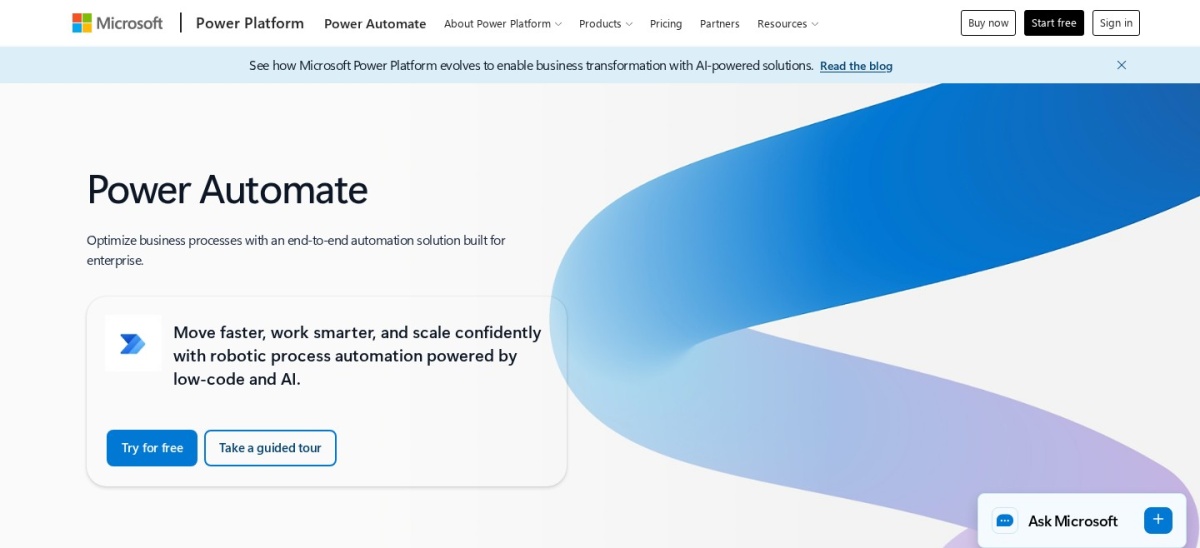
Microsoft Power Automate homepage, captured Nov 2026.
Microsoft Power Automate is the automation tool inside Microsoft 365, built for cloud flows and desktop flows that drive Windows apps. Many Microsoft 365 plans already include standard connectors, and Premium at $15 a user a month adds 600+ premium connectors and attended desktop automation.
The trade off is the Microsoft focus. Outside Outlook, Teams and Excel it is less natural, and premium connectors need a paid seat for each user. It suits businesses that already run on Microsoft 365.
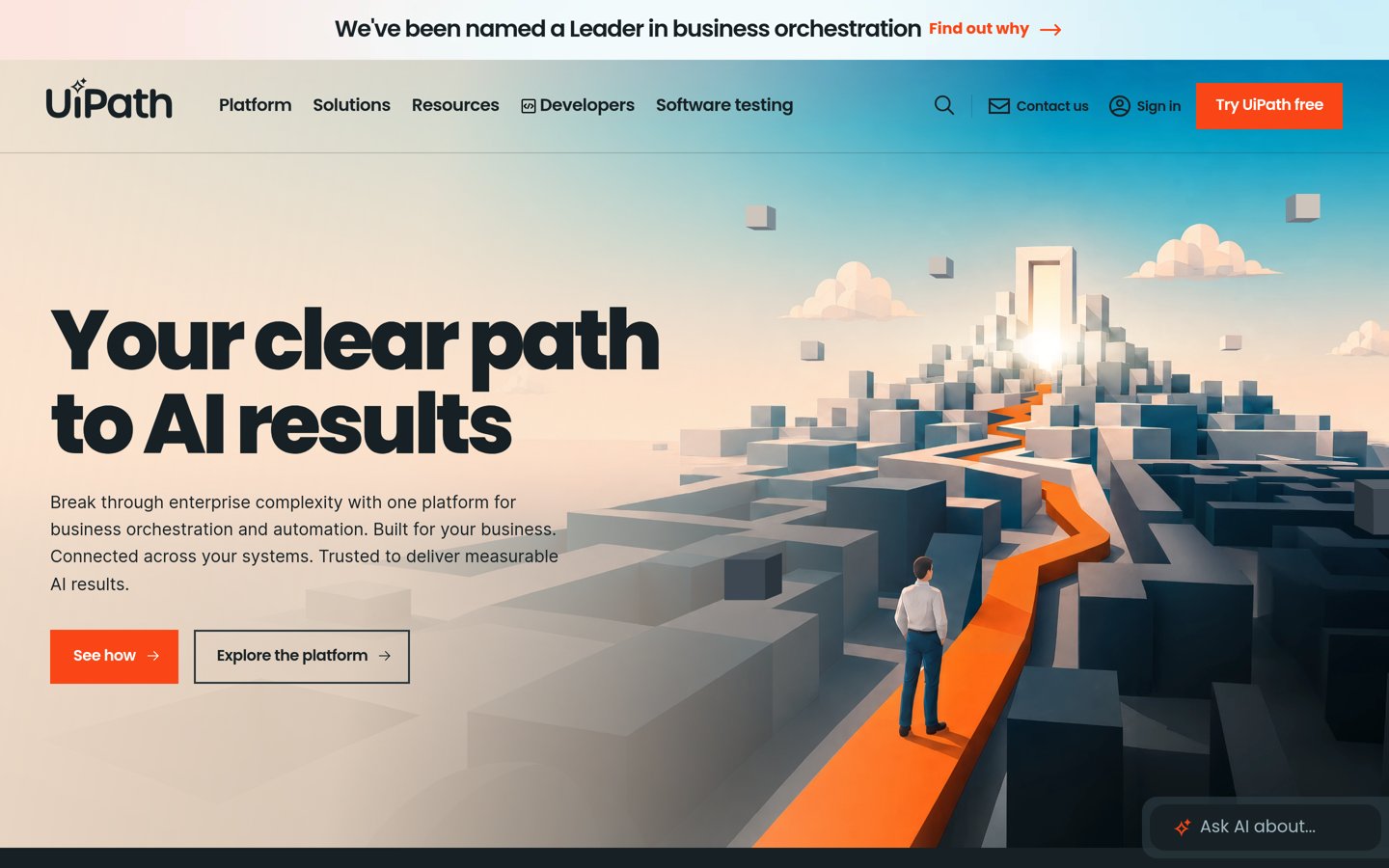
UiPath is an enterprise automation platform that pairs software robots with AI agents to run desktop and back-office work. The free Community edition covers learning and small builds, and Automation Cloud Basic starts at $25 a month with up to 2 robots.
The trade off is that the $25 tier is only the entry point. Real unattended automation, orchestration at scale and agent features sit in quote-only Standard and Enterprise tiers. It suits large teams that need governed bot fleets.
What we like
Largest review base in this list at 7,581 G2 reviews
Strongest governance, audit and orchestration
Free Community edition for learning
AI agents, document understanding and process mining
Watch out for
Entry tier is hosted in Europe only and capped at 2 robots
HubSpot is a CRM with automation built in, so workflows can act on the same contact and deal data your sales team already uses. The free CRM includes basic automation, and Data Hub Starter, formerly Operations Hub, costs $20 a seat a month with data sync and 400 workflows.
The trade off is the price jump. Starter is cheap, but the next tier, Professional, costs $800 a month, so growing teams face a steep step. It suits businesses already running sales and marketing on HubSpot.
What we like
Automation runs on live CRM data, not copies
Free CRM with basic automation included
Starter covers 400 workflows for $20 a seat
Huge integration library and marketplace
Watch out for
Professional jumps to $800 a month
Automation is weaker outside the CRM
New-customer promo of $7 a seat hides the $20 list price
ClickUp is a work platform that pairs tasks, docs and chat with automations and AI in one workspace. The free plan covers unlimited tasks for personal use, and Core lists at $12 a user a month with 1,000 automation actions a month per workspace.
The trade off is the billing. Core lists at $12 a user a month, with $9 a user a month shown for annual billing, so the monthly rate depends on how you pay. It suits teams that want tasks and automation in one place.
monday.com is a visual work platform where boards, automations and AI apps run side by side. The free plan covers up to 2 seats, and paid plans start at $9 a seat a month, with 1,000 AI credits a month on the Basic plan.
The trade off is that Basic at $9 has no automations at all. The real entry point for automation is Standard at $12 a seat a month, which adds 250 automation actions a month, and paid plans need at least 3 seats. It suits teams that plan work on boards and want no-code automations beside them.
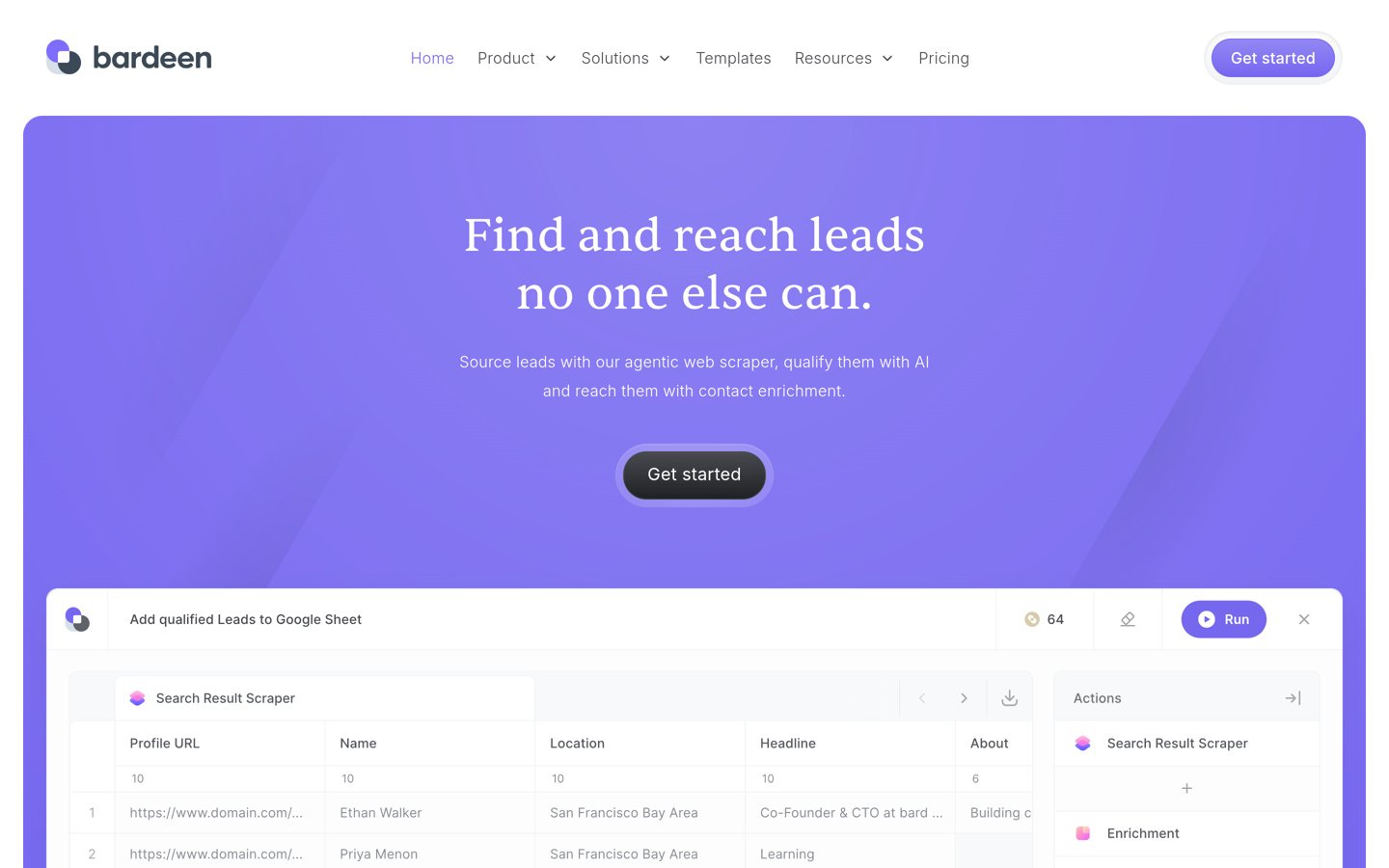
Bardeen is a browser automation tool that runs playbooks inside Chrome to scrape pages, enrich leads and update CRMs. The free plan includes 100 credits a month, and Pro costs $10 a month billed annually with 500 cloud credits and AI agents.
The trade off is the narrow rating base. Bardeen scores 4.8 out of 5 on G2, but from only 36 reviews, and different pages show $10, $15 or $20 a month for Pro. It suits sales teams that live in the browser and automate research tasks.
What we like
Highest G2 score in this list at 4.8/5
Scrapes and enriches leads without leaving the browser
Per-task, per-credit or per-seat: how the bill grows
Zapier, Make and n8n charge for usage. Every run, step or credit counts, so the bill follows how busy your automations are. These plans suit teams with spiky or seasonal volume, because a quiet month costs less.
Power Automate, HubSpot, ClickUp and monday.com charge per user or seat. The bill follows headcount instead of volume, so a team that runs thousands of automations a day can pay less than on a usage plan, as long as few people need seats.
UiPath charges per platform tier, with users and robots licensed separately. That model fits large teams with fixed budgets, but it makes the true cost hard to see from the pricing page alone.
How we chose
We started from the automation tools with the largest user bases and the most reviewed profiles on G2, then kept nine that cover no-code builders, developer-friendly platforms, RPA and CRM automation.
Prices come from each vendor's pricing page, checked on 24 November 2026, using the regular price, not sale or first-year offers. Ratings and review counts come from G2 on the same day. Where a vendor's own pages showed two prices, we used the list price and noted the difference.
We left out quote-only enterprise platforms and tools with no free plan or trial. No vendor paid for a place, and we do not claim to have used these tools ourselves.
How to choose an AI automation tool
Start with the apps you already use, then match the billing model to how often your workflows will run.
List the apps your workflows must touch. If your stack is Gmail, Slack and Salesforce, Zapier or Make cover them. If it is Outlook, Teams and Excel, Power Automate is the natural fit.
Estimate your monthly volume first. Count how many times each workflow will run, then compare the billing unit: tasks, credits, executions or seats. A $9 plan with a low cap can cost more than a $20 plan with room to grow.
Test the free plan with one real workflow. Build the single automation that saves the most time and run it for two weeks. That shows the real cost and whether the builder fits your team.
Check who else needs a seat. Per-user tools charge for everyone who builds or runs flows, while Zapier, Make and n8n charge for the account. Add seats before you compare yearly totals.
FAQ
What is the best AI tool for business automation?
Zapier is the best pick for most teams. It connects 9,000+ apps, offers a free plan with 100 tasks a month, and holds a 4.5 out of 5 rating on G2 from 2,181 reviews. Make is the cheaper alternative at $9 a month.
What is the cheapest AI automation tool?
Make has the lowest paid plan in this list at $9 a month for 10,000 credits, and its free plan covers 1,000 credits a month. Bardeen is next at $10 a month, while n8n is free if you self-host it.
Can I automate my business for free?
Yes, for light use. Zapier, Make, n8n, HubSpot, ClickUp, monday.com and Bardeen all have free plans, but each caps monthly volume. A workflow that runs daily will usually outgrow a free plan within a few weeks.
Is n8n better than Zapier?
It depends on your team. n8n is cheaper at scale, open source and free to self-host, with a 4.7 out of 5 G2 rating. Zapier is easier to start with and connects far more apps, at 9,000+ against n8n's 400+ integrations.
Do I need coding skills to automate my business?
No. Zapier, Make, Power Automate, HubSpot, ClickUp and monday.com all offer visual, no-code builders, and several add AI assistants that draft workflows from a prompt. Coding helps only with n8n and UiPath at the advanced end.
Which tool is best for Microsoft 365 users?
Microsoft Power Automate. It is built for Outlook, Teams and Excel, many Microsoft 365 plans already include its standard connectors, and Premium costs $15 a user a month for premium connectors and attended desktop automation.