Best IT Automation Software in 2026: 9 Tools Compared
WLWPLegible EditorsLast verified 23 Nov 2026How we rank12 min read
★ Short answer
Ansible is the best IT automation software for most teams. Its open-source core is free, it needs no agents on managed machines, and Red Hat's Automation Platform adds control and support from $3,000 a year. Pick Terraform for cloud infrastructure as code, or Power Automate for Microsoft 365 workflows.
How we make this list: we compare pricing pages, product documentation and public user reviews, then re-check every price before each update. No product paid for a place. Disclosure.
Ansible is the best starting point, free and agentless, rated 4.6 out of 5 on G2 from 377 reviews.
Terraform is the standard for infrastructure as code, with a free CLI and HCP Terraform from $0.10 per resource a month.
Power Automate Premium costs $15 per user a month billed annually and is the default for Microsoft 365 teams.
n8n has the joint-highest G2 rating here at 4.7 out of 5, with a free self-hosted edition and cloud from $20 a month.
Chef costs $59 per node a month billed annually, so per-node pricing grows fast on large fleets.
What IT automation software covers
IT automation software removes repetitive work from servers, networks and cloud resources. It configures machines, deploys applications, runs scheduled jobs and connects apps so people stop doing the same task by hand.
The field splits into layers. Ansible, Puppet and Chef manage server configuration, Terraform provisions cloud infrastructure, and Power Automate, Zapier and n8n connect apps and automate workflows.
The pricing models differ just as much. Open-source cores are free, while commercial tiers charge per node, per user, per resource or per endpoint, so the bill depends on what you count.
The right pick depends on the layer you need. Teams commonly use Terraform to build infrastructure and Ansible to configure it, rather than choosing one tool for both jobs.
Ansible is the open-source IT automation engine that made configuration management approachable. Teams write human-readable playbooks in YAML and push them over SSH, with no agent software to install on managed machines.
The trade off is enterprise cost and enforcement. Red Hat Ansible Automation Platform starts near $3,000 a year, and Ansible lacks the native continuous enforcement of Puppet. It suits DevOps and sysadmin teams that want simple, agentless automation at scale.
What we like
Free open-source core with no agents to install
Plain YAML playbooks that are easy to read
Huge community with thousands of ready roles
Watch out for
No native continuous enforcement like Puppet
Enterprise platform starts near $3,000 a year
Large runs can be slow without tuning
Automation Platform adds control, scheduling and support from about $3,000 a yearVisit ansible.com
02
Terraform
4.6/5on G2 (153 reviews, checked Nov 2026)
PriceFree
Best for cloud infrastructure as code
Free planYes, CLI and free tier
Billing unitPer managed resource
First 500 resourcesFree
Paid planHCP Essentials, $0.10/resource/mo
hashicorp.com
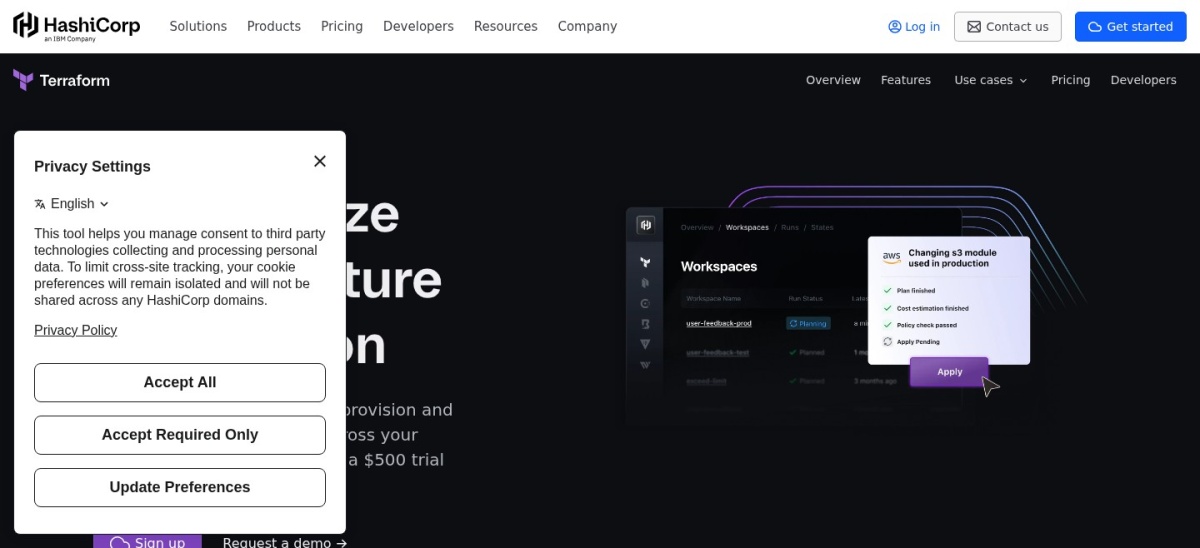
Terraform homepage, captured Nov 2026.
Terraform is the infrastructure-as-code standard. Teams describe compute, storage, networking and SaaS resources in configuration language, then build, change and version infrastructure safely across clouds.
The trade off is that it provisions rather than enforces. Terraform does not continuously correct server configuration the way Puppet or Chef do, so teams pair it with Ansible or Chef. It suits platform teams that build cloud infrastructure as code.
What we like
The standard for multi-cloud infrastructure as code
Free CLI with a large provider ecosystem
HCP Terraform free tier covers 500 resources
Watch out for
Does not enforce server configuration continuously
Per-resource billing grows with your estate
State management needs the paid cloud tiers
HCP Standard adds audit trails and drift detection at $0.47 per resource a monthVisit hashicorp.com
03
Microsoft Power Automate
4.4/5on G2 (1,092 reviews, checked Nov 2026)
Starts at$15/mo
Best for Microsoft 365 workflows
Free planNo, 90-day trial
ConnectorsHundreds
Desktop RPAHigher tiers
Paid planPremium, $15/user/mo
microsoft.com
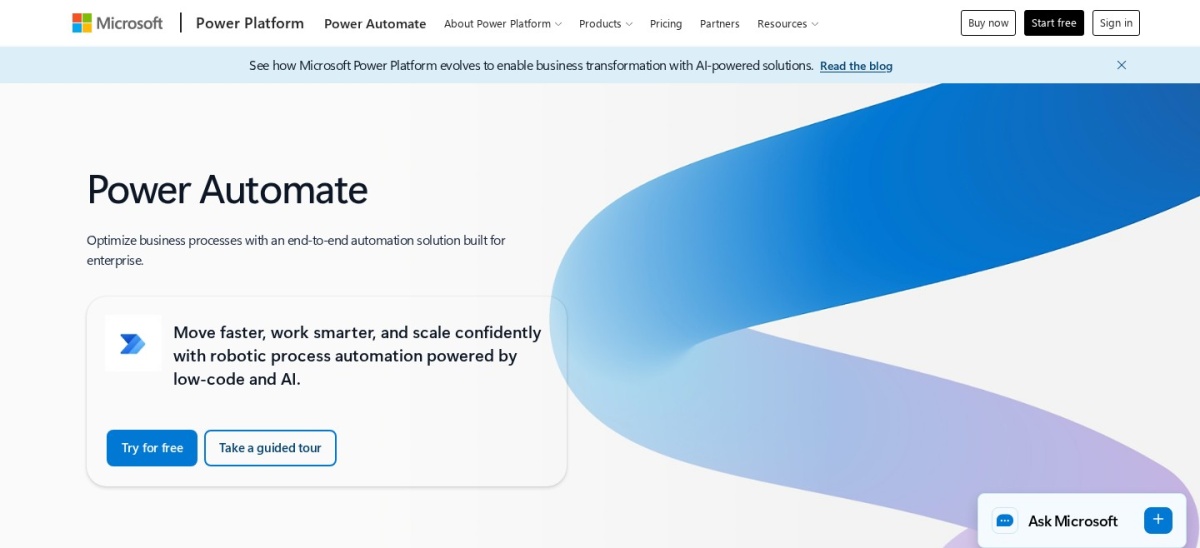
Microsoft Power Automate homepage, captured Nov 2026.
Power Automate is Microsoft's low-code workflow automation tool for Microsoft 365 and Azure teams. It connects hundreds of apps, automates approvals and data flows, and adds desktop RPA for attended and unattended flows on higher plans.
The trade off is the Microsoft lock-in. The best connectors and features assume a Microsoft 365 or Azure setup, and the Trustpilot rating for Microsoft is low. It suits organizations already running on Microsoft 365.
What we like
Deep links to Microsoft 365, Teams and Azure
Hundreds of connectors, low-code builder
90-day free trial to test flows
Watch out for
Best features assume a Microsoft 365 setup
Premium connectors need the $15 plan
Desktop RPA needs higher tiers
Premium adds premium connectors; Process plan adds unattended RPAVisit microsoft.com
04
n8n
4.7/5on G2 (315 reviews, checked Nov 2026)
Paid from$20/mo
Best for workflow automation with code
Free planYes, self-hosted
Code stepsYes
Cloud planStarter, $20/mo
Paid planCloud Starter, $20/mo
n8n.io
n8n homepage, captured Nov 2026.
n8n is a workflow automation tool that connects apps with a visual builder and lets technical teams add code where the visual steps run out. It is free to self-host under a fair-code licence, and n8n Cloud starts at $20 a month.
The trade off is that self-hosting needs your own server and upkeep, and the cloud tiers cap executions per month. It suits technical teams that want Zapier-style automation with full control over data and logic.
What we like
Joint-highest G2 rating here at 4.7 out of 5
Free self-hosted edition under a fair-code licence
Code steps beside visual workflow steps
Watch out for
Self-hosting needs your own server
Cloud plans cap executions per month
Smaller template library than Zapier
Cloud Pro adds more executions and features for $50 a monthVisit n8n.io
05
Zapier
4.5/5on G2 (2,087 reviews, checked Nov 2026)
Paid from$19.99/mo
Best for no-code app automation
Free planYes, 100 tasks/mo
IntegrationsThousands
Multi-step ZapsPro plan
Paid planPro, $19.99/mo
zapier.com
Zapier homepage, captured Nov 2026.
Zapier connects thousands of apps with no-code workflows called Zaps. The free plan covers 100 tasks a month, and Pro starts at $19.99 a month billed annually with multi-step Zaps, premium apps and more tasks.
The trade off is cost at scale. Task-based billing grows with every run, so busy workflows can cost far more than a flat per-user tool. It suits business teams that want simple automation without writing code.
What we like
Largest app library, thousands of integrations
Free plan for 100 tasks a month
Easiest setup in this list for non-technical teams
Watch out for
Task-based billing grows with usage
No self-hosted option
Complex logic needs workarounds
Team adds shared workspaces and support; Enterprise adds governanceVisit zapier.com
06
Puppet
4.2/5on G2 (43 reviews, checked Nov 2026)
Paid from$120/mo
Best for enterprise enforcement and compliance
Free planYes, open source
EnforcementContinuous, agent-based
Compliance reportsYes
Paid planEnterprise, from $120/mo
puppet.com
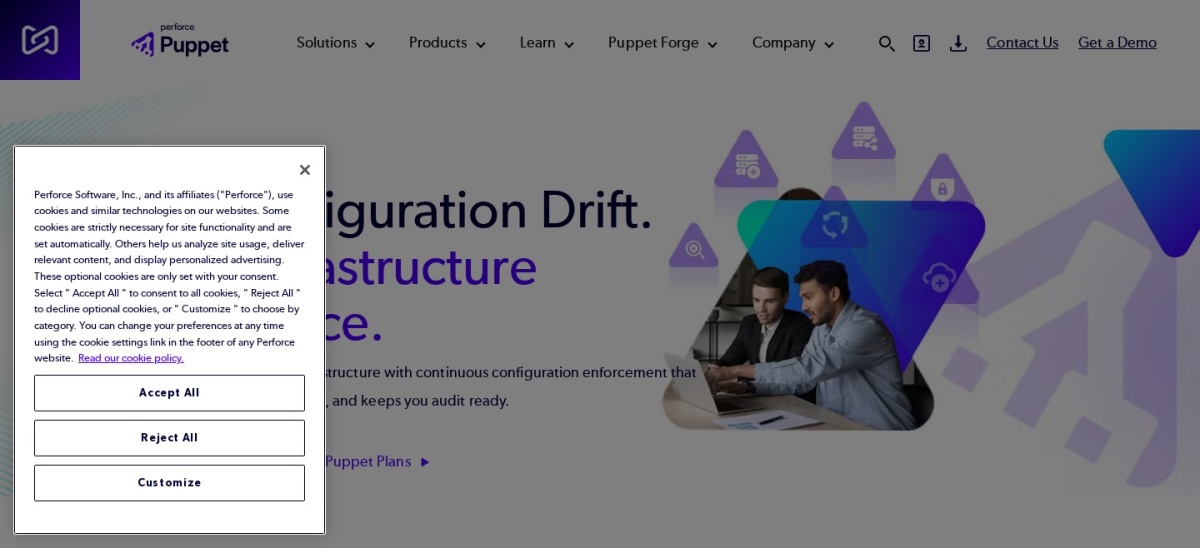
Puppet homepage, captured Nov 2026.
Puppet is the classic Ansible rival for configuration management. Its model-based approach defines the desired state of each node, and agents enforce that state continuously, correcting drift automatically with compliance reporting.
The trade off is price and complexity. Puppet Enterprise is quote-based, with figures near $120 a month as a starting point, and the agent model needs more setup than Ansible. It suits large estates that need strict enforcement and reporting.
Long-lived module ecosystem for hybrid infrastructure
Watch out for
Enterprise pricing is quote-based
Agent model needs more setup than Ansible
Smallest G2 review base here at 43 reviews
Enterprise adds compliance reporting, orchestration and supportVisit puppet.com
07
Chef
4.3/5on G2 (136 reviews, checked Nov 2026)
Paid from$59/mo
Best for policy-driven workflows
Free planYes, open source
Billing unitPer node
Multi-cloudYes
Paid planFrom $59/node/mo
chef.io
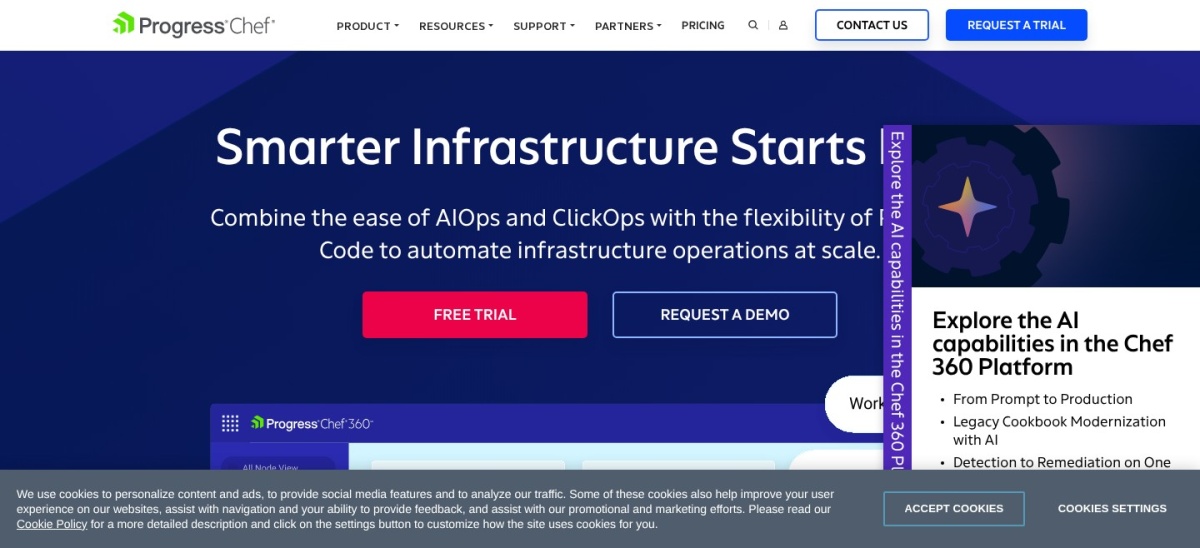
Chef homepage, captured Nov 2026.
Chef automates infrastructure through policy-driven workflows written as recipes and cookbooks. It covers on-prem and cloud nodes alike, with a high-availability design for large fleets, and pricing starts at $59 per node a month billed annually.
The trade off is cost per node. A fleet of 100 nodes costs $5,900 a month at the starting rate, and serious cookbook work helps from Ruby skills. It suits teams that want infrastructure defined as policy and code.
What we like
Policy-as-code with recipes and cookbooks
Multi-cloud management for on-prem and cloud
High-availability design for large fleets
Watch out for
$59 per node a month adds up fast
Ruby skills help for serious cookbook work
Smaller community than Ansible
Higher tiers add compliance, desktop and support optionsVisit chef.io
08
Jenkins
4.4/5on G2 (570 reviews, checked Nov 2026)
PriceFree
Best for CI/CD-driven automation
Free planYes, open source
Plugins1,800+
Pipelines as codeYes
Paid planNone, CloudBees is separate
jenkins.io
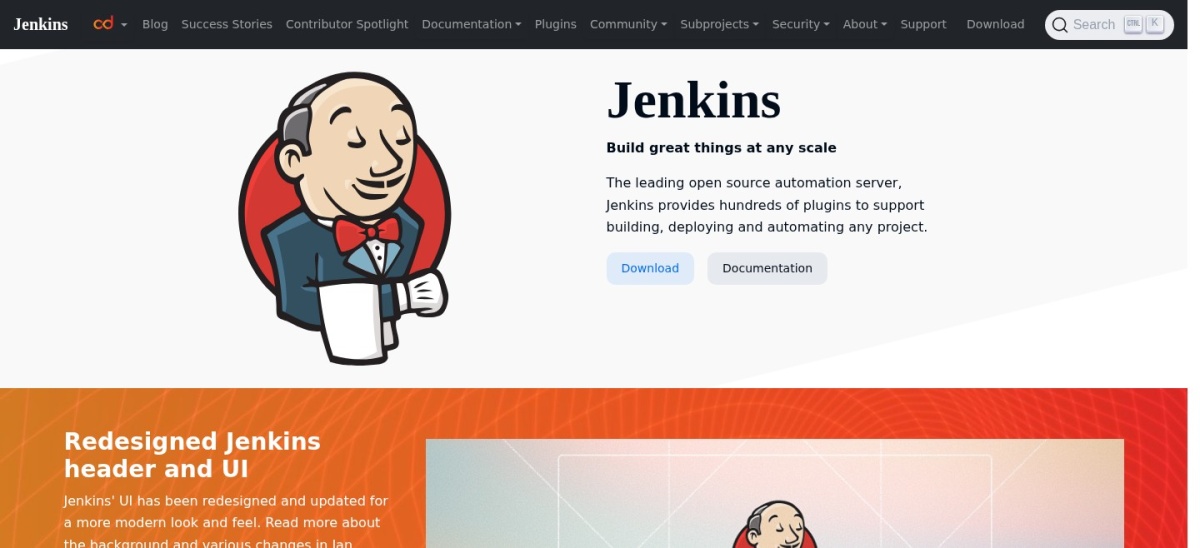
Jenkins homepage, captured Nov 2026.
Jenkins is the free, open-source automation server behind most CI/CD pipelines. Its plugin ecosystem covers deployment, testing and orchestration, and pipelines-as-code keep automation versioned in the same repo as the code.
The trade off is maintenance. Jenkins is free, but self-hosting adds server, plugin and upgrade work, and it is not a configuration management tool. It suits engineering teams that need highly customizable build and deploy pipelines.
What we like
Free and open source with no licence cost
Largest plugin ecosystem for CI/CD
Pipelines-as-code keep automation versioned
Watch out for
Self-hosting adds maintenance work
Not a configuration management tool
Plugin sprawl can make upgrades painful
CloudBees CI is the enterprise distribution with supportVisit jenkins.io
09
NinjaOne
4.7/5on G2 (5,038 reviews, checked Nov 2026)
Starts at$1.50/endpoint/mo
Best for endpoint and RMM automation
Free planNo, 14-day trial
Patch automationYes
Billing unitPer endpoint
Paid planFrom $1.50/endpoint/mo
ninjaone.com
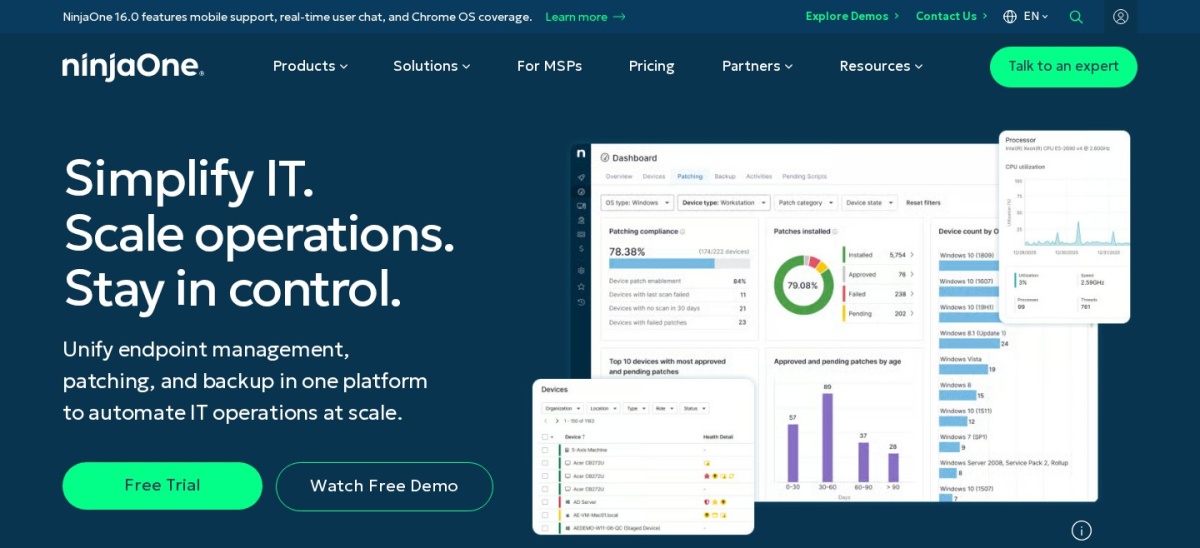
NinjaOne homepage, captured Nov 2026.
NinjaOne is a remote monitoring and management platform that automates patching, scripting, monitoring and endpoint management for IT teams and MSPs. It is rated 4.7 out of 5 on G2 from 5,038 reviews, the largest review base in this list.
The trade off is that pricing is per endpoint and quoted by scale. Published ranges run from $1.50 to $3.75 per endpoint a month, so the bill depends on device count. It suits IT teams and MSPs automating fleets of endpoints.
What we like
Highest review count here, 5,038 G2 reviews
Automates patching, scripting and monitoring
Built for IT teams and MSPs at scale
Watch out for
Pricing is quoted by scale, not a fixed list
Per-endpoint billing grows with device count
No free plan, only a 14-day trial
Higher tiers add more automation, backup and support optionsVisit ninjaone.com
Open source vs commercial tiers
Ansible, Terraform, Jenkins, Chef and Puppet all have free open-source cores. A small team can automate servers and pipelines without paying anything, using community roles and plugins.
Commercial tiers add control and support. Red Hat Ansible Automation Platform adds role-based access, scheduling and audit logs, while Terraform Cloud adds state management and policy checks.
The cost jump can be steep. Ansible Automation Platform starts near $3,000 a year, Puppet Enterprise runs into five figures a year for 100 nodes, and Chef costs $59 per node a month billed annually.
Start with the free core, then pay only when you need shared control, audit trails or support. Most teams outgrow the free tier on governance, not on features.
How we chose
We started from the IT automation and configuration tools most often listed on G2, then kept those with a published price or a free plan and a real automation use case.
Prices come from each vendor's pricing page, checked on 23 November 2026. Ratings and review counts come from G2 on the same day. Where a vendor shows a sale, the list shows the regular price.
We left out Rundeck, which has no G2 listing, and quote-only tools with no published starting price. No vendor paid for a place, and we do not claim hands-on testing for this list.
How to choose IT automation software
Start with the layer you need to automate, then match the tool to that job.
Name the layer you need to automate. Server configuration points to Ansible, Puppet or Chef. Cloud provisioning points to Terraform. App workflows point to Power Automate, Zapier or n8n.
Check the pricing unit before you compare. Per-node, per-user, per-resource and per-endpoint prices are not comparable. Estimate your count first, then multiply it out for a year.
Try the free core with one real job. Automate one patch cycle or one deployment end to end. If the playbook or pipeline is clear and the run is logged, the tool fits your team.
Plan for governance before you scale. Shared credentials, approvals and audit logs matter once more than one person runs jobs. Check which tier adds them before you commit.
FAQ
What is the best IT automation software?
Ansible is the best pick for most teams. Its open-source core is free, it works over SSH with no agents to install, and it is rated 4.6 out of 5 on G2 from 377 reviews.
Is there free IT automation software?
Yes. Ansible, Terraform, Jenkins, Chef and Puppet all have free open-source editions. Power Automate has a 90-day trial, and Zapier and n8n both offer free plans.
What is the difference between Ansible and Terraform?
Ansible configures servers and applications after they exist, while Terraform provisions the cloud infrastructure itself. Teams commonly use both together rather than choosing one.
How much does IT automation software cost?
Open-source cores are free. Commercial tiers range from $15 per user a month for Power Automate to $3,000 a year for Ansible Automation Platform, with Puppet and Chef charging per node.
Which IT automation tool is best for beginners?
Ansible is the easiest starting point. Its playbooks are plain YAML, it needs no agents, and the community publishes thousands of ready roles on Ansible Galaxy.
Can IT automation replace a sysadmin?
No. It removes repetitive tasks such as patching, provisioning and deployments, but someone still has to write the playbooks, review changes and handle failures.