Best Approval Workflow Software in 2026: 9 Tools Compared
WLWPLegible EditorsLast verified 22 Nov 2026How we rank11 min read
★ Short answer
Jotform is the best approval workflow software for most teams, with a free Starter plan and a 4.6/5 G2 rating from 5,925 reviews. Pick monday.com for approvals inside a work platform and ApprovalMax for finance approvals.
How we make this list: we compare pricing pages, product documentation and public user reviews, then re-check every price before each update. No product paid for a place. Disclosure.
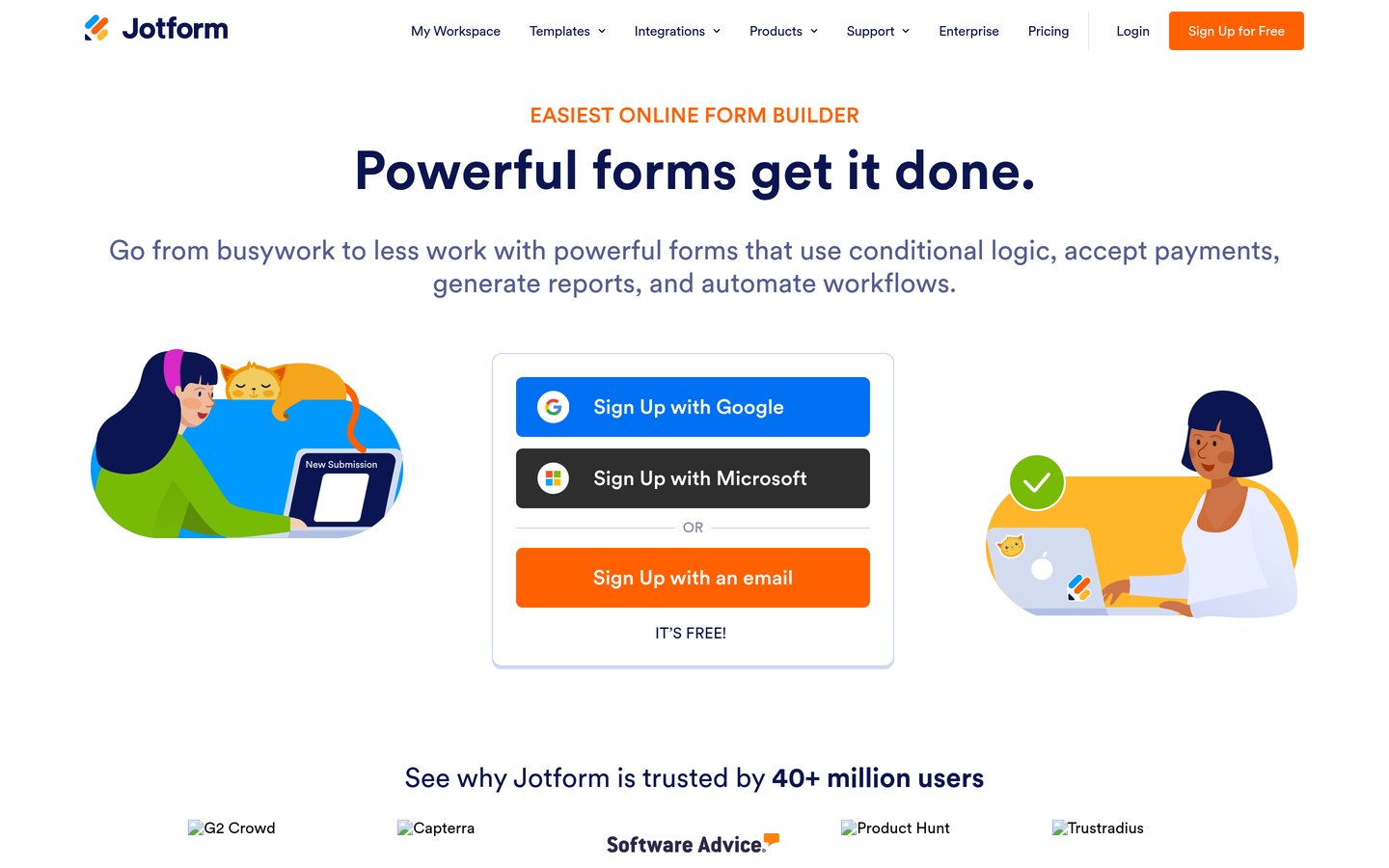
Jotform offers a free Starter plan with approvals and holds a 4.6/5 G2 rating from 5,925 reviews.
monday.com starts at $9 a seat a month billed annually and holds a 4.7/5 G2 rating from 17,182 reviews.
Cflow publishes per-user pricing from $11 a month, rare for a purpose-built approval tool.
ApprovalMax costs $49.50 a month per organisation, not per user, for Xero and QuickBooks approvals.
Asana and Wrike both keep approvals on higher tiers, $24.99 and $25 a user a month.
What to look for in approval workflow software
Approval workflow software routes requests, gathers decisions, records an audit trail and notifies the people who must act. The right choice depends on where requests start and who approves them.
Check which plan actually includes approvals. Asana keeps them for Advanced at $24.99 a user a month and Wrike for Business at $25, so the entry price is not the approvals price.
Pricing models vary widely. Jotform charges per account, monday.com and Cflow per user, ApprovalMax per organisation and Kissflow a flat $1,500 a month. Price your real team and volume.
Audit trails decide the winner for finance and compliance. ApprovalMax, Process Street and Cflow record every decision with a timestamp, while general work tools keep thinner logs.
Jotform is the quickest setup for approvals that start from a form. The free Starter plan covers 5 forms and 100 submissions a month, and Bronze costs $34 a month billed yearly with Jotform Workflows routing each submission through approvers.
The trade off is scope. It is a form-to-approval tool, not a full process platform, so heavy multi-system workflows need a dedicated builder. It suits any size team whose requests start from a form.
monday.com is the easiest starting point for a team that already lives in it. Boards, automations and templates cover intake, approvals and tracking without a business process project, and paid plans start at $9 a seat a month billed annually.
The trade off is governance. Audit trails and conditional logic are thinner than on dedicated approval tools, and paid plans need at least three seats. It suits cross-team approvals inside an existing work platform.
What we like
Most visual and forgiving builder here
Huge template library
Highest G2 rating here at 4.7 from 17,182 reviews
Watch out for
Audit trails need Enterprise
Standard caps automations at 250 a month
Three-seat minimum on paid plans
Standard and Pro add more automations and integrationsVisit monday.com
03
Cflow
4.7/5on G2 (200 reviews, checked Nov 2026)
Starts at$11/user/mo
Best purpose-built approval engine
Cheapest paid planJoy, $11/user/mo
Minimum users10 on Joy
Next tierBliss, $16/user/mo
AI decisionsYes, on paid plans
cflowapps.com
Cflow homepage, captured Nov 2026.
Cflow is a purpose-built approval engine with published per-user pricing, which is rare in this category. Joy costs $11 a user a month billed annually with a 10-user minimum, and Bliss at $16 adds more workflow depth and AI-assisted decisions.
The trade off is the minimum. A team smaller than 10 users still pays for 10, and the review base is smaller than monday.com or Asana. It suits organisations that want a dedicated approval tool with a clear price.
Best for finance approvals over Xero and QuickBooks
Cheapest paid planStandard, $49.50/mo
Priced perOrganisation, not user
AccountingXero, QuickBooks, NetSuite
Free trialYes
approvalmax.com
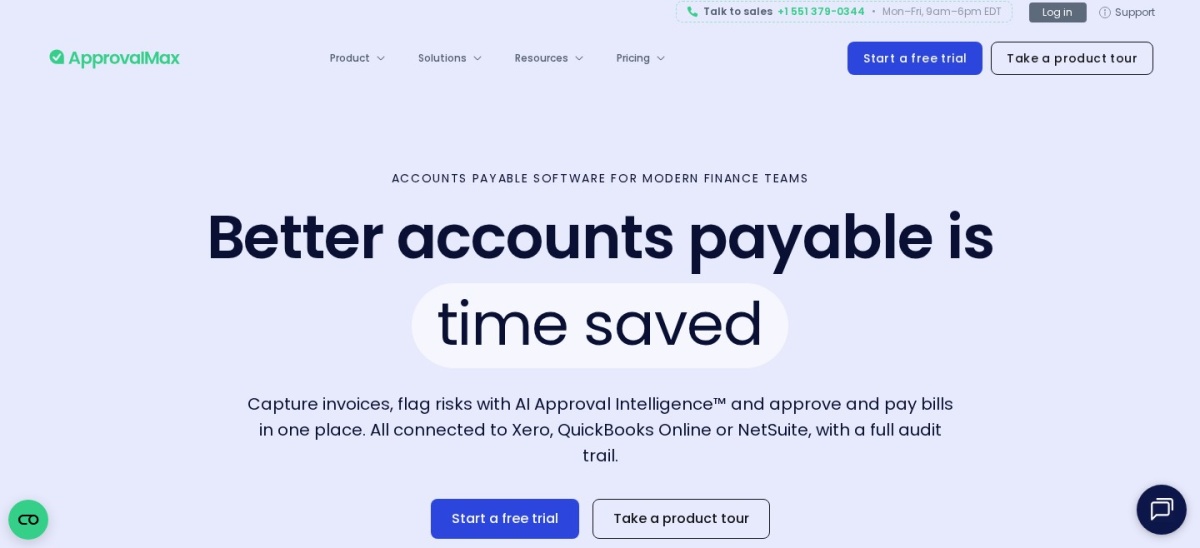
ApprovalMax homepage, captured Nov 2026.
ApprovalMax is built for finance approvals over Xero, QuickBooks Online and NetSuite. Standard costs $49.50 a month per organisation billed yearly, with multi-step approval routing, bill and PO matching and a full audit trail.
The trade off is focus. It does approval routing for accounting, not general workflows, so HR or IT requests need another tool. It suits finance teams and accountants who approve bills and purchase orders.
Process Street is the benchmark for process checklists. It turns policies and SOPs into repeatable workflows with conditional logic, due dates and an audit trail, and published comparisons list it from $25 a user a month.
The trade off is price visibility. One 2026 comparison notes that Process Street publishes plans and a trial but no dollar amount on its own pricing page, so confirm the quote before budgeting. It suits ops and compliance teams that repeat the same process.
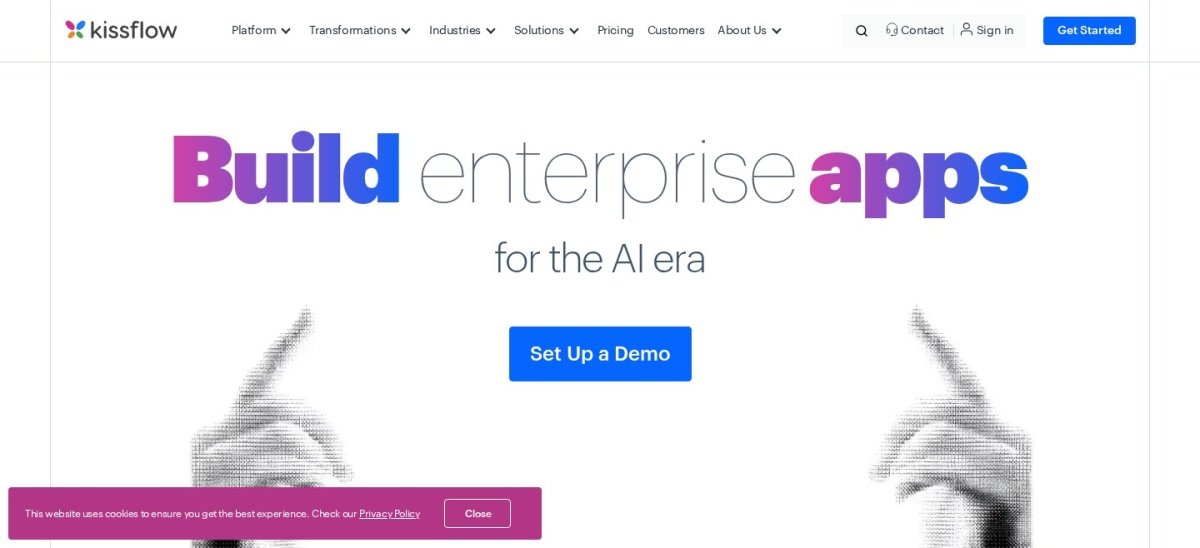
Kissflow is a no-code platform for building approval workflows and other business processes through a visual designer, aimed at business users rather than developers. It handles multi-level routing, escalations and audit logs across many process types at once.
The trade off is cost visibility. Kissflow keeps pricing behind a demo, with third-party comparisons reporting a $1,500 a month flat rate, so you cannot size the cost before a sales call. It suits business teams standardising many processes.
Asana is a work management platform that coordinates work across teams better than almost any tool here. Timelines, dependencies and portfolios show who does what by when, and Starter costs $10.99 a user a month billed annually with a free Personal plan for small teams.
The trade off is that approvals need Advanced at $24.99 a user a month, so the entry price is not the approvals price. It suits project teams that already run work in Asana.
What we like
Best cross-team coordination here
Free Personal plan for small teams
Unlimited automation rules on paid plans
Watch out for
Approvals need Advanced at $24.99
Intake forms are thinner than Pipefy
Audit trails need Enterprise
Advanced adds approvals, time tracking and portfoliosVisit asana.com
08
Wrike
4.2/5on G2 (— reviews, checked Nov 2026)
Paid from$10/user/mo
Best for agency review cycles
Cheapest paid planTeam, $10/user/mo
Free planYes, up to 5 users
ApprovalsBusiness, $25/user/mo
ProofingYes, on Business
wrike.com
Wrike homepage, captured Nov 2026.
Wrike is a work management platform that handles complex, multi-stakeholder work with workflow automation and strong analytics inside the project context. Team costs $10 a user a month, and approvals and proofing sit on Business at $25 a user a month.
The trade off is that it is a project platform first, so pure approval-process governance is secondary, and the review count could not be verified. It suits marketing and creative teams running review cycles.
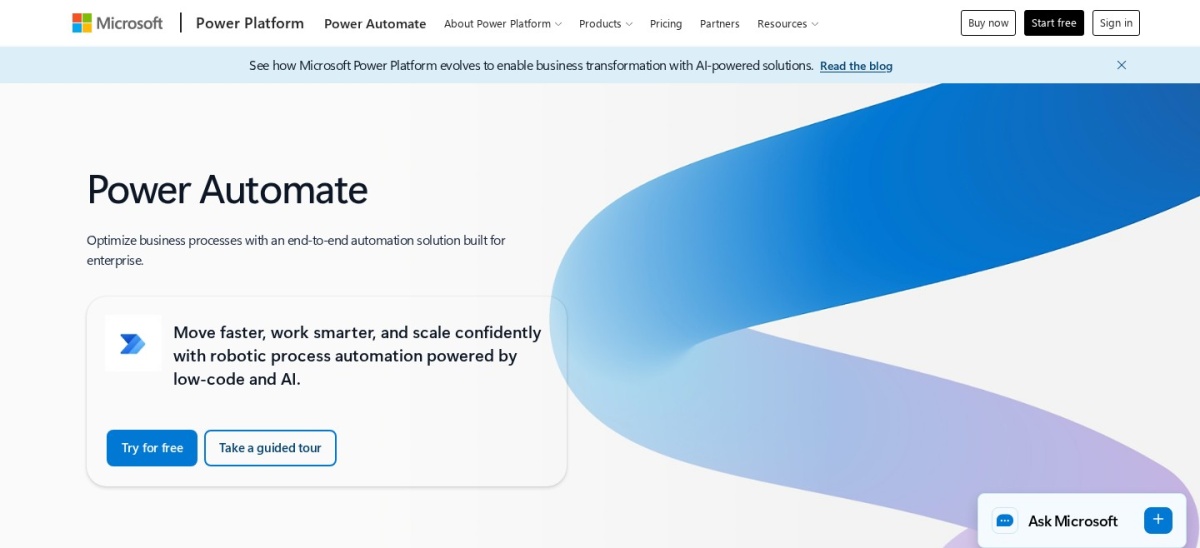
Power Automate is the natural pick for teams already on Microsoft 365. Approvals come with many Microsoft 365 licences at no extra seat, and Premium costs $15 a user a month billed yearly for cloud flows, desktop automation and process mining.
The trade off is the stack lock-in. It works best inside Microsoft apps, and the G2 review count could not be verified. It suits Microsoft-stack teams that want approvals with enterprise governance.
Form-based teams should start with Jotform. If every request starts as a form, nothing else sets up faster.
Project teams should use what they already pay for. monday.com, Asana and Wrike all add approvals on higher tiers.
Finance teams should pick ApprovalMax. It is the only tool here built for bills and purchase orders over Xero and QuickBooks.
How we chose
We started from the approval tools with published prices or real free plans in November 2026, then kept the nine that fit small and mid-size teams.
Prices come from each vendor's pricing page and November 2026 pricing checks, checked on 22 November 2026. Ratings and review counts come from G2 on the same day. Where a vendor shows a monthly and an annual rate, the list shows the annual rate.
We left out quote-only tools where no price could be verified, except Kissflow, whose flat rate is reported in third-party comparisons. No vendor paid for a place. This list is based on pricing, docs and reviews, not on using the tools ourselves.
How to choose approval workflow software
Start with where requests begin, then check which plan includes approvals.
Map where requests start. Forms suit Jotform, projects suit monday.com or Asana, and bills suit ApprovalMax.
Check the approvals tier, not the entry price. Asana Advanced and Wrike Business both cost about $25 a user a month, far above their entry plans.
Price your real team and volume. Per-user tools grow with headcount, per-organisation tools such as ApprovalMax do not, and flat tools such as Kissflow suit large teams.
Test one real approval end to end. Submit a live request, route it through two approvers, check the audit trail and confirm the notification arrives.
FAQ
What is the best approval workflow software?
Jotform is the best pick for most teams. Its free Starter plan covers 5 forms and 100 submissions a month, and it holds a 4.6/5 rating on G2 from 5,925 reviews.
How much does approval workflow software cost?
Entry prices run from $9 a seat a month on monday.com to $49.50 a month per organisation on ApprovalMax. Kissflow reports a $1,500 a month flat rate, and several tools offer free plans.
Which tool is best for finance approvals?
ApprovalMax. It is built for bills and purchase orders over Xero, QuickBooks Online and NetSuite, with multi-step routing and a full audit trail, and it charges per organisation rather than per user.
Do I need a paid plan for approvals?
Usually yes. Jotform includes approvals on its free Starter plan, but Asana needs Advanced and Wrike needs Business, both around $25 a user a month.
What is the difference between Jotform and Kissflow?
Jotform routes approvals that start from a form and sets up in minutes. Kissflow is a no-code platform for many process types with multi-level routing and a flat monthly rate.
Can approvers outside the company sign off?
Yes, on several tools here. Jotform, monday.com and ApprovalMax all support external approvers, though the exact plan varies, so check the plan details before you buy.