Figma is the best wireframing software for most teams, with a free Starter plan, real-time collaboration and the highest G2 rating in this list. Balsamiq is the fastest pick for rough low-fidelity sketches, while Axure RP suits prototypes that need logic and variables.
How we make this list: we compare pricing pages, product documentation and public user reviews, then re-check every price before each update. No product paid for a place. Disclosure.
Figma leads for most teams: free Starter plan, real-time collaboration and a 4.7 G2 rating from 1,593 reviews.
Balsamiq now costs $16 per editor a month, not $9, after its 2026 pricing change, and is still the fastest low-fidelity pick.
Axure RP is the most powerful prototyper here at $29 a user a month, with conditional logic and variables.
Penpot is the cheapest route for small teams: its cloud Professional plan is free, with paid Unlimited from $7 per editor a month.
Paid plans run from $7 to $29 per editor a month, and 6 of the 9 tools have a free plan.
How do you choose the best wireframing software?
Start with fidelity. Low-fidelity tools such as Balsamiq keep feedback on structure, while high-fidelity tools such as Figma carry the same file into polished design and handoff.
Count the editors, not the viewers. Figma, Balsamiq, Whimsical and Penpot let reviewers in free, so the bill follows the people who edit, not the people who comment.
Match the tool to the prototype. Simple clickable flows work in Whimsical or Moqups, but prototypes with logic, variables and data need Axure RP or Justinmind.
Check the free limits before you commit. Figma Starter covers 3 files, Whimsical covers 3 boards and Moqups covers 2 projects, so a busy team can outgrow a free plan fast.
Figma is a browser-based design platform where wireframes, high-fidelity screens and developer handoff live in one file. The free Starter plan covers 3 design files with real-time collaboration, and Professional costs $16 per full seat a month with unlimited files, shared libraries and advanced prototyping.
The trade off is price at scale. Every editor needs a paid seat, so a five-person team pays $960 a year on Professional, and single sign-on starts at Organization for $55 a seat a month. It suits product teams that want one tool from first sketch to handoff.
What we like
Free Starter plan with real-time collaboration
Wireframes, design and handoff in one file
Highest G2 rating in this list at 4.7
Watch out for
Every editor needs a paid seat
Single sign-on needs the $55 Organization tier
Professional adds unlimited files and team librariesVisit figma.com
02
Balsamiq
4.2/5on G2 (501 reviews, checked Nov 2026)
Starts at$16/mo
Best for fast low-fidelity wireframes
Free planNo, 14-day trial
Paid planStarter, $16/editor/mo
ProjectsUp to 10 on Starter
AI credits500 per editor a month
balsamiq.com
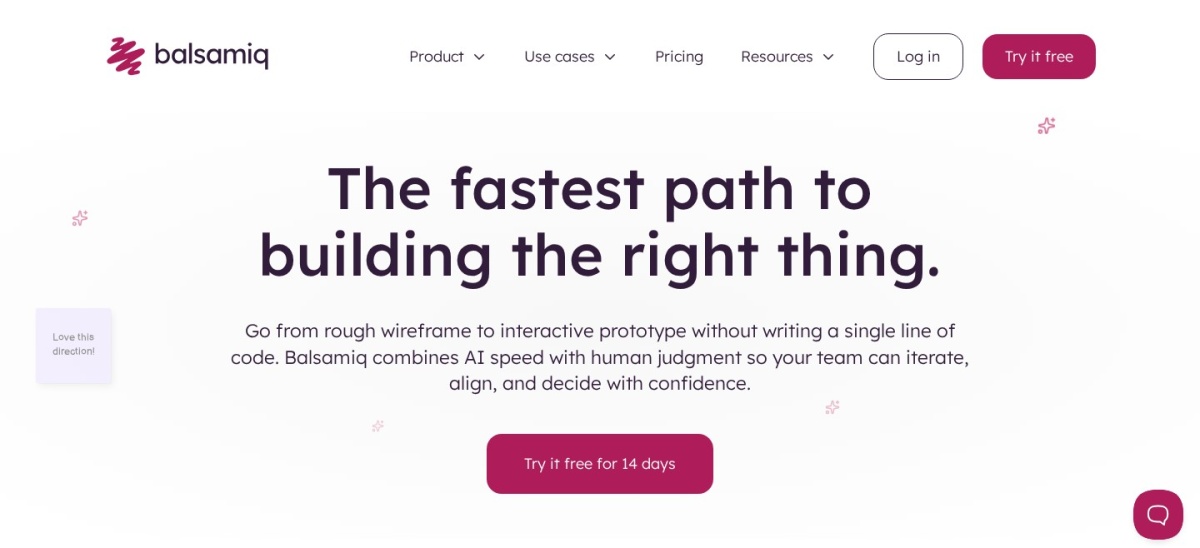
Balsamiq homepage, captured Nov 2026.
Balsamiq is a dedicated low-fidelity wireframing tool with a hand-drawn look that keeps feedback on structure instead of colours and fonts. The Starter plan costs $16 per editor a month billed yearly for up to 10 projects, and reviewers can view and comment free. It also includes 500 AI credits per editor a month.
The trade off is fidelity. Balsamiq cannot make polished, pixel-perfect screens, and there is no free plan, only a 14-day trial. It suits product managers and founders who need a quick sketch reviewed before design starts.
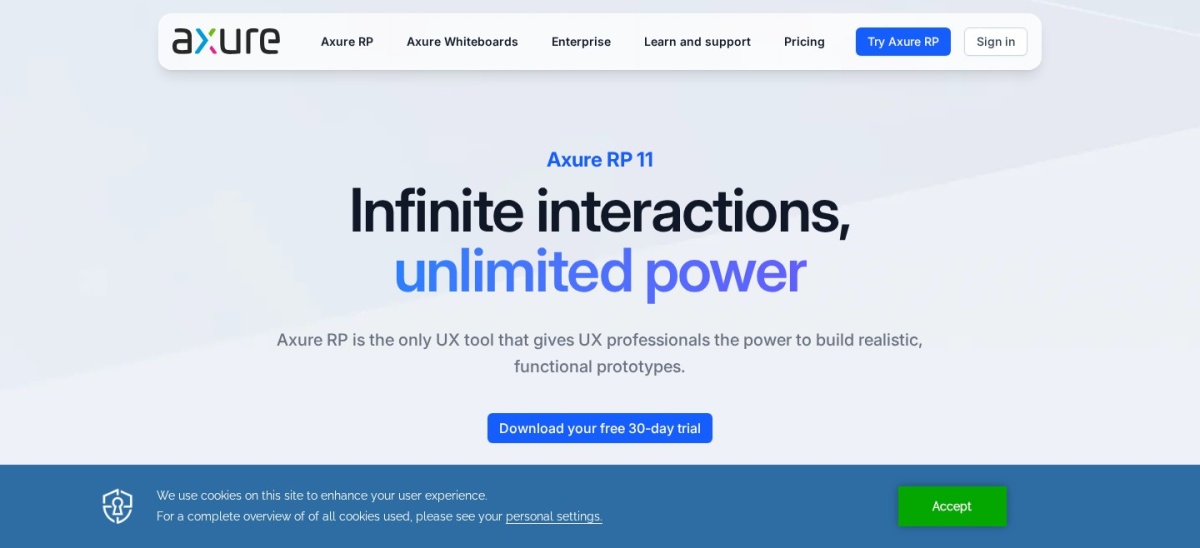
Axure RP is a desktop prototyping tool for realistic, functional prototypes with conditional logic, variables and data-driven interactions. Pro costs $29 per user a month billed yearly and includes unlimited prototypes, unlimited reviewers and cloud hosting.
The trade off is the learning curve. Axure rewards training and punishes a quick afternoon, and co-authoring needs the Team plan at $49 per user a month. It suits UX teams whose prototypes must behave like the finished product.
Sketch is a native Mac app for interface design and wireframing, with a web app for sharing and developer handoff. Standard costs $12 per editor a month billed yearly with unlimited projects, shared libraries and 1TB of cloud storage, and viewers are free.
The trade off is the platform. Sketch runs on Mac only, there is no free plan beyond a 30-day trial, and a Mac-only licence costs $120 a seat with one year of updates. It suits Mac-based teams that want a fast desktop tool.
Whimsical is a visual collaboration tool that covers wireframes, flowcharts, mind maps and docs on one canvas. The free plan covers 3 team boards with viewers always free, and Pro costs $10 per editor a month with unlimited boards and 90-day version history.
The trade off is depth. Whimsical is fast for early screens and flows but cannot match Figma or Axure for polished design or logic-driven prototypes. It suits small teams that plan flows and wireframes together.
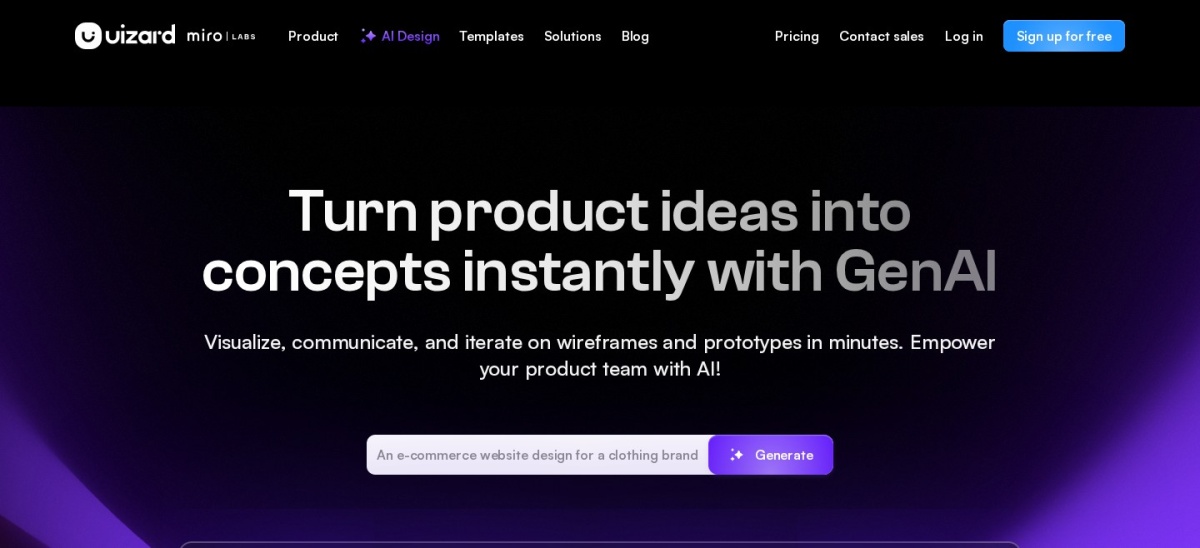
Uizard is an AI-assisted design tool that turns a text prompt or a screenshot into an editable wireframe in minutes. The free plan covers 3 projects, and Pro costs $12 a month billed yearly with more projects, AI generations and collaboration.
The trade off is control. AI drafts need fixing before they are presentable, and precise manual control is weaker than in Figma or Sketch. It suits founders and marketers who need a first screen fast.
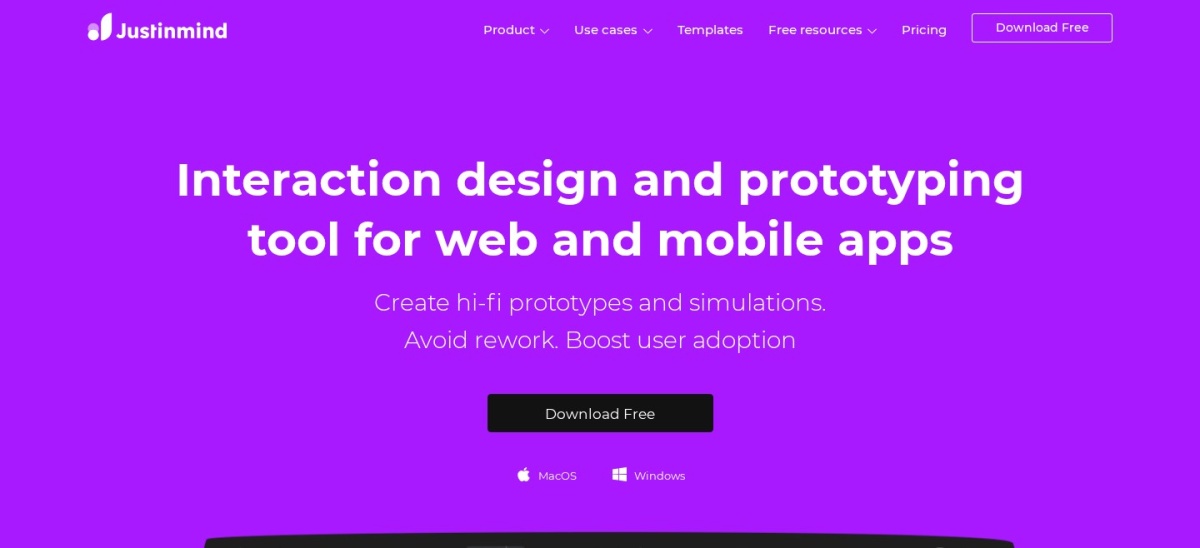
Justinmind is a prototyping tool for detailed, interactive prototypes of web and mobile products without code. The free plan covers 1 project, and paid plans start at $19 per user a month with data-driven interactions, forms and requirements documentation.
The trade off is weight. Justinmind needs a desktop install and rewards training, and its G2 base is small at 55 reviews. It suits UX teams prototyping forms-heavy products that must behave like real apps.
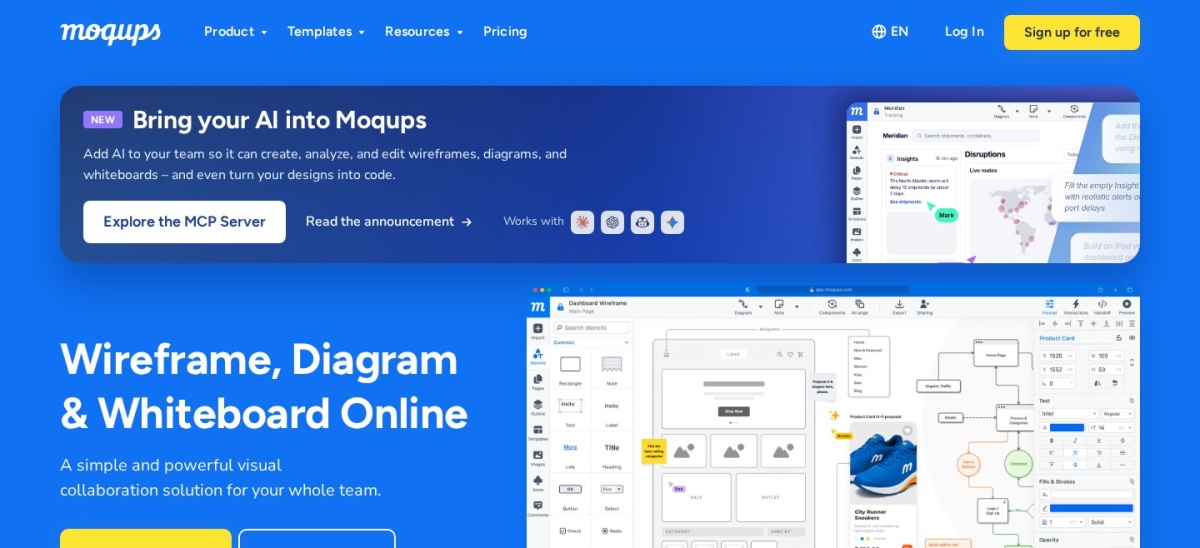
Moqups is an online tool that bundles wireframes, mockups, diagrams and prototypes in one web app. The free plan covers 2 projects, and paid plans start at $7 per user a month with more projects, diagrams and team libraries.
The trade off is power. Moqups handles simple prototypes well but cannot do the conditional logic of Axure or the design systems of Figma. It suits freelancers who want one cheap browser tool.
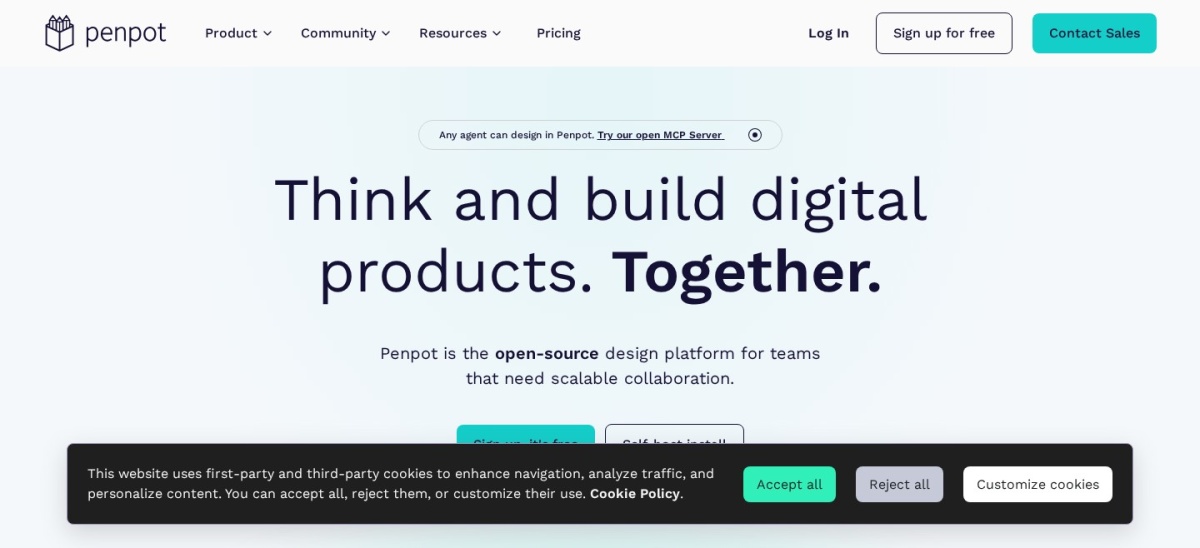
Penpot is a free, open-source design platform for wireframes, prototypes and design systems, with a cloud plan and a self-hosted option. The Professional cloud plan is free for up to 8 members, and Unlimited costs $7 per editor a month for larger teams.
The trade off is maturity. Penpot has only 10 G2 reviews, so the rating is a weak signal, and its plugin ecosystem is smaller than Figma. It suits teams that want self-hosting and no vendor lock-in.
Free plans cover the first screens well. Figma gives 3 files, Whimsical gives 3 boards and Moqups gives 2 projects, which is enough to sketch one flow.
Paid plans mostly add room and depth. You get unlimited files, longer version history, team libraries and, in Axure, logic that free plans cannot run.
The cheapest paid starts are Penpot and Moqups at $7 a month, while the deepest tools, Axure RP and Justinmind, start at $29 and $19 a month.
If wireframes are a daily job, a paid plan pays for itself in saved rework. If you sketch once a month, a free plan plus a trial is enough.
How we chose
We started from the wireframing tools with published pricing and a public G2 or Capterra rating, then kept 9 that cover low-fidelity sketching, all-round design and deep prototyping.
Prices come from each vendor's pricing page, checked on 29 November 2026. Ratings and review counts come from G2 or Capterra on the same day. Where a vendor shows a sale, the list shows the regular price.
We left out tools with no published price and Adobe XD, which is in maintenance mode. No vendor paid for a place, and we do not claim hands-on testing for this list.
How to choose the best wireframing software
Start with the fidelity you need, then check who pays and who only reviews.
Decide the fidelity first. Rough sketches belong in Balsamiq or Whimsical; polished screens that go to developers belong in Figma, Sketch or Penpot.
Count paid editors, not viewers. Reviewers are free in Figma, Balsamiq, Whimsical and Penpot, so price the seats that edit and ignore the rest.
Test the free plan with a real screen. Build one login screen on the free plan and check the project limit before you invite the team.
Check the prototype depth. If the prototype needs logic, variables or data, pick Axure RP or Justinmind; otherwise a simpler tool is faster.
FAQ
What is the best wireframing software in 2026?
Figma is the best wireframing software for most teams in 2026. Its free Starter plan, real-time collaboration and shared libraries cover wireframes through developer handoff, and it holds a 4.7 out of 5 G2 rating from 1,593 reviews.
What is the cheapest wireframing software?
Penpot is the cheapest route, with a free cloud plan for small teams and paid Unlimited from $7 per editor a month. Moqups matches that $7 starting price, while Balsamiq and Figma both start at $16 per editor a month.
Is there a free wireframing tool?
Yes. Figma, Whimsical, Uizard, Justinmind, Moqups and Penpot all have free plans, though each caps projects, files or boards. Balsamiq, Axure RP and Sketch offer free trials instead of a free plan.
What is the best wireframing software for beginners?
Balsamiq is the easiest starting point, because its hand-drawn style keeps the focus on layout and its shelf of components needs no design training. Whimsical is the next easiest, with a fast canvas for wireframes and flows.
Figma vs Balsamiq: which is better for wireframes?
Figma is better when wireframes must grow into polished designs and developer handoff in the same file. Balsamiq is better when you want rough sketches reviewed fast, before anyone argues about colours or fonts.
Do I need Axure RP for wireframing?
No, most teams do not. Axure RP earns its $29 a month only when prototypes need conditional logic, variables or realistic data. For static screens and simple clickable flows, Figma, Whimsical or Moqups are faster and cheaper.
SaaS SEO and WordPress specialist with about 8 years of experience. Rakib compares WordPress plugins, themes, hosting and software using public pricing, documentation and user reviews. See how we rank.