WLWPLegible EditorsLast verified 24 Nov 2026How we rank13 min read
★ Short answer
Figma is the best wireframe tool for most teams, with a free Starter plan, real-time collaboration and a 4.7 out of 5 G2 rating from 1,593 reviews. Pick Balsamiq for low-fidelity sketches and Axure RP for complex, logic-driven prototypes.
How we make this list: we compare pricing pages, product documentation and public user reviews, then re-check every price before each update. No product paid for a place. Disclosure.
Figma is the best all-round pick: a free Starter plan, real-time collaboration and a 4.7 out of 5 G2 rating from 1,593 reviews.
Balsamiq is the best low-fidelity tool at $9 a month, and reviewers cost nothing on its per-editor pricing.
Axure RP is the most powerful prototyper here, with conditional logic and variables, but Pro costs $29 per user a month billed yearly.
Penpot is the cheapest route for small teams: its cloud Professional plan is free, with paid Unlimited from $7 per editor a month.
Six of the 9 tools have a free plan, but free plans cap projects or files, so check the limit before you rely on one.
What to look for in a wireframe tool
A wireframe is a sketch of structure, not a finished design. The right tool lets you place boxes, text and buttons fast, then share the result for comment before anyone debates colors or fonts.
Fidelity is the first choice. Low-fidelity tools such as Balsamiq keep feedback on layout, while full design platforms such as Figma and Sketch carry the same file into high-fidelity design.
Collaboration and export matter as much as drawing. Check who can comment for free, and whether you can export a file that opens outside the vendor app. Our guide on generating images with AI in WordPress shows how design files move into a site build.
Price is usually per editor per month, so multiply by your real editor count. Reviewers are often free, which changes the total sharply on Figma, Balsamiq and Whimsical.
Figma is a browser-based design platform that covers wireframes, high-fidelity design and developer handoff in one file. The free Starter plan covers 3 design files with unlimited viewers and commenters, so a small team can sketch and review without paying.
The trade off is seat pricing. A Professional full seat costs $16 a month billed yearly, and the cheaper Dev and Collab seats do not cover full design editing. It suits teams that want wireframes to grow into finished designs without switching tools.
What we like
Free Starter plan with real-time collaboration
Wireframes grow into high-fidelity design in the same file
Viewers and commenters are free
Rated 4.7 out of 5 on G2 from 1,593 reviews
Watch out for
Full seats cost $16 a month billed yearly
More tool than a sketching job needs
Free plan caps at 3 design files
Professional adds unlimited files, libraries and version historyVisit figma.com
02
Balsamiq
4.2/5on G2 (501 reviews, checked Nov 2026)
Starts at$9/mo
Best for low-fidelity sketches
Free planNo, 14-day trial
Paid planCloud, $9/mo
StyleHand-drawn sketch look
G2 rating4.2/5, 501 reviews
balsamiq.com
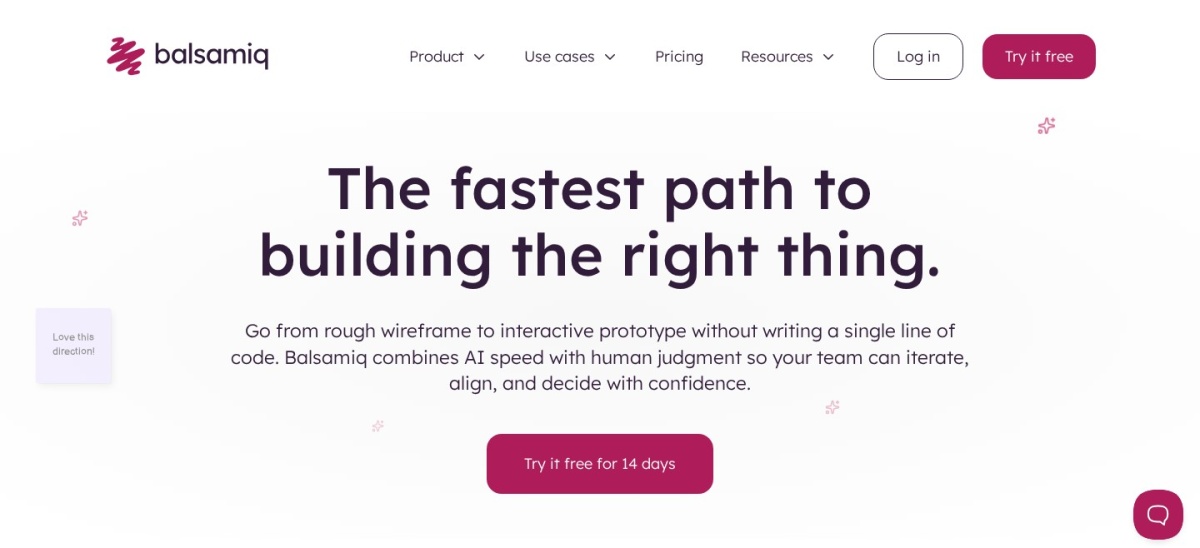
Balsamiq homepage, captured Nov 2026.
Balsamiq is a dedicated low-fidelity wireframing tool with a hand-drawn look that keeps feedback on structure instead of colors and fonts. Cloud pricing starts at $9 a month, reviewers cost nothing, and a 14-day trial lets you try it first.
The trade off is range. Balsamiq is not a high-fidelity design editor, and there is no free plan, so every user beyond the trial pays. It suits product teams that want fast sketches and clear stakeholder feedback.
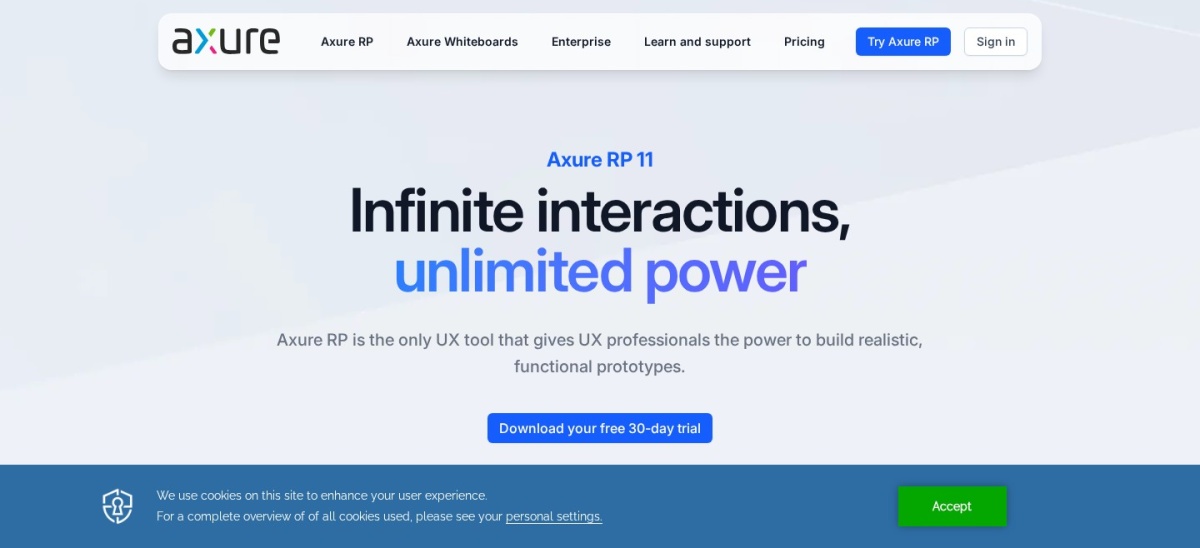
Axure RP is a desktop prototyping tool for realistic, functional prototypes with conditional logic, variables and data-driven interactions. Pro costs $29 per user a month billed yearly and includes unlimited prototypes, unlimited reviewers and cloud hosting.
The trade off is weight and price. Axure RP is heavy for simple wireframes, has a steep learning curve and costs more than any sketch tool here. It suits UX teams that must prove complex flows before development starts.
What we like
Conditional logic and variables for real prototypes
Unlimited prototypes and reviewers on Pro
Imports designs from Figma or Sketch
Watch out for
Most expensive tool in this list
Steep learning curve
Heavy for simple wireframes
Team at $49 a month adds co-authoring and revision historyVisit axure.com
04
Sketch
4.5/5on G2 (1,227 reviews, checked Nov 2026)
Starts at$10/mo
Best for Mac-based design teams
Free planNo, 30-day trial
Paid planStandard, $10/editor/mo
PlatformMac app, web workspace
G2 rating4.5/5, 1,227 reviews
sketch.com
Sketch homepage, captured Nov 2026.
Sketch is a Mac-native design tool with symbols, shared libraries and a large plugin library built over more than a decade. Standard costs $10 per editor a month billed yearly, viewers are free, and a Mac-only licence costs $120 a year with one year of updates.
The trade off is platform. The design app runs on Mac only, there is no free plan beyond the 30-day trial, and its collaboration tools are smaller than Figma. It suits Mac-based teams that prefer a native app.
What we like
Fast native Mac app
Mature symbols and shared libraries
Large plugin library
Watch out for
Mac only for the design app
No free plan, 30-day trial only
Smaller collaboration ecosystem than Figma
Business at $20 a month adds SSO and advanced permissionsVisit sketch.com
05
Whimsical
4.6/5on G2 (189 reviews, checked Nov 2026)
Paid from$10/mo
Best for wireframes plus flows
Free planYes, 3 team boards
Paid planPro, $10/editor/mo
Also coversFlowcharts, docs, boards
G2 rating4.6/5, 189 reviews
whimsical.com
Whimsical homepage, captured Nov 2026.
Whimsical is a visual collaboration tool that covers wireframes, flowcharts, mind maps and docs on one canvas. The free plan covers 3 team boards with viewers always free, and Pro costs $10 per editor a month with unlimited boards and 90-day version history.
The trade off is depth. Whimsical has less design depth than Figma or Sketch, and AI actions are capped per month on each tier. It suits product teams that plan flows and wireframes together.
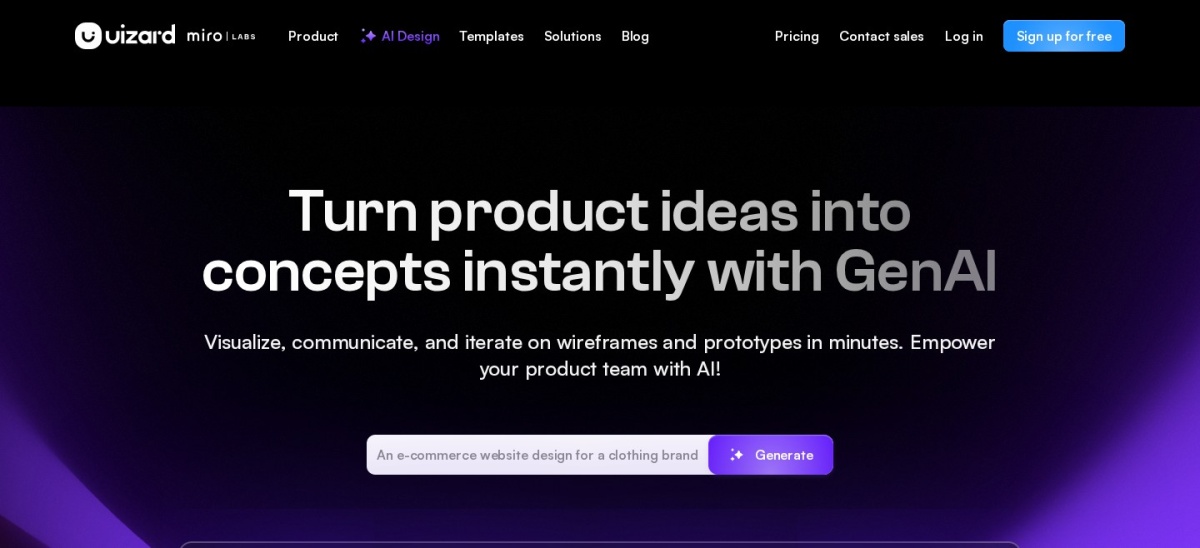
Uizard is an AI design tool that turns hand-drawn sketches and text prompts into editable screens and prototypes. The free plan covers 3 projects, and Pro costs $12 a month with unlimited projects, all AI features and export options.
The trade off is control. AI output needs checking and tidying, and Uizard is now part of Miro, so its future sits inside the Miro product. It suits non-designers and founders who need a first draft fast.
What we like
Sketch-to-screen AI saves early drafting time
Free plan to try before paying
Unlimited projects on Pro
Watch out for
AI output needs manual fixes
Now part of Miro, so the standalone future is unclear
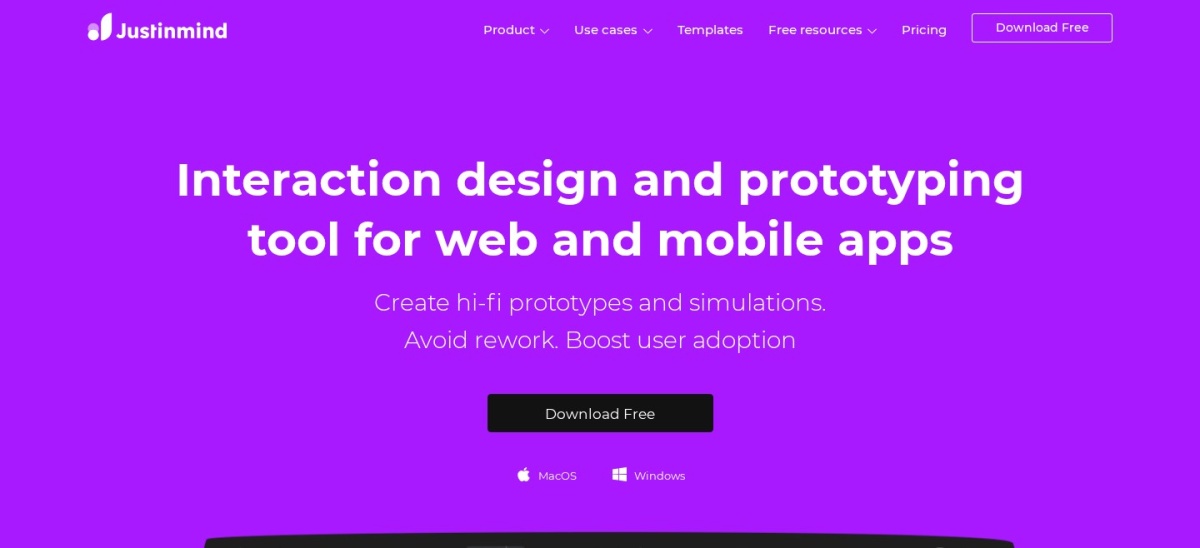
Justinmind is a prototyping tool for interactive wireframes and high-fidelity prototypes for web and mobile apps, with interactions, animations and user testing. The free plan covers 1 project, and Standard costs $19 per editor a month with shared libraries and custom branding.
The trade off is the free plan and the rating. One free project is tight for teams, and its 4.0 out of 5 G2 rating is the lowest in this list. It suits designers who need detailed interactions without code.
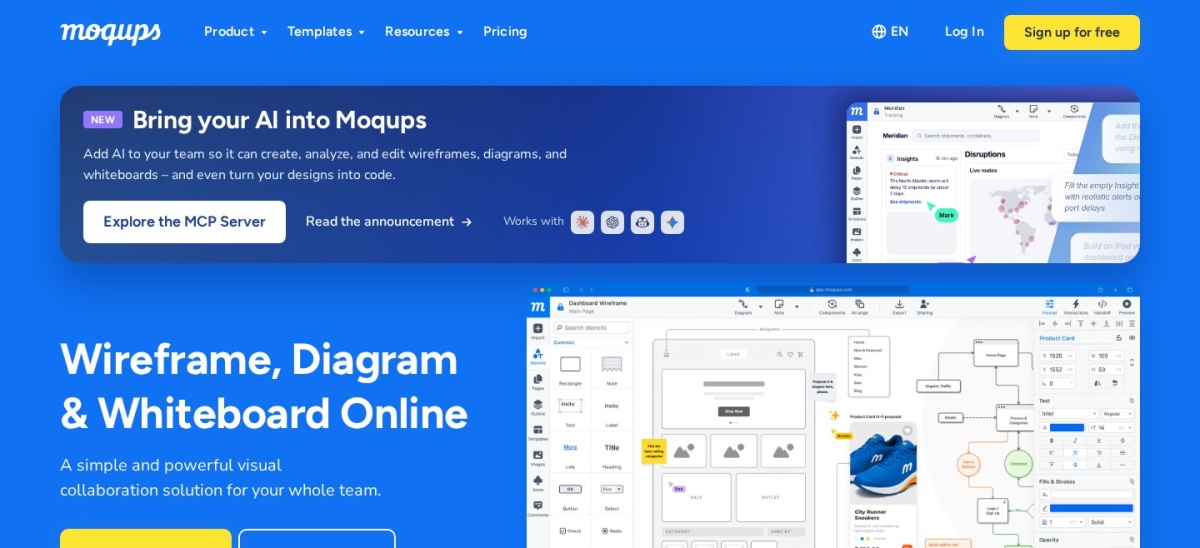
Moqups is a browser-based tool for wireframes, mockups, diagrams and prototypes in one project, with no install. The free plan covers 2 projects with 400 objects each, and Starter costs $7 a month for one seat billed yearly.
The trade off is collaboration. Live collaboration and team roles need the Business plan, and the free plan cap means growing teams pay sooner. It suits solo designers and small teams that want one simple online tool.
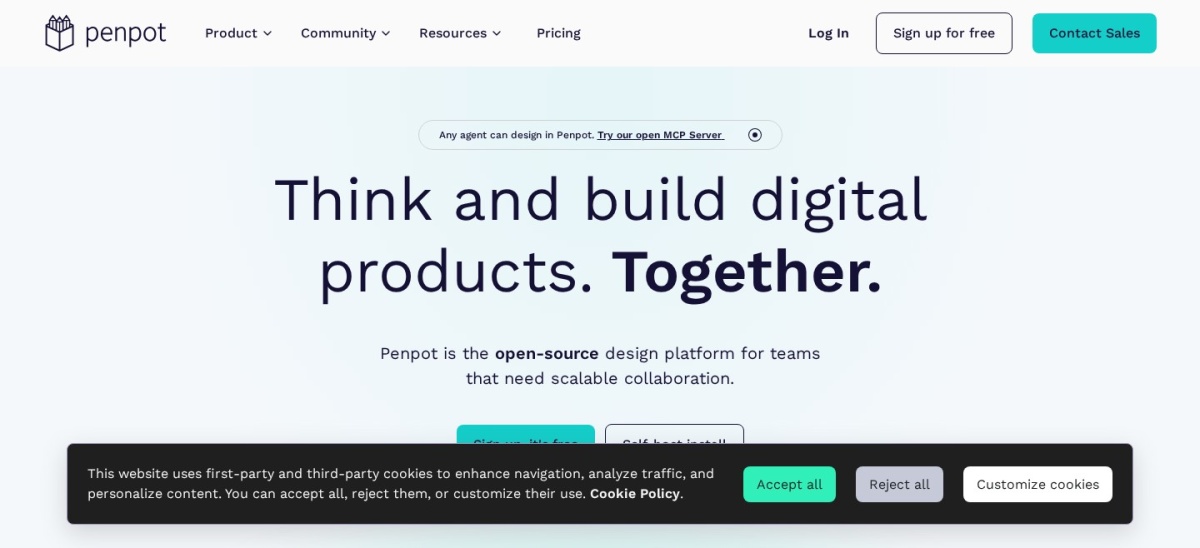
Penpot is a free, open-source design platform for wireframes, prototypes and design systems, with a cloud plan and a self-hosted option. The Professional cloud plan is free, and Unlimited costs $7 per editor a month for larger teams.
The trade off is maturity. Penpot has a smaller template library than Figma, the free cloud plan caps at 8 members, and its G2 rating rests on only 10 reviews. It suits teams that want a free, open tool they can host themselves.
Free plans cover early sketching well. Figma, Whimsical, Uizard, Justinmind, Moqups and Penpot all let you draw and share wireframes without paying.
Paid plans mostly add room and depth. You get more projects, longer version history, shared libraries and deeper prototyping, plus team controls such as SSO on higher tiers.
The line between free and premium is the same trade-off in every category. Our guide to free vs premium plugins explains how to weigh a free plan against a paid upgrade before you commit.
If wireframes earn you money, a paid plan usually pays for itself in saved time. If you sketch a side project, start free and upgrade only when you hit a real limit.
How we chose
We started from the wireframe tools with published pricing and a public G2 rating, then kept 9 that cover low-fidelity sketching, all-round design and deep prototyping.
Prices come from each vendor's pricing page, checked on 24 November 2026. Ratings and review counts come from G2 on the same day. Where a vendor shows a sale, the list shows the regular price.
We left out tools with no published price and Adobe XD, which is in maintenance mode. No vendor paid for a place, and we do not claim hands-on testing for this list.
How to choose a wireframe tool
Start with the fidelity you need, then check collaboration, export and the real annual cost.
Pick your fidelity first. Choose a sketch tool such as Balsamiq if feedback should stay on structure, and a full platform such as Figma if the same file must become the final design.
Check who can comment for free. Stakeholders should review without a paid seat. Figma, Balsamiq and Whimsical all let reviewers in free.
Test export before you commit. Export a real file and confirm it opens outside the vendor app, so switching later does not trap your work.
Model the annual cost for your editor count. Multiply the per-editor monthly price by 12 and by your editor count, then compare that total, not the headline monthly figure.
FAQ
What is the best wireframe tool overall?
Figma is the best wireframe tool for most teams. Its free Starter plan covers 3 design files with real-time collaboration, and it is rated 4.7 out of 5 on G2 from 1,593 reviews.
Is there a free wireframe tool?
Yes. Figma, Whimsical, Uizard, Justinmind, Moqups and Penpot all have free plans. Penpot is the most generous, with a free cloud plan and free self-hosting, but free plans cap projects or members.
What is the best wireframe tool for beginners?
Balsamiq is the easiest to learn, with a sketch look and a simple editor. Whimsical is the easiest free option for wireframes plus flowcharts, and Uizard suits non-designers who want AI to draft the first screen.
Should I pick a sketch tool or a full design platform?
Pick a sketch tool such as Balsamiq if feedback should stay on structure, and a full platform such as Figma or Sketch if wireframes must grow into high-fidelity design and design systems.
How much do wireframe tools cost?
Paid plans in this list run from $7 to $29 per editor a month. That is $84 to $348 a year for one editor, before any team discount, so model your real editor count.
Which wireframe tool is best for complex prototypes?
Axure RP is the best pick for complex prototypes, with conditional logic, variables and data-driven interactions. Justinmind is a cheaper option for detailed interactions, at $19 per editor a month.