Best Web Design Software in 2026: 7 Tools Compared
WLWPLegible EditorsLast verified 22 Nov 2026How we rank11 min read
★ Short answer
Brizy is the best web design software in this WordPress-focused comparison for beginners, with a free visual editor, 60,000+ active installs and a $69/year Personal plan. Beaver Builder suits client projects needing a structured editing workflow, while Visual Composer offers premium theme and popup design tools from $49/year.
How we make this list: we compare pricing pages, product documentation and public user reviews, then re-check every price before each update. No product paid for a place. Disclosure.
Brizy leads for beginner-friendly visual design, with a 4.7/5 WordPress.org rating, 973 reviews and a $69/year Personal plan.
Beaver Builder offers a free drag-and-drop editor and a $89/year Starter package that includes its theme and Themer.
Visual Composer starts at $49/year for one website and includes 300+ content elements and 200+ templates.
SiteOrigin has 400,000+ active installs and a 4.8/5 rating. Its regular Personal price is $60/year, excluding the November discount.
SeedProd has 600,000+ active installs and a 4.9/5 rating. Its Basic plan normally costs $79/year.
Spectra Legacy and Otter Blocks extend the native WordPress editor, with regular paid plans starting at $69/year and $139/year respectively.
What matters when choosing web design software
Web design software covers several different jobs, from creating page layouts to building complete websites. Visual editors let you place text, images, forms and sections without writing every line of HTML or CSS.
The biggest distinction is between hosted website builders and self-hosted WordPress design tools. This comparison concentrates on WordPress-based tools with public plugin ratings and verifiable paid pricing. Hosting and domain registration are separate costs.
Look beyond the template gallery. Responsive controls, reusable sections, navigation design, theme editing and custom CSS determine how easily a website can grow beyond its original layout.
Also consider maintenance and portability. A builder can simplify visual editing while introducing proprietary layouts or plugin dependencies. Check how your pages behave when a license expires or the editor is removed.
Finally, compare regular subscription prices rather than promotional offers. Several vendors advertise discounted first-year plans, but renewals can be significantly higher.
4.7/5on WordPress.org (973 reviews, checked Nov 2026)
Paid from$69/yr
Best for beginner-friendly visual web design
Visual editorDrag and drop
Free versionBasic layouts and elements
Responsive designMobile and tablet controls
Paid planPersonal, 1 website
brizy.io
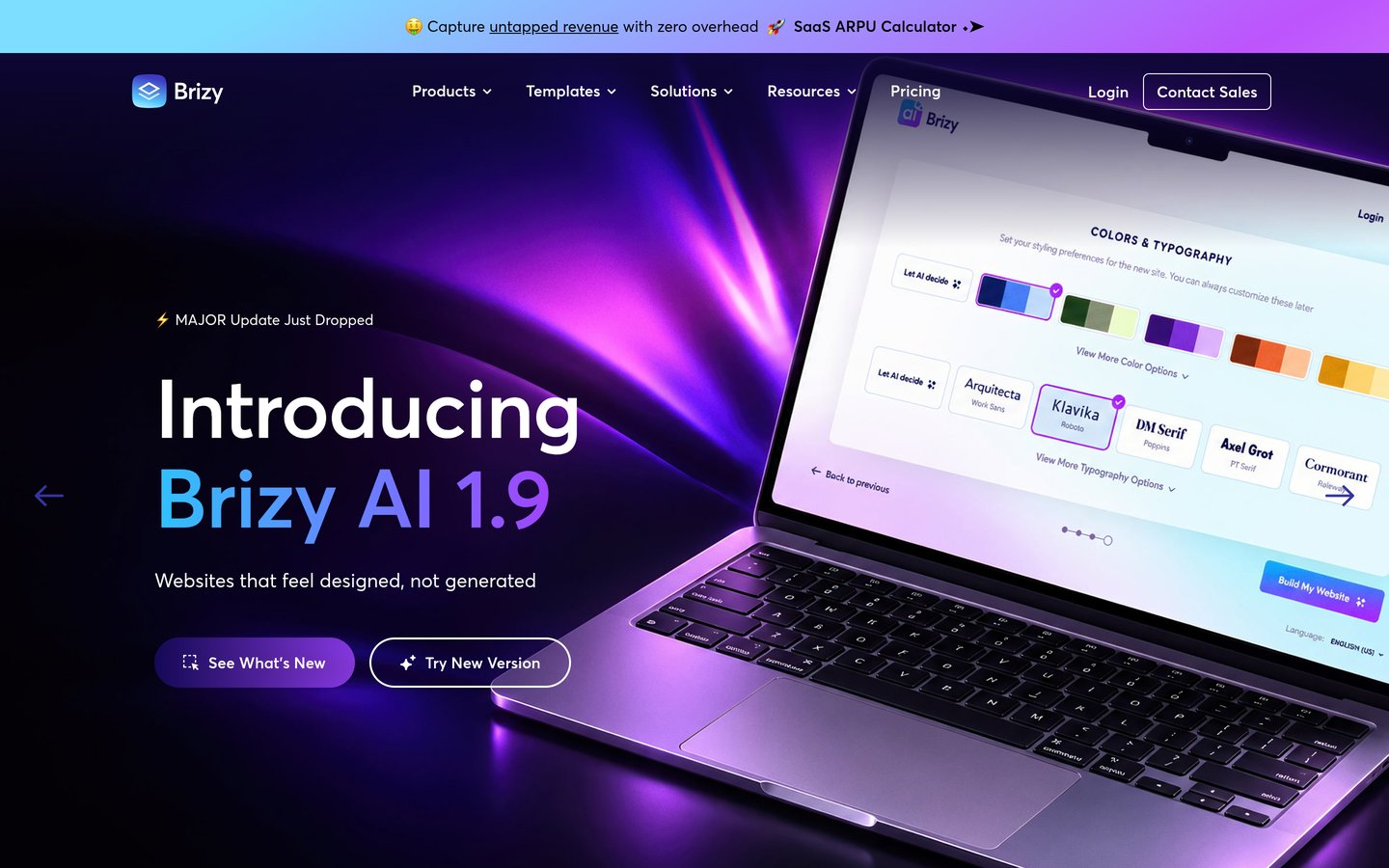
Brizy homepage, captured Nov 2026.
Brizy is a visual website builder for WordPress with more than 60,000 active installations and a 4.7/5 user rating. Its free version includes drag-and-drop editing, basic design templates, responsive controls and contact forms, making it accessible to people who want to design pages without coding.
The trade off is that premium templates, the theme builder, popup builder and WooCommerce design tools require Brizy Pro, with Personal listed at $69/year for one website. It suits beginners, freelancers and small teams that prefer visual editing over working directly with WordPress blocks.
What we like
Visual interface with inline editing
Free templates and responsive controls
Paid plan adds theme and popup builders
WordPress plugin and hosted platform options
Watch out for
Advanced design features require Pro
Builder-specific layouts create switching work
WordPress hosting is purchased separately
Pro adds premium layouts, AI building tools and theme editing.Visit brizy.io
02
Beaver Builder
4.7/5on WordPress.org (394 reviews, checked Nov 2026)
Paid from$89/yr
Best for freelancers building client websites
Free editorFront-end page builder
Active installs100,000+
Theme toolsIncluded in Starter
Paid planStarter, 1 site
wpbeaverbuilder.com
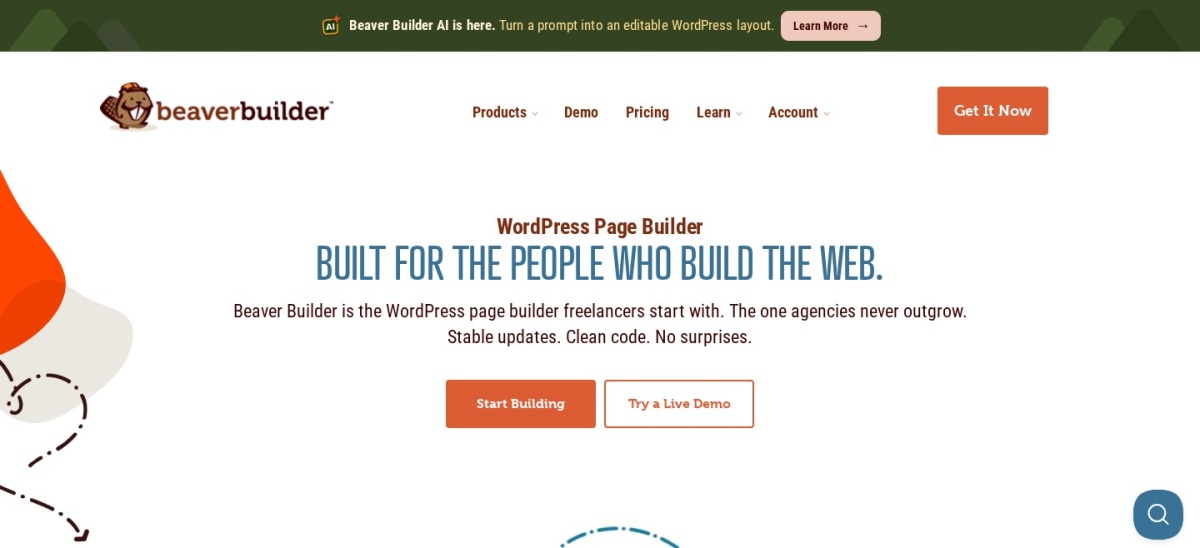
Beaver Builder homepage, captured Nov 2026.
Beaver Builder is a WordPress page builder focused on front-end visual editing and structured page layouts. Its free Lite plugin has more than 100,000 active installs and supports drag-and-drop page construction, while paid plans extend the editing system for complete website projects.
The trade off is that the free version provides fewer design capabilities than the paid package. Starter costs $89/year for one site and includes the page builder, Beaver Builder Theme and Beaver Themer. It suits freelancers who need repeatable page layouts and a consistent editing experience for client websites.
4.6/5on WordPress.org (220 reviews, checked Nov 2026)
Paid from$49/yr
Best affordable all-in-one WordPress design toolkit
Content elements300+ on paid plan
Templates200+ on paid plan
Theme builderPremium
Paid planSingle, 1 website
visualcomposer.com
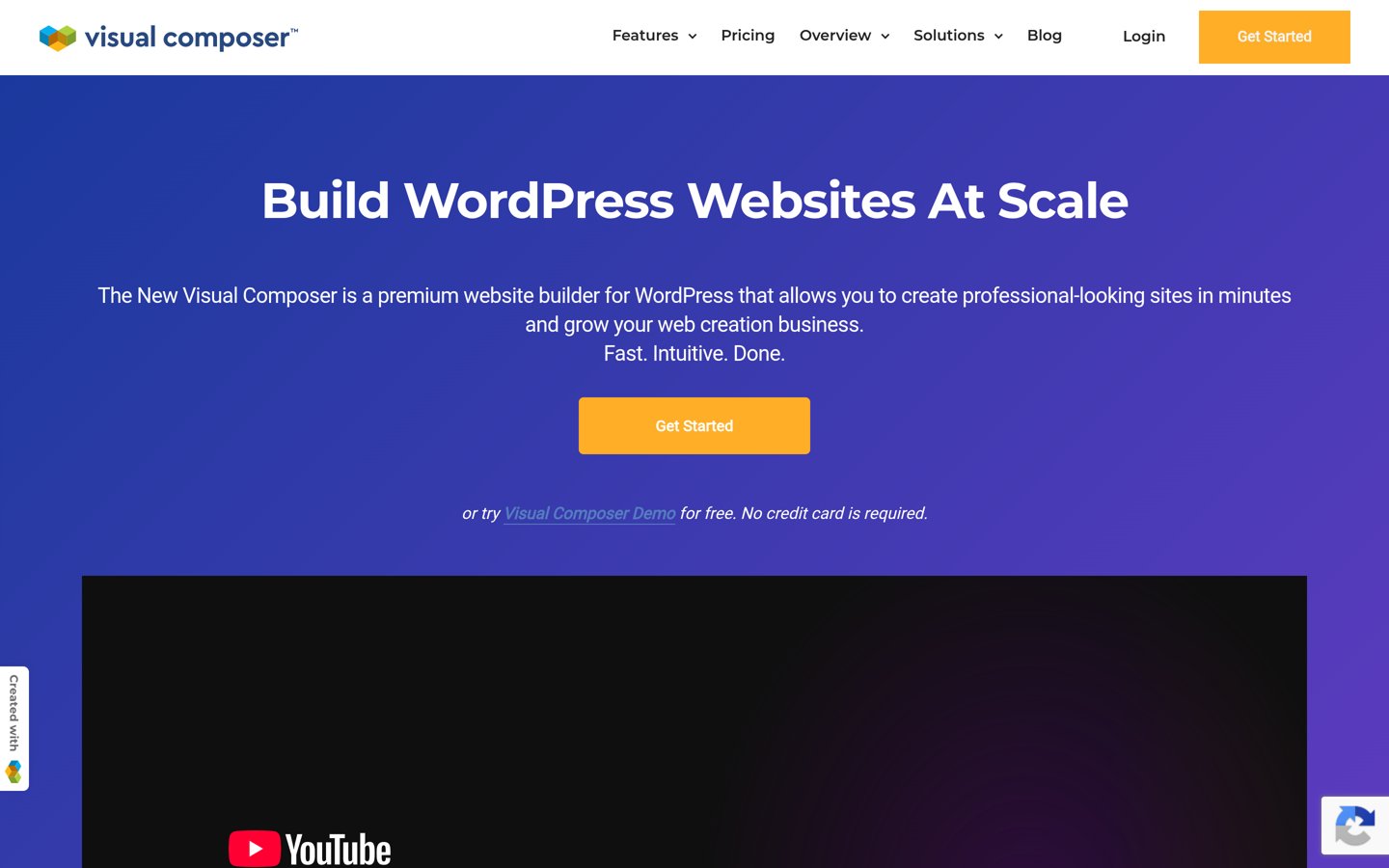
Visual Composer homepage, captured Nov 2026.
Visual Composer is a WordPress website builder combining drag-and-drop page editing with templates, content elements and site design controls. Its free plugin has more than 30,000 active installs, while the paid Single plan advertises 300+ content elements and 200+ templates.
The trade off is that theme building, popup design and the full content library require a premium license. Single costs $49/year for one website, making it one of the less expensive paid options here. It suits site owners who want page layouts, headers and promotional popups managed through one design interface.
What we like
Affordable paid entry plan
Premium includes theme and popup builders
Large premium content element library
Responsive design controls
Watch out for
Smaller install base than several competitors
Advanced tools require a subscription
Builder-specific elements can complicate migration
4.8/5on WordPress.org (1,005 reviews, checked Nov 2026)
Paid from$60/yr
Best for budget-conscious WordPress site design
Free editorRow and widget layouts
Active installs400,000+
Premium addons45
Paid planPersonal, 1 site
siteorigin.com
SiteOrigin homepage, captured Nov 2026.
SiteOrigin is a WordPress page-building toolkit built around rows, columns and widgets. Its free Page Builder plugin has more than 400,000 active installs and a 4.8/5 rating, providing a flexible layout system that works alongside other SiteOrigin design tools.
The trade off is that advanced templates, enhanced widgets and priority support require SiteOrigin Premium. Its Personal plan normally costs $60/year, although the pricing page advertises a November discount to $29/year. It suits budget-conscious users who prefer established WordPress layout tools over a more specialized visual design system.
What we like
Free row-based page builder
Works with the SiteOrigin widget ecosystem
45 addons included with Premium
Strong public rating and established user base
Watch out for
Widget-based editing can feel dated
Some advanced site tools require Premium
Less focused on a fully visual design canvas
Premium includes 45 addons, template features and priority support.Visit siteorigin.com
05
SeedProd
4.9/5on WordPress.org (4,699 reviews, checked Nov 2026)
Paid from$79/yr
Best for landing pages and website launches
Free featuresComing soon and maintenance
Basic templates50 Pro templates
Basic blocks90+ Pro blocks
Paid planBasic, 1 site
seedprod.com
SeedProd homepage, captured Nov 2026.
SeedProd is a WordPress landing page and website builder with more than 600,000 active installations and a 4.9/5 rating. Its free version supports coming-soon, maintenance and basic landing pages, while the Basic paid plan includes 50 Pro templates and more than 90 premium page blocks.
The trade off is that complete website theme building and more advanced design features require higher subscriptions. Basic normally costs $79/year for one site, with special introductory discounts shown on the vendor's pricing page. It suits marketers and site owners creating landing pages, launch announcements and promotional campaigns.
What we like
High WordPress.org rating
Free coming-soon and maintenance pages
Landing page templates and conversion elements
Dedicated drag-and-drop editor
Watch out for
Complete theme building needs a higher plan
Regular renewals cost more than introductory offers
Less suited to advanced design workflows
Basic adds premium templates, blocks and subscriber management.Visit seedprod.com
06
Spectra
4.7/5on WordPress.org (1,873 reviews, checked Nov 2026)
Paid from$69/yr
Best for designing with WordPress blocks
Free editorGutenberg blocks
Legacy installs1 million+
Pro site allowanceUp to 3 websites
Paid planSpectra Pro
wpspectra.com
Spectra homepage, captured Nov 2026.
Spectra is a WordPress block-based design toolkit that adds layout and content controls to the native editor. Its established plugin, now named Spectra Legacy, has more than one million active installs and includes containers, buttons, forms, galleries, content grids and other design blocks.
The trade off is that Spectra has split into Spectra Legacy for existing users and a newer Spectra Blocks plugin, so buyers should distinguish the products before choosing an upgrade path. Spectra Pro renews at $69/year after a promotional $59 offer. It suits WordPress users who prefer native block editing.
What we like
Works with the native WordPress editing model
Large established install base
Responsive layouts and content blocks
Pro plan supports multiple websites
Watch out for
Legacy and newer plugin versions need clarification
Advanced features require Pro
Less like a free-form visual design canvas
Pro adds advanced block features and premium design controls.Visit wpspectra.com
07
Otter Blocks
4.7/5on WordPress.org (252 reviews, checked Nov 2026)
Paid from$139/yr
Best for extending the Gutenberg editor
Free blocks20+
Custom CSSAvailable
Responsive designDevice-specific controls
Paid planPersonal, 1 site
themeisle.com
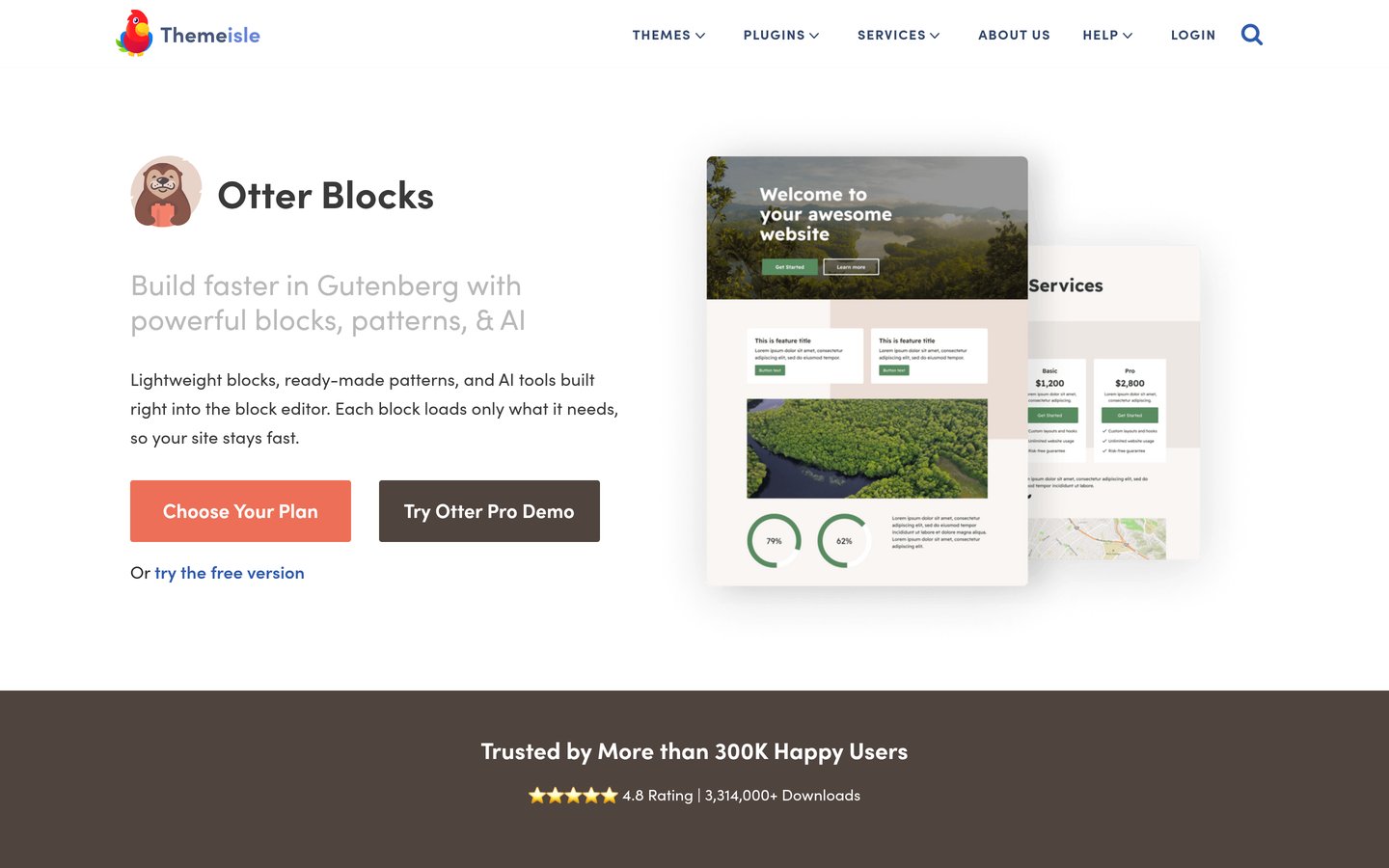
Otter Blocks homepage, captured Nov 2026.
Otter Blocks is a Gutenberg design extension from ThemeIsle with more than 300,000 active installs and a 4.7/5 rating. Its free plugin provides 20+ additional blocks, layout patterns, full-page templates, visibility controls, animations and custom CSS for creating more detailed WordPress pages.
The trade off is that premium templates, advanced visibility rules, expanded forms and WooCommerce design features require Otter Pro. Personal renews at the regular $139/year rate, while the vendor currently advertises $69/year introductory pricing. It suits bloggers and site owners who want to stay inside Gutenberg rather than adopt a separate page builder.
What we like
Extends the built-in WordPress block editor
Free custom CSS and animations
Additional design patterns and templates
Pro adds forms and visibility options
Watch out for
Higher regular price than several alternatives
Certain layout controls require upgrading
Not intended as an independent design application
Pro adds premium patterns, advanced forms and WooCommerce layouts.Visit themeisle.com
Visual page builders vs WordPress block editors
Traditional visual builders such as Brizy, Beaver Builder and Visual Composer provide dedicated interfaces for designing pages. They are useful when you want to move sections around, adjust styles and preview changes visually.
Block-oriented tools such as Spectra and Otter Blocks extend Gutenberg. They keep editing closer to the native WordPress workflow while adding layout blocks, patterns and advanced content controls.
Neither approach is automatically faster or easier to maintain. Theme compatibility, installed extensions, image sizes and layout complexity also affect performance.
For a new website, compare the editing experience before committing to a large template library. Switching builders later may require recreating sections and replacing proprietary content elements.
What web design software really costs
A free plugin does not necessarily mean a free website. Self-hosted WordPress sites still need hosting, a domain and ongoing maintenance.
Premium design software can add theme editing, premium templates, popup builders, advanced forms and support. Confirm whether the cheapest plan includes the specific feature your project needs.
The price ladder uses regular annual prices, not temporary promotions. Brizy, SeedProd, SiteOrigin, Spectra and Otter currently advertise offers that should not be confused with their standard prices.
Consider the cost of keeping a website working after a subscription ends. Ask whether premium features stop functioning, updates expire or support becomes unavailable.
How we chose
We considered established WordPress website builders, visual page editors and Gutenberg design extensions. The shortlist favors maintained plugins with meaningful public ratings, active installations, responsive design controls and published product documentation.
The editorial reference date is 22 November 2026, and public prices, WordPress.org ratings, review counts and install figures were rechecked on 24 November 2026. We used the regular advertised paid price rather than temporary discounts, and compared free features separately from premium capabilities.
We excluded inactive plugins, tools with unclear regular paid pricing and products whose published figures could not be reliably confirmed. Elementor was not included because its opened official pricing page did not expose a verifiable regular numeric price, while Kadence's current bundle page did not clearly establish annual billing. No vendor paid for a place, and we do not claim testing for this list.
How to choose the best web design software
Start by defining the website you want to build, then match the editor, feature set and recurring cost to your requirements.
Choose the right editing workflow. Decide whether you prefer a dedicated visual canvas or the native WordPress block editor. Brizy and Beaver Builder prioritize visual page editing, while Spectra and Otter Blocks extend Gutenberg.
Check the design features you actually need. List your requirements before comparing subscriptions. Theme builders, reusable templates, mobile styling, popup tools and ecommerce layouts may be available only in higher plans.
Compare regular prices and site limits. Look past introductory offers. Check renewal prices, supported websites, premium updates and support terms. A single-site plan may be economical initially but less practical for managing client projects.
Consider maintenance and future migration. Review plugin update history, theme compatibility and dependence on proprietary elements. Prefer a workflow that your team can maintain and that will not make future redesigns unnecessarily difficult.
FAQ
What is the best web design software for beginners?
Brizy is a strong beginner option in this WordPress-focused comparison because its free visual editor includes drag-and-drop page creation, basic templates and responsive design controls. Its Personal plan costs $69/year and adds advanced features. The right choice also depends on whether you already use WordPress.
Can I design a website without coding?
Yes. Brizy, Beaver Builder, Visual Composer and SeedProd provide visual editors for arranging content and controlling layouts without writing code. Spectra and Otter Blocks work within the WordPress block editor. Custom CSS can still be useful when you need design adjustments beyond the available settings.
What is the cheapest paid web design software in this list?
Visual Composer has the lowest regular annual price among these picks at $49/year for its Single plan. SiteOrigin follows at $60/year, while Brizy and Spectra Pro each list $69/year. These figures exclude promotional offers, hosting and other website expenses.
Is free web design software good enough for a business website?
Free tools can handle basic business websites with text, images, sections and contact information. More complex needs, including custom theme layouts, advanced forms and dedicated ecommerce templates, may require paid extensions. Compare the features against your site requirements before choosing a subscription.
Which web design software is best for WordPress?
Brizy is a useful starting point for visual editing, Beaver Builder is suited to structured client projects, and Spectra works well for users who prefer the native WordPress editor. The best fit depends on your theme, design complexity and whether your website already relies on another builder.
What is the difference between web design software and a website builder?
Web design software is a broad category that includes visual layout editors, wireframing applications, code editors and complete website builders. A website builder generally combines page creation with publishing tools. The products in this comparison focus on building and editing websites through WordPress.
Do I need separate hosting with these web design tools?
Yes, when using the self-hosted WordPress plugin versions covered in this comparison. The design plugin handles editing, while your hosting provider stores and serves the website. Some vendors also offer separate hosted products, but their subscriptions and features should be evaluated independently.
Are WordPress block editors better than drag-and-drop page builders?
Block editors are convenient for users who want to work within the standard WordPress interface and reuse native content blocks. Dedicated visual builders can provide more direct styling controls and specialized layouts. Neither approach guarantees better performance, accessibility or compatibility without considering the complete website.
Can I switch web design software after building my website?
Usually, but switching can involve considerable work. Content saved as standard WordPress blocks may be easier to reuse, while proprietary layouts and design elements may need rebuilding. Before changing editors, create a backup and inspect how existing pages behave when the original plugin is deactivated.