Best 2D Floor Plan Software in 2026: 9 Tools Compared
WLWPLegible EditorsLast verified 24 Nov 2026How we rank14 min read
★ Short answer
RoomSketcher is the best 2D floor plan software for most people, with a free plan for a first plan and Pro at $144 a year for full 2D and 3D output. Pick Floorplanner for quick free browser plans, or Sweet Home 3D for a fully free desktop tool.
How we make this list: we compare pricing pages, product documentation and public user reviews, then re-check every price before each update. No product paid for a place. Disclosure.
RoomSketcher leads with a free plan, Pro at $144 a year, and 5 credits a month for 3D photos and 360 views.
Floorplanner is free for 5 projects, and Plus costs $60 a year, but its 4 monthly credits do not cover one 5-credit HD export.
Planner 5D is the cheapest paid route to a full furniture catalog at $59.99 a year, with unlimited free projects.
Sweet Home 3D is the only fully free tool here, with no paid plan at all, but it has no DWG export.
Cedreo is the priciest pick at $468 a year for Pro, and magicplan team plans start at $250 a month for 10 projects.
What 2D floor plan software should do
A 2D floor plan shows walls, doors, windows and room sizes from above, drawn to scale. It is the drawing most people need first, whether the job is a remodel, a rental listing or a new room layout.
The tools below fall into three groups: room planners with furniture catalogs, phone apps that measure a space, and diagram tools with scaled templates. Room planners are easiest for home projects, while diagram tools fit offices and facilities.
Check three things before you pay: whether the free plan covers enough projects, what an export costs, and whether the plan prints to scale. Some tools charge credits for each high-resolution export, so the subscription is only part of the cost.
RoomSketcher is a browser and app floor plan tool for real estate agents, interior designers and homeowners. The free plan includes 2 starter credits, 1 free AI floor plan conversion, and 2D and 3D plans with 3D snapshots. Pro adds the full furniture library, 3D photos, 360 views, your own branding and print to scale.
The trade off is the credit system. Pro includes 5 credits a month, and 3D photos, 360 views and floor plan renders use credits, so heavy output costs extra. It suits agents and designers who want clean listing plans without learning CAD.
What we like
Free plan covers a first floor plan
Print to scale and branding on Pro
Rated 4.5 out of 5 on G2 from 149 reviews
Watch out for
Outputs use credits, so costs rise with volume
Monthly billing doubles the Pro price to $24 a month
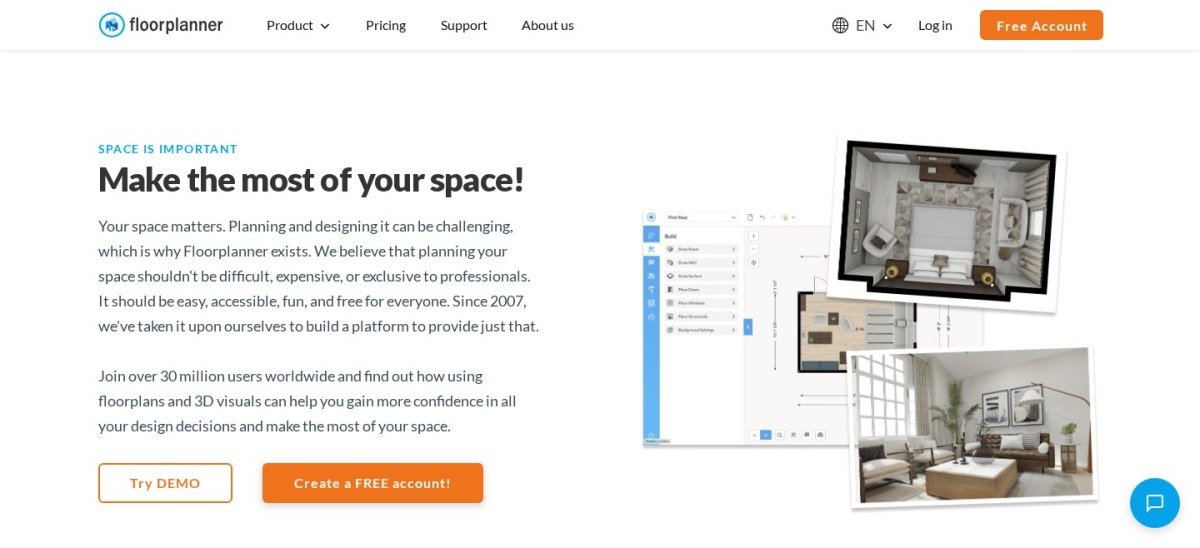
Floorplanner is a browser tool for drawing 2D plans and turning them into 3D views, with nothing to install. The free Basic plan covers 5 projects with a library of more than 150,000 items. Standard exports are 960 by 540 pixels with a watermark, and credits unlock higher resolutions.
The trade off is the credit math. Plus costs $5 a month and includes 4 credits, while one HD export costs 5 credits, so the entry plan alone does not cover a monthly HD export. It suits quick browser plans for a move, a redecoration or a classroom.
Planner 5D is a home design app for drawing 2D floor plans and furnishing them in 3D on the web, desktop and phone. The free plan covers unlimited projects with half of the furniture catalog. Premium adds the full catalog of more than 10,000 items, AI floor plan recognition and standard renders.
The trade off is that the best output sits on higher plans. CAD export, unlimited 4K renders and 360 walkthroughs need Professional at $399.99 a year. It suits homeowners who want an easy room planner with a large catalog.
What we like
Unlimited free projects
Full catalog of 10,000+ items on Premium
Rated 4.7 out of 5 on G2 from 188 reviews
Watch out for
CAD export needs the $399.99 Professional plan
Low Trustpilot score of 2.5 out of 5, with billing complaints
Premium adds the full catalog, AI plan recognition and rendersVisit planner5d.com
04
Sweet Home 3D
4.5/5on Capterra (22 reviews, checked Nov 2026)
PriceFree
Best fully free desktop planner
Free planYes, fully free
Paid planNone
PlatformsWindows, Mac, Linux
CAD exportNo DWG export
sweethome3d.com
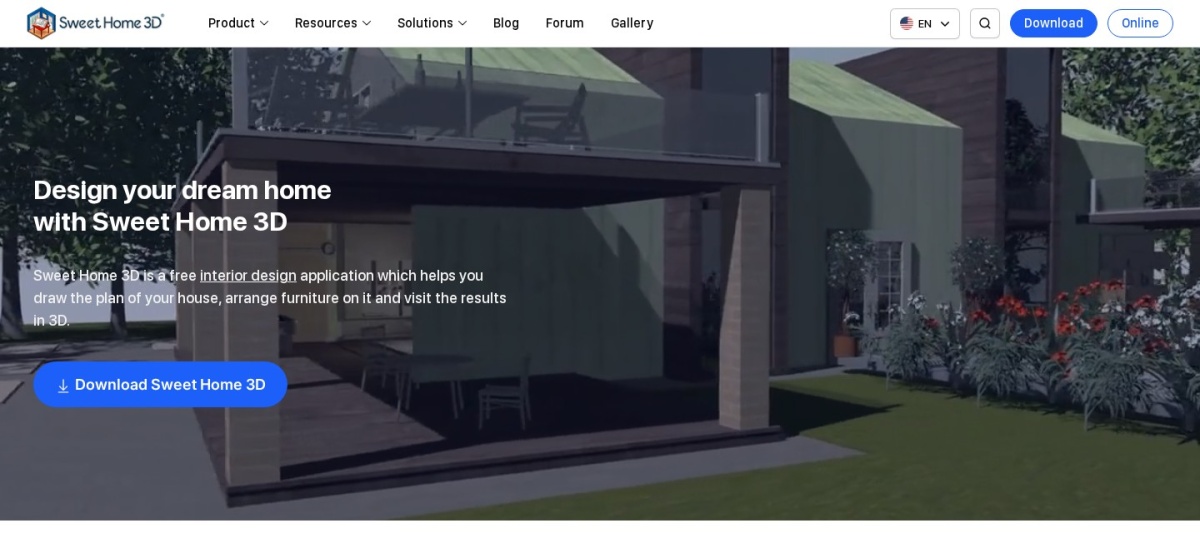
Sweet Home 3D homepage, captured Nov 2026.
Sweet Home 3D is a free, open-source interior design app for Windows, macOS, Linux and the browser. It draws plans to scale, places furniture from its catalog and shows the result in 3D. There is no paid plan, so every feature is free for personal and commercial use.
The trade off is polish and file support. The interface looks plain next to browser tools, and it has no DWG export for construction documents. It suits anyone who wants a free desktop planner with no subscription and no project limits.
SketchUp is a 3D modeling tool from Trimble that also draws 2D floor plans, with a free web version for personal use. Go costs $129 a year and covers web and iPad modeling with unlimited cloud storage and the 3D Warehouse library. It is a modeler first, so plans start as 3D geometry.
The trade off is that Go has no desktop app and no LayOut, the tool that turns models into 2D documents. Those need Pro at $399 a year. It suits designers who model in 3D and want flexible geometry rather than a room planner.
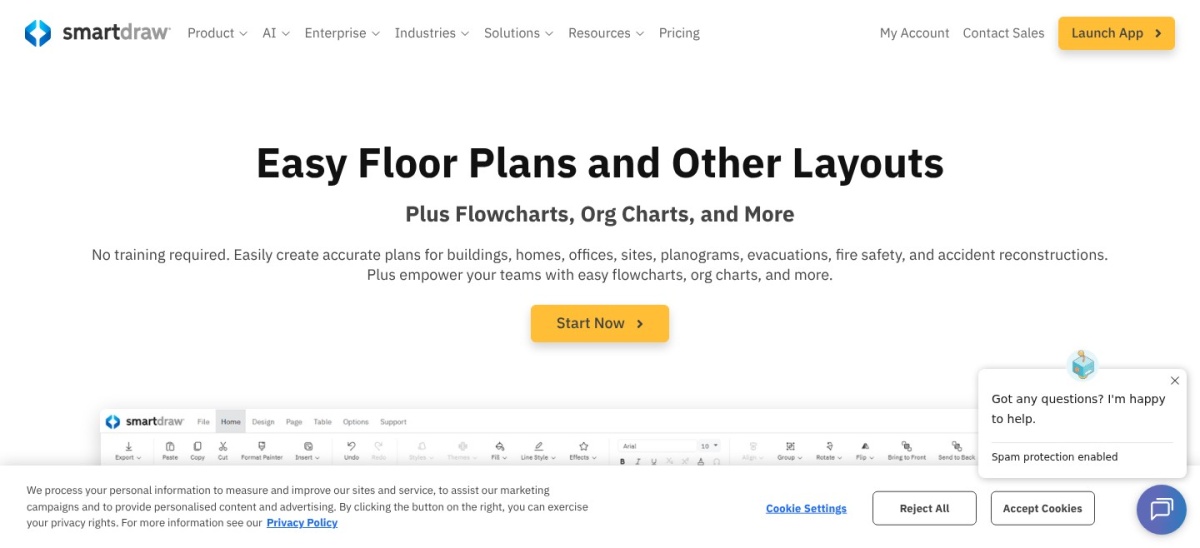
SmartDraw is a browser diagramming tool with scaled floor plan templates for homes, offices and sites. There is no free plan, only a 7-day trial. Individual costs $10.95 a month billed annually, or $131.40 a year, with new customers shown an introductory $7.95 a month.
The trade off is billing. SmartDraw bills annually only, with no month-to-month option, and it has no 3D views. It suits offices and facilities teams who also need org charts, evacuation plans and other diagrams in one tool.
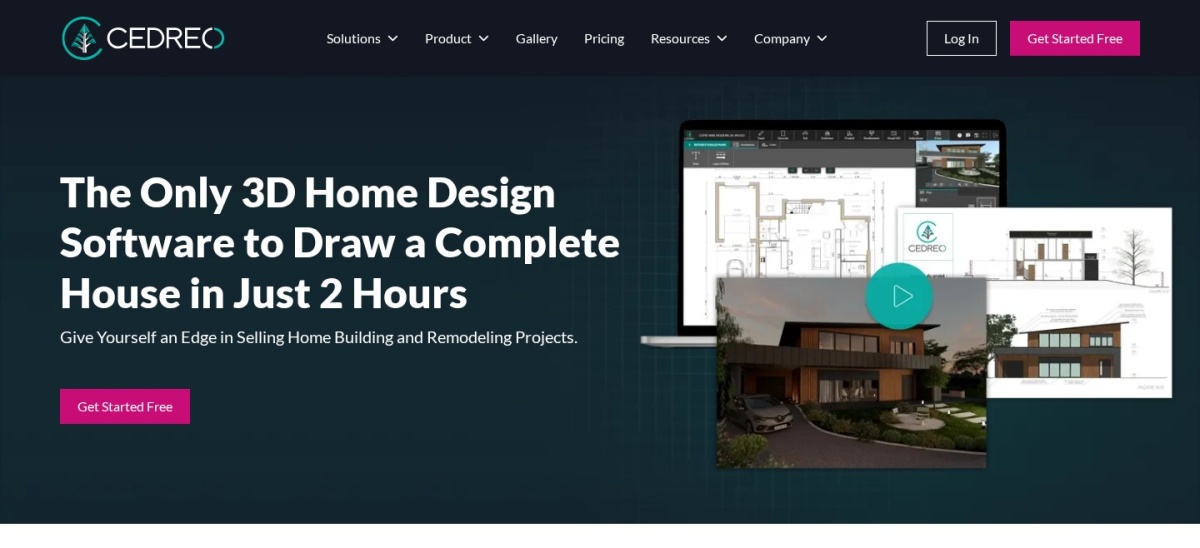
Cedreo is a browser tool for home builders and remodelers that turns a 2D plan into a 3D house with photorealistic renders. The free plan covers 1 project with no renderings. A single project costs $59 on the Personal plan, and Pro costs $39 a month billed annually, or $468 a year.
The trade off is price and scope. Pro is the most expensive subscription here, and Cedreo is a sales and concept tool rather than a construction program. It suits builders who need fast client presentations with plans, renders and elevations.
What we like
Draws a full house with roof and elevations
40 renderings a month on Pro
Rated 4.6 out of 5 on G2 from 8 reviews
Watch out for
Pro is the priciest subscription in this list
No downgrade path once you subscribe to a higher plan
Pro adds unlimited projects and 40 renderings a monthVisit cedreo.com
08
magicplan
4.5/5on Capterra (13 reviews, checked Nov 2026)
Paid from$129.99/yr
Best for measuring a room on site
Free planYes, 2 projects
Paid planSketch, $129.99/yr
Phone scanYes, camera and LiDAR
Exports2D, 3D, DXF, IFC
magicplan.app
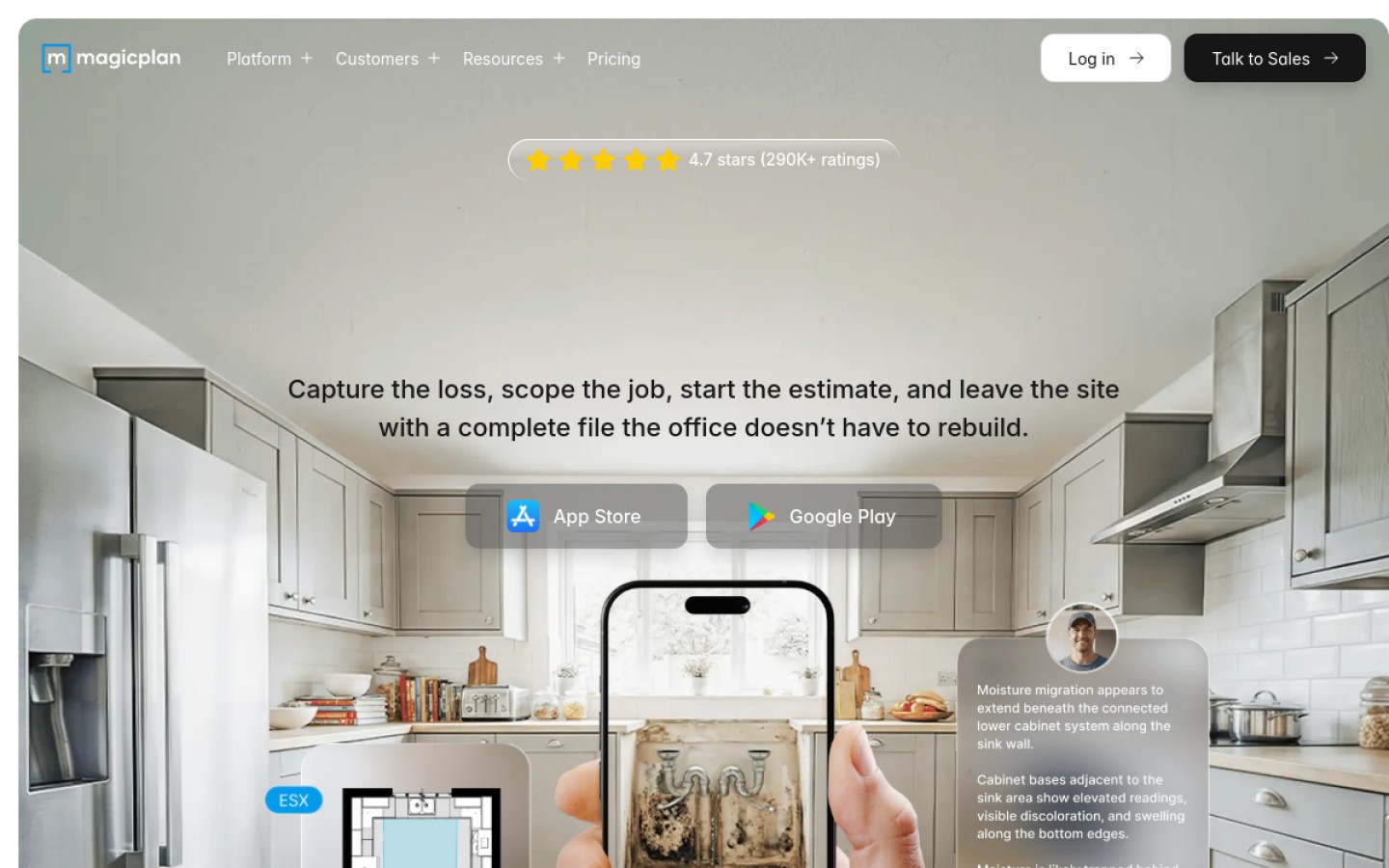
magicplan homepage, captured Nov 2026.
magicplan is a phone app that scans a room with the camera and turns it into a measured floor plan. The free plan covers 2 projects with every feature. The solo Sketch plan costs $12.99 a month or $129.99 a year through the app stores, and it exports 2D and 3D plans.
The trade off is the team pricing. On the website, team plans start at 10 projects a month and cost $250 to $400 a month, so occasional users pay far more than the solo price. It suits contractors who measure on site and need a plan the same day.
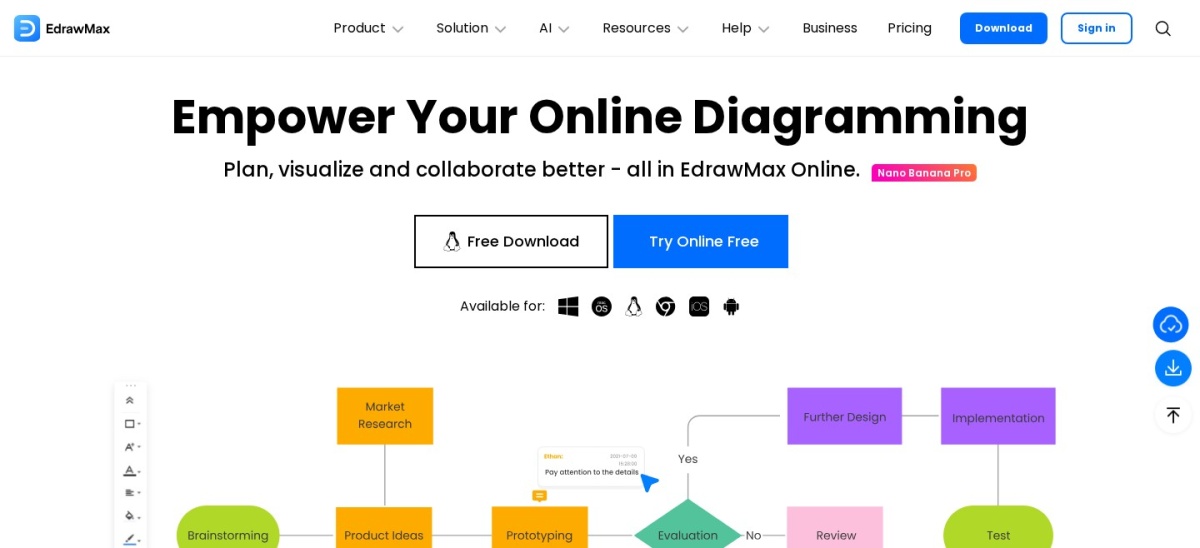
EdrawMax is a diagramming tool from Wondershare with floor plan templates, scaled drawing and more than 50,000 symbols. A free version covers basic diagrams, and the Annual plan costs $99 a year for 3 PCs, 3 mobiles and the web app. It runs on desktop, in the browser and on mobile.
The trade off is focus. Floor plans sit beside more than 280 diagram types, so it feels like a general drawing tool rather than a home design app. It suits users who also need flowcharts, org charts and network diagrams in the same license.
What we like
280+ diagram types with floor plan templates
Desktop, web and mobile in one license
Rated 4.5 out of 5 on G2 from 141 reviews
Watch out for
General diagram tool, not a home design app
Annual price shows a crossed-out list price of $119
Free plans are enough for one room or a single home project. Floorplanner gives 5 free projects, Planner 5D gives unlimited projects, and Sweet Home 3D has no limits at all.
Paid plans mostly buy output: higher-resolution exports, more renders, branding and print to scale. RoomSketcher Pro adds 5 credits a month, while Cedreo Pro adds 40 renderings a month.
Watch for credit systems. A low monthly price can still cost more per export than a higher plan with more credits included, so count your exports before you choose.
How we chose
We started from the floor plan tools that appear most often in roundups and review sites, then kept 9 established tools with a free plan or trial and a published price.
Prices come from each vendor pricing page or app store listing, checked on 24 November 2026. Ratings come from G2 or Capterra on the same day. Introductory prices are noted in the text, and the list shows the regular or annual-billing price.
We left out tools with no published price and tools aimed only at professional CAD drafting. No vendor paid for a place, and we do not claim to have used these tools ourselves.
How to choose 2D floor plan software
Start with the output you need, then match the tool to it.
Decide what the plan is for. A listing plan needs clean 2D output and print to scale. A remodel needs measurements and 3D views. A site survey needs a phone scan, not a desktop planner.
Check the free plan limits first. Count your projects and exports before paying. Five free projects cover one home, but a busy agent will hit the limit in a month.
Count the cost of exports, not just the subscription. Credits for HD exports and renders add up fast. Compare the credits included with the exports you will make each month.
Try the free plan before paying. Draw one real room end to end, then export it. If you show plans on a website, an image gallery keeps them tidy for visitors.
FAQ
What is the best 2D floor plan software?
RoomSketcher is the best pick for most people. Its free plan covers a first plan with 2D and 3D views, Pro costs $144 a year, and it is rated 4.5 out of 5 on G2 from 149 reviews. Floorplanner and Planner 5D are strong free alternatives.
Is there a free 2D floor plan software?
Yes. Sweet Home 3D is completely free with no paid plan at all. Floorplanner, Planner 5D and RoomSketcher also have free plans, with limits on projects, exports or credits. Start free and pay only when you need higher-resolution output.
Can I draw a floor plan to scale for free?
Yes, with limits. Sweet Home 3D draws to scale free with no subscription. Floorplanner Basic draws to scale but exports are small and watermarked. RoomSketcher adds print to scale on its $144-a-year Pro plan.
Which floor plan tool is best for real estate listings?
RoomSketcher is the best fit for listings. It makes the clean 2D and 3D plans buyers see on property portals, with branding and print to scale on Pro. Cedreo is the alternative for builders who sell from 3D presentations.
Do I need CAD to draw a 2D floor plan?
No. Every tool in this list draws walls, doors and windows by dragging, with no CAD training needed. CAD only matters if you need construction documents, and for that SketchUp Pro or a dedicated CAD tool is the better route.
What is the cheapest paid floor plan software?
Planner 5D Premium is the cheapest paid plan here at $59.99 a year, just below Floorplanner Plus at $60 a year. Sweet Home 3D costs nothing at all, since it has no paid plan.
Can I measure a room with my phone?
Yes, with magicplan. It scans a room with your phone camera and turns the scan into a measured floor plan. The free plan covers 2 projects, and the solo Sketch plan costs $129.99 a year.