DaVinci Resolve is the best wedding video editing software for most couples and videographers, because its free version includes professional color grading and 4K export with no watermark. Adobe Premiere Pro suits client work with its industry-standard timeline, while Filmora is the easiest pick for a first wedding film.
How we make this list: we compare pricing pages, product documentation and public user reviews, then re-check every price before each update. No product paid for a place. Disclosure.
DaVinci Resolve is the top pick: a full pro editor free, with Studio at $295 once.
Premiere Pro is the industry standard for client wedding work at $22.99 a month.
Filmora and CapCut are the easiest starts, both free with paid plans under $120 a year.
Final Cut Pro, VEGAS Pro and VideoStudio are one-time purchases from $99.99 to $299.99.
Every tool here exports in 4K, but check free-plan watermarks before you start editing.
What makes wedding video editing software different?
A wedding film is a color and music job first, and an editing job second. The footage is already shot, so the editor's real work is grading skin tones, syncing vows to music and pacing the day into a film people watch twice.
Templates matter more here than in most editing. A good wedding template set covers titles, transitions and lower thirds, so a couple can finish a film in a weekend instead of learning a pro suite first.
Export limits decide whether a free plan is usable. Some free editors watermark exports or cap length, which ruins a wedding film, so check 4K export and watermarks before you start cutting.
The price spread is wide. Free editors such as DaVinci Resolve and CapCut cover most wedding films, while one-time licences run from $99.99 to $299.99 and Premiere Pro costs $22.99 a month.
DaVinci Resolve is the only free editor with Hollywood-grade color grading, which is what makes wedding footage look cinematic. The free version includes the full cut and edit pages, Fairlight audio, Fusion effects and 4K export with no watermark, so a couple or videographer can finish a whole wedding film without paying.
The trade off is the learning curve and the hardware. Resolve is a professional suite, so the color page and node-based effects take time to learn, and smooth 4K editing needs a strong computer. Studio at $295 once adds noise reduction and higher frame rates, but most wedding films are fine on the free version.
Adobe Premiere Pro is the industry-standard editor most wedding videographers already know, so client files, presets and collaborators all work without conversion. The timeline handles multi-camera ceremony footage, the Lumetri panel grades skin tones well, and the subscription includes 100GB of cloud storage and Frame.io review links for the couple.
The trade off is the subscription and the price. Premiere Pro costs $22.99 a month on an annual plan, with no one-time purchase, so a videographer pays every month even between weddings. It also needs a solid machine for smooth 4K multi-cam editing, and the interface can overwhelm a first-time editor.
What we like
Industry standard, so presets and collaborators transfer
Wondershare Filmora is the easiest editor in this list for a couple cutting their own wedding film. Drag-and-drop templates, built-in music, title presets and one-click effects turn ceremony and reception clips into a finished film fast, and the Basic plan at $49.99 a year removes the watermark and unlocks 4K export.
The trade off is depth. Filmora has no professional color grading or multi-cam editing, so a videographer grading skin tones across changing light will hit its limits. The free version watermarks every export, and AI features run on credits bought separately from the Basic plan.
Final Cut Pro is the fastest wedding editor on a Mac, with a magnetic timeline that keeps ceremony audio and video in sync while you trim. It renders quickly on Apple silicon, handles 4K multi-cam well, and costs $299.99 once with no subscription, so the licence is yours for every wedding you ever cut.
The trade off is the platform lock-in. Final Cut Pro runs only on Mac and iPad, so a Windows-based videographer cannot use it, and projects do not open in other editors. The library system also needs care, since wedding footage fills drives fast and media management is up to you.
CapCut is the quickest way to cut a wedding highlight reel for social media. Its free version includes a full multi-track timeline, auto-captions, trending templates and music, and the mobile app edits the same project on a phone. Pro at $9.99 a month adds 4K export, premium effects and 100GB of cloud storage.
The trade off is depth and pricing confusion. CapCut is built for short vertical video, so long ceremony edits and pro color grading are weaker than in Resolve or Premiere. Pro pricing also varies by region, with some accounts seeing $19.99 a month, so check the price in your own app before paying.
4.8/5on Capterra (1,135 reviews, checked Nov 2026)
Paid from$69.95/yr
Best simple editor for Windows and Mac
Free planYes, watermarked, 60-sec cap
Full version$69.95/yr
AI toolsAuto subtitles, denoise
4K exportYes, paid version
movavi.com
Movavi Video Editor homepage, captured Nov 2026.
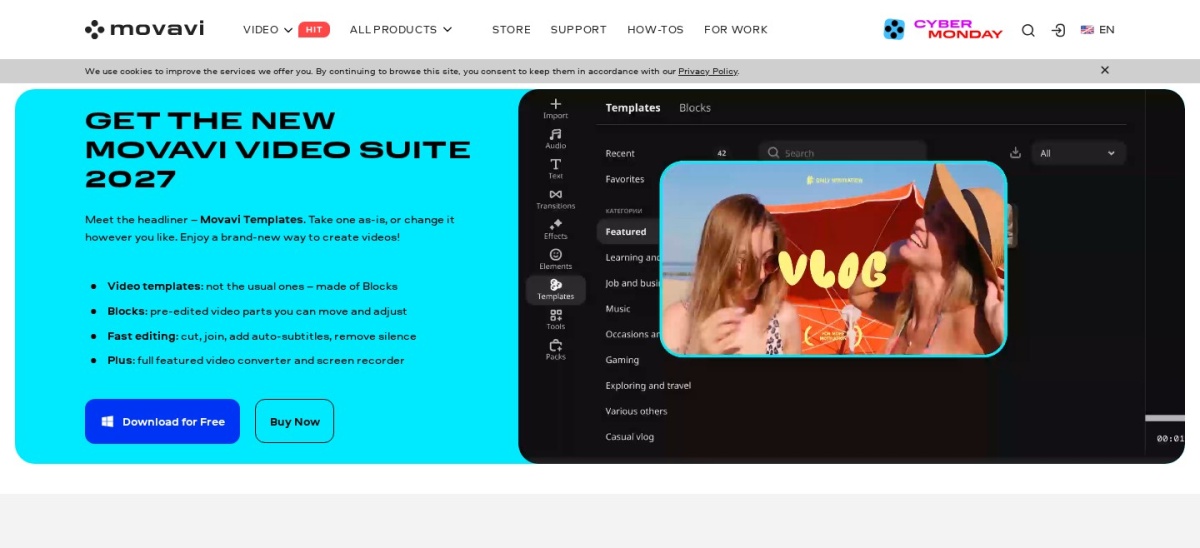
Movavi Video Editor is a gentle first editor for couples who want a polished wedding film without learning a pro suite. One-click AI tools handle subtitles, background removal and silence removal, templates and effects are drag-and-drop, and the full version at $69.95 a year removes the watermark and the export limits.
The trade off is the free plan and the price confusion. Free exports stop at 60 seconds with a watermark, so a full wedding film needs the paid version, and directory listings show $54.95 a year while the official store lists $69.95. It also lacks multi-cam editing for ceremony coverage.
CyberLink PowerDirector homepage, captured Nov 2026.
CyberLink PowerDirector is a value editor that packs multi-cam editing, motion tracking, AI audio denoise and a deep stock library into $79.99 a year, which suits wedding videographers cutting ceremony footage from two or three cameras. The 365 plan adds monthly updates, 100 AI credits a month and 50GB of cloud storage for the project.
The trade off is the interface and the sales. The sheer number of options can overwhelm a first-time editor, and the checkout often shows a $59.99 sale price against the $79.99 regular rate, so the real yearly cost is easy to misread. Reviewers also report occasional lag on heavy 4K projects.
VEGAS Pro is a Windows editor with unusually deep audio tools, which matters for wedding films where vows, speeches and music carry the emotion. The timeline is fast to learn for experienced editors, the perpetual licence costs $219.95 once, and Boris FX now sells three editions with subscription options beside the one-time licence.
The trade off is ownership churn and platform. VEGAS Pro changed hands in 2026 and now sits with Boris FX, so pricing and bundle details are still moving, and it runs only on Windows. Support reviews are mixed, and the 107 G2 reviews are a smaller base than the leaders in this list.
Corel VideoStudio Ultimate homepage, captured Nov 2026.
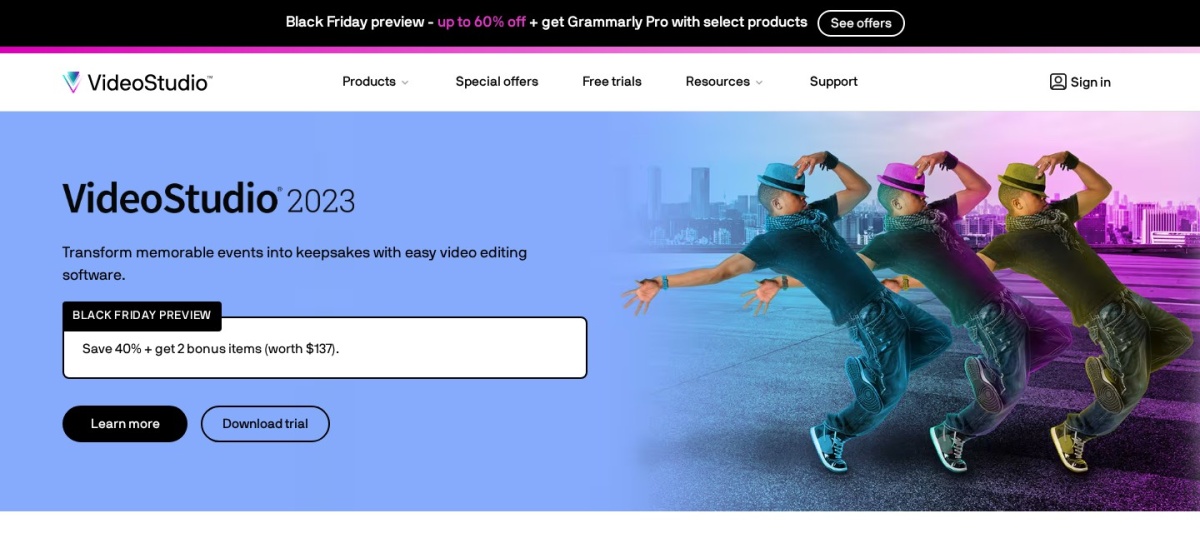
Corel VideoStudio Ultimate is a template-driven Windows editor that suits couples who want a finished wedding film without learning a pro tool. Wedding templates, title presets and drag-and-drop effects assemble a film quickly, and the Ultimate edition costs $99.99 once with no subscription to keep paying.
The trade off is the thin review base and the ceiling. VideoStudio holds 4.2 out of 5 from only 25 G2 reviews, the smallest base in this list, and it lacks the color grading depth and multi-cam strength of the pro editors. It fits straightforward wedding films, not client work.
Free editors cover most wedding films. DaVinci Resolve exports in 4K with no watermark, and CapCut covers highlight reels free, so many couples never pay anything.
One-time licences suit videographers who cut weddings every season. VideoStudio at $99.99, VEGAS Pro at $219.95, Resolve Studio at $295 and Final Cut Pro at $299.99 are paid once and never billed again.
Subscriptions suit client work with changing needs. Premiere Pro at $22.99 a month and Filmora at $49.99 a year spread the cost, but the bill keeps coming between weddings, so count the yearly total before you commit.
How we chose
We started from the video editors wedding videographers actually name: pro suites, one-time desktop editors and easy mobile-first tools. Each tool had to offer a full timeline editor, 4K export and a verifiable rating on G2 or Capterra. Tools with no public price or no rating were left out.
Prices and ratings were checked on 29 Nov 2026 against vendor pricing pages, price trackers that read them, and G2 and Capterra listings. The top three tools had their prices confirmed against the vendor's official pricing page or a tracker reading of it, because Adobe's and Blackmagic's pages render prices in JavaScript. No vendor paid for a place, and we do not claim hands-on testing for this list.
We left out editors built only for short social clips and tools with no desktop version, since a wedding film needs long-form timeline editing. One-time licences are shown at their full price, and sale prices are noted where a tracker showed one.
How to choose wedding video editing software
Start with who edits the film and what computer they use, then check the free plan's export limits.
Decide who edits the film. A videographer needs pro color and audio tools; a couple editing their own film needs templates and an easy timeline.
Check the free plan's export limits. Some free plans watermark exports or cap length, which ruins a wedding film. Confirm 4K export without a watermark before you start.
Match the tool to your computer. Final Cut Pro runs only on Mac, and DaVinci Resolve Studio needs a strong machine. Pick a tool your computer can run smoothly.
Budget for music and storage. Licensed wedding music and 4K footage add cost beyond the editor. Keep the music licence and a backup drive in the budget.
FAQ
What is the best wedding video editing software?
DaVinci Resolve is the best wedding video editing software for most people, because its free version includes professional color grading, 4K export and no watermark. It suits couples and videographers who want a cinematic look without a subscription.
Is DaVinci Resolve really free for wedding videos?
Yes. The free version of DaVinci Resolve edits and exports in 4K with no watermark and no time limit. The paid Studio version at $295 one-time adds noise reduction, stereoscopic tools and higher frame rates, but most wedding films do not need them.
What is the easiest wedding video editing software?
Filmora is the easiest pick for a first wedding film, with drag-and-drop templates, built-in music and one-click effects at $49.99 a year. CapCut is also easy and free to start, with strong templates for short highlight reels.
Can I edit a wedding video on a Mac for free?
Yes. DaVinci Resolve, CapCut and other free tools all run on Mac, and Final Cut Pro offers a 90-day free trial before its $299.99 one-time price. DaVinci Resolve is the strongest free Mac option for color grading.
How much does wedding video editing software cost?
Costs run from free to about $300. DaVinci Resolve, CapCut and Filmora start free, Movavi costs $69.95 a year, PowerDirector costs $79.99 a year, and Premiere Pro costs $22.99 a month. One-time licences run from $99.99 to $299.99.
Do I need 4K export for a wedding film?
Yes, if the footage was shot in 4K. Exporting in 4K keeps the detail your videographer captured, and every tool in this list exports in 4K on a paid plan or better. The free versions of DaVinci Resolve and CapCut also export in 4K.
SaaS SEO and WordPress specialist with about 8 years of experience. Rakib compares WordPress plugins, themes, hosting and software using public pricing, documentation and user reviews. See how we rank.