OBS Studio is the best webcam software for most people, because it is free, open source and the highest rated tool here. Bandicam suits lightweight recording on Windows, while Ecamm Live is the Mac pick for polished live video.
How we make this list: we compare pricing pages, product documentation and public user reviews, then re-check every price before each update. No product paid for a place. Disclosure.
OBS Studio is the free, open-source powerhouse for streaming and recording, rated 4.6 out of 5 from 138 G2 reviews.
ManyCam, XSplit and CyberLink YouCam are the established paid options, but YouCam carries no verifiable G2 rating and is left out.
Bandicam costs 36.95 dollars a year at its regular price for lightweight local recording without a 10-minute cap.
Streamlabs Desktop suits streamers who want overlays, alerts and multistreaming in one free package.
Ecamm Live is the only Mac-only tool here, at 20 dollars a month, with a virtual camera built for Zoom calls.
How do you choose the best webcam software?
Webcam software does two different jobs. Some tools enhance the live camera feed for calls, while others build full scenes for streaming and recording, and the best pick depends on which job you need.
A virtual camera is the feature that matters most for calls. It sends the processed feed into Zoom, Teams or Meet, so effects, backgrounds and overlays appear in the meeting, not just in the app.
Free tools cover most needs. OBS Studio costs nothing and does scenes, recording and a virtual camera, while SplitCam and NVIDIA Broadcast are free too, though neither carries a verifiable G2 rating.
Paid tools sell polish and simplicity. ManyCam, XSplit and YouCam add effects and guided setup, but their prices change often, so confirm the current figure on the vendor site before you buy.
OBS Studio is the free standard for serious video work: high-performance capture and mixing, scenes built from webcams, windows, images, browser sources and capture cards, an audio mixer, and Studio Mode for previewing before going live. It streams to every major platform and records locally, all without costing a cent.
The trade off is setup. OBS Studio has no guided wizard and no built-in editor, so beginners face a learning curve before their first clean stream. It suits streamers and presenters who want total control without a subscription.
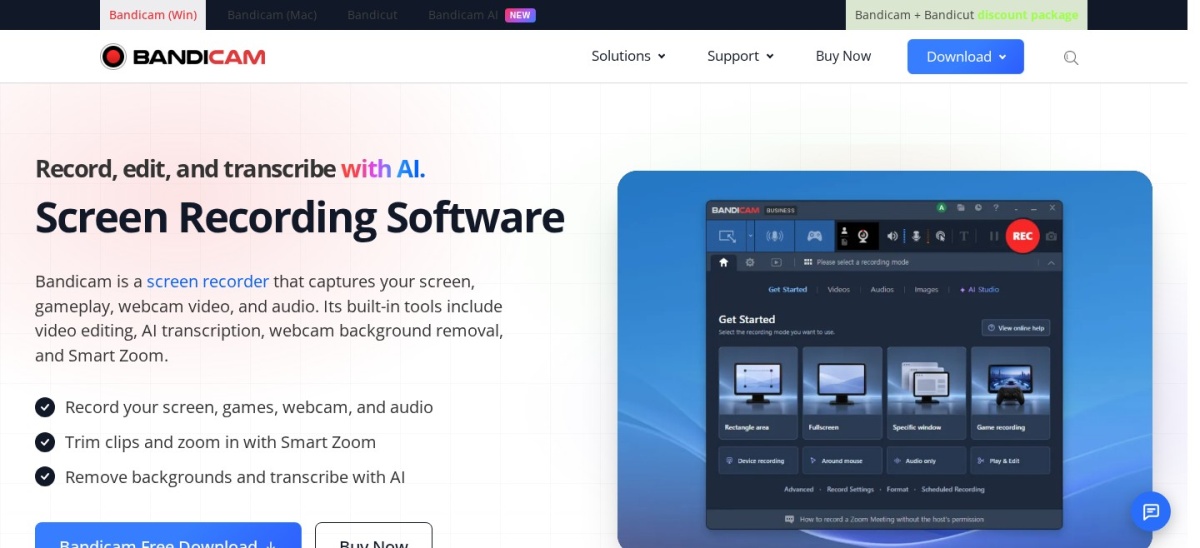
Bandicam is a lightweight Windows screen and external device recorder built for capturing webcams, consoles and PC gameplay straight to compressed local MP4 or AVI files. It is rated 4.4 out of 5 on G2 from 42 reviews, and the annual personal licence lists at $36.95 a year.
The trade off is the free tier. Free recordings carry a watermark and a 10-minute cap, so regular use needs the paid licence. It suits gamers and tutorial makers who want quick hotkey-driven capture without heavy studio software.
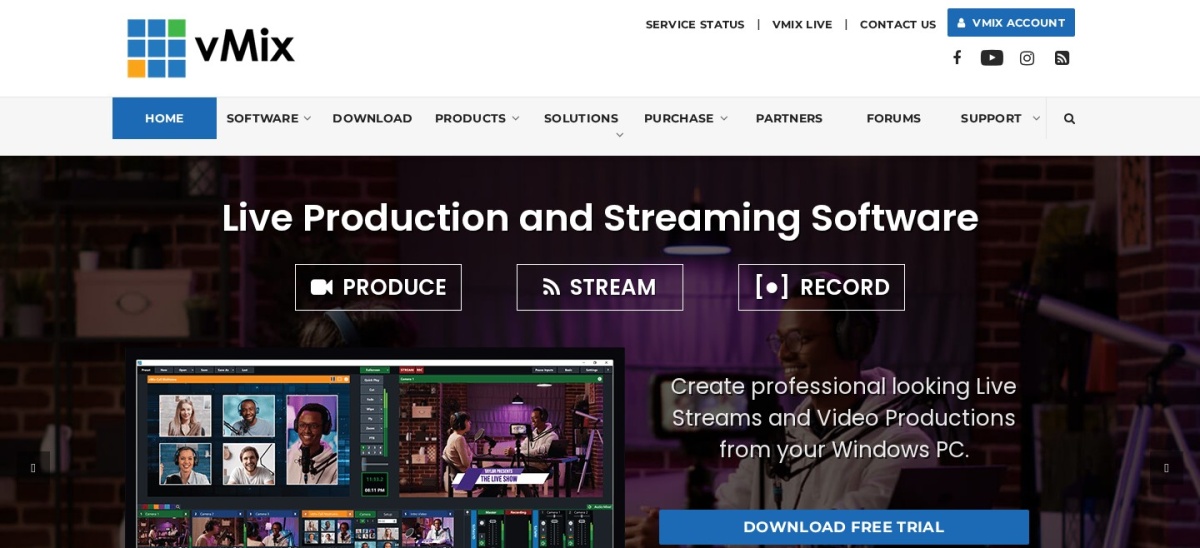
vMix is a live video production tool for Windows that switches between multiple cameras, adds graphics and titles, and outputs to streams, recordings and virtual cameras. It is rated 4.3 out of 5 on G2 from 32 reviews, and the Basic HD edition costs $60 as a one-time purchase.
The trade off is platform and price. vMix runs on Windows only, and the one-time editions climb steeply for 4K and multi-camera work. It suits churches, schools and event teams that switch cameras live.
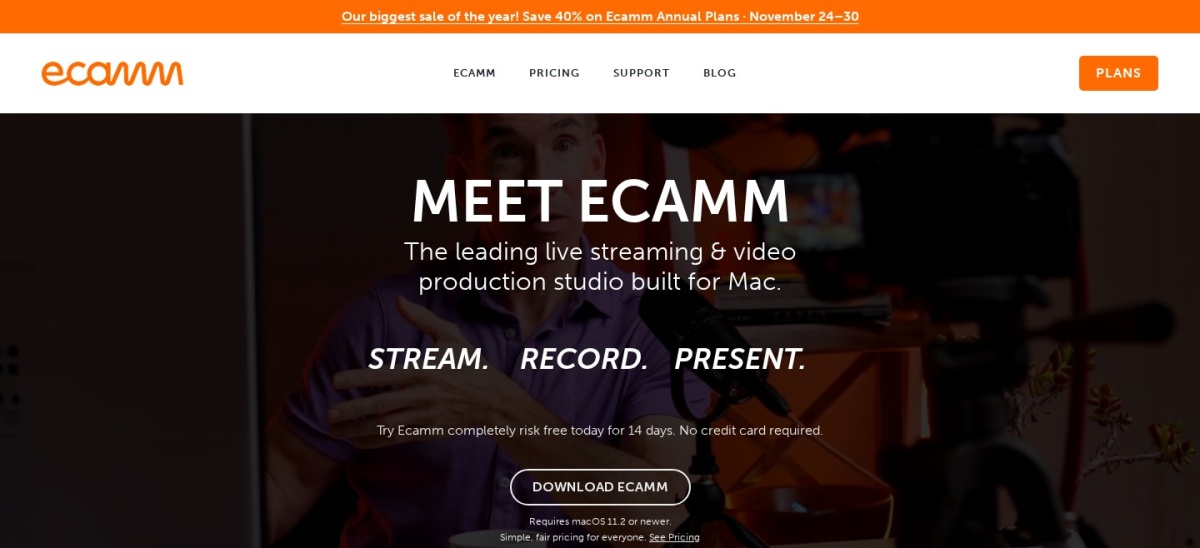
Ecamm Live is a Mac live streaming and video production studio that can feed a virtual camera source into Zoom, Teams and other meeting apps. It is rated 4.3 out of 5 on G2 from 19 reviews, and the Standard plan lists at $20 a month, with Pro at $40.
The trade off is platform. Ecamm Live runs on Mac only, so Windows teams need another tool, and the review base is thin at 19 G2 reviews. It suits Mac creators who want polished live video without OBS setup.
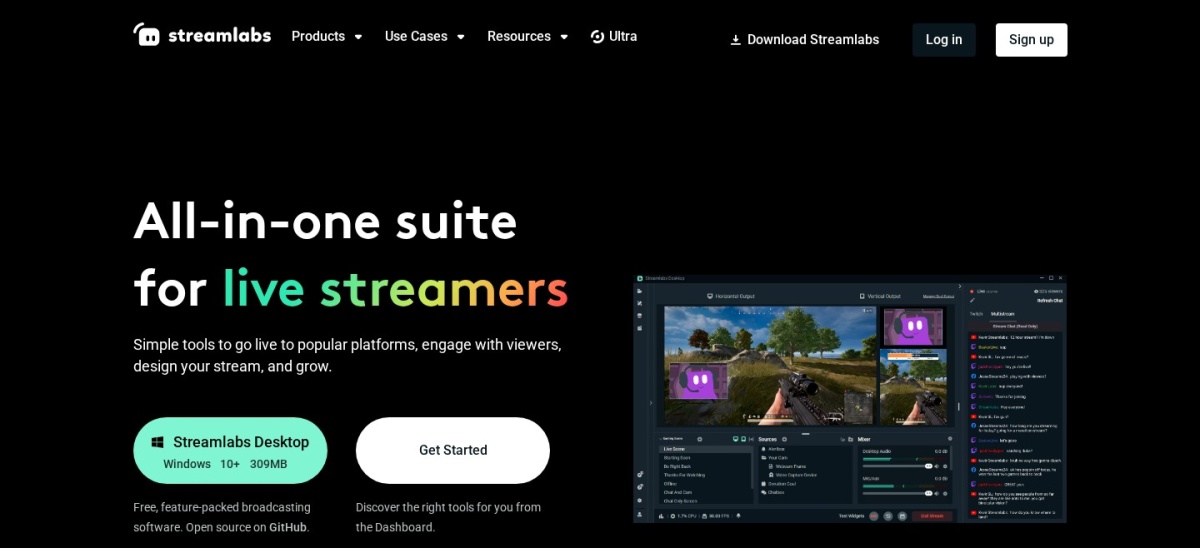
Streamlabs Desktop is a creator-focused broadcasting app built on the OBS engine that turns webcam feeds into ready-to-air streams with integrated alerts, chat boxes and overlays. It is rated 4.1 out of 5 on G2 from 59 reviews, and the paid Ultra plan lists near $189 a year.
The trade off is cost. The free version covers the basics, but multistreaming and premium overlays need the paid plan, and the app is heavier than plain OBS Studio. It suits solo streamers who want alerts and themes without building them.
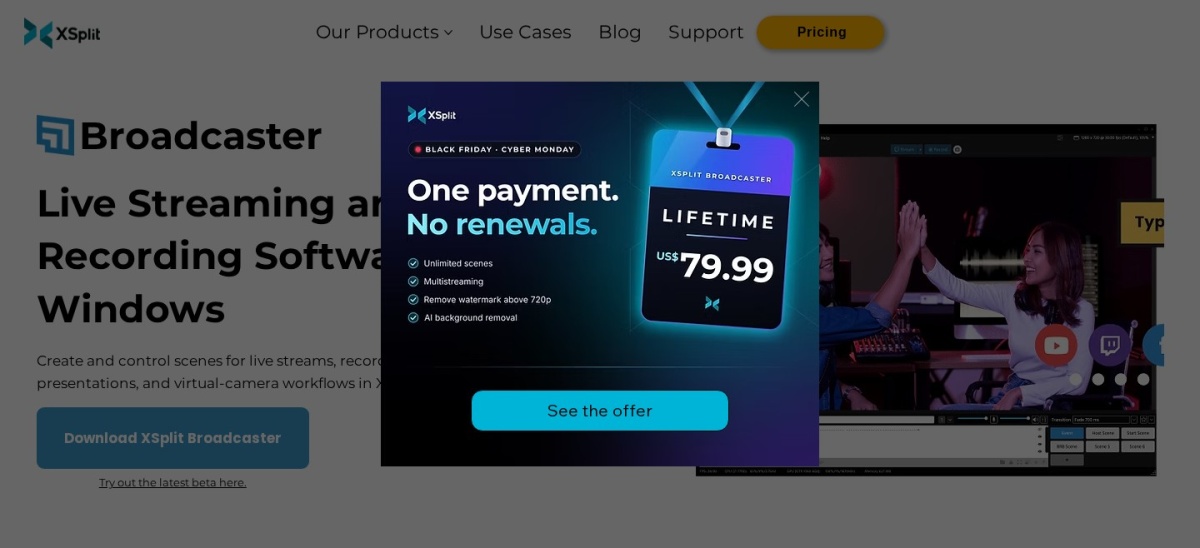
XSplit Broadcaster is the friendlier face of streaming software: one workspace for scenes, sources, preview, audio and outputs, with a Layout Wizard that builds your first scene. It is rated 3.9 out of 5 on G2 from 23 reviews, and paid plans list near $59.99 a year.
The trade off is the free tier. Free streams are limited to 720p, and the rating is the second lowest here, with only 23 reviews behind it. It suits Windows streamers who bounced off OBS and want guided setup.
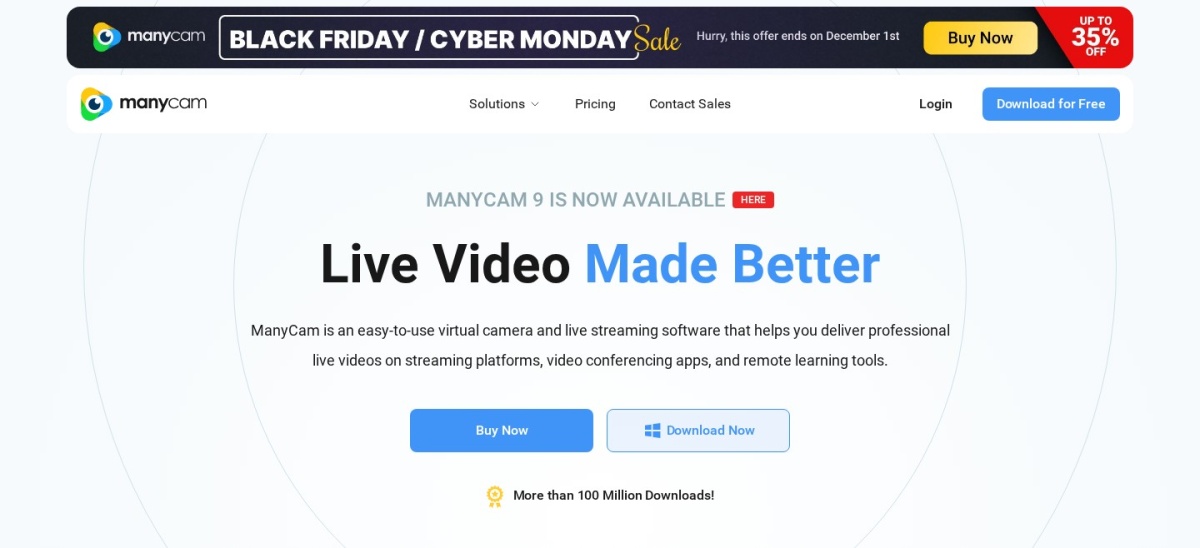
ManyCam is a virtual camera and live streaming tool that adds effects, virtual backgrounds, picture-in-picture layouts and media switching to any video app. It is rated 3.4 out of 5 on G2 from 27 reviews, the lowest score here, and the Standard plan lists near $29 a year.
The trade off is the rating. ManyCam scores 3.4 out of 5 with reviewers citing connectivity and support issues, and the free output is watermarked. It suits teachers and presenters who want live effects in calls without learning broadcast software.
Free tools win on value. OBS Studio does everything the paid tools do for scenes and recording, and Bandicam, Streamlabs and XSplit all offer free tiers with watermarks or limits.
Paid plans mostly remove the watermark and add scenes, effects and multistreaming. ManyCam starts near 29 dollars a year, XSplit near 60 dollars a year, and Streamlabs near 189 dollars a year.
The deciding question is the watermark. If your video goes public, pay to remove it. If it stays in internal calls, the free tier is enough.
How we chose
We started from the webcam and virtual camera tools that appear across the 2026 comparisons, then kept the seven with a verifiable G2 rating and a real virtual camera or recording product.
Prices come from each vendor's pricing or store page, checked on 29 November 2026. Bandicam prices were read on bandicam.com/buy, and the remaining prices come from the sibling capture-card article verified on 22 November 2026 and G2 pricing data.
We left out tools with no verifiable rating, including YouCam, Camo, SplitCam and NVIDIA Broadcast. No vendor paid for a place, and we do not claim hands-on testing for this list.
How to choose webcam software
Start with where the video goes, then match the tool to that destination.
Decide where the video goes. Calls need a virtual camera, streams need scenes, and recordings need local files. Each job points to a different tool.
Check the free tier first. OBS Studio is free with no watermark. Try it before paying for effects you may not need.
Mind the watermark. Free tiers of ManyCam, XSplit and Streamlabs watermark the output. If the video goes public, budget for the paid plan.
Test the virtual camera in your meeting app. Install the tool, pick its virtual camera in Zoom or Teams, and check the feed before your first real call.
FAQ
What is the best webcam software in 2026?
OBS Studio is the best webcam software for most people. It is free and open source, rated 4.6 out of 5 from 138 G2 reviews, and it handles scenes, recording and a virtual camera with no watermark.
What is the best free webcam software?
OBS Studio is the best free webcam software. It costs nothing, has no watermark, and covers scenes, sources, recording and a virtual camera on Windows, Mac and Linux.
Which webcam software is best for Zoom calls?
ManyCam is the best pick for Zoom calls, because it adds effects, virtual backgrounds and picture-in-picture through a virtual camera. OBS Studio also works, but it takes more setup for a simple call.
Is OBS Studio better than XSplit?
OBS Studio is better for most people, because it is free and rated 4.6 out of 5 against 3.9 for XSplit. XSplit suits beginners who want guided setup and a polished Windows workflow.
What is the best webcam software for Mac?
Ecamm Live is the best webcam software for Mac. It is rated 4.3 out of 5 on G2, starts at 20 dollars a month, and feeds a polished virtual camera into Zoom and other meeting apps.
Does ManyCam have a free plan?
Yes. ManyCam offers a free version with a watermark and limited features. The paid Standard plan starts near 29 dollars a year, though some listings show 59 dollars a year, so confirm the price before you buy.
SaaS SEO and WordPress specialist with about 8 years of experience. Rakib compares WordPress plugins, themes, hosting and software using public pricing, documentation and user reviews. See how we rank.