Calendly tops our list of the best tools for scheduling meetings thanks to its simple booking links, automated reminders and $10-per-seat monthly Standard plan with annual billing. Cal.com is better for unlimited free personal scheduling, while YouCanBookMe suits professionals who need more control over booking pages.
How we make this list: we compare pricing pages, product documentation and public user reviews, then re-check every price before each update. No product paid for a place. Disclosure.
Calendly is our overall pick, with a 4.7/5 G2 rating from 2,682 reviews and paid scheduling starting at $120 per seat annually.
Cal.com offers unlimited booking links and calendar connections for 1 individual user at no cost.
YouCanBookMe supports 30 monthly bookings on its free plan, with annual paid subscriptions starting at $97.20.
SavvyCal earns a 4.8/5 G2 rating and includes team scheduling on its $120-per-user annual Basic plan.
Zoho Bookings has the lowest annual entry subscription in this comparison at $72 per user.
Acuity Scheduling starts at $192 annually and includes payment collection, client intake forms and email reminders.
How do you choose the best tools for scheduling meetings?
Meeting scheduling software replaces repeated availability emails with a shareable booking link. The organizer defines available hours, connects a calendar and lets invitees choose a suitable appointment.
Calendar connections matter more than the appearance of a booking page. A tool that checks both personal and professional calendars can prevent overlapping commitments and reduce manual rescheduling.
Team scheduling requires more than individual availability. Sales departments often need automatic meeting distribution, while consulting teams may need collective availability so several specialists can attend the same appointment.
Free scheduling plans vary considerably in what they include. Calendly limits free accounts to one event type and one connected calendar, whereas Cal.com offers unlimited booking links and calendar connections for individual users.
The advertised subscription price is not necessarily your complete cost. Check whether each meeting host needs a paid seat, whether payment collection requires an upgrade and whether automated reminders are included.
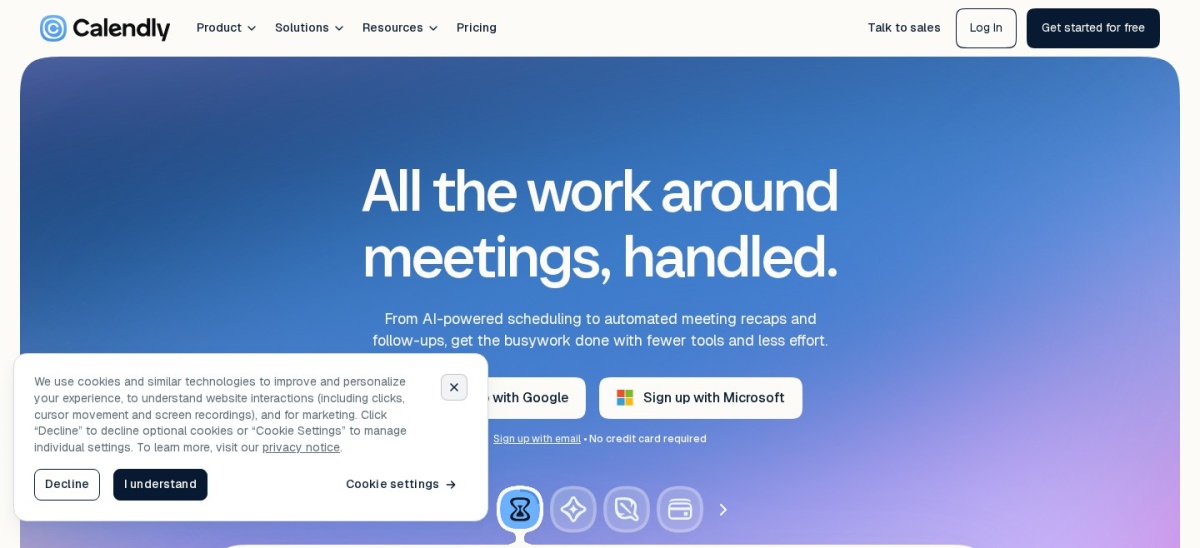
Calendly is a meeting scheduling platform for professionals who want clients and colleagues to book appointments without exchanging availability emails. Its free account includes one meeting type, one connected calendar and a customizable booking page, while its 4.7/5 G2 rating comes from 2,682 reviews.
The trade off is that multiple meeting types, additional calendar connections and automated reminders require Standard at $10 per seat monthly with annual billing. It suits freelancers, recruiters, consultants and customer-facing teams that prioritize straightforward booking and integrations with their existing business applications.
What we like
Simple booking experience for external participants
Permanent free plan for basic individual scheduling
Automated reminders on Standard
Stripe and PayPal payment integrations
Large public review base on G2
Watch out for
Free accounts support only one event type
Additional calendar connections require payment
Advanced team distribution requires a higher subscription
Standard adds unlimited event types, calendar connections, reminders and payment integrations.Visit calendly.com
02
Cal.com
4.6/5on G2 (155 reviews, checked Nov 2026)
Paid from$12/user/mo
Best for unlimited free individual scheduling
Free booking linksUnlimited
Free calendar connectionsUnlimited
Integrations100+ applications
Entry paid planTeams, $144/user/yr
cal.com
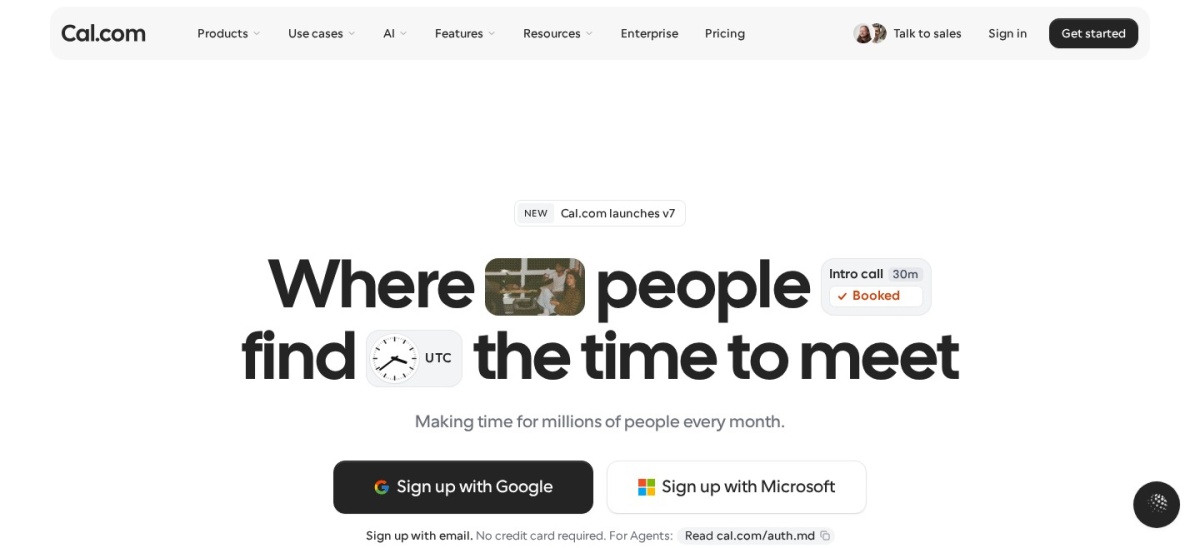
Cal.com homepage, captured Nov 2026.
Cal.com is a customizable scheduling platform with hosted and self-hosted deployment options. Its individual plan provides unlimited booking links, unlimited calendar connections, payment integrations, booking notifications and connections to more than 100 applications without requiring a subscription.
The trade off is that collaborative scheduling, configurable routing and centralized meeting templates require Teams at $12 per user monthly when billed annually, or $16 with monthly billing. It suits independent professionals who manage several calendars and technical teams that need greater control over scheduling infrastructure.
What we like
Unlimited personal booking links without payment
Multiple calendar connections on the free plan
Self-hosted deployment option
Payment collection available to individual users
Configurable team meeting distribution
Watch out for
Shared team scheduling requires a subscription
Self-hosting adds maintenance responsibilities
Advanced configuration can take longer to learn
Teams adds round-robin distribution, routing forms, shared links and branding removal.Visit cal.com
03
YouCanBookMe
4.7/5on G2 (1,933 reviews, checked Nov 2026)
Paid from$8.10/mo
Best for customizable client booking experiences
Free monthly bookings30
Free booking pages1
Individual calendar connections2
Entry paid planIndividual, $97.20/yr
youcanbook.me
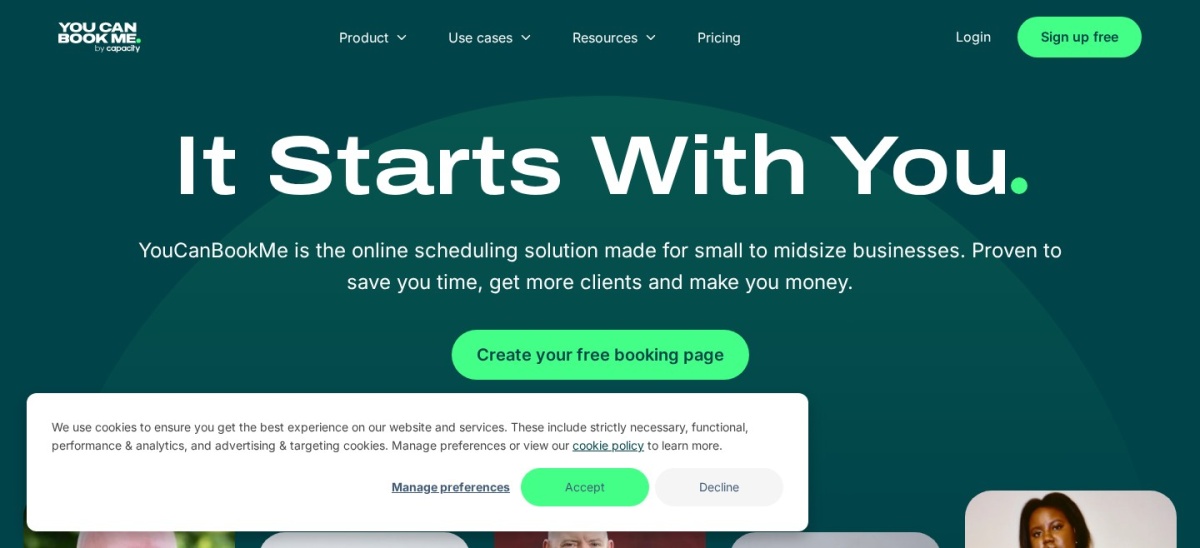
YouCanBookMe homepage, captured Nov 2026.
YouCanBookMe is a calendar-based appointment scheduler that emphasizes customizable booking pages, questions and customer notifications. Its free plan supports 30 bookings per month through one booking page and one connected calendar, alongside video conferencing integrations and website embedding.
The trade off is the monthly booking limit and restricted calendar connections on the free plan, which Individual removes or expands for $8.10 per month with annual billing. The regular monthly subscription costs $9, and it suits consultants and service providers who want booking experiences tailored to their clients.
What we like
Customizable questions and booking page content
Payment collection available on the free plan
Affordable individual annual subscription
Calendar and video conferencing integrations
Website embedding and rescheduling controls
Watch out for
Free bookings are capped at 30 monthly
Individual accounts support only two booking pages
Team collaboration requires a separate subscription tier
Individual adds unlimited bookings, a second booking page and an additional calendar connection.Visit youcanbook.me
04
SavvyCal
4.8/5on G2 (37 reviews, checked Nov 2026)
Paid from$10/user/mo
Best for scheduling around participant preferences
Free schedulingMeeting polls only
Paid booking linksUnlimited
Calendar overlaysSupported
Entry paid planBasic, $120/user/yr
savvycal.com
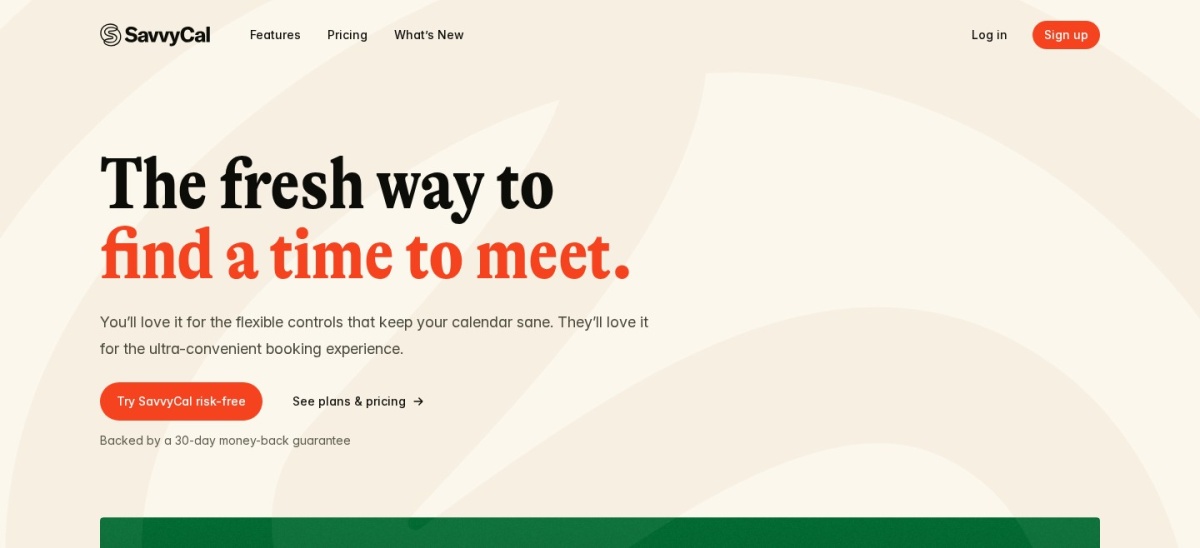
SavvyCal homepage, captured Nov 2026.
SavvyCal is a meeting scheduling tool designed to make finding suitable appointments easier for both organizers and invitees. Its Basic subscription provides unlimited booking links, meeting polls and calendar connections, alongside team scheduling and controls for protecting uninterrupted work periods.
The trade off is that free users can create meeting polls but cannot activate their own booking links without Basic at $120 per user annually, or $12 monthly. It suits executives, consultants and distributed teams that want participants to compare calendars and choose meetings around preferred availability.
What we like
Invitees can overlay their existing calendars
Meeting polls available without payment
Round-robin scheduling included in Basic
Availability controls protect focused work
Unlimited calendars on paid subscriptions
Watch out for
Active personal booking links require payment
Payment collection requires Premium
Smaller public review base than Calendly
Basic activates personal booking links and adds shared scheduling and workflow automation.Visit savvycal.com
05
Zoho Bookings
4.1/5on G2 (54 reviews, checked Nov 2026)
Paid from$6/user/mo
Best for affordable scheduling with business integrations
Free users1
Calendar synchronizationTwo-way
Business integrationsZoho ecosystem and external apps
Entry paid planBasic, $72/user/yr
zoho.com
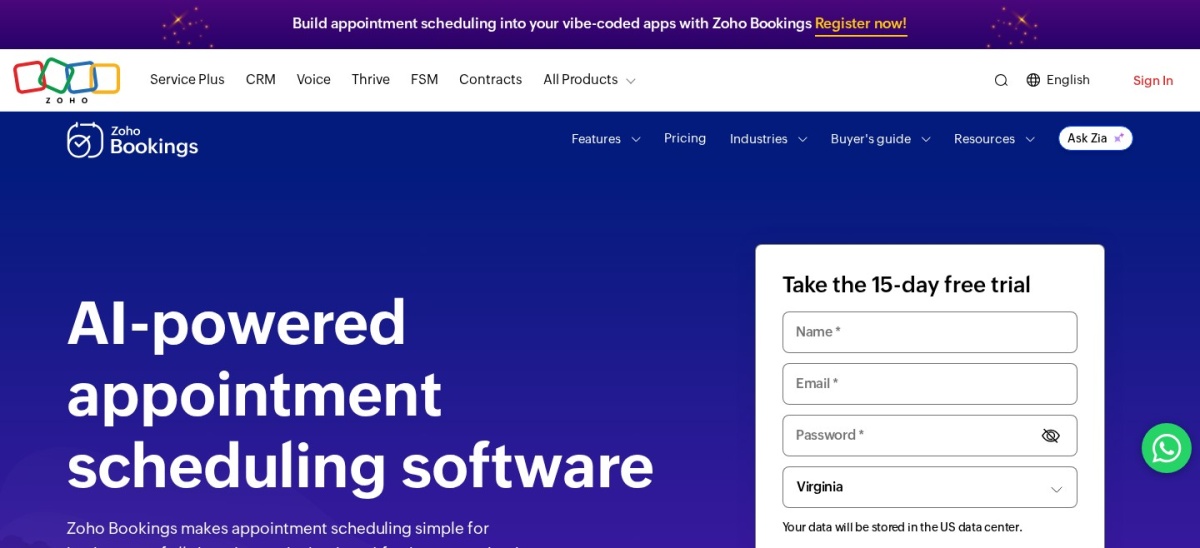
Zoho Bookings homepage, captured Nov 2026.
Zoho Bookings is an appointment scheduling platform that connects meeting reservations with business calendars and related Zoho applications. Its permanent free plan supports one user, online appointments, email notifications and two-way synchronization with supported calendar services.
The trade off is that payment collection and more extensive business integrations are associated with Premium rather than the cheapest subscription, Basic, which costs $6 per user monthly with annual billing. It suits budget-conscious small businesses and organizations already using Zoho for customer management.
What we like
Lowest annual entry price in this comparison
Permanent individual free plan
Two-way calendar synchronization
Connections with other Zoho applications
Supports business appointment workflows
Watch out for
Free accounts are restricted to one user
Payment collection requires Premium
Lower G2 rating than other shortlisted tools
Basic extends individual scheduling into team-based client booking workflows.Visit zoho.com
06
OnceHub
4.4/5on G2 (59 reviews, checked Nov 2026)
Paid from$10/seat/mo
Best for customer-facing scheduling and lead routing
Free booking links1
Free calendar connections1
Lead qualificationRoute subscription
Entry paid planSchedule, $120/seat/yr
oncehub.com
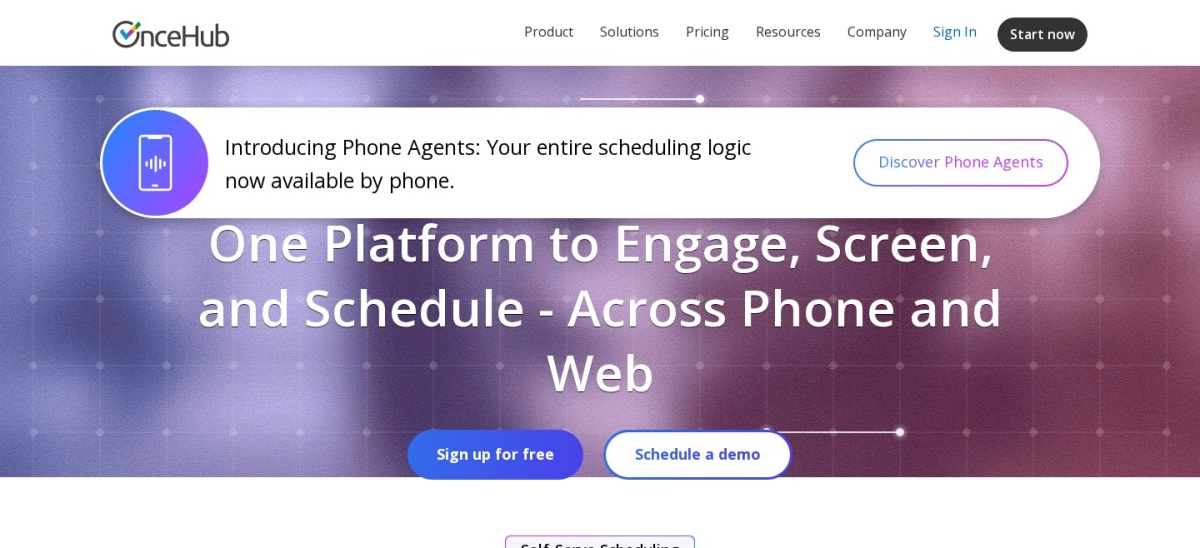
OnceHub homepage, captured Nov 2026.
OnceHub is a customer engagement and meeting scheduling platform that helps businesses move visitors from initial contact to booked conversations. Its Basic free plan includes one user, one calendar and one booking link, with appointment approval, multilingual booking experiences and standard notifications.
The trade off is that unlimited scheduling resources require Schedule at $10 per seat monthly with annual billing, while detailed lead qualification and automated meeting distribution require Route at $19 per seat monthly on annual billing. It suits sales departments, financial advisors and service businesses handling inbound inquiries.
What we like
Supports appointment approval on the free plan
Unlimited booking links on Schedule
CRM integrations for customer-facing teams
Supports multiple meeting hosts
Advanced customer qualification on Route
Watch out for
Free plan allows only one connected calendar
Round-robin distribution requires a higher tier
Advanced customer engagement features increase subscription costs
Best for paid consultations and client appointments
Free access7-day trial
Starter calendars1
Payment collectionIncluded in Starter
Entry paid planStarter, $192/yr
acuityscheduling.com
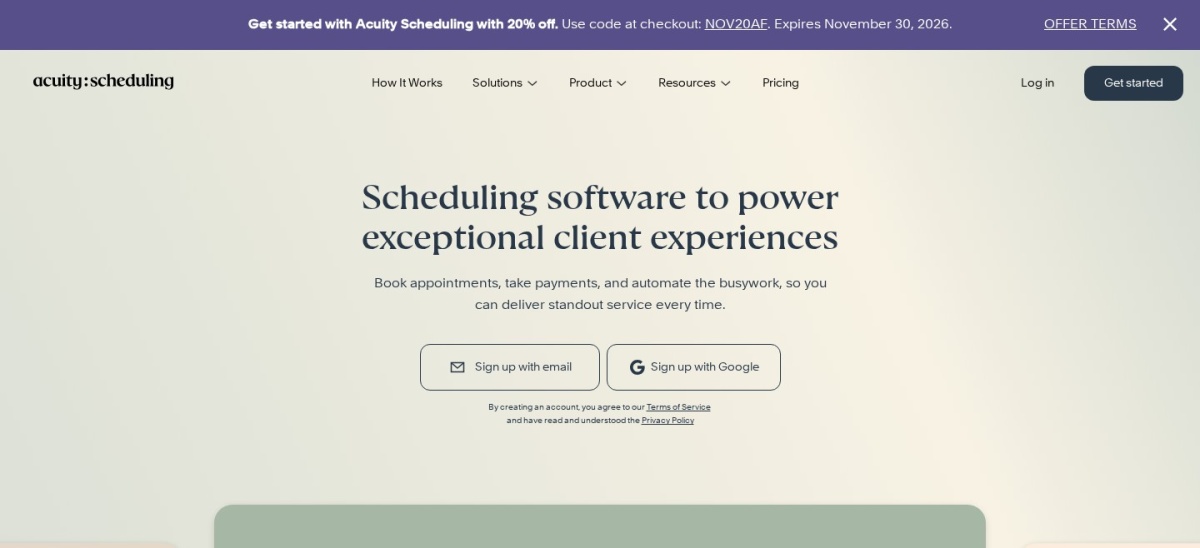
Acuity Scheduling homepage, captured Nov 2026.
Acuity Scheduling is an appointment management platform built for professionals who provide consultations, coaching and other bookable services. Its Starter plan supports one scheduling calendar, client intake forms, automated email reminders and payment collection through supported payment processors.
The trade off is that Acuity Scheduling has no permanent free plan, and Starter costs $16 monthly with annual billing or $20 on a monthly subscription. It suits businesses that need customer information and payments collected during booking rather than professionals who only need occasional meeting links.
What we like
Payment collection on the cheapest paid subscription
Custom intake forms for gathering client details
Automated appointment email reminders
Designed for service-based businesses
Free trial requires no credit card
Watch out for
No permanent free subscription
Starter supports only one scheduling calendar
More expensive than general-purpose meeting schedulers
Not primarily designed for group availability polling
Starter includes appointment scheduling, payment integrations, client intake forms and automated emails.Visit acuityscheduling.com
Should you use a booking link or a meeting poll?
Booking links work best when the organizer controls the available meeting times. A consultant can share a link with customers, allowing them to reserve an available appointment without waiting for confirmation through email.
Meeting polls work better when several independent participants must agree on a suitable time. Instead of asking everyone to commit immediately, the organizer collects availability preferences before confirming the meeting.
SavvyCal supports meeting polls without requiring a paid subscription, although activating personal booking links requires Basic. This makes it worth considering for project groups that occasionally coordinate meetings but do not need permanent appointment pages.
What does meeting scheduling software actually cost a team?
Per-user pricing can make a relatively inexpensive scheduling tool costly when several employees need their own booking links. Calculate your subscription around the number of meeting hosts rather than the total number of people who might attend meetings.
Annual entry prices in this comparison range from $72 per user for Zoho Bookings to $192 for an Acuity Scheduling account. These subscriptions serve different purposes, so comparing prices without checking included calendar connections and team capabilities can be misleading.
Customer payments introduce another cost consideration. Scheduling software may support payment collection without charging an additional subscription fee for that feature, but the connected payment processor can still apply transaction charges. Review both services before accepting paid appointments.
How we chose
We selected established meeting scheduling platforms that support personal booking links, calendar synchronization, appointment management or collaborative scheduling. We prioritized products suitable for freelancers, small businesses, professional teams and organizations that regularly arrange meetings with external participants.
Official pricing pages, vendor documentation and G2 ratings were checked on 29 Nov 2026. The price ladder uses regular annual subscription rates expressed as monthly equivalents where applicable, multiplied by 12, without temporary promotions or multiyear commitments. Review scores are reported separately from our editorial rankings.
We excluded products without verifiable entry-level pricing, insufficient public reviews or a clear meeting scheduling function. Doodle was excluded because its official pricing page did not expose a confirmable numerical Pro subscription price. No vendor paid for a place, and we do not claim testing for this list.
How to choose a meeting scheduling tool
Start with the way your meetings are arranged, then compare calendar requirements, collaboration features and the annual cost of the subscription that covers your workflow.
Identify your main scheduling workflow. Choose a personal booking link for routine client meetings, availability polling for group coordination or meeting distribution for customer-facing teams. Calendly handles general professional bookings, while OnceHub focuses more on moving customer inquiries into scheduled conversations.
Count your required calendar connections. Check how many work and personal calendars must contribute to your availability. Cal.com supports unlimited individual calendar connections without a subscription, while free Calendly accounts support one connected calendar.
Separate essential features from optional upgrades. Decide whether you need automated reminders, payment collection, customer intake questions, shared availability or meeting assignment. Compare the subscription that includes those features rather than automatically selecting the cheapest advertised plan.
Calculate the complete annual subscription. Multiply the relevant subscription cost by the number of paid hosts where seat-based billing applies. Compare annual and monthly commitments, then account for additional integrations, payment processing and any higher subscription required for collaborative scheduling.
FAQ
What are the best tools for scheduling meetings in 2026?
Calendly, Cal.com and YouCanBookMe are our leading meeting scheduling tools in 2026. Calendly is suitable for general professional scheduling, Cal.com offers more generous free calendar connections, and YouCanBookMe provides detailed control over the customer booking experience.
What is the best free tool for scheduling meetings?
Cal.com is our preferred free meeting scheduler for individuals because it includes unlimited booking links and calendar connections. Calendly is another suitable option if you only need one meeting type and one connected calendar for routine appointments.
How much does meeting scheduling software cost?
Meeting scheduling software in this comparison starts at $6 per user monthly with annual billing for Zoho Bookings. Calendly starts at $10 per seat, Cal.com at $12 per user and Acuity Scheduling at $16 per month on annual subscriptions.
Is Calendly better than Cal.com?
Calendly is better for professionals who prioritize simple booking workflows and established business integrations. Cal.com is better for individuals who need multiple calendar connections without paying, or technical teams seeking customization and the option to manage their own scheduling infrastructure.
What is the easiest meeting scheduling tool for beginners?
Calendly is our preferred starting point for beginners because its basic workflow revolves around connecting a calendar and sharing a booking link. The free plan is sufficient for professionals who offer a single type of meeting and manage one calendar.
Which meeting scheduling tool is best for small businesses?
Zoho Bookings is a good budget-conscious choice for small businesses, starting at $72 per user annually. YouCanBookMe suits businesses that prioritize customized booking forms, while Acuity Scheduling is a better fit for service providers who collect payments during reservations.
Which scheduling tool can find a meeting time for multiple people?
SavvyCal is a suitable option for coordinating availability through meeting polls and shared scheduling links. Its polls are available without a paid subscription, while Basic adds active booking links and collective scheduling for meetings involving multiple hosts.
Can meeting scheduling software prevent double bookings?
Yes, connected calendar synchronization helps prevent overlapping appointments by excluding occupied periods from bookable availability. For reliable results, connect every calendar that contains relevant commitments and confirm that the selected scheduling tool checks those calendars when displaying available appointments.
What is the best scheduling tool for paid consultations?
Acuity Scheduling is our preferred option for paid consultations because its Starter subscription includes payment integrations, intake forms and automated email reminders. Cal.com is worth considering if you want payment-enabled personal scheduling without paying a separate scheduling subscription.
SaaS SEO and WordPress specialist with about 8 years of experience. Rakib compares WordPress plugins, themes, hosting and software using public pricing, documentation and user reviews. See how we rank.