Make tops our list of the best alternatives to n8n for workflow automation, offering a visual workflow builder and 10,000 monthly credits from $12 per month billed annually. Choose Activepieces if you need open-source self-hosting or Zapier if you prioritize extensive application integrations and simpler automation setup.
How we make this list: we compare pricing pages, product documentation and public user reviews, then re-check every price before each update. No product paid for a place. Disclosure.
Make offers 10,000 monthly credits for $12 per month with annual billing.
Activepieces includes unlimited workflows and 1,000 monthly credits on its free plan.
Zapier connects more than 9,000 applications and starts at $19.99 per month.
Albato Pro includes 1,000 monthly transactions for $15 per month with annual billing.
Integrately has a 4.7/5 G2 rating from 713 reviews and includes 2,000 tasks on its Starter plan.
Pipedream offers more than 3,000 connectors, while production access starts at $99 per month with annual billing.
How do you choose the best alternatives to n8n for workflow automation?
The best n8n replacement depends on why you want to switch. Teams struggling with technical configuration may prefer a managed visual automation platform, while developers who require infrastructure control should prioritize self-hosting and programmable workflows.
Automation pricing depends on the billing unit. Make charges credits, Zapier charges tasks, Albato charges transactions, and Activepieces uses credit allowances. These units are not interchangeable, particularly when workflows contain multiple actions, branches, or AI operations.
Self-hosting separates software costs from infrastructure costs. An open-source platform can reduce subscription expenses, but server maintenance, database management, backups, security updates, and monitoring remain your responsibility.
Integration compatibility matters more than the total number of supported applications. Confirm that your replacement supports the exact triggers, actions, authentication methods, and data transformations your existing n8n workflows require.
The 7 best alternatives to n8n for workflow automation
01
Make
4.6/5on G2 (524 reviews, checked Nov 2026)
Paid from$12/mo
Best for visual multi-step workflow automation
Free allowance1,000 credits/mo
Entry allowance10,000 credits/mo
DeploymentManaged cloud
Paid planCore, annual billing
make.com
Make homepage, captured Nov 2026.
Make is a visual automation platform for connecting applications, transforming information, and building workflows with conditional branches. Its free plan includes 1,000 monthly credits, while Core provides 10,000 credits per month with additional capacity for recurring business processes.
The trade off is credit-based billing, which can become expensive when scenarios contain numerous actions or credit-intensive AI features. Core starts at $12 per month with annual billing, and extra credits carry a 25% surcharge. It suits teams replacing n8n with a managed visual workflow builder.
What we like
Visual canvas makes complex workflow branches easier to understand
Affordable entry plan with 10,000 monthly credits
Supports filters, routers, and data transformations
Core increases credit capacity and expands automation capabilities.Visit make.com
02
Activepieces
4.8/5on G2 (142 reviews, checked Nov 2026)
Paid from$20/mo
Best for open-source and self-hosted automation
Free allowance1,000 credits/mo
Free usersUp to 5
DeploymentCloud or self-hosted
Paid planPlus
activepieces.com
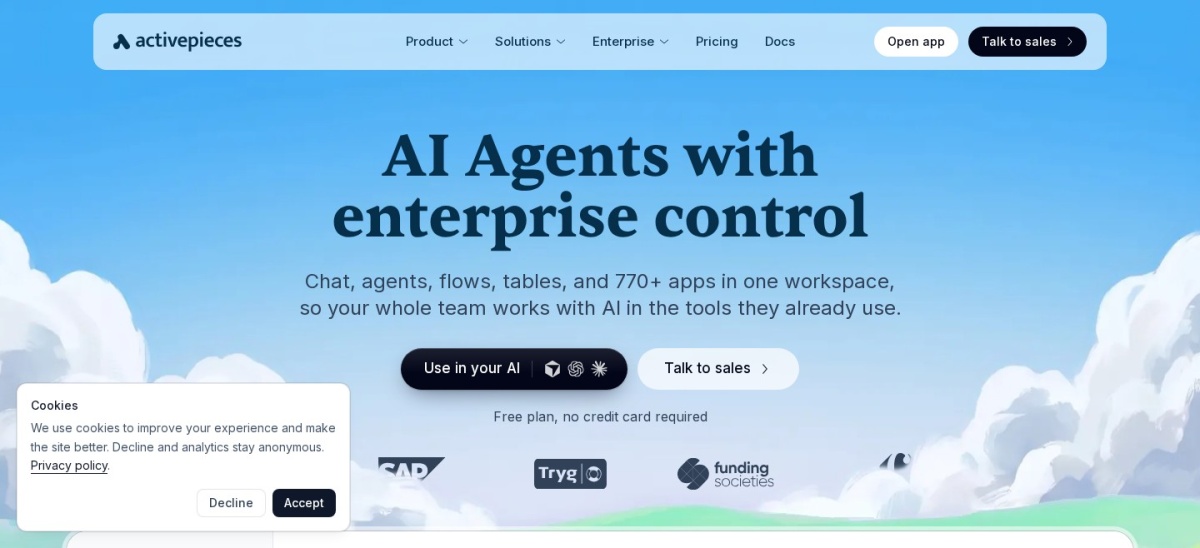
Activepieces homepage, captured Nov 2026.
Activepieces is an open-source workflow automation platform that combines visual flows, AI agents, application connectors, and self-hosting options. Its free cloud plan includes 1,000 monthly credits, unlimited flows, and access for up to five users, making it a practical starting point for small teams.
The trade off is that advanced governance features require higher subscription tiers, while self-hosting requires technical maintenance. Plus lists at $20 per month and increases the free credit allowance tenfold, with additional usage billed separately. It suits teams that want an open-source replacement for n8n.
What we like
Open-source community edition supports self-hosting
Zapier is a no-code automation platform that connects more than 9,000 applications through trigger-and-action workflows called Zaps. Its free plan includes two-step Zaps, tables, forms, and AI-assisted workflow creation, while Professional unlocks workflows involving multiple actions.
The trade off is that task-based billing can increase costs when automations process large volumes of records. Professional starts at $19.99 per month and adds premium applications, webhooks, and multi-step workflows. It suits marketing, sales, and operations teams that want to automate without maintaining servers.
What we like
Extensive application integration library
Accessible workflow setup for beginners
Built-in tables and forms support automation
Large collection of workflow templates
Webhooks and conditional logic on paid plans
Watch out for
Task consumption can increase costs at scale
Free workflows are limited to two steps
No general self-hosting option
Professional adds multi-step Zaps, premium apps, and webhooks.Visit zapier.com
04
Albato
4.6/5on G2 (510 reviews, checked Nov 2026)
Paid from$15/mo
Best for affordable business application integrations
Free allowance100 transactions
Entry allowance1,000 transactions/mo
Supported apps1,000+
Paid planPro, annual billing
albato.com
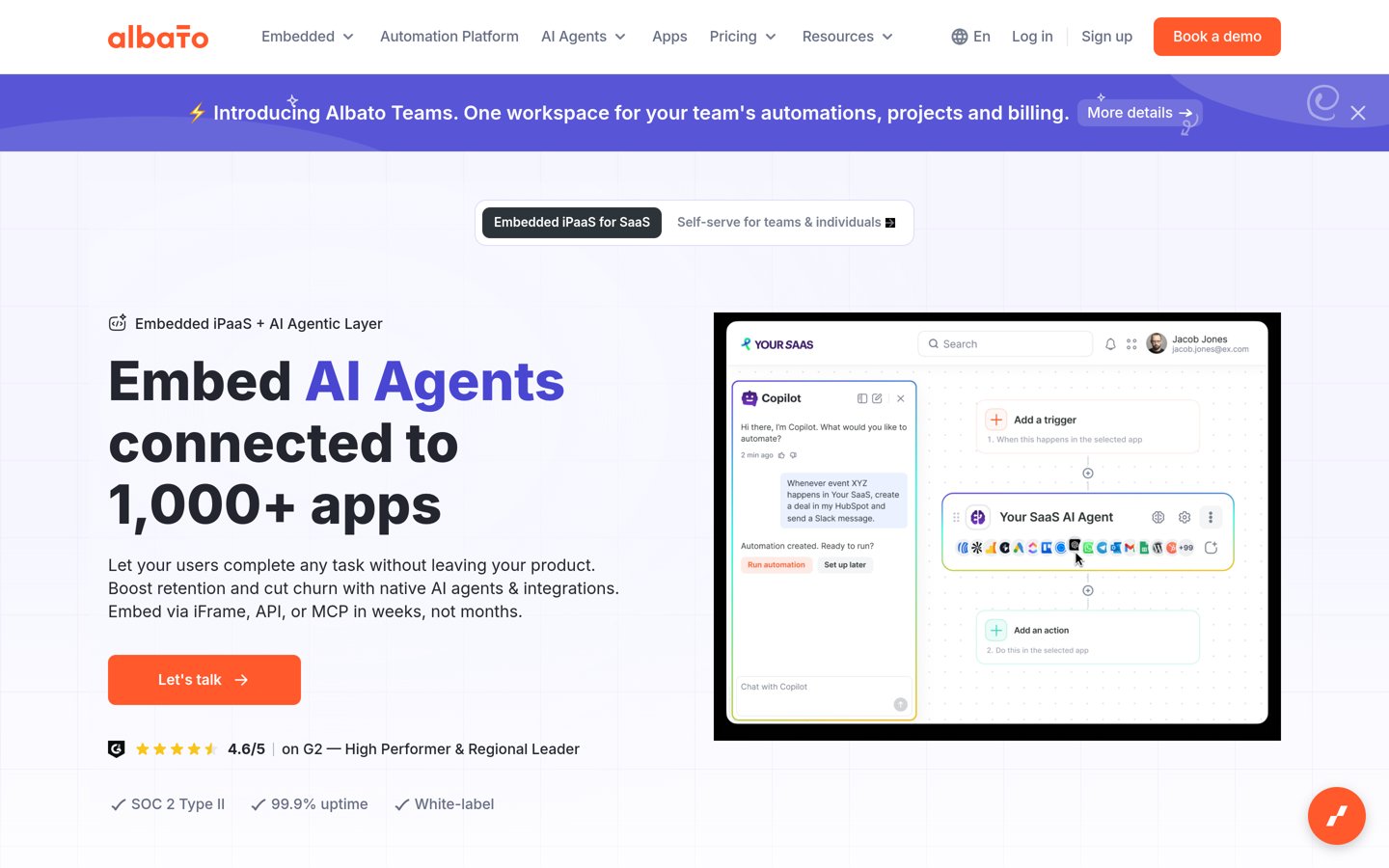
Albato homepage, captured Nov 2026.
Albato is a cloud automation platform for connecting business applications and transferring information between services. Its free plan includes 100 transactions, five active automations, and two steps per automation. Pro removes the active automation and workflow step limits while increasing transaction capacity.
The trade off is that transaction limits determine how much automation you can run, even when workflow creation is unrestricted. Pro costs $15 per month with annual billing or $22 with monthly billing. It suits small businesses connecting marketing platforms, customer databases, and operational applications.
What we like
Affordable annual subscription
Unlimited workflow steps on Pro
Supports data migration and automatic replay
Parallel workflow execution on paid plans
Includes AI automation features
Watch out for
Limited free transaction allowance
Shared team workspaces require a higher plan
Not designed for general self-hosting
Pro adds unlimited automations, more transactions, and AI features.Visit albato.com
05
Integrately
4.7/5on G2 (713 reviews, checked Nov 2026)
Paid from$19.99/mo
Best for ready-made business automations
Free allowance100 tasks
Entry allowance2,000 tasks/mo
Starter update interval5 minutes
Paid planStarter, annual billing
integrately.com
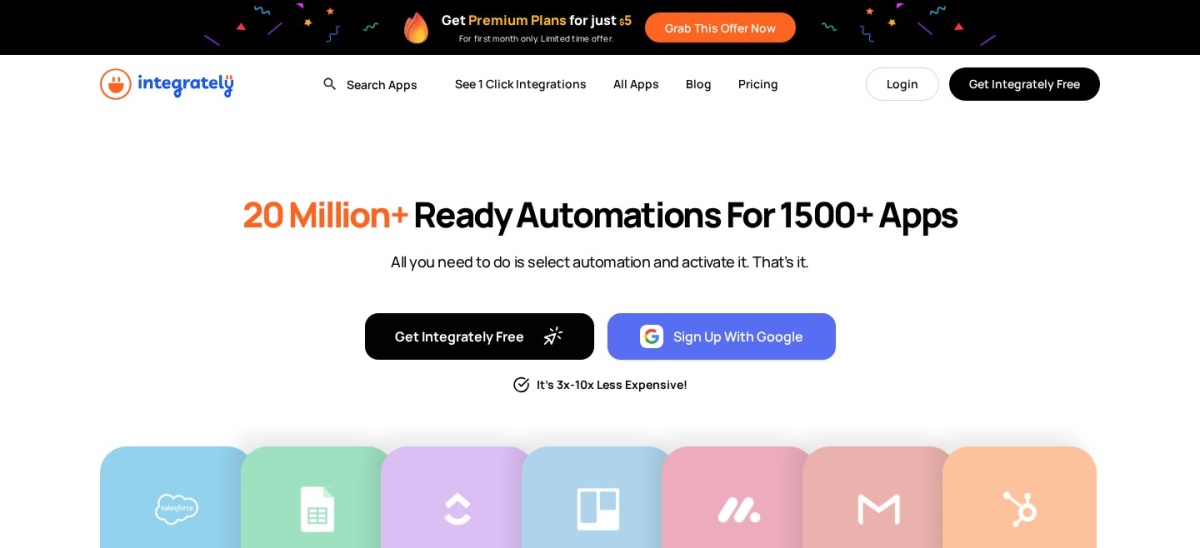
Integrately homepage, captured Nov 2026.
Integrately is a no-code automation service focused on preconfigured integrations between business applications. Its free plan includes 100 tasks and five single-step automations, while Starter increases the allowance to 2,000 tasks and supports multi-step workflows, conditions, and webhooks.
The trade off is that advanced branching and collaboration require higher plans. Starter costs $19.99 per month with annual billing; the advertised $5 first-month promotion is not its regular price. It suits small businesses replacing straightforward n8n integrations with predefined automation recipes.
What we like
Preconfigured integrations reduce initial setup work
Multi-step workflows on the Starter plan
High G2 rating with an established review base
Supports webhooks and conditional filters
Live chat support available
Watch out for
Free plan only supports single-step automations
Advanced branching requires a higher subscription
Less suitable for heavily customized developer workflows
Starter adds multi-step automation, webhooks, and additional tasks.Visit integrately.com
06
Pipedream
4.6/5on G2 (16 reviews, checked Nov 2026)
Paid from$99/mo
Best for developer-led integrations and AI applications
Connectors3,000+
Prebuilt tools and triggers10,000+
Free accessDevelopment environment
Paid planStartup, annual billing
pipedream.com
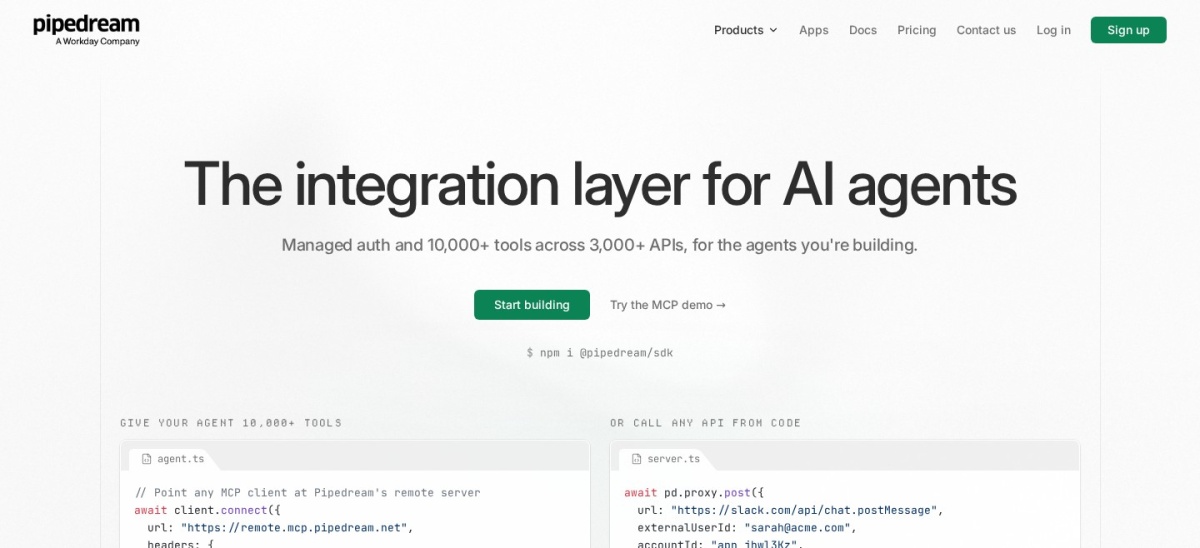
Pipedream homepage, captured Nov 2026.
Pipedream is a developer-oriented integration platform for connecting applications, APIs, and AI agents. Its current free offering provides development access, more than 3,000 connectors, over 10,000 prebuilt tools and triggers, and unlimited team members for building integrations.
The trade off is the cost of moving integrations into production under its current pricing model. Startup costs $99 per month with annual billing or $150 with monthly billing, including 10,000 usage credits. It suits engineering teams building programmable integrations and application-connected AI products.
What we like
Developer-oriented API integration capabilities
Extensive collection of prebuilt connectors
Managed authentication and infrastructure
Supports building integrations for AI agents
Free development access before production deployment
Watch out for
Higher production entry price than other public-priced options
Free development access is not free production access
Smaller G2 review sample than other listed platforms
Less approachable for nontechnical teams
Startup adds production deployment, usage credits, and email support.Visit pipedream.com
07
Workato
4.7/5on G2 (859 reviews, checked Nov 2026)
PricingCustom pricing
Best for enterprise automation and governance
Pricing modelContract and usage based
Automation builderRecipes
On-premises connectivitySupported through agents
Paid planStandard, custom quote
workato.com
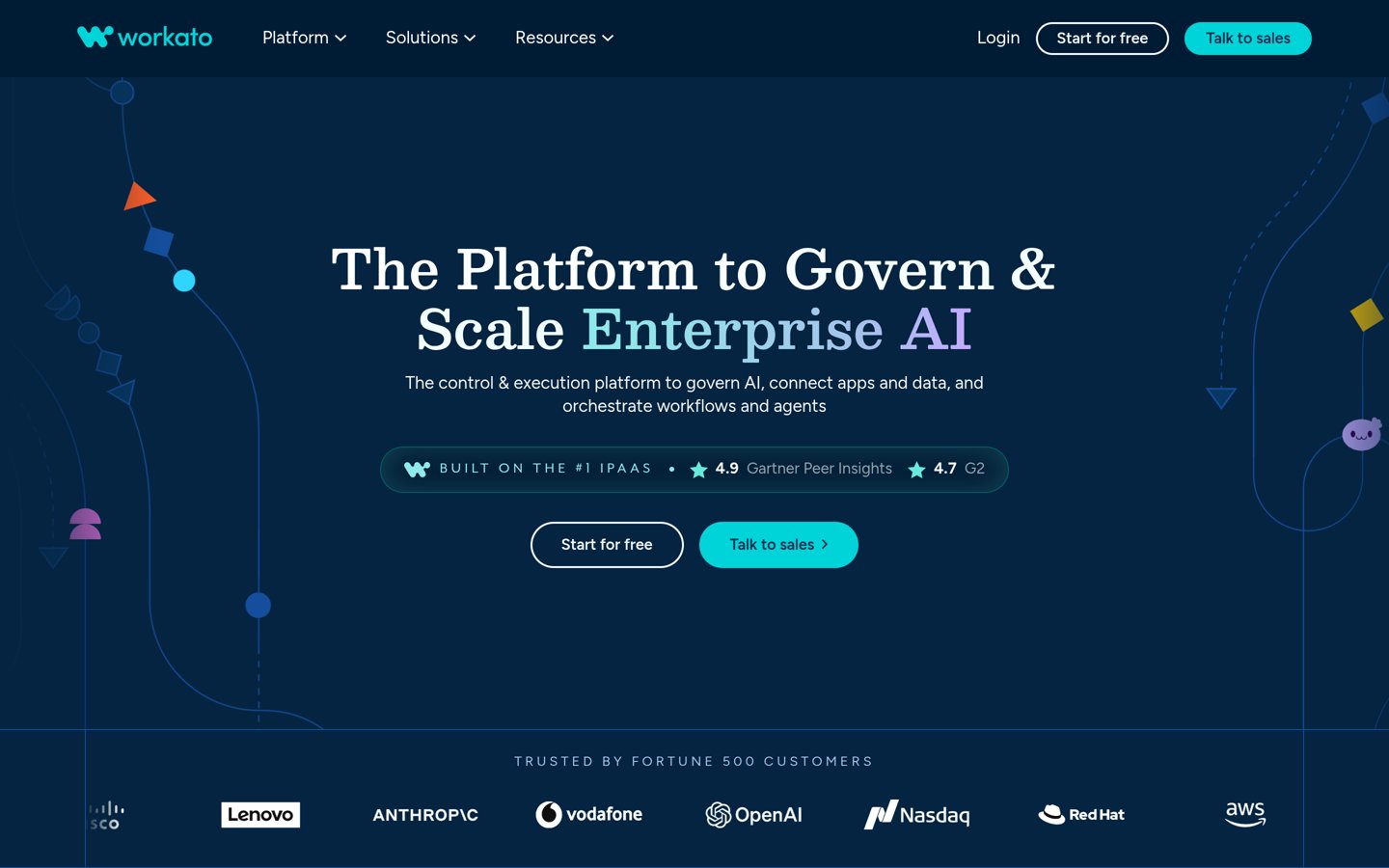
Workato homepage, captured Nov 2026.
Workato is an enterprise integration and orchestration platform that connects applications, data systems, business processes, and AI agents. Its pricing documentation lists more than 1,200 prebuilt connectors included for every user, alongside different platform editions for increasingly complex enterprise requirements.
The trade off is custom contract pricing rather than a publicly available entry subscription. Additional governance, connectivity, and processing capabilities can depend on the selected edition and add-ons. It suits larger organizations replacing n8n with a centrally managed automation platform that supports formal IT oversight.
What we like
Enterprise-oriented integration and automation capabilities
Centralized usage monitoring
Supports on-premises system connectivity
Advanced governance options
Established G2 review base
Watch out for
No public entry-level subscription price
Contract evaluation can extend procurement timelines
Excessive complexity for simple personal workflows
Paid contracts provide automation capacity, with advanced features depending on the edition.Visit workato.com
Why n8n alternatives can cost more than their starting prices
Workflow complexity changes the economics of automation. A platform charging for individual actions may consume several billable units when an automation retrieves information, transforms it, updates a database, and sends a notification.
Make provides 10,000 monthly credits on its $12 Core plan, whereas Integrately provides 2,000 tasks on its $19.99 Starter plan. These allowances cannot be compared directly without understanding which actions consume credits or tasks.
Activepieces offers unlimited flows, but its cloud plans still impose credit allowances. Unlimited workflow creation should not be confused with unlimited workflow execution or unlimited AI usage.
Calculate the cost of your actual production workload before migrating. Include polling, loops, retries, conditional paths, external AI charges, and usage overages rather than comparing subscription prices alone.
What should you check before migrating from n8n?
Workflow migration requires more than copying automation logic. Export your existing workflow definitions and document the purpose of each trigger, action, condition, and external dependency before rebuilding anything.
Authentication is a separate migration task. Configure credentials securely in the replacement platform, review connection permissions, and verify whether your current integrations depend on custom API authentication.
Error handling deserves special attention. Confirm that the replacement can retry failed operations, report unsuccessful executions, and avoid creating duplicate records when an automation runs again.
Keep critical workflows available in the original environment until the replacement processes representative data correctly. Schedule the final transition carefully so that overlapping automations do not send duplicate notifications or modify records twice.
How we chose
We selected workflow automation platforms that can replace common n8n use cases, including application integration, API orchestration, conditional workflows, AI automation, and business process management. The ranking prioritizes practical workflow replacement, accessibility, deployment flexibility, and transparent entry pricing.
We checked official vendor pricing information and G2 ratings on 29 Nov 2026. Annual costs use published entry rates, with recurring monthly prices multiplied by twelve. Make's entry price was additionally confirmed through official vendor documentation because its primary pricing page did not expose the complete pricing table in its retrieved text. Workato uses custom contract pricing.
We excluded products without verifiable pricing information or numerical review ratings, along with tools focused primarily on task management rather than application automation. We distinguish self-hosted deployment from on-premises connectivity and development access from production access. No vendor paid for a place, and we do not claim testing for this list.
How to choose an n8n alternative for your workflows
Compare your existing workflow requirements with each platform's deployment options, integration capabilities, and billing model before committing to a subscription.
Decide whether you need self-hosting. Choose Activepieces if controlling the automation environment is essential. Consider managed platforms such as Make and Zapier when reducing infrastructure maintenance is more important than controlling the underlying servers.
Estimate your actual automation usage. Review the volume of workflow executions and the actions performed during each execution. Calculate expected credits, tasks, transactions, and external service charges using the replacement platform's billing rules.
Verify essential integrations and workflow logic. Check whether the platform supports your existing applications, custom webhooks, API requests, filters, conditional branches, data transformations, and error-handling requirements.
Match the platform to your team's technical ability. Select Zapier or Integrately for simpler business automation, Make for visual workflow design, Pipedream for developer-led integrations, or Workato for enterprise procurement and centralized governance.
FAQ
What are the best alternatives to n8n for workflow automation in 2026?
Make is the best overall n8n alternative for visual workflow automation, with paid plans starting at $12 per month billed annually. Activepieces is preferable for open-source self-hosting, while Zapier works well for beginners and teams needing extensive application compatibility.
What is the best free alternative to n8n?
Activepieces is the best free alternative for users who want open-source software and self-hosting. Its free cloud plan also includes unlimited flows and 1,000 monthly credits. Self-hosting can still involve infrastructure, storage, maintenance, and security expenses.
Which n8n alternative is the cheapest?
Make has the lowest confirmed public paid entry price in this comparison at $12 per month with annual billing. Albato follows at $15 per month with annual billing. Actual costs depend on how each platform measures automation usage.
Is Make better than n8n for workflow automation?
Make is better for teams that prefer a managed visual automation environment without server maintenance. n8n remains attractive for users requiring deployment control and customized workflows. Make's credit-based pricing also needs careful evaluation for workflows with numerous actions.
Should I choose Make or Activepieces?
Choose Make for managed visual workflows and detailed conditional branching. Choose Activepieces when open-source availability, self-hosting, and infrastructure control matter more. Make starts at $12 per month billed annually, while Activepieces lists Plus at $20 per month.
Which n8n alternative is easiest for beginners?
Zapier is the easiest option for many beginners because it provides a straightforward trigger-and-action workflow builder and supports more than 9,000 applications. Integrately is another suitable option for businesses that prefer starting with preconfigured application connections.
What is the best self-hosted alternative to n8n?
Activepieces is the best self-hosted alternative in this comparison because it provides an open-source automation platform with visual workflow creation. Organizations should review the community edition's capabilities and distinguish them from enterprise features that require a commercial agreement.
Can I import my existing n8n workflows into another automation platform?
Most migrations require rebuilding workflow logic rather than directly importing n8n workflow definitions. Export your workflows for reference, recreate their triggers and actions, configure credentials securely, and validate error handling before transferring production automation to the replacement.
Which n8n alternative is best for enterprise automation?
Workato is the strongest enterprise-focused option in this comparison for organizations needing centralized integration management, governance, and connectivity across business systems. Its pricing requires a custom quote, so procurement teams should request a proposal based on expected usage.
SaaS SEO and WordPress specialist with about 8 years of experience. Rakib compares WordPress plugins, themes, hosting and software using public pricing, documentation and user reviews. See how we rank.