PDF-XChange Editor is the best tool to extract PDF pages for regular Windows users, with a $62 perpetual license and advanced document organization features. Foxit PDF Editor is better for cross-platform professional workflows, while Adobe Acrobat suits businesses that also need document editing and electronic signatures.
How we make this list: we compare pricing pages, product documentation and public user reviews, then re-check every price before each update. No product paid for a place. Disclosure.
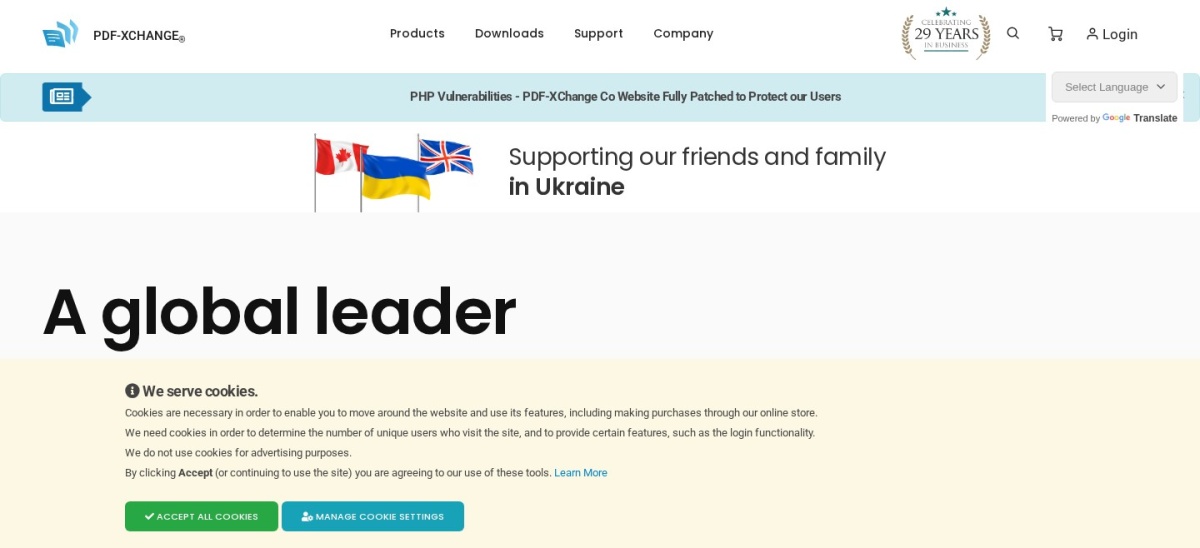
PDF-XChange Editor starts at $62 for a perpetual license, making it attractive for buyers who dislike subscriptions.
Foxit PDF Editor costs $129.99 a year and has a 4.6/5 G2 rating.
Adobe Acrobat Standard costs $14.99 a month with an annual commitment.
PDFgear offers free PDF editing and splitting, with a 4.8/5 rating from 190 G2 reviews.
PDF24 offers free browser-based extraction and removes uploaded files within one hour of their last use.
How do you choose the best tool to extract PDF pages?
Page extraction creates a new PDF containing selected pages from an existing document. Unlike text extraction, it preserves the pages as documents, including their original visual layout, images and formatting.
Offline processing matters when documents contain confidential information. Desktop editors can extract pages without uploading the original document to an external server.
Flexible page selection saves time. Look for software that supports individual pages, consecutive ranges and nonconsecutive selections rather than forcing you to split an entire document.
Free software is often sufficient for occasional extraction. Paid PDF editors make more sense when you also need document conversion, annotation, form creation, security controls and regular editing.
PDF-XChange Editor is a Windows PDF application for editing, organizing and extracting document pages. Its standard paid license starts at $62, and the application also offers a free mode with restricted access to licensed features.
The trade off is platform availability and licensing restrictions on premium operations. The $62 perpetual license avoids mandatory annual subscriptions, although ongoing maintenance costs extra. It suits Windows professionals who regularly reorganize lengthy PDF documents.
What we like
Perpetual license instead of mandatory subscriptions
Local document processing
Detailed page organization controls
Portable application available
Watch out for
No native Mac application
Unlicensed premium operations may add watermarks
Optional maintenance renewals cost extra
The paid license unlocks licensed editing features without demonstration watermarks.Visit pdf-xchange.com
02
Foxit PDF Editor
4.6/5on G2 (3,784 reviews, checked Nov 2026)
Starts at$129.99/yr
Best for cross-platform professional PDF work
Page extractionDocument organization tools
PlatformsWindows, macOS and web
Free trial14 days
Paid planPDF Editor
foxit.com
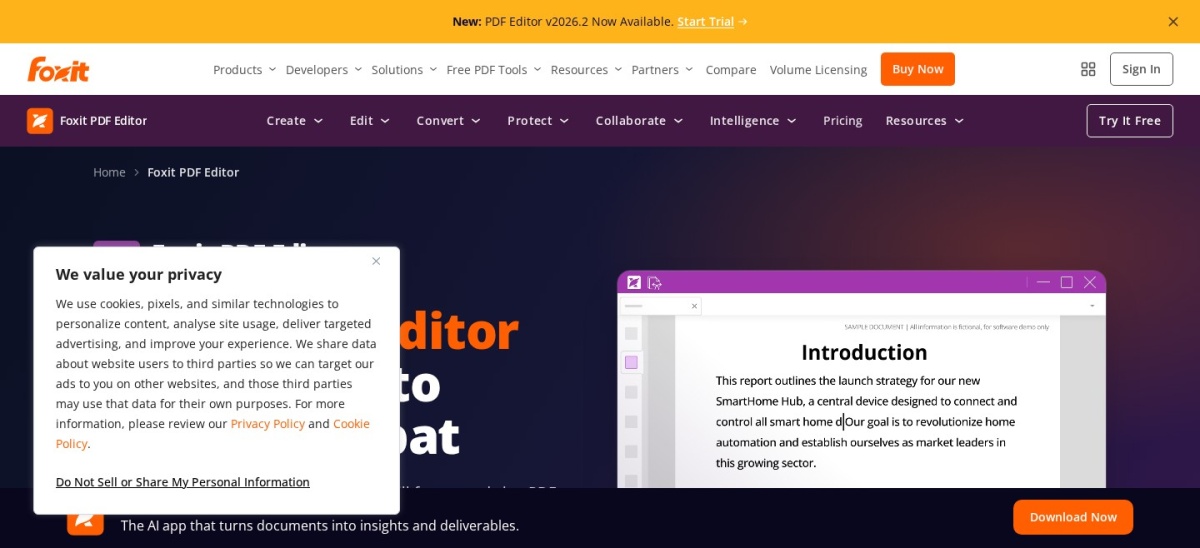
Foxit PDF Editor homepage, captured Nov 2026.
Foxit PDF Editor is a professional document application that combines page extraction with document editing, conversion and OCR. The entry subscription costs $129.99 annually and includes desktop and browser access.
The trade off is that the full editor requires payment after its 14-day trial. The $129.99 annual subscription makes more sense for regular document work than occasional extraction. It suits professionals who manage PDFs across different operating systems.
What we like
Desktop applications for Windows and Mac
Local page organization
OCR and document conversion included
Document comparison tools
Watch out for
No permanent free editor plan
Advanced mobile editing requires a higher tier
More features than casual users may need
PDF Editor includes professional editing, OCR and document organization.Visit foxit.com
03
Adobe Acrobat
4.5/5on G2 (5,841 reviews, checked Nov 2026)
Starts at$14.99/mo
Best for business document workflows
Page extractionOrganize Pages
ProcessingDesktop and online options
BillingAnnual commitment, monthly billing
Paid planAcrobat Standard
adobe.com
Adobe Acrobat homepage, captured Nov 2026.
Adobe Acrobat is a document management application that supports PDF page organization, editing, conversion and electronic signatures. Acrobat Standard starts at $14.99 per month under an annual agreement and includes the core PDF editing tools.
The trade off is the recurring subscription and annual commitment. Standard costs $179.88 over a year at the listed monthly rate, while advanced features require higher tiers. It suits businesses that need extraction alongside document preparation and approval workflows.
What we like
Detailed page organization tools
Suitable for broader business document workflows
Electronic signature capabilities
PDF conversion and password protection
Watch out for
Recurring subscription for desktop editing
Early cancellation fees may apply
Advanced editing features require higher tiers
Acrobat Standard adds full document organization and editing capabilities.Visit adobe.com
04
PDFgear
4.8/5on G2 (190 reviews, checked Nov 2026)
PriceFree
Best for free PDF extraction and editing
Page extractionPage organization and splitting
PlatformsWindows, Mac and mobile
Online toolsAvailable
Paid planNone
pdfgear.com
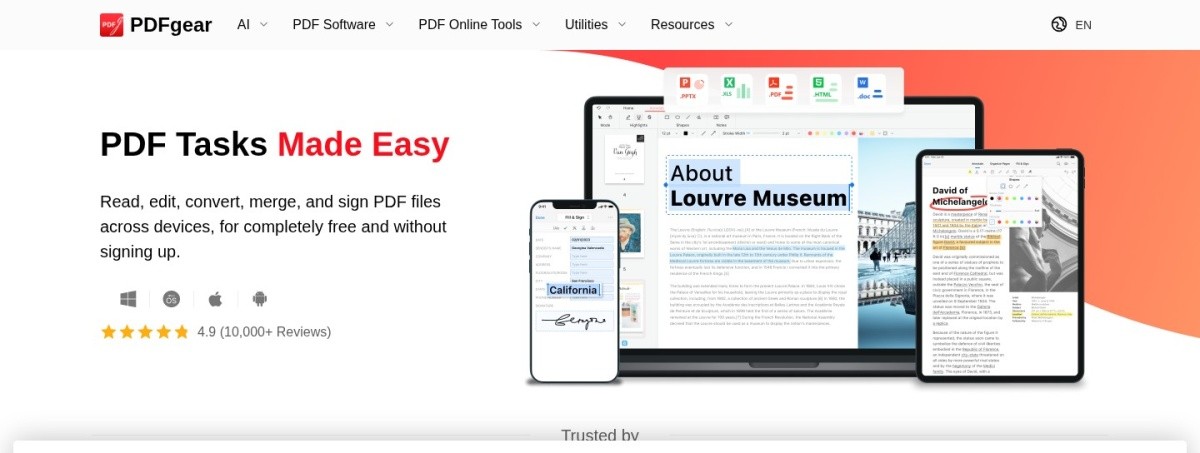
PDFgear homepage, captured Nov 2026.
PDFgear is a free document editor with tools for splitting, merging, editing and reorganizing PDF pages. Its desktop and online applications cover everyday document tasks, and its G2 profile carries a 4.8/5 rating from 190 reviews.
The trade off is that organizations seeking centralized license management and dedicated enterprise support may prefer a commercial editor. PDFgear currently offers its PDF editing software for free. It suits students, freelancers and individuals who need page extraction without a subscription.
What we like
Free PDF editing software
Desktop and online options
Supports additional document editing tasks
Available for Windows and Mac
Watch out for
Less suited to centralized enterprise administration
Additional split modesBookmarks, text and file size
Paid upload limit500 MB per file
Paid planDesktop+Web Annual
sejda.com
Sejda homepage, captured Nov 2026.
Sejda is a browser and desktop PDF toolkit with dedicated extraction and splitting features. Its free edition requires no registration, while the paid plans support uploads of up to 500 MB per file and processing multiple documents.
The trade off is that the free edition restricts document sizes and processing frequency. Desktop+Web Annual costs $63, while occasional users can purchase a $5 week pass for browser access. It suits users who regularly extract chapters or selected pages from lengthy documents.
What we like
Dedicated page extraction interface
Multiple document splitting methods
Offline desktop application available
Short-term paid access option
Watch out for
Free processing restrictions
Week pass does not include desktop access
G2 rating covers the Google Workspace edition
Desktop+Web Annual adds desktop access and higher processing limits.Visit sejda.com
06
PDF24
4/5on Trustpilot (121 reviews, checked Nov 2026)
PriceFree
Best for unlimited free browser extraction
Page extractionVisual selection and odd/even pages
Usage limitsNo published task restrictions
File retentionUp to one hour after last use
Paid planNone
tools.pdf24.org
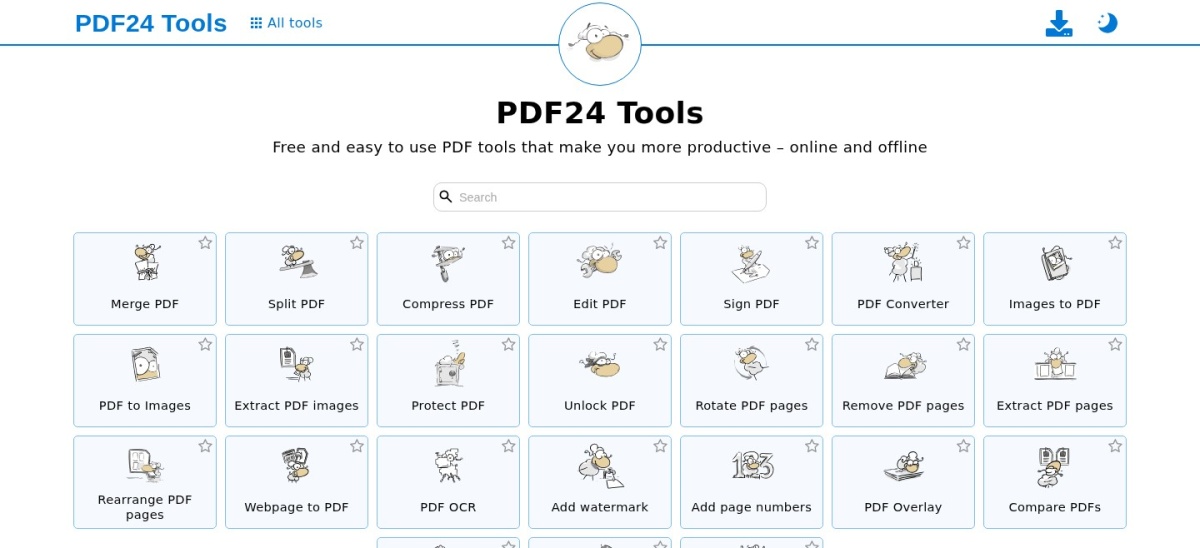
PDF24 homepage, captured Nov 2026.
PDF24 is a free collection of browser-based PDF utilities with dedicated page extraction, splitting and merging tools. Users can select individual pages visually or select odd and even pages together, with uploaded files removed within one hour of their last use.
The trade off is that the browser service contains advertisements and processes documents on external servers. There is no subscription charge, and PDF24 Creator provides a local Windows alternative. It suits occasional users and small businesses that want free document organization.
PDFsam Basic is an open-source desktop application with six document organization tools, including page extraction, merging, splitting and rotation. It works without an internet connection and does not impose file size limits or add watermarks to extracted documents.
The trade off is a less visual workflow and the absence of full document editing. PDFsam Basic is free, while PDFsam Visual and Enhanced are separate commercial products. It suits privacy-conscious users comfortable entering page numbers and ranges manually.
What we like
Open-source desktop application
Documents remain on the user's computer
No extraction watermarks
Linux support
Watch out for
No full PDF text editor
Page selection relies on numeric ranges
Trustpilot rating covers the broader PDFsam product family
PDFsam Basic has no paid tier; Visual and Enhanced are separate commercial applications.Visit pdfsam.org
Should you extract PDF pages online or offline?
Offline extraction is preferable for confidential documents. Contracts, financial statements, employee records and medical documents may contain information that should not be uploaded to external services. PDF-XChange Editor, PDFgear and PDFsam Basic offer desktop-based alternatives.
Online extraction works well for ordinary documents. PDF24 provides a convenient interface for selecting pages without installing software. PDFgear also offers browser-based extraction that its documentation says processes files locally within the browser.
A paid editor makes sense when extraction is part of a larger workflow. Foxit PDF Editor and Adobe Acrobat combine document organization with conversion, editing and signing, reducing the need to switch between separate utilities.
How can you extract PDF pages without losing quality?
Use a dedicated page extraction feature instead of converting pages to images or taking screenshots. Direct extraction is generally better at preserving selectable text, vector graphics and the original page layout.
Check the extracted document before sharing it. Interactive forms, bookmarks, hyperlinks and digital signatures may behave differently when pages are removed from their original document. Keep an unchanged copy of the source file.
Choose extraction rather than compression when your goal is simply to remove unwanted pages. Compression can change image quality, whereas extraction normally transfers selected page content into a separate document.
How we chose
We shortlisted established PDF editors and document organization utilities that support selected-page extraction. We compared desktop availability, browser access, page selection methods, privacy considerations, free usage restrictions and broader document editing capabilities.
We checked official product and pricing pages alongside G2 and Trustpilot ratings on 29 Nov 2026. Annual subscription prices represent recurring annual costs, while perpetual licenses represent the initial purchase expense. Sejda's comparison uses its cheapest annual recurring option rather than its temporary week pass.
We excluded products whose regular USD prices could not be confirmed, including Smallpdf, iLovePDF and Nitro PDF. Trustpilot ratings for PDFsam cover the vendor's product family, while Sejda's G2 rating covers its Google Workspace edition. No vendor paid for a place, and we do not claim testing for this list.
How to choose a PDF page extraction tool
Compare your document sensitivity, extraction frequency, operating system and editing requirements before purchasing PDF software.
Decide whether your documents can leave your device. Choose desktop processing for sensitive documents. PDFsam Basic, PDFgear and PDF-XChange Editor are suitable starting points when uploading files to an external service is undesirable.
Check the available page selection methods. Look for individual page selection, consecutive ranges and nonconsecutive ranges. Visual previews are particularly useful when printed page numbers differ from the PDF's internal page positions.
Match the pricing model to your workload. Choose a free utility for occasional extraction. Consider PDF-XChange Editor's $62 perpetual license for regular Windows editing, or Sejda's $63 annual plan if you prefer browser and desktop flexibility.
Check the additional document features you need. Choose Adobe Acrobat or Foxit PDF Editor if you also manage document conversions, forms, annotations and signatures. A dedicated extractor is usually sufficient when your only requirement is saving selected pages.
FAQ
What is the best tool to extract PDF pages in 2026?
PDF-XChange Editor is our top paid recommendation for Windows users because its $62 perpetual license combines document organization and editing without mandatory annual subscription payments. Foxit PDF Editor is a better cross-platform choice, while PDFgear is suitable for free extraction.
What is the best free tool to extract PDF pages?
PDFgear is our preferred free PDF extraction tool because it offers desktop software and a browser-based page extractor without a paid subscription. PDF24 is another useful option for visual page selection, while PDFsam Basic is suitable for open-source offline processing.
How much does PDF page extraction software cost?
PDF page extraction software ranges from free utilities to professional subscription-based editors. PDF-XChange Editor starts at $62 for a perpetual license, Sejda offers an annual plan at $63, and Foxit PDF Editor costs $129.99 annually.
Can I extract PDF pages without uploading my document?
Yes. PDFsam Basic, PDF-XChange Editor and PDFgear offer desktop applications that can process documents locally. PDFgear's browser extractor also uses local browser processing according to its documentation. Offline desktop tools are preferable when working with confidential files.
Which PDF extractor is easiest for beginners?
PDF24 is a good choice for beginners because its browser interface displays document pages for visual selection. You can select the required pages and save a new PDF without registering for an account or purchasing a subscription.
Is PDF-XChange Editor better than Foxit PDF Editor?
PDF-XChange Editor is better for Windows users who prefer perpetual licensing, while Foxit PDF Editor is more suitable for cross-platform professional work. Both offer document organization and editing, but Foxit provides native Mac support and subscription-based access.
Can I extract multiple nonconsecutive PDF pages into one file?
Yes. Dedicated PDF extraction tools allow you to select separate pages and combine them into a new PDF. Applications such as PDFsam Basic accept numeric page ranges, while visual extractors such as PDF24 let you select the required page thumbnails.
Does extracting PDF pages reduce document quality?
Direct PDF page extraction generally preserves the original page quality because it does not require converting pages into images. However, check interactive elements, bookmarks, signatures and hyperlinks afterward, since removing pages can affect document-level features and references.
SaaS SEO and WordPress specialist with about 8 years of experience. Rakib compares WordPress plugins, themes, hosting and software using public pricing, documentation and user reviews. See how we rank.