Descript is the best tool for creating SaaS demo videos in 2026 because you edit screen recordings by deleting text from an automatic transcript, starting at $16/month billed annually ($192/yr). Choose Arcade for clickable product tours with MP4 export, or Guidde for rapid AI-narrated help videos.
How we make this list: we compare pricing pages, product documentation and public user reviews, then re-check every price before each update. No product paid for a place. Disclosure.
Entry-level paid plans range from $39/yr for Camtasia Starter to $510/yr per seat for Arcade Growth.
Six of the seven tools include a free tier, though free exports either carry watermarks or cap video counts at 1 to 25.
Transcript editors like Descript ($192/yr) and Loom ($180/yr) cut post-production time for founder-led walkthroughs.
Interactive demo builders like Arcade and Supademo let buyers click through product flows before exporting linear video.
AI presenter platforms like HeyGen ($288/yr) translate product launches into 175 languages and dialects without re-recording.
How do you choose the best tools for creating SaaS demo videos?
SaaS demo video tools fall into three distinct workflows: screen recorders with timeline or text editing, interactive click-through builders that export to MP4, and AI avatar generators. Picking the right category saves hours every time your user interface ships an update.
Linear screen recorders suit founders and product marketers who narrate live workflows and need crisp cursor zoom, callouts, and audio cleanup. Tools in this group rely on traditional timelines or transcript-based cutting so you can remove hesitations without learning complex motion software.
Interactive demo platforms capture browser steps into guided tours first and render video second. That dual output lets you embed an interactive walkthrough on a landing page while repurposing the exact same capture as an MP4 for social feeds and outbound emails.
AI presenter platforms replace on-camera filming with synthetic spokespeople and multi-language voiceovers. They work best when you pair imported product screen captures with localized narration for international launch campaigns.
Best for transcript-based SaaS walkthrough editing
WorkflowScreen capture + text-based video editor
Free plan60 media minutes/month with watermark
Entry paid planHobbyist at $16/mo billed annually ($24/mo monthly)
Standout featureOne-click filler word removal and Studio Sound
descript.com
Descript homepage, captured Nov 2026.
Descript is a screen recorder and video editor that transcribes your SaaS demo into an editable text document. Its free plan includes 60 media minutes per month, 100 one-time AI credits, and multi-language transcription across 25 languages, while the Hobbyist plan starts at $16 per month billed annually ($24 billed monthly) for 600 monthly media minutes and watermark-free exports.
The trade off is that AI tools like Studio Sound and filler-word cleanup remain capped on lower tiers, and advanced avatar features consume monthly AI credits quickly. At $192 per year on Hobbyist, it suits founders and product marketers who narrate their own demos and want fast text-based cuts without timeline complexity.
What we like
Deletes spoken mistakes and pauses by editing the transcript
Studio Sound cleans laptop microphone audio in one click
Supports dynamic animated captions and custom brand fonts
Watch out for
Free exports carry a watermark and cap at 60 minutes per month
AI credits reset monthly and require top-ups for heavy generation
Hobbyist removes watermarks and expands processing to 10 media hours and 400 AI credits per month.Visit descript.com
02
Arcade
4.6/5on G2 (189 reviews, checked Nov 2026)
Paid from$42.50/mo
Best for interactive demos with MP4 video export
WorkflowClick-through capture + video & GIF export
Free plan1 seat, 1 published demo, and 1 video
Entry paid planGrowth at $42.50/seat/mo billed annually ($50/mo monthly)
Standout featureBranching interactive paths and 4K video export
arcade.software
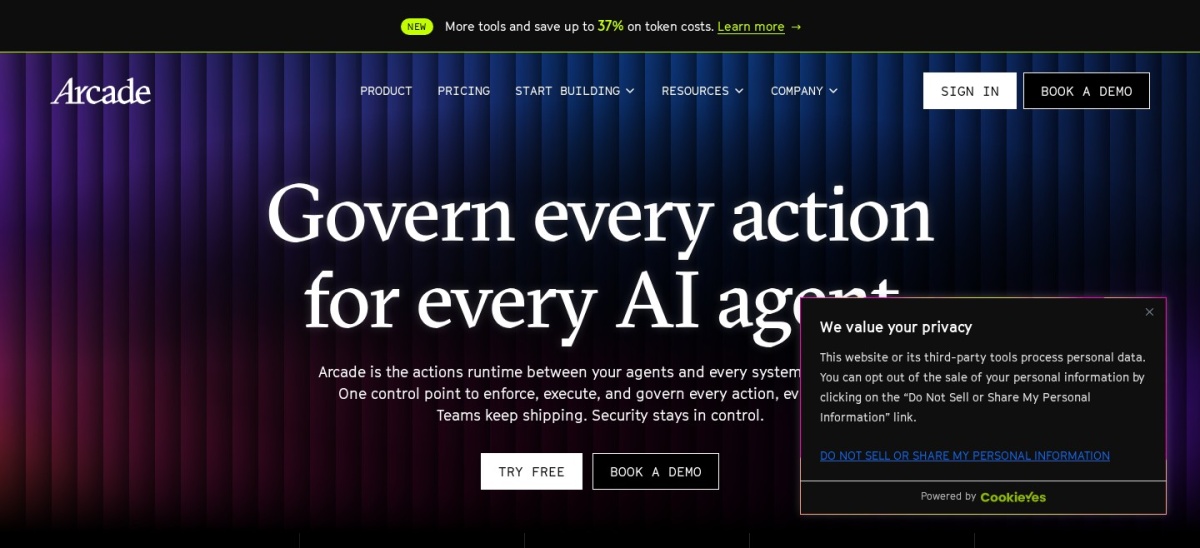
Arcade homepage, captured Nov 2026.
Arcade is an interactive demo builder that captures browser clicks into guided walkthroughs and exports them as linear MP4 or GIF files. Its free plan gives one user a single published demo and one video, whereas the Growth tier starts at $42.50 per seat per month billed annually ($50 billed monthly) for up to 10 users with branching and viewer insights.
The trade off is per-seat pricing that climbs faster than standard screen recorders, alongside a separate AI Video Pro add-on starting at $49 per month billed annually. At $510 per seat per year, it suits product-led SaaS teams that want both website embeds and downloadable launch videos from one capture.
What we like
Produces clickable embeds and linear MP4 videos from one capture
Auto-generates step descriptions, AI voiceovers, and translations
Exports up to 4K at 24, 30, or 60 FPS for social and web
Watch out for
Free plan allows only one published demo
Per-seat pricing on Growth adds up for multi-editor teams
WorkflowBrowser capture + AI storyline & voiceover
Free planUp to 25 videos on web apps with watermark
Entry paid planPro at $16/creator/mo billed annually ($23–$29/mo monthly)
Standout featureAutomatic step annotations and 200+ AI voices
guidde.com
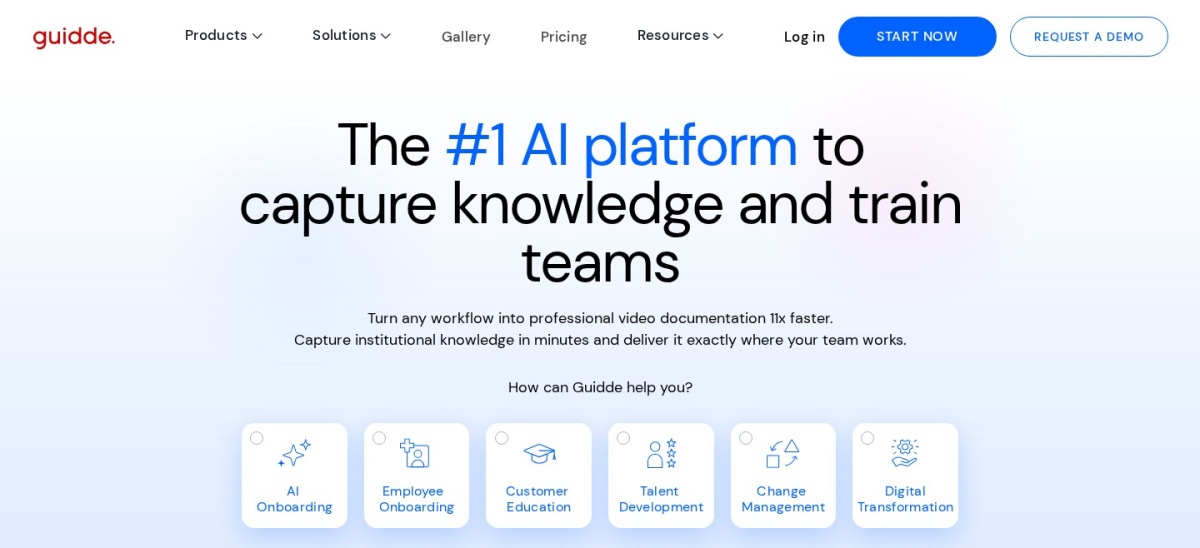
Guidde homepage, captured Nov 2026.
Guidde is an AI-assisted screen capture platform that turns browser workflows into narrated video guides and click-through demos. Its free tier allows up to 25 watermarked videos on web apps, while the Pro plan starts at $16 per creator per month billed annually for unlimited videos, watermark removal, and Brand Kit styling.
The trade off is limited frame-by-frame timeline control compared with desktop editors, and desktop or mobile app capture requires upgrading to the Business tier. At $192 per creator per year, it suits customer success and product teams building help-center walkthroughs at scale.
What we like
Generates storylines, step callouts, and voiceovers automatically
Exports guides to video, PowerPoint, PDF, and interactive embeds
Generous free tier covers up to 25 web-app videos
Watch out for
Free tier restricts capture to web browsers and adds a watermark
Less granular visual customization than traditional video editors
Pro removes Guidde watermarks, adds custom Brand Kits, and enables unlimited video creation.Visit guidde.com
04
HeyGen
4.8/5on G2 (1,978 reviews, checked Nov 2026)
Paid from$24/mo
Best for AI avatar presenters and global localization
Free plan3 videos/month up to 1 minute each with watermark
Entry paid planCreator at $24/mo billed annually ($29/mo monthly)
Standout featureLip-synced video translation in 175 languages
heygen.com
HeyGen homepage, captured Nov 2026.
HeyGen is an AI avatar video platform that pairs synthetic presenters with your uploaded product screenshots, screen recordings, and slides. Its free plan includes three watermarked videos per month capped at one minute each, while the Creator plan starts at $24 per month billed annually ($29 billed monthly) for 30-minute videos and 700+ stock avatars.
The trade off is that HeyGen does not record your screen natively, and 4K exports require the higher Pro tier. At $288 per year on Creator, it suits product marketing teams shipping spokesperson-led feature announcements across multiple languages.
What we like
Translates and lip-syncs finished demos into 175 languages and dialects
Includes 700+ stock avatars plus custom digital twin creation
Imports PowerPoint and PDF decks directly into scenes
Watch out for
Requires separate screen recording software to capture live UI
4K export resolution is locked behind the Pro subscription
Creator lifts the 1-minute cap to 30 minutes, removes watermarks, and unlocks 175-language translation.Visit heygen.com
05
Loom
4.7/5on G2 (2,500 reviews, checked Nov 2026)
Paid from$15/mo
Best for fast async sales and feature walkthroughs
WorkflowInstant screen & webcam capture + cloud link
Free planUp to 25 videos, 5-minute recording cap, 720p
Entry paid planBusiness at $15/user/mo billed annually ($18/mo monthly)
Standout featureInstant shareable links with viewer engagement insights
loom.com
Loom homepage, captured Nov 2026.
Loom is a cloud screen recorder built for fast, asynchronous product walkthroughs with a picture-in-picture camera bubble. Its free Starter plan supports up to 25 videos per person at 720p with a five-minute cap, while the Business plan costs $15 per user per month billed annually ($18 billed monthly) for unlimited videos and recording length.
The trade off is that AI transcript editing, filler-word removal, and auto-chapters require upgrading to the Business + AI tier at $24 per user per month. At $180 per user per year, it suits sales engineers and founders sending tailored prospect demos.
What we like
Uploads recordings instantly to a shareable link with zero rendering wait
Tracks viewer engagement and embeds cleanly in Notion, Jira, and Slack
Removes Loom branding and adds custom CTAs on Business
Watch out for
Free plan caps recordings at 5 minutes and 720p resolution
Transcript editing and silence removal require Business + AI
Business removes the 25-video and 5-minute limits, strips Loom branding, and adds custom video CTAs.Visit loom.com
06
Camtasia
4.6/5on G2 (1,791 reviews, checked Nov 2026)
Starts at$39/yr
Best for multi-track timeline control and cursor polish
Entry paid planStarter at $39/yr billed yearly (Create at $249/yr)
Standout featureCursor path smoothing, click animations, and redaction
techsmith.com
Camtasia homepage, captured Nov 2026.
Camtasia is a Windows and macOS screen recording and multi-track editing suite built for detailed software tutorials and product demos. TechSmith does not offer a permanent free desktop tier, but paid plans start at $39 per year billed yearly for Starter, with Essentials at $179.88 per year and Create at $249 per year.
The trade off is an annual-only billing model and a steeper editing learning curve than browser-based recorders. Starting at $39 per year, it suits teams that want precise cursor effects, callouts, and sensitive-data blurring across both Windows and Mac.
What we like
Lowest annual entry price on this list at $39/yr
Offers deep multi-track timeline control, cursor editing, and callouts
Supports 4K UHD capture on both macOS and Windows
Watch out for
No monthly billing option or permanent free desktop plan
Manual timeline editing takes longer than AI-automated tools
Free planFree starter tier with basic demo creation
Entry paid planScale from $38/creator/mo billed annually ($50/mo monthly)
Standout featureAI voiceovers, hotspot zoom, and video/SOP export
supademo.com
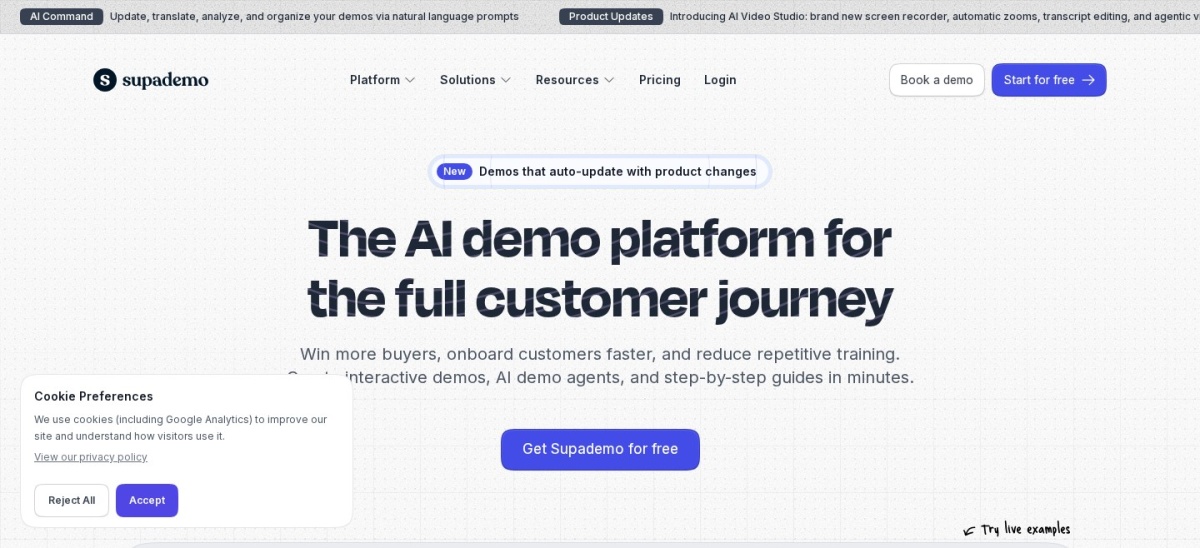
Supademo homepage, captured Nov 2026.
Supademo is a lightweight browser extension and demo builder that turns product clicks into guided walkthroughs, written SOPs, and MP4 videos. It offers a free tier to test interactive captures, while the Scale plan starts at $38 per creator per month billed annually ($50 billed monthly) with a 24% annual discount.
The trade off is that full HTML/CSS sandbox cloning requires jumping to the Business plan at $199 per month billed annually. At $456 per creator per year on Scale, it suits onboarding and marketing teams that want fast hotspot zooms and AI narration.
What we like
Captures browser workflows in seconds via Chrome extension
Converts a single recording into a clickable tour, MP4 video, or SOP
Includes AI voiceovers, auto-descriptions, and viewer analytics
Watch out for
Full HTML replica demos start on Business at $199/mo billed annually
Per-creator pricing is higher than standalone screen recorders
Scale unlocks unlimited demos, AI voiceovers, custom branding, and MP4 video exports.Visit supademo.com
Which demo workflow matches your SaaS stage?
Early-stage founders shipping weekly updates usually get the fastest return from transcript editors like Descript ($192/yr) or instant link recorders like Loom ($180/yr). Because your UI changes often, spending days keyframing animations wastes time that is better spent re-recording a two-minute clip in minutes.
Growth and product-led teams benefit most from dual-purpose tools like Arcade ($510/yr) or Supademo ($456/yr). One capture gives your website an interactive product tour while exporting an MP4 file for launch posts, reducing duplicate production work.
How we chose
We built this shortlist by evaluating dedicated screen recorders, interactive demo builders, and AI video generators widely used by B2B and product-led SaaS teams. Every candidate had to produce shareable video files or hosted walkthroughs without requiring agency-level motion design skills.
All pricing tiers, annual billing discounts, user ratings, and review counts were verified directly from official vendor pricing pages and G2 product profiles on 29 Nov 2026. Where vendors display both monthly and annual rates, we standardized comparisons on the lowest regular annual price per seat.
We excluded enterprise-only demo suites that hide pricing behind custom sales quotes, standalone cinema generators without screen-capture workflows, and tools with fewer than 20 verified public reviews. No vendor paid for a place, and we do not claim testing for this list.
How to pick the right SaaS demo video tool
Match your software's release pace and distribution channels to the right editing workflow before committing to an annual seat.
Decide between linear video and clickable embeds. Pick a dedicated recorder like Descript or Camtasia if you only need MP4 files for YouTube, LinkedIn, and help docs, or choose Arcade or Supademo if you also want interactive website tours.
Check how fast you can update outdated screens. If your product UI changes every sprint, prioritize transcript-based trimming in Descript or modular step replacement in Guidde over complex multi-track timelines.
Audit watermark rules and resolution caps on free plans. Most free tiers stamp a vendor logo on exports or cap videos at 720p and one to five minutes, so verify whether you need 1080p or 4K output before sharing externally.
Calculate total seat cost for reviewers and editors. Check whether subject-matter experts need paid creator seats or can collaborate as free viewers, as per-seat plans from $15 to $42.50 per month scale quickly across product teams.
FAQ
What are the best tools for creating SaaS demo videos in 2026?
Descript is the best overall tool for creating SaaS demo videos in 2026, starting at $16/month billed annually ($192/yr) with transcript-based video cutting and Studio Sound audio cleanup. Arcade ($42.50/seat/mo annually) leads for interactive tours with MP4 export, while Guidde ($16/creator/mo annually) excels at AI-narrated tutorials.
What is the best free tool for SaaS demo videos?
Guidde offers the most generous free plan for SaaS walkthroughs, allowing up to 25 web-app videos with automated AI voiceovers and step callouts. Loom also provides a free Starter tier for up to 25 recordings of five minutes each at 720p resolution.
How much does SaaS demo video software cost?
Entry-level paid plans range from $39 per year for Camtasia Starter to $510 per seat per year for Arcade Growth. Most creator-focused SaaS video tools—including Descript, Guidde, and Loom—cost between $180 and $192 per user per year when billed annually.
Should I choose Descript or Loom for SaaS product demos?
Choose Descript ($192/yr) if you want polished marketing demos with transcript editing, filler-word deletion, and Studio Sound audio repair. Choose Loom ($180/yr) if your priority is recording quick, unedited walkthroughs and sharing an instant URL with prospects or teammates.
Can interactive demo tools like Arcade export normal MP4 videos?
Yes, both Arcade and Supademo export interactive click-through captures as standard MP4 videos. On Arcade, MP4 and GIF exports unlock on the Growth plan ($42.50/seat/mo billed annually), while Supademo includes video export on its Scale plan ($38/creator/mo billed annually).
Which tool is best for translating SaaS demo videos into other languages?
HeyGen is the strongest option for multilingual SaaS demos, translating and lip-syncing presenter videos across 175 languages and dialects on its Creator plan ($24/mo billed annually). Guidde and Descript also offer multi-language voiceovers and transcription for localized help centers.
SaaS SEO and WordPress specialist with about 8 years of experience. Rakib compares WordPress plugins, themes, hosting and software using public pricing, documentation and user reviews. See how we rank.