Best Time And Expense Tracking Software in 2026: 9 Tools Compared
WLWPLegible EditorsLast verified 24 Nov 2026How we rank9 min read
★ Short answer
Harvest is the best time and expense tracker for agencies that bill clients, at $11 per user per month. Toggl Track is the simplest timer at $9, and Clockify is the budget pick at $3.99.
How we make this list: we compare pricing pages, product documentation and public user reviews, then re-check every price before each update. No product paid for a place. Disclosure.
Harvest at $11 per user per month is the best time tracker for agencies that bill clients.
Toggl Track at $9 per user per month is the simplest timer teams will actually use, with a free plan for up to 5 users.
Clockify is the budget pick at $3.99 per user per month, with a free tier for small teams.
Ramp gives away its expense software for free and earns on the corporate card, which makes it nearly free for lean teams.
Expensify at $5 per user per month remains the default for straightforward expense reports.
What time and expense tracking should cover
Where did last month's hours actually go, and where did the money go with them? Those are two different questions that most small businesses answer with the same messy combination of spreadsheets, receipt photos and memory.
Time tracking software answers the first question, and expense management answers the second. This list covers both, because the buying decision usually happens together.
The category splits into two business models. Classic tools like Harvest, Expensify and Zoho Expense charge per user per month, while card-first platforms like Ramp give you the software free and earn on the corporate cards. Our guide on accounting software covers the wider finance stack.
Prices below are current list rates. Confirm on the vendor's site before buying, because this category reprices often.
The 9 best time and expense tracking software tools
01
Harvest
4.3/5on G2 (836 reviews, checked Nov 2026)
Paid from$11/user/mo
Best time and expense tracking for agencies
TimerYes, one-click
InvoicingYes, Stripe and PayPal
Expense trackingBasic
Paid plan$11/user/mo
getharvest.com
Harvest homepage, captured Nov 2026.
Harvest is the time tracker built for billable work. Start the timer, log hours against clients and projects, then turn those hours into invoices and collect payment through Stripe or PayPal without leaving the app.
The trade off is scope. Harvest tracks time and expenses at a basic level, but it is not an expense management platform: there are no corporate cards and no multi-level approval chains. It suits agencies that bill clients.
Toggl Track is a time tracker that wins on the metric that matters most for time tracking: people actually use it. The one-click timer lives in the menu bar, browser extension and phone, and embeds inside tools like Asana, Jira and GitHub.
The trade off is deliberate simplicity. There is no employee monitoring, no screenshots and no GPS, and invoicing is basic compared with Harvest. It suits teams that want hours logged accurately.
Clockify is the price disruptor. Paid plans undercut Toggl at every tier, starting at $3.99 a user a month for Basic, while offering invoicing, GPS tracking and screenshots that Toggl does not include at any price.
The trade off is polish. The interface works but feels utilitarian next to Toggl, and support response times lag. It suits budget-conscious teams that want one tool for time, expenses and light monitoring.
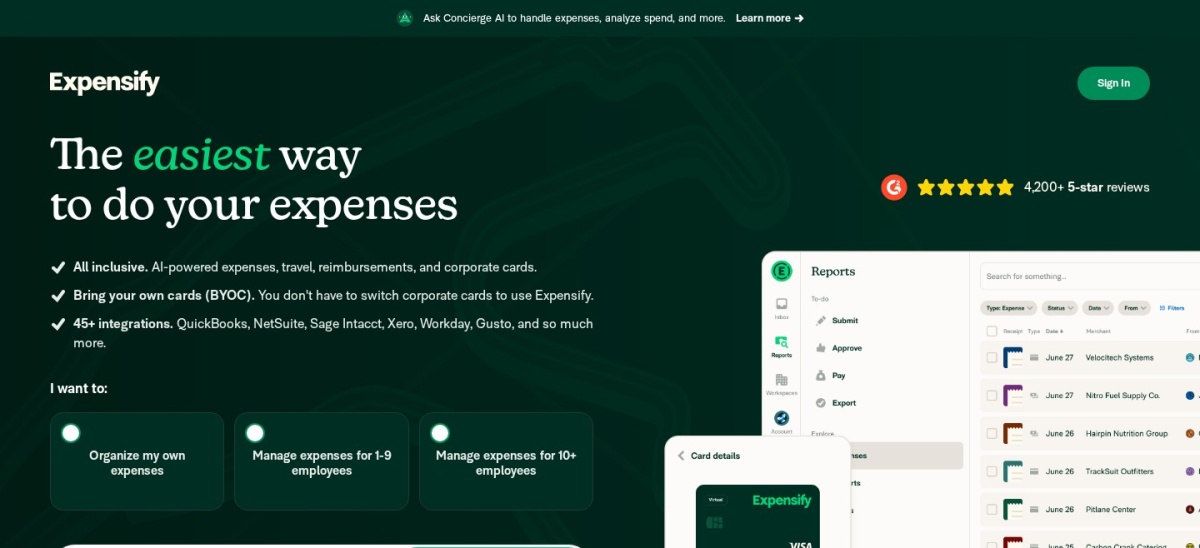
Expensify is the default expense report tool for small and mid-size teams. Snap a photo of a receipt, and SmartScan extracts the merchant, amount and date with accuracy that made the category.
The trade off is the card-first competition. Ramp and Brex now offer more automation at zero software cost, funded by card interchange. It suits companies that want expense software independent of their card program.
4.5/5on G2 (Not published reviews, checked Nov 2026)
Starts at$20 + $10/user/mo
Best for field teams with GPS needs
GPS geofencingYes
Mobile clock-inYes
QuickBooks payroll syncYes
Paid planPremium, $20/mo + $10/user
quickbooks.intuit.com
QuickBooks Time homepage, captured Nov 2026.
QuickBooks Time is the time tracker for businesses whose employees work at job sites, formerly TSheets. GPS tracking with geofencing automatically clocks workers in and out when they enter or leave a site.
The trade off is fit. Desk-based teams gain nothing from geofencing, and the base fee makes it pricey under 5 users. It suits field operations already running QuickBooks payroll.
4.4/5on G2 (Not published reviews, checked Nov 2026)
Starts at$4.99/user/mo
Best for remote team monitoring
ScreenshotsYes
Activity levelsYes
GPS trackingYes
Paid planStarter, $4.99/user/mo
hubstaff.com
Hubstaff homepage, captured Nov 2026.
Hubstaff is the monitoring-first time tracker. Beyond the timer, it captures screenshots, measures keyboard and mouse activity, and tracks GPS locations for field teams, with payroll integrations that turn tracked hours into payments.
The trade off is cultural. Research links electronic surveillance to lower trust and higher stress, and several jurisdictions restrict what employers can monitor. It suits teams where accountability is the actual requirement.
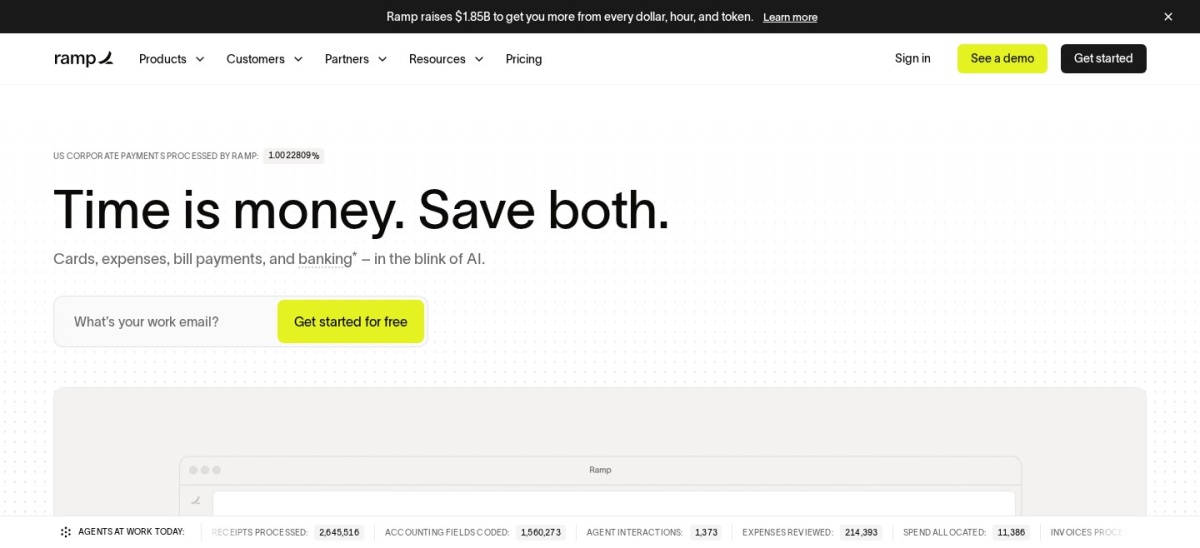
Ramp is an expense management platform that gives away expense management software because it earns on the corporate cards. The free core platform includes card issuance with custom limits, expense management, bill pay and accounting automation.
The trade off is the business model working as designed. The free tier has seat limits, and the full value requires issuing Ramp cards and routing spend through them. It suits lean teams open to the card switch.
What we like
Core platform free
Deep automation
Cards, expenses, AP and travel in one
Watch out for
Free tier has seat limits
Best value requires adopting Ramp cards
Ramp Plus adds advanced features at $15 a userVisit ramp.com
08
Zoho Expense
4.5/5on G2 (1,579 reviews, checked Nov 2026)
Paid from$5/user/mo
Best budget expense management
Free planYes, up to 3 users
Receipt OCRYes
Mileage trackingYes
Paid planStandard, $5/user/mo
zoho.com
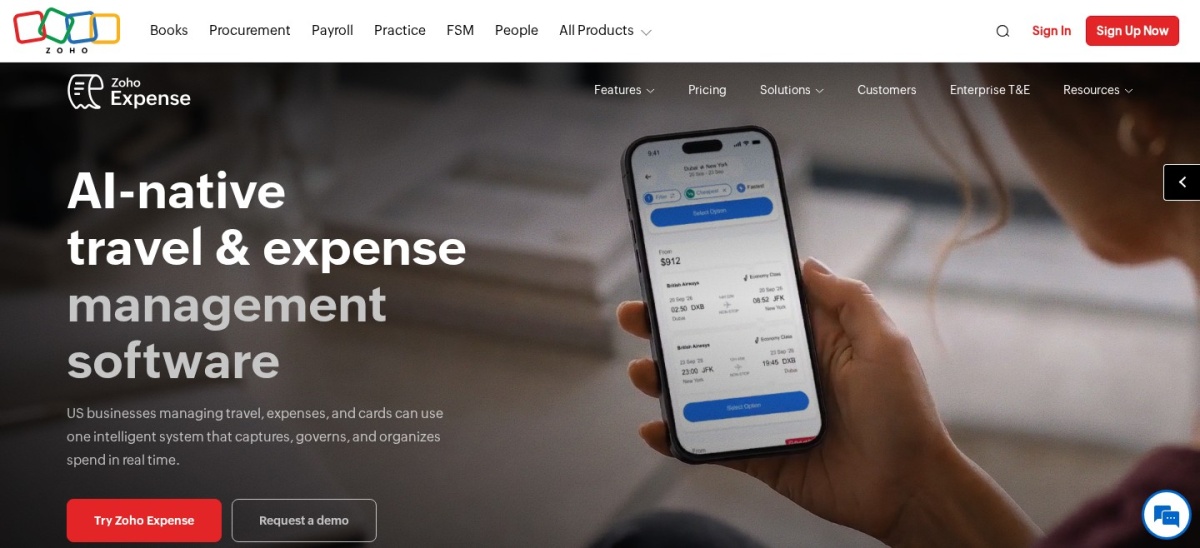
Zoho Expense homepage, captured Nov 2026.
Zoho Expense is the budget classic: a straightforward expense management tool with a genuinely free tier for up to 3 users and 20 scans a month. Paid plans run $5 a user a month for Standard and $9 for Premium.
The trade off is that the market moved around it. Ramp and Brex offer more automation at zero cost, funded by cards. It suits teams already running Zoho Books or the wider Zoho stack.
4.5/5on G2 (Not published reviews, checked Nov 2026)
Starts at$20/user/mo
Best for professional services billing
Timesheets to billingYes
QuickBooks syncTwo-way
Budget trackingYes
Paid planEssentials, $20/user/mo
bigtime.net
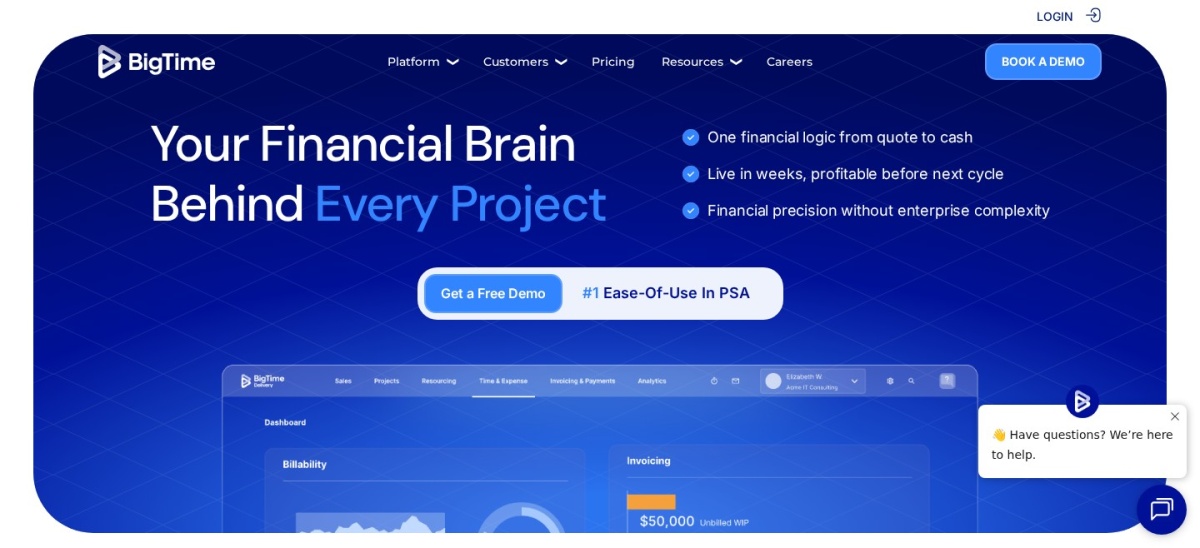
BigTime homepage, captured Nov 2026.
BigTime is a time and billing platform that connects timesheets to billing, rate management, timesheet approvals, project budgets and utilisation reporting, with a two-way QuickBooks sync and an AI assistant. It is built for professional services firms.
The trade off is price. Essentials starts at $20 a user a month, the highest entry here, and higher tiers add rate controls and resourcing. It suits firms that bill for time and need financial visibility.
Ramp and Brex give away expense software because they earn interchange revenue from the corporate cards you issue through them.
That makes them nearly free for lean teams, but the full value requires switching card providers and routing spend through them.
If you want expense software independent of your card program, Expensify or Zoho Expense are the better fit.
How we chose
We started from the established time and expense tracking software that buyers shortlist in 2026, then kept those with a verifiable rating on G2 or Capterra and a published price or a clear quote-based model.
Prices come from each vendor's pricing page as reported in comparisons checked on 24 November 2026, with the top three checked against vendor pricing pages. Ratings and review counts come from G2 or Capterra on the same day. Where a vendor shows a sale, the list shows the regular price.
We left out tools with no verifiable public rating. No vendor paid for a place, and we do not claim hands-on testing for this list.
How to choose the best time and expense tracking software
Start with whether you bill hours, track expenses, or both.
Name the job. Billable agencies need invoicing, field teams need GPS, and finance teams need expense approvals.
Check the free plan limits. Clockify and Toggl Track cover small teams free, while Harvest covers 1 seat and 2 projects.
Price it per user, per month. Multiply the seat price by your team, and watch base fees such as QuickBooks Time's $20 a month.
Decide on cards or software. Card-first tools are free but need a card switch, while classic tools work with any bank card.
FAQ
What is the best time and expense tracking software?
Harvest is the best pick for agencies that bill clients, at $11 per user per month. Toggl Track is the simplest timer at $9, and Ramp is the best free expense platform for teams open to corporate cards.
How much does time tracking software cost?
Paid plans here run from $3.99 per user per month for Clockify to $20 for BigTime. Harvest costs $11, Toggl Track $9, and Expensify $5 per user per month.
Is there free time tracking software?
Yes. Clockify, Toggl Track and Harvest all offer free plans, and Ramp's core expense platform is free. Clockify's free tier covers up to 5 users.
What is the difference between Harvest and Toggl Track?
Harvest turns tracked time into invoices and payments, while Toggl Track is a simpler one-click timer with stronger reporting. Harvest suits billing, Toggl suits accurate time logging.
Does QuickBooks Time work without QuickBooks?
It works, but its value is the payroll sync with QuickBooks. Teams not running QuickBooks will find Toggl Track or Clockify simpler and cheaper. Both offer free plans for small teams.
Is Hubstaff good for remote teams?
Hubstaff suits remote teams that need activity proof alongside hours, with screenshots and GPS. Teams that want trust-based tracking should choose Toggl Track instead. Clockify is a simpler alternative without monitoring.