Best Technical Writing Software in 2026: 9 Tools Compared
WLWPLegible EditorsLast verified 24 Nov 2026How we rank8 min read
★ Short answer
Document360 is the best technical writing software for most teams building an AI-ready knowledge base. MadCap Flare is the best for print-production manuals at $3,150 a year, and ProProfs is the best budget pick at $49 per author per month.
How we make this list: we compare pricing pages, product documentation and public user reviews, then re-check every price before each update. No product paid for a place. Disclosure.
Document360 leads for AI-ready hosted knowledge bases, but pricing is quote-only since November 2024.
MadCap Flare is the industry standard for print-production manuals, listing at $3,150 per author per year.
ProProfs starts at $49 per author per month, the cheapest serious cloud option here, with a free plan.
GitBook is free for one site and one user, and suits docs-as-code teams with Git sync.
Paligo and Document360 are enterprise-priced, while HelpNDoc costs €99 once for solo writers.
What technical writing software should cover
Technical writing software turns product knowledge into manuals, help centres and API docs. The category splits between desktop help authoring tools and cloud knowledge bases.
Desktop tools such as MadCap Flare, RoboHelp and HelpNDoc suit Windows-centric teams that need print-grade PDF and single-sourcing. Cloud tools such as Document360, ClickHelp and GitBook suit distributed teams and web help.
The newest split is AI. Document360 and ClickHelp now sell AI search and chatbots on top of docs, while Paligo grounds AI answers in reusable components. Our guide on knowledge base software covers the wider market.
Prices span the whole range: ProProfs starts at $49 per author per month, HelpNDoc costs €99 once, and MadCap Flare lists at $3,150 a year.
List prices in each vendor's currency, checked Nov 2026
Document360Custom
PaligoCustom
ConfluenceFREE$65
HelpNDocFREE€99
RoboHelp$480
ProProfs KBFREE$588
GitBookFREE$780
ClickHelp$2,328
Flare$3,150
The 9 best technical writing software tools
01
Document360
4.7/5on G2 (543 reviews, checked Nov 2026)
PricingCustom/yr
Best technical writing software overall
AI search (Eddy)Yes
Markdown editorYes
VersioningYes
Paid planCustom quote
document360.com
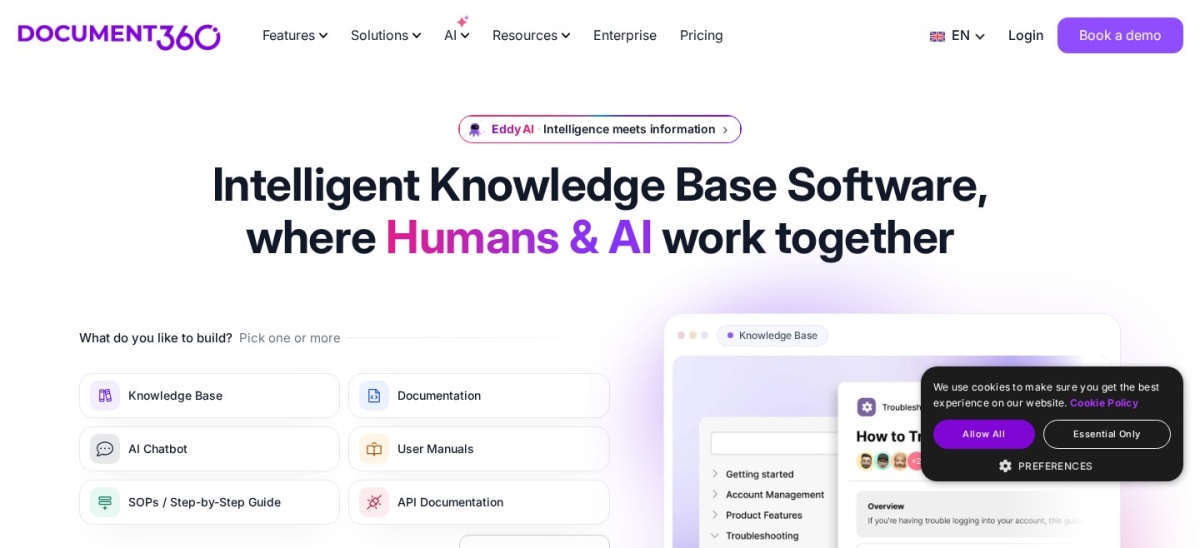
Document360 homepage, captured Nov 2026.
Document360 is a hosted knowledge base platform that has repositioned itself around AI: it describes its docs as ready for AI agents, with MCP connections and connected workflows, plus authoring, search, security and self-service.
The trade off is pricing. Document360 has been quote-only since November 2024, and reviewers report the price nearly doubled. It suits support and product teams whose docs must feed chatbots as well as humans.
MadCap Flare is the industry standard for serious technical documentation teams. It uses topic-based authoring with conditional reuse, so content is written once and published across web, PDF, mobile and AI assistants, with variants for audiences and products.
The trade off is price and platform. Flare lists at $3,150 per author per year, and it is a Windows desktop application with a steep learning curve. It suits teams that need print-production manuals.
4.7/5on Capterra (Not published reviews, checked Nov 2026)
Paid from$49/author/mo
Best budget technical writing tool
Free planYes, 25 pages
AI WriterYes
No-code editorYes
Paid plan$49/author/mo
proprofs.com
ProProfs Knowledge Base homepage, captured Nov 2026.
ProProfs Knowledge Base is a no-code, collaborative help centre for technical and non-technical teams. It offers an AI Writer, AI Search and flexible category structure, with a free-forever tier covering one author and 25 pages.
The trade off is depth. ProProfs tracks costs by author rather than plan tiers, but it lacks the component reuse of a CCMS. It suits teams that want simple online manuals on a budget.
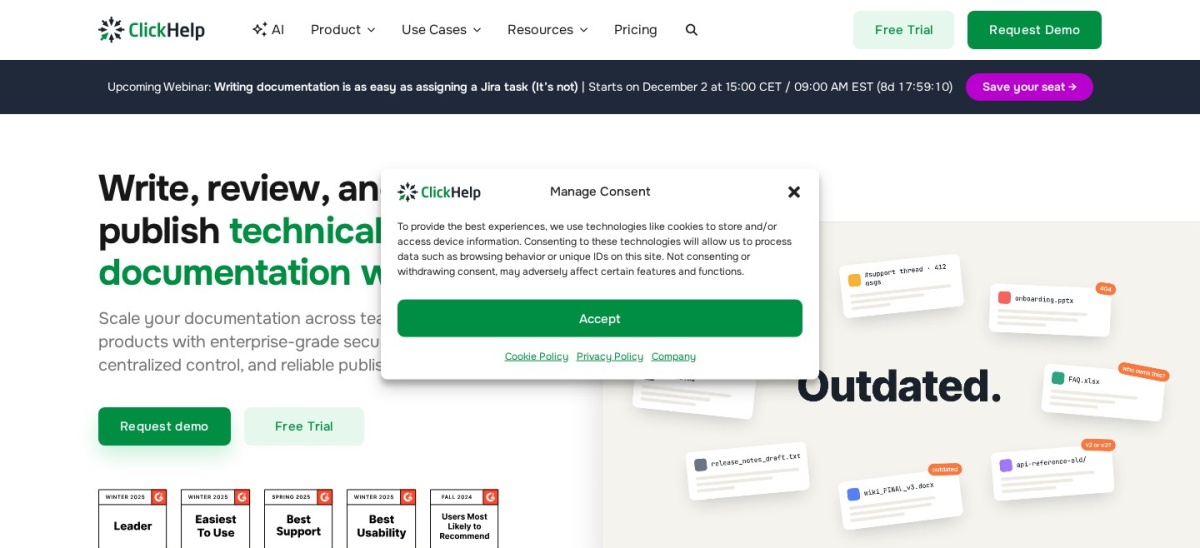
ClickHelp is a cloud help authoring tool with WYSIWYG topic authoring, strong reader analytics and a translation workspace. It fits teams migrating from a desktop tool like RoboHelp to a cloud equivalent.
The trade off is cost creep. Published pricing runs $194, $325 and $640 a month for 2, 5 and 10 contributors, and the AI Suite add-on costs $300 a month. It suits teams that need hosted manuals with security.
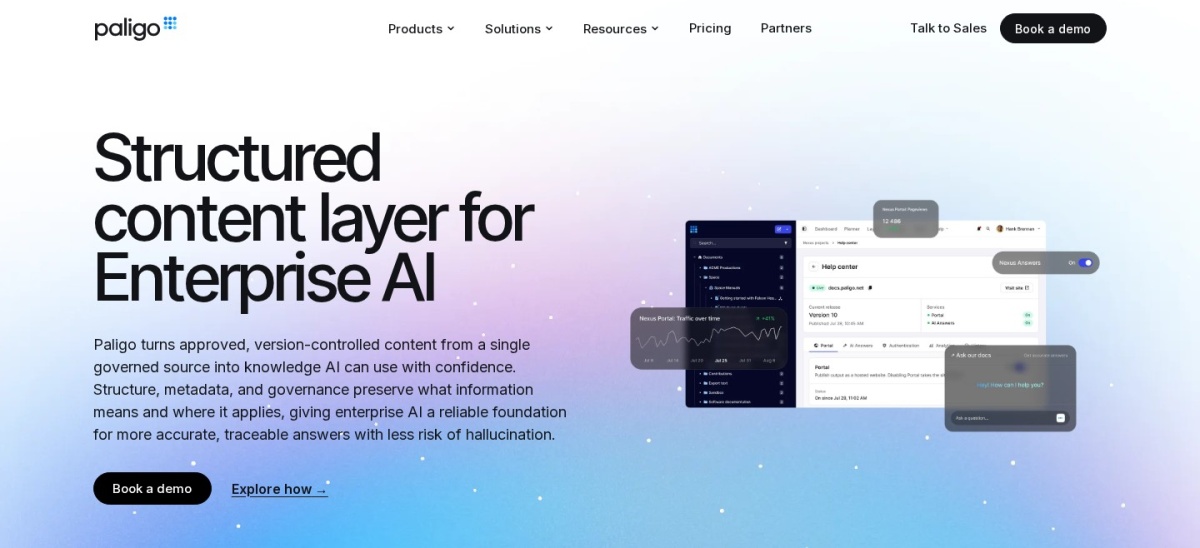
Paligo is a component content management system built around structured, reusable content. Procedures, warnings and specifications are written once as components, versioned, translated and tagged by product, version and audience.
The trade off is price. Paligo is enterprise and quote-based, with third-party reports of a Professional tier near $4,800 a seat a year. It suits multi-language structured publishing at enterprise scale.
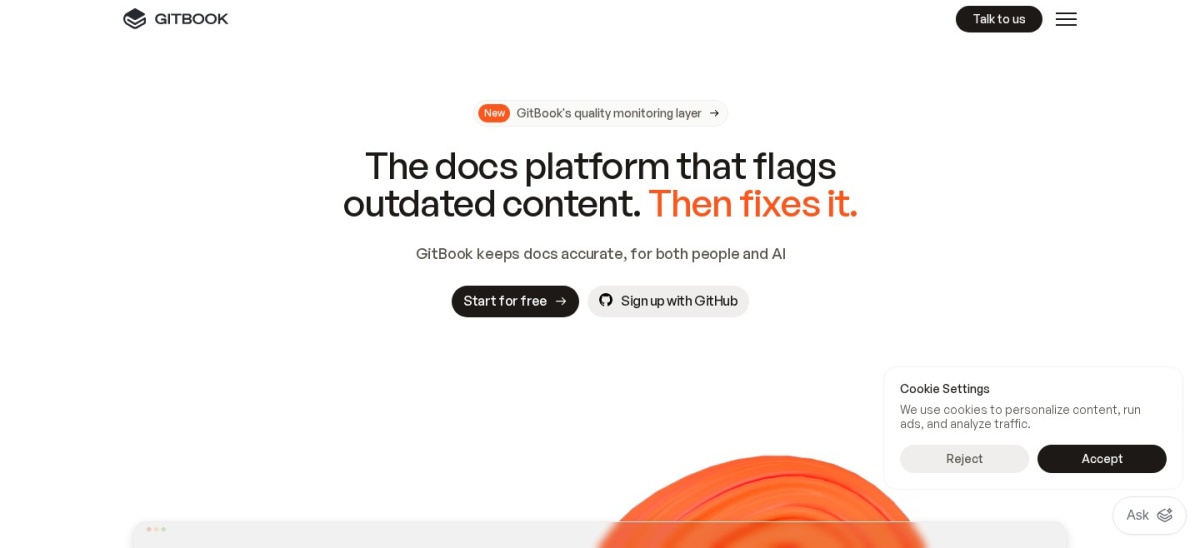
GitBook is a technical documentation platform designed for creating and publishing docs with Git sync, versioning and an AI Assistant. It is free for one site and one user, with a clean reader experience.
The trade off is the pricing shape. Plus costs $6.70 a user a month, while Pro adds an $82.50 monthly platform fee on top of $12.50 a user. It suits docs-as-code teams that review docs like code.
4.5/5on Capterra (Not published reviews, checked Nov 2026)
Paid from$5.42/user/mo
Best for Atlassian-stack teams
Free planYes, up to 10 users
PermissionsDeep
Marketplace apps1,000+
Paid planFrom $5.42/user/mo
atlassian.com
Confluence homepage, captured Nov 2026.
Confluence is Atlassian's team documentation workspace, with deep permissions and more than 1,000 marketplace apps. It is free for up to 10 users, with paid plans from $5.42 a user a month.
The trade off is that Confluence is a general team wiki, not a dedicated help authoring tool, so single-sourcing and print output are weaker. It suits enterprise teams already on Atlassian.
4/5on G2 (Not published reviews, checked Nov 2026)
Starts at$39.99/mo
Best for widest publishing reach
Desktop authoringWindows and macOS
Micro-contentYes
PublishingWidest reach
Paid planIndividual from $39.99/mo
adobe.com
Adobe RoboHelp homepage, captured Nov 2026.
Adobe RoboHelp is a desktop help authoring tool with the widest publishing reach and installed-software help, if you accept a desktop tool in maintenance mode. The individual plan starts at $39.99 a user a month for authoring.
The trade off is momentum. RoboHelp is a mature desktop product with slower development than cloud rivals. It suits teams already using Adobe documentation tools.
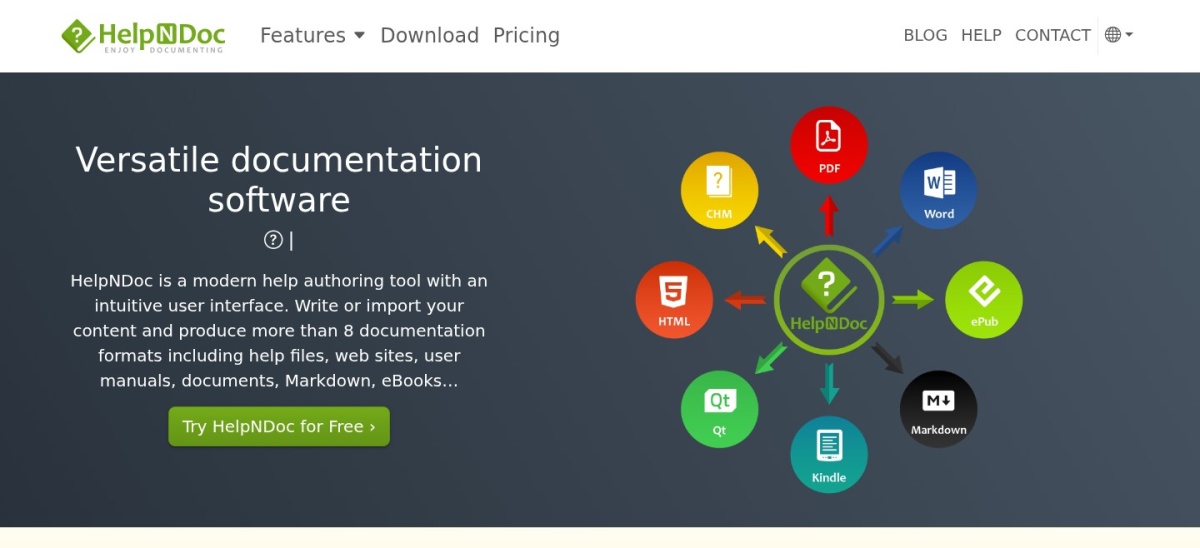
HelpNDoc is an affordable Windows help authoring tool with a word-processor-style editor and more than 20 export formats. It offers a free Personal edition, with paid editions from €99 as a one-time licence.
The trade off is that the price is in euros, not dollars, and it is a desktop tool for solo writers rather than a cloud team platform. It suits budget desktop authoring for solo writers.
Desktop tools suit teams that publish print manuals and need deep single-sourcing with conditional content.
Cloud tools suit distributed teams that publish web help and want analytics, AI search and easy collaboration.
If your docs must feed AI assistants, shortlist Document360 or Paligo, which are built around AI-ready content.
How we chose
We started from the established technical writing software that buyers shortlist in 2026, then kept those with a verifiable rating on G2 or Capterra and a published price or a clear quote-based model.
Prices come from each vendor's pricing page as reported in comparisons checked on 24 November 2026, with the top three checked against vendor pricing pages. Ratings and review counts come from G2 or Capterra on the same day. Where a vendor shows a sale, the list shows the regular price.
We left out tools with no verifiable public rating. No vendor paid for a place, and we do not claim hands-on testing for this list.
How to choose the best technical writing software
Start with where your docs live, then match the tool to that output.
Decide desktop or cloud. Print manuals suit desktop tools, while web help and distributed teams suit cloud tools.
Check reuse needs. If you publish the same content across products and languages, a CCMS such as Paligo pays off.
Test the AI layer. If docs must feed chatbots, check AI search quality on your own content before buying.
Price it per author. Most tools charge per author or per seat, so multiply by your writing team, not your readers.
FAQ
What is the best technical writing software?
Document360 is the best pick for most teams building an AI-ready knowledge base. MadCap Flare is the best for print-production manuals, and ProProfs is the best budget option at $49 per author per month.
How much does MadCap Flare cost?
MadCap Flare lists at $3,150 per author per year on a subscription-only basis. Flare Online cloud hosting and review is a separate subscription. Volume discounts are available for larger author teams.
Is there free technical writing software?
Yes. ProProfs has a free plan for one author and 25 pages, GitBook is free for one site and one user, and HelpNDoc offers a free Personal edition.
What is the difference between Document360 and Paligo?
Document360 is an AI-powered hosted knowledge base for support teams, while Paligo is a structured component content system for enterprise teams that need reuse and translation at scale.
Can technical writing software publish to PDF?
Yes. MadCap Flare is the strongest for print-grade PDF, and HelpNDoc exports to more than 20 formats including PDF, HTML and Word. Most tools here export to HTML and PDF.
Do I need a CCMS for technical writing?
Not always. A CCMS such as Paligo pays off when you reuse content across products and languages. Smaller teams usually do better with Document360, ClickHelp or GitBook.