Best Subcontractor Software in 2026: 8 Tools Compared
WLWPLegible EditorsLast verified 24 Nov 2026How we rank8 min read
★ Short answer
eSUB is the best subcontractor software for most trade contractors. It is built for subs first, covering field notes, RFIs and timecards from $49 per user per month. Pick Knowify for QuickBooks-linked job costing and Fieldwire for a free start.
How we make this list: we compare pricing pages, product documentation and public user reviews, then re-check every price before each update. No product paid for a place. Disclosure.
eSUB is the only platform here built specifically for subcontractors, starting at $49 per user per month.
Knowify pairs trade-focused job costing with the strongest QuickBooks sync in the category, from $99 a month.
Contractor Foreman is the budget pick: a full all-in-one suite for a flat $49 a month with no per-user fees.
Fieldwire offers a genuinely free Basic plan, the cheapest way to digitise punch lists and drawings.
Procore and Buildertrend are the enterprise and residential heavyweights, but both price by quote.
What subcontractor software should cover
Subcontractor software keeps field work, documents and money in one place. Instead of spreadsheets, paper timecards and email chains, crews log hours, RFIs and change orders in a shared job record.
The first split is focus. Tools like eSUB are built for subcontractors, while Procore and Autodesk Forma Build are general contractor platforms that subs join because their clients run them.
Pricing is the second split. Flat-rate tools such as JobTread and Contractor Foreman publish a monthly price, while Procore, Buildertrend and Autodesk quote per job or per user. Our guide on project management software covers the wider market.
Field features matter most on site. Offline mobile access, plan markups, punch lists and photo notes decide whether a crew actually uses the tool.
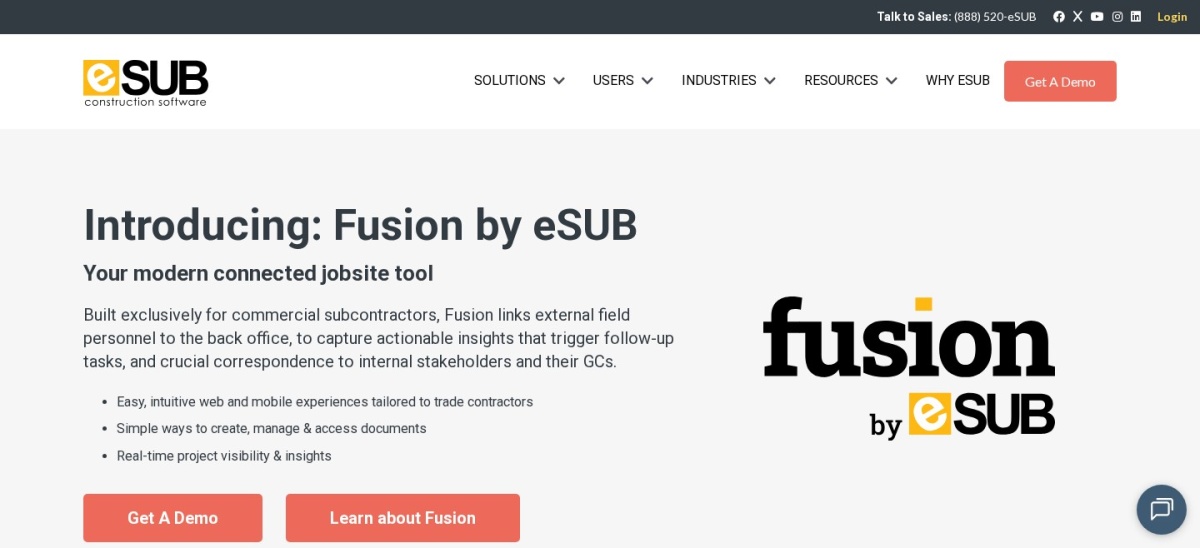
eSUB is the only platform in this list built specifically for subcontractors rather than general contractors. It covers project management, field notes, RFIs, timecards, change orders and document control, with unlimited cloud storage on its plans.
The trade off is price transparency. eSUB lists Base at $49 per user per month and Advanced at $69, and the per-user cost adds up on large crews. It suits trade contractors who want a sub-first system for field-to-office work.
What we like
Designed for subcontractors from the start
Strong field notes and timecard tools
Unlimited cloud storage
Watch out for
Per-user pricing adds up on big crews
Smaller review base than Procore
Advanced adds deeper reporting at $69 per user per monthVisit esub.com
02
Knowify
4.5/5on G2 (103 reviews, checked Nov 2026)
Starts at$99/mo
Best for trade contractors on QuickBooks
QuickBooks syncTwo-way
Job costingYes
Service workYes
Paid planCore, $99/mo
knowify.com
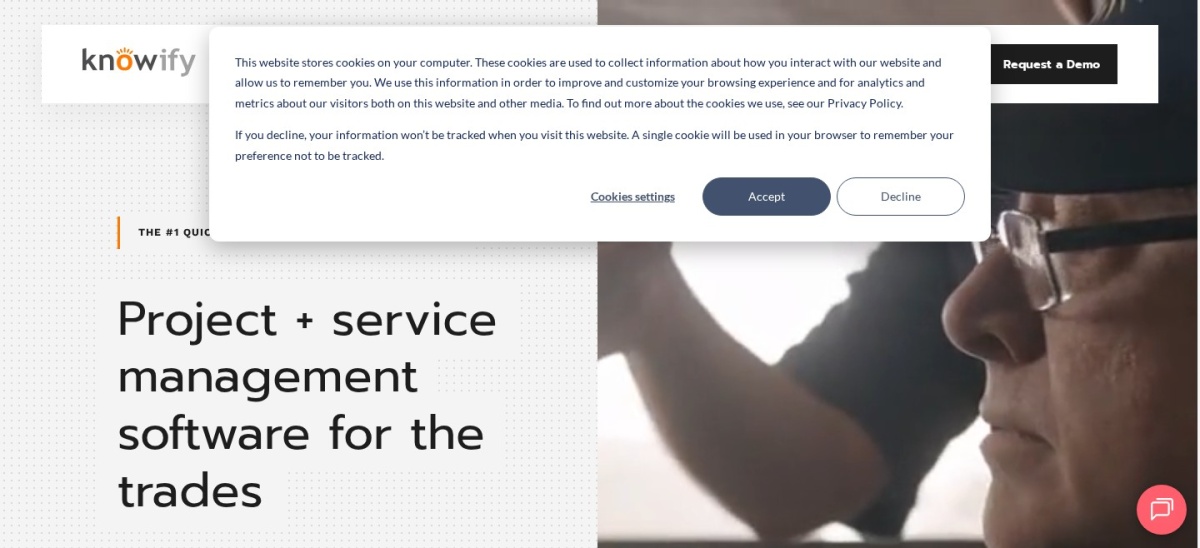
Knowify homepage, captured Nov 2026.
Knowify is project and service management software built for trade contractors, and its headline feature is a two-way QuickBooks sync that reviewers rate as the best in construction software. Core covers estimating, scheduling, job costing, invoicing and purchase orders.
The trade off is the entry price. Core costs $99 a month billed annually, or $149 billed monthly, with extra users at $29 a month each. It suits electrical, HVAC and plumbing firms that live in QuickBooks.
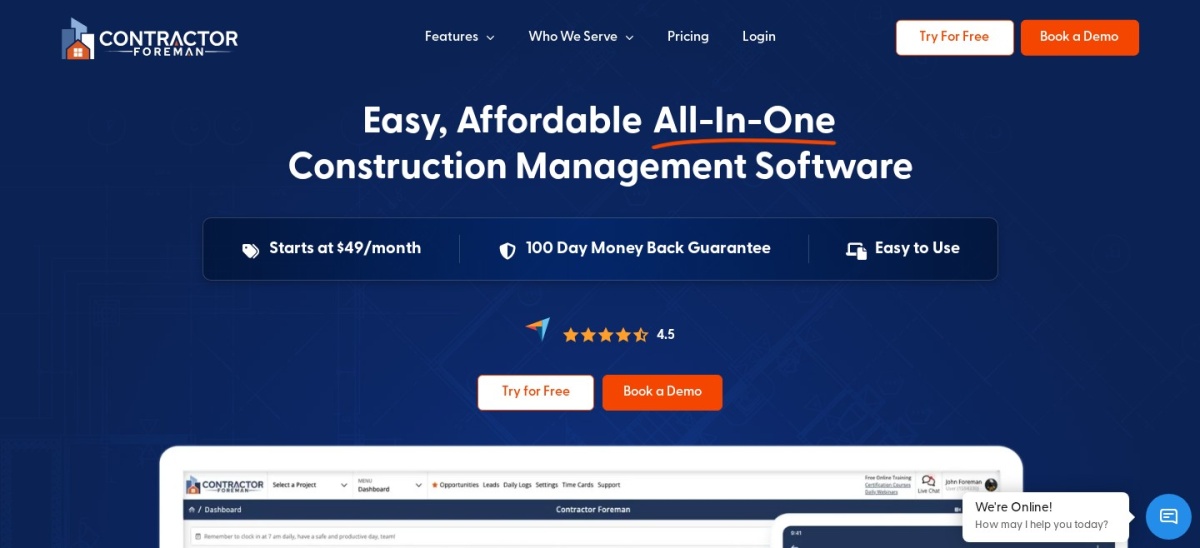
Contractor Foreman is an all-in-one suite for small contractors, covering estimating, scheduling, project management, time tracking, invoicing and client communication for a flat $49 a month with no per-user fees.
The trade off is depth. It covers more jobs than a specialist tool but with less depth in any one area, and support is leaner than the big platforms. It suits small firms that want everything for one flat price.
Procore is the platform the construction industry measures itself against, with more than 3 million projects across 150-plus countries. Subcontractors manage drawings, RFIs, submittals, daily logs, change orders and punch lists in the same system their general contractors use.
The trade off is cost and commitment. Procore prices by annual construction volume and publishes no starting price, so small firms are often priced out. It suits larger subcontractors working on commercial projects.
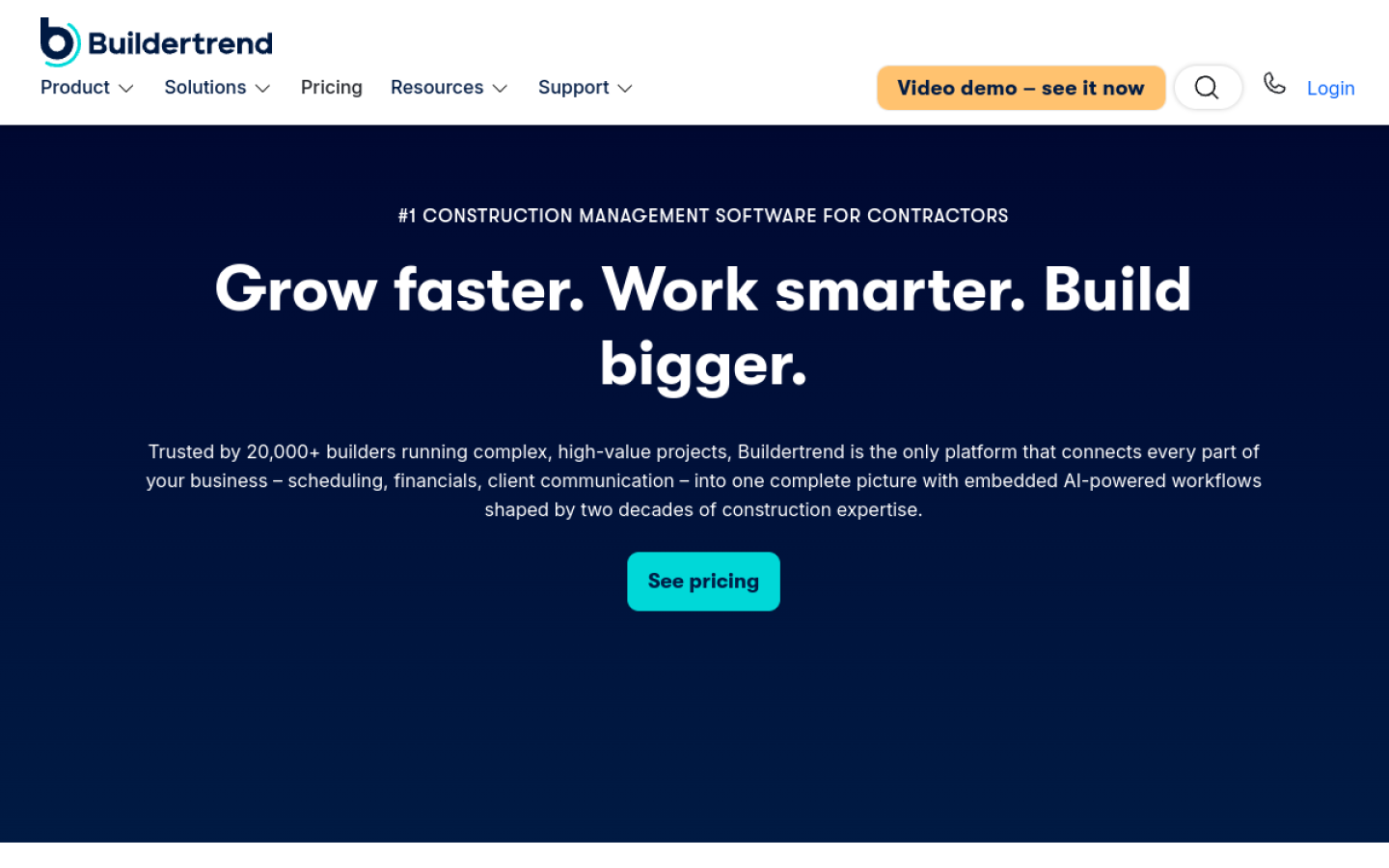
Buildertrend is the default pick for residential builders and remodelers, pairing scheduling, selections, change orders, daily logs and a client portal with budgeting and financials. It is trusted by more than 20,000 builders.
The trade off is transparency. Buildertrend stopped publishing prices in early 2025 and now quotes a custom price based on annual construction volume. It suits residential specialty contractors and remodelers.
Fieldwire is a field coordination tool from Hilti, built for field teams that live on drawings and tasks. The free Basic plan covers 3 projects and 5 users with 100 sheets, and paid plans add forms, reporting, BIM viewing and offline mobile use.
The trade off is scope. Fieldwire is a field coordination tool, not a financial system, so estimating and job costing need another tool. It suits punch lists, tasks and drawing management on a budget.
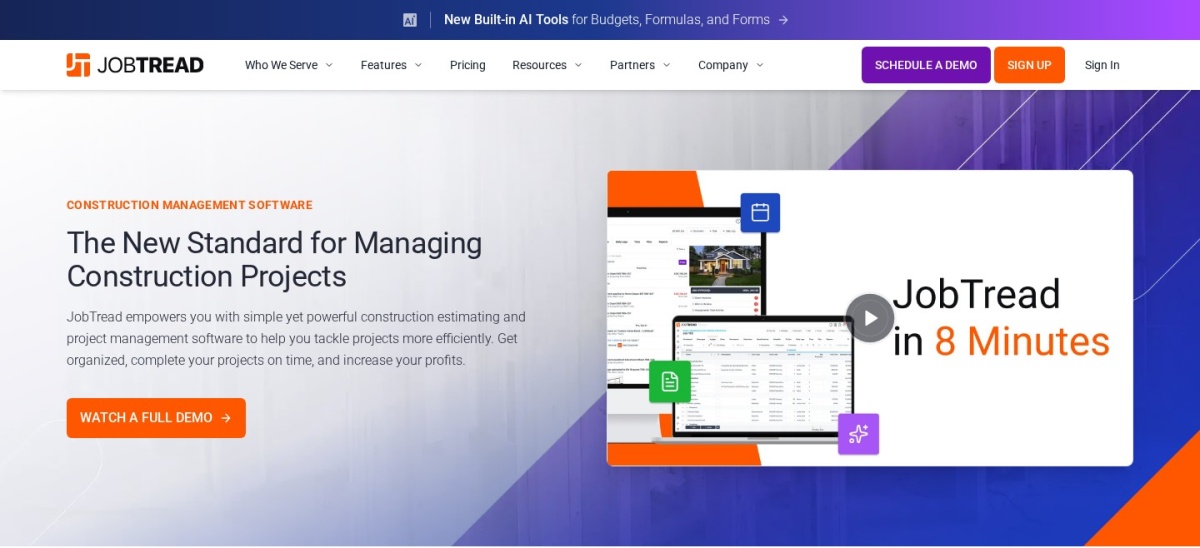
JobTread is an estimating-to-invoicing platform for small to mid-size contractors. Builders build priced proposals, turn them into budgets, track actual costs against those budgets and invoice from the same job record, with CRM, scheduling and client management included.
The trade off is the flat price. The first user costs $159 a month billed annually, or $199 billed monthly, and extra users add cost. It suits small to mid-size contractors who want every feature for one price.
Autodesk Forma Build is the construction hub of the Autodesk Forma suite, formerly Autodesk Build. Drawings, models, RFIs and cost data sit in one connected system, so a revised drawing reaches the field the same day.
The trade off is pricing. Autodesk sells it in quote-based bundles with per-user pricing and publishes no static list price. It suits commercial teams already designing in Revit or AutoCAD.
Only Fieldwire offers a real free plan here, and it covers 3 projects and 5 users. The rest start with a trial or a paid subscription.
Paid plans mostly add reporting, forms and integrations. The free tier handles drawings and tasks; paid tiers connect the field to accounting and estimating.
For a firm running several jobs at once, the first paid tier usually costs less than one missed change order.
How we chose
We started from the established subcontractor software that buyers shortlist in 2026, then kept those with a verifiable rating on G2 or Capterra and a published price or a clear quote-based model.
Prices come from each vendor's pricing page as reported in comparisons checked on 24 November 2026, with the top three checked against vendor pricing pages. Ratings and review counts come from G2 or Capterra on the same day. Where a vendor shows a sale, the list shows the regular price.
We left out tools with no verifiable public rating. No vendor paid for a place, and we do not claim hands-on testing for this list.
How to choose the best subcontractor software
Start with who runs your jobs, then match the tool to that workflow.
Check what your general contractors use. If your clients run Procore or Autodesk, fluency in their platform wins work. Otherwise choose a sub-first tool.
Price it for your crew size. Per-user tools get expensive as crews grow, while flat-rate tools like Contractor Foreman stay predictable.
Test the mobile app on site. Offline access, photo notes and punch lists decide whether the crew uses it every day.
Confirm the accounting link. Job costing only works if hours and invoices flow into QuickBooks or Xero without retyping.
FAQ
What is the best subcontractor software?
eSUB is the best pick for most trade contractors because it is built for subcontractors first, covering field notes, RFIs, timecards and change orders. Knowify is the better choice for firms that live in QuickBooks.
How much does subcontractor software cost?
Published prices in this list run from $39 per user per month for Fieldwire Pro to $199 a month for JobTread billed monthly. Procore, Buildertrend and Autodesk Forma Build are quote-only, so budget on a sales conversation.
Is there free subcontractor software?
Fieldwire offers a free Basic plan for up to 5 users and 3 projects, which covers punch lists and drawings. The other tools here offer trials instead of a permanent free plan.
Does subcontractor software work with QuickBooks?
Yes. Knowify has the deepest two-way QuickBooks sync in this list, and Procore, Buildertrend and JobTread also connect to QuickBooks or Xero for job costing and invoicing.
Do I need Procore as a subcontractor?
Not always. Procore helps when your general contractors run it, since you work in the same system. Smaller residential firms usually get more value from eSUB, Knowify or JobTread.
What is the difference between eSUB and Procore?
eSUB is designed for subcontractors and their field-to-office workflow, while Procore is a general contractor platform built for large commercial projects. eSUB publishes per-user pricing; Procore prices by construction volume.