Best Small Business Computer Security Software in 2026: 7 Tools Compared
WLWPLegible EditorsLast verified 22 Nov 2026How we rank12 min read
★ Short answer
Microsoft Defender for Business is the best overall choice, offering endpoint detection, automated investigation and protection for up to five devices per licensed user at $3/user/month. CrowdStrike Falcon Go is a strong alternative for dedicated antivirus protection, while Huntress adds continuous threat monitoring by security specialists.
How we make this list: we compare pricing pages, product documentation and public user reviews, then re-check every price before each update. No product paid for a place. Disclosure.
Microsoft Defender for Business costs $3/user/month billed annually and supports up to five devices per licensed user.
CrowdStrike Falcon Go costs $59.99/device/year at its regular annual price, with a temporary 50% discount advertised.
Huntress Managed EDR lists a regular MSRP of $8.99/endpoint/month, including continuous monitoring by its security operations team.
Action1 provides free vulnerability assessment and automated patch management for the first 200 endpoints.
ManageEngine Endpoint Central Professional starts at $795/year for 50 endpoints, while its Security edition starts at $1,695/year.
NordLayer Lite costs $8/user/month with annual billing and requires at least five users.
What small business computer security software should cover
Small businesses need protection against malware, ransomware, phishing, stolen credentials and vulnerable software. Employees often use laptops and desktops outside a central office, so security software should protect devices without relying on workers to recognize every suspicious file or website.
Start with endpoint protection that monitors computers for malicious files and behavior. Traditional antivirus focuses on preventing infections, while endpoint detection and response, or EDR, also helps investigate suspicious activity and contain attacks.
Centralized management matters when employees use multiple computers. A security console lets administrators review protection status, investigate alerts, manage policies and identify devices that need attention. Some products also support remote remediation.
Software vulnerabilities are another major risk. Automated patch management helps keep operating systems and applications updated. Dedicated patching products can complement antivirus and EDR, but they should not be mistaken for complete malware protection.
Compare device limits, user licensing, technical requirements and support availability. Businesses without an internal security team may benefit from managed detection services, while teams already using Microsoft products may prefer protection integrated with their existing administration tools.
The 7 best small business computer security software
01
Microsoft Defender for Business
4.5/5on G2 (30 reviews, checked Nov 2026)
Starts at$3/user/mo
Best overall for small business computer security
Entry price$3/user/mo billed yearly
Device allowance5 per user
Business sizeUp to 300 users
ProtectionAntivirus, EDR and remediation
microsoft.com
Microsoft Defender for Business homepage, captured Nov 2026.
Microsoft Defender for Business is an endpoint security platform designed for smaller organizations that need centralized protection. Its standalone subscription costs $3 per user monthly with annual billing and supports up to five devices per licensed user. Features include antivirus, endpoint detection and response, vulnerability management and automated investigation.
The trade off is that initial policy configuration and alert management can require technical knowledge. Server protection also requires a separate add-on, and advanced device management is not included in the standalone subscription. It suits businesses already familiar with Microsoft administration tools that need affordable protection across employee computers.
The standalone paid plan adds business-grade EDR and centralized protection beyond the built-in consumer antivirus.Visit microsoft.com
02
CrowdStrike Falcon Go
4.7/5on G2 (688 reviews, checked Nov 2026)
Starts at$59.99/device/yr
Best for dedicated business antivirus protection
Regular annual price$59.99/device
Monthly billing$7.99/device
Purchase limit100 devices
ProtectionNext-gen antivirus and device control
crowdstrike.com
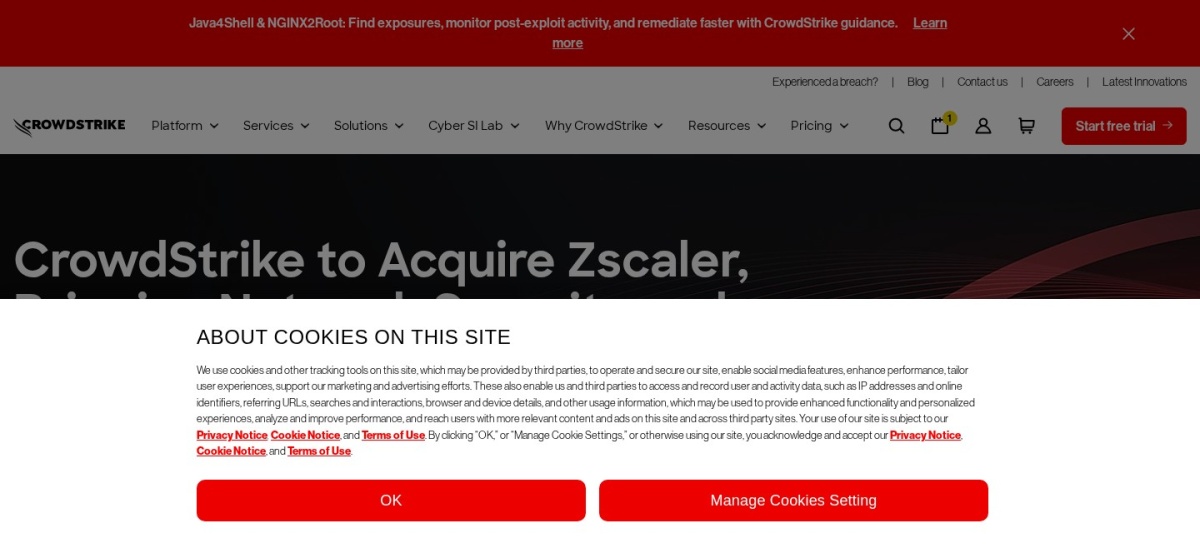
CrowdStrike Falcon Go homepage, captured Nov 2026.
CrowdStrike Falcon Go is a cloud-managed endpoint antivirus product for protecting business computers against malware and ransomware. It includes next-generation antivirus, USB device control, mobile device protection and express support. Administrators can monitor protected endpoints through the CrowdStrike Falcon platform.
The trade off is that Falcon Go does not include the endpoint detection and response capabilities available in higher CrowdStrike bundles. Its regular annual price is $59.99 per device, currently discounted to $29.99 during a promotion. It suits businesses wanting dedicated antivirus protection with straightforward deployment and centralized management.
What we like
Dedicated malware and ransomware protection
Centralized cloud management
USB device visibility and control
Mobile device security features
Published monthly and annual pricing
Watch out for
EDR requires a higher subscription
Per-device costs increase with fleet size
Advanced threat hunting is not included
Falcon Pro adds endpoint detection and response, firewall management and expanded threat intelligence.Visit crowdstrike.com
03
Huntress
4.8/5on G2 (995 reviews, checked Nov 2026)
Starts at$8.99/endpoint/mo
Best for managed endpoint detection and response
Published MSRP$8.99/endpoint/mo
Managed monitoring24/7
Direct purchase50-seat minimum
Entry productManaged EDR
huntress.com
Huntress homepage, captured Nov 2026.
Huntress is a managed endpoint detection and response platform combining security software with human-led threat monitoring. Managed EDR includes continuous detection, investigation, guided remediation, incident reporting and managed antivirus. Its published MSRP is $8.99 per endpoint monthly, with volume-based discounts available.
The trade off is that businesses purchasing directly or through a reseller face a 50-seat minimum, while managed service providers may offer different terms. The annualized MSRP is $107.88 per endpoint before volume discounts and purchase minimums. It suits businesses that need expert security monitoring without maintaining a dedicated internal security operations team.
What we like
Continuous monitoring by security specialists
Managed antivirus included
Incident investigation and remediation guidance
Published per-endpoint MSRP
No additional tier required for managed response
Watch out for
Direct purchasing has a minimum commitment
Partner pricing can differ from published MSRP
An administrator must still coordinate remediation
Not designed as a complete device management suite
Managed EDR includes expert threat monitoring, investigation and remediation services in its paid subscription.Visit huntress.com
04
Norton Small Business
3.8/5on Capterra (13 reviews, checked Nov 2026)
Starts at$119.99/yr
Best for straightforward protection of office computers
Regular annual price$119.99
Entry coverageUp to 3 employees
Devices2 per employee
Cloud backup250 GB
norton.com
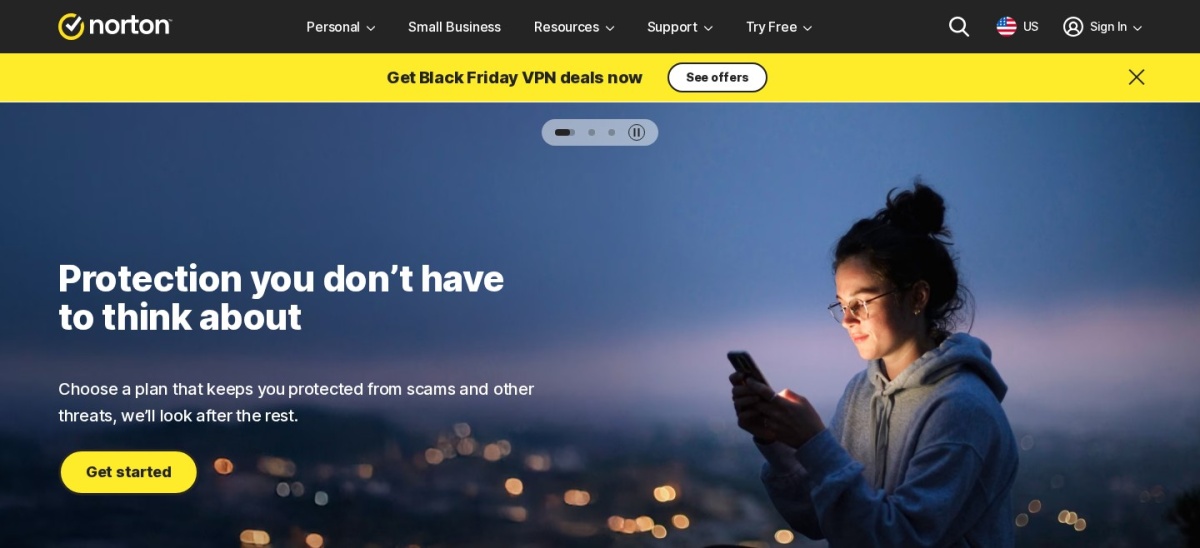
Norton Small Business homepage, captured Nov 2026.
Norton Small Business is a computer security package for organizations that want antivirus and data protection without extensive administration. Its standard plan includes device security, a firewall, 250 GB of cloud backup, a password manager, secure browsing and software updating tools. Entry coverage supports up to three employees with two devices each.
The trade off is that Norton Small Business does not provide the centralized remote management capabilities of dedicated enterprise endpoint platforms. Its regular renewal price is $119.99 annually, while the first year is advertised at $59.99. It suits small offices that prioritize straightforward installation, malware protection and backup features.
What we like
Antivirus and firewall protection
Cloud backup included
Password manager and secure browser
Software updating and cleanup utilities
Straightforward setup for small teams
Watch out for
Limited centralized endpoint administration
Introductory pricing is lower than renewal pricing
Premium VPN features require an upgrade
Fewer product-specific public reviews than competitors
Small Business Premium adds VPN, additional backup capacity and driver updating.Visit norton.com
05
Action1
4.9/5on G2 (1,273 reviews, checked Nov 2026)
PricingCustom pricing
Best for free vulnerability management and patching
Free allowance200 endpoints
Free plan durationNo expiration
Paid pricingQuote above 200 endpoints
Primary functionPatch and vulnerability management
action1.com
Action1 homepage, captured Nov 2026.
Action1 is a cloud-based endpoint management platform focused on identifying vulnerabilities and deploying software updates. Its free plan covers the first 200 endpoints without feature restrictions or an expiration date. It supports operating system patching, third-party application updates, vulnerability assessment, software deployment and remote administration.
The trade off is that Action1 is not a replacement for antivirus or EDR, so businesses still need protection against active malware. The free allowance covers 200 endpoints, while larger deployments require a custom quote because no fixed paid rate is published. It suits IT teams that need to reduce security risks from unpatched software.
What we like
Free for the first 200 endpoints
Automated operating system and application patching
Vulnerability assessment
Remote software deployment
Centralized endpoint inventory
Watch out for
Not a standalone antivirus replacement
Paid pricing requires a quote
Some advanced workflows require configuration
Free support relies on community resources
Paid subscriptions extend endpoint capacity beyond the free allowance.Visit action1.com
06
ManageEngine Endpoint Central
4.5/5on G2 (1,175 reviews, checked Nov 2026)
Paid from$795/yr
Best for combining computer management and security administration
Free editionUp to 25 endpoints
Entry paid tierProfessional
Entry paid price$795/yr for 50 endpoints
Security editionFrom $1,695/yr
manageengine.com
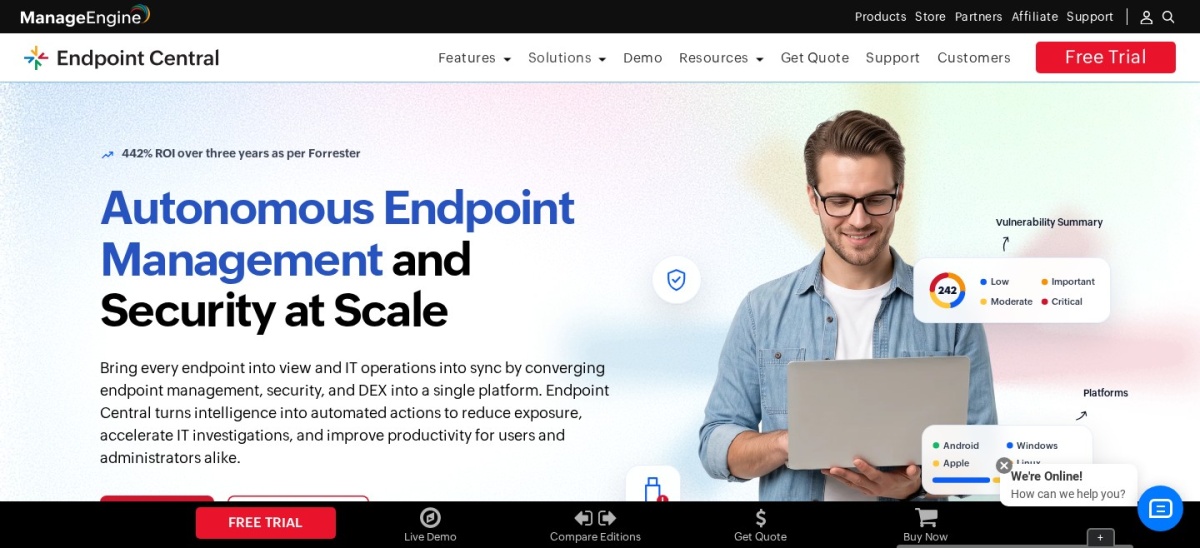
ManageEngine Endpoint Central homepage, captured Nov 2026.
ManageEngine Endpoint Central is a unified endpoint management platform that helps businesses administer computers and reduce security exposure. Its free edition supports up to 25 endpoints, while Professional starts at $795 annually for 50 endpoints. Professional includes automated patching, software deployment, asset inventory and remote troubleshooting.
The trade off is that Professional focuses on endpoint administration rather than complete threat prevention. Security-specific features are available in higher editions, with Security starting at $1,695 annually for 50 endpoints and malware protection available through an EDR add-on. It suits businesses managing device updates, software policies and security controls from one console.
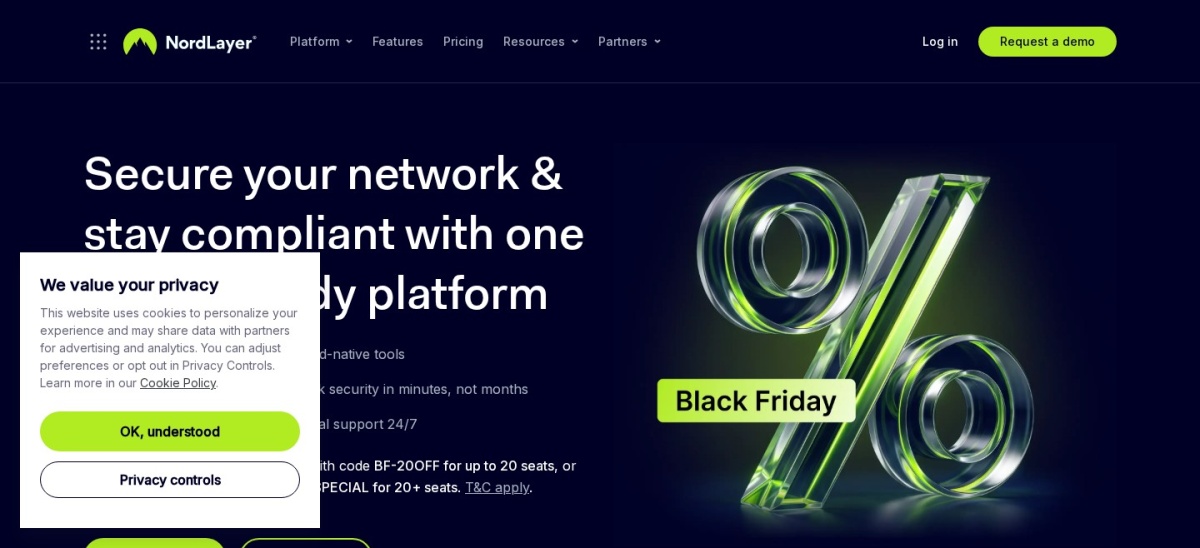
NordLayer is a business network security platform for protecting employee internet connections and reducing exposure to online threats. Its Lite plan costs $8 per user monthly with annual billing and requires at least five users. It includes encrypted connections, internet threat prevention and malware protection features.
The trade off is that NordLayer focuses on secure network access rather than full endpoint antivirus or EDR. The annualized rate is $96 per user before the five-user minimum, while Core adds broader network access controls at a higher price. It suits remote and distributed teams that need safer connectivity alongside dedicated computer protection.
What we like
Encrypted business internet connections
Online threat prevention
Centralized user administration
Supports multiple devices per license
Suitable for distributed teams
Watch out for
Requires a minimum user commitment
Not a replacement for endpoint antivirus
Advanced access controls require Core or higher
Additional network infrastructure can increase costs
Antivirus, EDR and patch management: what is the difference?
Antivirus software identifies and blocks malicious files, suspicious programs and common malware behavior. It provides an important baseline for employee computers but may have limited investigation and response capabilities compared with advanced endpoint security platforms.
Endpoint detection and response monitors device activity for suspicious behavior and helps administrators investigate incidents. Some products provide automated remediation, while managed EDR services include specialists who review threats and assist with response.
Patch management reduces exposure to known software vulnerabilities by keeping operating systems and applications updated. It is a complementary security function rather than a substitute for malware prevention or incident detection.
Network access security protects connections to business resources and helps enforce access policies. It can reduce exposure on remote connections, but businesses still need endpoint protection, authentication controls and secure data handling.
How to calculate the real cost of computer security
Begin with the number of employees, computers and servers that need protection. Per-user licenses and per-device licenses produce different totals, particularly when employees use several devices.
Check whether the published price requires annual billing, a minimum seat commitment or an introductory discount. Renewal rates can differ substantially from first-year offers.
Include the operational costs of deployment, policy management, security monitoring and incident response. A cheaper antivirus subscription may require more internal IT time than a managed security service.
Finally, account for complementary protections such as backups, software patching, phishing-resistant authentication and employee security awareness. Computer security is more effective when these controls work together.
How we chose
We compared established computer security products covering malware prevention, endpoint detection, managed response, vulnerability management and secure network access. We reviewed official feature documentation and public customer feedback, prioritizing products relevant to smaller businesses and teams without large security departments.
Official pricing pages and public G2 or Capterra reviews were checked on 24 Nov 2026 for the requested November 2026 editorial snapshot. Regular prices are reported separately from temporary promotions, and annualized costs use the specified billing unit. Products with unpublished paid rates are identified as Custom rather than assigned estimated prices.
We excluded solutions whose official pricing could not be reliably confirmed, discontinued products and tools without meaningful business security capabilities. We also distinguish antivirus and EDR products from complementary patching and network security applications so readers do not mistake them for equivalent protection. No vendor paid for a place, and we do not claim testing for this list.
How to choose computer security software for a small business
Identify the devices, threats and administrative responsibilities your business needs to cover before selecting security software.
Inventory every device that needs protection. Count employee computers, shared workstations, servers and remote devices. Check supported operating systems and whether licensing is based on users or endpoints. Include devices used outside the office when planning coverage.
Match security capabilities to your risks. Look for malware and ransomware prevention as a baseline. Consider EDR when you need investigation and response capabilities, managed monitoring when security expertise is limited, and patch management to reduce exposure to known vulnerabilities.
Evaluate deployment and ongoing management. Review centralized dashboards, automated responses, alert handling, policy management and administrator permissions. Confirm that your team can maintain the product or that suitable managed support is available.
Compare regular pricing and total ownership costs. Calculate costs for your actual device or employee count, including minimum commitments, server licenses and add-ons. Review renewal pricing and support terms, then ensure your security plan also covers backups, authentication and software updates.
FAQ
What is the best computer security software for a small business?
Microsoft Defender for Business is a strong overall choice because it combines antivirus, endpoint detection, vulnerability management and automated remediation at a published per-user price. CrowdStrike Falcon Go is suitable for dedicated endpoint antivirus, while Huntress is attractive when businesses need continuous monitoring by security specialists.
Is free antivirus enough for a small business?
Free antivirus can provide basic malware protection, but business requirements often extend beyond preventing infections. Centralized administration, incident response, device inventory, reporting and support become important as a team grows. Free security tools can still be valuable components of a broader protection strategy.
What is the difference between antivirus and EDR?
Antivirus primarily identifies and prevents malicious software from executing. Endpoint detection and response provides additional monitoring, investigation and incident response capabilities. EDR can help security teams understand suspicious activity and contain threats that require more than a basic malware scan.
How much does small business computer security software cost?
Pricing depends on the number of users or protected devices, the security features included and the service model. Microsoft Defender for Business costs $3 per user monthly with annual billing, while CrowdStrike Falcon Go lists a regular annual price of $59.99 per device. Managed security and broader administration platforms use different pricing structures.
Does a small business need ransomware protection?
Yes. Ransomware can disrupt operations and make important business files unavailable. Endpoint protection, prompt security updates, restricted permissions and reliable backups all help reduce risk. Businesses should also maintain a recovery procedure and regularly verify that backup data can be restored.
Can computer security software protect remote employees?
Yes. Cloud-managed endpoint security platforms can protect devices outside an office and provide administrators with remote visibility. Network security tools can additionally protect connections to business resources. Coverage depends on device enrollment, supported operating systems and the employee's ability to receive updates.
Do small businesses need managed detection and response?
Managed detection and response can be useful when a business lacks staff to monitor alerts and investigate suspicious activity. Services such as Huntress combine technology with security specialists. However, organizations still need to coordinate access, maintain devices and carry out recommended recovery actions.
Is patch management included in antivirus software?
Some security suites include vulnerability scanning or software updating features, but the depth varies. Dedicated patch management products provide greater control over operating system and application updates. Businesses should verify which products can deploy patches automatically and which only identify missing updates.
Can one security product protect every business device?
Some platforms support several operating systems and device types, but coverage may vary between computers, mobile devices and servers. No single tool covers every security risk. Businesses should combine appropriate endpoint protection with access controls, backups, software updates and employee awareness.