Best Account Takeover Fraud Prevention Software in 2026: 9 Tools Compared
WLWPLegible EditorsLast verified 24 Nov 2026How we rank12 min read
★ Short answer
Arkose Labs is the best account takeover fraud prevention software for most teams, with adaptive challenges that stop credential stuffing and a 4.7 out of 5 G2 rating. Pick Sift for marketplaces that need account defence across payments and content, or Fingerprint for a published $99-a-month device check.
How we make this list: we compare pricing pages, product documentation and public user reviews, then re-check every price before each update. No product paid for a place. Disclosure.
Arkose Labs leads with adaptive challenges and a 4.7 out of 5 G2 rating, but its pricing is quote-only.
Sift has the largest review base here, 621 G2 reviews, and covers payments, accounts and content in one console.
SEON and Fingerprint are the only tools with published starting prices, at $699 and $99 a month.
Five of the nine tools publish no price at all, so budget for a sales call before you shortlist.
BioCatch is the most bank-specific pick, but its 3.3 G2 rating rests on only 3 reviews.
What account takeover fraud prevention should cover
Account takeover starts with stolen credentials. Attackers buy leaked passwords, test them against login pages in bulk, then use the accounts they open to steal funds, data or loyalty points.
A good tool should watch the whole login journey. It needs to spot credential stuffing at sign-in, flag password resets and device swaps, and step up verification only when a session looks risky.
Device signals do much of the work. Recognising a trusted device lets real users sign in fast, while a new device, a proxy or an emulator should raise the risk score.
After an account is already taken over, detection is only half the job. Our guide on recovering a hacked WordPress admin account shows the clean-up steps to follow once an attacker is inside.
The 9 best account takeover fraud prevention software tools
01
Arkose Labs
4.7/5on G2 (60 reviews, checked Nov 2026)
PricingCustom/yr
Best overall for stopping credential stuffing
ATO focusCredential stuffing, bots
ChallengesAdaptive, low friction
ConsoleArkose Command Center
Paid planCustom quote
arkoselabs.com
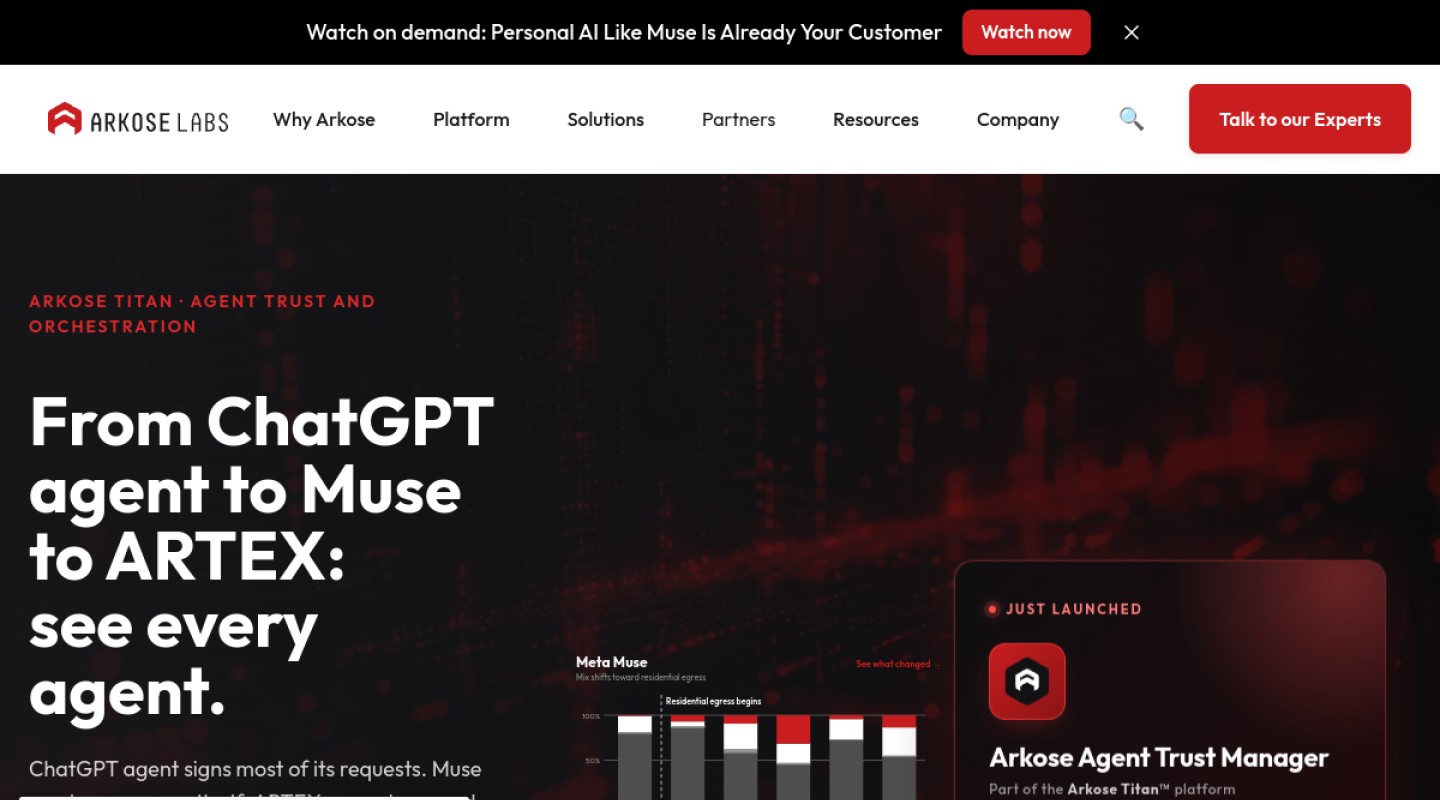
Arkose Labs homepage, captured Nov 2026.
Arkose Labs is a bot and fraud prevention platform built around Arkose Titan, which classifies agent and bot traffic on sign-up, sign-in and checkout flows and applies allow, monitor or block policies in real time. Its adaptive challenges step in only when a session looks risky, so real users rarely see a puzzle.
The trade off is price. Arkose Labs publishes no prices and sells through enterprise contracts, and G2 reviewers call it expensive even while praising the protection. It suits large sites and platforms under heavy credential-stuffing attack that need bot defence tuned by a vendor team.
What we like
Adaptive challenges with low friction for real users
Rated 4.7 out of 5 on G2 with top marks for support
Covers sign-up, login and checkout in one platform
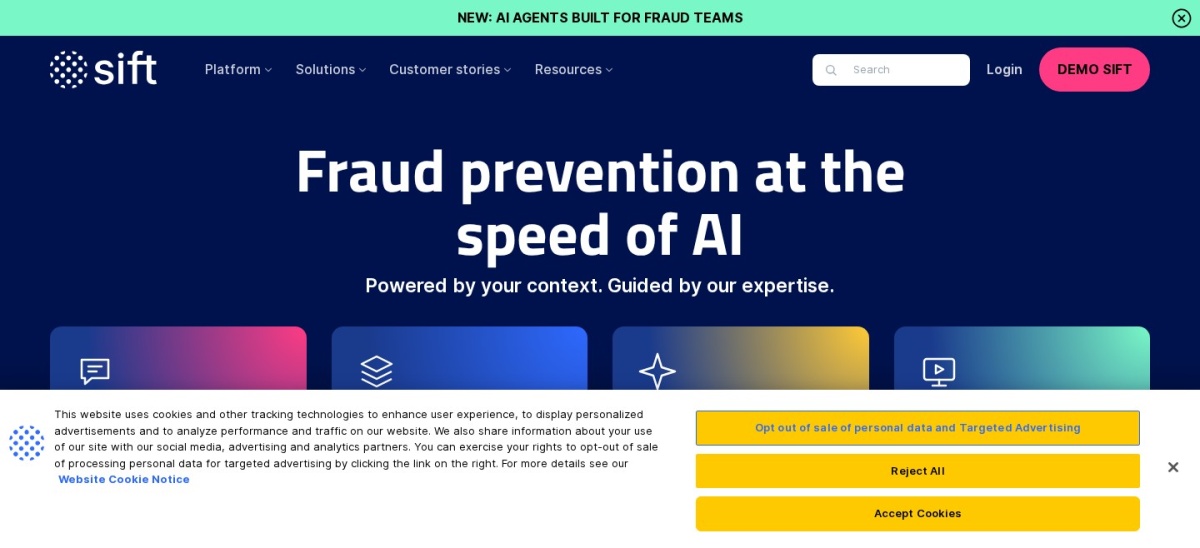
Sift is a digital trust and safety platform that scores accounts and actions across payments, content and account takeover. Its Account Defense module flags odd logins, password resets and device swaps, and the console explains each risk score so analysts can set their own rules.
The trade off is price. Starter is listed at $500 a month through a third-party price tracker, and Sift publishes no price on its own site, so real volume means an enterprise quote. It suits marketplaces and platforms where abuse spans fake accounts, payments and content in one console.
What we like
Largest review base here, 621 G2 reviews at 4.6 out of 5
One console for payments, accounts and content abuse
Explainable risk scores with custom rules
Watch out for
No published price on sift.com; Starter price comes from a price tracker
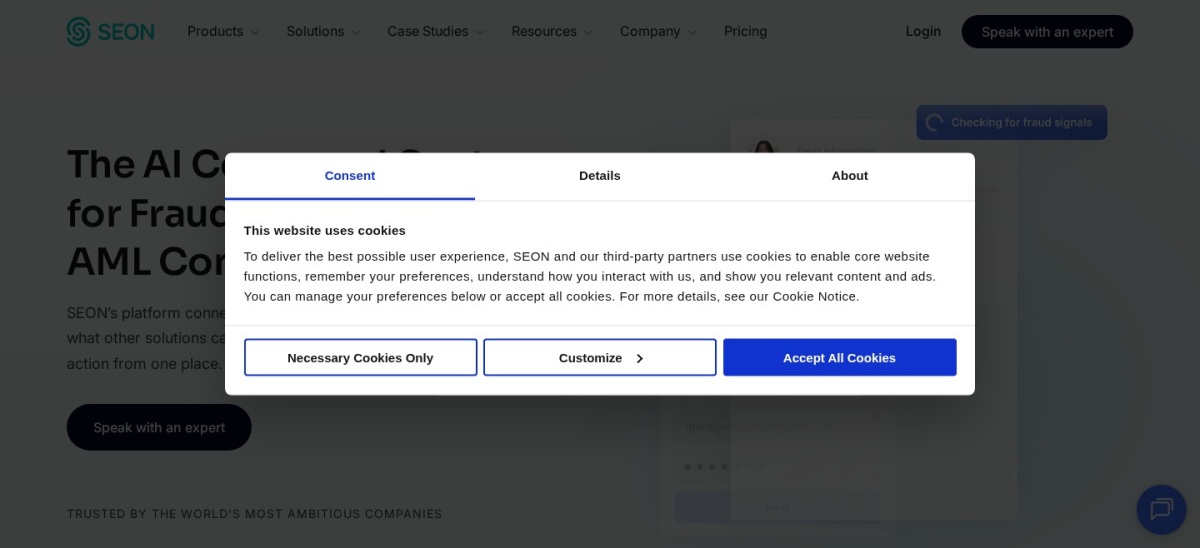
SEON is a fraud prevention and AML platform that scores sign-ups, logins and transactions from more than 1,100 first-party data signals, including email, phone, IP, device and digital footprint data. Its Activity Monitoring watches logins in real time and triggers step-up checks when device or behaviour signals look off.
The trade off is the ceiling on the entry plan. Starter costs $699 a month and covers 2,500 fraud checks, 10 users and 50 custom rules, so busier teams move to the custom-priced Premium plan. It suits fintechs and platforms that want a published price and control over their own rules.
What we like
Published Starter price, rare in this list
1,100+ signals with a clear rule builder
Covers fraud, AML and identity checks in one place
Watch out for
Starter caps at 2,500 checks and 50 rules
Case management and AML need the quoted Premium plan
Premium is custom priced with unlimited checks and rulesVisit seon.io
04
Fingerprint
4.7/5on G2 (391 reviews, checked Nov 2026)
Paid from$99/mo
Best for recognising returning devices
Free plan1,000 API calls a month
Pro Plus calls20,000 a month
Overage$4 per 1,000 calls
Paid planPro Plus, $99/mo
fingerprint.com
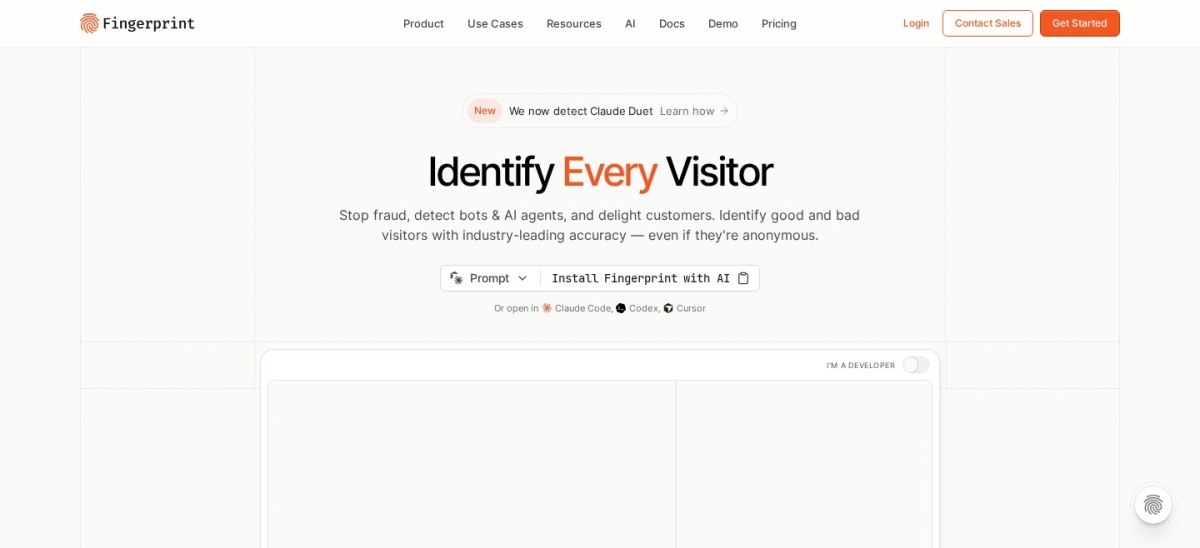
Fingerprint homepage, captured Nov 2026.
Fingerprint is a device intelligence API that gives each browser or mobile visitor a stable visitor ID, even when cookies are cleared or the session runs in incognito mode. Pro Plus adds Smart Signals for VPN, bot and browser-tampering detection that feed login and sign-up decisions.
The trade off is scope. A visitor ID answers whether this is the same device, not whether the person using it is the account owner, so it works best as one signal in a wider fraud flow. It suits teams that need to spot returning devices and cut 2FA prompts for trusted users.
What we like
Free plan with 1,000 API calls a month
Published Pro Plus price of $99 a month
Identifies 7 billion devices a year, per the vendor
HUMAN Security runs a bot and cyberfraud defence platform that checks behaviour across web, mobile apps and APIs. Its Bot Defender watches for credential stuffing and automated login attacks, and the Decision Engine examines more than 2,500 signals per interaction to separate bots from real users.
The trade off is access. HUMAN publishes no prices and sells through an enterprise sales process, with no free tier or self-serve plan. It suits large enterprises that want a managed bot defence service with a dedicated threat research team behind it.
What we like
Verifies 20 trillion interactions a week, per the vendor
Named a Leader in the Forrester Wave for bot management
Managed service with a dedicated SOC team
Watch out for
No published price and no free tier
Reviewers note limited control over detection rules
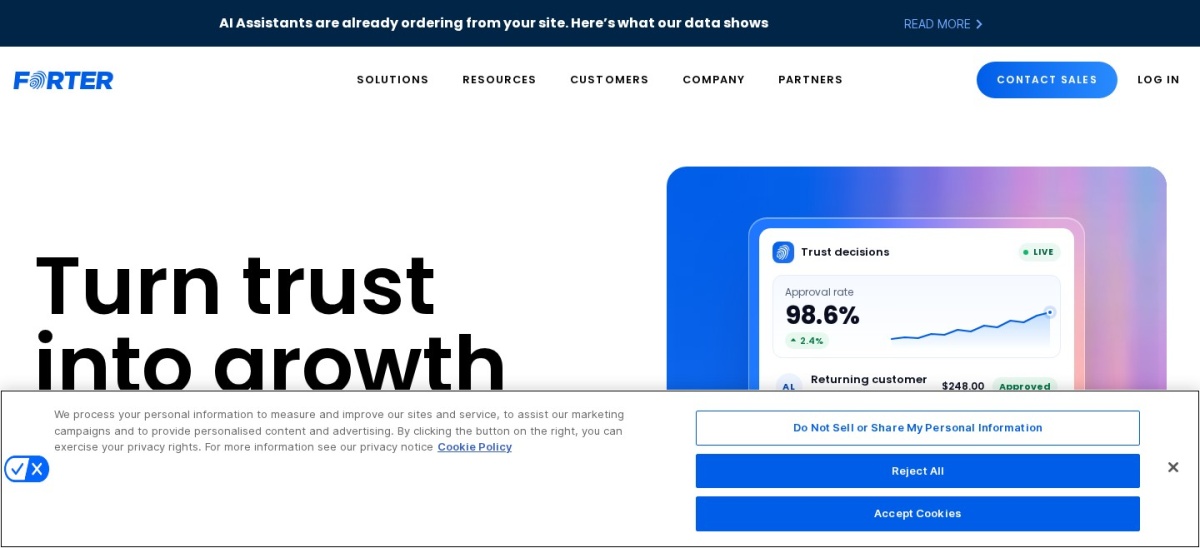
Forter is a trust platform for digital commerce that returns an approve, decline or verify decision for logins, sign-ups and checkouts in under 100ms. Its login checks weigh credential-stuffing patterns, session hijacking signals and a compromised-credentials index against more than 1 billion identities in its network.
The trade off is price and fit. Forter publishes no list prices and is built for large merchants, so smaller teams will find the sales-led process heavy. It suits retailers and marketplaces that want fast automated decisions with less manual review.
What we like
Decisions in under 100ms for most traffic
99% of decisions arrive in under a second, per the vendor
Chargeback guarantee and dispute tools in the same platform
Watch out for
No published price; volume-tiered quotes only
Only 29 G2 reviews, a thin base for an enterprise tool
Pricing is volume-tiered and negotiated per contractVisit forter.com
07
IPQualityScore (IPQS)
4.6/5on G2 (117 reviews, checked Nov 2026)
Paid from$139.99/mo
Best value for IP and email risk checks
Free plan1,000 lookups a month
Startup lookups5,000 a month
Fraud score0 to 100
Paid planStartup, $139.99/mo
ipqualityscore.com
IPQualityScore (IPQS) homepage, captured Nov 2026.
IPQualityScore is a fraud intelligence platform that scores IPs, emails, phone numbers and transactions from 0 to 100 using a honeypot network of more than 10,000 traps and over 300 risk data points. Its checks flag VPNs, proxies, bots and leaked credentials at sign-up and login.
The trade off is price creep. Startup costs $139.99 a month for 5,000 lookups, and device fingerprinting and bot detection sit on the custom Enterprise plan. It suits teams that want a low-cost API to screen logins and sign-ups by IP and email.
What we like
Free plan with 1,000 lookups a month
Lowest entry price here among tools with a free tier
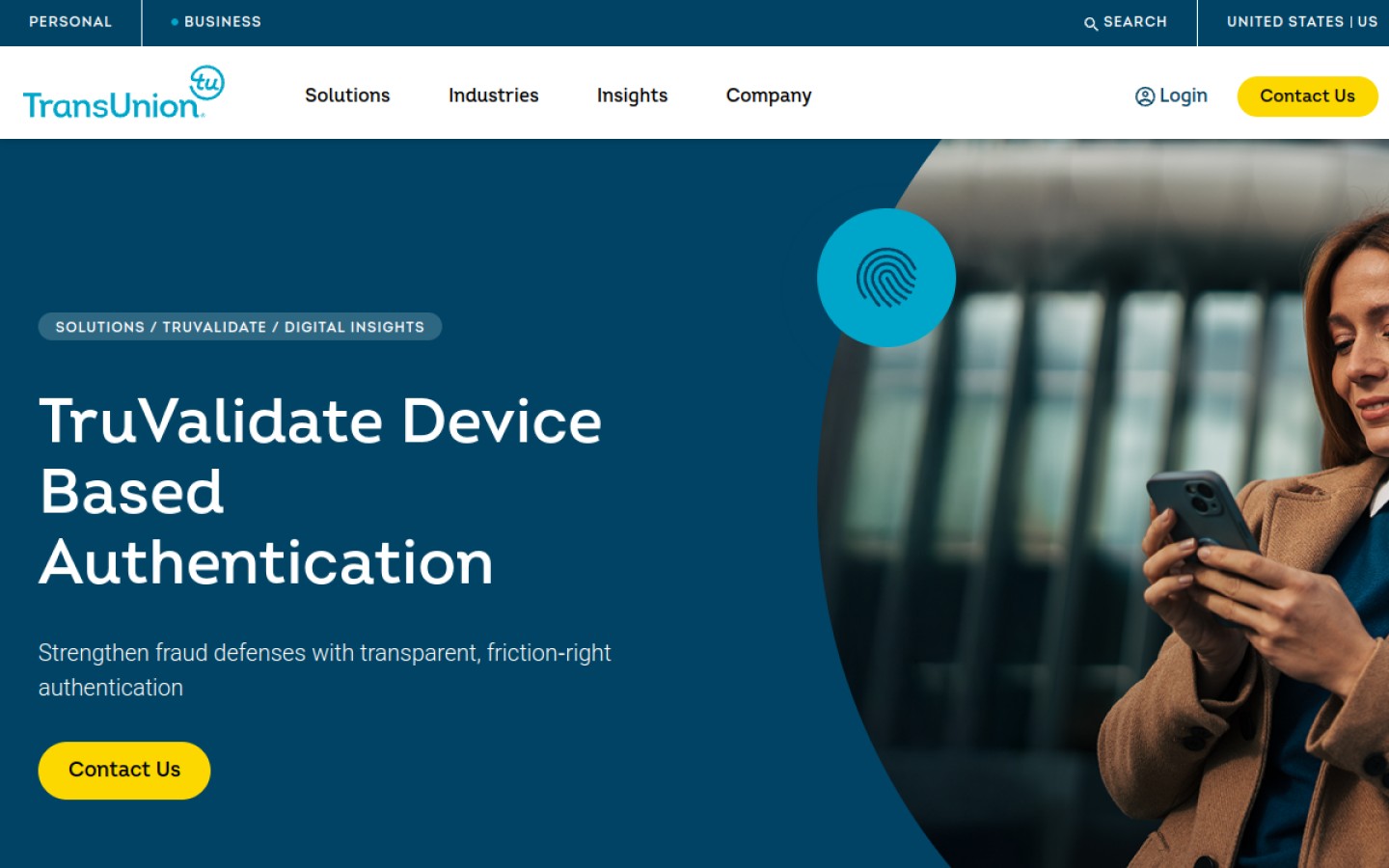
TruValidate is TransUnion's identity and fraud suite, and its device-based authentication matches device fingerprints to a customer's known devices so returning users sign in with little friction. It flags proxies, TOR networks, virtual machines and emulators, and it can step up verification when a login looks risky.
The trade off is that it is one module in a large suite. Pricing is custom, and the identity graph works best for teams already using TransUnion data. It suits banks and lenders that want device risk checks backed by credit and non-credit data.
What we like
Backed by TransUnion's large identity and device data
Recognises trusted devices to cut login friction
Detects emulators, VMs and TOR at login
Watch out for
No published price; sold through TransUnion sales
G2 reviewers note poor documentation and complex setup
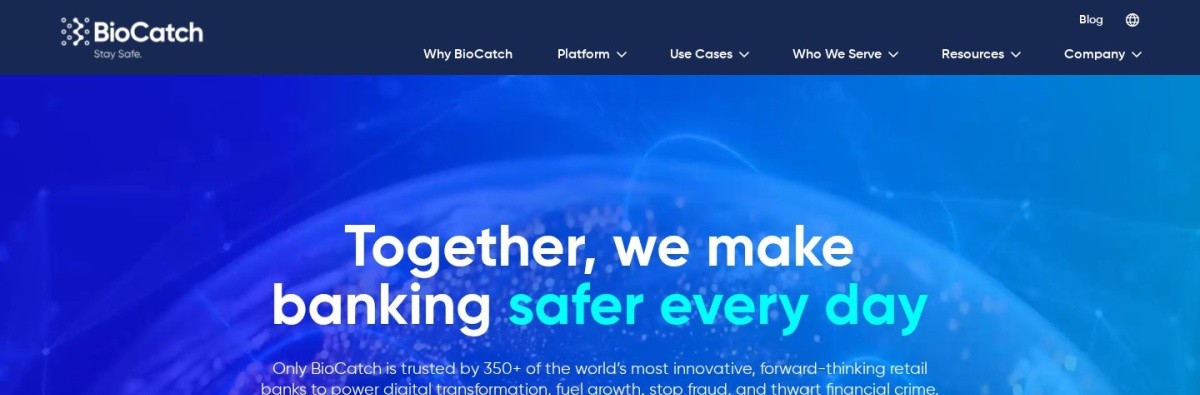
BioCatch is a behavioural intelligence platform for banks that analyses how people type, move a pointer and use a touchscreen during digital banking sessions. Its Account Takeover Protection keeps watching after login to spot remote access, malware and impersonation, even when the credentials and device look legitimate.
The trade off is reach and evidence. BioCatch is built for banks, its G2 rating rests on only three reviews, and Visa agreed to buy the company for $2.4 billion in August 2026, so pricing and packaging may change. It suits banks that need session-level signals for scams and mule accounts.
What we like
Watches behaviour through the whole session, not just at login
Trusted by more than 350 banks, per the vendor
Spots coached-scam behaviour other tools miss
Watch out for
G2 rating of 3.3 rests on only 3 reviews
Built for banks, not for general e-commerce
Enterprise pricing is custom; ask about plans after the Visa dealVisit biocatch.com
Free vs paid: what you give up
Free plans here are thin. Only Fingerprint and IPQS offer a real free tier, and both cap at 1,000 checks a month.
Paid plans mostly add volume and depth. Higher tiers unlock more checks, more rules and features such as device fingerprinting or case management.
Most of the enterprise tools in this list publish no price at all. If an account is already taken over, our hacked admin account recovery guide shows the clean-up steps to follow.
If logins are under attack now, start with a tool that has a free tier or a trial, then move to a quoted enterprise plan once volume grows.
How we chose
We started from the fraud prevention platforms most often named for account takeover, credential stuffing and bot defence, then kept nine established tools with a clear login or account protection product.
Prices come from each vendor's pricing page, checked on 24 November 2026. Ratings come from G2 on the same day. Where a vendor shows no price, the list shows Custom. Sift's $500 Starter price comes from a third-party price tracker because sift.com publishes no pricing page.
We left out tools with no account or login product and tools aimed only at payment fraud. No vendor paid for a place, and we do not claim to have used these tools ourselves.
How to choose account takeover fraud prevention software
Start with where the attacks hit hardest, then match the tool to that moment.
Map where accounts get attacked. Check whether the abuse lands at sign-up, login, password reset or checkout, and pick a tool that covers that step.
Decide how much friction real users can take. Adaptive challenges and trusted-device checks keep logins smooth, while strict step-up checks slow real users too.
Check the free tier against your volume. Fingerprint and IPQS give 1,000 free checks a month, which suits a small site but not a busy platform.
Get a quote before you shortlist. Five of the nine tools publish no price, so ask sales for a quote early and compare it against the published $99 and $139.99 plans.
FAQ
What is the best account takeover fraud prevention software?
Arkose Labs is the best pick for most teams. Its adaptive challenges stop credential stuffing with low friction for real users, and it is rated 4.7 out of 5 on G2. Sift is the better fit for marketplaces that also need payment and content fraud cover.
What is account takeover fraud?
Account takeover fraud happens when an attacker gains access to someone else's account using stolen credentials, often bought from data breaches. They then change passwords, drain funds or loyalty points, or use the account to send spam and run further scams.
How much does account takeover fraud prevention cost?
Published starting prices here run from $99 a month for Fingerprint to $699 a month for SEON. Five of the nine tools publish no price and sell custom enterprise contracts, so expect a sales call and a quote based on your login volume.
Can a free tool stop account takeover?
A free tier can help a small site. Fingerprint and IPQS both give 1,000 free checks a month, enough to screen logins on a low-traffic site. Busy sites will pass the cap fast and need a paid plan or an enterprise quote.
Do I need a separate tool if my host already blocks bots?
Often yes. Host-level bot blocking stops crude traffic, but credential stuffing uses real-looking logins from many IPs. A dedicated tool scores each login by device, behaviour and breach data, which a host firewall does not do.
What is the difference between device fingerprinting and behavioural biometrics?
Device fingerprinting recognises the device from browser and hardware signals, while behavioural biometrics studies how a person types, moves a pointer or holds a phone. Fingerprint does the first, BioCatch does the second, and several tools combine both.
Which tool is best for banks?
BioCatch is the most bank-specific pick, built around behavioural signals in banking sessions, and TruValidate suits banks already using TransUnion data. Both are enterprise priced, so a bank should ask for references and a quote before committing.