SysCloud is the best-rated SaaS backup tool for small businesses, with the highest G2 rating here and a $4 monthly price. Acronis and Druva suit larger teams that want fully managed backup with no infrastructure to run.
How we make this list: we compare pricing pages, product documentation and public user reviews, then re-check every price before each update. No product paid for a place. Disclosure.
SysCloud leads with a 4.8 G2 rating and a $4 per user monthly price.
Acronis and Druva are fully managed, with no backup infrastructure to run.
Veeam Data Cloud covers Microsoft 365 from $3.50 per user a month.
Most vendors here do not publish prices, so expect a quote for Druva, Acronis, Backupify and Spanning.
Check the minimum seat count before you buy; some plans need 100 licences.
What SaaS backup should cover
SaaS backup copies the data in tools such as Microsoft 365 and Google Workspace, so a deleted mailbox, a ransomware attack or a mistaken wipe does not mean lost data.
The core job is restore. You should be able to bring back one email, one file or one whole mailbox in minutes, without calling support.
Coverage matters more than storage. Some tools back up mail only, while others cover mail, files, Teams chats and SharePoint sites.
Pricing is often by quote. Our guide to the best SaaS backup software covers the same tools for larger teams, and this list focuses on small business needs.
The 7 best SaaS backup software for small businesses
01
SysCloud
4.8/5on G2 (37 reviews, checked Nov 2026)
Starts at$4/mo
Best-rated SaaS backup for small business
Cheapest paid plan$4/user/mo
CoversMicrosoft 365, Google
Free planNo, trial only
RestoreSelf-service
syscloud.com
SysCloud homepage, captured Nov 2026.
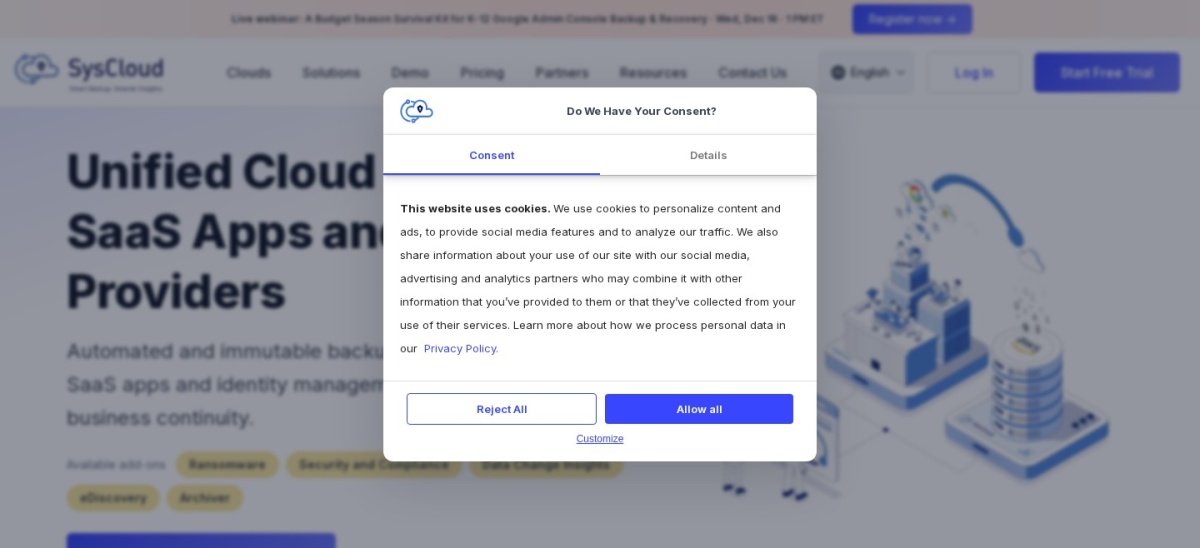
SysCloud is a SaaS backup tool for Microsoft 365 and Google Workspace, with self-service restore and a simple per-user price. It costs $4 per user a month according to published comparisons, and it is rated 4.8 out of 5 on G2 from 37 reviews.
The trade off is the review base and the seat minimum. Only 37 G2 reviews support the rating, and some priced plans need 100 licences, which rules out very small teams. It suits small businesses that want simple backup with self-service restore.
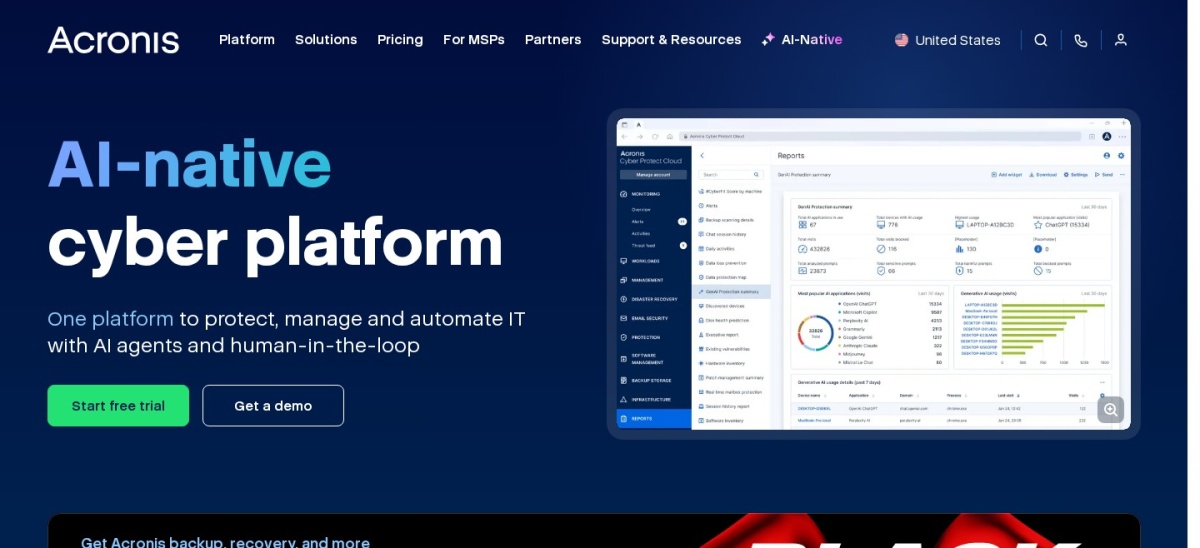
Acronis Cyber Protect homepage, captured Nov 2026.
Acronis Cyber Protect is a backup tool that combines backup with anti-malware, so one agent covers both data protection and threat defence. It backs up Microsoft 365, Google Workspace and endpoints, and pricing is by quote per workload. It is rated 4.7 out of 5 on G2 from 1,369 reviews.
The trade off is price opacity. There is no clean published entry price, so a small business must ask for a quote and compare it against simpler tools. It suits teams that want backup and security in one managed product.
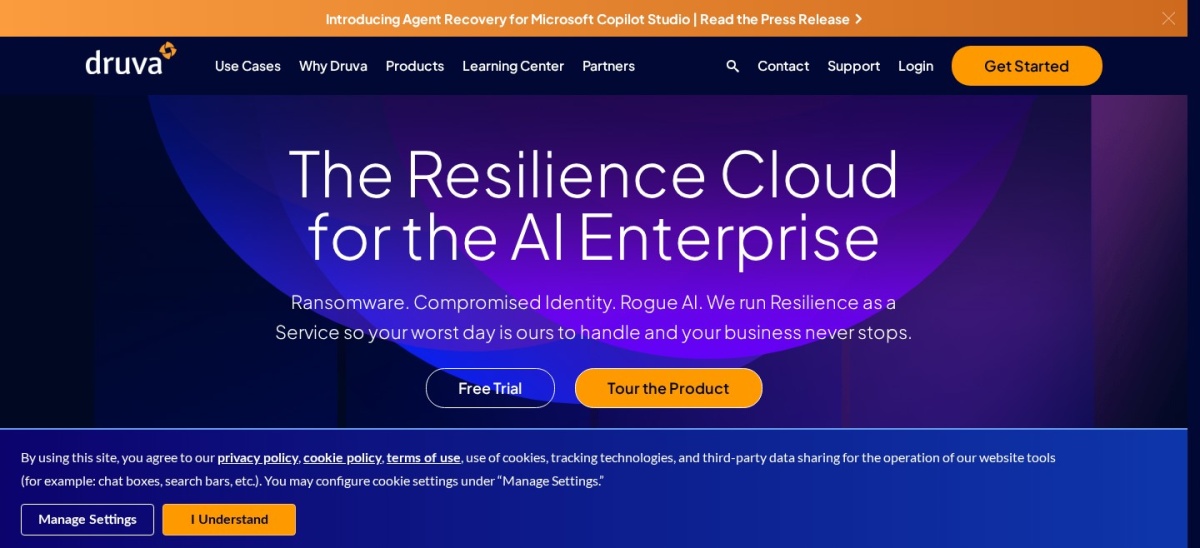
Druva is a fully managed SaaS backup platform with no infrastructure to run, covering Microsoft 365, Google Workspace and endpoints from the cloud. Pricing is by quote, and the platform is built for teams that want backup without servers. It is rated 4.7 out of 5 on G2 from 736 reviews.
The trade off is cost and opacity. Druva sells by quote and is aimed at mid-size teams, so a very small business may pay more than with a simple per-user tool. It suits teams that want backup handled for them.
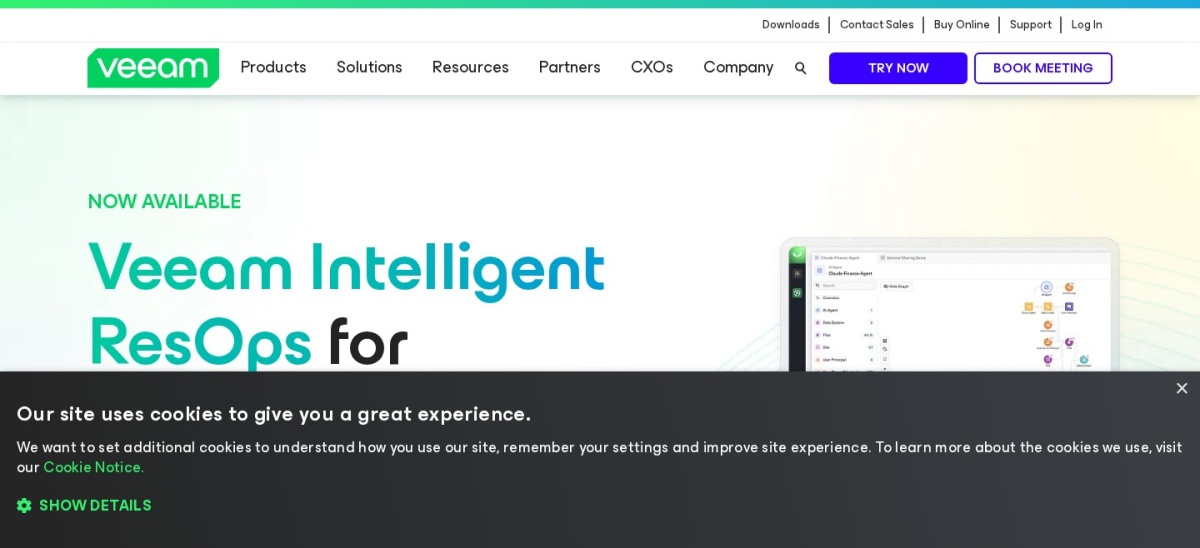
Veeam Data Cloud is a backup product for Microsoft 365 that covers mail, files, Teams and SharePoint with unlimited storage. The Foundation plan costs $3.50 per user a month for 10 to 50 users when billed yearly, dropping to $2.63 at 251 users or more. It is rated 4.5 out of 5 on G2 from 209 reviews.
The trade off is scope. This product covers Microsoft 365 only, so Google Workspace users need a different Veeam product. It suits small businesses that run on Microsoft 365 and want unlimited storage.
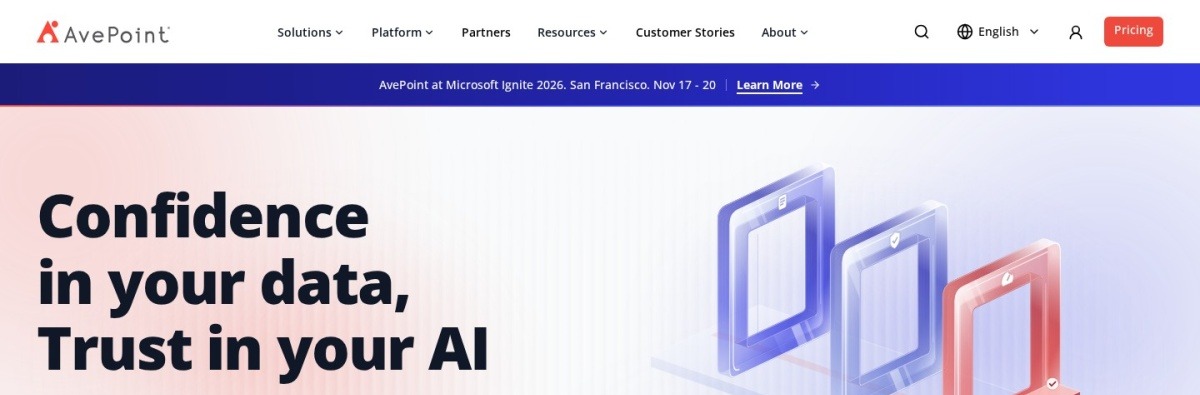
AvePoint Cloud Backup homepage, captured Nov 2026.
AvePoint Cloud Backup is a backup tool for Microsoft 365 and Google Workspace, covering mail, files, Teams and SharePoint. Published comparisons put the entry price at about $3 per user a month with a 10-seat minimum, though some sources say it is quote-only. It is rated 4.5 out of 5 on G2 from 129 reviews.
The trade off is price clarity. The $3 figure is not confirmed on the vendor's own pricing page, so confirm it in a quote before you buy. It suits teams that use both Microsoft and Google apps.
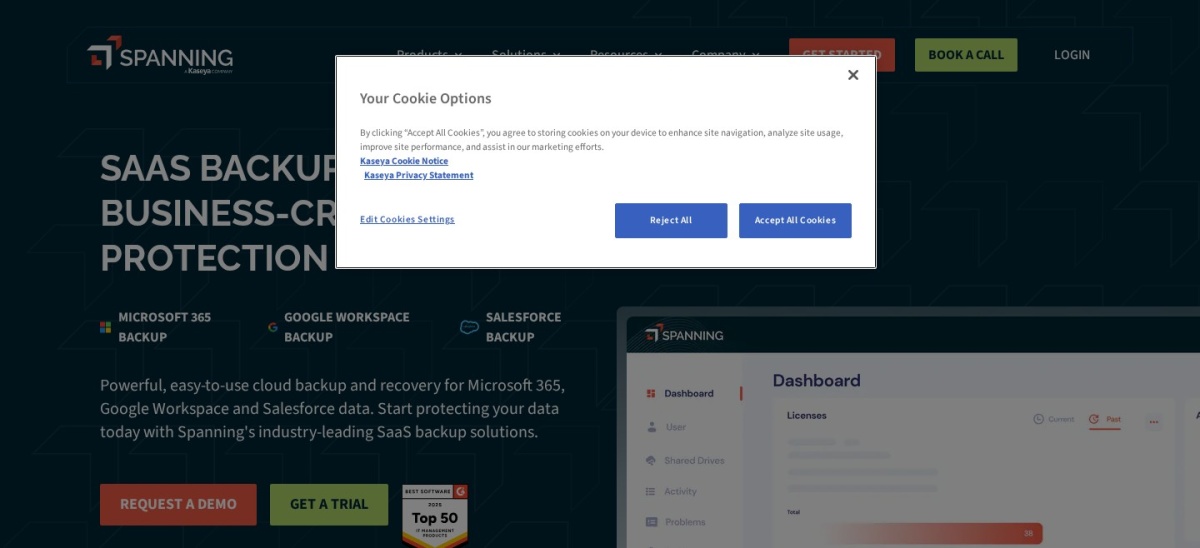
Spanning Backup is a backup tool for Microsoft 365 and Google Workspace with self-service restore, so users can bring back their own mail and files without IT help. The vendor publishes no price, and third parties cite about $48 per user a year, which is not confirmed. It is rated 4.2 out of 5 on G2 from 225 reviews.
The trade off is price opacity. With no published price, a small business must ask for a quote and compare it against the $3 to $4 tools here. It suits teams that want users to restore their own data.
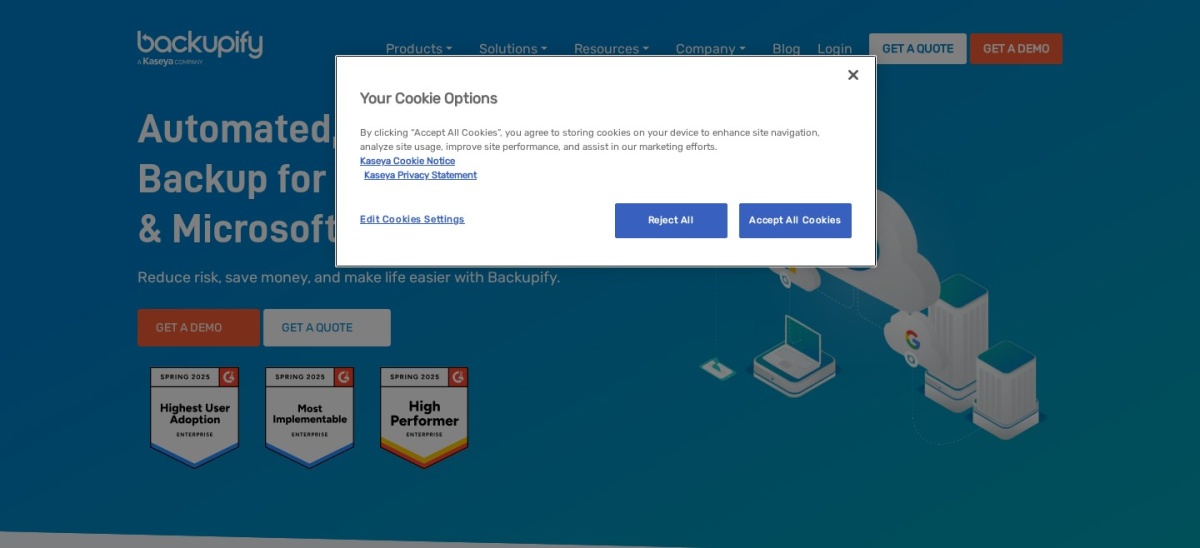
Backupify is a backup tool, now Datto SaaS Protection, that backs up Microsoft 365 and Google Workspace with three automatic backups a day. It is built for managed service providers rather than direct sale, so small businesses usually buy it through an IT provider. It is rated 4.2 out of 5 on G2 from 189 reviews.
The trade off is access. The vendor shows no price and sells through partners, so a small business cannot simply sign up and pay. It suits teams that already work with a managed IT provider.
Four of the seven tools here do not publish a price. Druva, Acronis, Backupify and Spanning all sell by quote, which is normal for backup software aimed at businesses.
The published prices that exist are low. SysCloud is $4 per user a month, AvePoint is about $3 and Veeam starts at $3.50, so the entry cost is small once you get a quote.
Ask for the minimum seat count in the quote. Some plans need 100 licences, which rules out very small teams even when the per-user price looks cheap.
Also ask what restore costs. Some vendors charge extra for fast restores or for exporting data, so the headline price is not the whole cost.
How we chose
We started from the best-known SaaS backup tools with a profile on G2, then kept seven that cover Microsoft 365, Google Workspace or both for small businesses.
Prices come from each vendor's site or from published comparisons, checked in November 2026. Ratings and review counts come from G2 on the same day. Where a vendor shows a sale, the list shows the regular price.
We left out tools with no verifiable G2 rating, including Rewind and Afi.ai. No vendor paid for a place, and we do not claim hands-on testing for this list.
How to choose SaaS backup software
Start with what you need to back up, then check restore speed.
List the apps you need covered. Microsoft 365 and Google Workspace are the usual two. Check mail, files, chats and sites, not just mail.
Test a restore before you buy. Ask for a trial and restore one deleted email and one file. If it takes an hour, keep looking.
Check the minimum seat count. Some plans need 100 licences. A five-person business should not pay for 95 empty seats.
Ask what the quote includes. Confirm storage, restore speed and export fees in writing before you sign.
FAQ
What is the best SaaS backup software for small businesses?
SysCloud is the best-rated pick, with a 4.8 rating on G2 and a $4 per user monthly price. Acronis and Druva suit teams that want fully managed backup, while Veeam Data Cloud is the best pick for Microsoft 365 only.
Do I need backup if I use Microsoft 365?
Yes. Microsoft keeps deleted data for a short time, but it does not promise full backup and restore. A backup tool keeps copies for months or years and restores single emails and files.
How much does SaaS backup cost?
Published prices run from about $3 to $4 per user a month. Druva, Acronis, Backupify and Spanning sell by quote, so expect to ask for a price based on your seat count.
Does SaaS backup cover Google Workspace?
Most tools here cover both Microsoft 365 and Google Workspace. AvePoint, Backupify, Spanning and SysCloud cover both, while Veeam Data Cloud focuses on Microsoft 365.
How long does a restore take?
A single email or file should restore in minutes. A full mailbox can take hours, depending on size. Ask the vendor for restore times in the trial before you buy.
Is SaaS backup different from cloud backup?
Yes. Cloud backup usually covers devices and servers, while SaaS backup covers data inside cloud apps such as Microsoft 365 and Google Workspace. Small businesses often need SaaS backup first.
SaaS SEO and WordPress specialist with about 8 years of experience. Rakib compares WordPress plugins, themes, hosting and software using public pricing, documentation and user reviews. See how we rank.