Best SaaS Backup Software in 2026: 9 Tools Compared
WLWPLegible EditorsLast verified 23 Nov 2026How we rank13 min read
★ Short answer
Skyvia Backup is the best SaaS backup software for most small teams, rated 4.9 out of 5 on G2, with a free plan and Standard at $84 a year. Pick CubeBackup for the cheapest licence at $5 a user a year, or SpinOne if you want backup with ransomware protection.
How we make this list: we compare pricing pages, product documentation and public user reviews, then re-check every price before each update. No product paid for a place. Disclosure.
Skyvia Backup is the only tool here with a free plan, and Standard costs $84 a year billed yearly.
CubeBackup is the cheapest licence at $5 a user a year, but you run the server and storage yourself.
SpinOne pairs backup with ransomware protection, starting at $3 a user a month with a $5,000 yearly minimum.
Veeam Data Cloud has the largest review base at 251 G2 reviews and covers Exchange, SharePoint, OneDrive and Teams.
Most tools here back up Microsoft 365 and Google Workspace; check your other apps, such as Salesforce or Slack, before you buy.
What SaaS backup actually protects
SaaS apps keep your data, but their own retention is short. Deleted mailboxes, Drive files and CRM records can be gone for good after 30 days.
A SaaS backup tool copies that data on a schedule and lets you restore one file, one email or one whole account. The best tools back up daily and keep copies for months or years.
Coverage matters more than price. A tool that backs up Microsoft 365 but not Salesforce leaves a gap if your sales data lives in Salesforce.
Watch the billing model too. Some tools charge per user, some per gigabyte stored, and some, like CubeBackup, charge a low licence fee while you pay for storage.
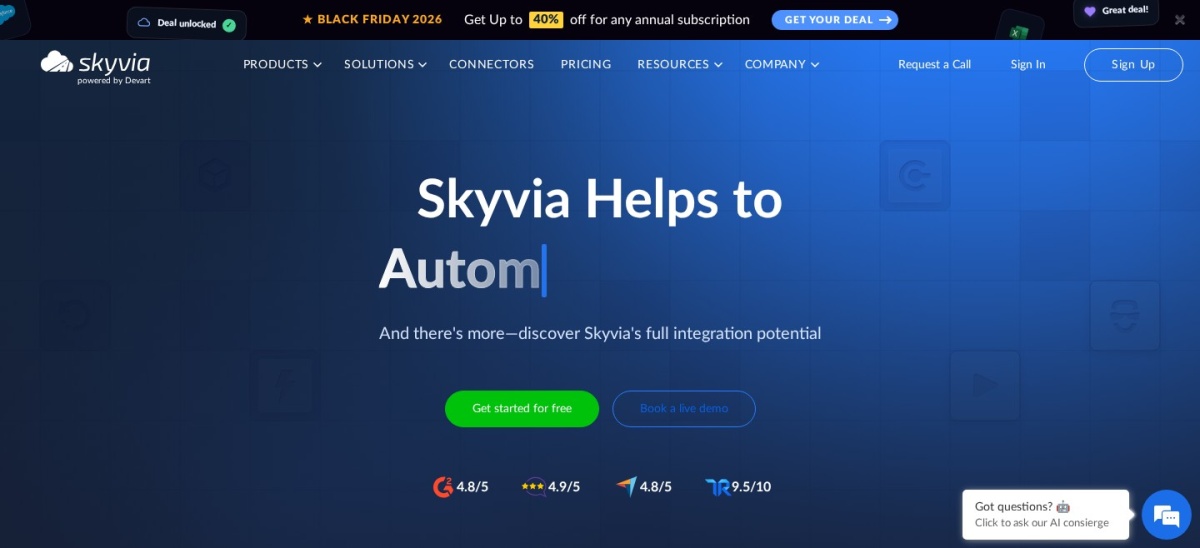
Skyvia Backup is a cloud backup service for Salesforce, Dynamics 365, HubSpot, QuickBooks and other cloud apps, with a free plan for small backups. Paid plans run scheduled snapshots once a day, with record-level restore, data search, backup comparison and CSV export.
The trade off is scope. Skyvia backs up records only, not metadata, and paid plans back up at most once a day, while the free tier is manual only. Standard costs $7 a month billed yearly, or $9 month to month, with 20 GB of storage. It suits small teams that want a low-cost safety net across many apps.
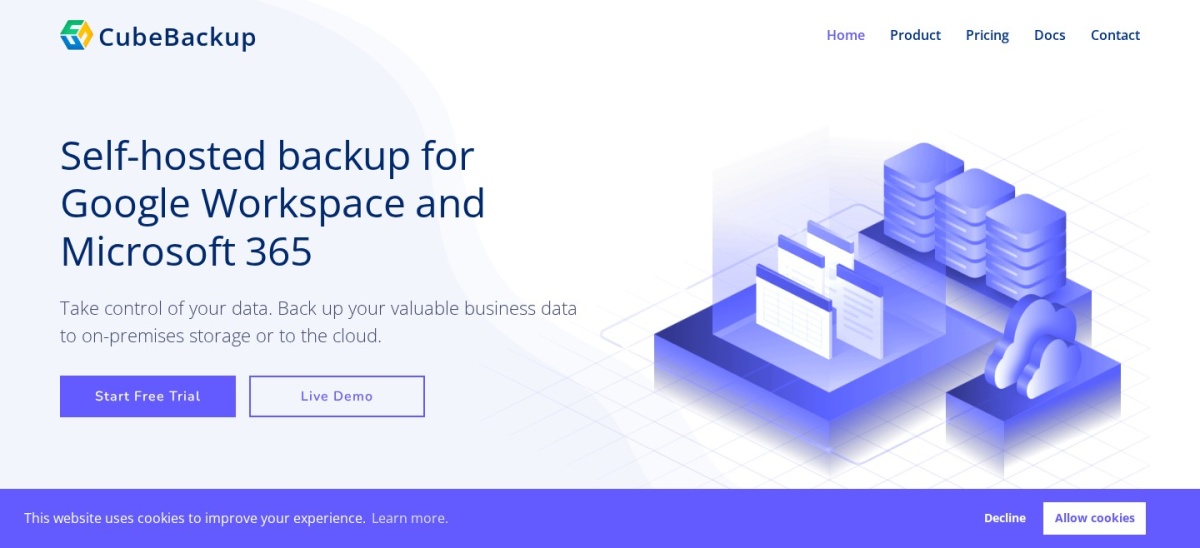
CubeBackup is a self-hosted backup tool for Google Workspace and Microsoft 365 that runs on your own server or NAS. It backs up Gmail, Drive, Shared Drives, Calendar, Contacts and Sites to local disk or Amazon S3, with no per-user storage cap beyond what you provide.
The trade off is the work. CubeBackup supplies no server and no storage, so you install it, watch disk space and patch the software yourself. The business licence is $5 a user a year, with education and nonprofits at $2. It suits teams that want full control of where backups live.
Backup appsGoogle Workspace, Microsoft 365, Slack, Salesforce
Minimum$5,000/yr
spin.ai
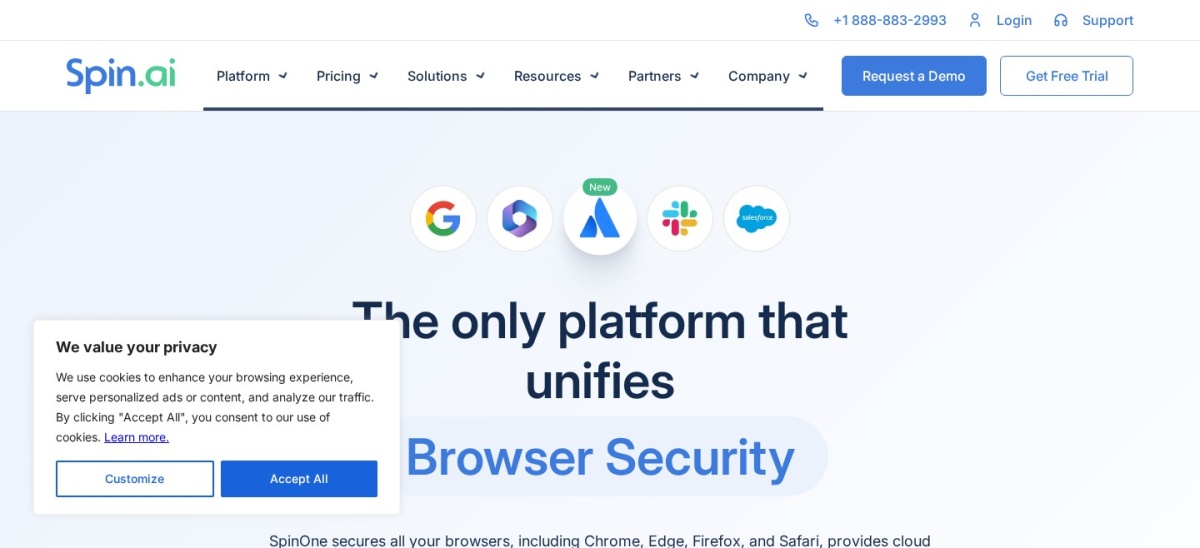
SpinOne homepage, captured Nov 2026.
SpinOne is a SaaS security platform from Spin.AI that pairs backup with ransomware protection, posture management and DLP. SpinBackup covers Google Workspace, Microsoft 365, Slack and Salesforce with daily backups, fast recovery and 30 GB of cloud storage per licence.
The trade off is the minimum. SpinBackup costs $3 a user a month, but every subscription starts at $5,000 a year, so it fits mid-size teams rather than tiny ones. Higher tiers add 3x daily backups and a 2-hour incident response. It suits teams that want backup and security in one console.
Rewind Backups is a cloud-to-cloud backup service for Shopify, GitHub, QuickBooks, Jira, BigCommerce and other SaaS apps. It runs change-triggered backups, so every edit is captured, and restores one item or a whole account without touching the rest of your data.
The trade off is app fit. Rewind is strongest for Shopify and developer tools, and its Microsoft 365 and Google Workspace coverage is thinner than the specialists here. Standard costs $4 a user a month with one-year retention and a $200 monthly minimum. It suits shops and SaaS teams that need granular restore.
What we like
Change-triggered backups catch every edit
Granular restore down to one item
Strong Shopify and developer app coverage
7-day support
Watch out for
Thinner Microsoft 365 and Google Workspace coverage
Backup appsMicrosoft 365, Google Workspace, Salesforce, more
RetentionUp to 99 years
keepit.com
Keepit homepage, captured Nov 2026.
Keepit is a cloud-native backup platform for Microsoft 365, Google Workspace, Salesforce, Dynamics 365 and other SaaS apps. Backups live on Keepit's own infrastructure in seven regions, not on AWS, Azure or Google Cloud, so a problem at your SaaS vendor cannot touch your copies.
The trade off is price. One per-seat price of $4.95 a month includes unlimited always-hot storage with no fees for ingress, egress or restores, and retention can run up to 99 years. It suits mid-size teams that want immutable backups on infrastructure independent of Microsoft and Google.
What we like
Backups on infrastructure independent of Microsoft and Google
HYCU is a data protection platform that covers more than 100 SaaS and cloud workloads, from Microsoft 365 and Google Workspace to Atlassian, GitHub, Okta and Entra ID. Workloads get service levels from bronze to platinum that set the protection and the price for each one.
The trade off is packaging. Microsoft 365 protection costs $2.25 a user a month at 200 users, while other suites run $4 and some workloads need a quote. Upgrades must be applied one version at a time. It suits mid-size teams that want one console for many different apps.
Afi.ai is a backup service for Microsoft 365 and Google Workspace built for speed and simple pricing. It backs up mailboxes, drives, sites and teams with automated daily backups, granular restore and a clean admin console that takes minutes to set up.
The trade off is narrow coverage. Afi.ai focuses on Microsoft 365 and Google Workspace, so teams with Salesforce, Slack or other apps need a second tool. It costs $3 a user a month, or $2.75 billed yearly, with a 5-user minimum for commercial accounts. It suits small teams on the two big suites.
Veeam Data Cloud for Microsoft 365 homepage, captured Nov 2026.
Veeam Data Cloud for Microsoft 365 is the managed backup service from the biggest name in data protection. It covers Exchange, SharePoint, OneDrive, Teams and Entra ID with immutable copies, seven-year default retention and unlimited storage included.
The trade off is the buying route. Foundation costs $3.50 a user a month billed yearly for 10 to 50 users, dropping to $2.63 at 251 or more, and purchases run through resellers or the Microsoft Marketplace. It suits Microsoft shops that want the deepest backup coverage.
Backup appsMicrosoft 365, Google Workspace, Salesforce
BackupsDaily automated
spanning.com
Spanning Backup homepage, captured Nov 2026.
Spanning Backup is a cloud-to-cloud backup service for Microsoft 365, Google Workspace and Salesforce. It runs daily automated backups with point-in-time restore for mailboxes, drives, sites and CRM records, plus a 14-day free trial.
The trade off is billing. Spanning charges $48 a user a year with yearly billing only, so there is no monthly option for small teams. It is the simplest price in this list, with no tiers to compare. It suits teams that want one flat yearly backup bill.
Per-user or per-gigabyte: how SaaS backup is priced
Most tools in this list charge per user per month. Rewind, SpinOne, Veeam, Keepit, HYCU and Afi all use that model, so your bill grows with headcount.
Skyvia charges by storage instead. Standard gives you 20 GB for $7 a month billed yearly, no matter how many users you have, which suits small teams with big mailboxes.
CubeBackup is the outlier. The licence is $5 a user a year, but you supply the server and the storage, so the real cost includes your own disk or cloud bill.
Spanning keeps it simple with one yearly price of $48 a user and no monthly billing at all.
How we chose
We started from the SaaS backup tools with the most public reviews on G2, then kept the nine with clear backup coverage for Microsoft 365 or Google Workspace and a published price or a price from the vendor.
Prices come from each vendor's pricing page or vendor-supplied listings, checked on 23 November 2026. Ratings and review counts come from G2 on the same day. Where a vendor shows a first-year price, the list shows the regular price.
This list is based on pricing, docs and reviews, not on using the tools ourselves. No vendor paid for a place in it.
How to choose SaaS backup software
Start with the apps you cannot afford to lose, then match the price model to your team size.
List the apps that hold your data. Microsoft 365 and Google Workspace are covered by most tools, but Salesforce, Slack and QuickBooks need checking.
Pick a price model that fits your team. Per-user pricing suits small teams; storage pricing suits teams with few users and large mailboxes.
Check restore options. Granular restore for one email or file saves hours over full-account restores.
Confirm retention and storage. Some tools keep copies for a year, others for up to 99 years, and self-hosted tools need your own storage.
FAQ
What is the best SaaS backup software?
Skyvia Backup is the best pick for most small teams. It is rated 4.9 out of 5 on G2, has a free plan, and Standard costs $84 a year billed yearly.
Does Microsoft 365 back up my data?
Microsoft keeps deleted items for a short time, usually 30 days, and does not back up your data for you. A third-party tool keeps copies for months or years and restores single files or mailboxes.
How much does SaaS backup cost?
Prices in this list run from $5 a user a year for CubeBackup to $84 a year for Skyvia Standard billed yearly. Most per-user tools cost $27 to $59 a user a year.
What is the cheapest SaaS backup tool?
CubeBackup is the cheapest licence at $5 a user a year for business domains, but it is self-hosted, so you pay for the server and storage on top.
Can SaaS backup protect against ransomware?
Yes, if the tool stores immutable copies away from your SaaS apps. SpinOne adds ransomware detection and rollback, and Keepit stores backups on its own infrastructure.
Do I need backup for Google Workspace?
Yes, if losing Drive files, Gmail or Calendar data would hurt. Google keeps deleted items briefly, and a backup tool restores them long after that window closes.