Plugins Plugin hub Backup SEO Caching Security Forms WooCommerce Images Best backup plugins
Hosting Hosting directory Shared hosting Managed WordPress Cloud hosting VPS hosting By reader location Hosting finder
Themes & builders Compare Rank Math vs Yoast
Tools All tools Hosting finder Plugin stack builder Cost calculator Salt generator Theme detector Who is hosting this? Speed test Headline analyzer robots.txt generator Redirect generator Uptime calculator Blog name generator
Blog Best backup plugins Deals
Guides All guides Speed up WordPress Choose hosting Back up WordPress
How we rank
✓Email & SMS marketing · Buying guide

Best Email Backup Software in 2026: 9 Tools Compared

★ Short answer

Veeam Data Cloud is the best email backup software for most small teams. Its free Community Edition covers up to 10 users, and paid plans start at $3.50 per user a month. Pick Backupify for set-and-forget SaaS backup and MailStore Server for a one-time licence.

How we make this list: we compare pricing pages, product documentation and public user reviews, then re-check every price before each update. No product paid for a place. Disclosure.

#2 Best workhorse

Backupify

Automated Microsoft 365 backup, $3 a user

$3Starts at
4.2★Rating
Not publishedInstalls
See why it ranks
🏆 #1 Top pick

Veeam Data Cloud

Microsoft 365 backup, $3.50 a user

FreeTo start
4.5★Rating
Not publishedInstalls
See why it ranks
#3 Best one-time price

Spanning Backup

Simple SaaS backup, $48 a user a year

$48Starts at
4.2★Rating
Not publishedInstalls
See why it ranks
Best Email Backup Software in 2026: 9 Tools Compared

Key takeaways

  • Veeam's free Community Edition covers up to 10 users at no cost, which suits very small teams.
  • Backupify costs about $3 per user a month with automated snapshots and unlimited restores.
  • Spanning costs $48 per user a year and backs up Microsoft 365, Google Workspace and Salesforce.
  • Acronis combines backup with cyber protection from $49.99 a year.
  • SpinOne has the highest G2 rating at 4.8/5, but its pricing is quote-only.

What to look for in email backup software

Email backup is not the same as archiving. Backup restores lost mail fast; archiving keeps it for compliance and legal holds.

The restore matters more than the backup. Look for item-level restore, point-in-time recovery and export to .pst or .eml.

Cloud-to-cloud backup needs no infrastructure. Our guide to project management software covers the same buy-vs-build trade-off for teams.

Check where the copy lives. A backup stored in the same cloud as the mailbox is less useful than one held independently.

Quick comparison

ToolBest forStarting priceFree planRating
Veeam Data Cloud#1 Free start for small teams$3.50/moFree plan4.5/5
Backupify#2 Workhorse SaaS backup$3/moNo free plan4.2/5
Spanning Backup#3 Simple per-user backup$48/yrNo free plan4.2/5
Acronis Cyber Protect#4 Backup plus security$49.99/yrNo free plan4.7/5
Afi.ai#5 Simple flat price$3/moNo free plan4.7/5
Dropsuite#6 MSP-friendly backup$3/moNo free plan4.6/5
MailStore Server#7 One-time backup archive$259/onceNo free plan4.2/5
SpinOne#8 Backup plus ransomware defenceCustom quote/yrNo free plan4.8/5
SysTools Email Backup#9 One-time mailbox export$5/onceNo free plan4.4/5

Price ladder: cheapest paid plan per year

List prices, USD, checked Nov 2026
SpinOne Custom quote
SysTools $5
Backupify $36
Afi.ai $36
Dropsuite $36
Veeam FREE$42
Spanning $48
Acronis $50
MailStore $259

The 9 best email backup software

01

Veeam Data Cloud

4.5/5on G2 (188 reviews, checked Nov 2026)
Paid from$3.50/mo
Best free start for small teams
Cheapest paid planFoundation, $3.50/user/mo, 10-50 users
Free planYes
Rating4.5/5 on G2
UsersNot published
veeam.com
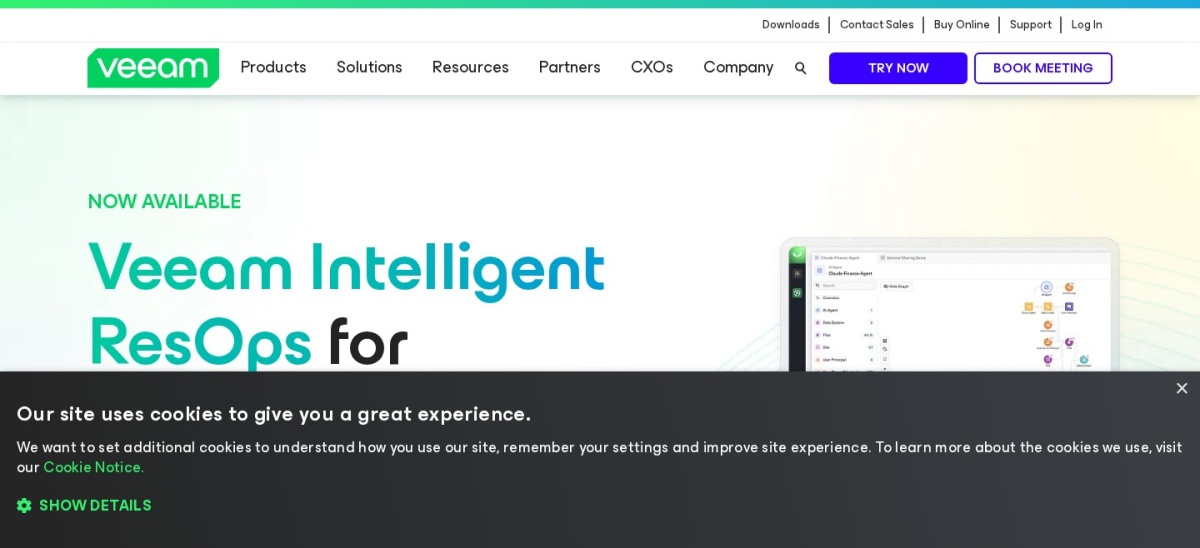
Veeam Data Cloud homepage
Veeam Data Cloud homepage, captured Nov 2026.

Veeam Data Cloud is Veeam's cloud backup for Microsoft 365. Foundation costs $3.50 per user a month billed annually for 10 to 50 users, with unlimited storage, granular restore and a free Community Edition for up to 10 users. It is rated 4.5/5 on G2 from 188 reviews.

The trade off is the cheapest $2.63 tier needs 251 or more users. It suits small teams that want a free start and Veeam-grade restore for Exchange, SharePoint and OneDrive.

What we like

  • Free Community Edition for up to 10 users
  • Rated 4.5/5 on G2 from 188 reviews
  • Free plan included

Watch out for

  • Lowest price needs 251+ users
  • Costs rise as contacts, users or volume grow
Unlimited storage included on paid tiersVisit veeam.com
02

Backupify

4.2/5on G2 (189 reviews, checked Nov 2026)
Starts at$3/mo
Best workhorse SaaS backup
Cheapest paid planBackupify, $3/user/mo
Free planNo, trial only
Rating4.2/5 on G2
UsersNot published
backupify.com
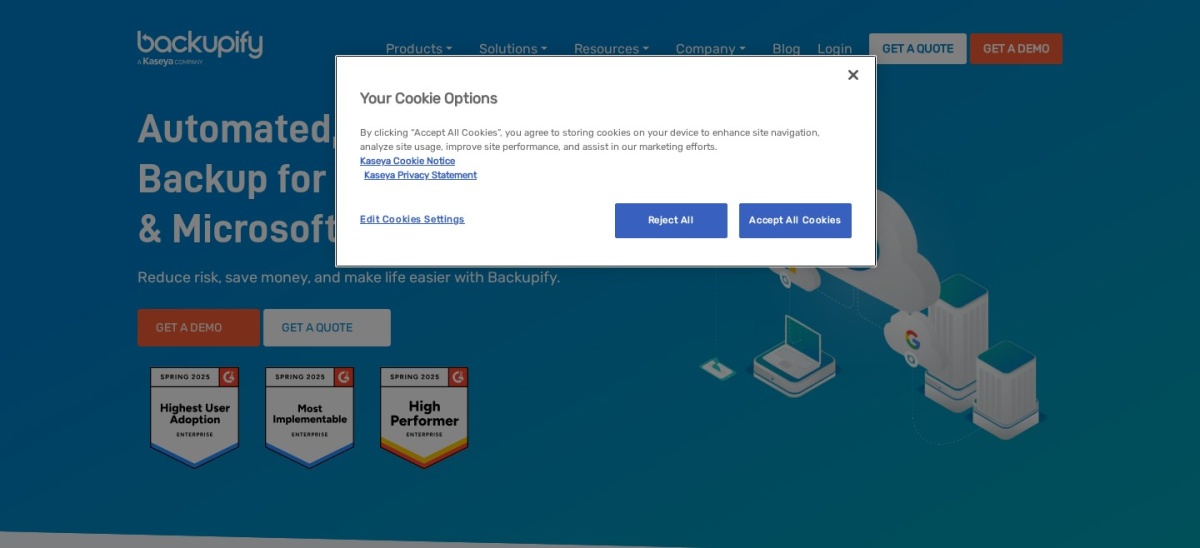
Backupify homepage
Backupify homepage, captured Nov 2026.

Backupify is Datto's automated backup for Microsoft 365 and Google Workspace. Backupify costs about $3 per user a month, with automated snapshots, point-in-time restore and unlimited restores for mail, Drive and SharePoint. It is rated 4.2/5 on G2 from 189 reviews.

The trade off is it is quote-led in some regions, so confirm the price with a reseller. It suits small businesses that live in Microsoft 365 or Google Workspace and want set-and-forget backup.

What we like

  • Automated snapshots with unlimited restores
  • Rated 4.2/5 on G2 from 189 reviews
  • Published pricing with no hidden tiers

Watch out for

  • Price can be quote-led through partners
  • Costs rise as contacts, users or volume grow
Part of the Datto and Kaseya ecosystemVisit backupify.com
03

Spanning Backup

4.2/5on G2 (225 reviews, checked Nov 2026)
Starts at$48/yr
Best simple per-user backup
Cheapest paid planSpanning, $48/user/yr
Free planNo, trial only
Rating4.2/5 on G2
UsersNot published
spanning.com
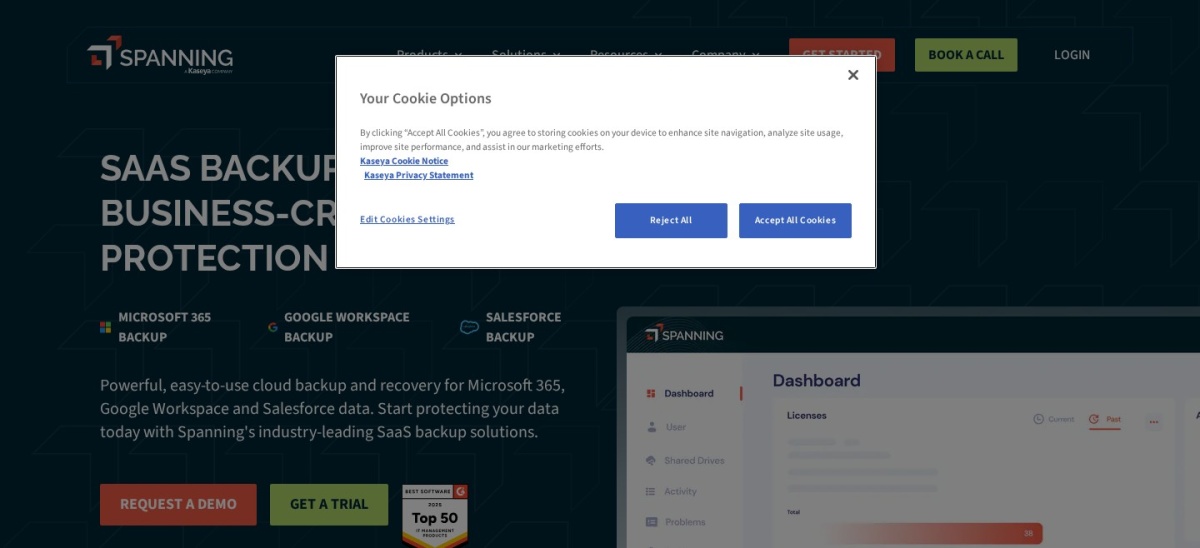
Spanning Backup homepage
Spanning Backup homepage, captured Nov 2026.

Spanning Backup is a simple cloud-to-cloud backup for Microsoft 365, Google Workspace and Salesforce. Spanning costs $48 per user a year, backing up Exchange, OneDrive, SharePoint and Teams automatically every day, with self-service restore and .pst export. It is rated 4.2/5 on G2 from 225 reviews.

The trade off is it is quote-based on its own site, with the $48 figure from reseller listings. It suits mid-size tenants that want simple per-user licensing.

What we like

  • Daily automated backups with self-service restore
  • Rated 4.2/5 on G2 from 225 reviews
  • Published pricing with no hidden tiers

Watch out for

  • Price is quote-based on the vendor site
  • Costs rise as contacts, users or volume grow
Also backs up Google Workspace and SalesforceVisit spanning.com
04

Acronis Cyber Protect

4.7/5on G2 (1,369 reviews, checked Nov 2026)
Starts at$49.99/yr
Best backup plus security
Cheapest paid planHome Office, $49.99/yr
Free planNo, trial only
Rating4.7/5 on G2
UsersNot published
acronis.com
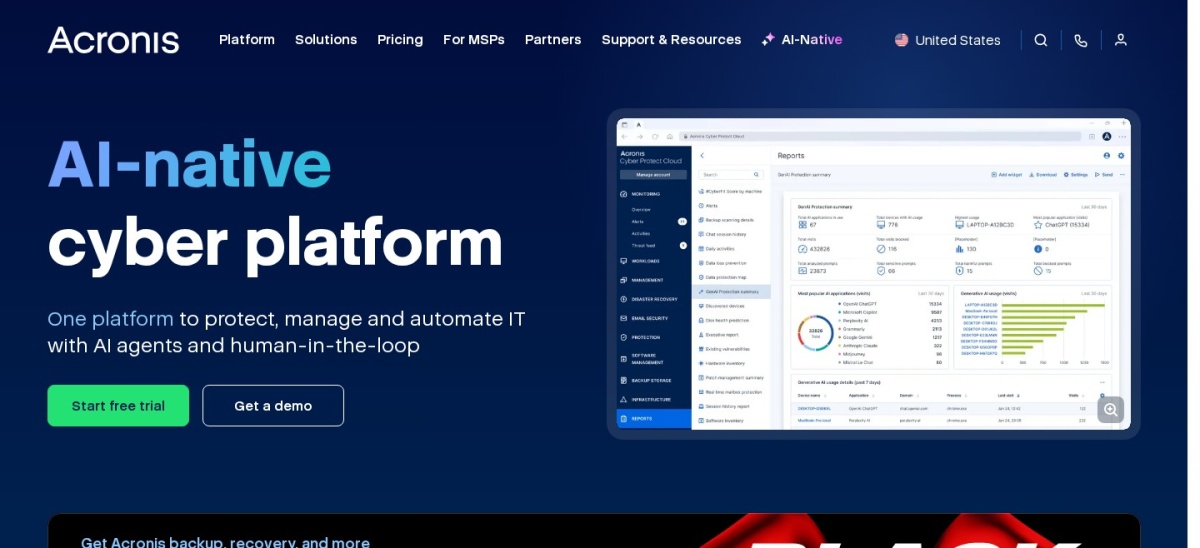
Acronis Cyber Protect homepage
Acronis Cyber Protect homepage, captured Nov 2026.

Acronis Cyber Protect is backup combined with cybersecurity in one agent. Acronis Cyber Protect Home Office starts at $49.99 a year, combining backup with anti-malware, patching and endpoint management in a single agent. It is rated 4.7/5 on G2 from 1,369 reviews.

The trade off is the email backup is one part of a broad suite, so setup takes longer. It suits small offices that want backup plus security from one vendor.

What we like

  • Backup plus anti-malware in one agent
  • Rated 4.7/5 on G2 from 1,369 reviews
  • Published pricing with no hidden tiers

Watch out for

  • Broad suite means longer setup
  • Costs rise as contacts, users or volume grow
Ransomware protection includedVisit acronis.com
05

Afi.ai

4.7/5on G2 (59 reviews, checked Nov 2026)
Starts at$3/mo
Best simple flat price
Cheapest paid planAfi.ai, $3/user/mo
Free planNo, trial only
Rating4.7/5 on G2
UsersNot published
afi.ai
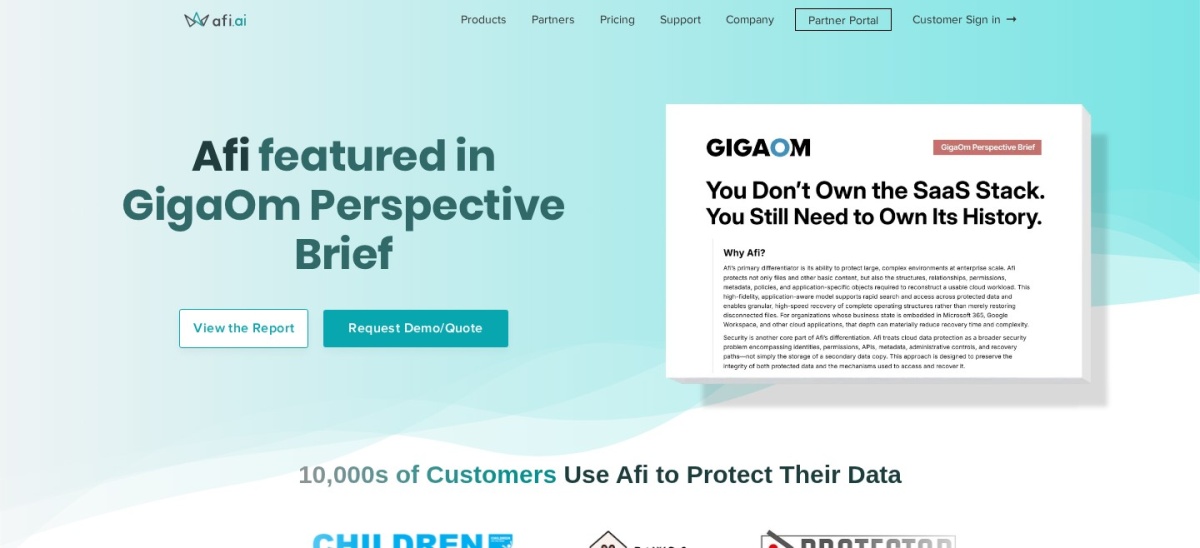
Afi.ai homepage
Afi.ai homepage, captured Nov 2026.

Afi.ai is a cloud backup for Microsoft 365 and Google Workspace. Afi.ai costs $3 per user a month with unlimited retention and immutable copies, backing up Exchange, SharePoint, OneDrive, Teams and Google Workspace. It is rated 4.7/5 on G2 from 59 reviews.

The trade off is its review base is small at 59 G2 reviews. It suits teams that want one flat price with unlimited retention and fast search.

What we like

  • Flat $3 price with unlimited retention
  • Rated 4.7/5 on G2 from 59 reviews
  • Published pricing with no hidden tiers

Watch out for

  • Small review base at 59 G2 reviews
  • Costs rise as contacts, users or volume grow
AI anomaly detection includedVisit afi.ai
06

Dropsuite

4.6/5on G2 (80 reviews, checked Nov 2026)
Starts at$3/mo
Best MSP-friendly backup
Cheapest paid planEmail Backup, $3/user/mo
Free planNo, trial only
Rating4.6/5 on G2
UsersNot published
dropsuite.com
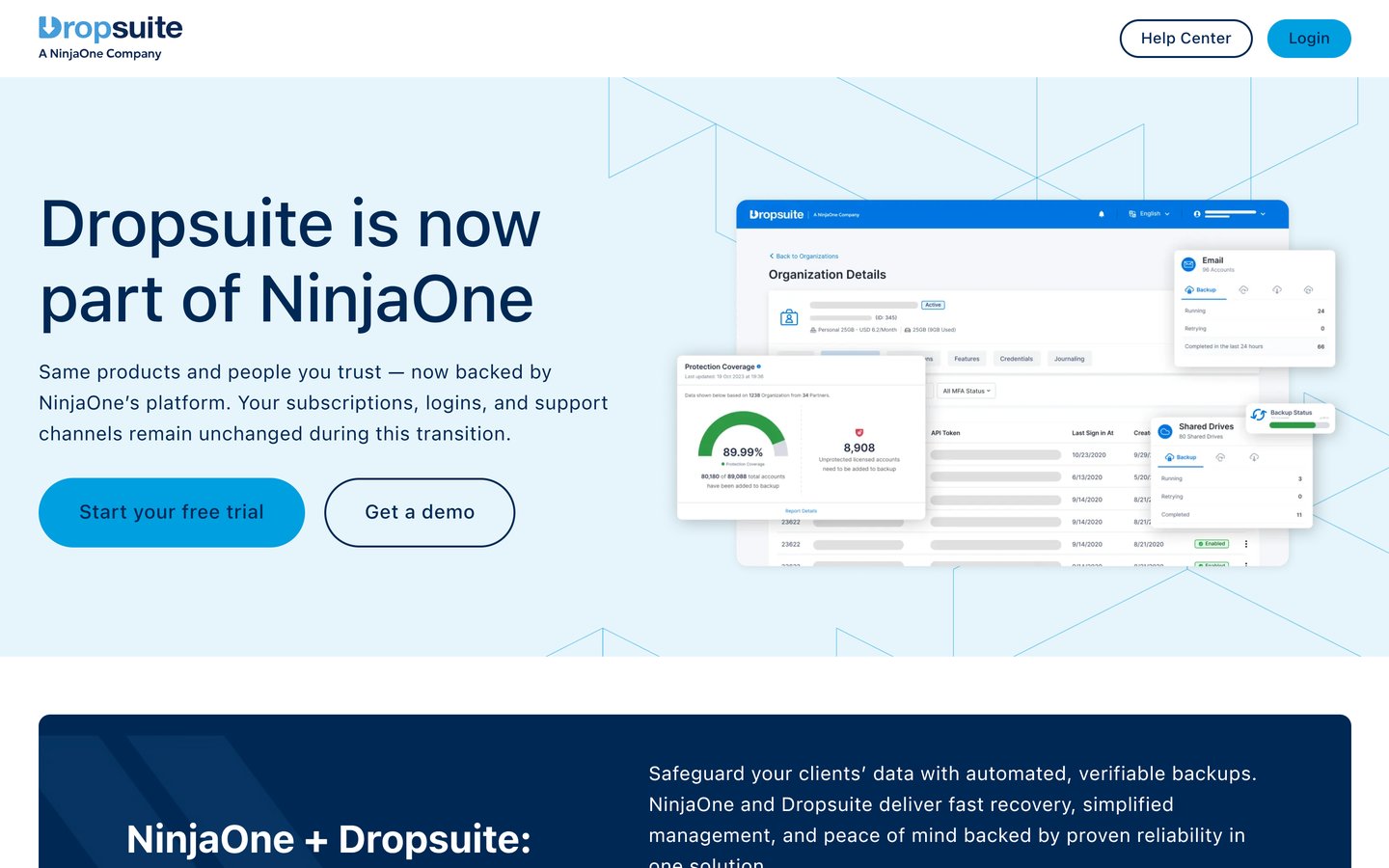
Dropsuite homepage
Dropsuite homepage, captured Nov 2026.

Dropsuite is a cloud backup service sold mainly through MSPs. Dropsuite backs up Microsoft 365 and Google Workspace automatically, with dynamic retention policies and point-in-time restore for mail and Drive. It is rated 4.6/5 on G2 from 80 reviews.

The trade off is it sells mainly through MSP partners, so direct pricing varies. It suits businesses served by an MSP that want backup without managing infrastructure.

What we like

  • Automated backup with point-in-time restore
  • Rated 4.6/5 on G2 from 80 reviews
  • Published pricing with no hidden tiers

Watch out for

  • Sold mainly through MSP partners
  • Costs rise as contacts, users or volume grow
Unlimited restores includedVisit dropsuite.com
07

MailStore Server

4.2/5on G2 (13 reviews, checked Nov 2026)
Starts at$259/once
Best one-time backup archive
Cheapest paid planServer, $259 one-time for 5 users
Free planNo, trial only
Rating4.2/5 on G2
UsersNot published
mailstore.com
MailStore Server homepage
MailStore Server homepage, captured Nov 2026.

MailStore Server is a self-hosted email archive that doubles as backup. The $259 starter licence covers up to 5 users with full-text search, legal hold and export, and the archive lives on your own server with no monthly bill. It is rated 4.2/5 on G2 from 13 reviews.

The trade off is you run the server, storage and backups yourself. It suits teams that want to own the archive and pay once instead of monthly.

What we like

  • One-time licence with no monthly bill
  • Rated 4.2/5 on G2 from 13 reviews
  • Published pricing with no hidden tiers

Watch out for

  • Self-hosting means you own maintenance too
  • Costs rise as contacts, users or volume grow
Export in standard formats includedVisit mailstore.com
08

SpinOne

4.8/5on G2 (121 reviews, checked Nov 2026)
PricingCustom quote/yr
Best backup plus ransomware defence
Cheapest paid planSpinOne, custom quote
Free planNo, trial only
Rating4.8/5 on G2
UsersNot published
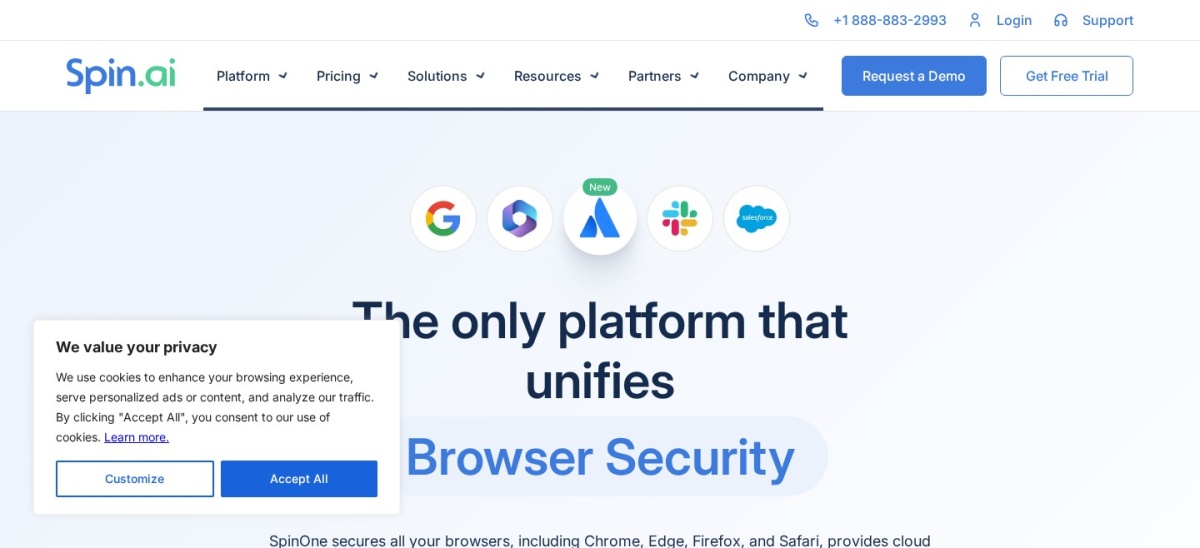
spin.ai
SpinOne homepage
SpinOne homepage, captured Nov 2026.

SpinOne is backup wrapped in a SaaS security platform. SpinOne backs up Microsoft 365, Google Workspace, Slack and Salesforce up to three times a day, with AI ransomware detection that can isolate an attack and roll back. It is rated 4.8/5 on G2 from 121 reviews.

The trade off is pricing is quote-based, so budget planning needs a sales call. It suits teams that want backup plus ransomware protection in one platform.

What we like

  • AI ransomware detection with rollback
  • Rated 4.8/5 on G2 from 121 reviews
  • Published pricing with no hidden tiers

Watch out for

  • Quote-only pricing
  • Costs rise as contacts, users or volume grow
Backs up Slack and Salesforce tooVisit spin.ai
09

SysTools Email Backup

4.4/5on G2 (16 reviews, checked Nov 2026)
Starts at$5/once
Best one-time mailbox export
Cheapest paid planEmail Backup Wizard, $5/user
Free planNo, trial only
Rating4.4/5 on G2
UsersNot published
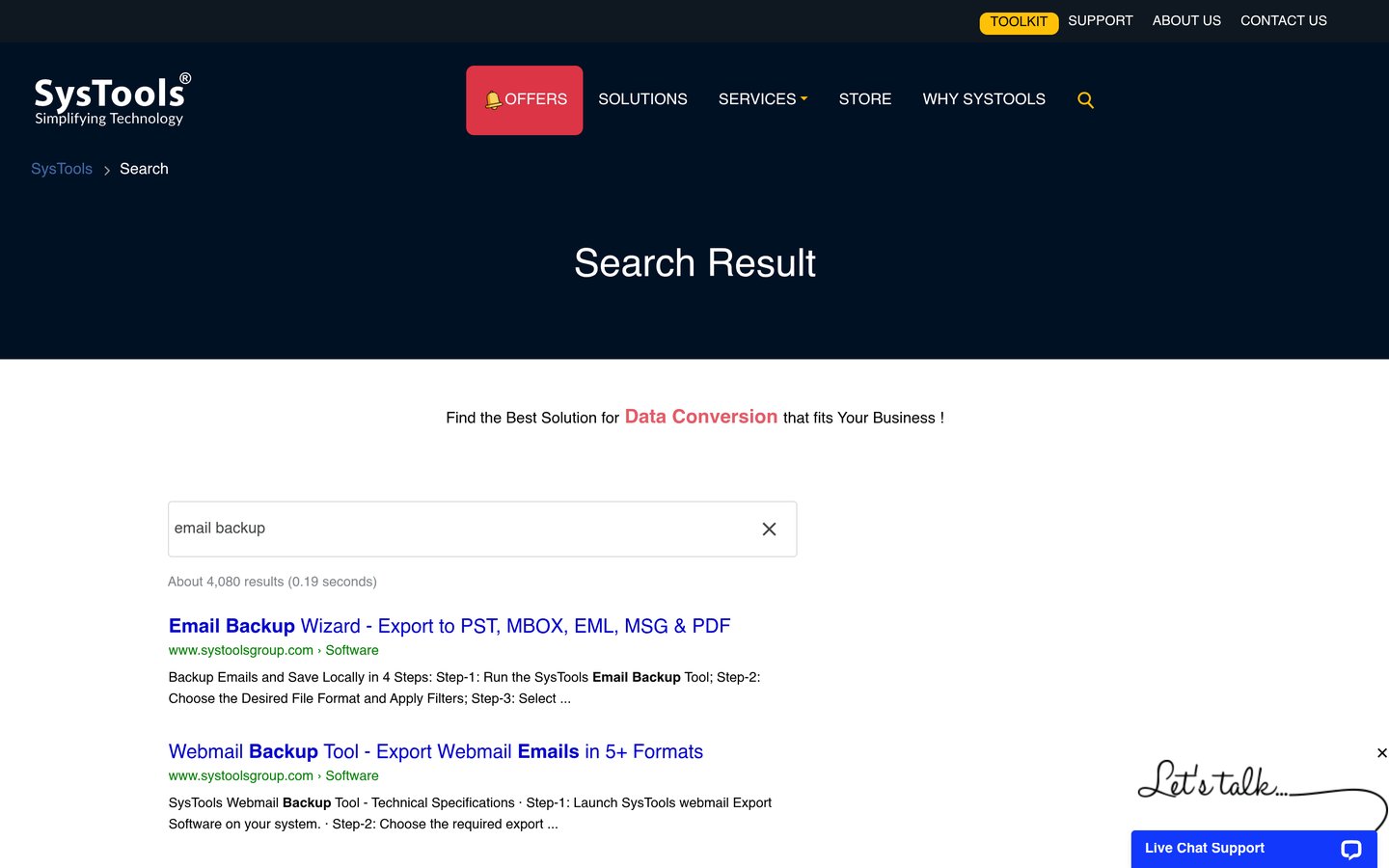
systoolsgroup.com
SysTools Email Backup homepage
SysTools Email Backup homepage, captured Nov 2026.

SysTools Email Backup is a one-time mailbox export tool for individuals. SysTools Email Backup Wizard costs $5 per user and exports mailboxes to standard formats, with a free demo that backs up 100 emails. It is rated 4.4/5 on G2 from 16 reviews.

The trade off is it is an export tool, not a scheduled cloud backup. It suits users who need a one-time mailbox export rather than ongoing protection.

What we like

  • Cheap one-time export with a free demo
  • Rated 4.4/5 on G2 from 16 reviews
  • Published pricing with no hidden tiers

Watch out for

  • Not a scheduled cloud backup
  • Costs rise as contacts, users or volume grow
Exports to standard mailbox formatsVisit systoolsgroup.com

Backup vs archiving: which do you need?

Backup protects against loss: deleted mail, ransomware and failed migrations. It restores fast and then gets out of the way.

Archiving protects against legal risk: retention, legal holds and eDiscovery. It keeps mail for years, not days.

Small teams usually need backup first. Regulated teams need both, and tools like Dropsuite and MailStore cover the middle ground.

How we chose

We started from the established tools in this category, then kept those with a published price or a clear quote route and a verifiable rating on G2.

Prices come from each vendor's pricing page, checked on 23 November 2026. Ratings and review counts come from G2 on the same day. Where a vendor page renders its prices in JavaScript, the figure rests on a November 2026 read of that page and is flagged in the notes. Where a price is quote-based, the list says so instead of guessing a figure.

We left out tools with no verifiable rating. No vendor paid for a place, and we do not claim hands-on testing for this list.

How to choose email backup software

Start with what you already use, then fill the gaps with one main tool.

  1. Check what you already pay for. Many suites include a basic version of this tool. Do not buy a second copy of what you own.
  2. Pick one main tool. Two tools doing the same job create duplicate data and double bills. Choose one and learn it well.
  3. Test the free plan or trial first. Import a small list and run one real workflow before moving everything over.
  4. Check the price at your real volume. Most of these tools charge by contacts, users or sends, so price the plan at the size you will reach in a year.

FAQ

What is the best email backup software?

Veeam Data Cloud is the strongest pick for most buyers in this list. It combines a high G2 rating with a published price and a free plan or trial, so most teams can start without a sales call.

Do I need a paid plan to start?

No. Most tools here offer a free plan or a 14-day trial that covers the core features. Start free, run one real workflow, and pay only when the limits bite.

Why do prices rise so fast?

Most of these tools charge by contacts, users or sends. A list that doubles in size can double the bill, so check the price at the size you expect in a year, not today.

Can I switch tools later?

Yes, but moving lists, templates and automations takes time. Export your contacts and templates before you cancel, and run the old and new tools side by side for a month.

Is a free plan enough?

For a small list or a single user, often yes. Free plans usually cap contacts, sends or automation steps, so growing teams outgrow them within a year.

What should I check before buying?

Check the price at your real volume, the rating on G2, whether the free plan covers your main workflow, and whether the vendor publishes its price or hides it behind a sales call.


Sources we checked (9)

  1. G2 review listings
  2. Veeam Data Cloud pricing
  3. Backupify
  4. Spanning Backup
  5. Acronis Cyber Protect
  6. Afi.ai
  7. Dropsuite
  8. MailStore Server
  9. SpinOne
WL
WPLegible Editors

We compare WordPress plugins, themes and hosting using public pricing, documentation and user reviews. See how we rank.

Related guides

All Email & SMS marketing guides →