Todoist is the best project management software for individuals, pairing a fast capture inbox with dates, labels and filters that stay simple. TickTick suits planners who want calendars and habit tracking, while Notion fits people who want tasks inside a wider personal system.
How we make this list: we compare pricing pages, product documentation and public user reviews, then re-check every price before each update. No product paid for a place. Disclosure.
Todoist is the simplest solo pick, with Pro at 5 dollars a month billed annually and the fastest capture in this list.
TickTick Premium costs 49 dollars 99 cents a year and adds a calendar, habit tracking and a Pomodoro timer.
Notion Plus costs 10 dollars a month and suits people who want tasks inside a wider personal system.
ClickUp Unlimited costs 7 dollars a month and is the most capable free tier here, but it is heavier than Todoist.
Things costs 49 dollars 99 cents once for Mac, with no subscription, but it has no Android or web app.
Any.do Premium costs 4 dollars 99 cents a month and is the cheapest paid tier in this list.
What project management software should do for one person
Solo project management is a different job from team project management. One person needs fast capture, a clear today list and a calendar, not approvals, workload charts or admin controls, so the best solo tools are the lightest ones.
The full team platforms still appear here because their free tiers cover a single user well. ClickUp, Trello and Notion all have free plans, but each carries the weight of a team product, which is the main trade off to weigh.
Price matters more when you pay for one seat. Most tools here cost 5 to 10 dollars a month for an individual, while Things and TickTick ask for one payment a year or once ever, so check whether you prefer a subscription or a purchase.
The right pick depends on how you think. Todoist and TickTick suit list people, Notion suits builders who want a system, and Things and OmniFocus suit Apple users who want a focused, offline-first app.
The 8 best project management software for individuals
01
Todoist
4.5/5on G2 (832 reviews, checked Nov 2026)
Paid from$5/mo
Best project management software for individuals
Free planYes, Beginner, 5 projects
Calendar viewYes, on Pro
Natural language datesYes
PricingPro, 5 dollars a month
todoist.com
Todoist homepage, captured Nov 2026.
Todoist is a task manager that pairs a fast capture inbox with natural language dates, labels, filters and reminders. Pro costs 5 dollars a month billed annually, or 7 dollars month to month, and the free Beginner plan covers five active projects.
The trade off is scope. Todoist is a task list, not a workspace, so boards, docs and goals need another tool or the wider integrations. It suits individuals who want the lightest possible system that still handles projects and deadlines.
TickTick is a task manager with a built-in calendar, habit tracking, a Pomodoro timer and an Eisenhower matrix in one app. Premium costs 49 dollars 99 cents a year, which works out to about 4 dollars a month, and the free plan covers nine lists with a five-list limit on some views.
The trade off is polish. TickTick packs more features than Todoist, but the interface is busier and some views feel crowded. It suits planners who want calendar, habits and timers without paying for several apps.
Notion is a connected workspace where tasks live beside notes, wikis and databases in one system of record. Plus costs 10 dollars per user per month billed annually, and the homepage claims 100 million users, with more than half of YC companies on board.
The trade off is setup time. Notion does nothing out of the box, so an individual must build or copy a system before it feels fast, and AI costs 10 dollars more per user. It suits builders who enjoy crafting a personal operating system.
ClickUp is a project management platform with tasks, docs, goals, whiteboards and time tracking in one place. Unlimited costs 7 dollars per user per month billed annually, and the free plan covers unlimited tasks and members, which is the most generous free tier in this list.
The trade off is weight. ClickUp is built for teams, so a solo user faces more settings and menus than Todoist or TickTick, and the learning curve is real. It suits individuals who want one tool for tasks, docs and goals without paying.
Trello is a Kanban board tool where a project is a board, a task is a card, and a drag moves work forward. Standard costs 5 dollars per user per month billed annually, and the free plan covers unlimited cards with ten boards per workspace.
The trade off is depth. Trello has no native subtask hierarchy or time tracking, so a complex project needs Power-Ups or another tool. It suits visual thinkers who want the simplest possible board for personal projects.
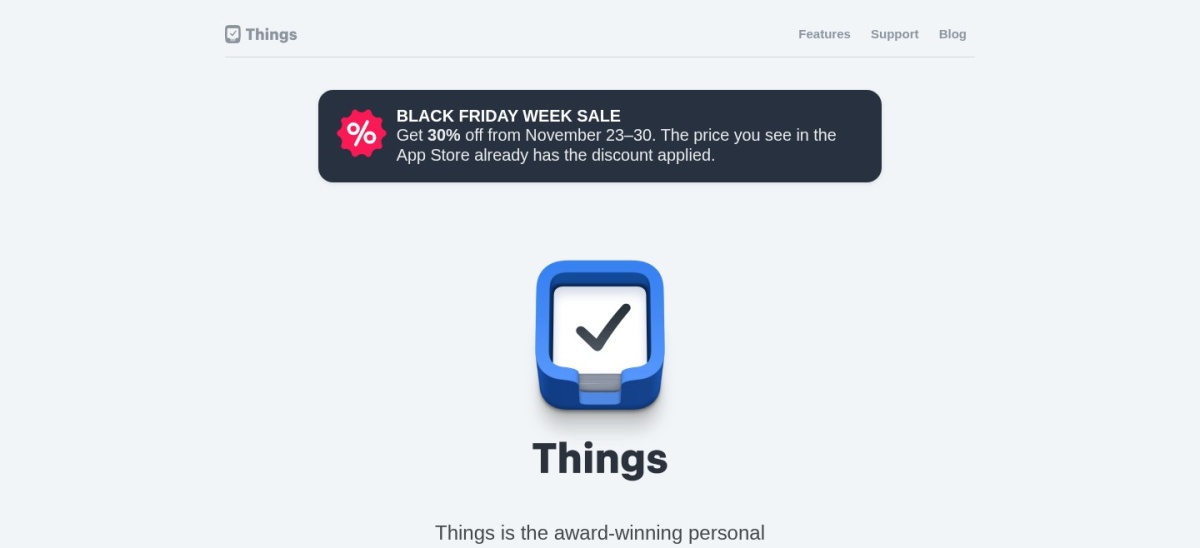
Things is a beautifully designed task manager for Mac, iPhone, iPad and Apple Watch, with projects, areas, tags and a Today view that stays calm. It costs 49 dollars 99 cents once for Mac, with iPhone and iPad sold separately, and there is no subscription.
The trade off is platform. Things has no Android or web app, no collaboration beyond sharing, and no free plan, so a trial matters. It suits Apple users who want a focused, offline-first app and dislike subscriptions.
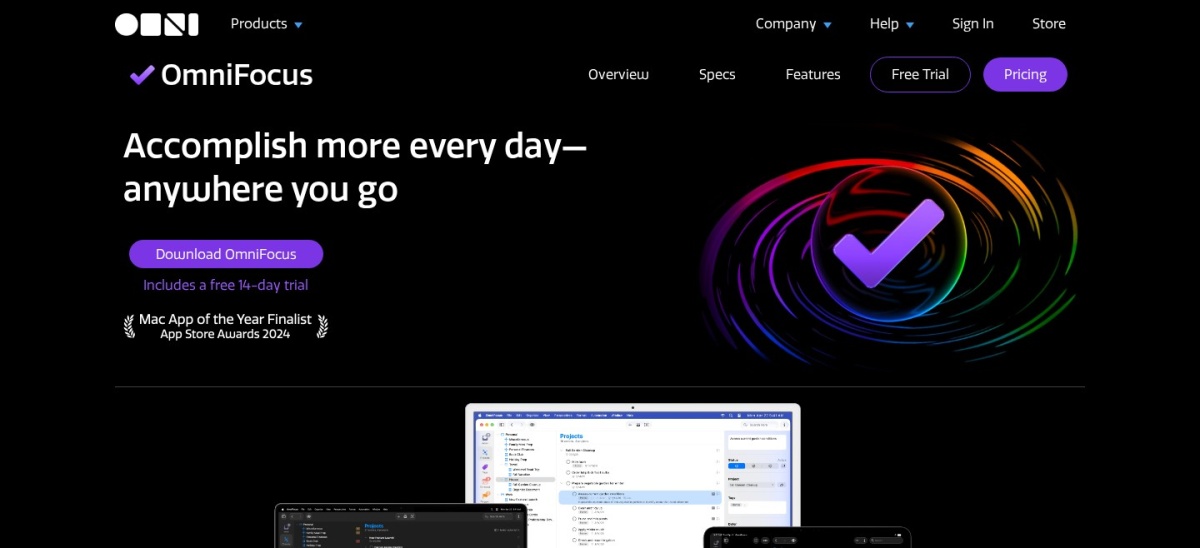
OmniFocus is a powerful task manager for Apple platforms, with perspectives, defer dates, tags and a review mode built for Getting Things Done. It costs 9 dollars 99 cents a month or 99 dollars 99 cents a year, with a 14-day free trial and no free plan.
The trade off is complexity and price. OmniFocus is the most expensive tool in this list and the hardest to learn, with only 55 G2 reviews. It suits Apple users who run a full GTD system and want deep customisation.
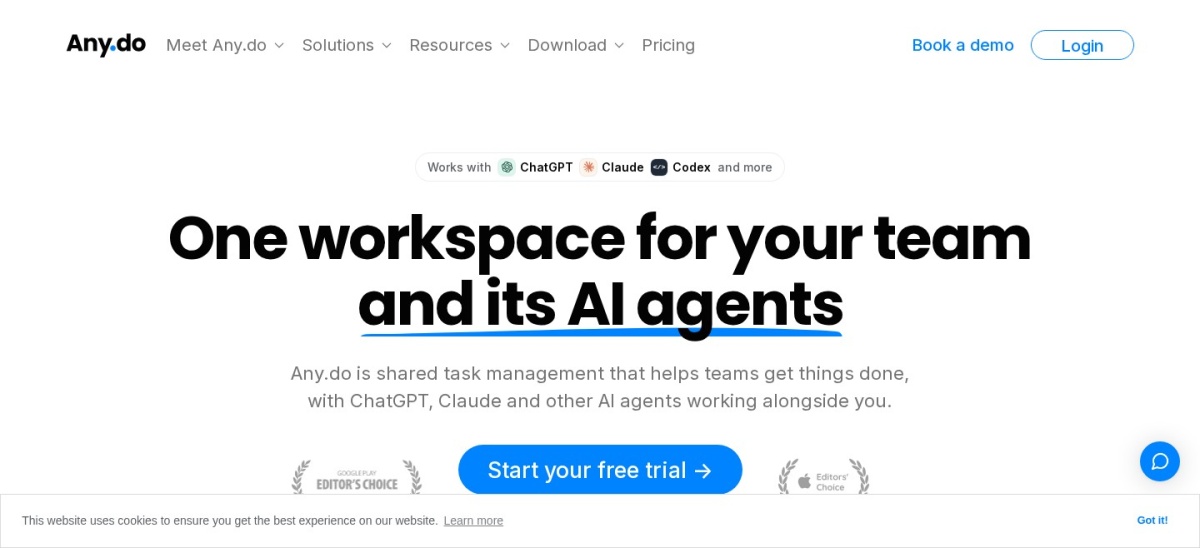
Any.do is a simple task manager with lists, reminders, a calendar view and a daily planner that walks through the day. Premium costs 4 dollars 99 cents a month billed annually, which is the cheapest paid tier in this list, and the free plan covers basic lists and tasks.
The trade off is power. Any.do lacks the filters, automation and depth of Todoist and TickTick, and the 157 G2 reviews are a modest base. It suits people who want a friendly list app with reminders and nothing more.
What we like
Cheapest paid tier in this list
Daily planner walks through the day
Calendar view on Premium
Simple, friendly interface
Watch out for
Fewer filters and automations than Todoist
Modest G2 base of 157 reviews
Calendar view needs the Premium plan
Team adds shared boards at 8 dollars 33 centsVisit any.do
Free plans that work for one person
Todoist Beginner, TickTick Free, Notion Free, ClickUp Free and Trello Free all cover a single user without paying. Todoist limits active projects to five on free, TickTick limits lists to nine, and Notion has no hard limit on pages for personal use.
The paid jump buys calendar layout, reminders and filters. Todoist Pro costs 5 dollars a month billed annually, TickTick Premium costs 49 dollars 99 cents a year, and Notion Plus costs 10 dollars a month.
Things and OmniFocus have no free plan. Things costs 49 dollars 99 cents once for Mac, with iPhone and iPad apps sold separately, and OmniFocus costs 9 dollars 99 cents a month or 99 dollars 99 cents a year.
How we chose
We started from task and project tools named in 2026 buying guides for individuals, then kept those with a verifiable G2 rating and a real review base, favouring tools that work well for one user without a team.
Prices come from each vendor pricing page and from guides that read them, checked on 26 November 2026. Ratings and review counts come from G2 on the same day. Where monthly and annual prices differ, the list shows the annual figure.
We left out tools with no verifiable rating and tools built only for teams. No vendor paid for a place, and we do not claim hands-on testing for this list.
How to choose project management software for one person
Start with how you capture a task, then check the calendar view before the price.
Capture a task the way you think. If you capture by typing, Todoist wins. If you capture by dragging on a calendar, TickTick wins. Pick the capture method you will actually use.
Check the calendar view. A planner needs a calendar layout and reminders, so test whether the paid tier you need includes both before committing.
Count what the free plan limits. Todoist limits free users to five projects and TickTick to nine lists, so check whether your real workload fits before you invest in a system.
Decide subscription versus one-time. Things costs once, TickTick costs yearly, and Todoist costs monthly, so match the billing model to how long you plan to stay.
FAQ
What is the best project management software for individuals?
Todoist is the best pick for most individuals. It pairs a fast capture inbox with natural language dates, labels and filters, and it holds 4.5 out of 5 on G2 from 832 reviews, with Pro at 5 dollars a month.
Is there a free project management app for one person?
Yes. Todoist Beginner, TickTick Free, Notion Free, ClickUp Free and Trello Free all work for one person at no cost. Todoist limits free users to five active projects, while TickTick limits free users to nine lists.
Is Todoist better than TickTick?
Todoist is simpler and faster to capture into, with a cleaner interface and better natural language dates. TickTick adds a built-in calendar, habit tracking and a Pomodoro timer, so planners who want everything in one app prefer TickTick.
Is Notion good for personal project management?
Yes, if you like building your own system. Notion Plus costs 10 dollars a month and pairs tasks with notes, wikis and databases, but it needs setup time that Todoist and TickTick do not.
Should an individual use ClickUp or Trello?
Trello suits individuals who think in boards, with Standard at 5 dollars a month, while ClickUp suits individuals who want docs, goals and time tracking in one place, with Unlimited at 7 dollars a month. Both are heavier than Todoist.
Is Things 3 worth the one-time price?
Things costs 49 dollars 99 cents once for Mac, with iPhone and iPad sold separately. It suits Apple users who want a beautiful, offline-first task manager and dislike subscriptions, but it has no Android or web app.
SaaS SEO and WordPress specialist with about 8 years of experience. Rakib compares WordPress plugins, themes, hosting and software using public pricing, documentation and user reviews. See how we rank.