GitHub is the best platform to share code online for most developers, with unlimited private repositories free, pull requests and the largest community of any code host. GitLab suits teams that want an all-in-one DevOps platform, while Gitea is the free self-hosted pick.
How we make this list: we compare pricing pages, product documentation and public user reviews, then re-check every price before each update. No product paid for a place. Disclosure.
GitHub leads with the largest community, free unlimited private repositories and Team at $4 a user a month.
GitLab and Bitbucket suit teams already on those ecosystems, at $29 and $3.65 a user a month.
CodePen and CodeSandbox are the best places to share a small snippet or demo in the browser.
Gitea is free and open source for self-hosting, with a paid Enterprise plan at $19 a user a month.
Glitch is not in this list because its project hosting and user profiles shut down in July 2025.
How code sharing platforms differ
Code sharing platforms fall into two groups. Git hosts such as GitHub, GitLab and Bitbucket store whole projects with version history, while online editors such as CodePen and CodeSandbox run small snippets in the browser.
Free plans cover most personal use. GitHub is free for unlimited private repositories, GitLab is free for up to five users per private group, and Bitbucket is free for up to five users.
Per-user pricing means the bill grows with the team. GitHub Team costs $4 a user a month, while GitLab Premium costs $29, so check the price for your whole team before you compare. Our workflow automation software comparison covers the tools that connect these platforms.
Self-hosting is the free route for teams with a server. Gitea is free and open source, and Azure DevOps gives the first five Basic users free.
GitHub is the largest code hosting platform, with Git repositories, pull requests, issues and actions for automating builds and tests. Its free plan covers unlimited private repositories, and Team costs $4 per user a month.
The trade off is the step up. Enterprise costs $21 per user a month, so larger teams pay much more for advanced security and support. It suits almost any developer or team that shares code online.
GitLab is a DevOps platform that combines Git hosting with CI/CD, issue tracking and security scanning in one app. Premium costs $29 per user a month on annual billing, and the free plan covers up to five users per private group.
The trade off is price. Premium at $29 a user a month is far dearer than GitHub Team at $4, and Ultimate is custom priced. It suits teams that want Git hosting and CI/CD in one platform.
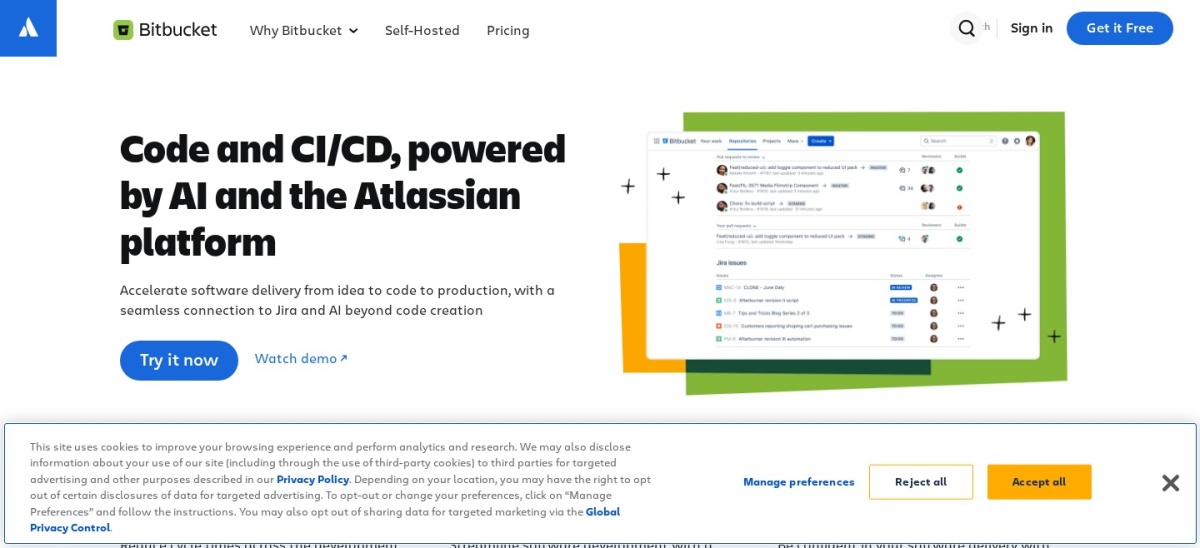
Bitbucket is Atlassian's Git host, with repositories, pull requests and pipelines that link to Jira and Trello. Standard costs $3.65 per user a month, and the free plan covers up to five users.
The trade off is the free cap. The free plan covers only five users, so larger teams pay, and Premium costs $8 a user a month. It suits teams that already use Jira and Trello.
Azure DevOps is Microsoft's DevOps platform, with Git repositories, boards, pipelines and test plans in one service. The first five Basic users are free, and each extra user costs $6 a month.
The trade off is the ecosystem. It works best for teams already on Microsoft tools and Azure, and the G2 rating rests on 201 reviews. It suits Microsoft shops that want Git hosting beside their cloud.
Replit is a browser-based coding platform where teams write, run and share code together in real time, with AI help built in. Core costs $20 a month, or $18 a month on annual billing, and there is a free plan.
The trade off is the price step. Pro costs $100 a month, and one source describes a flat $20 price for five collaborators, which conflicts with the per-user price used here. It suits teams that code together in the browser.
CodePen is an online editor for front-end code, where developers share HTML, CSS and JavaScript pens that run in the browser. Its pricing page lists $0, $12, $19 and $39 tiers, with Starter at $12 a month.
The trade off is the evidence base. Its Capterra rating of 4.6 rests on only 23 reviews, and older sources quote an $8 Starter price that no longer matches the pricing page. It suits front-end developers sharing small demos.
CodeSandbox is a browser-based editor for sharing full web projects, with templates, live previews and team workspaces. Pro costs $12 per workspace a month, and Scale starts from $170 a workspace a month.
The trade off is the evidence base. Its Capterra rating of 4.9 rests on only seven reviews, the thinnest base in this list, and one source lists a $9 annual Pro price instead of $12. It suits teams sharing full projects in the browser.
Gitea is a free, open-source Git service that teams self-host on their own servers, with repositories, pull requests and issues in a light package. Enterprise lists at $19 per user a month for teams that want support.
The trade off is the evidence base. Its G2 rating of 4.7 rests on only 17 reviews, and self-hosting means your team runs the server. It suits teams that want free Git hosting on their own hardware.
What we like
Free and open source
Light to self-host
Rated 4.7 on G2
Watch out for
G2 rating rests on only 17 reviews
Your team runs the server
Free to self-host; Enterprise is $19 a user a monthVisit gitea.io
How we chose
We started from code sharing platforms with a published price and a rating on G2 or Capterra, then kept eight that cover Git hosting, online editors and self-hosting.
Prices come from each vendor's pricing page, checked on 26 November 2026. Ratings and review counts come from G2 or Capterra on the same day. Where a vendor shows a sale, the list shows the regular price.
We left out tools with no verifiable rating, including JSFiddle and StackBlitz, and Glitch, whose hosting shut down in July 2025. No vendor paid for a place, and we do not claim hands-on testing for this list.
How to choose a platform to share code online
Start with whether you share whole projects or small snippets, then check the free plan limits.
Pick Git hosting or an online editor. Git hosts store whole projects with history. Online editors run small snippets in the browser. Most developers need one of each.
Check the free plan limits. GitHub is free for unlimited private repositories, while GitLab and Bitbucket cap free plans at five users. Check the cap before you invite a team.
Count the seats. GitLab Premium costs $29 a user a month against GitHub Team at $4. Multiply by your team size before you compare.
Check the self-hosting option. Gitea is free to self-host if your team runs a server. Cloud plans cost more, so weigh hosting effort against the monthly price.
FAQ
What is the best platform to share code online?
GitHub is the best pick for most developers. It offers free unlimited private repositories, pull requests and the largest community of any code host, with Team at $4 per user a month for teams that need more.
Is GitHub free?
Yes, for most personal use. The free plan covers unlimited private repositories, and Team costs $4 per user a month when you need more features. Enterprise costs $21 per user a month for advanced security and support.
What is the best free way to share code?
Gitea is the best free option if you can self-host, since it is open source and costs nothing to run. GitHub is the best free cloud option, with unlimited private repositories on its free plan.
Can I share a code snippet without setting up a project?
Yes. CodePen and CodeSandbox run code in the browser, so you can share a link to a working snippet or demo without any setup. CodePen suits front-end snippets, while CodeSandbox suits full web projects.
What happened to Glitch?
Glitch shut down project hosting and user profiles on 8 July 2025, so it is no longer a place to share code. Existing projects were archived, and the service now points users to other platforms instead.
GitHub or GitLab: which is better?
GitHub is better for most developers, with the largest community and Team at $4 per user a month. GitLab is better for teams that want Git hosting and CI/CD in one platform, though Premium costs $29 per user a month.
SaaS SEO and WordPress specialist with about 8 years of experience. Rakib compares WordPress plugins, themes, hosting and software using public pricing, documentation and user reviews. See how we rank.