Glide is the best platform to create an app for most people, with apps built from spreadsheets from 25 dollars a month. Adalo suits native mobile apps, while Bubble fits complex web apps.
How we make this list: we compare pricing pages, product documentation and public user reviews, then re-check every price before each update. No product paid for a place. Disclosure.
Glide leads at 4.7 out of 5 on G2 across 796 reviews, and Maker costs $25 a month with unlimited users.
Adalo costs $36 a month and builds native iOS and Android apps with no code.
Appy Pie costs $16 a month, the cheapest paid plan in this list, with AI app generation.
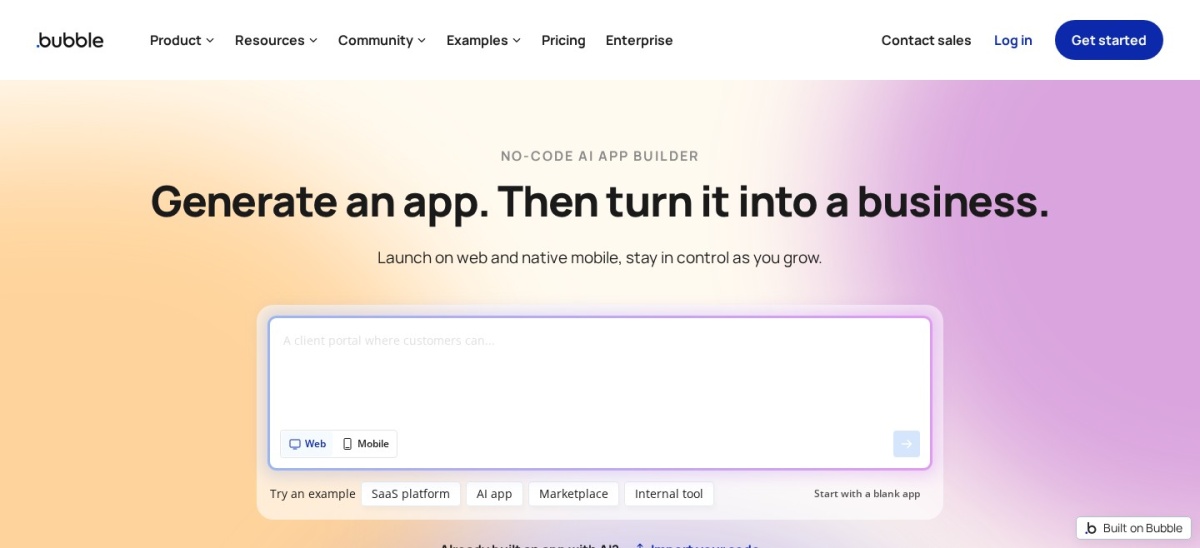
Bubble starts at $29 a month for web apps and is the most powerful no-code builder here.
FlutterFlow starts at $29.25 a month billed yearly and exports real Flutter code.
What to look for in an app creation platform
App creation platforms split into two kinds: no-code builders that assemble an app from templates and drag-and-drop parts, and low-code tools that export real code for developers to extend.
Glide builds apps from spreadsheets, Adalo and Appy Pie build native mobile apps, and Bubble builds complex web apps with databases and logic. Our guide on app making software compares the same tools by use case.
Publishing is the hidden cost. Native app store publishing needs a paid plan on every tool here, and Apple charges $99 a year for a developer account on top.
Free plans are for building and testing only. Going live, using a custom domain and publishing to app stores all need a paid plan.
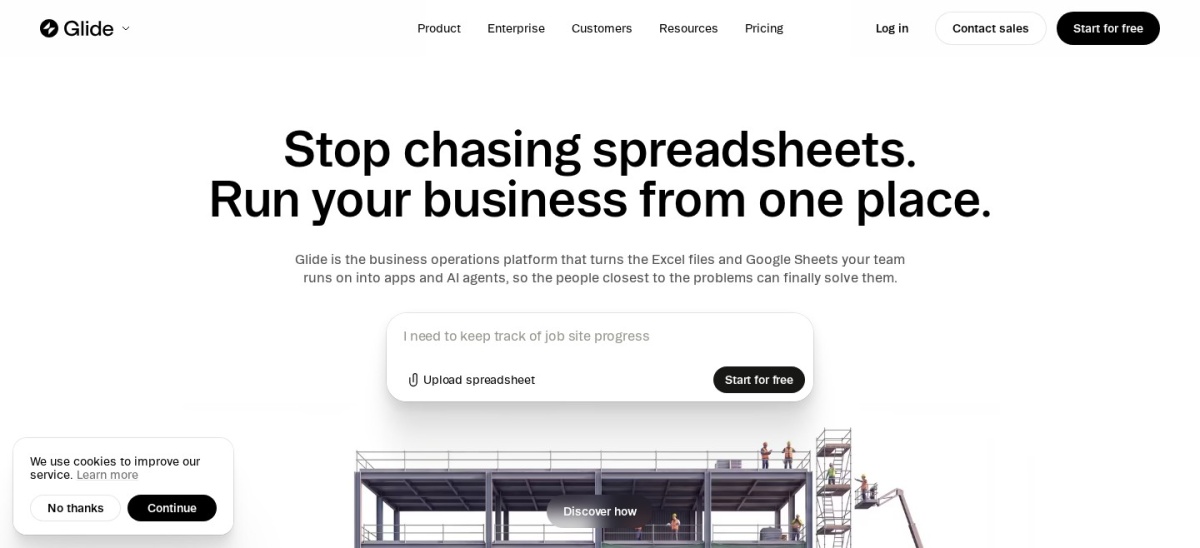
Glide is a no-code app builder that turns spreadsheets into web and mobile apps, with forms, lists, maps and user logins. Maker costs $25 a month with unlimited users, and it is rated 4.7 out of 5 on G2 across 796 reviews.
The trade off is depth. Glide suits directories, internal tools and simple marketplaces, but complex logic and payments need Bubble or FlutterFlow. It suits teams that already live in spreadsheets.
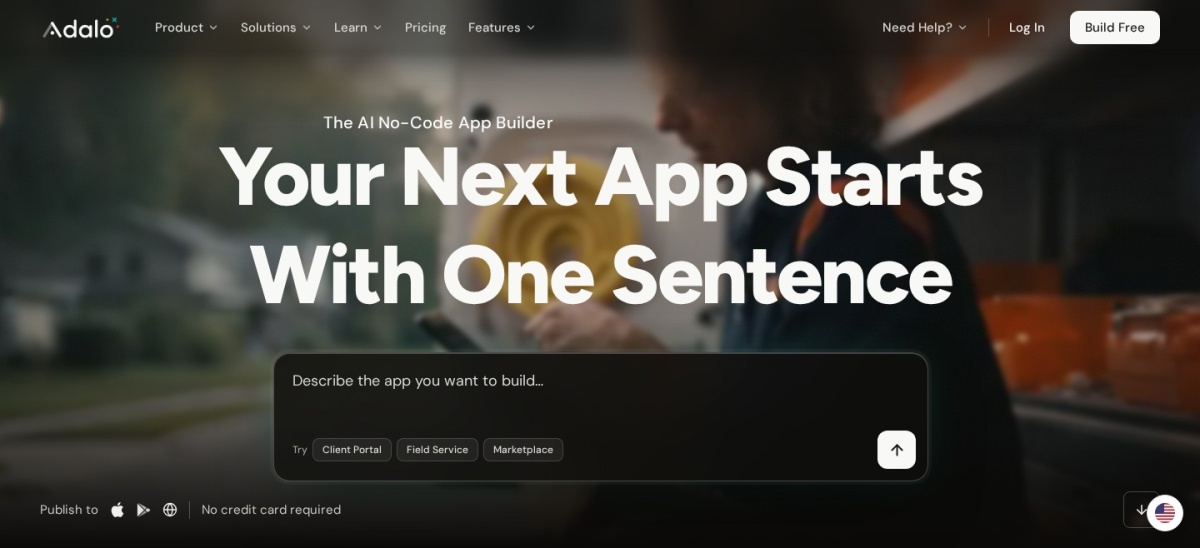
Adalo is a no-code builder for native iOS and Android apps, with drag-and-drop screens, a built-in database and app store publishing. Starter costs $36 a month, and it is rated 4.7 out of 5 on Capterra, though the review base is small at 64 reviews.
The trade off is the thin review base. With only 64 Capterra reviews, the rating is less tested than Glide or Bubble, and complex apps can hit limits. It suits founders shipping a first mobile app.
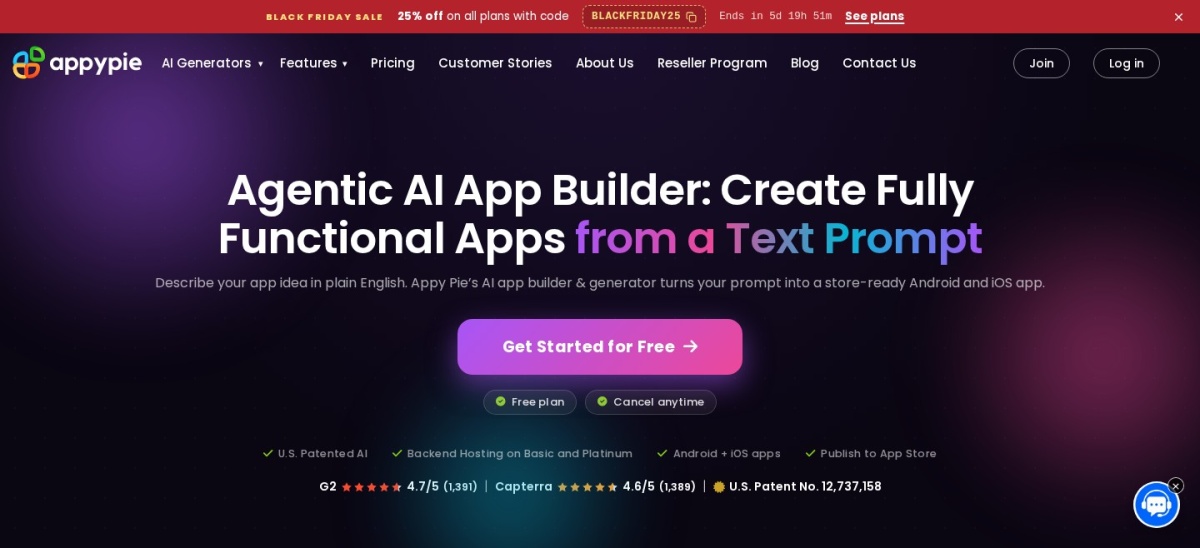
Appy Pie is a no-code app builder with AI app generation, templates and drag-and-drop editing for iOS and Android apps. Basic costs $16 a month, the cheapest paid plan in this list, and it is rated 4.7 out of 5 on G2 across 1,391 reviews.
The trade off is polish. Appy Pie templates look simpler than Adalo or Glide, and advanced features need higher tiers. It suits small businesses that want a cheap app fast.
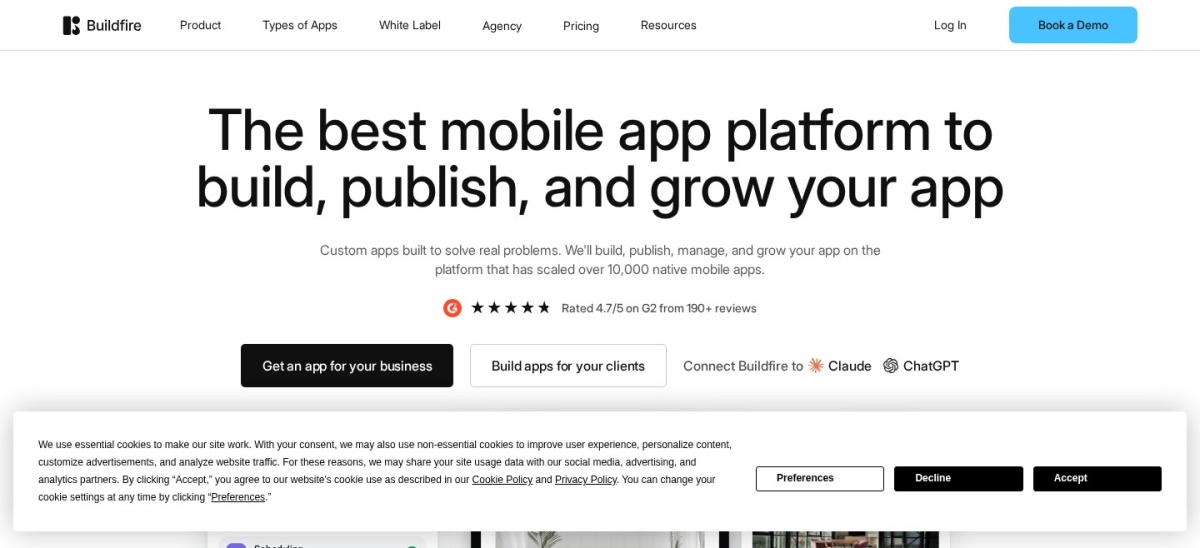
BuildFire is an app builder for business apps, with templates, plugins and guided setup for iOS and Android. Starter costs $165 a month, and it is rated 4.7 out of 5 on G2 across 197 reviews, with a 14-day trial instead of a free plan.
The trade off is price. At $165 a month it is the priciest tool in this list, and the value is in support rather than features. It suits businesses that want a guided build with help.
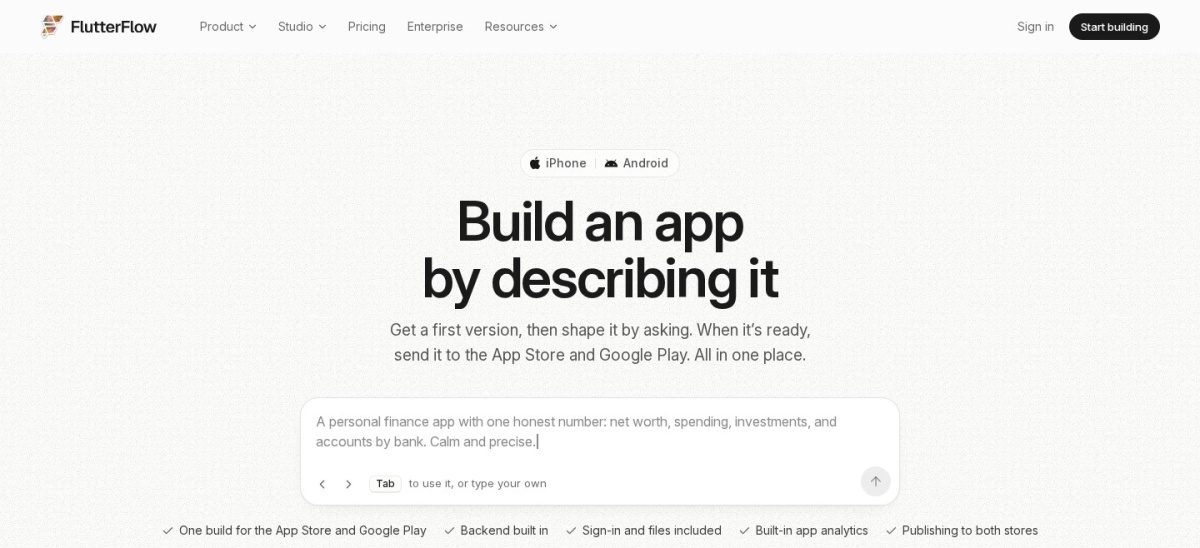
FlutterFlow is a visual app builder on Google Flutter, with drag-and-drop screens, Firebase integration and real code export. Basic costs $39 a month, or $29.25 a month billed yearly, and it is rated 4.5 out of 5 on G2, though the review base is small at 30 reviews.
The trade off is the thin review base and the learning curve. With only 30 G2 reviews, the rating is the least tested here, and Flutter concepts take time to learn. It suits teams that want to own their code.
OutSystems is an enterprise low-code platform for building complex business apps with visual modelling, integrations and governance. It is rated 4.5 out of 5 on G2 across 1,810 reviews, and pricing is by quote for enterprise teams, with a free personal environment to learn in.
The trade off is the enterprise focus. OutSystems suits large organisations with governance needs, not solo founders, and the sales process is long. It suits IT teams modernising business apps.
Bubble is a visual app builder for complex web apps, with databases, workflows, payments and user accounts built without code. Starter costs $29 a month for web apps billed yearly, and it is rated 4.4 out of 5 on G2 across 166 reviews.
The trade off is lock-in and learning curve. Bubble apps stay on Bubble with no code export, and the visual logic takes weeks to learn. It suits founders building marketplaces and SaaS products.
Thunkable is a no-code mobile app builder with drag-and-drop screens and visual block logic, aimed at beginners and educators. Builder costs $37 a month, and it is rated 4.4 out of 5 on G2, though the review base is small at 40 reviews.
The trade off is the thin review base and the limits. With only 40 G2 reviews, the rating is lightly tested, and complex apps outgrow the block logic. It suits first-time builders and classrooms.
No-code tools such as Glide, Adalo and Appy Pie build apps without writing code, using templates, forms and databases you configure.
Low-code tools such as FlutterFlow and OutSystems export real code, so developers can extend the app beyond the builder.
Bubble sits between the two, with visual logic powerful enough for marketplaces and SaaS products, but no code export.
Pick no-code for speed and low-code when you need to own the code and hire developers later.
How we chose
We started from the app builders founders mention most, then kept eight with a published price and a public rating.
Prices come from each vendor pricing page, checked on 26 November 2026, using regular prices rather than sale rates. Ratings and review counts come from G2 or Capterra listings on the same day.
We left out tools with no verifiable rating. No vendor paid for a place, and we do not claim hands-on testing for this list.
How to choose a platform to create an app
Start with the kind of app you need, then check the publishing price.
Decide web, mobile or both. Glide and Bubble suit web apps, Adalo and Appy Pie suit native mobile apps, and FlutterFlow covers both with one codebase.
Check the publishing price. Appy Pie starts at $16 and Glide at $25 a month, while BuildFire starts at $165, so compare the plan that publishes, not the free tier.
Test the free plan with real data. All eight tools here offer a free plan, so build one real screen with your data before paying.
Ask about code export. FlutterFlow exports Flutter code and OutSystems generates code, while Bubble and Glide keep your app inside their platform.
FAQ
What is the best platform to create an app?
Glide is the best pick for most people, rated 4.7 out of 5 on G2 across 796 reviews. Maker costs $25 a month and builds apps from spreadsheets with unlimited users, which suits internal tools and directories.
Can I create an app for free?
Yes, for building and testing. All eight tools here offer a free plan, but going live, using a custom domain and publishing to the App Store or Google Play need a paid plan, and Apple charges $99 a year for a developer account.
Is Bubble better than Adalo?
Bubble is better for complex web apps with databases, logic and payments, starting at $29 a month for web. Adalo is better for native mobile apps, starting at $36 a month with App Store and Google Play publishing.
How much does it cost to build an app with no code?
No-code app builders cost $16 to $165 a month: Appy Pie from $16, Glide from $25, Bubble from $29, Adalo from $36 and FlutterFlow from $29.25 billed yearly. BuildFire is the priciest at $165 a month.
Does FlutterFlow export real code?
Yes. FlutterFlow exports clean Flutter code that developers can extend, which sets it apart from Bubble and Glide. Basic costs $39 a month, or $29.25 a month billed yearly, and includes code export and app store deployment.
What is OutSystems best for?
OutSystems is an enterprise low-code platform for building complex business apps with governance, security and integrations. It is rated 4.5 out of 5 on G2, and pricing is by quote for enterprise teams.
SaaS SEO and WordPress specialist with about 8 years of experience. Rakib compares WordPress plugins, themes, hosting and software using public pricing, documentation and user reviews. See how we rank.