Best Software for iOS App Development in 2026: 9 Tools Compared
WLWPLegible EditorsLast verified 24 Nov 2026How we rank12 min read
★ Short answer
Xcode is the best software for iOS app development, because it is Apple's free IDE and the only way to build and submit a native iOS app. Pick Flutter for one codebase on iOS and Android, or React Native if your team already writes JavaScript.
How we make this list: we compare pricing pages, product documentation and public user reviews, then re-check every price before each update. No product paid for a place. Disclosure.
Xcode is the only way to build and submit a native iOS app, and it is free, rated 4.2 out of 5 on G2 from 1,045 reviews.
Flutter is the highest-rated framework here at 4.6 out of 5 on G2, and it is free and open source.
React Native is the pick for JavaScript teams, rated 4.5 out of 5 on G2 from 144 reviews, and it is also free.
Six of the nine tools cost $0. The only subscriptions are FlutterFlow at $39 a month and Bitrise at $89 a month.
Expo, .NET MAUI and Kotlin Multiplatform have no G2 review page, so they are not in this list despite being popular.
Native or cross-platform: the first decision
The first choice in iOS development is native or cross-platform. Native means Xcode with Swift and SwiftUI: the best performance, the deepest access to Apple features and day-one support for new iOS releases.
Cross-platform means one codebase for iOS and Android. Flutter and React Native dominate that choice, and the decision usually follows the team's existing skills: Dart for Flutter, JavaScript for React Native.
Whatever you pick, you still need a Mac and Xcode for the iOS build and App Store submission. Cross-platform tools remove most native work, but not the final Xcode step.
Publishing costs are small but real. The Apple Developer Program costs $99 a year, and our guide on the best software testing tools covers the testing side once the app is built.
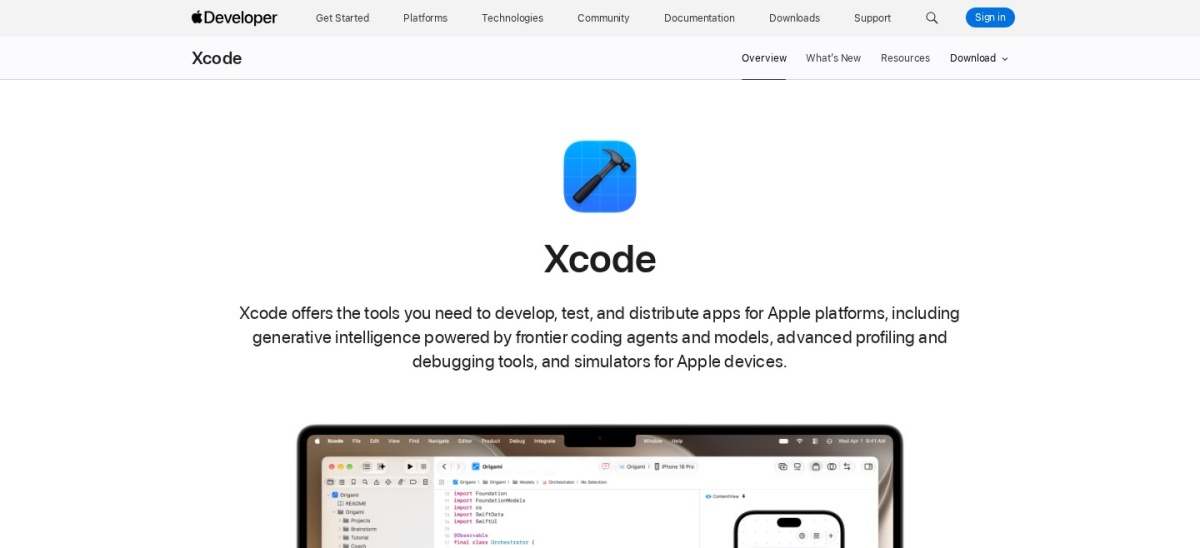
Xcode is Apple's free integrated development environment for building iOS, iPadOS, macOS, watchOS and visionOS apps. You write Swift and SwiftUI, use Interface Builder and the iOS Simulator, and submit to the App Store from the same tool. It needs a Mac, and publishing needs the Apple Developer Program at $99 a year.
The trade off is that Xcode is Mac-only, heavy on older machines, and reviewers are split: it holds 4.2 out of 5 on G2, the lowest rating in this list. It suits Apple-only apps that need the best performance and day-one access to new iOS features.
Flutter is Google's open-source UI toolkit for building natively compiled apps for iOS, Android, web and desktop from a single Dart codebase. It renders its own UI for a consistent look on every platform, and it has a large package library for common features.
The trade off is Dart. It is a smaller hiring pool than JavaScript, and large apps can grow heavy. The iOS build still needs Xcode and a Mac. It suits teams that want polished, custom UI on both stores from one codebase.
React Native is Meta's open-source framework for building mobile apps with JavaScript or TypeScript and React. It renders real native components rather than a web view, so apps feel like proper iOS apps, and the official docs now recommend starting new projects with Expo.
The trade off is native modules. Deep platform features still need native code, and the iOS build needs Xcode on a Mac. It suits web teams that already write React and want native apps without learning a new language.
Firebase is Google's backend platform for mobile apps. It covers authentication, the Firestore database, storage, hosting, push notifications and analytics, with a free Spark plan that covers small projects and a pay-as-you-go Blaze plan beyond it.
The trade off is usage billing. Blaze has no fixed monthly price, so a spike in usage can surprise, and complex queries are limited next to SQL. It suits indie developers and startups that want to ship a backend fast.
Ionic is an open-source SDK for building mobile apps with HTML, CSS and TypeScript. Its web components and Capacitor runtime wrap a web app as a native app, so one codebase ships to iOS, Android and the web.
The trade off is performance. Animation-heavy apps lag behind native, and enterprise features and support are quote-only. It suits web teams that want to ship a mobile MVP fast with the skills they already have.
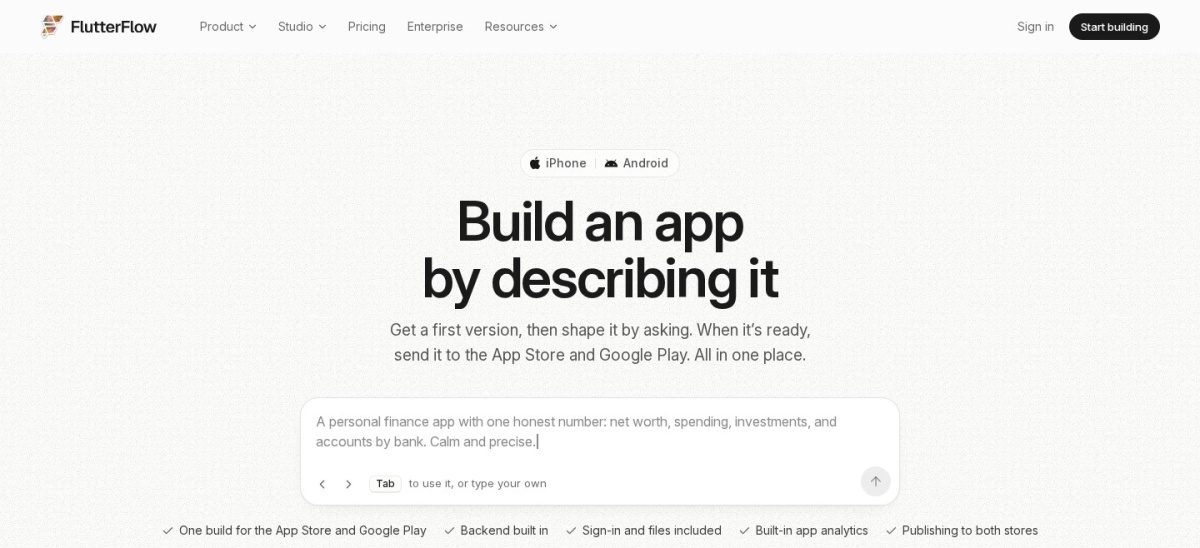
FlutterFlow is a visual builder for Flutter apps. You design on a drag-and-drop canvas and it exports real Flutter and Dart code you own. The free tier covers learning and small projects, and Basic costs $39 a month billed monthly, or $351 a year billed annually.
The trade off is the thin review base. It holds 4.5 out of 5 on G2 from only 30 reviews, and Trustpilot shows 2.6 out of 5 from 23 reviews, mostly about support. It suits non-developers and small teams that want a visual start and a real codebase.
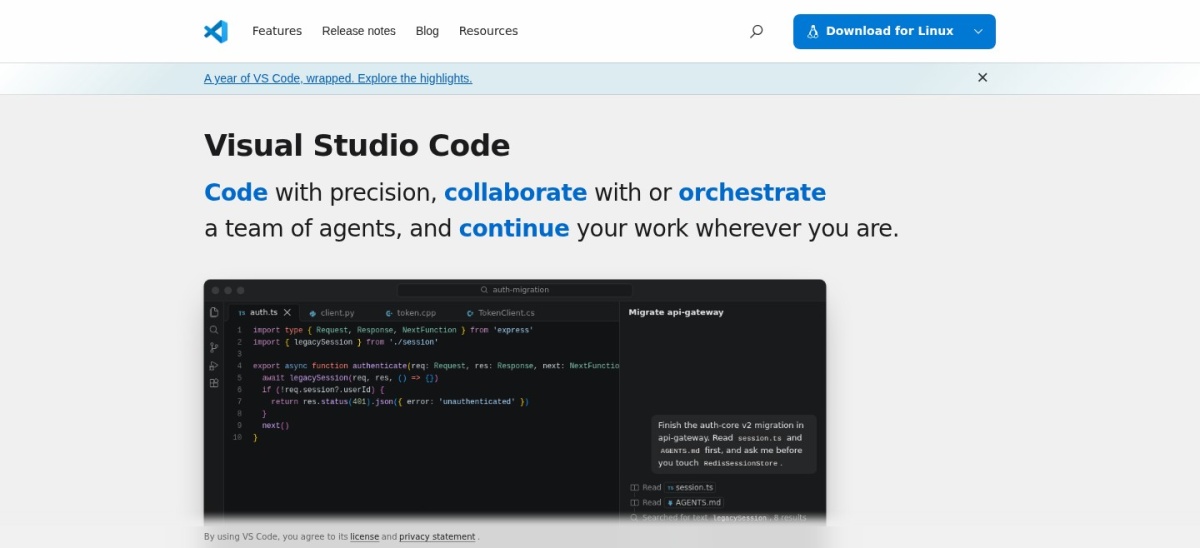
Visual Studio Code is Microsoft's free, open-source editor. Swift support comes through extensions, and it has a built-in terminal, Git and Live Share for real-time collaboration. It is the editor most Flutter and React Native developers use every day.
The trade off is that it is not a full IDE. Building and signing an iOS app still needs Xcode, extension quality varies, and there is no built-in iOS simulator. It suits cross-platform developers who want one light editor for everything.
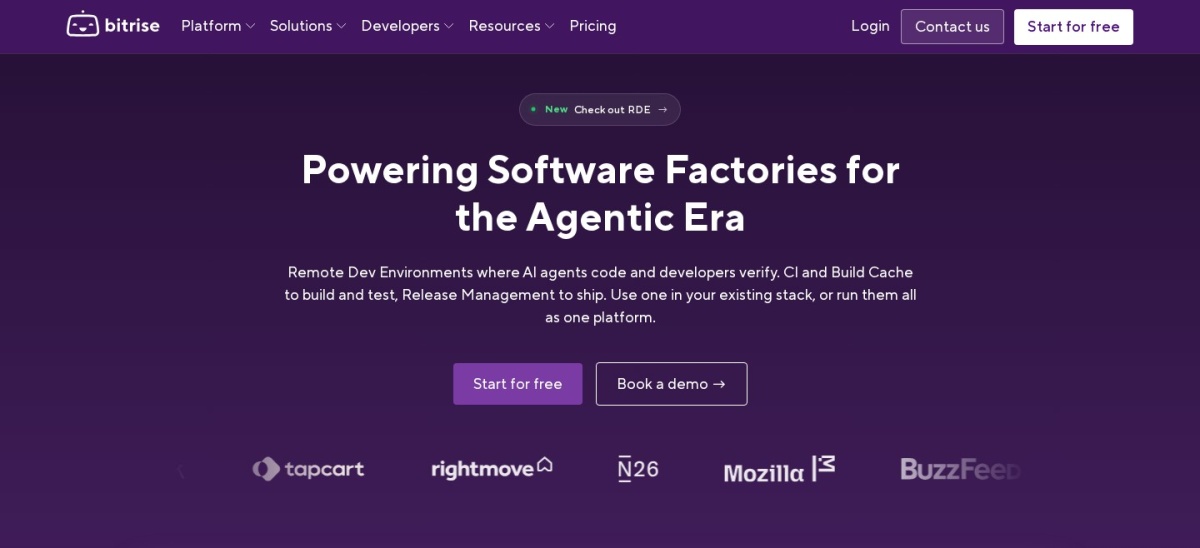
Bitrise is a mobile CI/CD platform that automates builds, tests and App Store releases. It supports Swift, Flutter, React Native and other stacks, with a free Hobby plan for individuals and a visual workflow editor.
The trade off is price. G2 lists Starter at $89 a month, while another comparison lists $36 a month billed yearly, so confirm the current price on Bitrise's pricing page. It suits teams that ship often and want releases automated.
Codemagic is a CI/CD service built for Flutter and mobile. Its macOS build machines come with Xcode preinstalled, and it handles code signing and App Store submission. Pricing is pay-as-you-go at $0.04 a minute, with an annual plan at $5,400 a year for heavy use.
The trade off is the thin rating. It holds 4.4 out of 5 on G2 from only 13 reviews, so the score is an early signal, and per-minute costs rise fast for large teams. It suits Flutter teams that want simple cloud builds without managing machines.
The tools themselves are mostly free. Xcode, Flutter, React Native, Ionic, VS Code and Firebase's Spark plan all cost $0.
The bill comes from the store and the pipeline. The Apple Developer Program is $99 a year, and Google Play charges a $25 one-time fee if you also ship Android.
The only subscriptions in this list are FlutterFlow Basic at $39 a month, Bitrise Starter at $89 a month and Codemagic's pay-as-you-go minutes at $0.04 a minute.
How we chose
We started from the tools most often recommended for iOS development in 2026, then kept those with a verifiable rating on G2 and a published price or a confirmed free status.
Prices come from each vendor's pricing page or documentation, checked on 24 November 2026. The top 3 tools are free, confirmed on the vendors' own sites. Ratings come from G2, with the review count shown on each tool.
We left out tools with no verifiable rating, including Expo, .NET MAUI and Kotlin Multiplatform, which have no G2 review page. No vendor paid for a place, and we do not claim hands-on testing for this list.
How to choose iOS app development software
Start with your team's skills, then check the Mac and store requirements.
Pick native or cross-platform first. Apple-only apps with deep platform needs go native with Xcode. Apps that must ship on Android too go cross-platform with Flutter or React Native.
Match the framework to your team's language. Dart skills point to Flutter, JavaScript skills point to React Native, and web skills point to Ionic. Learning a new language adds weeks.
Check the Mac and store requirements. You need a Mac for the iOS build and the $99 a year Apple Developer Program to publish. See the best software testing tools list for the testing step.
Add the backend and pipeline last. Pick Firebase or Supabase for the backend, then add Bitrise or Codemagic only when manual builds start slowing releases.
FAQ
What is the best software for iOS app development?
Xcode is the best pick for native iOS apps. It is Apple's free IDE, rated 4.2 out of 5 on G2 from 1,045 reviews, and it is the only toolchain that builds and submits a native iOS app to the App Store.
Is Xcode free?
Yes, Xcode is free from Apple. You need a Mac to run it, and publishing to the App Store needs the Apple Developer Program at $99 a year.
Is Flutter or React Native better for iOS?
Flutter is the better pick for polished, custom UI from one codebase, rated 4.6 out of 5 on G2. React Native is better if your team already writes JavaScript and React, rated 4.5 out of 5.
Do I need a Mac to develop iOS apps?
Yes, for the iOS build and App Store submission. Flutter, React Native and Ionic all need Xcode on a Mac for the final build, though cloud services like Bitrise and Codemagic can build in the cloud.
What backend should I use for an iOS app?
Firebase is the common pick: auth, database, storage and push notifications with a free Spark plan, rated 4.5 out of 5 on G2 from 307 reviews. Supabase is the open-source alternative.
Can I build an iOS app without coding?
FlutterFlow is the visual builder here: drag-and-drop Flutter apps with code export, from $39 a month on Basic. It is rated 4.5 out of 5 on G2, though from only 30 reviews.