Best Application Development Platforms in 2026: 9 Platforms Compared
WLWPLegible EditorsLast verified 24 Nov 2026How we rank12 min read
★ Short answer
OutSystems is the best application development platform for enterprise teams building mission-critical apps, with full lifecycle management and AI-assisted development. Mendix suits teams that want business and IT building together from $1,090 a month, while Power Apps is the natural pick inside Microsoft 365 at $20 a user a month.
How we make this list: we compare pricing pages, product documentation and public user reviews, then re-check every price before each update. No product paid for a place. Disclosure.
OutSystems leads enterprise low-code with governance IT departments trust, though paid editions are sold by quote.
Mendix Standard starts at $1,090 a month for one app, with business users and developers building together on the same platform.
Power Apps Premium costs $20 a user a month and is the natural pick for organisations already on Microsoft 365 and Azure.
Retool is the developer favourite for internal tools, with a free tier and paid plans from $10 a user a month.
Zoho Creator is the cheapest paid platform at $8 a user a month, and Budibase is free when self-hosted.
What to look for in an application development platform
An application development platform, often called low-code, lets business teams and developers build working apps with visual modelling instead of hand-writing every line of code. The best platforms cover the full lifecycle: design, build, test, deploy and manage.
Governance is what separates enterprise platforms from simple builders. Look for version control, environments for test and production, role-based access and audit logs before you standardise on one tool.
Pricing models differ sharply. Some charge per user, some per app, and the enterprise leaders sell by quote, so a platform you cannot price is a platform you cannot plan a roadmap around.
Ecosystem fit matters most. A team already on Microsoft 365 will move fastest on Power Apps, a Zoho shop on Zoho Creator, and a manufacturer with Siemens systems on Mendix.
OutSystems is a low-code platform for building enterprise applications that would otherwise need a full engineering team. It covers the full lifecycle from design to deployment, with governance, version control and AI-assisted development through Mentor Studio. A free Personal Edition is available for learning, while paid editions are sold by quote.
The trade off is pricing transparency. OutSystems publishes no figures, and licensing is based on application complexity, users and infrastructure, so budgeting needs a sales conversation. It suits large organisations building a portfolio of mission-critical apps.
Mendix is a low-code platform owned by Siemens, built around business users and developers working together. Business experts prototype in Studio while developers extend in Pro, with governance bridging both, and the same build targets web, mobile and desktop. Standard starts at $1,090 a month for one app, confirmed on the vendor pricing page.
The trade off is cost at scale. Per-user charges sit on top of the platform fee, and cloud resources are extra. It suits manufacturers and large organisations running a portfolio of department apps and core systems.
Microsoft Power Apps is a low-code platform for building apps on Microsoft 365, Dynamics 365 and Azure data. Builders create canvas and model-driven apps on Dataverse, connect to SharePoint and Teams, and inherit Microsoft security and governance tooling. The Premium license costs $20 a user a month, and a free Developer Plan is available for learning.
The trade off is ecosystem lock-in. Power Apps is at its best inside Microsoft, and teams outside that world will find other platforms more open. It suits organisations already standardised on Microsoft 365 that want staff building apps over their existing data.
Appian is a low-code platform built around process automation and case management. It orchestrates workflows across ERP, CRM and legacy systems, unifying data and tasks in one interface, with deep traction in finance, government and other regulated sectors. A free Community Edition is available for personal development.
The trade off is pricing. Standard, Advanced and Premium plans are sold by quote, priced per user, per month, per app, with no published figures. It suits enterprises automating complex processes and cases at scale.
Retool is a low-code platform for building internal tools, dashboards and admin panels on top of databases and APIs a company already runs. Developers drag in components, wire them to PostgreSQL, MongoDB or REST sources, and ship working tools in hours rather than weeks. The Team plan starts at $10 a user a month, with a free tier for getting started.
The trade off is that it is built for developers, not business users. Non-technical teams will find Bubble or Softr friendlier, and the Business plan jumps to $50 a user a month. It suits engineering teams that need internal tools quickly.
Zoho Creator is a low-code platform for building custom business apps around forms, workflows, approvals, reports and portals. It fits small and mid-sized businesses that already use Zoho products and want apps for orders, field work, approvals or inventory. The Standard plan starts at $8 a user a month billed annually, the cheapest paid platform in this list.
The trade off is that it is strongest inside the Zoho world, and the review base is modest, with 170 Capterra reviews. It suits Zoho-based teams that need workflow-heavy internal apps without an enterprise budget.
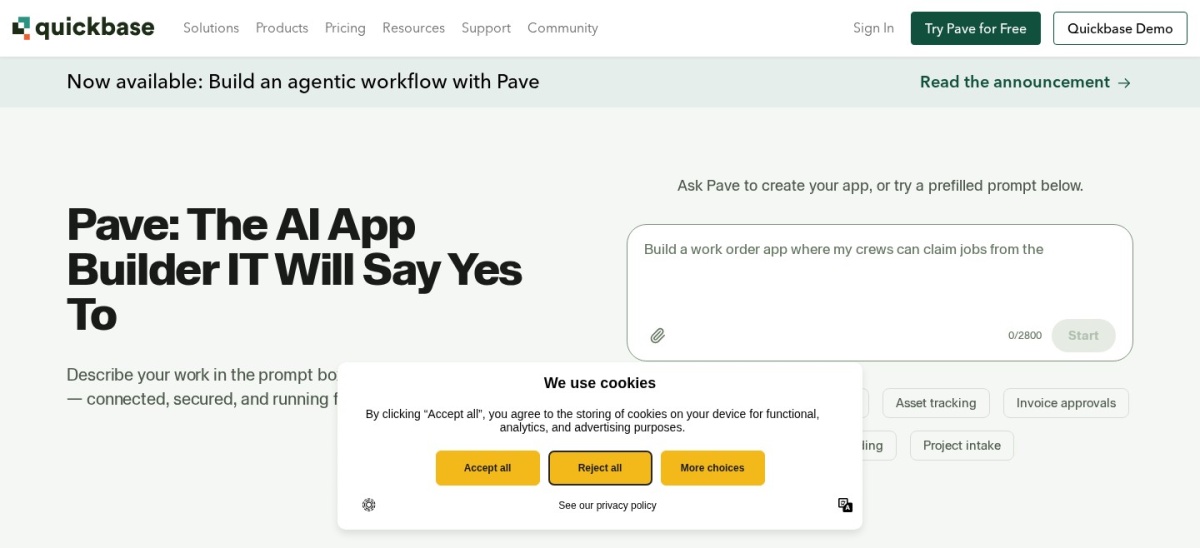
Quickbase is a low-code platform for operations teams that track projects, assets and field work across many people and sites. It handles complex relational data well, with AI app building and FastField mobile forms for field teams. The Team plan starts at $35 a user a month billed annually, plus a platform minimum fee.
The trade off is the platform fee on top of per-user pricing, and there is no free plan, only a 30-day trial. It suits operations teams in construction, manufacturing and government that have outgrown spreadsheets.
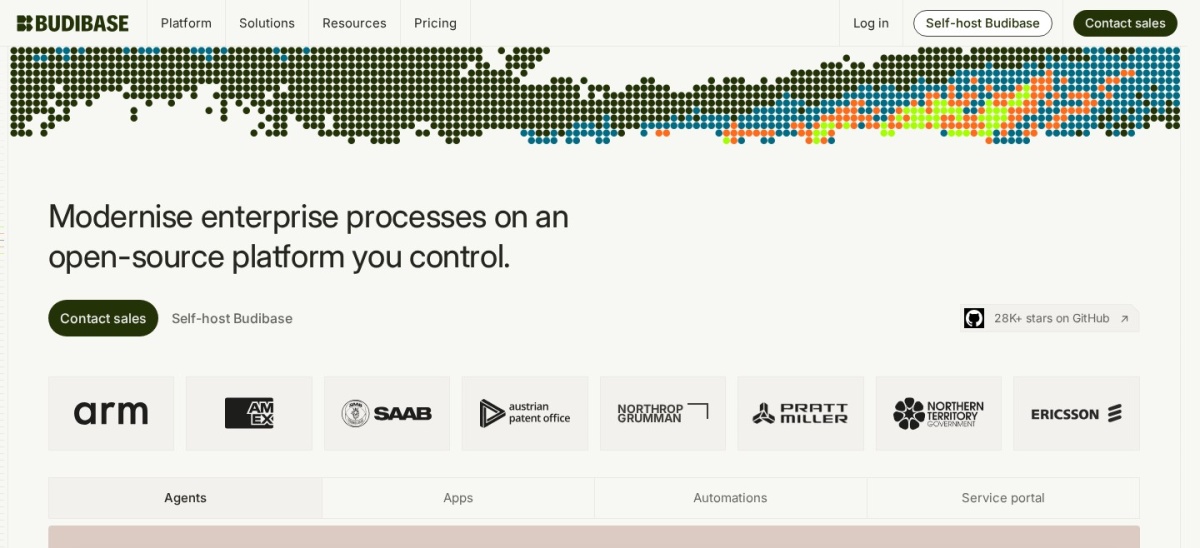
Budibase is an open-source low-code platform for building internal tools, dashboards and admin panels on your own infrastructure. It is free and unlimited when self-hosted, which gives teams full control of their data, and cloud plans start at $19 a month. It is rated 4.5 out of 5 on G2, though from only 66 reviews.
The trade off is that it is aimed at internal tools, not customer-facing apps, and the review base is thin. It suits teams that want self-hosted internal tools with full data control and no per-user licence bill.
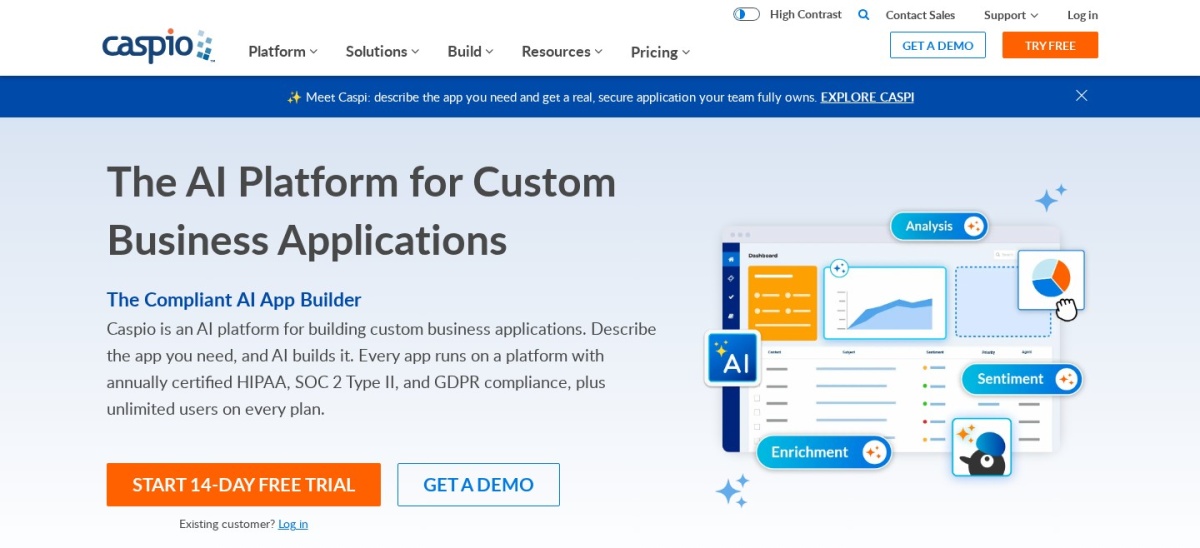
Caspio is a low-code platform for building database-backed web apps without coding, aimed at teams that need forms, reports and portals on top of a cloud database. It is rated 4.5 out of 5 on G2 from 115 reviews in the G2 Winter 2026 grid. The entry plan costs $100 a month, with a free trial for getting started.
The trade off is price for small teams. At $100 a month it costs more than Zoho Creator or Retool for a first app, and it is not built for native mobile apps. It suits teams that need a data-driven web app with reports and user logins.
Per-user pricing is the easiest to budget. Power Apps costs $20 a user a month, Retool $10 a user a month, Zoho Creator $8 a user a month and Quickbase $35 a user a month.
Per-app pricing suits a small portfolio. Mendix Standard starts at $1,090 a month for one app, or $2,725 a month for unlimited apps, with per-user charges on top.
Quote-based platforms such as OutSystems and Appian publish no figures. Expect a sales conversation and a contract based on apps, users and infrastructure.
How we chose
We started from the low-code platforms that appear most often in current comparisons, G2 categories and Gartner Magic Quadrant reports, then kept those with a verifiable rating and a published price or a confirmed quote model.
Prices come from each vendor's pricing page or vendor-supplied G2 pricing, checked on 24 November 2026. Ratings and review counts come from G2 or Capterra on the same day. Where a vendor shows a sale, the list shows the regular price.
We left out tools with no verifiable rating on G2, Capterra or Trustpilot. No vendor paid for a place, and we do not claim hands-on testing for this list.
How to choose an application development platform
Start with your ecosystem and your governance needs, then check the price model.
Map your ecosystem first. A Microsoft shop moves fastest on Power Apps, a Zoho shop on Zoho Creator, and a Siemens manufacturer on Mendix.
Check the governance list. Version control, test and production environments, role-based access and audit logs are non-negotiable for production apps.
Compare the pricing model. Per-user pricing is easy to budget, per-app pricing suits a small portfolio, and quote-based platforms need a sales conversation.
Build one real app on the free tier. Prototype a genuine workflow, not a demo, and confirm the platform handles your data, integrations and approval rules.
FAQ
What is the best application development platform?
OutSystems is the best pick for enterprise teams building mission-critical apps, with governance and lifecycle tools IT departments trust. Mendix is the strongest alternative for business and IT building together, and Power Apps suits organisations already on Microsoft 365.
How much does low-code development cost?
Entry prices run from $8 a user a month for Zoho Creator to $20 a user a month for Power Apps Premium, with Retool at $10 a user a month. Mendix Standard starts at $1,090 a month per app, and OutSystems and Appian sell by quote only.
Is low-code suitable for enterprise apps?
Yes, when the platform has governance. OutSystems, Mendix and Appian offer version control, multiple environments, role-based access and audit logs, and all three are named leaders in Gartner Magic Quadrant reports for low-code platforms.
Can business users build apps without developers?
Yes, up to a point. Visual modelling lets domain experts build forms, workflows and reports, while developers extend the app with code where needed. Mendix and OutSystems are built around this business-plus-IT model.
What is the cheapest application development platform?
Zoho Creator is the cheapest paid platform in this list at $8 a user a month billed annually, and Budibase is free when self-hosted. Both suit small teams, though Budibase is aimed at internal tools rather than customer-facing apps.
Do these platforms replace developers?
No. Low-code speeds up standard business apps and frees developers for the hard parts, such as integrations, security and scale. Complex or highly custom products still need professional development.