Retool is the best low-code platform for development teams building internal applications, with a 4.6/5 G2 rating and a free plan supporting five users. Choose Appsmith for open-source development and self-hosting, or FlutterFlow for building customer-facing mobile applications.
How we make this list: we compare pricing pages, product documentation and public user reviews, then re-check every price before each update. No product paid for a place. Disclosure.
Retool supports five users for free, with paid builder licenses starting at $10/month.
Appsmith costs $15/user/month and includes three Git repositories on its free plan.
FlutterFlow Basic costs $351/year and supports unlimited projects in Studio.
Power Apps Premium costs $240/user/year with annual billing.
OutSystems has a 4.5/5 G2 rating from 1,811 reviews, with custom production pricing.
Budibase offers unlimited users on its free self-hosted Community edition.
What to look for in a low-code development platform
Low-code platforms combine visual application development with programmable logic, database connections and configurable integrations. They reduce repetitive development work while allowing engineers to customize application behavior.
The right platform depends on whether you are building internal tools, customer-facing applications or enterprise systems. These use cases require different levels of interface customization, scalability and deployment control.
Look for support for custom code, APIs, version control and separate development environments. These features become particularly important when multiple developers maintain the same application.
Compare developer licenses, end-user charges, infrastructure expenses and usage allowances. An inexpensive starting subscription does not necessarily translate into a low production cost.
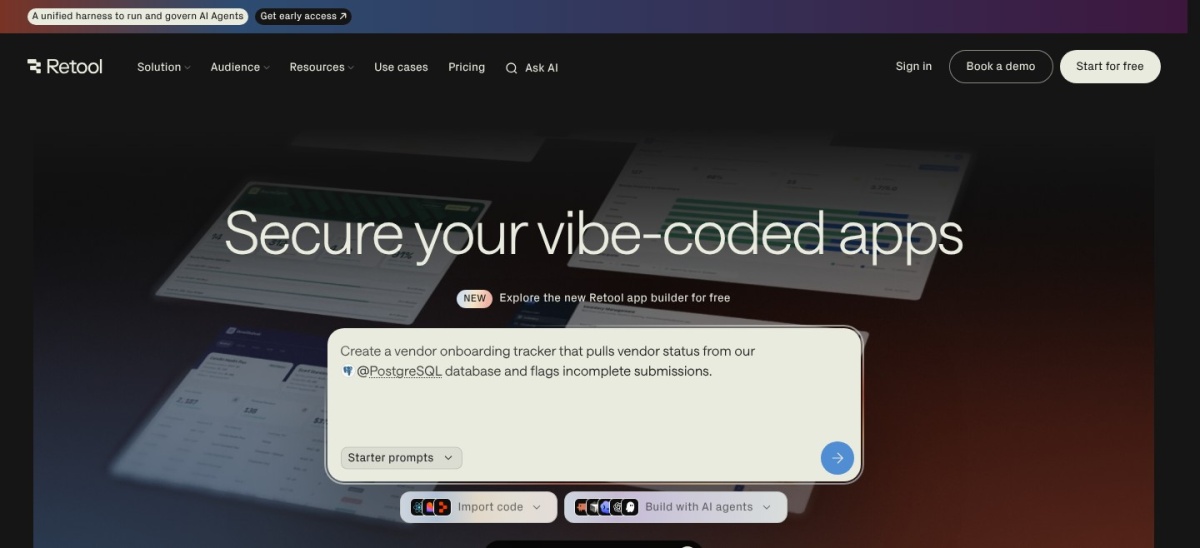
Retool is a low-code development platform for building dashboards, administrative interfaces and internal business applications using databases, APIs and custom logic. Its free cloud plan supports five users and includes 250 shared monthly AI credits.
The trade off is separate licensing for builders and application users, with Team costing $10 per builder and $5 per internal user monthly when billed annually. It suits engineering teams developing internal software around existing systems.
What we like
Database and API connectivity
Supports custom JavaScript and SQL
Free plan supports small teams
Separate staging and production on Team
Watch out for
Separate builder and user licensing
Advanced governance requires higher plans
Complex applications can become difficult to maintain
Team adds unlimited user capacity, staging environments and 1,000 monthly AI credits.Visit retool.com
02
Appsmith
4.6/5on G2 (67 reviews, checked Nov 2026)
Paid from$15/mo
Best for open-source application development
Free cloud users5
Free workspaces5
Free Git repositories3
Paid planBusiness, $180/user/yr
appsmith.com
Appsmith homepage, captured Nov 2026.
Appsmith is an open-source low-code platform for building administrative tools and data-driven applications. Its free cloud tier supports five users, five workspaces and version control through three Git repositories.
The trade off is that advanced permissions, reusable packages and audit logging require Business at $15 per user monthly. It suits developers who want programmable interfaces and control over their application hosting.
What we like
Open-source Community edition
Git integration on the free tier
Database and API integrations
Flexible JavaScript customization
Watch out for
Advanced access controls require payment
Self-hosting requires infrastructure maintenance
Interface customization has limitations
Business adds custom permissions, audit logs, workflows and unlimited Git repositories.Visit appsmith.com
03
FlutterFlow
4.5/5on G2 (30 reviews, checked Nov 2026)
Paid from$351/yr
Best for cross-platform mobile applications
Free Studio projects2
Development frameworkFlutter
Custom programmingDart
Paid planBasic, $351/yr
flutterflow.io
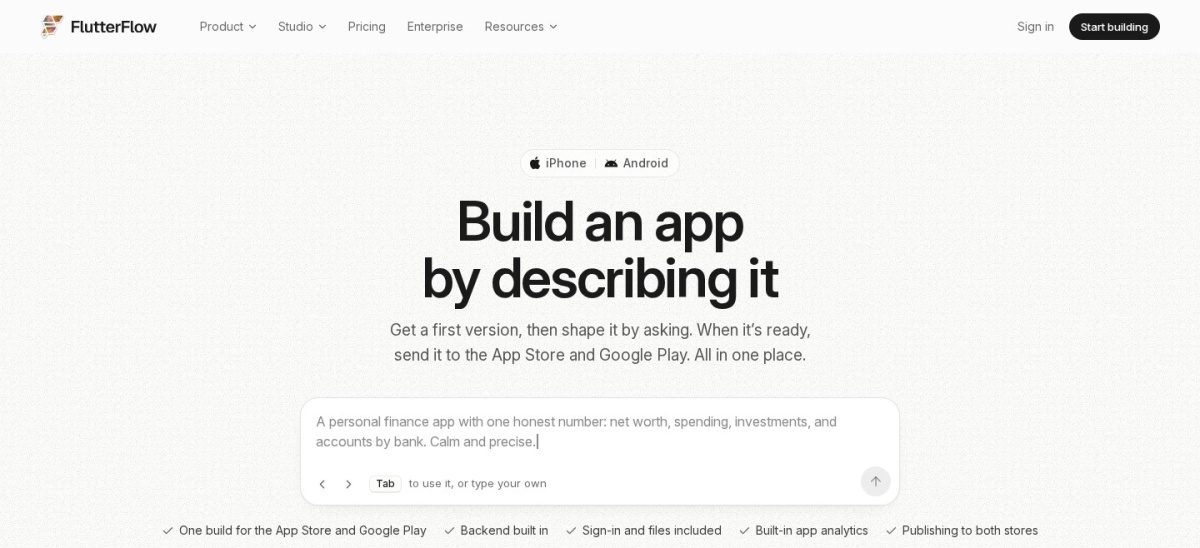
FlutterFlow homepage, captured Nov 2026.
FlutterFlow is a visual application development platform for building mobile and web applications using Flutter. Its free subscription includes access to AI-assisted development and two projects in FlutterFlow Studio.
The trade off is that advanced development workflows and additional usage require higher subscriptions, while Basic costs $351 annually or $39 on monthly billing. It suits product teams building customer-facing applications with customizable interfaces.
What we like
Cross-platform application development
Supports custom Dart code
Visual interface configuration
Unlimited Studio projects on Basic
Watch out for
Advanced branching requires higher plans
Backend configuration can require technical knowledge
AI usage depends on subscription allowances
Basic adds unlimited Studio projects and a larger AI development allowance.Visit flutterflow.io
04
Power Apps
4.3/5on G2 (570 reviews, checked Nov 2026)
Paid from$20/mo
Best for Microsoft enterprise integrations
Free developer environments3
Free developer database2 GB
Free automation runs750/month
Paid planPremium, $240/user/yr
microsoft.com
Power Apps homepage, captured Nov 2026.
Power Apps is Microsoft's low-code application development platform for building business software around organizational data. Its free Developer Plan includes three environments, 2 GB of Dataverse database capacity and 750 monthly automation runs.
The trade off is licensing complexity and restrictions on production use under the free developer subscription, with Premium costing $20 per user monthly when paid annually. It suits organizations integrating custom applications with Microsoft services.
What we like
Microsoft ecosystem integration
Prebuilt and custom connectors
Free development and testing environment
Integrated Dataverse data management
Watch out for
Production deployment requires appropriate licensing
Per-user costs increase with adoption
Large datasets may require optimization
Premium enables licensed users to deploy and use unlimited Power Apps.Visit microsoft.com
05
OutSystems
4.5/5on G2 (1,811 reviews, checked Nov 2026)
PricingCustom/yr
Best for enterprise software modernization
Free editionPersonal
Production environmentsPaid platform
DeploymentCloud or on-premises
Paid planCustom quote
outsystems.com
OutSystems homepage, captured Nov 2026.
OutSystems is an enterprise low-code development platform for creating, deploying and maintaining business applications. Its free Personal Edition provides a development environment, and the platform has a 4.5/5 rating from 1,811 G2 reviews.
The trade off is custom production pricing and the implementation effort associated with large application portfolios. It suits enterprise IT departments replacing legacy systems or developing business-critical software.
What we like
Application lifecycle management
Multiple production deployment options
Established developer community
Enterprise application development capabilities
Watch out for
Production pricing requires a quote
Specialized platform knowledge is necessary
Personal Edition is intended for development
Paid subscriptions add production runtimes, testing environments and broader deployment options.Visit outsystems.com
06
Quickbase
4.4/5on G2 (1,736 reviews, checked Nov 2026)
Starts at$35/mo
Best for complex operational workflows
Free trial30 days
Report types13+
Platform minimumAdditional minimum applies
Paid planTeam, from $420/user/yr
quickbase.com
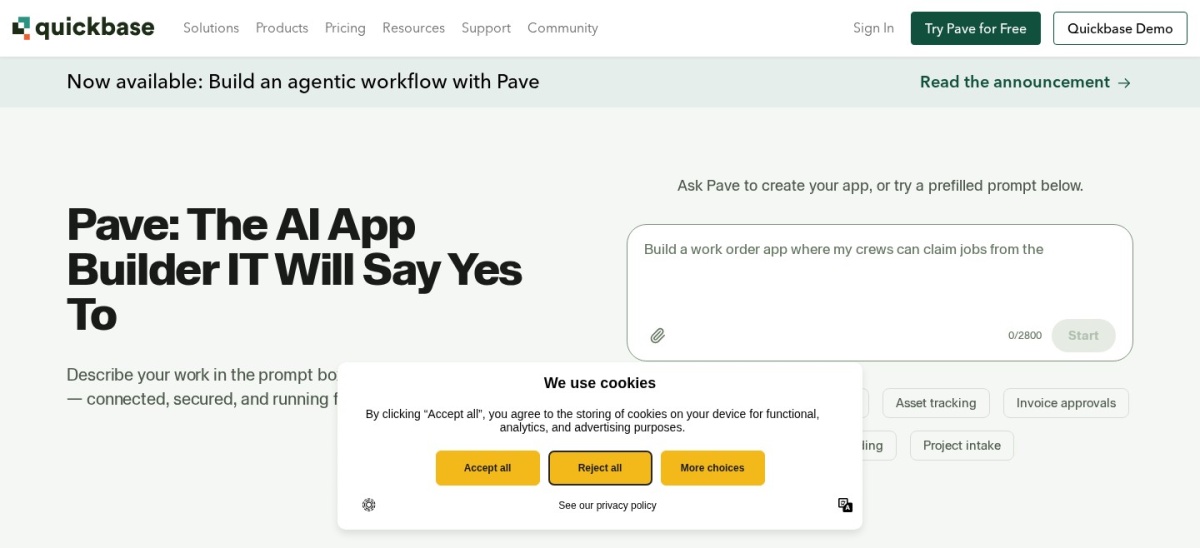
Quickbase homepage, captured Nov 2026.
Quickbase is a low-code platform for developing operational applications, managing business data and automating processes. Its Team subscription includes personalized dashboards, more than 13 report types, workflow automation and audit logs.
The trade off is the starting rate of $35 per user monthly with annual billing, excluding the required platform minimum. It suits operations departments managing complicated business processes across multiple teams.
Team includes reporting, integrations, automation and data access controls.Visit quickbase.com
07
Budibase
4.5/5on G2 (66 reviews, checked Nov 2026)
Paid from$299/mo
Best for self-hosted business applications
Free self-hosted usersUnlimited
Cloud creators2
Cloud end users20
Paid planCloud, from $3,588/yr
budibase.com
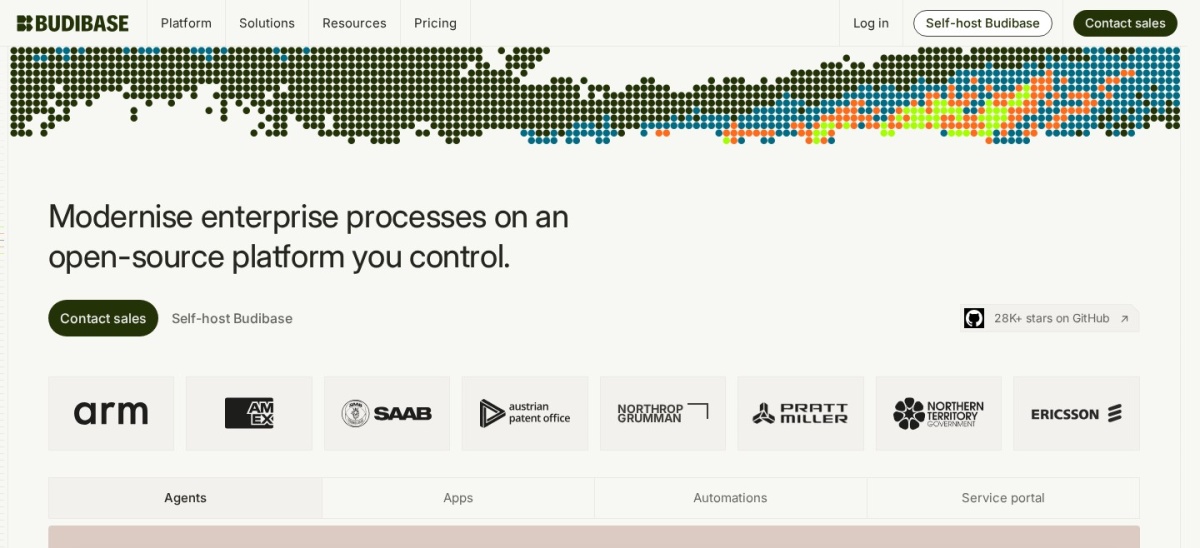
Budibase homepage, captured Nov 2026.
Budibase is an open-source low-code platform for building internal applications, service portals and automated business processes. Its free self-managed Community edition supports unlimited users, applications and automations.
The trade off is maintaining your own infrastructure on Community or paying from $299 monthly for managed Cloud, which includes two creators and 20 end users. It suits technical teams prioritizing deployment control and internal data management.
What we like
Unlimited users on self-hosted Community
Integrated application and automation builders
Internal and external data sources
Standard single sign-on on Community
Watch out for
Managed cloud subscription has a high starting price
Self-hosting requires technical maintenance
Enterprise self-hosted pricing requires a quote
Cloud adds managed hosting and 250,000 monthly actions; Enterprise self-hosting is custom-priced.Visit budibase.com
When should developers choose low-code instead of traditional development?
Low-code development works well when applications rely on familiar interface patterns, database operations and standardized business processes. Developers can concentrate on business logic instead of repeatedly building common interface components.
Traditional development remains preferable when software requires unusual architectures, extensive performance optimization or complete control over its runtime environment.
Consider a hybrid approach for complex projects. Use conventional programming for specialized backend services and low-code interfaces for administrative tools, operational dashboards and internal workflows.
How we chose
We shortlisted established low-code platforms from G2 and compared their programming flexibility, development tools, integration options, deployment models and public user feedback.
The editorial reference date is 22 Nov 2026. Official pricing pages and G2 review listings were opened during research, although historical figures for that exact date could not be independently confirmed. Annual figures represent published annual subscriptions or annualized monthly starting rates.
We excluded candidates whose regular pricing could not be confirmed or whose published prices were unsuitable for a consistent USD comparison. Custom quotes are retained where explicitly required, and additional platform minimums are disclosed. No vendor paid for a place, and we do not claim testing for this list.
How to choose a low-code development platform
Evaluate each platform against your application architecture, development team and expected production requirements.
Define the application requirements. Identify whether your project involves internal dashboards, mobile applications, customer portals or business-critical enterprise systems.
Check development flexibility. Review custom programming support, database integrations, reusable components, version control and deployment environments.
Calculate production expenses. Include builder licenses, end-user subscriptions, platform minimums, infrastructure costs and usage-based charges.
Evaluate long-term maintainability. Review hosting options, documentation, application portability, security controls and the availability of developers familiar with the platform.
FAQ
What is the best low-code platform?
Retool is our overall pick for engineering teams building internal applications because it combines visual development with programmable logic and data integrations. FlutterFlow is preferable for mobile applications, while OutSystems targets larger enterprise projects.
Which low-code platforms are open source?
Appsmith and Budibase offer open-source editions that developers can deploy on their own infrastructure. Both provide visual application development and data connectivity, although commercial features and support depend on the selected subscription.
How much does a low-code platform cost?
Retool Team starts at $10 per builder monthly with annual billing, while Appsmith Business costs $15 per user monthly. Actual costs depend on user numbers, hosting requirements, additional services and application resource consumption.
Do low-code platforms require programming knowledge?
Basic applications can often be developed visually without extensive programming experience. However, knowledge of JavaScript, SQL, APIs or platform-specific languages becomes useful when implementing complex business logic, integrations and customized application behavior.
Are low-code platforms suitable for enterprise applications?
Yes. OutSystems, Power Apps and Quickbase support enterprise application development and organizational workflows. Businesses should evaluate security, deployment architecture, access controls, licensing and long-term maintenance requirements before selecting a platform for critical systems.
SaaS SEO and WordPress specialist with about 8 years of experience. Rakib compares WordPress plugins, themes, hosting and software using public pricing, documentation and user reviews. See how we rank.