Action1 leads with a free plan covering up to 200 endpoints and a 4.9/5 G2 rating across 1,277 reviews. Automox fits cloud-first fleets with OS patching starting at $1 per endpoint per month, while NinjaOne suits teams wanting patching inside an RMM.
How we make this list: we compare pricing pages, product documentation and public user reviews, then re-check every price before each update. No product paid for a place. Disclosure.
Action1 holds a 4.9/5 rating across 1,277 G2 reviews and includes up to 200 endpoints on its free edition.
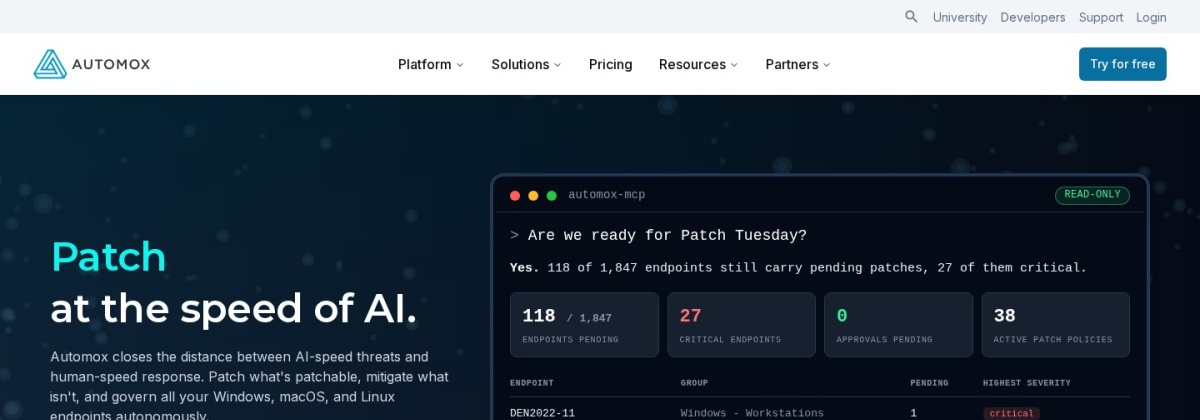
Automox starts at $1 per endpoint per month on an annual commitment for OS patching across Windows, macOS, and Linux.
NinjaOne rates 4.7/5 across 5,865 G2 reviews and combines patch management with remote monitoring and management.
ManageEngine Patch Manager Plus offers cloud and on-premises deployment with 203 G2 reviews and a 4.5/5 rating.
PDQ Connect starts at $12 per device per year with a 100-device minimum for Windows and macOS patching.
What to look for in patching software
Effective patching starts with operating system and third-party application coverage. Operating system updates alone leave browsers, runtimes, and productivity suites exposed, so check whether a tool patches third-party software out of the box or reserves it for higher tiers.
Deployment model matters just as much as catalog size. Cloud-agent tools reach remote laptops without a VPN, whereas on-premises or hybrid tools suit networks with strict data residency or air-gapped servers.
Look for staged rollouts, maintenance windows, and reboot controls so updates do not disrupt active work. Clear reporting and vulnerability context also help teams prove compliance and prioritize urgent fixes.
Action1 is a cloud-native patch management and vulnerability remediation platform that is free for your first 200 endpoints with no feature limits. It supports operating system and third-party patching alongside remote access and asset inventory.
The trade off is that fleets above 200 endpoints require a custom quote rather than a published rate card. It suits IT teams and small organizations under 200 devices that want zero-cost patching.
What we like
Free tier covers up to 200 endpoints with no functional limits
Cloud-based setup avoids on-premises patch server maintenance
Strong 4.9/5 rating across 1,277 G2 reviews
Includes third-party patching, remote access, and inventory
Watch out for
Pricing above 200 endpoints is quote-only
Free tier includes community support rather than dedicated tiers
Automox is a cloud-based patching and endpoint automation platform starting at $1 per endpoint per month with an annual commitment ($12 per year) for OS patching. It manages Windows, macOS, and Linux endpoints from one browser console.
The trade off is that third-party patching titles sit on higher tiers rather than the $1 per endpoint per month OS plan. It suits distributed teams patching laptops and servers over the cloud.
What we like
Entry OS patching starts at $1 per endpoint per month billed annually
Covers Windows, macOS, and Linux from a cloud console
Supports scheduled policies and automation across remote endpoints
Watch out for
Third-party application patching is not on the base OS tier
Per-endpoint billing adds up as device counts grow
PDQ Connect is a cloud-based device management and patching tool whose Basic plan costs $12 per device per year with a 100-device minimum. It provides inventory insights alongside prebuilt and custom deployment packages.
The trade off is a 100-device minimum purchase and focus on Windows and macOS rather than Linux. It suits IT teams managing 100 or more Windows and Mac devices remotely.
What we like
Transparent $12 per device per year pricing on the Basic tier
Includes device inventory plus prebuilt and custom packages
Works over the cloud for remote Windows and macOS endpoints
Watch out for
Requires a 100-device minimum purchase
Automated deployments and remote desktop sit on higher tiers
Plus and higher plans add automated deployments, remote desktop, and vulnerability management.Visit pdq.com
04
NinjaOne
4.7/5on G2 (5,865 reviews, checked Nov 2026)
Starts at$18/yr per endpoint
Best for unified RMM and patching
DeploymentCloud SaaS
OS coverageWindows, macOS, Linux
Pricing modelPer device (quote-based)
G2 rating4.7/5 (5,865)
ninjaone.com
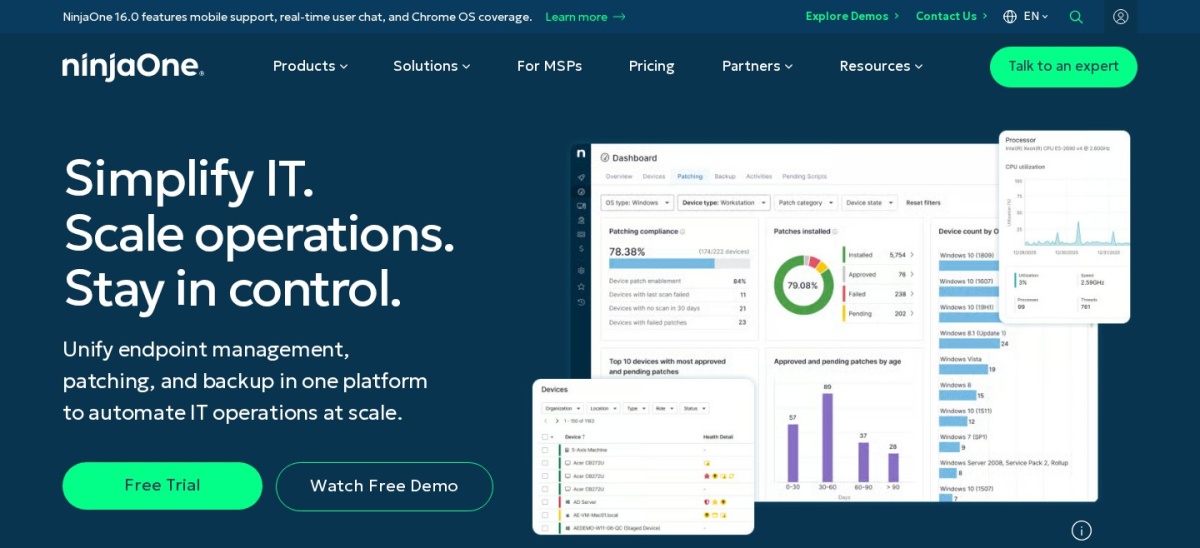
NinjaOne homepage, captured Nov 2026.
NinjaOne is a cloud-based endpoint management and RMM platform with automated patching for Windows, macOS, and Linux, holding a 4.7/5 rating across 5,865 G2 reviews. Published volume guidance ranges from $3.75 per month at 50 or fewer endpoints down to $1.50 per month at 10,000 endpoints.
The trade off is that exact pricing requires a quote and varies by device count and add-ons. It suits IT teams and MSPs that want patching consolidated inside a broader RMM platform.
What we like
High 4.7/5 rating across 5,865 G2 reviews
Combines patch management with monitoring and remote tools
Supports Windows, macOS, and Linux endpoints
Watch out for
Exact pricing requires a vendor quote
Broader RMM scope may be more than teams needing standalone patching
Volume-based per-device subscriptions scale with fleet size and optional modules.Visit ninjaone.com
05
KernelCare
4.6/5on G2 (200+ reviews, checked Nov 2026)
Starts at$50/yr per system
Best for rebootless Linux kernel patching
FocusLive Linux kernel
Starter price$5/mo per system
Fleet band1-199 systems
G2 rating4.6/5
tuxcare.com
KernelCare homepage, captured Nov 2026.
KernelCare from TuxCare provides rebootless live kernel patching for Linux servers and cloud instances, priced at $5 per month per system ($50 per year on its Starter checkout band for up to 199 systems). It applies security patches to running kernels without requiring reboots.
The trade off is that it targets Linux kernel live patching rather than general desktop software or Windows apps. It suits Linux server operators that cannot afford frequent reboot windows.
What we like
Applies Linux kernel patches without server reboots
Supports 70+ Linux distribution versions
Clear per-system pricing for smaller fleets
Watch out for
Scoped to Linux kernels rather than full endpoint application suites
Higher tiers are needed for larger fleets or centralized private patch servers
Standard and Enterprise tiers add larger system bands, centralized management, and add-on options.Visit tuxcare.com
06
ManageEngine Patch Manager Plus
4.5/5on G2 (203 reviews, checked Nov 2026)
Paid from$245/yr
Best for flexible cloud or on-premises hosting
DeploymentCloud or on-prem
OS coverageWindows, macOS, Linux
Free editionAvailable
G2 rating4.5/5 (203)
manageengine.com
ManageEngine Patch Manager Plus homepage, captured Nov 2026.
ManageEngine Patch Manager Plus is a patch management tool from Zoho's ManageEngine division that supports both cloud and on-premises deployments, holding a 4.5/5 rating across 203 G2 reviews. It offers a free edition alongside paid tiers starting from $245 per year on-premises.
The trade off is that policy configuration and troubleshooting failed patch jobs can take time to learn. It suits organizations that want on-premises control or broad third-party and OS coverage.
What we like
Choice of cloud or on-premises deployment
Includes a free edition plus paid tiers starting at $245/yr
Covers OS and third-party application patching
Watch out for
Initial policy setup and troubleshooting have a learning curve
Pricing scales by endpoint and server counts
Paid editions expand endpoint and server capacity, automation workflows, and enterprise updates.Visit manageengine.com
07
Atera
4.6/5on G2 (1,288 reviews, checked Nov 2026)
Starts at$1,788/yr per tech
Best for per-technician IT management
DeploymentCloud platform
Billing modelPer technician
IT dept start$149/mo per tech (annual)
G2 rating4.6/5 (1,288)
atera.com
Atera homepage, captured Nov 2026.
Atera is a cloud-based IT management platform bundling patch management, RMM, ticketing, and remote access under per-technician pricing starting at $149 per month per technician billed annually ($1,788 per year). It supports Windows, macOS, and Linux devices.
The trade off is a higher per-technician annual cost than per-device patching tools if you only have a few technicians. It suits small IT teams that want predictable per-technician billing across many devices.
What we like
Per-technician pricing rather than per-endpoint billing
Combines patching with ticketing, remote access, and RMM
4.6/5 rating across 1,288 G2 reviews
Watch out for
Higher entry cost per technician than single-purpose patch tools
Some advanced features and add-ons sit on higher tiers
Higher tiers add broader remote monitoring options, longer log retention, and extra controls.Visit atera.com
How we chose
This list focuses on established patch management and endpoint remediation tools with active maintenance and public user review profiles.
We checked vendor pricing pages and G2 review data on 22 Nov 2026, using regular published or entry-level figures rather than temporary discounts.
We excluded unmaintained tools, discontinued products, and tools without verifiable pricing or review details. No vendor paid for a place, and we do not claim testing for this list.
How to choose patching software
Follow four steps to narrow down a patch management tool for your fleet.
Map your operating systems and apps first. List every Windows, macOS, and Linux system plus third-party apps that need updates, and check that the tool covers both without costly add-ons.
Match deployment to where devices live. Pick a cloud-agent tool for remote and hybrid laptops, or an on-premises option when local network control or compliance rules require it.
Check scheduling and reboot controls. Verify that you can test patches on a pilot group, set maintenance windows, and manage reboots without interrupting users.
Model total cost at your fleet size. Compare per-endpoint, per-device, and per-technician pricing against your current headcount and device growth over the next year.
FAQ
What is patch management software?
Patch management software scans endpoints for missing operating system and application updates, tests or schedules deployments, and reports compliance across devices from a central console.
Is there free patching software for small teams?
Yes. Action1 offers a free edition for up to 200 endpoints with no feature limits, and ManageEngine Patch Manager Plus also offers a free edition.
Do I need third-party application patching in addition to OS updates?
Yes. Operating system updates do not patch many common browsers, media players, and utilities, which are frequent targets for attackers.
Should we choose per-endpoint or per-technician pricing?
Per-technician pricing often fits smaller IT teams managing many devices, while per-endpoint or per-device pricing can suit larger teams with fewer managed endpoints.
How do cloud patch tools handle remote laptops?
Cloud-agent tools communicate outbound over the internet, allowing you to patch remote or hybrid devices without requiring a VPN connection back to the office.
SaaS SEO and WordPress specialist with about 8 years of experience. Rakib compares WordPress plugins, themes, hosting and software using public pricing, documentation and user reviews. See how we rank.