Bubble is the best low-code no-code platform for building custom applications, with 50,000 monthly workload units on its free plan. Choose AppSheet for affordable spreadsheet-based applications or Airtable for database-driven business workflows and collaborative internal tools.
How we make this list: we compare pricing pages, product documentation and public user reviews, then re-check every price before each update. No product paid for a place. Disclosure.
Bubble includes 50,000 monthly workload units on its free development plan.
AppSheet starts at $5 per user per month and has a 4.7/5 Capterra rating.
Airtable has a 4.6/5 rating from 2,251 Capterra reviews.
Power Apps Premium costs $20 per user per month with annual billing.
Caspio supports unlimited application users on its $270 monthly annual-billing plan.
What to look for in a low-code or no-code platform
Low-code and no-code platforms let businesses create applications using visual interfaces, configurable databases and workflow builders instead of developing everything from scratch.
No-code platforms generally prioritize accessibility for nontechnical users. Low-code platforms provide additional flexibility through formulas, scripts, APIs and custom integrations.
Pay attention to the pricing model. Some vendors charge for each application user, while others charge according to resource consumption or workspace capacity.
Consider deployment restrictions, database limits, authentication, data portability and integration support before committing to a platform for production applications.
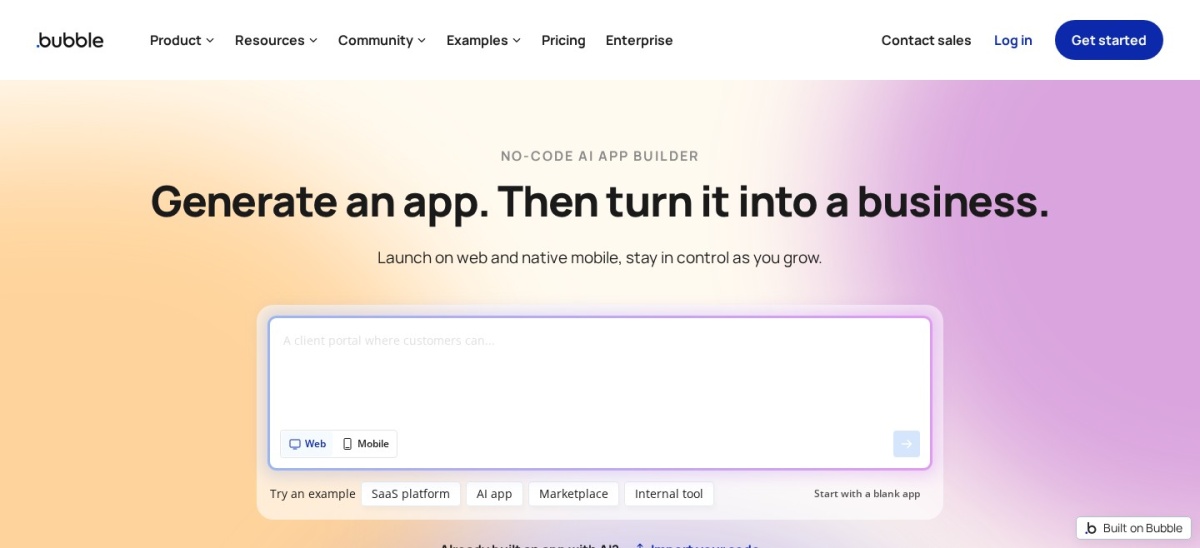
Bubble is a visual application development platform with database management, workflow logic and application hosting. Its free development plan includes 50,000 monthly workload units and an API connector.
The trade off is usage-based pricing and the learning curve associated with complex application logic, with Starter costing $32 monthly when billed annually. It suits founders and teams building custom web applications.
What we like
Visual frontend and backend development
Free application development environment
API connectivity and custom workflows
Integrated application hosting
Watch out for
Resource consumption affects ongoing costs
Complex applications require careful optimization
Production deployment requires payment
Starter adds live deployment, custom domains and 175,000 monthly workload units.Visit bubble.io
02
AppSheet
4.7/5on Capterra (547 reviews, checked Nov 2026)
Paid from$5/mo
Best for spreadsheet-based applications
Free testingUp to 10 users
Billing modelPer user
Spreadsheet connectivityYes
Paid planStarter, $60/user/yr
appsheet.com
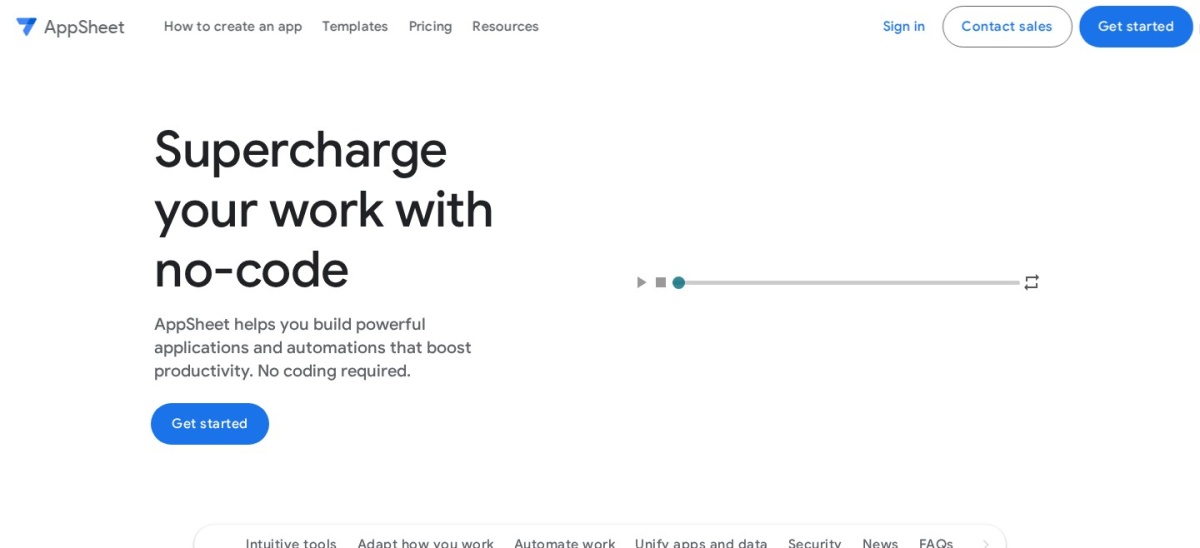
AppSheet homepage, captured Nov 2026.
AppSheet is Google's no-code platform for turning existing business data into applications and automated processes. Users can develop and evaluate applications with up to 10 people without paying.
The trade off is less design flexibility than general-purpose application builders, with Starter costing $5 per user monthly. It suits businesses replacing spreadsheets with structured operational applications.
What we like
Affordable entry-level subscription
Connects to spreadsheet data
Application and workflow automation
Free development and evaluation
Watch out for
Limited interface customization
Per-user expenses increase with adoption
Advanced capabilities require higher plans
Starter enables deployment with basic application and automation features.Visit appsheet.com
03
Airtable
4.6/5on Capterra (2,251 reviews, checked Nov 2026)
Paid from$20/mo
Best for database-driven business workflows
Database modelRelational
Free planAvailable
Billing modelPer user
Paid planTeam, $240/user/yr
airtable.com
Airtable homepage, captured Nov 2026.
Airtable is a collaborative database and application-building platform rated 4.6/5 across 2,251 Capterra reviews. Its free plan provides basic building blocks for organizing information and creating lightweight business applications.
The trade off is capacity restrictions and recurring seat charges, with Team costing $20 per user monthly on annual billing. It suits operations, marketing and project management teams.
What we like
Accessible relational database interface
Collaborative application building
Configurable business workflows
Free starting plan
Watch out for
Record and automation limits
Seat-based pricing can become expensive
Less suitable for complex consumer software
Team increases application capacity and supports larger collaborative workflows.Visit airtable.com
04
Microsoft Power Apps
4.5/5on Capterra (48 reviews, checked Nov 2026)
Paid from$20/mo
Best for Microsoft-based organizations
Free development environments3
Developer database2 GB
Free automation allowance750 runs/month
Paid planPremium, $240/user/yr
microsoft.com
Microsoft Power Apps homepage, captured Nov 2026.
Microsoft Power Apps is a low-code development platform for building applications around organizational data and existing business systems. Its free Developer Plan includes three development environments and a 2 GB Dataverse database entitlement.
The trade off is licensing complexity and the technical knowledge required for advanced applications, with Premium costing $20 per user monthly when paid annually. It suits organizations already using Microsoft services.
What we like
Microsoft ecosystem connectivity
Free developer environments
Prebuilt and custom connectors
Dataverse database integration
Watch out for
Free development plan excludes production use
Complex formulas require training
Licensing expenses increase with user numbers
Premium enables production deployment and unlimited applications for assigned users.Visit microsoft.com
05
Formaloo
4.7/5on Capterra (265 reviews, checked Nov 2026)
Paid from$29/mo
Best for forms and customer portals
Free submissionsUnlimited
Free storage1 GB
Free team seats1
Paid planPro, $29/mo
formaloo.com
Formaloo homepage, captured Nov 2026.
Formaloo is a no-code platform for creating forms, customer portals, databases and operational applications. Its free plan includes unlimited submissions, 1 GB of cloud storage and a team member seat.
The trade off is a stronger focus on data collection and operational workflows than general-purpose software development, with Pro listed at $29 monthly. It suits businesses building customer-facing forms and portals.
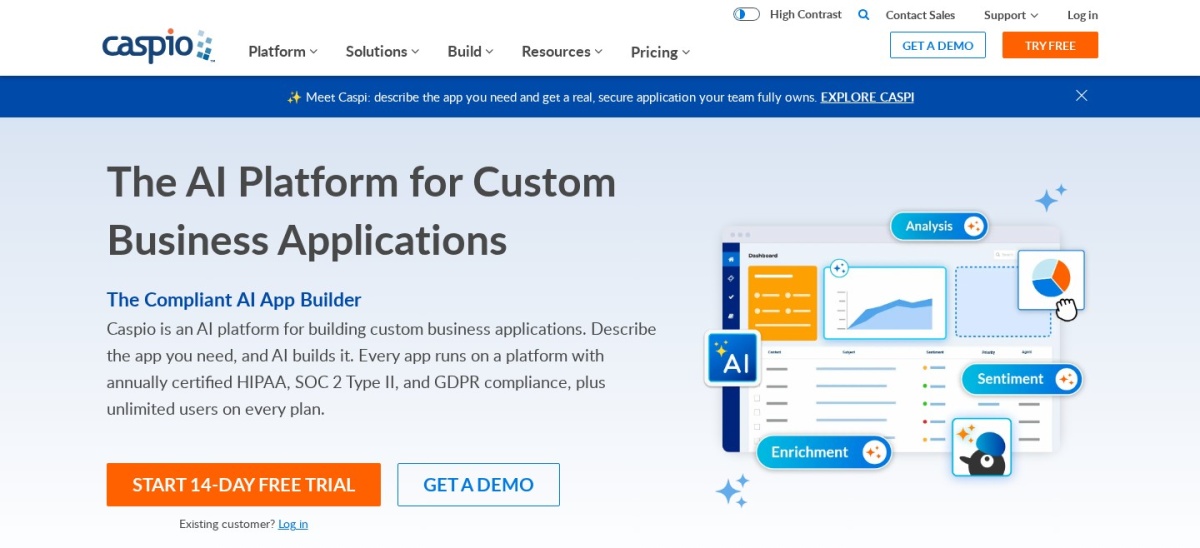
Caspio is a low-code platform for developing database applications, business portals and reporting interfaces. Its Team subscription supports unlimited application users and includes access for five application authors.
The trade off is the substantial starting subscription of $270 monthly with annual billing, compared with $300 on monthly billing. It suits organizations serving large application audiences without individual end-user licensing.
What we like
Unlimited application users
Database-driven application development
Flexible application deployment
Integrated identity management
Watch out for
High starting subscription
No permanent free plan advertised
Advanced capabilities require upgrades
Team includes production applications, identity management and automation capabilities.Visit caspio.com
07
Process Street
4.7/5on Capterra (652 reviews, checked Nov 2026)
PricingCustom/yr
Best for process automation and approvals
Startup users5
Startup guests10
Startup data records5,000
Paid planStartup, custom quote
process.st
Process Street homepage, captured Nov 2026.
Process Street is a no-code workflow platform for managing repeatable business processes, approvals and operational tasks. Its Startup package supports five users, ten guests and unlimited workflows.
The trade off is limited suitability for general-purpose application development and custom subscription pricing that requires contacting sales. It suits teams digitizing onboarding, compliance processes and recurring operational procedures.
What we like
Unlimited workflows and tasks
Configurable approval processes
Conditional workflow logic
Operational reporting capabilities
Watch out for
No publicly advertised fixed subscription price
Not a general-purpose application builder
Startup integration allowances are limited
Startup provides workflow automation, forms, approvals and operational reporting.Visit process.st
What is the difference between low-code and no-code?
No-code platforms emphasize visual configuration, making application development accessible to people without programming experience. They work particularly well for internal tools, forms, databases and standardized workflows.
Low-code platforms combine visual development with optional programming, formulas and integrations. They provide more flexibility when business requirements extend beyond predefined components.
Choose according to application complexity rather than terminology. A no-code tool may handle your requirements without additional development, while a low-code environment can accommodate more specialized logic.
How we chose
We shortlisted established application development and workflow platforms from public software directories, comparing their development features, deployment options, pricing models and suitability for different business requirements.
The editorial reference date is 22 Nov 2026. Prices and ratings were retrieved from official vendor pages and public review listings, but historical values on that exact reference date could not be independently confirmed. Annual costs use regular annual-billing rates where available.
We excluded products with inaccessible pricing, insufficient review evidence or unclear relevance. Custom pricing is retained where the vendor explicitly requires a sales quote. No vendor paid for a place, and we do not claim testing for this list.
How to choose a low-code or no-code platform
Compare platforms against your actual application requirements before selecting a subscription.
Identify your application type. Determine whether you need a customer-facing application, internal database, mobile data collection tool or automated business workflow.
Calculate the total ownership cost. Account for developers, end users, database capacity, automation runs, hosting and potential usage overages.
Review integration and security requirements. Confirm compatibility with existing business systems, authentication requirements and data access policies.
Evaluate deployment and portability. Check production publishing restrictions, application maintenance requirements and whether you can export your business data.
FAQ
What is the best low-code no-code platform?
Bubble is our overall pick for custom application development because it combines visual interface design, database management and backend workflows. AppSheet and Airtable are better starting points for businesses focused on internal operations.
Are there free low-code and no-code platforms?
Yes. Bubble, AppSheet, Airtable, Microsoft Power Apps and Formaloo offer free access to development features or basic applications. Check publishing restrictions carefully because free development environments do not necessarily support production deployment.
How much does a low-code platform cost?
AppSheet starts at $5 per user monthly, while Bubble Starter costs $32 monthly with annual billing. Total expenses depend on licensing, resource consumption, database requirements and application usage.
Can no-code platforms replace traditional software development?
No-code platforms can replace traditional development for many internal applications, customer portals and straightforward business workflows. Highly specialized software, unusual integrations and demanding performance requirements may still benefit from conventional programming.
Which no-code platform is best for small businesses?
AppSheet is a practical option for businesses organizing spreadsheet-based processes, while Airtable works well for collaborative databases. Formaloo is particularly useful when customer forms, intake processes and portals are the main requirements.
SaaS SEO and WordPress specialist with about 8 years of experience. Rakib compares WordPress plugins, themes, hosting and software using public pricing, documentation and user reviews. See how we rank.