Best App Making Software in 2026: 9 Tools Compared
WLWPLegible EditorsLast verified 24 Nov 2026How we rank12 min read
★ Short answer
Bubble is the best app making software for most builders, with a visual database, workflows and hosting from $29 a month and a free plan to start. Glide is the fastest route from a spreadsheet to an internal app at $25 a month, while FlutterFlow suits teams that want native apps with code export.
How we make this list: we compare pricing pages, product documentation and public user reviews, then re-check every price before each update. No product paid for a place. Disclosure.
Bubble is the most capable no-code builder, with a real database, workflows and hosting from $29 a month billed annually.
Glide turns a Google Sheet, Excel file or Airtable base into a working internal app in minutes, from $25 a month.
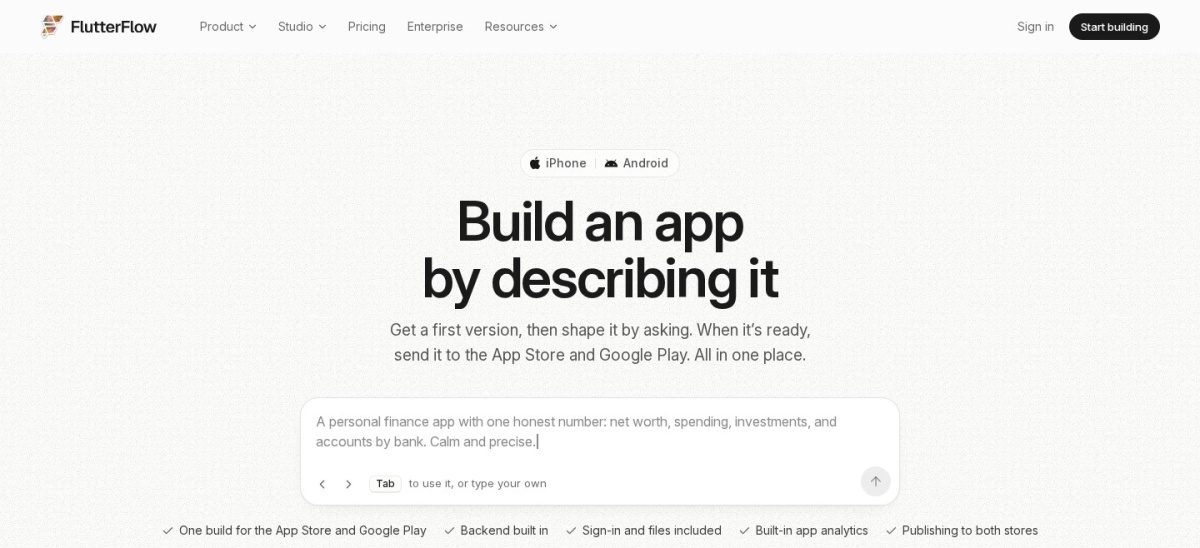
FlutterFlow builds native iOS and Android apps from one visual builder and exports real Flutter code, from $29 a month billed annually.
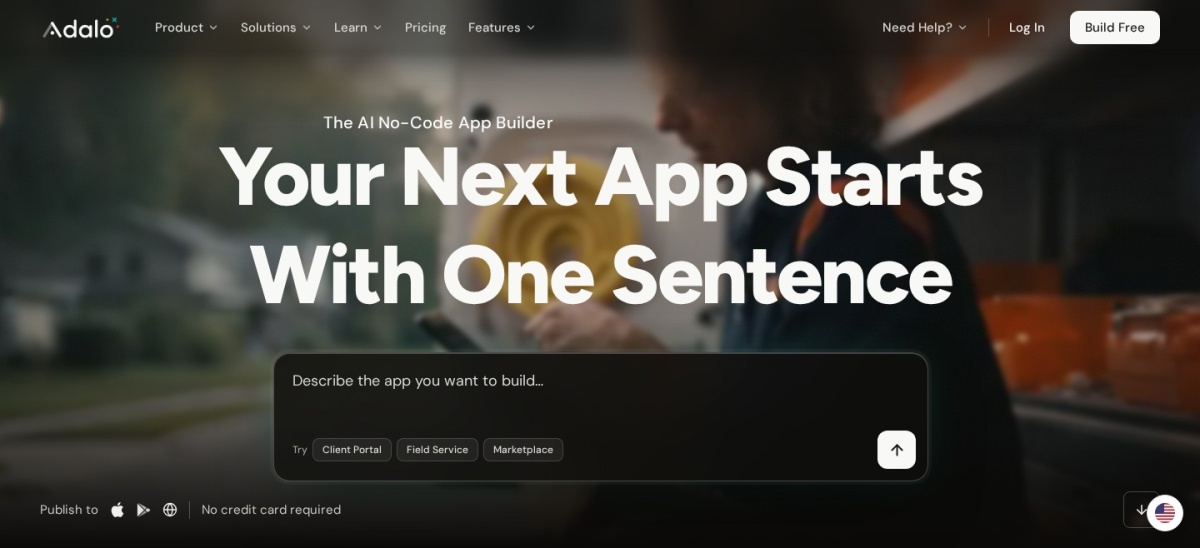
Adalo publishes native apps to both stores at a flat $36 a month, the most predictable pricing in this list.
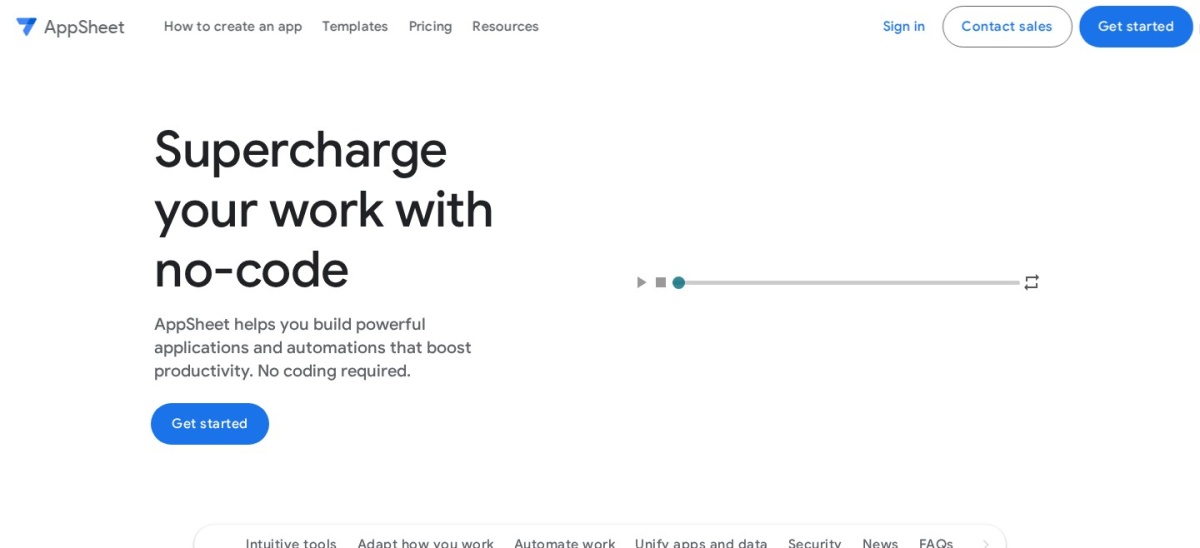
AppSheet is the cheapest entry at $5 a user a month, and suits Google Workspace teams building internal tools.
What to look for in app making software
App making software lets you build an app without writing code, using a visual editor, templates and a built-in database. The tools differ most in what they produce: a web app, a native mobile app, or both.
Native output matters if you plan to publish on the App Store or Google Play. Some tools publish real native apps, others wrap a web app, and a few only make web apps that run in a browser.
Code export is the exit strategy. If you can download the source code, you can hand the project to developers later. Without it, you are tied to the platform for as long as the app lives.
Free plans are good for learning and prototypes, but publishing to the stores and removing branding usually need a paid plan. Apple also charges $99 a year for a developer account, whatever tool you pick.
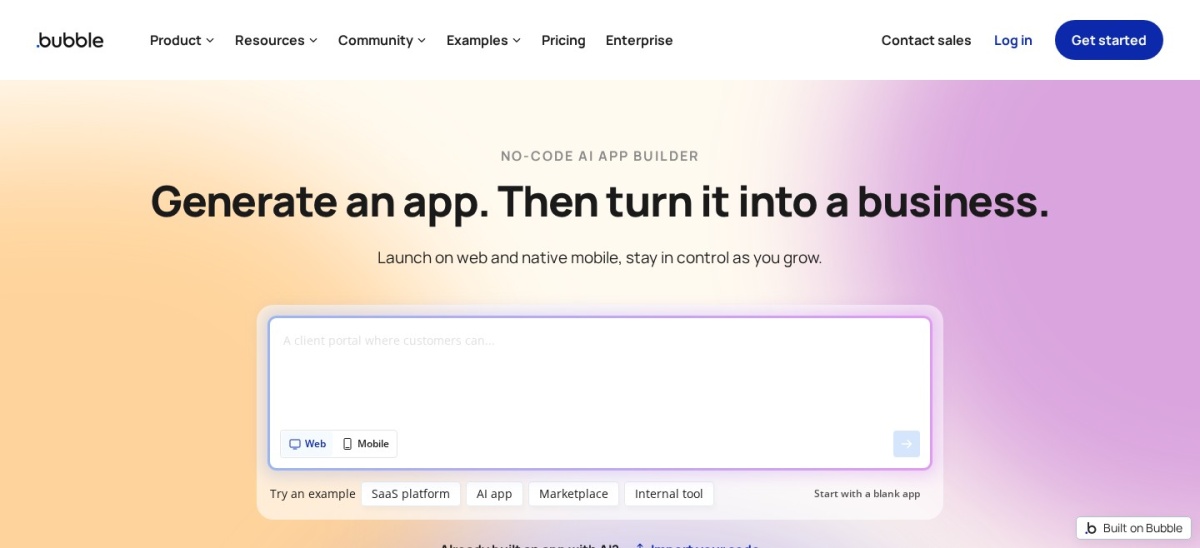
Bubble is a no-code platform for building full-featured web apps and software products without writing code. It gives you a visual programming environment with a real database, user authentication, complex workflows, API connections and hosting in one subscription, plus a marketplace of thousands of plugins. The Starter web plan costs $29 a month billed annually and includes 175,000 workload units.
The trade off is the learning curve. Bubble is the closest no-code comes to real software development, and that power takes weeks to learn. Workload units also add a usage cost on top of the plan. It suits founders and small teams building a real product with accounts, payments and logic.
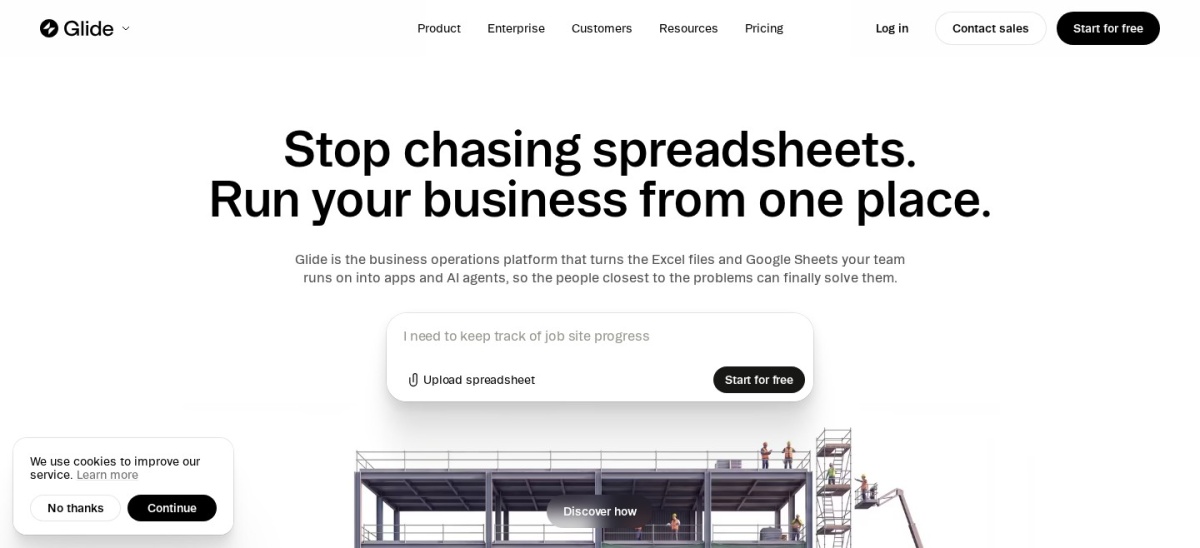
Glide is an AI platform that turns a spreadsheet or database into a polished internal app in minutes. Connect a Google Sheet, Excel file or Airtable base and get user logins, workflows and dashboards without writing code. The Basic plan costs $25 a month with 100 credits, and the new GlideOS plans start at the same $25 a month.
The trade off is output. Glide builds web apps and progressive web apps, not native store apps, and usage runs on credits, so heavy use raises the bill. It suits teams whose data lives in a spreadsheet and who need an internal tool fast.
FlutterFlow is a visual builder for native iOS and Android apps built on Google Flutter. You design on a visual canvas, connect Firebase or Supabase, and the platform generates genuine Flutter code that you can export, hand to a developer or maintain yourself. The Basic plan costs $29 a month billed annually, or $39 month to month, and includes code download and one-click store deployment.
The trade off is setup. Firebase configuration for logins, roles and data tables takes time outside the builder, and the visual logic builder still has a learning curve. It suits founders and teams who want a real native app and may later hire developers.
Adalo is a visual builder for native iOS and Android apps aimed at people who have never written code. One project publishes to both stores, with a built-in database, an AI generator and a drag-and-drop canvas. Pricing is a flat $36 a month with no caps on actions, users, records or storage, which makes budgeting predictable.
The trade off is that you cannot export source code, and the review base is thin, with 64 Capterra reviews. Publishing to the stores also needs Apple and Google developer accounts on top of the Adalo plan. It suits non-technical founders who want a simple native app at a fixed price.
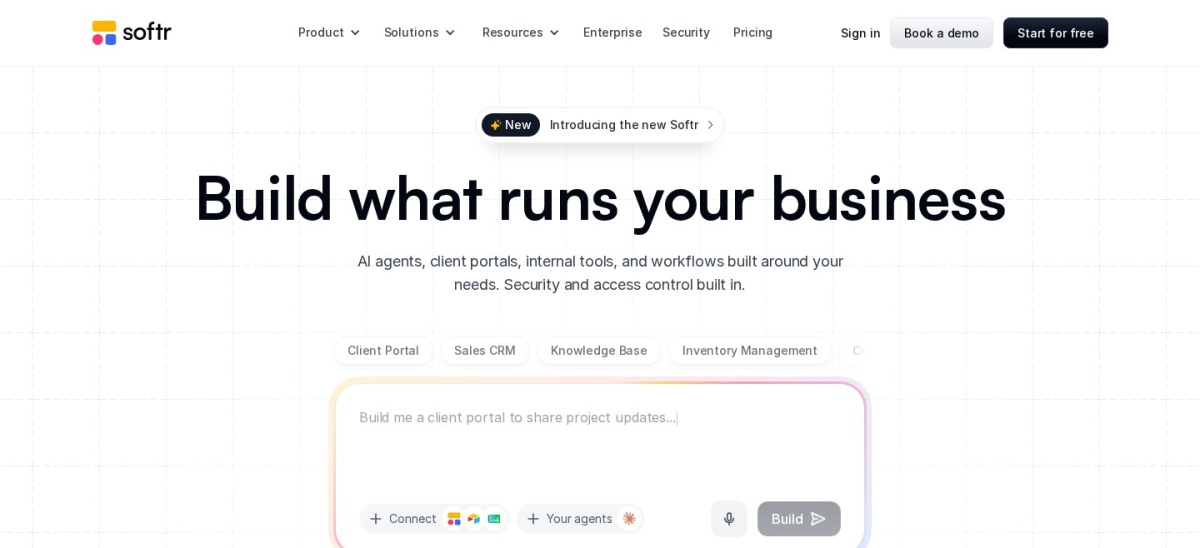
Softr is a no-code platform for building client portals, directories and internal web apps on top of Airtable or Google Sheets. It is rated 4.7 out of 5 on G2 from 737 reviews, with users praising its support and ease of setup. The Basic plan costs $19 a month billed annually and adds custom domains and more records.
The trade off is output. Softr builds web apps and portals, not native store apps, and AI credits are limited per plan, with top-ups from $10. It suits small businesses that need a portal for clients, members or staff without hiring a developer.
AppSheet is Google Cloud's no-code platform for building mobile and web apps from spreadsheets and databases. It suits field and approval apps for teams already in Google Workspace, with automation, offline capture and barcode scanning built in. The Starter plan costs $5 a user a month, the cheapest entry in this list.
The trade off is that it is an internal-tool builder, not a consumer app platform. Publisher Pro for public apps costs $50 per app a month, which adds up quickly for several public apps. It suits Workspace teams that need internal apps on their existing Google data.
Thunkable is a block-based builder for native mobile apps, aimed at beginners, students and educators. Drag-and-drop blocks define the logic, and a live test on a phone shows changes at once. The Builder plan costs $37 a month billed annually, and an AI builder can draft an app from a written description.
The trade off is depth. Database options and design customisation are more limited than FlutterFlow or Bubble, and store submission is self-managed. It suits prototypes, classroom projects and one simple production app.
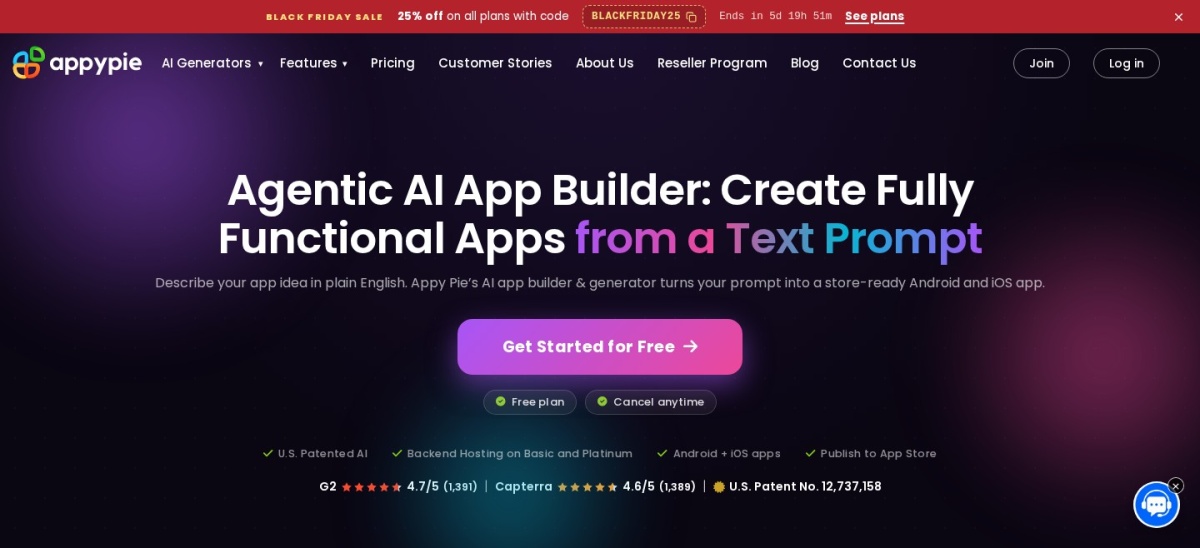
Appy Pie is an AI no-code platform that generates mobile apps and websites from a simple text prompt. It is rated 4.7 out of 5 on G2 from 1,391 reviews, the largest review base in this list, with users praising its support. The basic app builder plan costs $16 a month, the lowest price for a store app in this list.
The trade off is customisation. Appy Pie is a template and AI builder, so complex logic and custom design are limited, and store submission is self-managed. It suits small businesses that want a simple app in the stores at the lowest price.
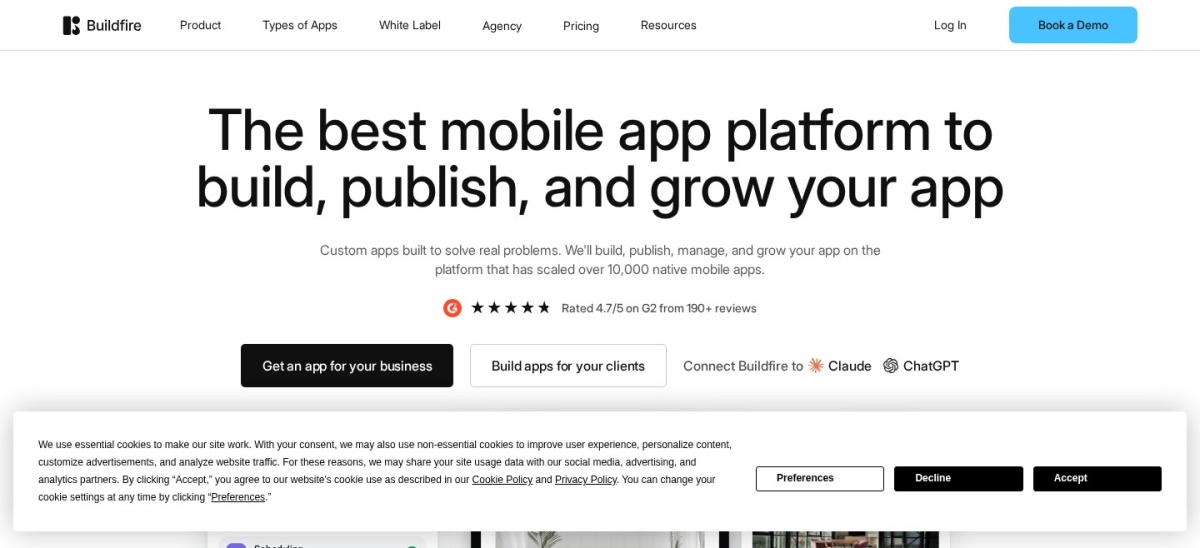
BuildFire is a managed app platform for businesses that want a native app with engagement, loyalty and commerce features without hiring developers. Its plugin marketplace covers push campaigns, loyalty, bookings and ecommerce, and managed store submission helps a business get listed without handling store paperwork alone. The Standard plan costs $165 a month.
The trade off is price. At $165 a month it is the most expensive tool in this list, and there is no free plan, only a 14-day trial. It suits established businesses that want the app built and managed for them.
A web app runs in a browser and is the fastest to ship. Bubble, Glide and Softr are strongest here, and a web app needs no store approval.
A native app is installed from a store and can use push notifications, the camera and offline storage. Adalo, FlutterFlow, Thunkable and BuildFire publish native apps.
If you need both, FlutterFlow builds one project for iOS, Android and the web from the same visual builder, with full Flutter code export.
How we chose
We started from the no-code app builders that appear most often in current comparisons and G2 categories, then kept those with a verifiable rating and a published price.
Prices come from each vendor's pricing page or vendor-supplied G2 pricing, checked on 24 November 2026. Ratings and review counts come from G2 or Capterra on the same day. Where a vendor shows a sale, the list shows the regular price.
We left out tools with no verifiable rating on G2, Capterra or Trustpilot. No vendor paid for a place, and we do not claim hands-on testing for this list.
How to choose app making software
Start with where the app will run, then check what it must do.
Decide web app or native app. A web app ships fastest. A native app needs store accounts and review, but reaches phone users and uses device features.
List the features the app must have. Logins, payments, bookings and offline use rule out the simpler builders. Check the feature list before you invest time.
Check the free plan limits. Build a small prototype first and confirm the record, user and publishing limits fit before you commit to a paid plan.
Confirm the exit options. If the app may grow into a coded product, pick a tool with code export such as FlutterFlow, or accept that a rebuild is part of the plan.
FAQ
What is the best app making software?
Bubble is the best pick for most builders, with a visual database, workflows, hosting and a plugin marketplace from $29 a month. Glide is the fastest route from a spreadsheet to an internal app, and FlutterFlow is the strongest choice for native apps with code export.
Can I make an app for free?
Yes. Bubble, Glide, FlutterFlow, Adalo, Softr, AppSheet, Thunkable and Appy Pie all offer free plans. Free plans limit publishing, records or branding, and publishing to the Apple App Store needs a $99-a-year Apple developer account.
Can I publish to the App Store without coding?
Yes. Adalo, FlutterFlow, Thunkable, Appy Pie and BuildFire publish native apps to the App Store and Google Play from a visual builder. You still need Apple and Google developer accounts, and your app must pass each store review process.
What is the cheapest app making software?
AppSheet is the cheapest at $5 a user a month, though it builds internal business apps rather than consumer apps. Softr starts at $19 a month for portals, and Appy Pie starts at $16 a month for simple store apps.
Do these tools let me export my code?
FlutterFlow is the only tool in this list with full source code export, producing real Flutter code you can hand to developers. The other builders keep your app on their platform, so switching later means rebuilding.
How long does it take to build an app with no code?
A simple directory, booking or internal tool can take an afternoon with Glide or Softr. A full product with logins, payments and complex logic takes weeks on Bubble or FlutterFlow, and the learning curve is the main cost.