Bubble is the best platform to build an app for most founders, because it handles full-featured web apps and SaaS products with a real database and workflows. Glide is the best choice for internal tools, turning a spreadsheet into a working app in minutes.
How we make this list: we compare pricing pages, product documentation and public user reviews, then re-check every price before each update. No product paid for a place. Disclosure.
Bubble is the most capable no-code platform for web apps, from $29 a month billed annually.
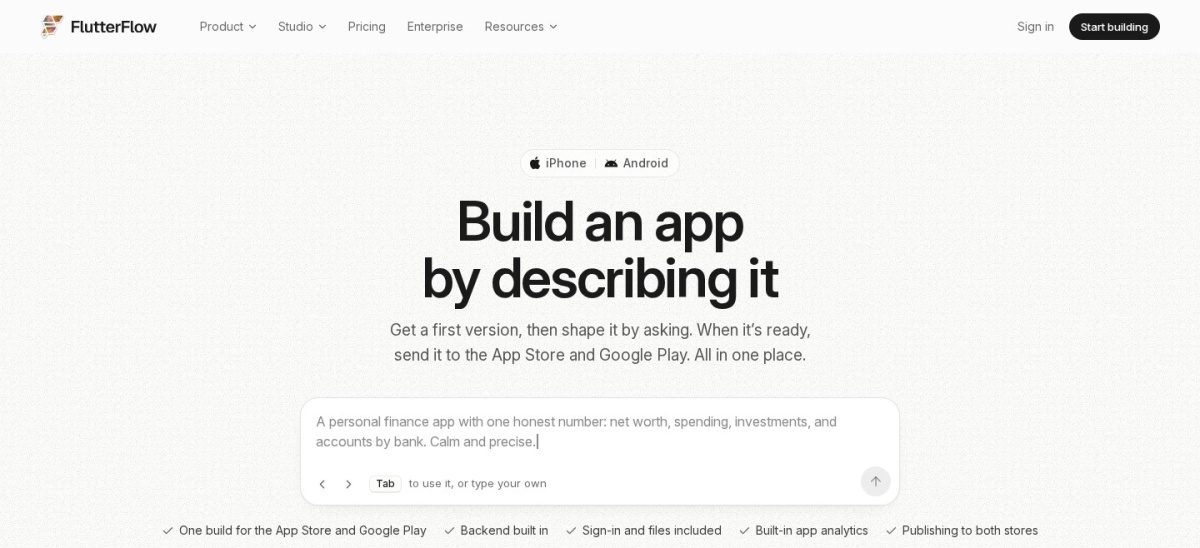
FlutterFlow is the only tool here that hands you your code, from $39 a month.
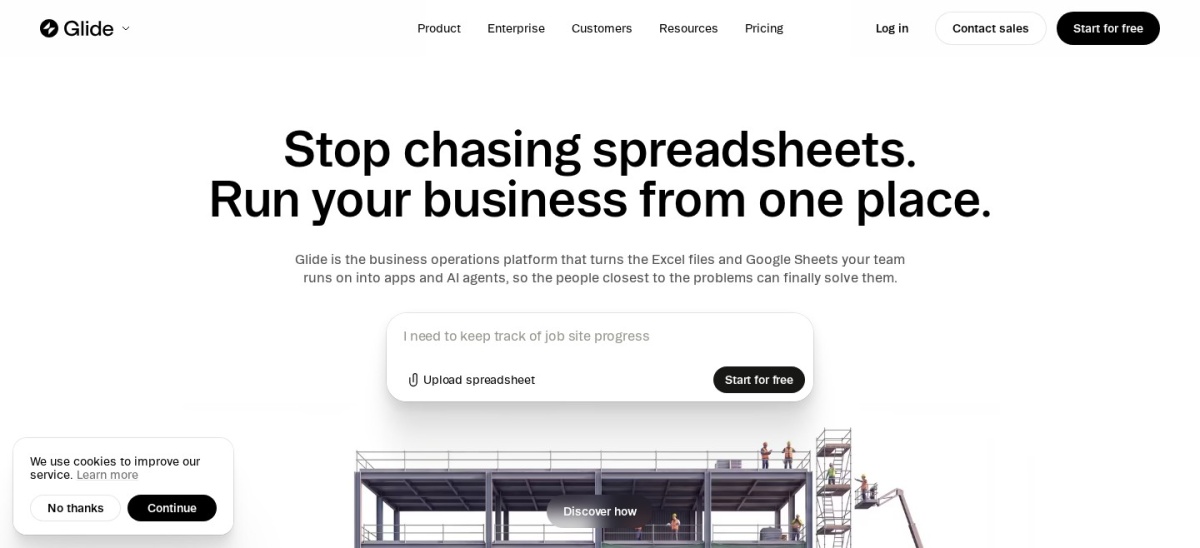
Glide turns a spreadsheet into a working internal app in minutes, from $19 a month.
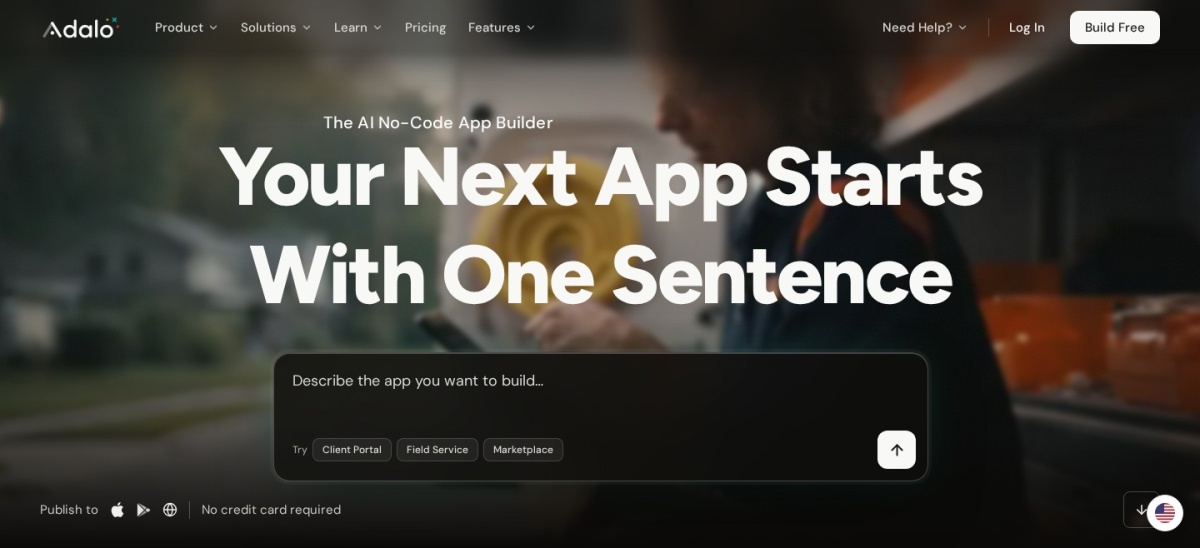
Adalo is the most approachable path to the App Store for non-technical founders, at a flat $36 a month.
OutSystems and Power Apps are enterprise picks: OutSystems sells by quote, and Power Apps costs $20 per user per month.
What to look for in a platform to build an app
App builders split into two camps: web-app and internal-tool platforms such as Bubble, Softr and Glide, and native mobile publishers such as Adalo, FlutterFlow and Thunkable. Pick the camp first, then the tool.
Pricing models differ wildly: flat-rate plans from Adalo and Softr, usage-based pricing from Bubble, and per-user pricing from Power Apps. Model your real usage before you commit, because the headline price is rarely the whole bill.
Code export matters if you ever want to leave. Only FlutterFlow hands you real code, so know your exit before you build. Our guide to low-code development platforms covers the enterprise platforms that sit above these builders.
Every platform here publishes to the web, and nearly every tool offers a free plan or trial. Start free, build a prototype, and only pay when the app is ready to go live.
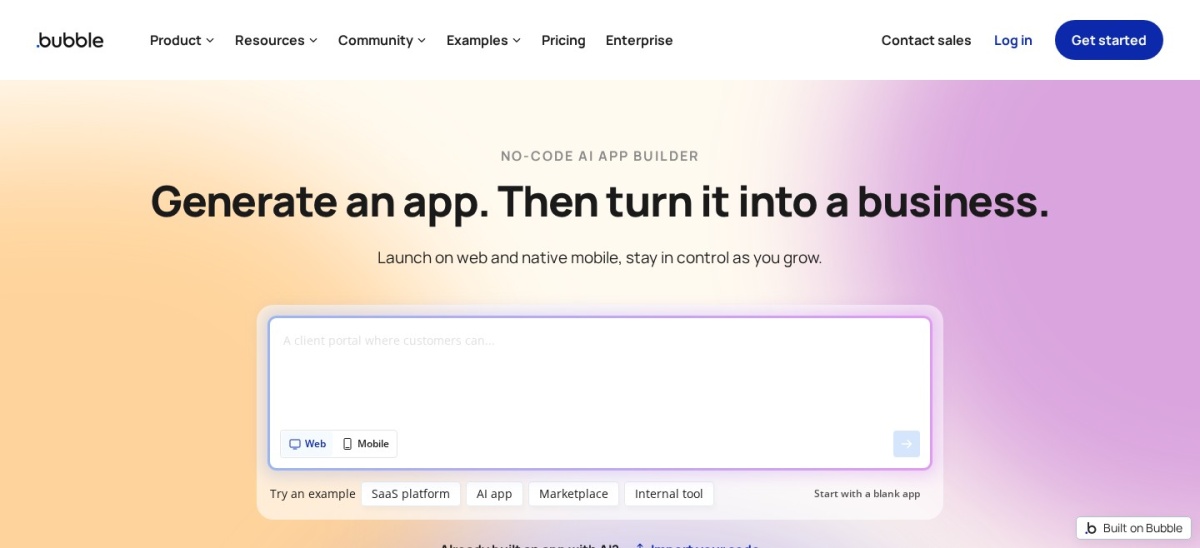
Bubble is the heavyweight of no-code web apps, with a visual programming environment, a real database, user authentication, complex workflows, API connections and a marketplace of thousands of plugins, all without writing code. People have built marketplaces, SaaS products, CRMs and booking systems on it.
The trade off is the learning curve and the billing. Bubble is powerful, not simple, and pricing runs on Workload Units, so costs scale with real usage. Starter costs $29 a month billed annually. It suits founders building a full-featured web app or SaaS MVP.
FlutterFlow is the only platform here that hands you your code. You build visually, and the platform generates real Flutter code that you can download, push to GitHub and hand to developers later. The Basic plan at $39 a month adds code download, APK download and one-click app store deployment.
The trade off is the backend. FlutterFlow connects to Firebase and Supabase for data, so you manage two services instead of one. It suits technical founders and agencies shipping real mobile products with a professional exit path.
Adalo is built for people who have never written a line of code, with a visual multi-screen canvas and Ada, an AI builder that generates a complete multi-screen app from a plain-language description. One flat rate of $36 a month covers unlimited usage with no caps on actions, users, records or storage.
The trade off is lock-in. Adalo offers no code export, so if you ever want to leave, you are rebuilding, and complex apps can hit performance limits. It suits a founder who wants to describe an idea and publish it to the App Store without developers.
Glide is built for the operator, not the founder. If your business runs on Google Sheets, Excel or Airtable, Glide turns that spreadsheet into a polished internal app with user logins, workflows and dashboards, ready in minutes rather than months.
The trade off is scope. Glide is excellent for employee tools, field operations apps and customer portals, but it is not the platform for a consumer social app or a game. Explorer costs $19 a month billed annually. It suits teams whose app starts life as a spreadsheet.
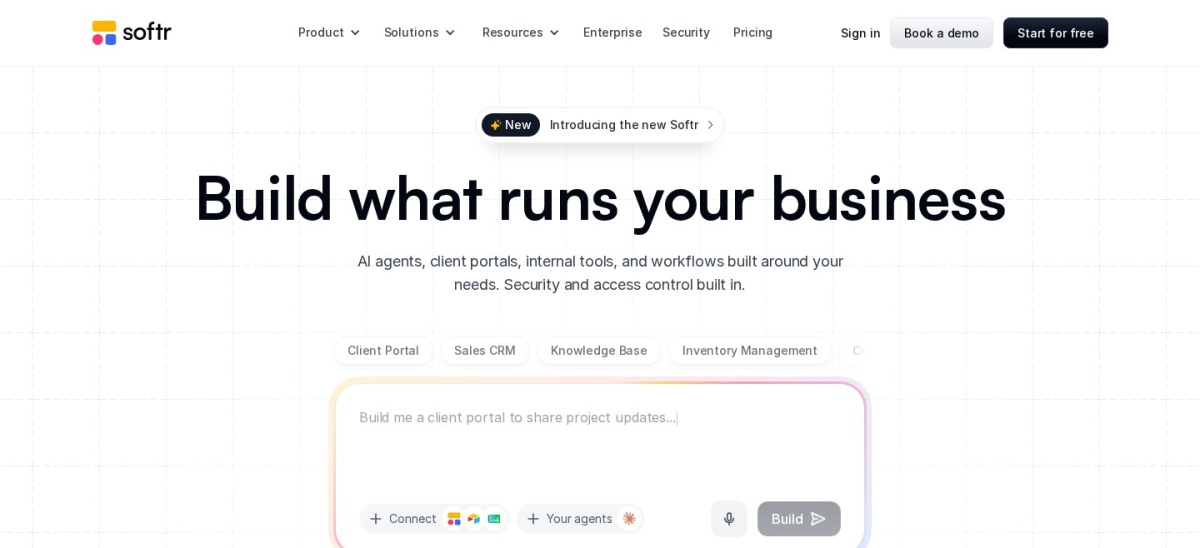
Softr is the client-portal specialist. Connect Airtable, Google Sheets, Notion, HubSpot or a SQL database, and Softr generates a secure web app where each client sees only their own data through role-based permissions. The AI Co-Builder creates the database, pages, user groups and business logic from a description.
The trade off is the platform. Softr builds web apps only, so if you need a native iOS or Android app in the app stores, look elsewhere. Basic costs $19 a month billed annually. It suits agencies and service businesses that need a branded client portal fast.
Thunkable is the gentlest on-ramp to native mobile apps on this list, with a drag-and-drop interface and visual logic blocks designed for people with zero coding background, including students. The platform has added an AI builder that generates apps from simple prompts, and you can test on your real phone as you build.
The trade off is lock-in. Thunkable offers no source code export, so your app lives on Thunkable permanently, and the free plan does not include app store publishing. Builder costs $37 a month billed annually. It suits a first app, a side project or a classroom.
Microsoft Power Apps is the default answer for companies already paying for Microsoft 365. It builds canvas apps and model-driven apps on top of Dataverse, with 1,000-plus connectors to SAP, Salesforce, SQL Server and everything else the enterprise runs on, plus governance features IT departments trust.
The trade off is the math. The Premium license costs $20 per user per month, so every person who touches your app adds $20 a month forever. It suits companies inside the Microsoft ecosystem that need enterprise-grade security and governance.
OutSystems is the enterprise end of this list, a low-code platform with AI assistance that large organizations use to build mission-critical applications: customer portals, core system modernizations and complex workflow automation with full governance, security auditing and DevOps built in.
The trade off is cost and fit. Pricing is quote-based and firmly in the enterprise tier, and the platform is designed for teams with IT departments and compliance requirements, not for a solo founder. It suits enterprises building mission-critical systems.
No-code platforms such as Bubble, Adalo and Glide need no coding at all: you build with a visual canvas, templates and drag-and-drop blocks. They suit founders and operators who want an app without hiring developers.
Low-code platforms such as FlutterFlow, Power Apps and OutSystems reward technical users with more control: custom code, API connections and governance. They suit technical teams and enterprises that need to integrate with existing systems.
The line matters because it decides who builds. A no-code tool puts the founder in charge of the build, while a low-code tool usually needs a developer or an IT team beside the business owner.
How we chose
We started from the app-building platforms with the largest G2 and Capterra review bases, then kept the eight that cover web apps, native mobile, internal tools and enterprise scale.
Prices come from each vendor's pricing page or published list price, checked in November 2026, and ratings and review counts come from G2 or Capterra on the same day. Where sources disagree on a price, the list uses the figure confirmed by the most recent vendor-page read.
We left out tools with no verifiable rating on G2, Capterra or Trustpilot, and prompt-to-code AI builders that generate code rather than apps. No vendor paid for a place, and we do not claim hands-on testing for this list.
How to choose a platform to build an app
Start with web or native, then build a prototype on the free plan before you pay.
Decide web or native first. A web app and a native app are different products. Bubble and Softr build web apps; Adalo, FlutterFlow and Thunkable publish to the app stores.
Build a prototype on the free plan. Use the free plan to build one real screen with real data. The prototype shows the learning curve faster than any demo.
Check the export and the lock-in. Only FlutterFlow hands you your code. If the platform keeps your app, be sure you are happy staying there.
Price the app at your real scale. Count your users, your data and your workload. Flat-rate plans suit unpredictable usage, while per-user plans suit small teams.
FAQ
What is the best platform to build an app?
Bubble is the best pick for most founders building a full-featured web app or SaaS product, from $29 a month billed annually. Glide is the best choice for internal tools, turning a spreadsheet into a working app in minutes.
Can I build an app without coding?
Yes. Bubble, Adalo, Glide, Softr and Thunkable all build apps without code, using visual builders and templates. FlutterFlow and Power Apps reward some technical skill but do not require it.
How much does it cost to build an app?
Entry prices run from $19 a month for Glide and Softr to $39 a month for FlutterFlow, and every tool here has a free plan. OutSystems sells by quote, and Power Apps costs $20 per user per month.
Which app builder lets me export my code?
FlutterFlow is the only tool here that generates real Flutter code you can download and hand to a developer. Bubble, Glide, Adalo, Softr and Thunkable keep your app on their platform.
Can I publish to the App Store with a no-code builder?
Yes, with Adalo, FlutterFlow and Thunkable, which publish native iOS and Android apps. Bubble, Glide and Softr build web apps, which users install from a link rather than the stores.
Is Bubble or Glide better for internal tools?
Glide is better for internal tools, because it turns a spreadsheet into a working app in minutes with user logins and dashboards. Bubble is better for customer-facing web apps and SaaS products with complex logic.
SaaS SEO and WordPress specialist with about 8 years of experience. Rakib compares WordPress plugins, themes, hosting and software using public pricing, documentation and user reviews. See how we rank.