Glide is the best app builder for most people, turning a spreadsheet into a polished business app you can share by link, backed by 820 G2 reviews. Pick AppSheet for Google-powered internal apps at five dollars a user, and Appy Pie for the cheapest route to the app stores.
How we make this list: we compare pricing pages, product documentation and public user reviews, then re-check every price before each update. No product paid for a place. Disclosure.
Glide is the top pick for most people, turning a spreadsheet into a shareable app from $19 a month.
AppSheet holds the highest G2 rating here, 4.8 from 405 reviews, and costs $5 per user a month.
Appy Pie is the cheapest route to a native app, from $16 per app a month billed annually.
BuildFire is the priciest pick at $165 a month, but its team handles store submissions.
GoodBarber's $30 plan is web-only; native apps need Premium at $55 a month billed annually.
What an app builder should do
An app builder turns an idea into an app you can install or open on a phone, without writing code. The best ones handle the design, the data and the publishing to the app stores.
Native apps live in the App Store and Google Play, while web apps run in a browser. Native publishing costs more and needs store accounts, but it reaches users where they already look for apps. Our guide to low-code platforms covers the wider market.
Check what the cheapest plan actually publishes. Several builders advertise a low price for a web-only plan, then charge far more for native apps, and some charge per app or per user.
Free plans are for learning. Most cover building and testing, but publishing, a custom domain and removing branding need a paid plan, and Apple charges $99 a year for a developer account.
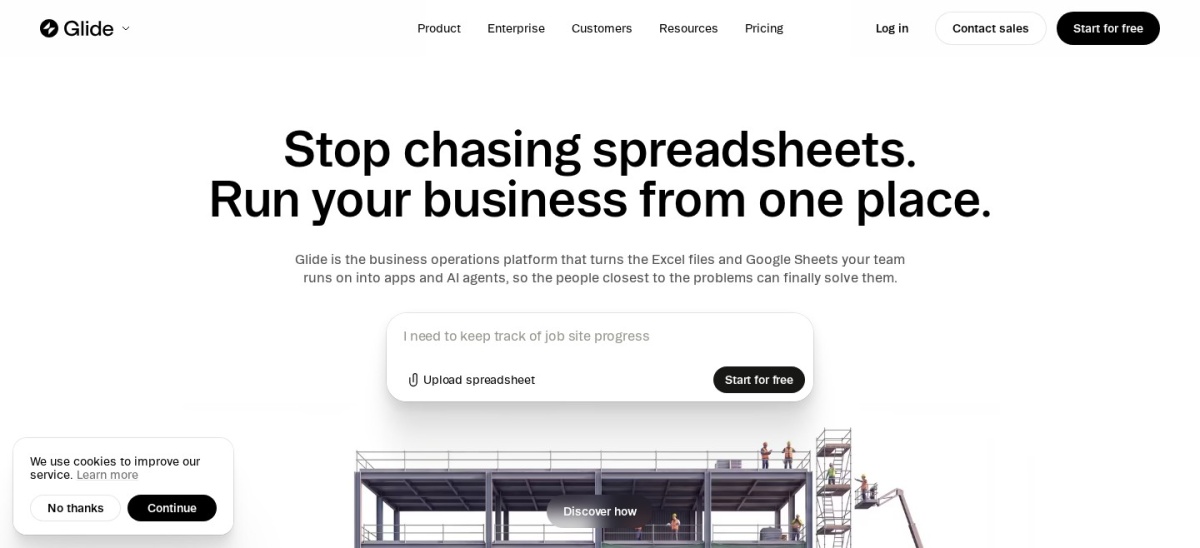
Glide is a no-code app builder that turns a spreadsheet or database into a polished business app, with templates for portals, dashboards and internal tools. It connects to Google Sheets, Airtable and Excel, and its AI features help generate screens and data from a description. The free plan covers building and testing, and Explorer adds one published app.
The trade off is the output. Glide builds progressive web apps rather than native apps, so you cannot publish to the Apple App Store or Google Play, and usage is metered by updates. It suits teams whose data already lives in a spreadsheet and who need an internal tool or portal fast.
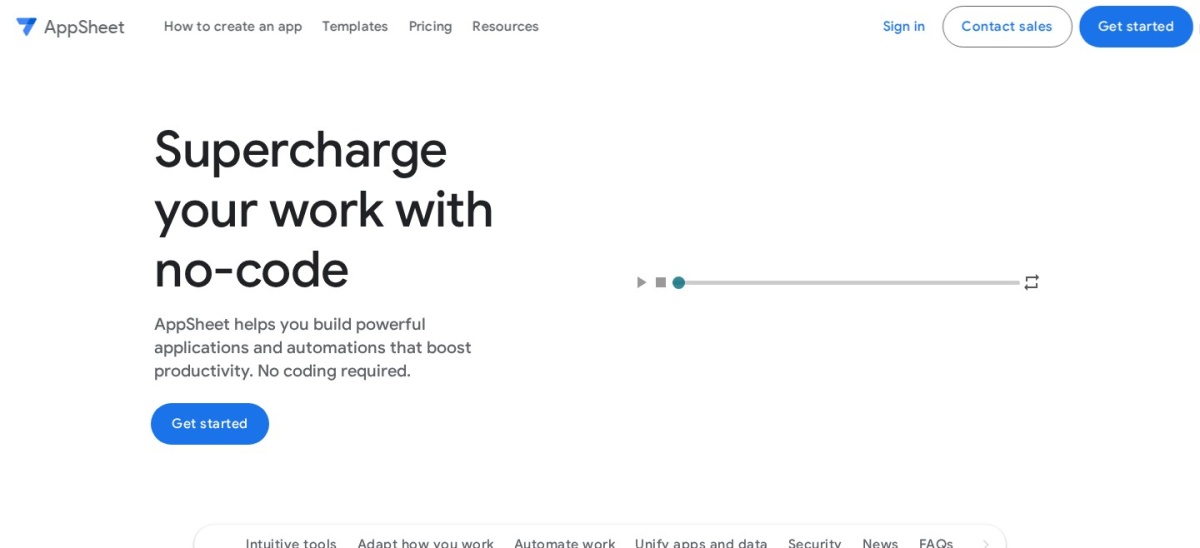
AppSheet is Google's no-code app builder, turning spreadsheets and databases into mobile and web apps for field teams and office staff. It connects to Google Sheets, Excel, SQL databases and more, with automation, barcode scanning and offline mode on paid plans. The free plan covers prototypes, and Starter adds deployed apps for $5 per user a month.
The trade off is pricing by user. Five dollars per user sounds cheap, but the bill grows with every field worker you add, and the interface looks plain next to design-led builders. It suits Google Workspace teams building internal tools for staff who already live in Sheets.
What we like
Highest G2 rating in this list, 4.8 from 405 reviews
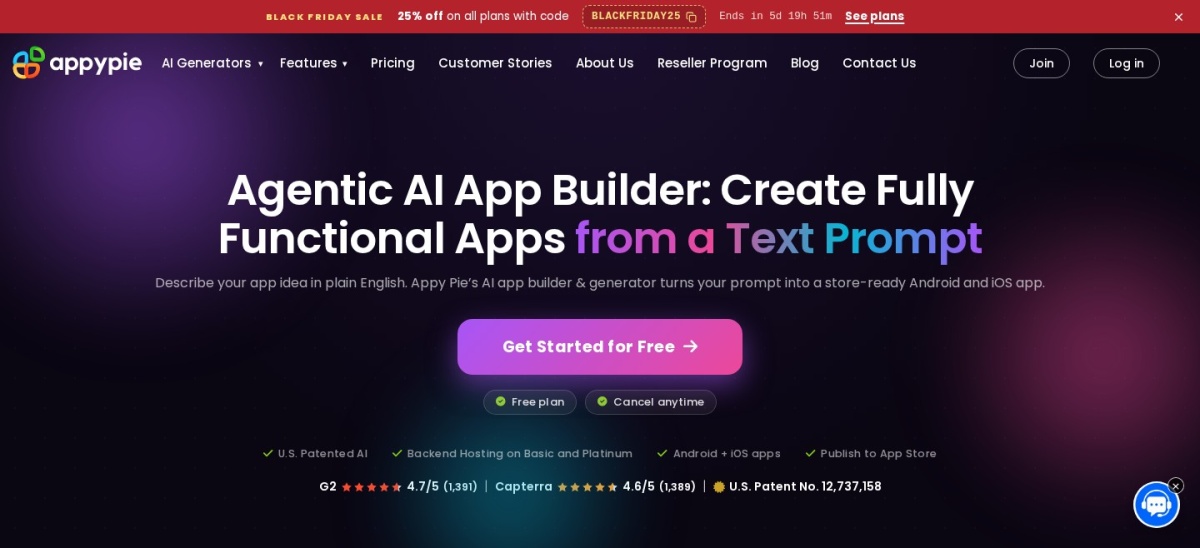
Appy Pie is a no-code app builder with an AI assistant that turns a prompt into a native Android or iOS app, with templates for stores, restaurants, churches and more. The Basic plan covers one Android app with 500 downloads and push notifications a month, and Gold adds iOS. Every app needs its own subscription.
The trade off is the per-app billing. A second app means a second subscription, so agencies and founders with several apps pay far more than the headline price, and the cheapest plan is Android-only. It suits a small business shipping one app on a tight budget.
What we like
Largest review base here, 4.7 from 1,391 G2 reviews
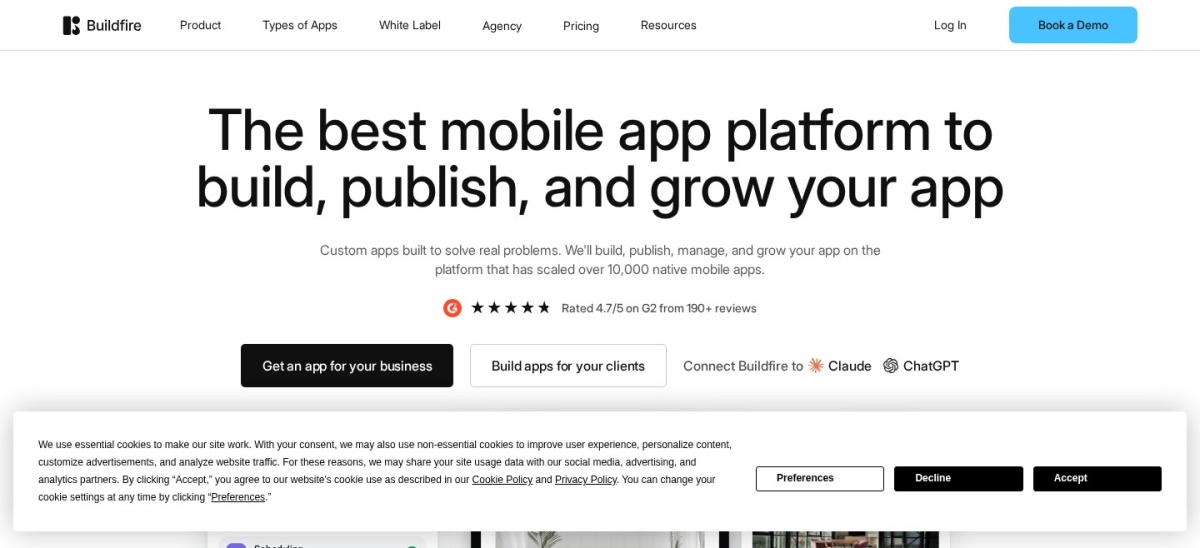
BuildFire is a no-code platform for native iOS and Android apps, built from a marketplace of more than 150 plugins for commerce, loyalty, messaging and more. Its team handles the App Store and Google Play submissions, and the Standard plan includes publishing, support and 25,000 downloads a month. There is no free plan.
The trade off is price. Standard starts at $165 a month billed annually, about eight times the middle price in this list, and in-app purchases only start on Growth at $315. It suits businesses that want a managed native app and are happy to pay for the service.
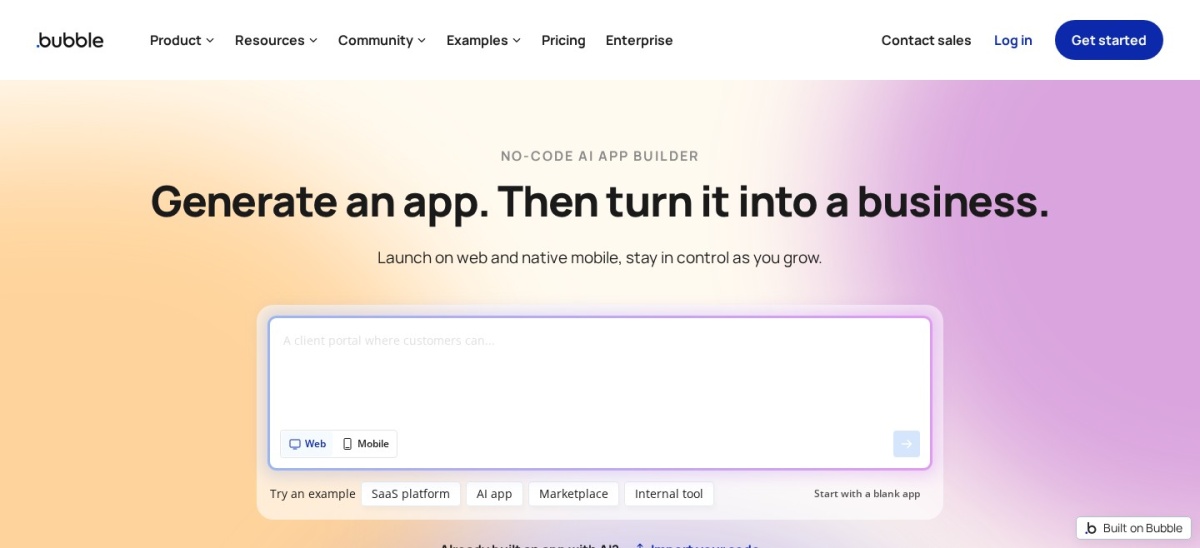
Bubble is the most capable no-code platform in this list, with a visual editor, a real database, back-end workflows and a large plugin marketplace. Its AI agent can generate a first version from a prompt, and the free plan covers building and testing. Starter adds a custom domain and a live app with 175,000 workload units.
The trade off is the learning curve. Bubble takes weeks to learn well, and its workload-based pricing can climb steeply as an app grows, with no way to export your code. It suits founders building a complex web app who want depth no simpler builder offers.
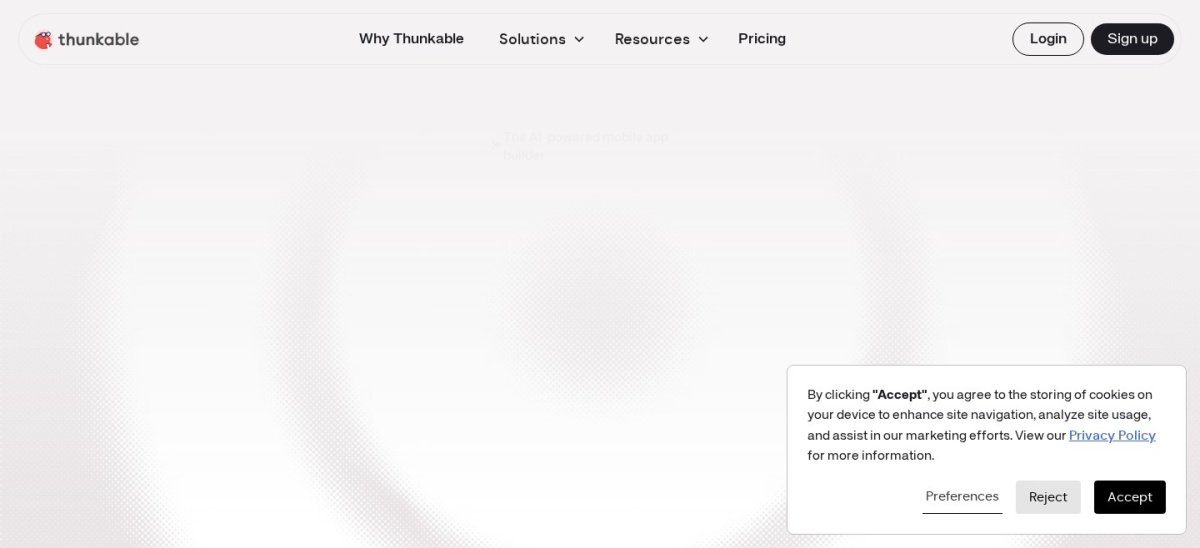
Thunkable is a drag-and-drop builder for native iOS and Android apps, with an AI assistant that generates a first version from a description. It offers hundreds of templates, live testing on your phone and publishing to both stores. The free plan covers building and testing, and Accelerator adds publishing for $18 a month billed annually.
The trade off is polish. Thunkable apps can feel template-like, and advanced features such as monetisation and custom components sit on higher plans. It suits beginners and educators who want a real native app in the stores without writing code.
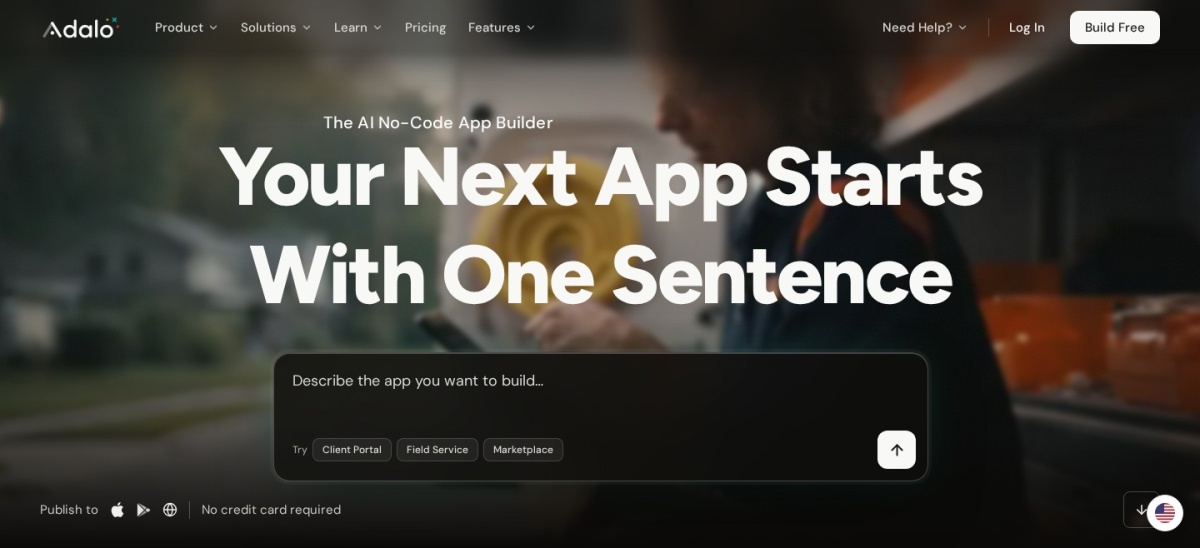
Adalo is a drag-and-drop builder for database-driven native apps, often compared to building a slide deck. It includes a hosted database, a design canvas and Ada, its AI assistant, and the Starter plan adds one published app with a custom domain and automated store publishing. Pricing is flat, with no usage charges.
The trade off is scale. Apps slow down past about 10,000 records per collection, there is no code export, and the G2 rating rests on only 7 reviews. It suits a founder shipping one simple app who values ease over power.
What we like
Easiest native builder to learn
Built-in database, no extra setup
Flat pricing with no usage charges
Watch out for
Slows past about 10,000 records
No code export at all
G2 rating rests on only 7 reviews
Starter adds one published app and store publishingVisit adalo.com
08
GoodBarber
4.3/5on G2 (88 reviews, checked Nov 2026)
Starts at$30/mo
Best for content and store apps
App typeContent and store apps
Free planNo, 30-day trial
StoresNative apps from Premium
Paid planStandard, $30/mo
goodbarber.com
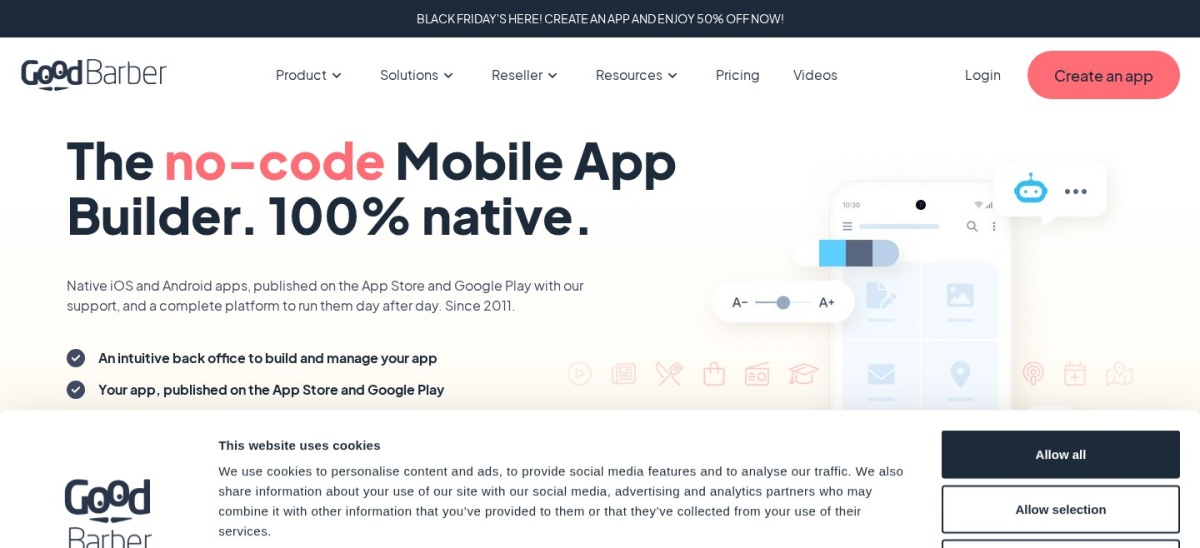
GoodBarber homepage, captured Nov 2026.
GoodBarber is a no-code builder for content and eCommerce apps, running since 2011, with separate product lines for content apps and stores. Its visual editor shows a live preview as you build, and the Standard plan covers a web app with push notifications. Native iOS and Android apps start on Premium.
The trade off is the price ladder. The $30 Standard plan is web-only, so a real store app costs $55 a month billed annually on Premium, and sign-in costs extra. It suits content publishers and small stores that want a polished app without developers.
A native app installs from the App Store or Google Play and can use push notifications, the camera and offline mode. It feels like a real app because it is one.
A web app, also called a progressive web app, opens in a browser and can be added to a home screen. It is cheaper and faster to ship, but it cannot match native features.
Pick native if your users expect an app in the store. Pick web if you need an internal tool or a first version fast, and upgrade to native later.
How we chose
We started from the app builders with the largest review bases on G2, then kept the eight with a published paid price and a real route to publishing. Each tool below has a verifiable G2 rating and review count from November 2026.
Prices come from each vendor's pricing page and G2's vendor-provided pricing, checked on 25 November 2026. Where a vendor bills annually, the list shows the annual monthly rate, and the yearly total in the price ladder.
We left out builders without a verifiable rating or a published price. No vendor paid for a place, and we do not claim hands-on testing for this list.
How to choose an app builder
Start with where the app must run, then check the publishing price, not the headline price.
Decide native or web first. If the app must be in the App Store or Google Play, only count plans that include native publishing. A cheap web-only plan will not get you there.
Count the real cost per app. Some builders charge per app, some per user and some flat. Work out the price for your number of apps and users before comparing.
Test the free plan properly. Build a real screen with your own data, not the demo. Check speed, offline behaviour and how the app looks on a phone.
Check the exit. Look for data export and, if it matters, code export. A builder with no export path means rebuilding from scratch if you leave.
FAQ
What is the best app builder?
Glide is the best app builder for most people, turning a spreadsheet into a polished business app from $19 a month, backed by 820 G2 reviews. AppSheet rates higher for Google-powered internal apps, and Appy Pie is cheapest for native apps.
How much does it cost to build an app?
Paid plans in this list run from $5 per user a month for AppSheet to $165 a month for BuildFire. Add Apple's $99 a year developer fee and Google's $25 one-time fee if you publish native apps.
Can I publish to the App Store without code?
Yes. Adalo, Appy Pie, Thunkable, BuildFire and GoodBarber all publish native apps to the App Store and Google Play from a visual builder. You still need Apple and Google developer accounts, and the stores review every submission.
Do app builders let you export your code?
Most do not. FlutterFlow and Bolt.new export code, but the builders in this list keep your app on their platform. Check data export too, so you can take your users and content with you if you leave.
What is the cheapest app builder?
AppSheet is cheapest per user at $5 a month, and Appy Pie is cheapest per app at $16 a month billed annually. Glide is cheapest for a flat-rate business app at $19 a month, with no per-user charge.
Is a free app builder enough?
For learning and testing, yes. Free plans cover building and previewing, but publishing to the stores, a custom domain and removing the builder's branding all need a paid plan on every tool in this list.
SaaS SEO and WordPress specialist with about 8 years of experience. Rakib compares WordPress plugins, themes, hosting and software using public pricing, documentation and user reviews. See how we rank.