Best AI Code Generation Software in 2026: 9 Tools Compared
WLWPLegible EditorsLast verified 22 Nov 2026How we rank15 min read
★ Short answer
Claude Code is the best AI code generation software for most developers, rated 4.7/5 on G2 from 424 reviews and included with Claude Pro at $20 a month. Pick Cursor for the best AI-first editor at $8 a month, or GitHub Copilot for the cheapest proven seat at $10 a month.
How we make this list: we compare pricing pages, product documentation and public user reviews, then re-check every price before each update. No product paid for a place. Disclosure.
Claude Code leads on G2 at 4.7/5 from 424 reviews, but its $20 Pro plan has small weekly agent limits.
Cursor is now $8 a month on Plus after the SpaceX deal, down from the old $20 Pro plan.
GitHub Copilot is the cheapest proven seat at $10 a month, with 50 million-plus users behind it.
OpenAI Codex matches Claude Code at 4.7/5 on G2 and is included in ChatGPT plans from $20 a month.
Tabnine is the only tool with no free plan at all, and JetBrains AI has the lowest G2 score in this list at 3.2/5.
What to look for in AI code generation software
AI code generation software now covers three jobs: inline completions as you type, chat that explains and rewrites code, and agents that plan and edit across many files.
The cheapest plan is rarely the whole bill. Most tools now meter agent work with credits or weekly limits, so a $10 or $20 seat can cost more in a heavy week.
Model choice matters more than the brand name. Tools that let you pick Claude, GPT or Gemini for each task age better than tools locked to one model family.
Check where your code goes before you commit. Our guide on choosing a privacy-first AI coding tool is WordPress-focused, but the same questions about code leaving your network apply here.
Claude Code is Anthropic's agentic coding tool for the terminal, desktop app and supported IDEs. It reads a codebase, plans multi-file changes, runs commands and opens pull requests, and it is included in every paid Claude plan, starting with Pro at $20 a month.
The trade off is usage limits. Pro's weekly agent windows are small enough that heavy daily use hits the ceiling fast, and real all-day work needs Max from $100 a month. It suits developers who want the strongest code output and accept a usage meter.
What we like
Highest G2 rating in this list at 4.7/5
Strongest output on multi-file refactors
Runs in the terminal, IDEs and CI pipelines
No separate subscription beyond Claude Pro
Watch out for
Pro usage limits are small for daily agent work
No free tier includes Claude Code
Limits reset weekly and are not published precisely
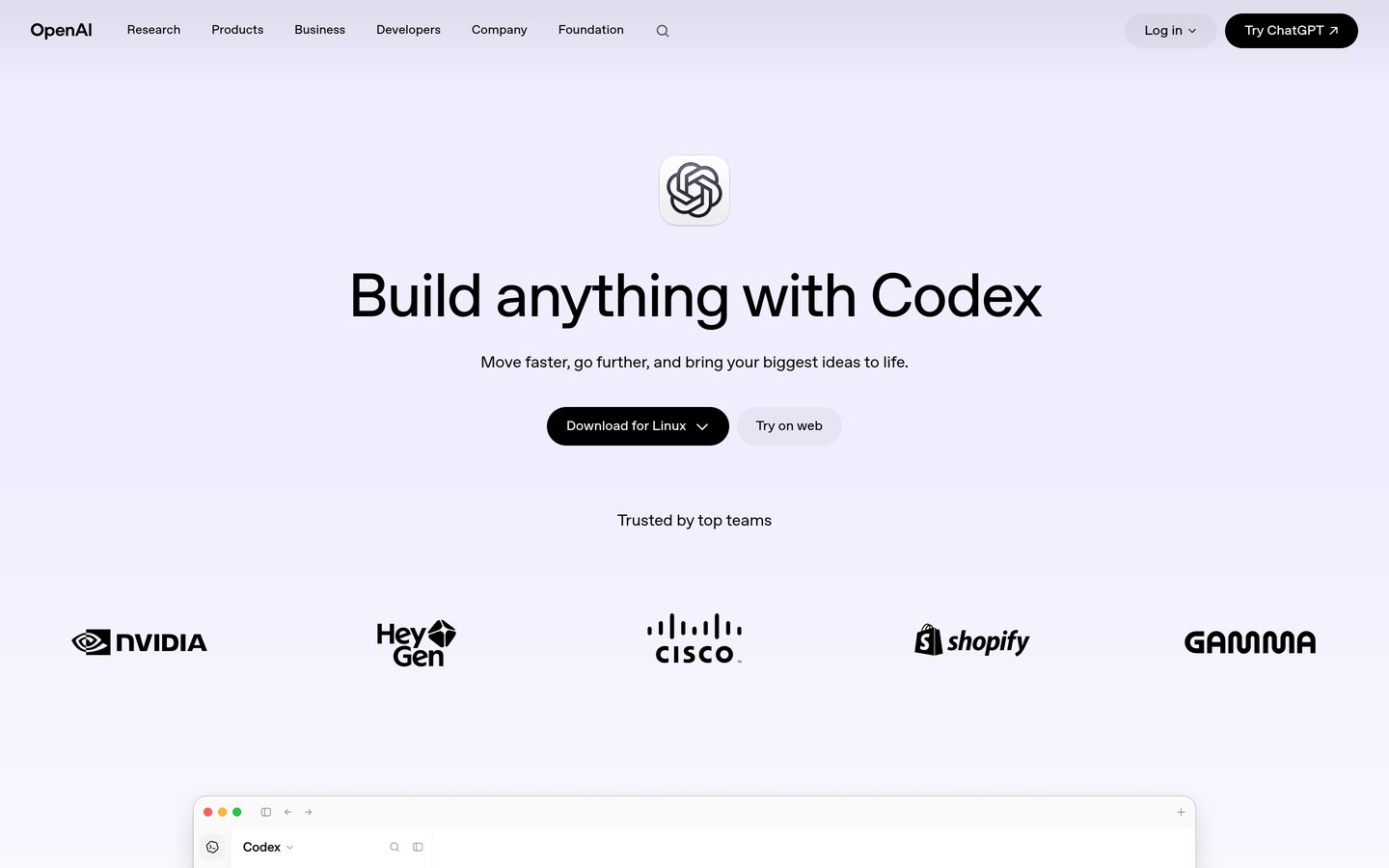
OpenAI Codex is OpenAI's agentic coding tool, included in ChatGPT paid plans from Plus at $20 a month. It reads a repository, plans multi-file changes, runs tests in a sandbox and opens pull requests, from the terminal, an IDE extension, the desktop app or the web. A cheaper Go plan at $8 a month includes Codex in some markets, and the free ChatGPT tier has a small Codex allowance.
The trade off is usage windows. Plus limits Codex messages per five-hour window, and heavy use needs credits or a Pro plan from $100 a month. It suits developers who already pay for ChatGPT and want to hand off whole tasks to an agent.
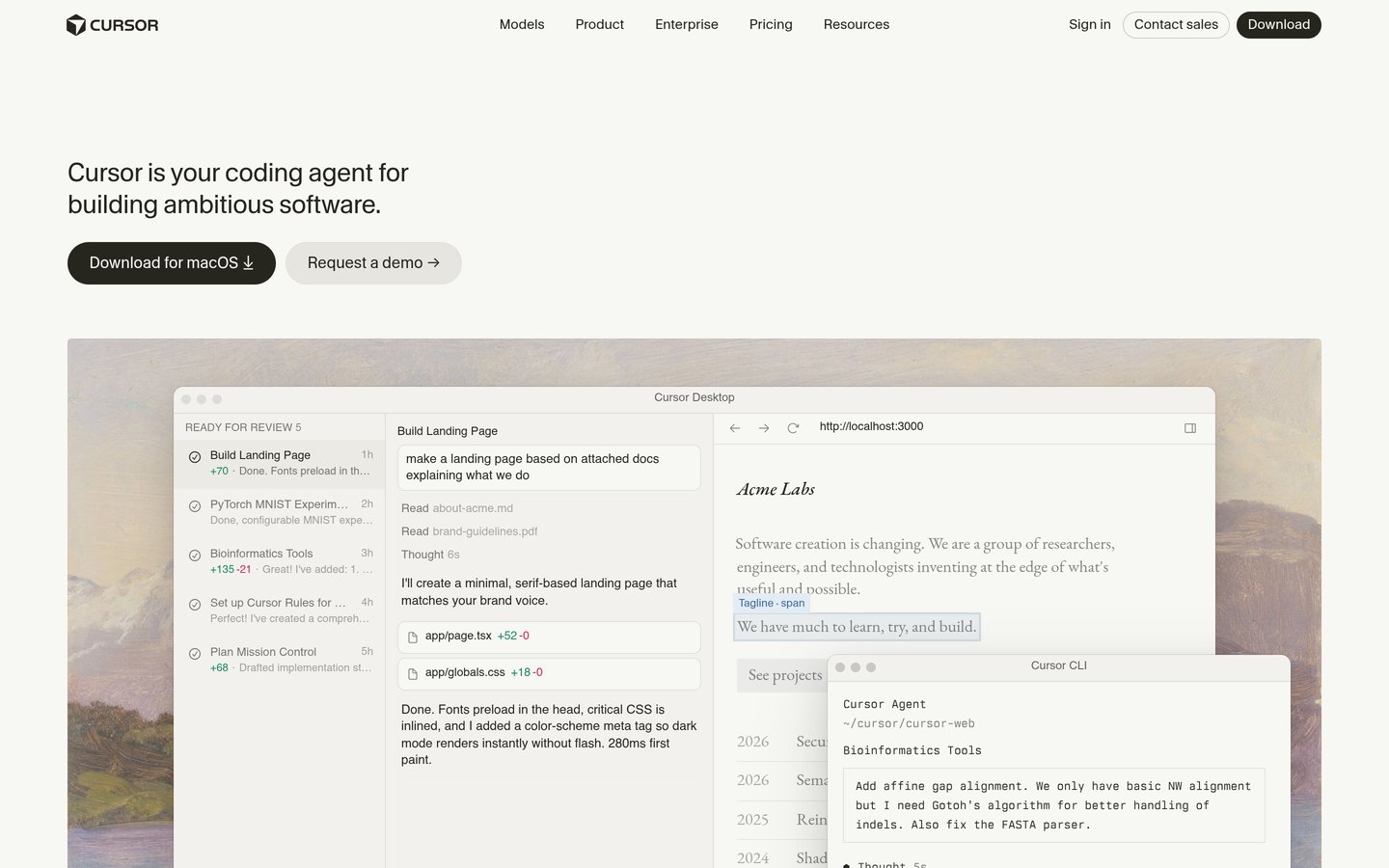
Cursor is an AI-first code editor built as a fork of VS Code, with tab autocomplete, chat and an agent mode that edits across files. The free plan includes limited agent and chat requests, and the entry paid plan is Plus at $8 a month.
The trade off is the 2026 pricing change. After the SpaceX acquisition, the old $20 Pro plan went away, Plus covers Grok models only, and third-party models on higher plans bill at API rates. It suits developers who want the best agent editor and accept Grok or a higher tier.
What we like
Best agent and multi-file editing in the category
Cheapest entry plan among the top editors
Free plan with limited agent use
Used by more than 70% of the Fortune 500
Watch out for
Entry plan is Grok-only; other models cost extra
Pricing changed twice in 2025 and 2026
Trustpilot score is very low at 1.6/5 over billing
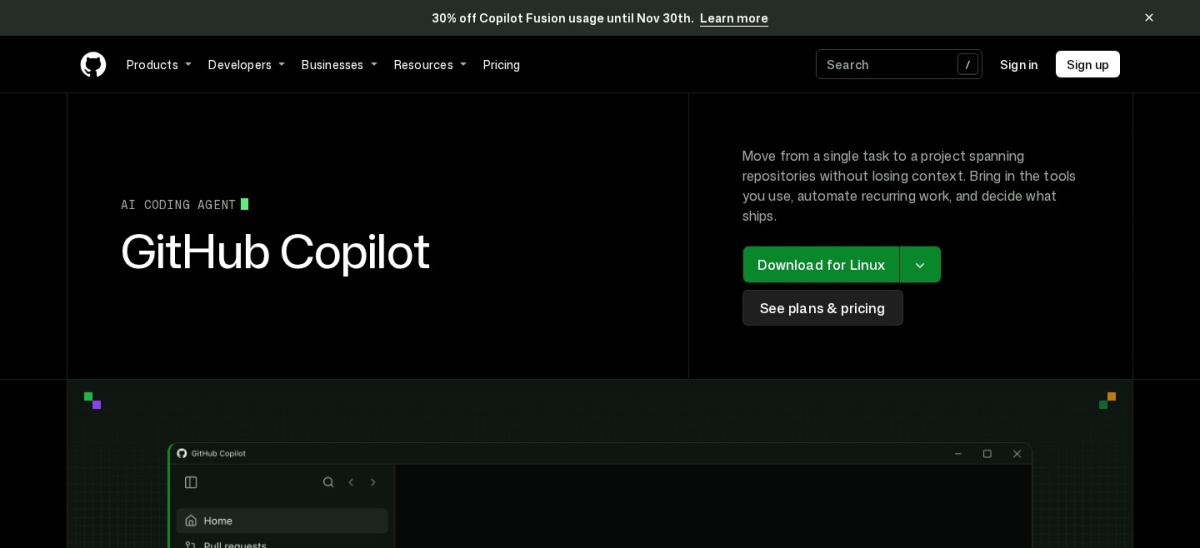
GitHub Copilot is the AI pair programmer built into GitHub, with inline completions, chat, agent mode and code review across VS Code, Visual Studio, JetBrains and other editors. The free plan allows 2,000 completions a month, and Pro costs $10 a month with unlimited completions.
The trade off is the June 2026 billing change. Chat and agent work now draw on GitHub AI Credits, so heavy agent use can add metered cost on top of the $10 seat. It suits developers who already live in GitHub and want the cheapest serious seat.
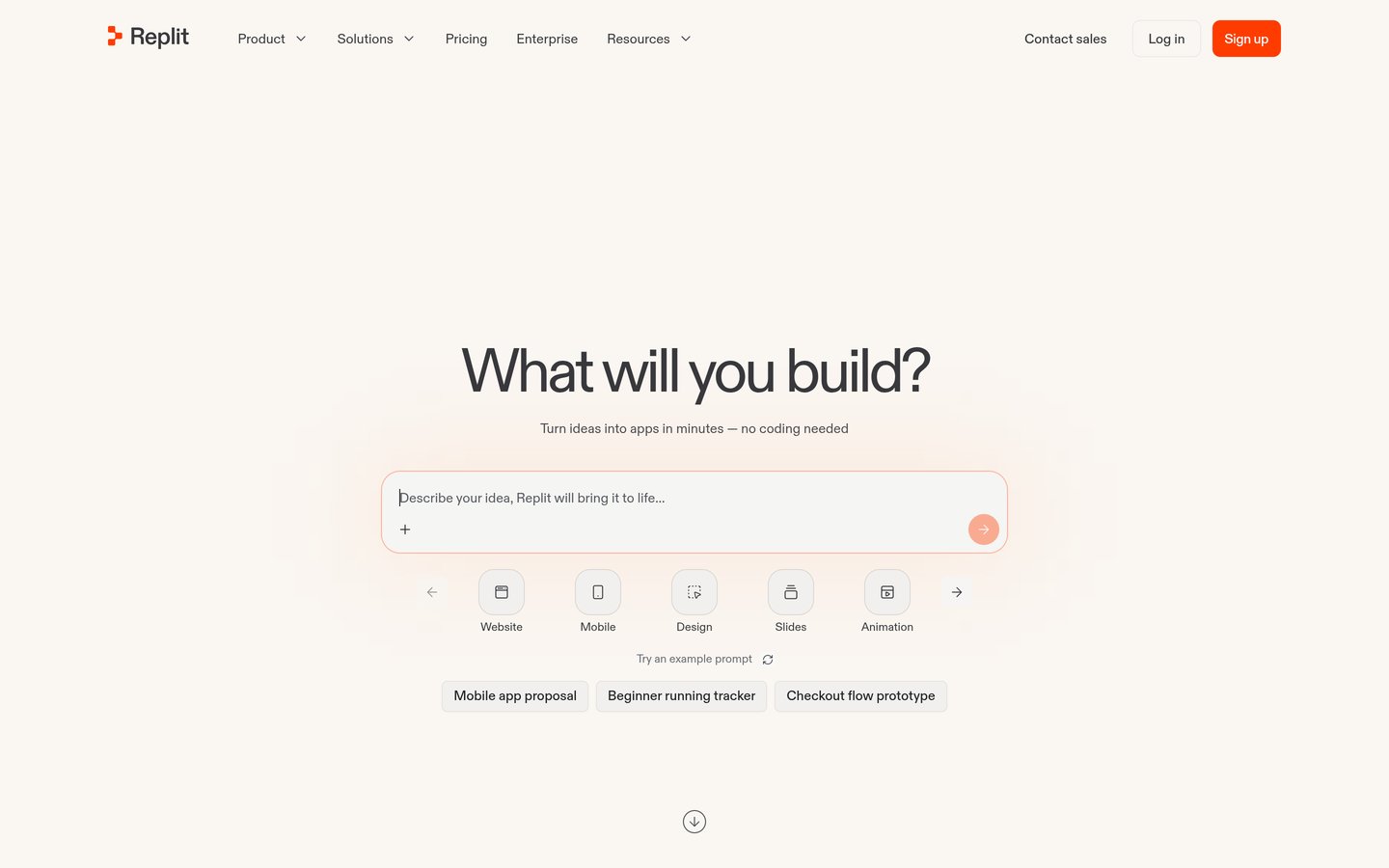
Replit is a browser-based workspace where its Agent writes, runs and publishes web and mobile apps from plain-language prompts, with databases and hosting built in. The free Starter plan includes a daily Agent allowance, and Core costs $20 a month.
The trade off is cost control. Agent work burns credits fast on larger projects, and reviewers report surprise bills and agents that break working code. It suits non-developers and fast prototypes more than large production codebases.
What we like
Fastest route from an idea to a live app
No setup: browser IDE, database and hosting in one
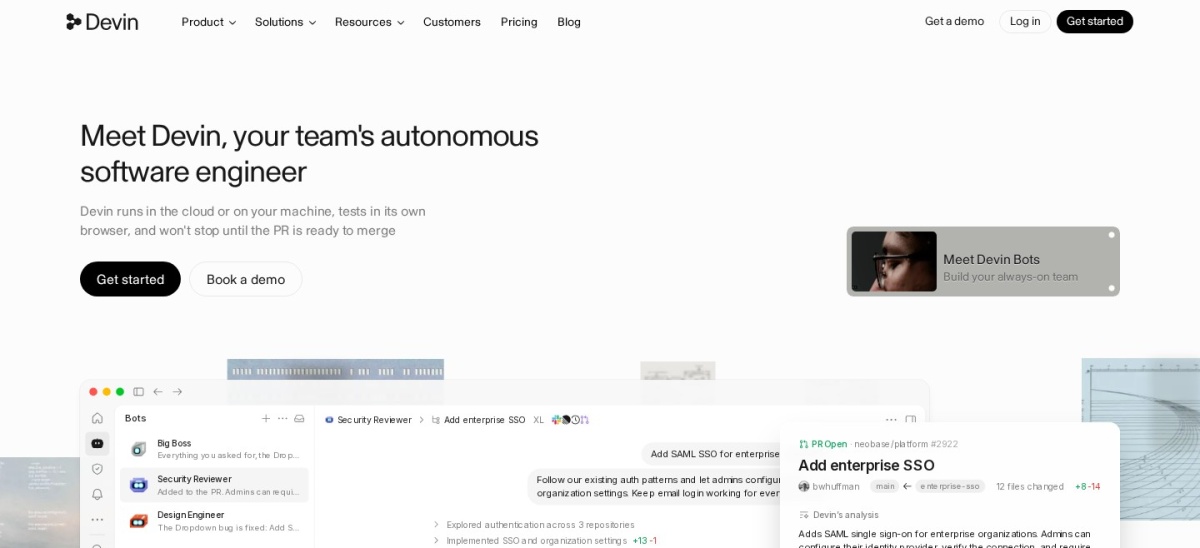
Devin Desktop is the new name for Windsurf, Cognition's AI code editor, after the June 2026 rebrand. Its Cascade agent plans and edits across files and the terminal, and it links to cloud Devin agents for background work. The free plan has a light quota, and Pro costs $20 a month.
The trade off is trust. A March 2026 switch from credits to daily and weekly quotas, with Pro rising to $20, drew heavy criticism and pushed G2 scores down. It suits developers who want Cascade's autonomy and can live with quota limits.
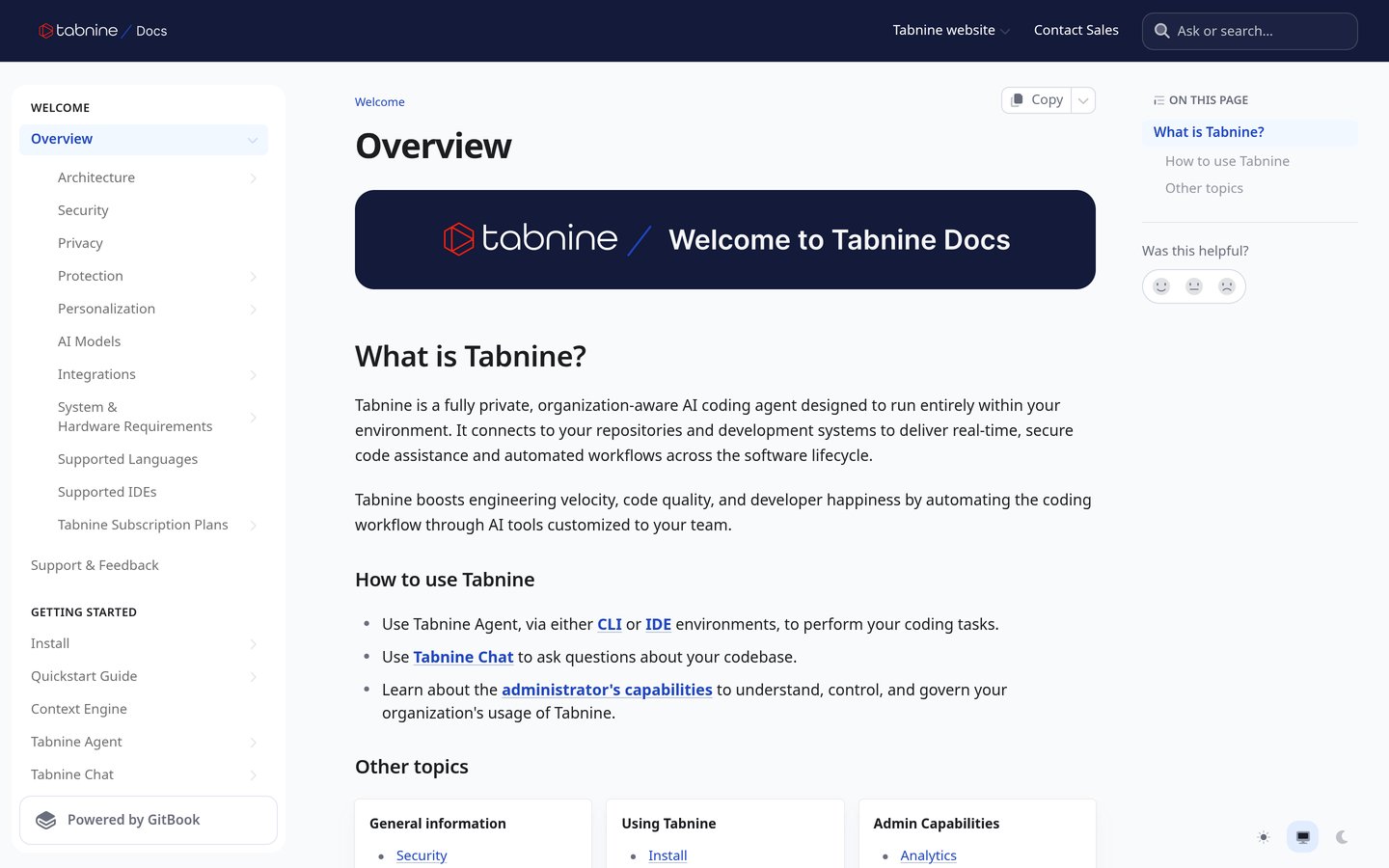
Tabnine is a privacy-first AI code assistant that runs completions and chat inside the IDE, with private, VPC and air-gapped deployment for regulated teams. There is no free plan since 2025, and Pro costs $12 per user per month.
The trade off is price for what you get. At $12 a month with no free tier, it costs more than Copilot while offering a narrower agent, and Enterprise is $59 a month. It suits banks, health and government teams where code must never leave their network.
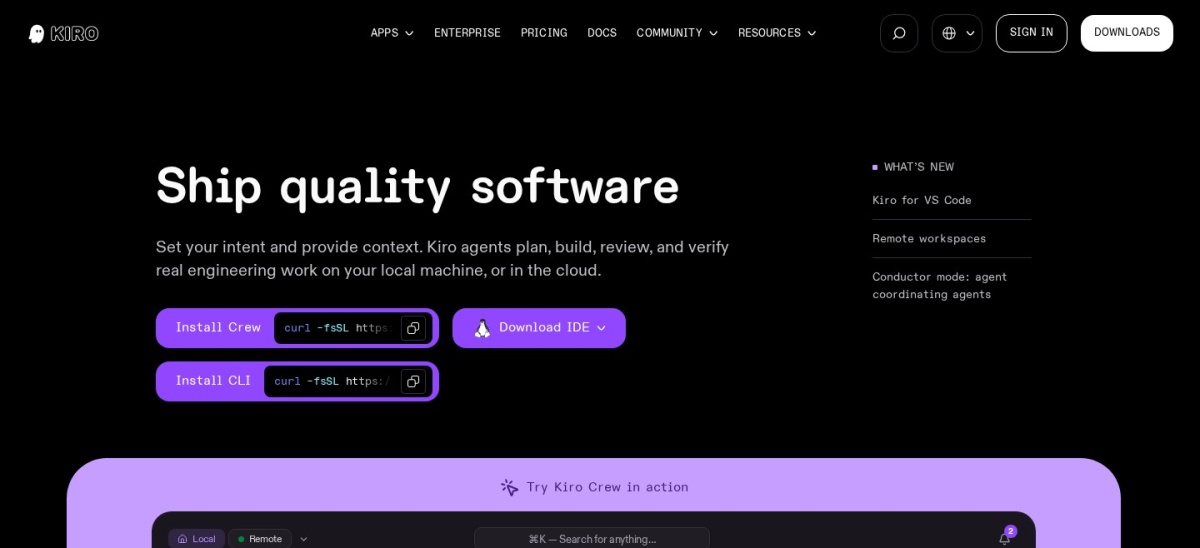
Amazon Kiro is AWS's agentic IDE and the designated successor to Amazon Q Developer, whose new sign-ups closed in May 2026. It turns a prompt into a requirements file, a design document and a sequenced task list before any code is written, and it runs on Code OSS, so most VS Code extensions carry over.
The trade off is credit billing. Pro costs $20 a month for 1,000 credits, spec-mode requests cost five times vibe-mode ones, and reviewers report fast credit burn under heavy use. It suits AWS teams who want planned, documented changes and can budget the meter.
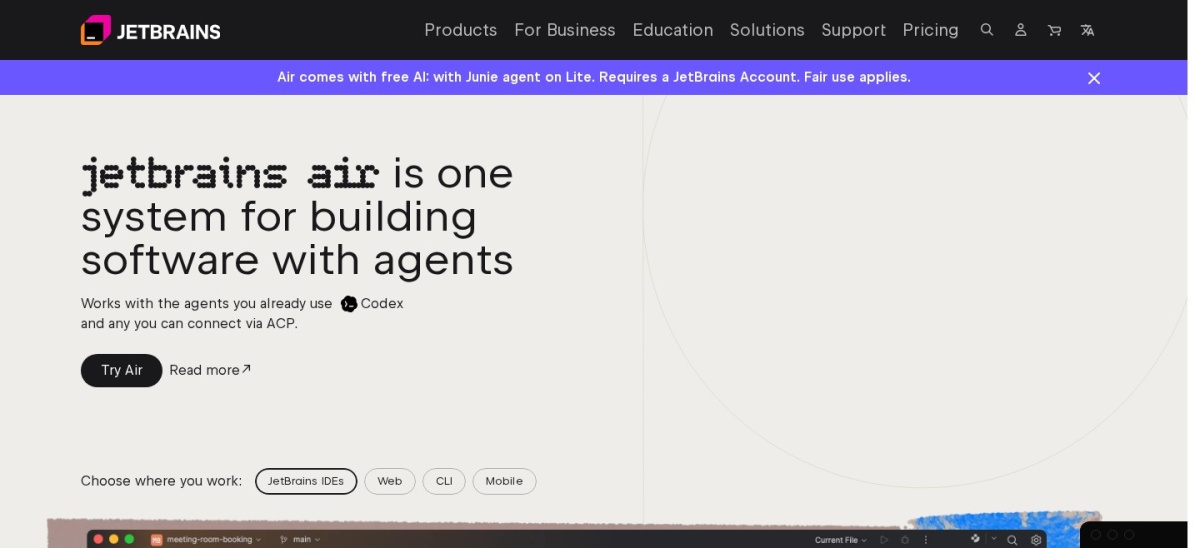
JetBrains AI is the AI layer built into IntelliJ IDEA, PyCharm, WebStorm and the other JetBrains IDEs, with completions that read the IDE's own type inference, plus chat and the Junie coding agent. The free plan includes unlimited local completion, and AI Pro costs $10 a month.
The trade off is the credit meter. Pro includes 10 AI credits a month, and agent runs burn through them fast, on top of a separate IDE subscription. It suits developers who already pay for JetBrains IDEs and want AI without switching editors. JetBrains now brands the platform as JetBrains Air, with Junie as the headline agent.
Credits and limits: the real cost of AI coding tools
Almost every tool in this list now meters agent work separately from the seat price. Copilot uses GitHub AI Credits, Cursor and Devin Desktop use weekly quotas, and JetBrains AI uses monthly credits.
Before you standardise a team on one tool, run it for two weeks on real work and watch what the meter does. A $10 seat that needs top-ups every week costs more than a $20 seat with room to spare.
Free tiers are useful for that trial, but they are shrinking. Tabnine ended its free plan in 2025, and Kiro's free tier is only 50 credits a month, so check the current terms on the vendor's pricing page.
How we chose
We started from the most-used AI coding tools in the January 2026 JetBrains developer survey and the G2 AI code generation category, then kept the nine with a verifiable rating and a published price.
Prices come from vendor pricing pages checked on 22 November 2026, or from the vendor's G2 listing or a dated secondary check where a page would not open. Ratings and review counts come from G2 on the same day. Where a vendor shows a sale, the list shows the regular price.
We left out tools with no purchasable plan, such as Sourcegraph Cody, whose individual tiers ended in July 2025, and tools closed to new sign-ups, such as Amazon Q Developer and Gemini Code Assist. No vendor paid for a place, and we do not claim hands-on testing for this list.
How to choose AI code generation software
Start with the editor and cloud you already use, then check the meter before you pay.
Match the tool to your editor. Cursor replaces your editor, Copilot and Tabnine plug into the one you have, and Claude Code lives in the terminal.
Check the free tier first. Copilot, Cursor, Kiro and Replit all let you try the real product free. Tabnine has no free plan, so budget from day one.
Read the usage limits, not just the seat price. Agent credits, weekly quotas and per-token overages decide the real monthly bill. See our guide to AI coding costs for the questions to ask.
Check where your code goes. If your employer bans code leaving the network, only Tabnine's private deployment and similar options qualify.
FAQ
What is the best AI code generation software?
Claude Code is the best overall pick, rated 4.7 out of 5 on G2 from 424 reviews and included with Claude Pro at $20 a month. Cursor is the best AI-first editor, and GitHub Copilot is the cheapest proven seat at $10 a month.
Is there a free AI code generator?
Yes. GitHub Copilot, Cursor, Amazon Kiro, Replit, OpenAI Codex, Devin Desktop and JetBrains AI all have free plans or tiers. Tabnine ended its free plan in 2025, and Claude Code is not included on Claude's free plan.
How much does AI code generation software cost?
Paid plans in this list run from $8 a month for Cursor Plus to $20 a month for Claude Code, Replit Core, Devin Desktop Pro and Kiro Pro. Most tools add metered usage on top of the seat price for heavy agent work.
Which AI coding tool is best for beginners?
Replit is the easiest starting point because the whole workspace, database and hosting live in the browser. GitHub Copilot is the best cheap option for beginners who already write code in VS Code.
Can AI code generation tools work offline?
Most cannot, because they call cloud models. Tabnine is the exception in this list, with local models and air-gapped deployment for teams whose code must never leave their network.
Is GitHub Copilot better than Cursor?
Copilot costs $10 a month against Cursor's $8 Plus plan, which is Grok-only, and Copilot works in more editors. Cursor wins on agent depth and multi-file editing, and it is the better pick if you want an AI-first editor rather than a plugin.