Best Low Code Development Platforms in 2026: 9 Tools Compared
WLWPLegible EditorsLast verified 23 Nov 2026How we rank12 min read
★ Short answer
OutSystems is the best low code development platform for most teams, rated 4.5 out of 5 on G2 from 1,802 reviews. Pick Microsoft Power Apps if your team already uses Microsoft 365, and Retool for developer-built internal tools.
How we make this list: we compare pricing pages, product documentation and public user reviews, then re-check every price before each update. No product paid for a place. Disclosure.
OutSystems leads on scale, with a 4.5 out of 5 G2 rating from 1,802 reviews, but paid plans start at $36,300 a year.
Mendix is the closest rival for enterprise apps, with a free plan for prototypes and Standard from $1,090 a month.
Microsoft Power Apps is the cheapest enterprise entry here at $20 per user a month, and it fits Microsoft 365 teams best.
Retool and Zoho Creator are the cheapest paid starts, at $10 and $8 per user a month.
Glide and Softr score highest on G2 at 4.7 out of 5, but both build a narrower kind of app than the enterprise platforms.
What a low code platform should cover
A low code platform lets you build apps with visual models, drag-and-drop screens and ready-made connectors instead of writing every line of code by hand.
The best platforms cover the full life of an app: building, testing, deployment, user management and monitoring. Some stop at the front end and need another tool for the rest.
Pricing is where the list splits. Enterprise platforms charge by app or by platform, while small-team tools charge per user or per month. Our guide on page builder market share shows how builder pricing shapes the market.
A free plan is useful for learning, but check what it allows. Some free plans support a live app, while others are for prototypes only.
OutSystems is an enterprise low code platform for building web and mobile apps with visual modelling, workflows and integrations. The free Personal Edition supports up to 100 users and one runtime environment for learning and small apps. Paid plans add separate test and production environments, DevOps automation and support.
The trade off is price. The paid Developer Cloud plan lists at $36,300 a year, which puts it out of reach for small teams and solo builders. It suits larger teams that need to ship many apps fast and can spread the cost across a portfolio.
What we like
Highest review count in this list, at 1,802 G2 reviews
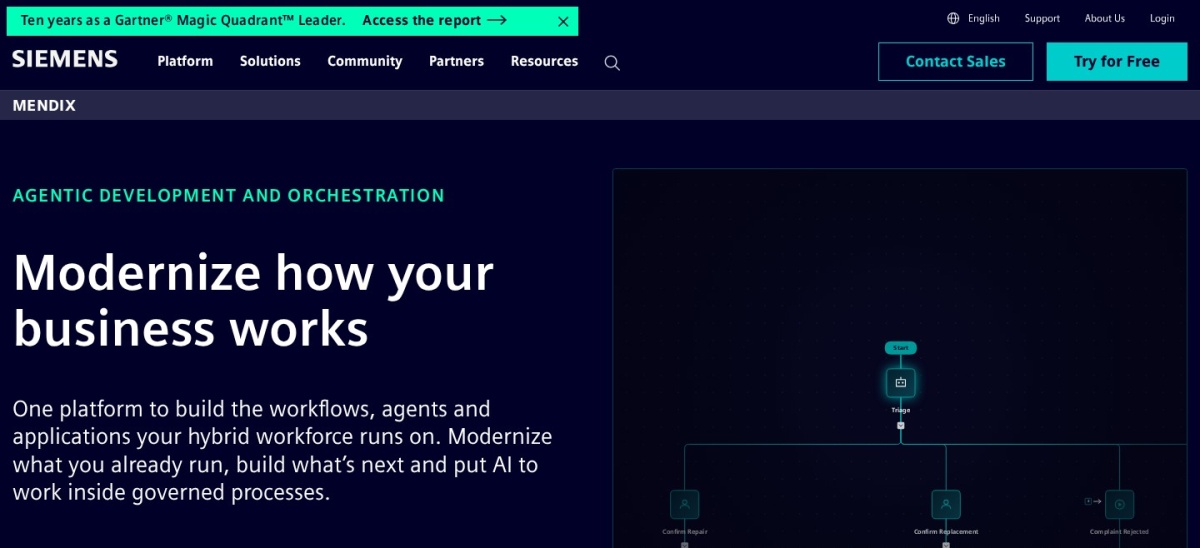
Mendix is a low code platform from Siemens for building department and company-wide apps with visual models, reusable components and AI help. The free plan covers prototypes and small apps with cloud hosting and unlimited users. Standard adds a 99.5% uptime guarantee and more deployment choices.
The trade off is the jump to paid. Standard starts at $1,090 a month for one app, so a single small app is costly, and cloud resources are priced separately. It suits teams that plan several apps and want one platform for the full life cycle.
What we like
Free plan includes the full builder for prototypes
Many deployment options, including Azure and Kubernetes
Reusable components and AI assistance
Rated 4.4 out of 5 on G2
Watch out for
Standard starts at $1,090 a month for one app
Cloud resources are priced separately
Setup takes effort for complex apps
Standard adds uptime guarantees and deployment choiceVisit mendix.com
03
Microsoft Power Apps
4.3/5on G2 (572 reviews, checked Nov 2026)
Paid from$20/mo
Best for Microsoft 365 teams
Free planYes, Developer Plan
Paid planPremium, $20/user/mo
Data sourcesSharePoint, Teams, Dataverse
Premium connectorsPaid plan only
microsoft.com
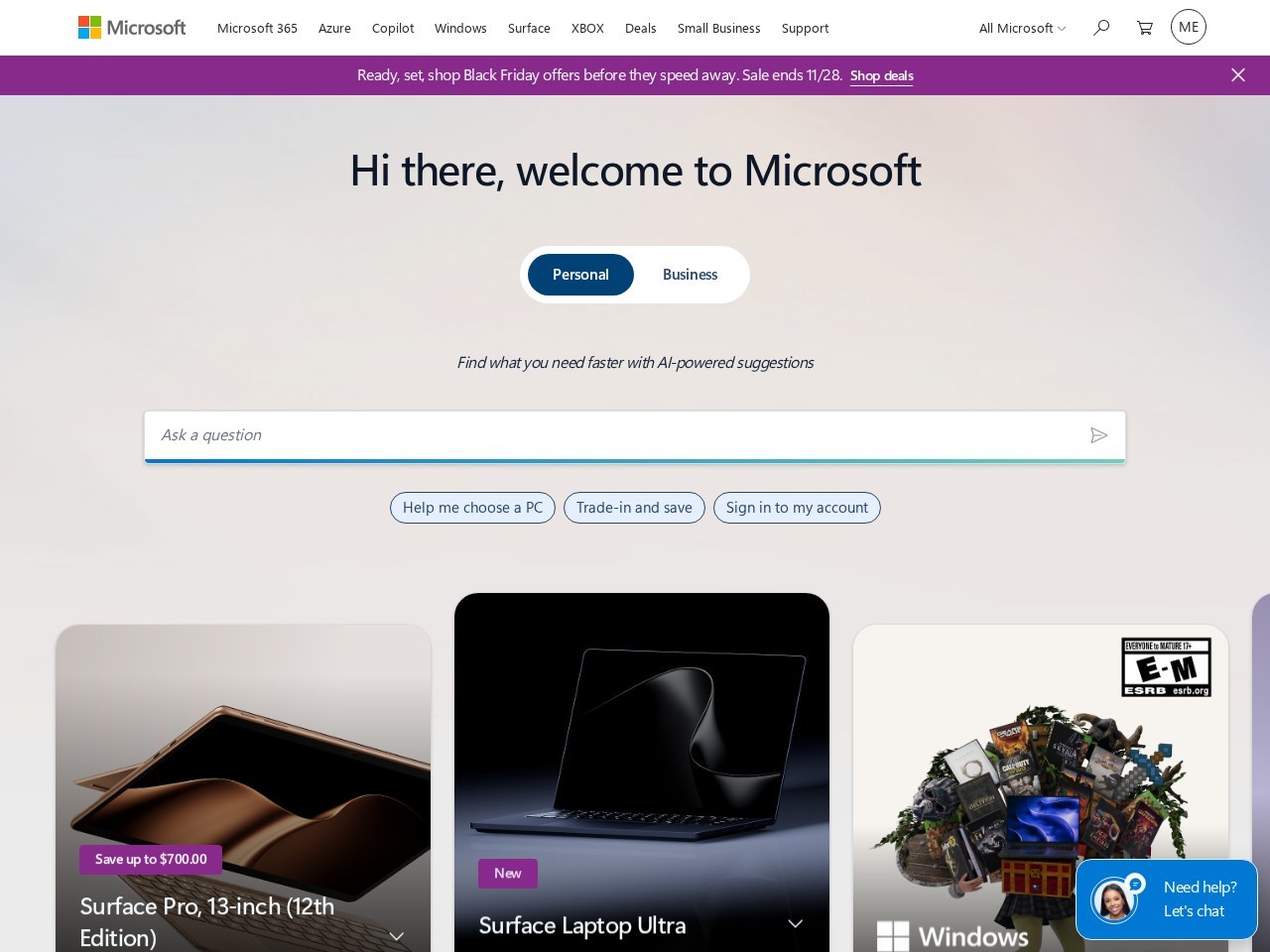
Microsoft Power Apps homepage, captured Nov 2026.
Microsoft Power Apps is a low code builder inside the Microsoft Power Platform for apps that run on SharePoint, Teams and Dataverse data. The free Developer Plan is for one user to learn and build. Premium at $20 per user a month adds unlimited apps, premium connectors and production environments.
The trade off is licensing. Costs rise fast across a large team, and many connectors sit behind Premium, so the bill needs care. It suits teams already on Microsoft 365 that want apps close to the data and tools they use every day.
What we like
Cheapest enterprise entry here at $20 per user a month
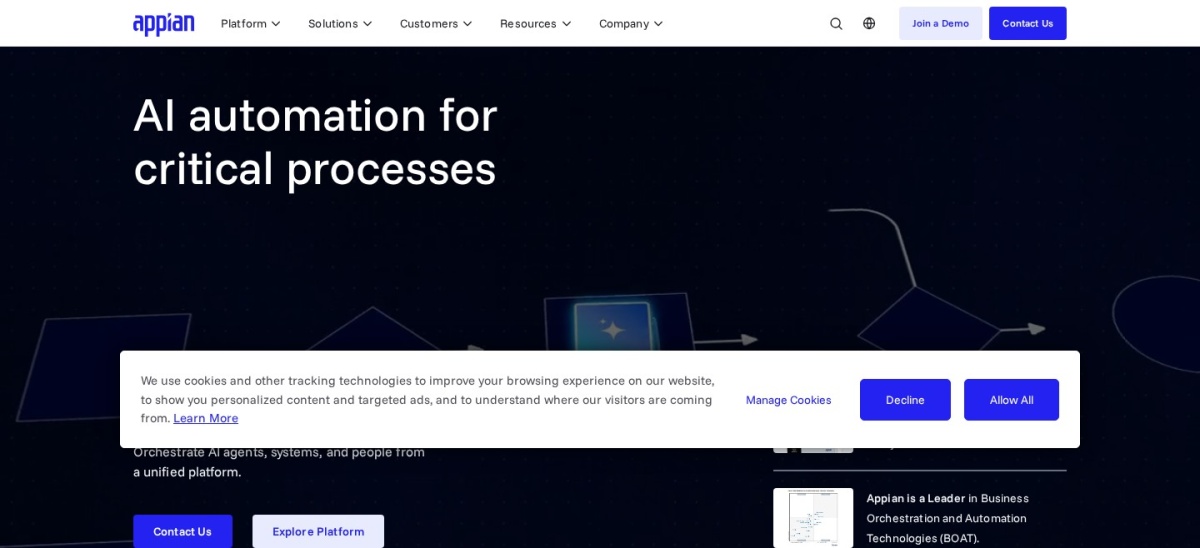
Appian is a low code platform built around process automation, case management and a data fabric that joins data from many systems. It includes workflow automation, RPA bots and AI features for complex, document-heavy work. There is a free trial, but no permanent free plan.
The trade off is cost and scope. G2 lists Basic at $75 per user a month, per app, and the official pricing page shows no dollar figures, so totals need a sales quote. It suits large teams in finance, insurance and government with complex approval work.
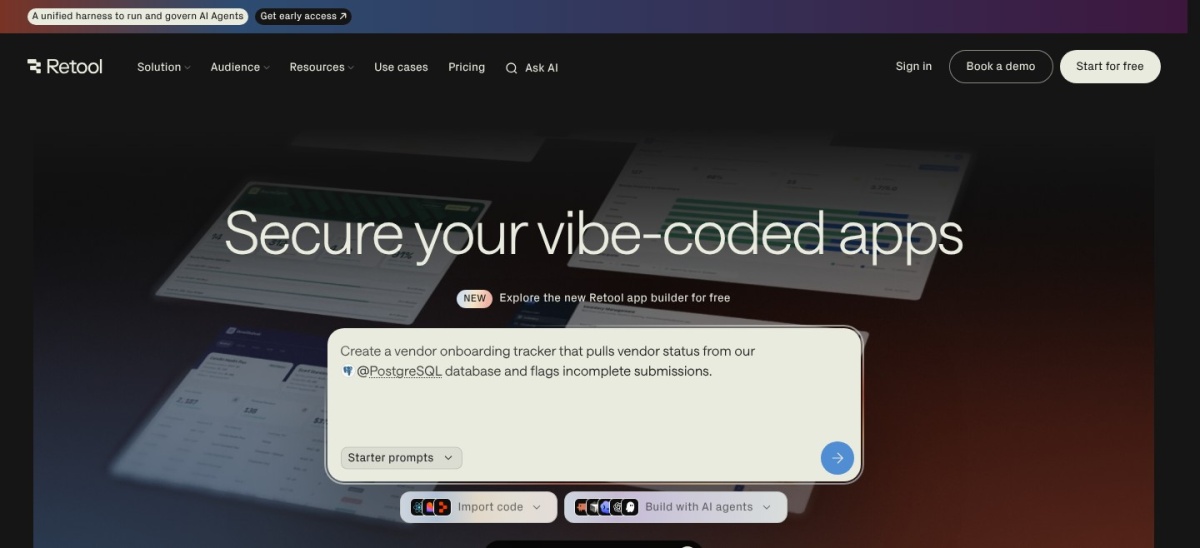
Retool is a low code tool for internal apps such as admin panels, dashboards and support consoles. Developers drag in components and wire them to databases and APIs with SQL and JavaScript. The free plan covers up to 5 users, and Team costs $10 per user a month.
The trade off is audience. Retool is built for internal tools, not public websites or consumer mobile apps, and per-user pricing grows with headcount. It suits developer-led teams that need working internal tools in days rather than months.
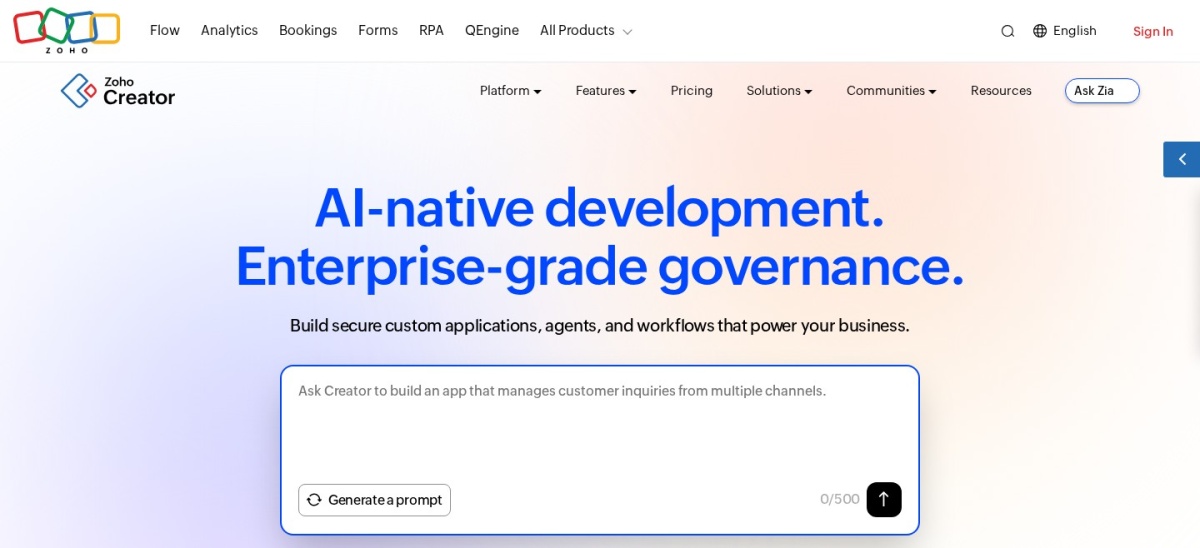
Zoho Creator is a low code builder for custom business apps with forms, reports and workflow automation. The Standard plan costs $8 per user a month billed annually and covers one app with basic forms and mobile deployment. Higher plans add more apps, integrations and AI features.
The trade off is depth. Advanced features such as SSO, custom domains and broad third-party integrations need the $25 Enterprise plan, and per-user costs add up for large teams. It suits small and mid-size teams that want a low-cost start inside the Zoho suite.
What we like
Lowest paid start in this list at $8 a month
Easy for non-technical users to build apps
Good value for small and mid-size teams
Works well with other Zoho apps
Watch out for
Standard covers only one app
SSO and custom domains need Enterprise
Per-user costs add up for large teams
Enterprise adds SSO, custom domains and integrationsVisit zoho.com
07
Bubble
4.4/5on G2 (166 reviews, checked Nov 2026)
Paid from$29/mo
Best for founders building a full web app
Free planYes, for learning
Paid planStarter, $29/mo
DatabaseBuilt-in, plus backend workflows
Custom domainPaid plan only
bubble.io
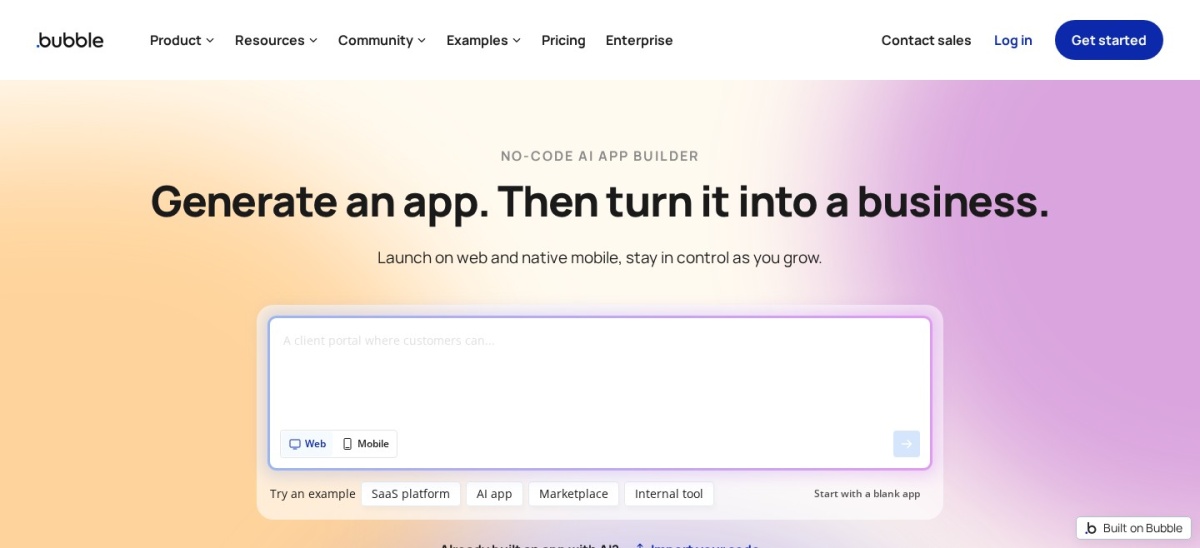
Bubble homepage, captured Nov 2026.
Bubble is a visual builder for full web apps with a real database, backend workflows and a plugin marketplace. The free plan is for learning, with no live app. Starter costs $29 a month billed annually and adds a live app, a custom domain and recurring workflows.
The trade off is learning and billing. The editor takes time to learn, and costs are metered by workload units, so a busy app can cost more than the base price. It suits founders and small teams building a full product without hiring developers.
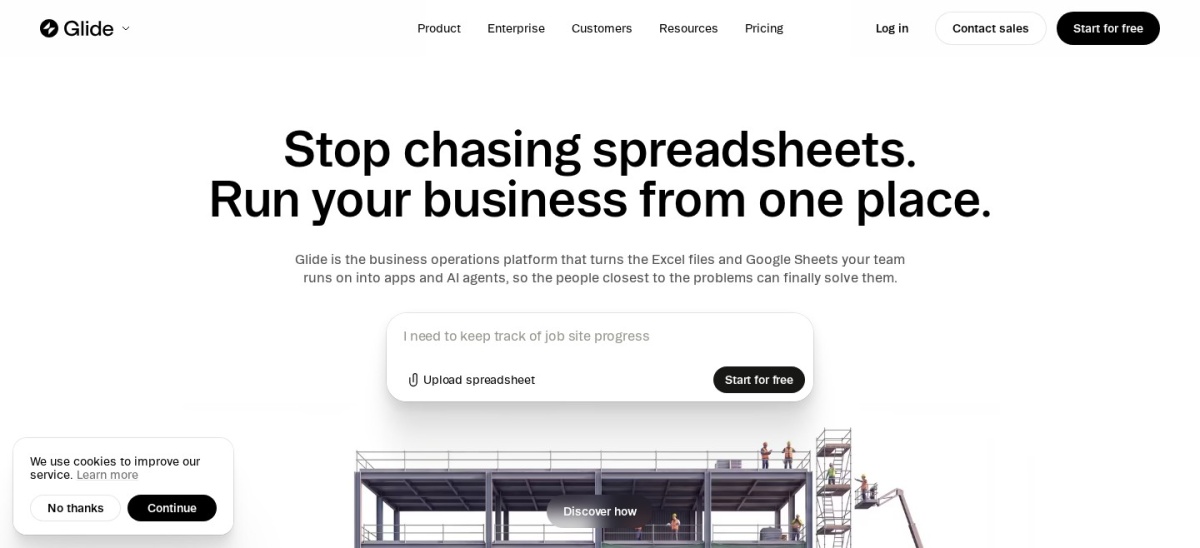
Glide is a no code builder that turns a spreadsheet or database into a polished business app for the web and mobile. The free plan covers building and testing, and Explorer starts at $19 a month billed annually for one published app with workflows and integrations.
The trade off is output. Glide builds progressive web apps, not native apps for the Apple App Store or Google Play, and usage is metered by updates. It suits small teams whose data already lives in Google Sheets, Excel or Airtable.
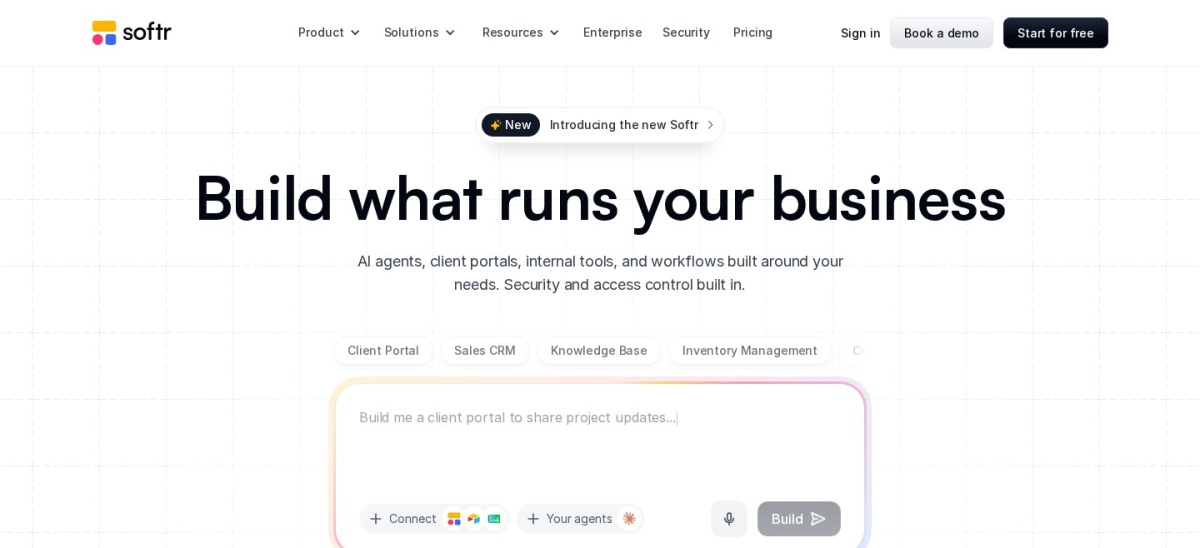
Softr is a no code builder for client portals, dashboards and membership sites on top of Airtable, Google Sheets or Notion. The free plan covers 10 app users, and Basic costs $49 a month billed annually for 20 users, a custom domain and no Softr branding.
The trade off is the data model. Softr has no native database of its own, so every app needs an external data source, and costs rise as app users grow. It suits teams that need a portal over data they already keep elsewhere.
Enterprise vs small-team tools: pick by scale, not by features
Enterprise platforms such as OutSystems, Mendix and Appian are built for many apps, many users and strict governance. Their prices reflect that scale.
Small-team tools such as Zoho Creator, Retool, Glide and Softr are built for one job at a time. They start cheap and are easier to learn, but they cap users, apps or updates.
If you need one internal tool this month, start small. If you need a portfolio of apps with shared governance, the enterprise price is the real comparison.
How we chose
We started from the best-known low code and no code platforms in G2's low code category, then kept nine established tools that cover enterprise apps, internal tools and spreadsheet-built apps.
Prices come from each vendor's pricing page or G2 pricing data supplied by the vendor, checked on 23 November 2026. Ratings and review counts come from G2 on the same day. Where a vendor shows a sale, the list shows the regular price.
We left out tools with no public price and no clear free or trial entry. No vendor paid for a place, and we do not claim hands-on testing for this list.
How to choose a low code development platform
Start with the app you need to build first, then match the platform to that job.
Name the first app, not the platform. A client portal, an internal admin tool and a full web product need different tools. Write down the app, its users and its data source first.
Check where your data lives. If it lives in Microsoft 365, pick Power Apps. If it lives in a spreadsheet, pick Glide or Softr. If it lives in many systems, look at Appian or Retool.
Price the real user count. Per-user plans look cheap for five people and costly for five hundred. Price the team that will actually use the app, not the team that builds it.
Try the free plan on a real task. Build a small version of your first app before paying. Check the free plan allows a live app, or whether you need a paid plan to launch.
FAQ
What is the best low code development platform?
OutSystems is the best overall pick, rated 4.5 out of 5 on G2 from 1,802 reviews. It suits teams that need to ship many web and mobile apps fast, though paid plans start at $36,300 a year.
What is the cheapest low code platform?
Zoho Creator is the cheapest paid start in this list at $8 per user a month billed annually. Retool follows at $10 per user a month, and Glide Explorer starts at $19 a month.
Is there a free low code platform?
Yes. OutSystems, Mendix, Microsoft Power Apps, Retool, Bubble, Glide and Softr all have free plans. Some free plans support a live app, while others are for learning and prototypes only.
What is the difference between low code and no code?
Low code tools let developers add code where the visual builder stops, while no code tools aim to need no code at all. In practice the line is blurred, and many tools in this list mix both.
Can low code platforms build mobile apps?
Some can. OutSystems and Mendix build web and mobile apps, and Bubble now builds native mobile apps too. Glide and Softr build progressive web apps, which run in a browser rather than from an app store.
Do I need developers to use a low code platform?
Not always. Glide, Softr and Zoho Creator suit non-technical builders, while Retool and Appian work best with developers on the team. Enterprise platforms usually need a mix of both.