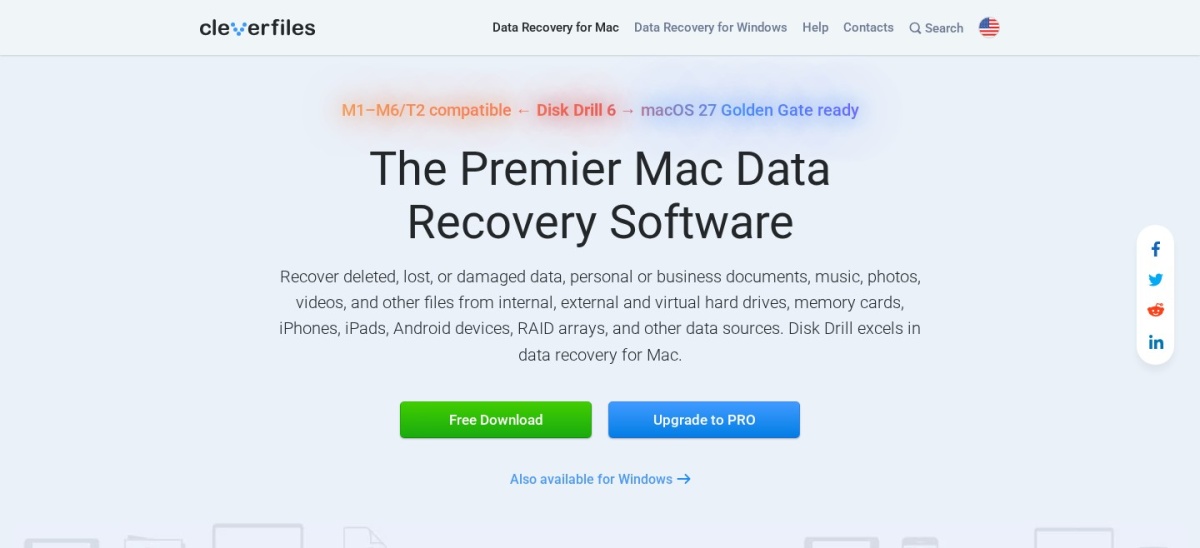
Disk Drill is the best photo data recovery software for most people, with the easiest interface and a one-time style price of $89 a year. EaseUS Data Recovery Wizard is the best free start, with 2GB of free recovery, while Stellar Photo Recovery is the most photo-focused paid tool.
How we make this list: we compare pricing pages, product documentation and public user reviews, then re-check every price before each update. No product paid for a place. Disclosure.
Disk Drill is the easiest paid option, at $89 a year, with a free tier covering up to 500MB on Mac.
EaseUS has the most generous free tier at 2GB, enough to rescue a typical SD card without paying.
Stellar Photo Recovery is the most photo-focused tool, with strong RAW support and a free tier of 10 media files.
Recuva is completely free on Windows with no data cap, best for recently deleted files.
No software recovers overwritten files or fixes a physically dead drive, so that needs a recovery lab.
What photo recovery really costs
Photo recovery software is bought in a panic, usually after a card is formatted or a folder is deleted, and the first rule is to stop using the drive. Every write to the card or drive risks overwriting the photos you want back, so install the recovery tool on a different drive and recover to a different drive too.
Prices on this list run from free to $89.95 a month, but the headline rarely tells the whole story. Disk Drill charges $89 a year, EaseUS charges $69.95 a month or $99.95 a year, and Recuva is completely free on Windows with no data cap.
Free tiers decide most purchases. EaseUS recovers up to 2GB free, Disk Drill up to 500MB on Mac and 100MB on Windows, Stellar Photo Recovery 10 media files, and Ontrack EasyRecovery 1GB. Scan first, preview what the tool found, and only pay if your files are actually there.
No software recovers overwritten files or fixes a physically dead drive. Clicking or grinding noises mean a recovery lab, not an app, and Ontrack runs physical labs as well as selling EasyRecovery software.
Disk Drill is the recovery app reviewers recommend to non-technical users, and the reason is the interface. You pick a drive, click scan, preview what it found, and recover, across internal and external drives, SD cards, cameras and phones, with more than 400 file formats supported.
The trade off is the free tier, which recovers up to 500MB on Mac and 100MB on Windows, so a full photo library needs the paid tier. Pro costs $89 a year, with a $149 lifetime license for users who expect to need recovery more than once.
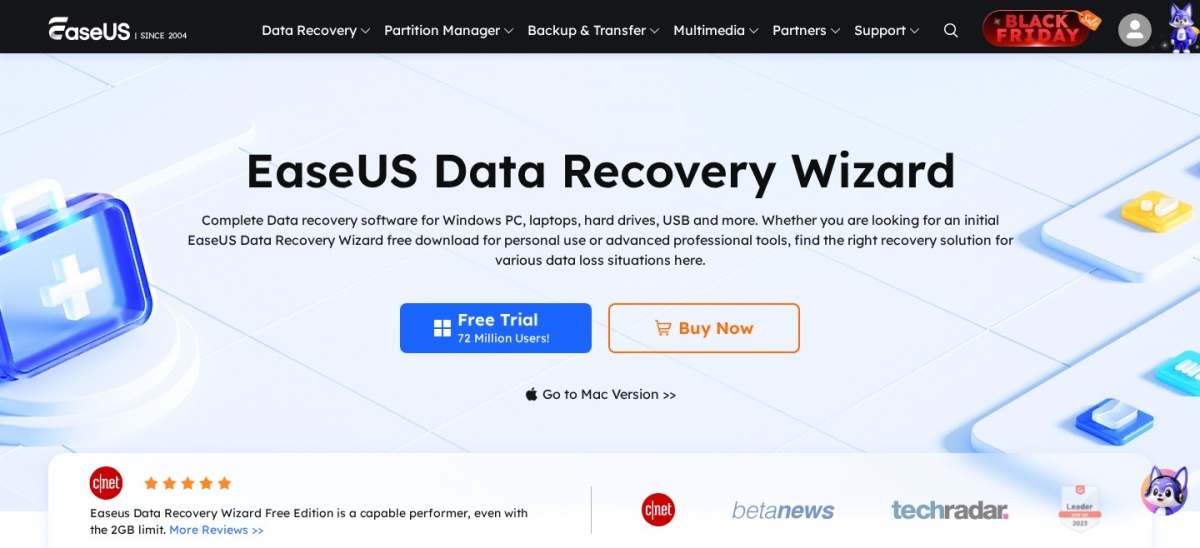
EaseUS Data Recovery Wizard homepage, captured Nov 2026.
EaseUS Data Recovery Wizard is the tool non-technical users actually finish using, with a clean wizard, clear scan progress and reliable recovery of deleted files, formatted partitions and lost partitions. The free tier allows 2GB of actual recovery, the most generous among commercial tools, which resolves many small data-loss incidents without paying anything.
The trade off is price. At $69.95 for a single month it costs more for 30 days than Disk Drill costs for a year, so the $99.95 a year plan or the $149.95 lifetime plan is the only sensible buy for larger recoveries.
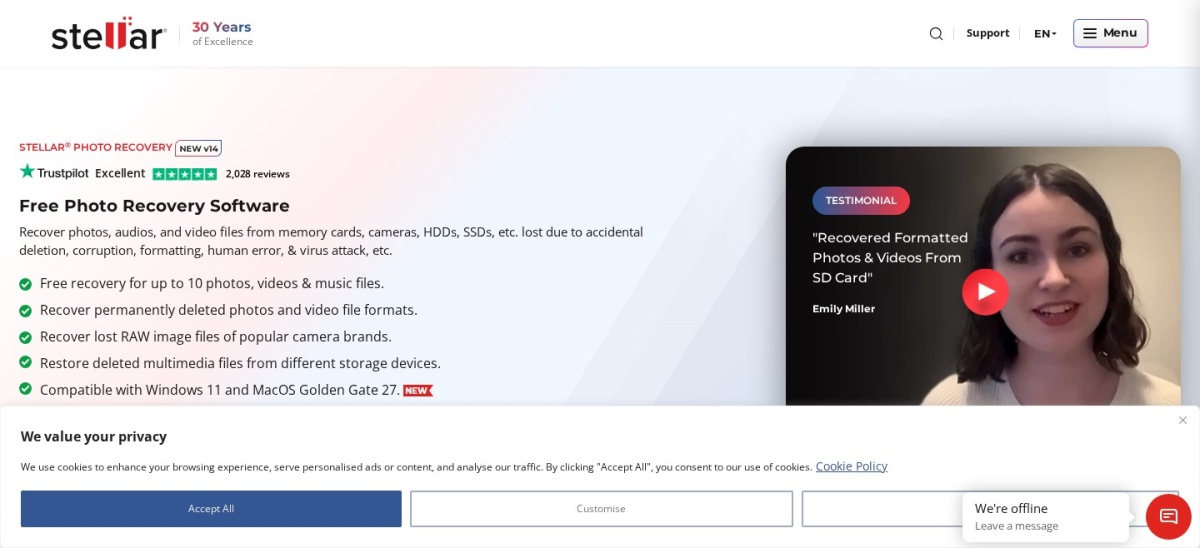
Stellar Photo Recovery homepage, captured Nov 2026.
Stellar Photo Recovery is built specifically for photo loss rather than general file recovery, and it shows in the format list. It recognizes RAW formats from every major camera maker alongside JPEG, TIFF, PNG and PSD, plus video and audio formats, which matters when a card holds a mixed shoot.
The trade off is the thin evidence base, with only 4 G2 reviews, and the free tier recovering just 10 media files. Photo repair features that fix corrupt images live in the Professional and Premium tiers rather than the base product.
Recuva is the old reliable of free undelete tools, from the makers of CCleaner. Accidentally emptied the Recycle Bin or deleted a folder? The wizard finds it in minutes, and the free version does the job, with file health indicators showing which files are intact before you recover them.
The trade off is scope. Recuva handles simple deletions well and struggles with formatted drives, corrupted cards and anything exotic, and there is no Mac version. A paid Professional tier exists, but few buyers need it when the free version has no data cap.
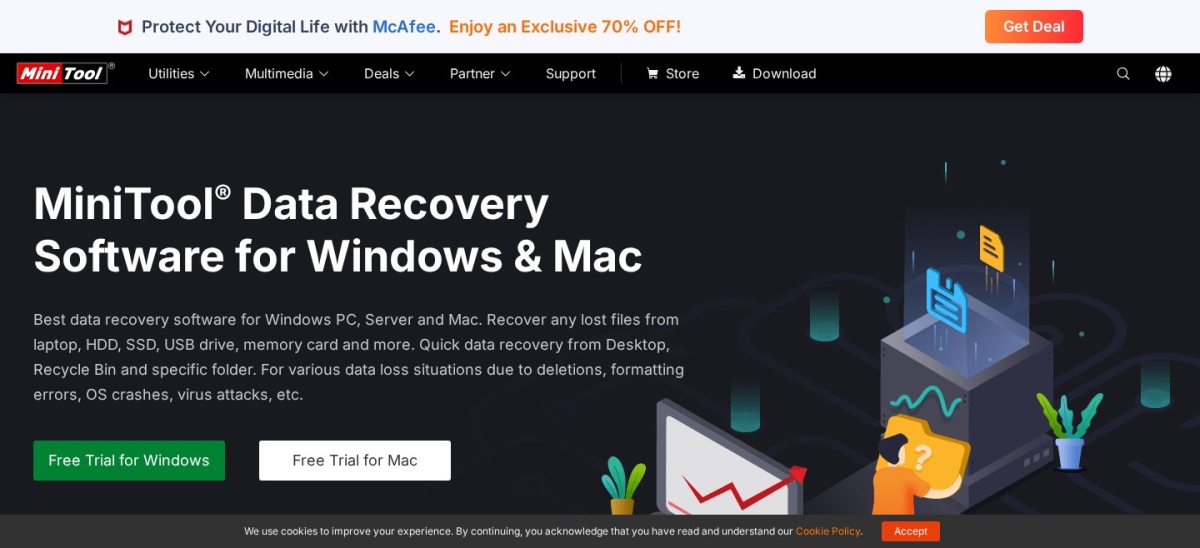
MiniTool Power Data Recovery homepage, captured Nov 2026.
MiniTool Power Data Recovery is a straightforward Windows recovery tool that walks through scan, preview and recover in a plain wizard, and it finds mainstream photo formats reliably. The free edition covers 1GB of recovery, and a paid Personal license at $69 a year covers up to 3 PCs.
The trade off is scope. There is no Mac version, no RAID reconstruction and no technician-grade tooling, and the free cap is only 1GB. It sits in the middle of this list because it is neither the cheapest, nor the most powerful, nor the easiest, just a solid Windows option.
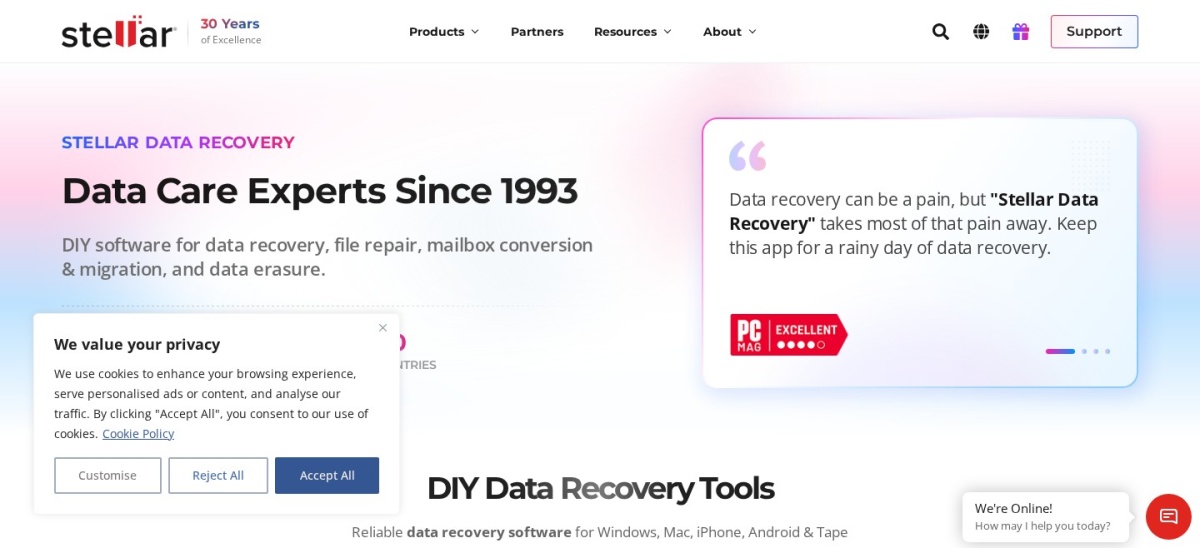
Stellar Data Recovery Professional homepage, captured Nov 2026.
Stellar Data Recovery Professional is the general-purpose recovery suite from Stellar, with a clean interface, drive imaging and a built-in photo and video repair engine almost nobody else offers. It reads RAW and unreadable volumes that stop other tools, and it previews files before recovery.
The trade off is the thin evidence base, with only 9 G2 reviews, and deep scans that take hours on large drives. The yearly licence renews itself unless you switch it off, so set a reminder when you buy.
Higher tiersProfessional $109, Premium $149 a year
Lab serviceCleanroom labs available
ontrack.com
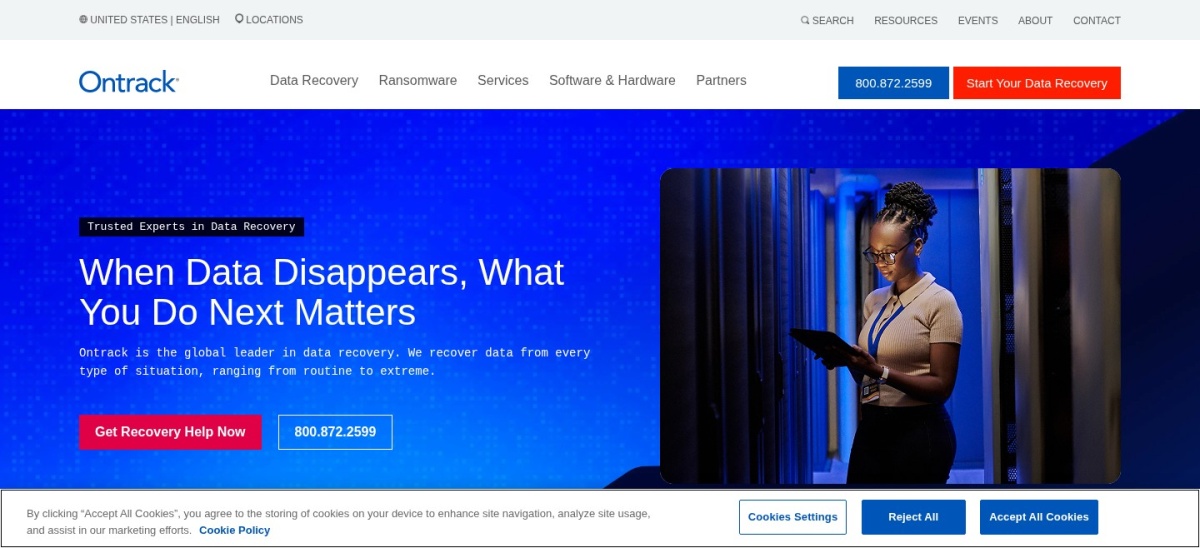
Ontrack EasyRecovery homepage, captured Nov 2026.
Ontrack EasyRecovery is the do-it-yourself arm of a company that has run physical recovery labs since the 1980s, so the software comes with a genuine lab fallback. Home costs $79 a year with 1GB free recovery, and higher tiers add RAID support and file repair up to Technician at $299 a year.
The trade off is the thin evidence base, with only 15 Capterra reviews, and RAID support arriving only at the higher tiers. For a failing drive that software cannot read, the lab service is the real product, at professional prices.
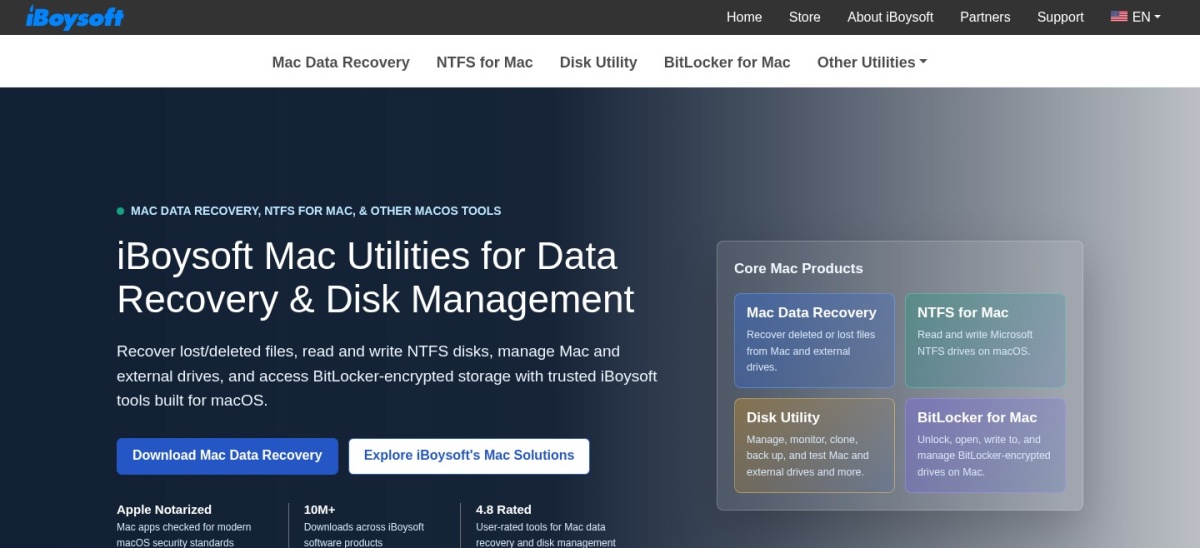
iBoysoft Data Recovery for Mac homepage, captured Nov 2026.
iBoysoft Data Recovery for Mac is a user-friendly recovery tool for macOS, recovering photos, videos, documents, music and archives from hard drives, SSDs, USB sticks and SD cards. It handles BitLocker-encrypted and APFS volumes, with quick scan and deep scan modes and searchable preview lists.
The trade off is price and scope. At $89.95 a month it is the priciest tool on this list, and this listing covers the Mac version only, with only 19 Capterra reviews behind the rating. Windows users should look at EaseUS or Disk Drill instead.
Every tool on this list offers a free scan and preview, which is the honest way to shop: scan first, see exactly which of your files it found, and only pay if your files are actually there.
EaseUS gives you 2GB of actual free recovery, the most generous here, enough for a typical SD card rescue without paying. Recuva is completely free on Windows with no data cap at all.
Disk Drill recovers up to 500MB free on Mac and 100MB on Windows, Stellar Photo Recovery covers 10 media files, and Ontrack EasyRecovery and MiniTool both cover 1GB. Small losses often need no payment at all.
Watch the upsells. EaseUS nudges you toward upgrading inside the app, and subscription prices add up fast at $69.95 a month, so compare the yearly cost against Disk Drill's $89 before you subscribe.
How we chose
We compared photo and file recovery tools that can scan cards and drives without making the problem worse, focusing on tools that handle RAW photo formats, formatted cards and deleted folders. Every rating here comes from G2 or Capterra, checked in October and November 2026, and every price comes from the vendor's own pricing page or a stated starting price.
We treated a published price as stronger evidence than a quote, and we used the regular rate as the headline price, with annual and lifetime options noted in the text. We left out tools with no verifiable rating on G2, Capterra or Trustpilot, including PhotoRec, R-Studio, Recoverit, Remo Recover and DiskGenius, even though some are well regarded.
No vendor paid for a place, and we do not claim hands-on testing for this list. Prices were checked in November 2026, and free recovery limits are the vendor's own stated figures.
How to choose photo data recovery software
Stop using the drive first, scan with a free tier to confirm your photos are findable, and only pay when the preview shows your files.
Stop using the drive immediately. Every new write risks overwriting your deleted photos, so remove the card or unplug the drive, and do not install recovery software on the same drive you are recovering from.
Scan first with a free tier. EaseUS recovers up to 2GB free and Disk Drill previews everything before you pay, so scan first, check the preview, and only pay if your photos are actually found.
Recover to a different drive. Always save recovered files to a separate drive or card, never back to the same media, or you can overwrite the very files the scan is still reading.
Know when to call a lab. Clicking or grinding noises, a drive that will not spin up, or water damage mean software cannot help, so stop and contact a professional recovery lab instead.
FAQ
What is the best photo data recovery software?
Disk Drill is the best pick for most people. It is rated 4.0 out of 5 on G2 across 64 reviews, has the easiest interface for non-technical users, and costs $89 a year with a free tier covering up to 500MB on Mac.
Can I recover deleted photos for free?
Yes, EaseUS recovers up to 2GB free, which covers a typical SD card rescue, and Recuva is completely free on Windows with no data cap. Stellar Photo Recovery recovers 10 media files free, and Disk Drill covers up to 500MB on Mac.
How much does Disk Drill cost?
Disk Drill Pro costs $89 a year, covering one user on up to three devices across Mac and Windows. A lifetime license costs $149, and the free tier recovers up to 500MB on Mac and 100MB on Windows.
Is EaseUS Data Recovery Wizard worth the price?
EaseUS is worth it if your loss fits outside the 2GB free tier, since it is rated 4.8 out of 5 on G2 across 424 reviews. At $69.95 a month it is pricey, so the $99.95 a year plan or the $149.95 lifetime plan is the better buy.
Does Recuva work on Mac?
No, Recuva is Windows only, with no Mac version, and development has been quiet. Mac users should start with Disk Drill or EaseUS instead, both of which cover Mac and Windows under one license.
Can recovery software fix a physically damaged drive?
No, no software recovers overwritten files or fixes a physically dead drive. Clicking or grinding noises, or a drive that will not spin up, mean you need a professional recovery lab, and Ontrack runs labs as well as software.
SaaS SEO and WordPress specialist with about 8 years of experience. Rakib compares WordPress plugins, themes, hosting and software using public pricing, documentation and user reviews. See how we rank.