HWiNFO is the top pick for PC hardware monitoring software, offering deep sensor telemetry and CSV logging free for personal use with Pro licenses starting at $29. For combined diagnostics and stress testing AIDA64 starts at $65.95, while HWMonitor offers quick sensor readings with a free version and Pro starting at €19.95.
How we make this list: we compare pricing pages, product documentation and public user reviews, then re-check every price before each update. No product paid for a place. Disclosure.
HWiNFO is free for personal non-commercial use and holds a 4.5 rating on G2, with Pro starting at $29.
AIDA64 Extreme starts at $65.95 for 3 PCs and supports over 250 sensor devices plus stability stress tests.
HWMonitor has a free edition and a 4.4 rating on G2, with HWMonitor PRO starting at €19.95.
LibreHardwareMonitor is free and open source under MPL-2.0 with v0.9.6 released in February 2026.
Core Temp v1.21 (October 2026) is free for personal use with per-core CPU temperature tracking.
MSI Afterburner is free for GPU monitoring, fan speed control, and on-screen telemetry.
What to look for in PC hardware monitoring software
Start by choosing desktop utilities that read motherboard, CPU, GPU, memory, and drive sensors directly rather than enterprise server agents. Look for accurate temperature, voltage, fan speed, and clock readings with clear minimum and maximum tracking.
Decide whether you need extra features beyond live sensor trees. Some tools focus on compact per-core CPU temps or GPU overlays, while diagnostic suites add benchmarks, stress tests, or custom sensor panels.
Check licensing terms between personal and commercial use. Many desktop monitors are free for home PCs while charging for commercial deployments, remote polling, or extended feature sets.
Download utilities directly from official vendor sites or verified repositories to avoid altered installers.
For visual desktop monitoring and NZXT cooling gear
Free
Free plan
4.5/5
Price ladder: cheapest paid plan per year
List prices, USD, checked Nov 2026
LibreHWMonFree
AfterburnerFree
NZXT CAMFree
Core TempFREE$20
HWMonitorFREE$23
HWiNFOFREE$29
AIDA64$66
The 7 best pc hardware monitoring software
01
HWiNFO
4.5/5on G2 (1 reviews, checked Nov 2026)
Paid from$29/yr
Best for detailed PC sensor telemetry, logging, and hardware info
Personal useFree (non-commercial)
Pro entryFrom $29
Recent releasev8.54 (Sep 2026)
OS supportWindows
hwinfo.com
HWiNFO homepage, captured Nov 2026.
HWiNFO is a Windows hardware information and sensor monitoring utility that tracks temperatures, voltages, fan speeds, and clock speeds across system components. It is free for personal non-commercial use and supports sensor logging and detailed hardware reports.
The trade off is a dense interface with many sensors and commercial licensing starting at $29. It suits enthusiasts, builders, and technicians who want thorough sensor coverage and exportable logs.
What we like
Free for personal non-commercial use with low monitoring overhead
Covers detailed component sensors, alerts, and logging formats
Actively maintained with recent releases in 2026
Watch out for
Large sensor trees can feel overwhelming at first
Commercial environments require paid Pro licensing
Paid Pro licensing starts at $29 for commercial use and extended capabilities.Visit hwinfo.com
02
AIDA64
4.4/5on G2 (30 reviews, checked Nov 2026)
Starts at$65.95/yr
Best for hardware diagnostics, benchmarks, and stability stress tests
Sensors250+ devices
Home seats3 PCs (Extreme)
Trial30-day free trial
OS support64-bit Windows
aida64.com
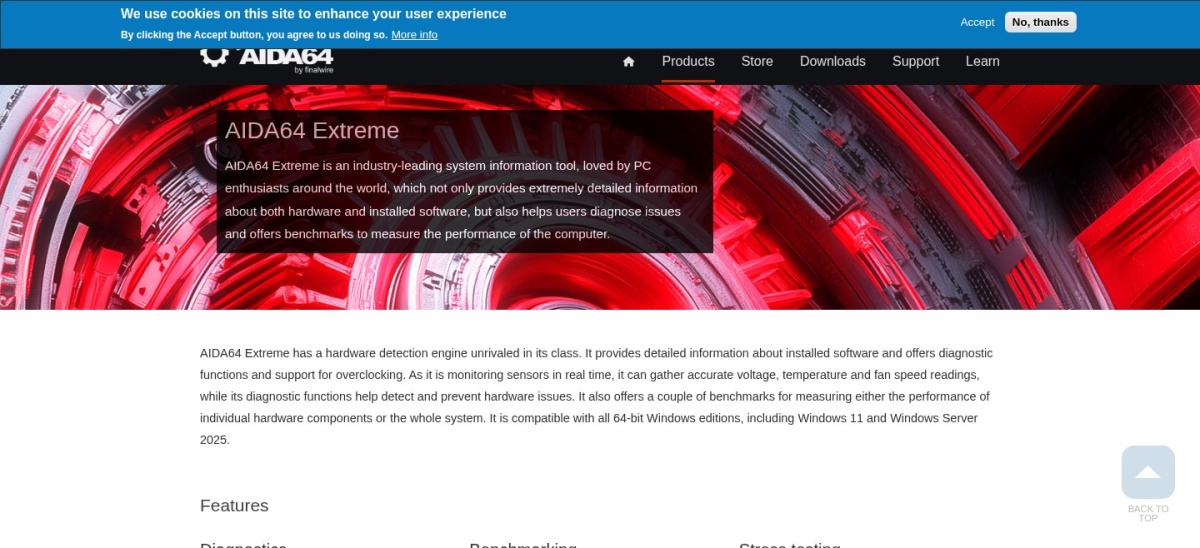
AIDA64 homepage, captured Nov 2026.
AIDA64 is a Windows system information, hardware diagnostic, and benchmarking suite with a 30-day free trial. It supports over 250 sensor devices, a hardware database of more than 250,000 entries, and built-in stability tests.
The trade off is paying upfront rather than getting a permanent free tier, with AIDA64 Extreme priced at $65.95 for 3 PCs. It suits PC builders and overclockers who want sensor panels, benchmarks, and stress testing together.
What we like
Supports over 250 sensor devices and 250,000 hardware database entries
Includes CPU, memory, disk, and GPU stability stress tests
Supports customizable SensorPanel displays and external LCD/VFD screens
Watch out for
No free tier beyond the 30-day free trial
Higher editions cost more for technicians and businesses
AIDA64 Extreme ($65.95 for 3 PCs) provides full diagnostic reporting, benchmarks, and stress testing.Visit aida64.com
03
HWMonitor
4.4/5on G2 (4 reviews, checked Nov 2026)
Paid from$23/yr
Best for quick Windows sensor reads with min and max tracking
Classic editionFree download
Pro entryHWMonitor PRO (€19.95)
Recent releasev1.67 (Jul 2026)
OS supportWindows
cpuid.com
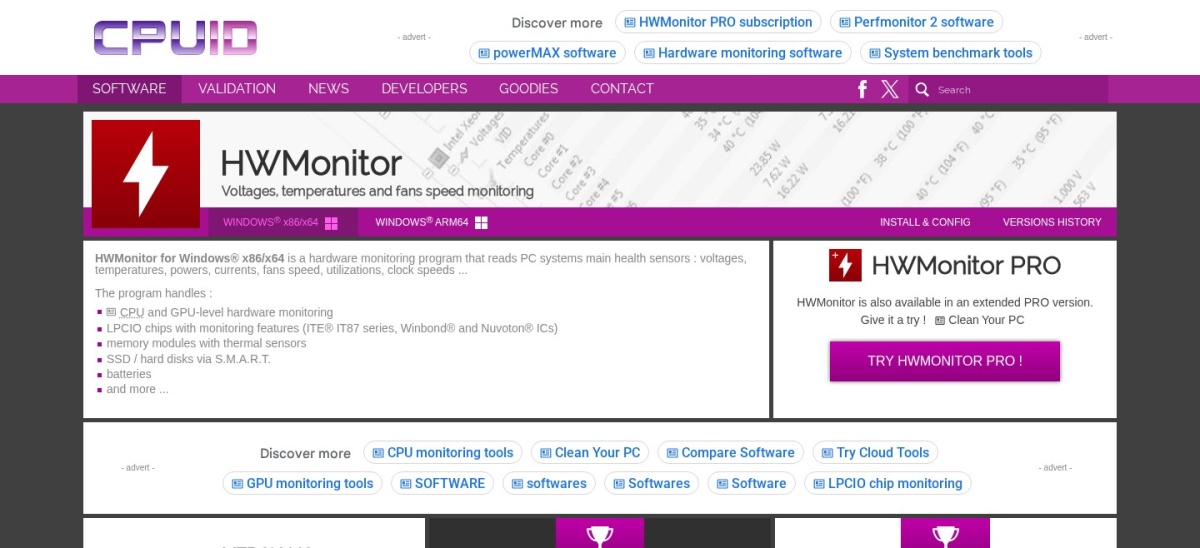
HWMonitor homepage, captured Nov 2026.
HWMonitor from CPUID is a Windows hardware monitoring utility that reads voltages, temperatures, fan speeds, powers, and clock speeds with current, minimum, and maximum columns. Its classic edition is free to download and requires minimal setup.
The trade off is fewer customization and remote monitoring options in the free build, while HWMonitor PRO starts at €19.95. It suits users who want a straightforward snapshot of system sensors.
What we like
Free classic version with clear min, max, and current sensor columns
Reads CPU, GPU, motherboard, memory, and drive S.M.A.R.T. sensors
Updated regularly in 2026 for newer processors and GPUs
Watch out for
Basic interface with limited layout customization
Remote monitoring requires HWMonitor PRO
HWMonitor PRO starts at €19.95 for remote monitoring and extended capabilities.Visit cpuid.com
04
LibreHardwareMonitor
4.8/5on Capterra (25 reviews, checked Nov 2026)
PriceFree
Best open-source desktop monitor for temps, fans, and clocks
LicenseMPL-2.0 open source
Latest releasev0.9.6 (Feb 2026)
PackagePortable ZIP / library
OS supportWindows
github.com
LibreHardwareMonitor homepage, captured Nov 2026.
LibreHardwareMonitor is an open-source hardware monitoring tool and library for Windows that reads temperature sensors, fan speeds, voltages, loads, and clock speeds. It is free under the MPL-2.0 license with release v0.9.6 published in February 2026.
The trade off is community-driven hardware support without a commercial support plan, with no paid edition. It suits open-source enthusiasts and developers who want transparent sensor access.
What we like
Free and open source under MPL-2.0 with no paid plan
Monitors CPUs, GPUs, motherboards, drives, and network cards
Includes both a Windows desktop app and a reusable library
Watch out for
Some motherboard or sensor readings rely on community contributions
No commercial vendor support or SLA
Free and open source under MPL-2.0 with no paid edition.Visit github.com
05
Core Temp
4.5/5on G2 (1 reviews, checked Nov 2026)
Paid from$20 one-time
Best for focused per-core CPU temperature monitoring
Personal useFree
Commercial$20-$25 per machine
Latest releasev1.21 (Oct 2026)
OS supportWindows
alcpu.com
Core Temp homepage, captured Nov 2026.
Core Temp is a compact Windows utility that monitors the temperature of each individual CPU core in real time using processor digital thermal sensors. It is free for personal use and offers portable and installer builds, with version 1.21 released in October 2026.
The trade off is a narrow focus on CPU thermal data and commercial licensing starting at $20 per machine. It suits users who want a small tray or desktop readout of core temperatures.
What we like
Free for personal use with a small footprint and tray display
Reads per-core temperatures across Intel, AMD, and VIA x86 CPUs
Offers portable ZIP options and threshold alerts
Watch out for
Focused on CPU temperatures rather than full GPU or board suites
Commercial use requires a per-machine license
Commercial licensing costs $20-$25 per machine beyond free personal use.Visit alcpu.com
06
MSI Afterburner
4.4/5on G2 (4 reviews, checked Nov 2026)
PriceFree
Best for GPU monitoring, fan control, and gaming overlays
PriceFree
Release4.6.6 Final (Sep 2026)
FocusGPU clocks, temps, fans
OS supportWindows
msi.com
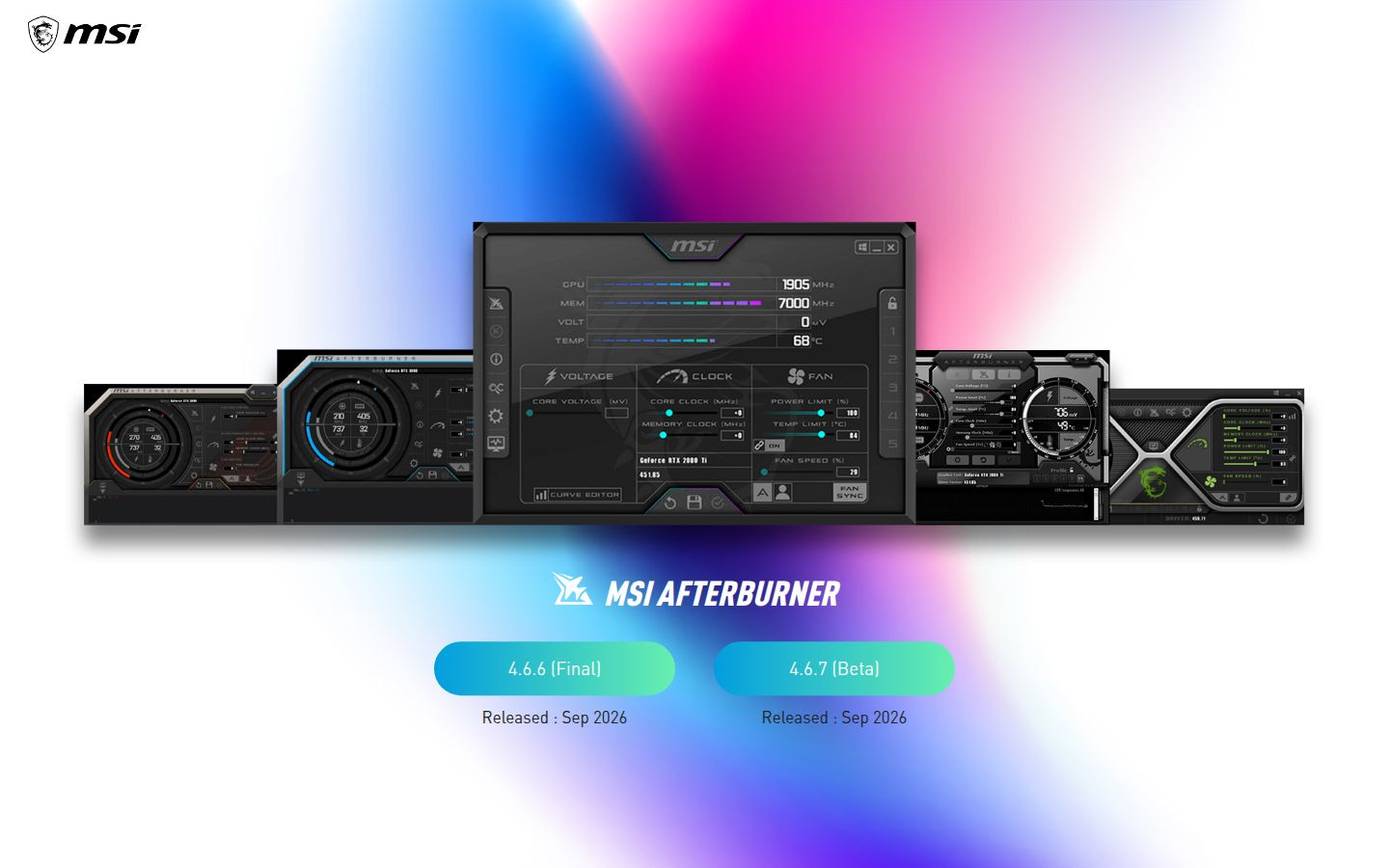
MSI Afterburner homepage, captured Nov 2026.
MSI Afterburner is a free Windows graphics card utility that tracks GPU temperatures, clock speeds, voltages, and fan speeds alongside an on-screen display. It works with graphics cards from different brands and released version 4.6.6 Final in September 2026.
The trade off is being centered on GPU monitoring and tuning rather than full motherboard sensor trees, with no paid edition. It suits gamers and PC users watching graphics performance and fan curves.
What we like
Free with no paid edition and supports non-MSI graphics cards
Provides custom GPU fan speed profiles and on-screen telemetry
Includes hardware monitoring graphs and voltage/clock controls
Watch out for
Centered on GPU hardware rather than comprehensive motherboard sensors
Fake lookalike sites exist, so downloads must come from official sources
Free to download and use with no paid edition.Visit msi.com
07
NZXT CAM
4.5/5on G2 (1 reviews, checked Nov 2026)
PriceFree
Best for visual desktop monitoring and NZXT cooling gear
PriceFree
AccountNo account required
CoolingFan & cooler controls
OS supportWindows
nzxt.com
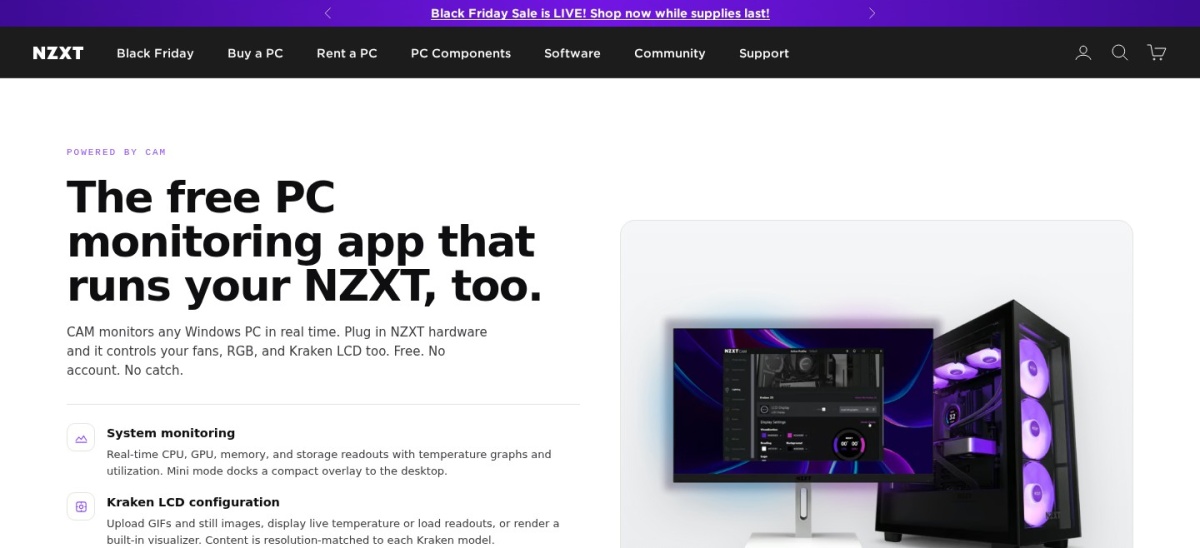
NZXT CAM homepage, captured Nov 2026.
NZXT CAM is a free Windows PC monitoring and configuration app that displays temperatures, loads, clocks, and fan speeds in a modern dashboard. It works on Windows PCs without requiring an account and adds hardware control when paired with NZXT devices.
The trade off is a heavier dashboard interface and tighter device control integration for NZXT hardware, with no paid edition. It suits desktop users who prefer visual cards and cooling controls over raw sensor tables.
What we like
Free to use on Windows PCs with no account required
Clean visual dashboard for temperatures, loads, and fan curves
Integrates directly with NZXT coolers and hardware accessories
Watch out for
Heavier visual interface than minimal utilities like Core Temp
Different utilities can report slightly different temperatures or voltages depending on whether they poll CPU digital thermal sensors, motherboard super I/O chips, or GPU controllers. Compare trends over time rather than chasing a single number.
Run monitoring software with sufficient permissions when checking motherboard or fan sensors, and watch out for multiple polling apps querying the same hardware bus at once.
How we chose
We built this list around established desktop PC hardware monitoring tools that read component temperatures, voltages, fan speeds, and clock speeds on Windows.
Pricing, releases, and public review ratings were checked on 22 Nov 2026 from vendor pages, release pages, and review directories.
We excluded server and APM observability platforms, discontinued utilities, and unverified downloads. No vendor paid for a place, and we do not claim testing for this list.
How to choose the right tool
Follow these four steps before picking a monitor:
Match the tool to what you monitor most. Pick HWiNFO or HWMonitor for broad component sensors, Core Temp for per-core CPU temps, or MSI Afterburner for GPU stats and overlays.
Check if you need benchmarks or stress tests. Choose AIDA64 if you want stability testing and detailed reports alongside sensor readouts, or a lighter monitor for everyday tracking.
Verify personal vs. commercial licensing. Check whether a tool is free for home use only or requires a paid license for commercial PCs, remote monitoring, or extra features.
Download from official sources only. Use the vendor's official download or store page and verify checksums or releases when available.
FAQ
What is the best PC hardware monitoring software overall?
HWiNFO is a top choice for comprehensive Windows sensor monitoring and logging, free for personal use with Pro starting at $29. AIDA64 is strong if you also want benchmarks and stress testing starting at $65.95.
Are there good free PC hardware monitoring tools?
Yes. HWiNFO, HWMonitor, LibreHardwareMonitor, Core Temp, MSI Afterburner, and NZXT CAM all offer free desktop use for monitoring key hardware sensors.
Why do two hardware monitors sometimes show different temperatures?
Tools may read different sensor points—such as individual CPU cores, CPU package sensors, or motherboard socket sensors—at different polling intervals. Look at trends under load rather than minor differences.
Can hardware monitoring software control fan speeds?
Some tools, such as MSI Afterburner for GPUs and NZXT CAM for supported fans and coolers, include fan speed controls. Pure read-only monitors focus on reporting temperatures, RPMs, voltages, and clocks.
Do I need to install an app to check PC hardware sensors?
Not always. Several utilities, including Core Temp and LibreHardwareMonitor, offer portable builds you can extract and run without a full installer.
How should I safely download hardware monitoring software?
Always download from the official vendor website or official release page rather than third-party mirror sites that may bundle unwanted software or impersonate popular tools.
SaaS SEO and WordPress specialist with about 8 years of experience. Rakib compares WordPress plugins, themes, hosting and software using public pricing, documentation and user reviews. See how we rank.