Macrium Reflect X is the best disc imaging software for Windows power users, with the fastest imaging engine at about $50 a year. EaseUS Todo Backup is the best all-round home pick at about $40 a year, while Veeam Agent images a whole PC free.
How we make this list: we compare pricing pages, product documentation and public user reviews, then re-check every price before each update. No product paid for a place. Disclosure.
Macrium Reflect X imaged a 240 GB SSD in two and a half minutes in PCWorld testing, at $49.99 a year.
EaseUS Todo Backup leads on G2 at 4.8 out of 5 and costs $39.95 a year with 1 TB of cloud storage.
Acronis True Image pairs imaging with antivirus and ransomware protection from $49.99 a year.
AOMEI Backupper has the strongest free tier, with system, disk and partition backup at no cost.
Veeam Agent and Paragon Community Edition image a whole PC free, with no subscription.
What disc imaging software has to get right
Disc imaging copies a whole drive, bit by bit, so a failed disk can be restored to a new one with Windows, apps and files intact. That is different from file backup, which only saves selected folders.
Speed and restore reliability matter more than the feature list. A fast engine that writes a verified image is worth more than a slow one with extra tools, and a rescue disc you have tested beats one you have not.
Free editions cover most home needs. AOMEI Standard, Veeam Agent and Paragon Community Edition all image a full PC without paying, so try one before buying a subscription.
Test the restore before you trust the backup. A rescue disc you have booted once is worth more than any feature list, so schedule a trial restore when you first set the tool up.
Macrium Reflect X is the imaging specialist's pick. It makes byte-for-byte copies of drives and partitions, runs full, incremental and differential backups in one job on separate schedules, and ships a full Windows PE recovery disc. In PCWorld testing a 240 GB SSD-to-SSD image took two and a half minutes.
The trade off is the price model. Reflect X Home is subscription-only at $49.99 a year, and it supports no online storage, so cloud copies need another tool. It suits Windows power users who value restore speed and reliability above all.
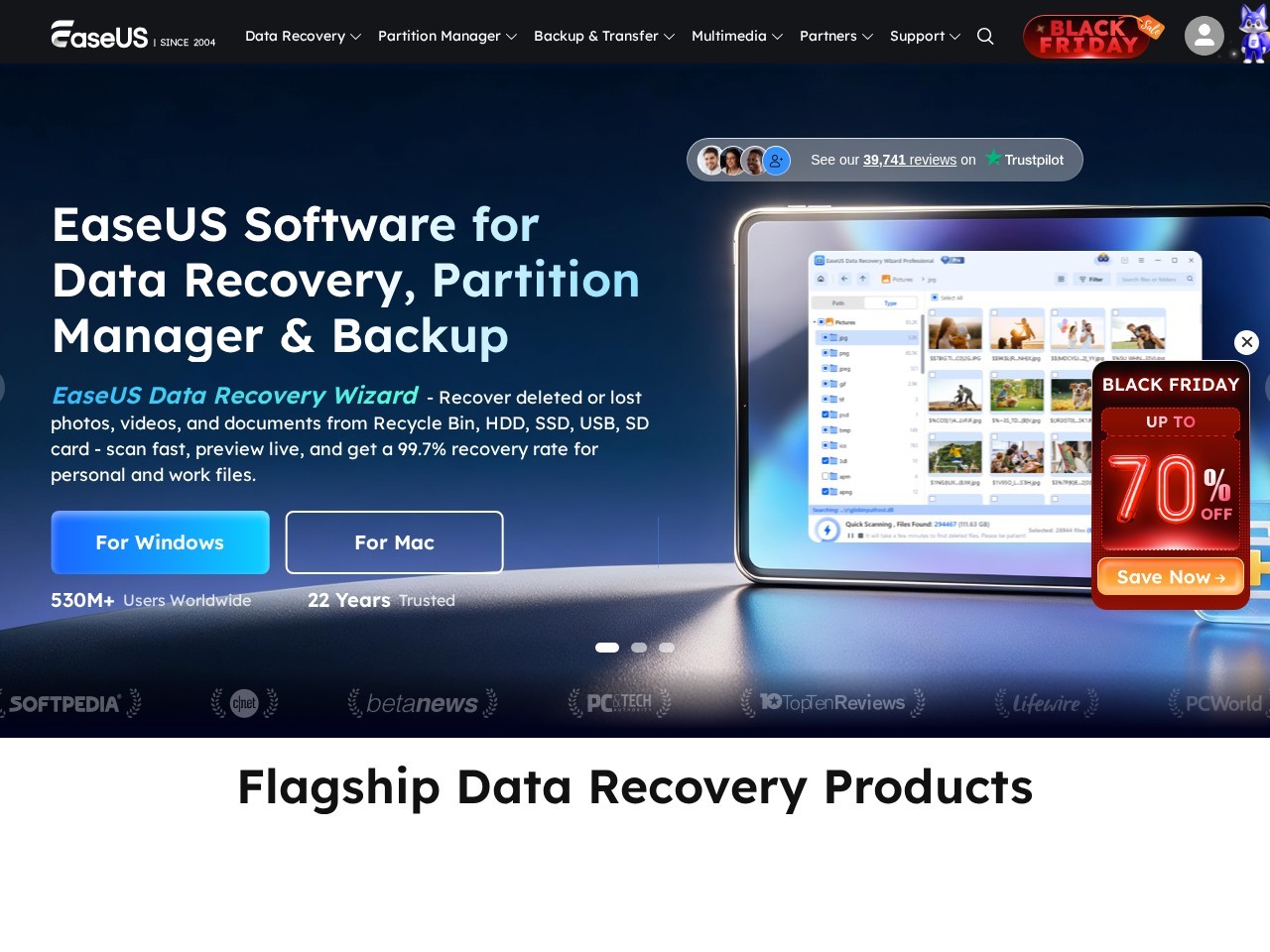
EaseUS Todo Backup is the best all-round home pick, with one-click system backup, disk and partition imaging, file backup and disk cloning in an interface a non-technical user can follow. The Home edition costs $39.95 a year for one PC and includes 1 TB of cloud storage.
The trade off is depth. EaseUS is simpler than Macrium and lacks its rapid delta restore, and some advanced features sit behind higher tiers. It suits households that want friendly imaging with an off-site copy included.
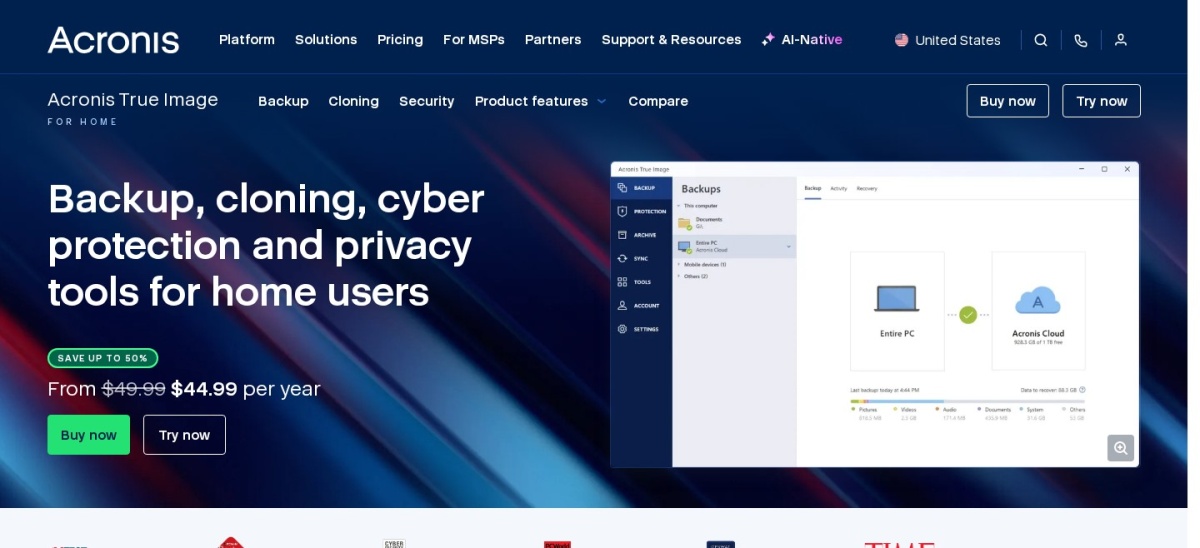
Acronis True Image is the only tool here that treats backup as a security problem. Essentials at $49.99 a year for one computer covers full-disk imaging, drive cloning and anti-ransomware protection, with backups to local disks, network shares or FTP.
The trade off is price for pure imaging. Buyers who only need images pay for antivirus and identity features they may not use. It suits users who want backup and security in one subscription.
AOMEI Backupper is the value pick of Windows imaging. The free Standard edition covers system, disk, partition and file backup with scheduling and bootable rescue media, which is enough for most home users. Professional costs $39.95 a year, or $69.95 once for a perpetual licence.
The trade off is polish. The interface is plainer than EaseUS and Acronis, and the G2 review base is small at 18 reviews. It suits budget buyers who like a strong free tier and the option of a one-time licence.
Veeam Agent is the professional's free imaging tool. The free agent handles entire-computer images, volume and file backup to local drives, network shares or a Veeam repository, with AES-256 encryption and bootable recovery media, at no cost for one PC.
The trade off is support and scope. The free agent has no support contract and no central management, so businesses need a paid Veeam platform. It suits home users and technicians who want enterprise-grade imaging free.
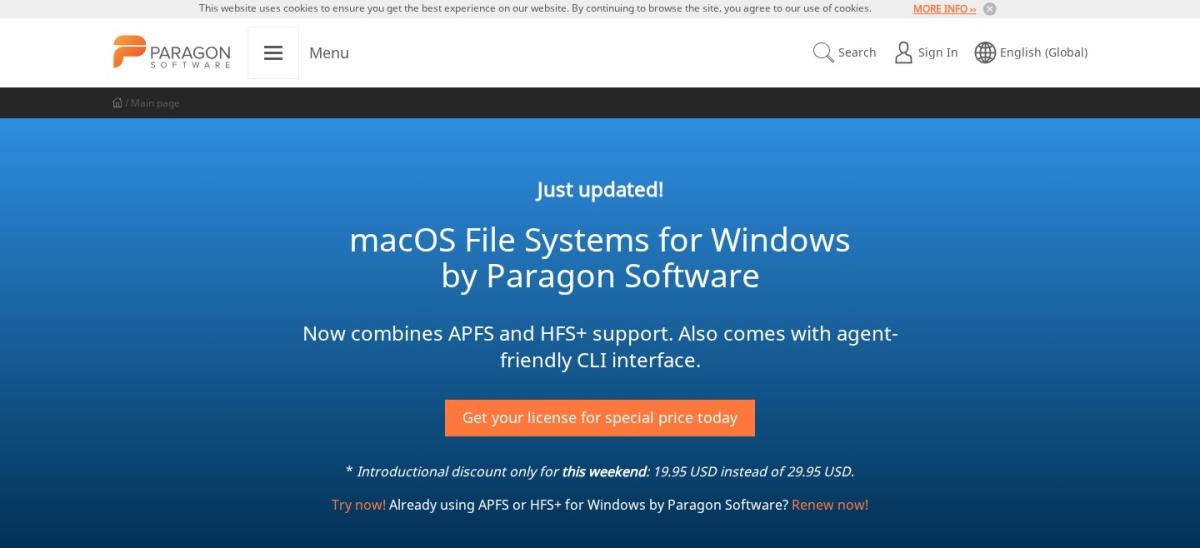
Paragon Hard Disk Manager homepage, captured Nov 2026.
Paragon Hard Disk Manager is a disk imaging tool paired with the partition management the company has built since the 1990s. The Community Edition images a full drive for personal use free with no account needed, while the paid Hard Disk Manager from $79.95 adds partitioning, migration and wiping in one toolkit.
The trade off is price. At $79.95 it is the most expensive paid plan in this list, and the G2 review base is small at 15 reviews. It suits users who want imaging and disk management together.
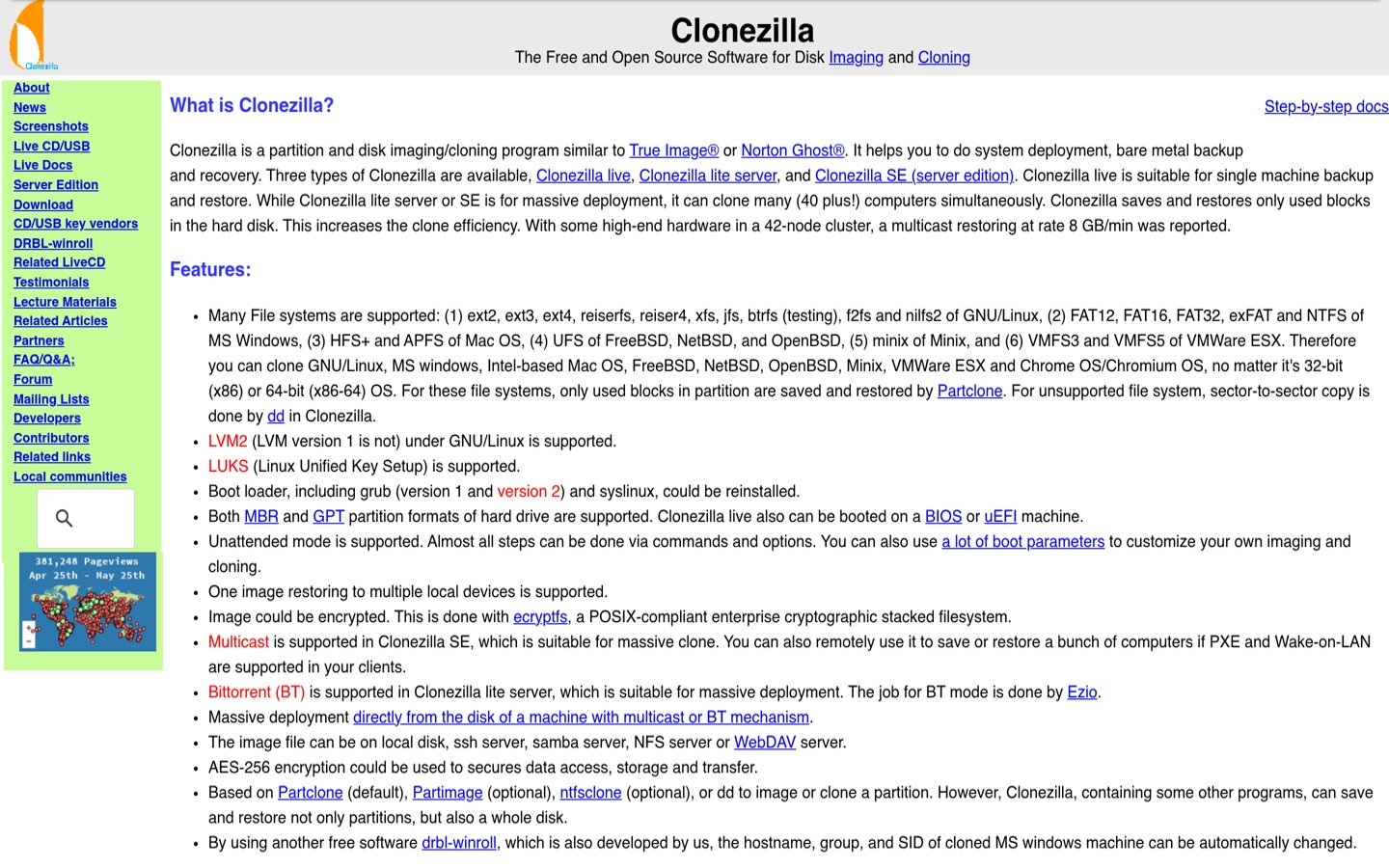
Clonezilla is the free open-source imaging tool for technicians and labs. It clones and images whole disks and partitions across Windows, Linux and macOS, supports multicast restores to many machines at once, and costs nothing, with no account or licence to manage.
The trade off is usability. Clonezilla runs from a text-based interface with no built-in scheduler, so it suits technicians rather than home users. It fits labs, schools and IT teams that image many machines the same way.
Free editions image and clone well. Veeam Agent, AOMEI Standard and Paragon Community Edition all make full system images with bootable rescue media.
Paid plans mostly add scheduling, incremental images, universal restore to different hardware and cloud storage.
EaseUS Home at $39.95 a year is the cheapest paid route that adds 1 TB of cloud storage, so an off-site copy needs no second subscription.
If you only need to clone one drive to a new SSD, the free editions are enough. Pay only for scheduling and advanced restore.
How we chose
We started from disc imaging tools with G2 listings and real imaging engines, then kept those with a published price or a genuinely free edition.
Prices come from each vendor's pricing page, checked on 25 November 2026, and show the cheapest paid plan on annual billing. Ratings and review counts come from G2 on the same day. Where a vendor shows a sale, the list shows the regular price.
We left out tools with no verifiable rating. No vendor paid for a place, and we do not claim hands-on testing for this list.
How to choose disc imaging software
Start with your restore plan, then pick the engine that fits it.
Decide what you are protecting. A whole PC needs system imaging, while a single drive swap only needs cloning. File backup alone will not restore Windows.
Test the rescue media before you need it. Create the boot disc or USB and boot from it once. An image you cannot restore from is not a backup.
Check incremental imaging. Full images every night waste time and disk space. Incremental and differential images keep daily backups fast.
Try the free edition first. Veeam Agent, AOMEI Standard and Paragon Community Edition image a PC free, so only pay for scheduling or cloud storage.
FAQ
What is the best disc imaging software?
Macrium Reflect X is the best disc imaging software for Windows power users, with the fastest imaging engine at $49.99 a year. EaseUS Todo Backup is the best all-round home pick at $39.95 a year, and Veeam Agent is the best free option.
Is disc imaging software free?
Yes, in part. Veeam Agent images a whole Windows PC free, AOMEI Backupper Standard is free, and Paragon Backup and Recovery Community Edition is free with no account needed. Paid plans add scheduling, cloud storage and universal restore.
How much does Acronis True Image cost?
Acronis True Image, now sold as Acronis Cyber Protect Home Office, starts at $49.99 a year for the Essentials plan covering one computer. Advanced adds 50 GB of cloud storage and identity protection features.
What is the difference between cloning and imaging?
Cloning copies a drive directly to another drive, ready to boot immediately, while imaging saves the drive as a compressed file you restore later. Imaging suits backups, cloning suits moving to a new SSD.
Does Macrium Reflect have a free version?
Macrium Reflect X is subscription-only at $49.99 a year for the Home licence, with a 30-day trial. The old free edition was retired, so home users who want free imaging should try Veeam Agent or AOMEI Standard.
Can disc imaging software restore to different hardware?
Some can. AOMEI Professional, EaseUS Home and Paragon Hard Disk Manager offer universal restore to different hardware, while free editions usually restore only to the same or similar hardware.
SaaS SEO and WordPress specialist with about 8 years of experience. Rakib compares WordPress plugins, themes, hosting and software using public pricing, documentation and user reviews. See how we rank.