Claude is our top pick among LLMs for coding, with a 4.7/5 G2 rating and a paid plan that includes Claude Code. Choose GitHub Copilot for integrated development environment assistance or Cursor for repository-wide editing and access to multiple language models.
How we make this list: we compare pricing pages, product documentation and public user reviews, then re-check every price before each update. No product paid for a place. Disclosure.
Claude earns 4.7/5 from 2,255 G2 reviews and includes Claude Code with Pro.
GitHub Copilot Pro costs $10/month and includes unlimited code completions.
Cursor starts at $8/month, although its introductory paid plan restricts model selection.
ChatGPT Go starts at $8/month for developers seeking conversational assistance.
Amazon Q Developer costs $19/user/month for its Pro subscription.
What makes an LLM good for coding?
A good coding LLM needs to understand instructions, generate valid code and identify errors without introducing unnecessary changes. Its usefulness also depends on whether it understands the surrounding project.
General-purpose assistants help with debugging, explanations and architectural decisions. Dedicated coding assistants connect more directly to repositories, editors and development workflows.
Consider the difference between subscription fees and actual usage costs. Some assistants charge additional fees for intensive agent tasks, premium models or cloud resources.
Security matters when sharing proprietary source code. Check data retention policies, repository permissions and model training settings before connecting an assistant to production systems.
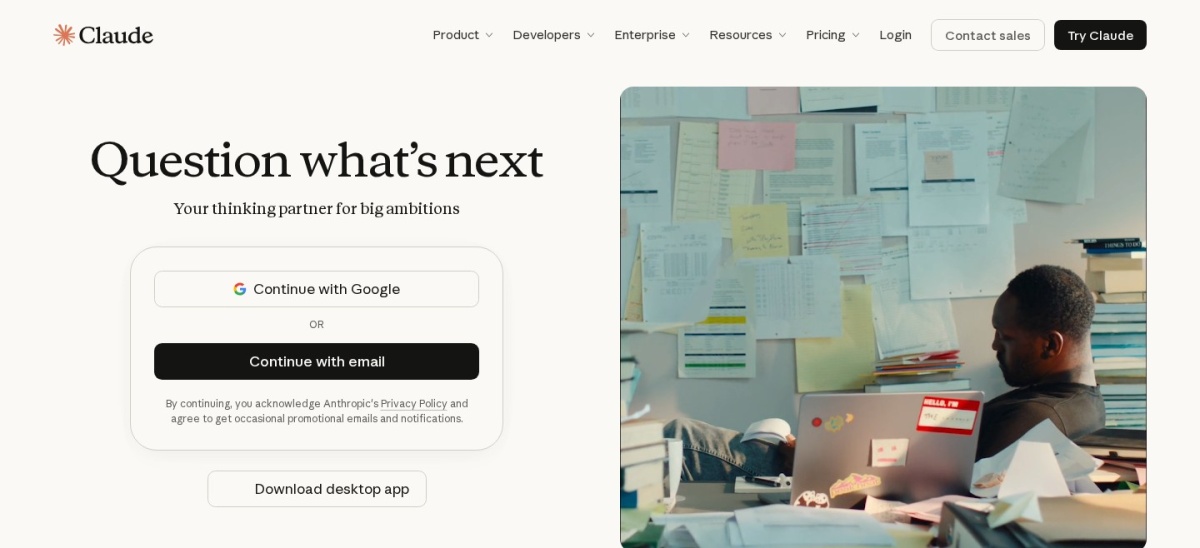
Claude is an AI assistant from Anthropic that supports code generation, debugging and technical explanations. Its $200 annual Pro subscription includes Claude Code for working directly with software projects.
The trade off is that usage restrictions still apply to the $20 monthly subscription, particularly during lengthy development sessions. It suits developers working on complicated functions, architectural decisions and existing repositories.
What we like
Explains complicated code
Supports repository-level tasks
Terminal-based coding assistance
Annual subscription available
Watch out for
Usage allowances apply
Generated changes require review
Intensive workloads may require upgrades
Pro adds Claude Code and expanded usage allowances.Visit claude.ai
02
GitHub Copilot
4.4/5on G2 (403 reviews, checked Nov 2026)
Paid from$10/mo
Best for everyday IDE-based programming
Entry planPro
AI credits$15/month total
Code completionUnlimited on Pro
Model selectionAvailable on Pro
github.com
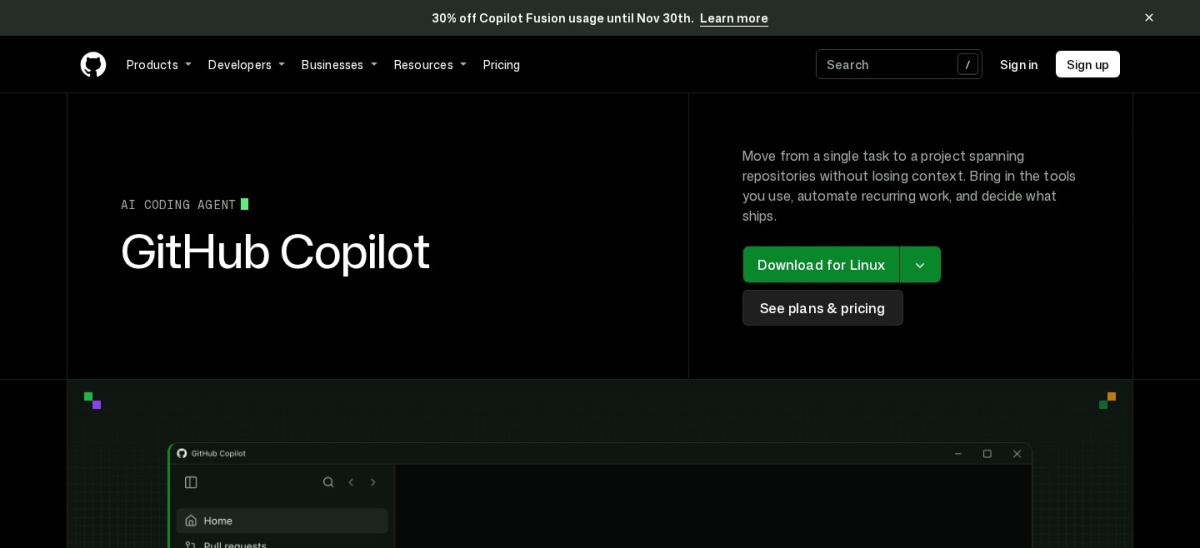
GitHub Copilot homepage, captured Nov 2026.
GitHub Copilot is an LLM-based programming assistant that works inside popular code editors. Its $10 monthly Pro subscription includes unrestricted code completions, model selection and AI-assisted code review.
The trade off is that agent tasks consume credits despite unlimited completions on the $10 plan. It suits developers who want assistance within their existing editor rather than switching to a separate development environment.
What we like
Works with popular editors
Supports GitHub workflows
Offers model selection
Affordable individual subscription
Watch out for
Agent usage consumes credits
Suggestions can contain errors
Complex changes need supervision
Pro adds unlimited completions, model selection and cloud coding features.Visit github.com
03
Cursor
4.6/5on G2 (334 reviews, checked Nov 2026)
Paid from$8/mo
Best for AI-assisted repository editing
Entry planPlus
InterfaceDesktop editor
Entry modelsGrok only
Free accessLimited AI usage
cursor.com
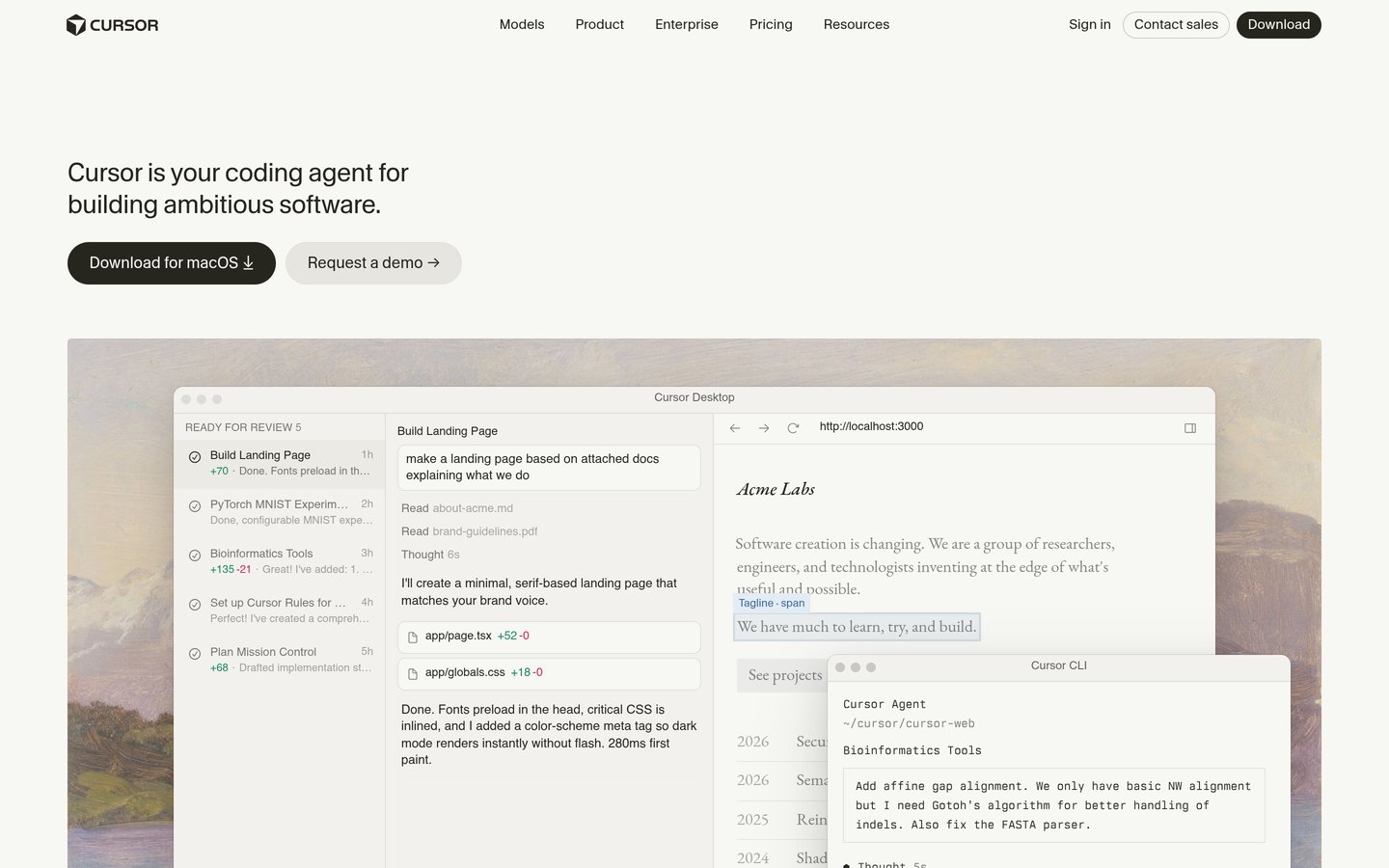
Cursor homepage, captured Nov 2026.
Cursor is an AI-focused code editor designed to help developers understand and modify software projects. Its pricing page lists an $8 monthly introductory Plus plan with a shared AI usage allowance.
The trade off is that the $8 introductory subscription restricts access to Grok models, so broader model selection requires a different plan. It suits developers who prefer integrated chat and agent-assisted editing within their coding workspace.
What we like
Project-aware code editing
Integrated coding agents
Supports conversational development
Free entry option
Watch out for
Entry plan restricts model selection
Requires adopting another editor
Agent usage limits apply
Plus adds a shared AI usage allowance beyond the free tier.Visit cursor.com
04
ChatGPT
4.6/5on G2 (5,490 reviews, checked Nov 2026)
Paid from$8/mo
Best for learning programming and explanations
Entry planGo
InterfaceWeb and desktop
Coding agentCodex
Go context window54K instant
chatgpt.com
ChatGPT homepage, captured Nov 2026.
ChatGPT is a general-purpose AI assistant that helps explain programming concepts, generate functions and troubleshoot software errors. OpenAI lists Go at $8 per month, with expanded messaging and file upload allowances compared with Free.
The trade off is that the $8 Go subscription does not provide the same advanced coding allowances as Plus. It suits learners, freelance developers and programmers who frequently need explanations alongside generated code.
What we like
Suitable for programming education
Supports technical explanations
Accepts file uploads
Offers free access
Watch out for
Advanced coding allowances vary by plan
Responses may contain incorrect assumptions
Generated code requires validation
Go adds more messages, uploads and conversation memory.Visit chatgpt.com
05
Amazon Q Developer
4.6/5on G2 (51 reviews, checked Nov 2026)
Paid from$19/mo
Best for AWS development workflows
Entry planPro
BillingPer user
Cloud integrationAWS
InterfacesIDE and CLI
aws.amazon.com
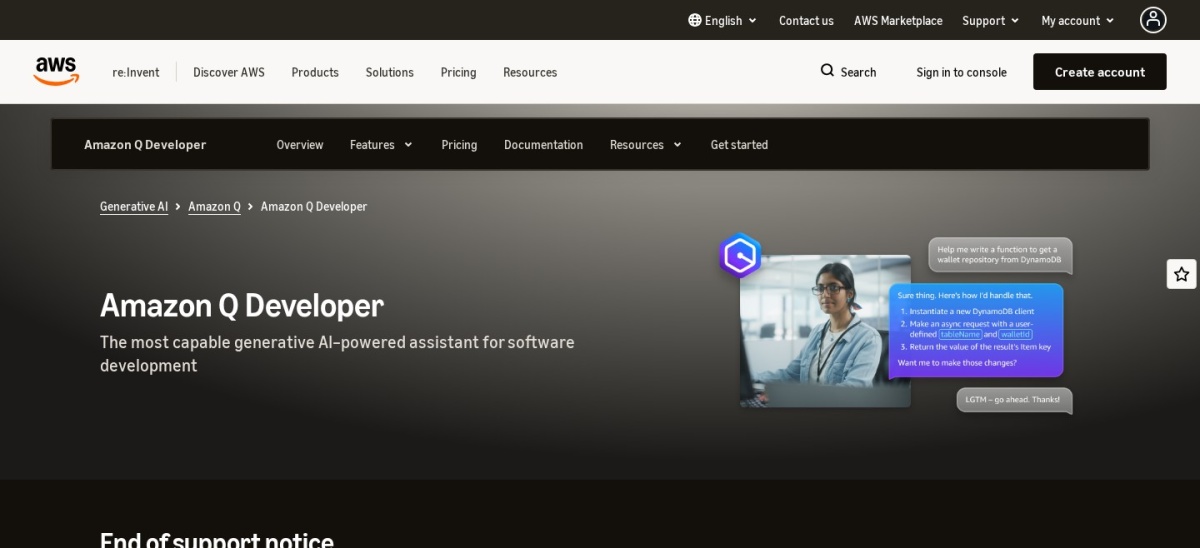
Amazon Q Developer homepage, captured Nov 2026.
Amazon Q Developer is an AI coding assistant designed to help with software development and AWS infrastructure. Its $19 monthly Pro subscription offers expanded access to development assistance and cloud-related workflows.
The trade off is that the $19 per-user subscription is less compelling for developers who rarely use AWS services. It suits cloud engineers maintaining applications, infrastructure configurations and deployment processes.
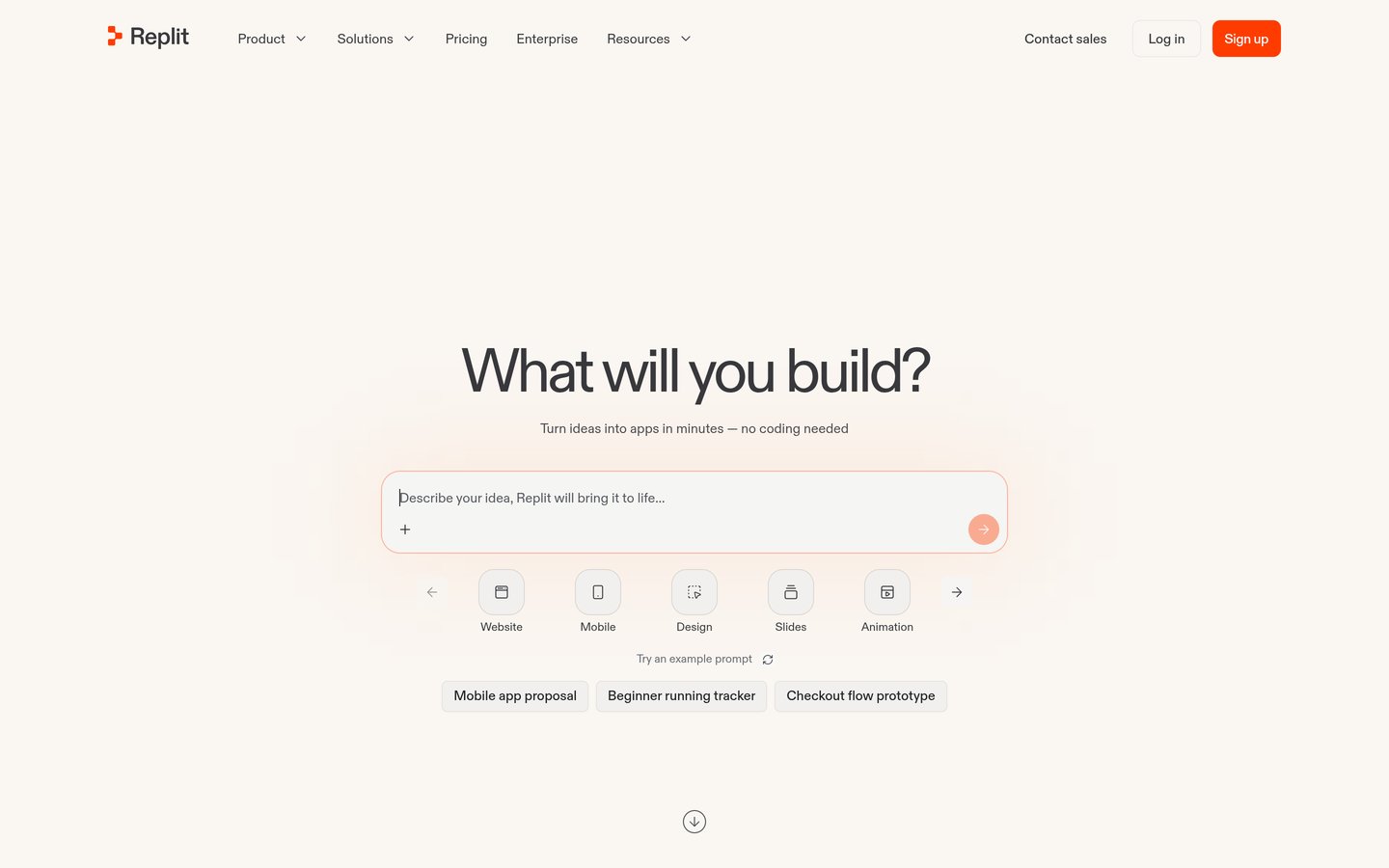
Replit is a browser-based development platform that uses LLM agents to generate and modify applications. Its $20 monthly Core subscription supports collaborative development with up to 5 collaborators.
The trade off is that the $20 subscription does not necessarily cover every agent task or hosting requirement. It suits entrepreneurs, developers and small teams building prototypes without configuring local development environments.
What we like
Browser-based development
Integrated application deployment
Collaborative workspaces
Agent-assisted application creation
Watch out for
Additional usage costs may apply
Complex applications require manual review
Cloud environment dependency
Core adds collaborative development and expanded agent capabilities.Visit replit.com
07
Windsurf
4.3/5on G2 (35 reviews, checked Nov 2026)
Paid from$20/mo
Best for agent-assisted coding workflows
Entry planPro
Free completionsUnlimited Tab
Model selectionExpanded on Pro
Cloud agentsDevin Cloud
windsurf.com
Windsurf homepage, captured Nov 2026.
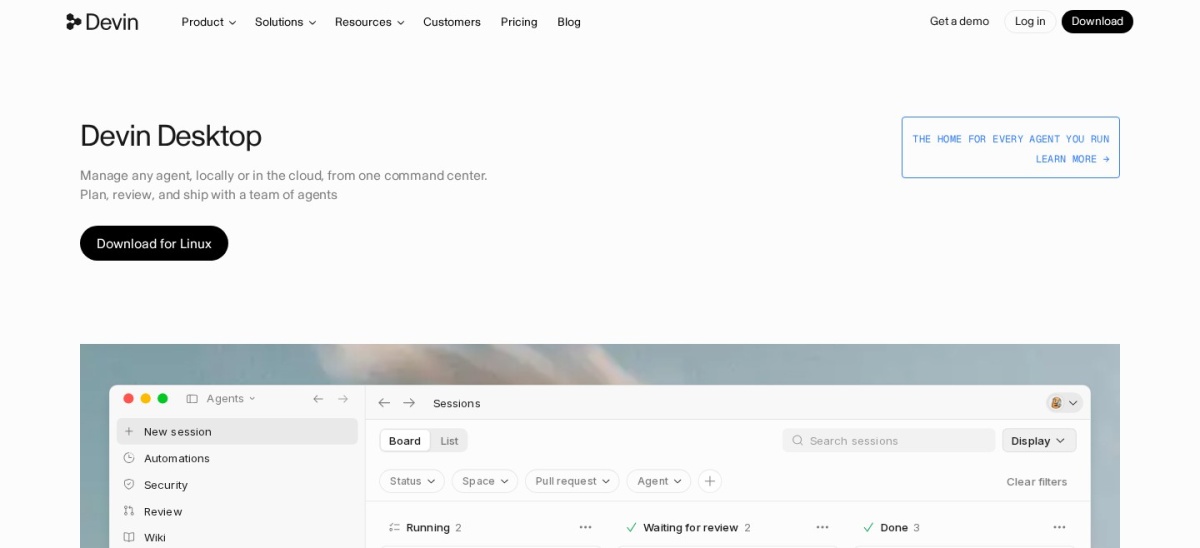
Windsurf is an AI coding environment associated with Cognition's development platform. Its pricing page now redirects to Devin, where the $20 monthly Pro subscription includes expanded model access and cloud agents.
The trade off is that agent usage allowances apply to the $20 subscription, and additional usage may cost extra. It suits developers who want AI-assisted editing and integrated agent workflows.
What we like
Context-aware code suggestions
Integrated editing assistance
Access to multiple model providers
Free inline editing
Watch out for
Agent allowances apply
Product branding and plans have changed
Additional usage can increase costs
The current Pro offering adds broader model access and cloud agents.Visit windsurf.com
Coding LLMs vs AI coding assistants
An LLM generates and interprets text, including source code. A coding assistant builds a development workflow around language models, adding capabilities such as repository indexing, file editing, code completion and terminal access.
Claude and ChatGPT provide general-purpose conversational assistance. GitHub Copilot and Cursor offer more direct integration with software development workflows.
Choose a conversational tool when explanations and problem solving matter most. Choose an integrated assistant when navigating repositories and applying changes represent a significant part of your work.
How much do coding LLMs cost?
Entry-level subscriptions in this comparison range from $96 to $240 per year. GitHub Copilot costs $120 annually at its regular monthly rate, while Claude offers an annual Pro subscription for $200.
These figures represent subscription costs rather than unlimited access to every model or feature. Additional agent usage, API calls, application hosting and cloud infrastructure may increase your total spending.
How we chose
We shortlisted established AI assistants and coding platforms using vendor documentation, subscription details and G2 user reviews. Rankings reflect coding features, accessibility, development workflows and pricing rather than independently measured benchmark performance.
Prices and ratings are presented under the editorial date of 22 Nov 2026, with source pages accessed on 25 Nov 2026. Annual costs use published yearly subscriptions where confirmed or regular monthly subscription prices multiplied by twelve. ChatGPT and Replit prices were confirmed using their official subscription announcements because their main pricing pages did not expose amounts.
We excluded Gemini because its accessible pricing page did not display subscription amounts and Tabnine because its pricing URL redirected to a contact page that could not be opened. Windsurf is included using the current Devin pricing destination and the existing Windsurf G2 review profile. No vendor paid for a place, and we do not claim testing for this list.
How to choose the best LLM for coding
Compare your development requirements against each assistant's features, subscription allowances and security controls before committing to a paid plan.
**Identify your primary coding tasks.** Determine whether you mainly need code completion, debugging, application development or architectural guidance. Select an assistant designed around those tasks.
**Check development environment compatibility.** Confirm that the assistant supports your preferred editor, programming languages, repositories and deployment workflows.
**Compare actual usage costs.** Review subscription allowances, agent credits, additional usage charges and API billing before estimating your development budget.
**Review security and code quality controls.** Check repository permissions, data retention policies and available approval settings. Validate generated code using automated tests and manual reviews.
FAQ
What is the best LLM for coding in 2026?
Claude is our top overall pick for complex coding, debugging and technical reasoning. Its Pro subscription includes Claude Code, and it has a 4.7/5 G2 rating. GitHub Copilot is a practical alternative for developers seeking editor-integrated assistance.
Is Claude better than ChatGPT for coding?
Claude is particularly suitable for developers who want terminal-based assistance and complex code explanations. ChatGPT is a useful alternative for learning programming, troubleshooting errors and conversational problem solving. The better choice depends on your workflow and subscription allowances.
What is the best free LLM for coding?
GitHub Copilot is a practical free option for editor-based coding assistance. Claude, Cursor and ChatGPT also offer free access with usage restrictions. Compare their allowances and development features before choosing a free plan for regular programming work.
Is Cursor better than GitHub Copilot?
Cursor is more suitable for developers willing to adopt an AI-focused editor with integrated project assistance. GitHub Copilot is preferable for users who want to retain their existing development environment. Both require developers to review generated code before deployment.
Can LLMs build complete software applications?
LLM-based development platforms such as Replit can generate application code, interfaces and supporting components from natural language instructions. However, developers still need to verify functionality, authentication, data handling, security and deployment configurations before releasing applications.
How much does an AI coding assistant cost?
GitHub Copilot Pro costs $10 per month, while Amazon Q Developer Pro costs $19 per user per month. Claude Pro costs $200 annually with yearly billing. Additional agent usage or infrastructure expenses can increase overall costs.
Are coding LLMs safe for proprietary source code?
Safety depends on the provider's data policies, subscription terms and organizational controls. Review how prompts and source files are stored or processed. Avoid submitting credentials, sensitive customer information or confidential repositories without appropriate authorization.
Can AI coding assistants replace software developers?
AI coding assistants can automate repetitive programming tasks, suggest fixes and generate application components. They cannot reliably replace human responsibility for system architecture, security, requirements analysis, maintenance and production readiness. Developers should verify generated changes before accepting them.
SaaS SEO and WordPress specialist with about 8 years of experience. Rakib compares WordPress plugins, themes, hosting and software using public pricing, documentation and user reviews. See how we rank.