PTGui leads for complex multi-row and gigapixel stitching with a US$ 199 personal license and unlimited watermarked trial. Hugin is the top free open-source alternative with 2026 releases, while Adobe Lightroom fits photographers already editing RAW catalogs on a US$ 11.99/mo annual plan.
How we make this list: we compare pricing pages, product documentation and public user reviews, then re-check every price before each update. No product paid for a place. Disclosure.
PTGui offers a personal license at US$ 199 with OpenCL GPU acceleration and an unlimited watermarked trial.
Hugin is free open-source software with release 2026.0.0 published in November 2026.
Adobe Lightroom starts at US$ 11.99/mo billed annually and merges RAW frames directly into DNG panoramas.
Pano2VR carries a €499.00 license or €120.00 quarterly subscription for interactive virtual tours.
What to look for in panorama stitching software
Panorama stitching software aligns overlapping photos, corrects lens distortion and exposure shifts, and blends seams into wide or spherical images. Simple single-row landscapes often stitch cleanly in automatic mode, whereas tight interiors, moving subjects, and multi-row shoots test alignment and blending accuracy.
Control point editing and projection choices matter once automatic alignment misses a seam. Dedicated stitchers let you inspect or add control points and switch projections such as spherical, cylindrical, rectilinear, or stereographic views.
Check whether your output stays a flat or spherical still image or becomes an interactive tour. Standalone stitchers focus on image files and projections, while tour platforms add hotspots, floor plans, and browser or mobile delivery.
Pricing splits across one-time desktop licenses, free open-source builds, and recurring subscriptions. Compare entry pricing, trial limits, and update rules before committing to a workflow.
For interactive 360-degree virtual tours and spatial views
$574 one-time
Free plan
4.4/5
Price ladder: cheapest paid plan per year
List prices, USD, checked Nov 2026
HuginFree
PanoStudioFREE$68
Luminar Neo$99
Lightroom$144
PTGuiFREE$199
Photoshop$276
Pano2VRFREE$574
The 7 best panorama stitching software
01
PTGui
4.5/5on G2 (4.5/5 reviews, checked Nov 2026)
Paid from$199 one-time
Best for multi-row, 360-degree, and gigapixel stitching
PlatformsWindows, macOS, Linux
Entry licenseUS$ 199 personal
TrialUnlimited (watermarked)
Current buildPTGui 13.10
ptgui.com
PTGui homepage, captured Nov 2026.
PTGui is dedicated panoramic image stitching software for Windows, macOS, and Linux, available with an unlimited watermarked trial and a personal license at US$ 199. It supports multi-row captures, fisheye lenses, OpenCL GPU acceleration, and projections including equirectangular, rectilinear, and stereographic.
The trade off is paying US$ 199 for a personal license with one year of free updates and learning manual alignment controls. It suits photographers stitching demanding multi-row, 360-degree, or gigapixel panoramas.
What we like
OpenCL GPU acceleration speeds up large and gigapixel stitches
Supports manual control point editing and multiple projections
Free trial has no time limit and outputs watermarked panoramas
Watch out for
Personal license costs US$ 199 with one year of free upgrades
Steeper learning curve than basic auto-stitch tools
Paid personal license removes watermarks and includes one year of free updates.Visit ptgui.com
02
Hugin
4.5/5on Public reviews (Open source reviews, checked Nov 2026)
PriceFree
Best for free open-source stitching across operating systems
PlatformsLinux, Windows, macOS
PriceFree ($0, open source)
Latest release2026.0.0 (Nov 2026)
Core enginePanorama Tools / libpano13
hugin.sourceforge.io
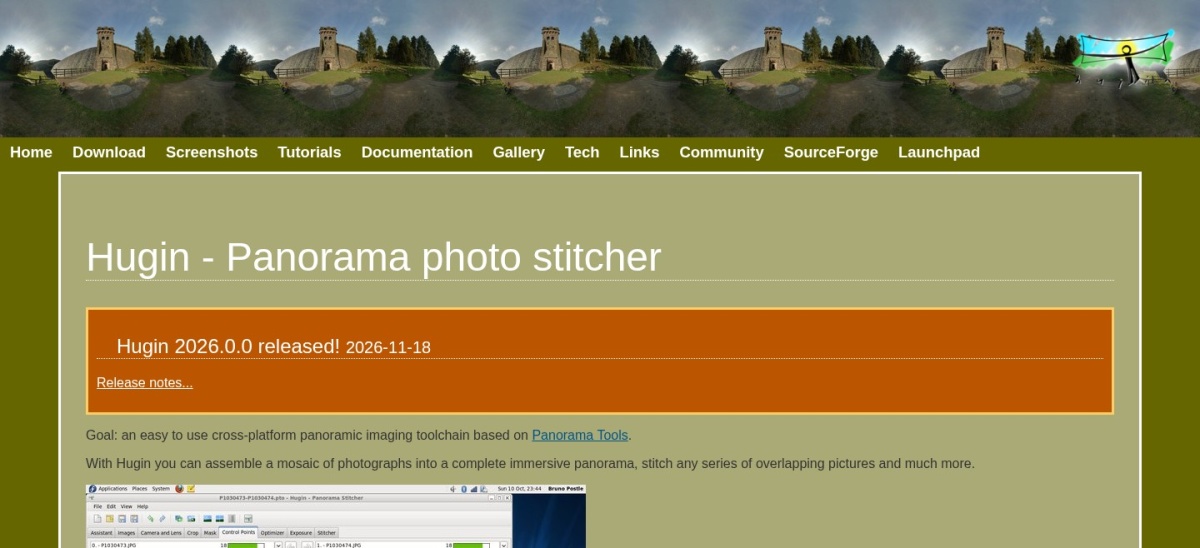
Hugin homepage, captured Nov 2026.
Hugin is a free, open-source panorama stitching toolchain built on Panorama Tools for Linux, Windows, and macOS, with release 2026.0.0 published in November 2026. It handles overlapping photos, wavy horizon correction, large mosaics, and exposure blending at zero cost.
The trade off is a technical interface and slower workflow than commercial tools when tackling complex scenes. It suits budget-conscious photographers and Linux users willing to learn manual stitching steps.
What we like
Completely free open-source software with no paid tier or restrictions
Actively maintained with release 2026.0.0 in November 2026
Runs across Linux, Windows, and macOS
Watch out for
Interface feels complex for casual or first-time users
Can be slower on heavy or complex stitching projects
Free open-source release includes the full stitching toolset with no paid upgrade.Visit hugin.sourceforge.io
03
Adobe Lightroom
4.6/5on G2 (3,299 reviews, checked Nov 2026)
Starts at$11.99/mo
Best for RAW panorama merging inside an existing catalog
PlatformsWindows, macOS, mobile, web
Entry planUS$ 11.99/mo annual
Output formatDNG panorama
AlignmentAutomatic merge
adobe.com
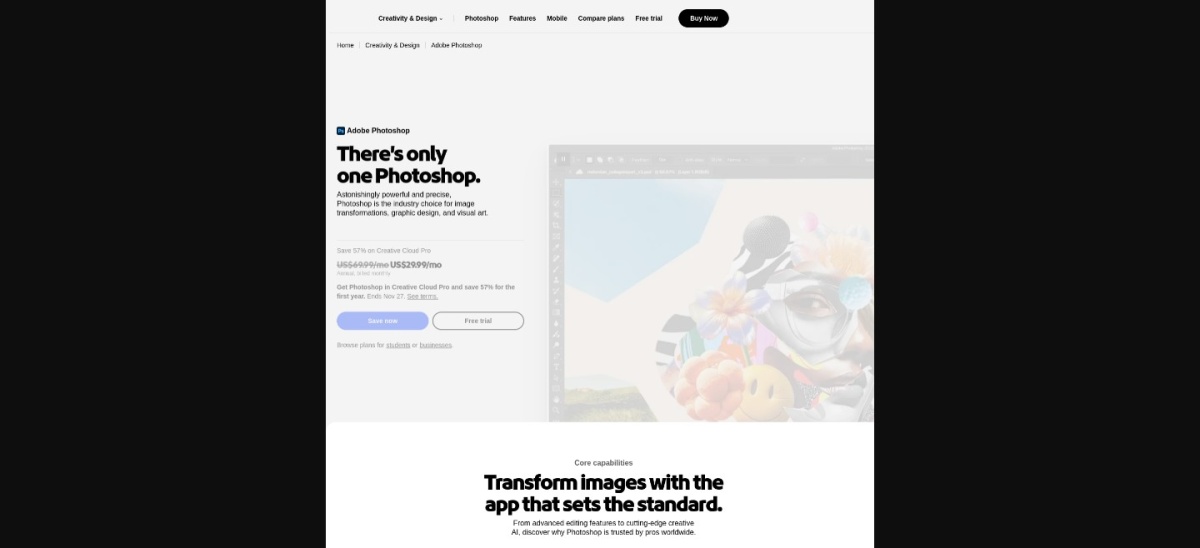
Adobe Lightroom homepage, captured Nov 2026.
Adobe Lightroom is a photo editing and cataloging subscription starting at US$ 11.99/mo on an annual plan billed monthly (or US$ 119.88/yr), including Lightroom Classic and 1TB of cloud storage. Its Photo Merge stitches overlapping photos into DNG files with spherical, cylindrical, perspective, and boundary warp options.
The trade off is ongoing subscription pricing at US$ 11.99/mo and no manual control points inside the merge window. It suits photographers who want quick RAW panorama merges alongside their existing Lightroom edits.
What we like
Merges RAW frames directly into editable DNG panoramas
Includes HDR Panorama, Boundary Warp, and Fill Edges options
Keeps stitched panoramas inside your existing Lightroom workflow
Watch out for
Requires an ongoing subscription starting at US$ 11.99/mo
No manual control points or frame positioning inside the merge tool
Paid Lightroom plan unlocks full desktop, mobile, and web editing plus 1TB cloud storage.Visit adobe.com
04
PanoramaStudio
5/5on Capterra (3 reviews, checked Nov 2026)
Paid from$68 one-time
Best for guided desktop stitching and HTML5 tour export
PlatformsWindows, macOS
Standard price€59.00 one-time
Current build4.2.6 (Sep 2026)
Tour outputHTML5 panoramas & tours
tshsoft.com
PanoramaStudio homepage, captured Nov 2026.
PanoramaStudio is desktop panorama software for Windows and macOS with a free trial and a Standard license priced at €59.00, updated to release 4.2.6 in September 2026. It supports over 1,270 RAW formats, control point and masking edits, and HTML5 virtual tour export.
The trade off is paying €59.00 for Standard or €99.00 for Pro features such as extra projections and HDR float support. It suits photographers seeking a guided desktop stitcher with simple tour export.
What we like
Combines automatic stitching with manual control point and masking tools
Exports interactive HTML5 panoramas and virtual tours
Actively updated with release 4.2.6 in September 2026
Watch out for
Advanced projections and 16/32-bit HDR require the Pro tier
Public review counts on directories remain small
Paid license removes trial limits and unlocks full saving and export for finished panoramas.Visit tshsoft.com
05
Adobe Photoshop
4.7/5on G2 (9,706 reviews, checked Nov 2026)
Starts at$22.99/mo
Best for pixel-level retouching right after Photomerge
PlatformsWindows, macOS, web, mobile
Single-app planUS$ 22.99/mo annual
Stitching toolPhotomerge
Storage100GB cloud storage
adobe.com
Adobe Photoshop homepage, captured Nov 2026.
Adobe Photoshop is a raster editing subscription starting at US$ 22.99/mo on an annual plan billed monthly (US$ 263.88/yr prepaid), including 100GB of cloud storage. Its Photomerge command stitches multiple images into a layered document ready for manual retouching and cleanup.
The trade off is paying US$ 22.99/mo for the single app and dealing with slower stitching on large sets than dedicated tools. It suits editors who want immediate layer and retouching control after merging frames.
What we like
Places merged panorama layers directly into Photoshop for retouching
Includes 100GB cloud storage and desktop, web, and mobile access
Backed by extensive compositing, masking, and cleanup tools
Watch out for
Single-app subscription costs US$ 22.99/mo billed monthly on an annual plan
Slower than dedicated panorama tools on complex or large merges
Paid membership includes full desktop, web, and mobile Photoshop access plus 100GB storage.Visit adobe.com
06
Luminar Neo
4.7/5on Trustpilot (7,000 reviews, checked Nov 2026)
Starts at$99 one-time
Best for guided landscape editing alongside panorama tools
PlatformsWindows, macOS
Desktop licenseUS$ 99 one-time
Guarantee30-day money-back
FocusLandscape & AI editing
skylum.com
Luminar Neo homepage, captured Nov 2026.
Luminar Neo is a Windows and macOS photo editor from Skylum with a Desktop license priced at US$ 99 (currently shown at US$ 99 during a promotional sale) and a 30-day money-back guarantee. Reviewers note its approachable interface and landscape editing tools alongside panorama stitching capabilities.
The trade off is paying US$ 99 upfront and facing separate renewal or upgrade fees for ongoing additions. It suits landscape photographers who want a guided photo editor rather than a specialist stitcher.
What we like
Available as a one-time Desktop license starting at US$ 99
Accessible interface tailored to landscape and creative photo edits
Backed by a 30-day money-back guarantee
Watch out for
Not built primarily for heavy multi-row or gigapixel stitching
Some reviewers note upgrade and renewal charges for extra features
Paid Desktop license unlocks Windows and macOS editing with one year of generative tool access.Visit skylum.com
07
Pano2VR
4.4/5on G2 (14 reviews, checked Nov 2026)
Paid from$574 one-time
Best for interactive 360-degree virtual tours and spatial views
PlatformsWindows 64-bit, macOS
License price€499.00 one-time
Current build8.0.11 (Nov 2026)
Tour featuresHotspots, 3D & splats
ggnome.com
Pano2VR homepage, captured Nov 2026.
Pano2VR is virtual tour and panorama software from Garden Gnome with a free trial, a €499.00 license, and a subscription starting at €120.00 every 3 months (or €360/yr), updated to 8.0.11 in November 2026. It supports multi-resolution panoramas, hotspots, floor plans, 3D models, and Gaussian splats.
The trade off is a high €499.00 license or €120.00 quarterly subscription compared with simple photo stitchers. It suits real estate, architecture, and tourism creators building interactive tours.
What we like
Builds interactive tours with hotspots, floor plans, 3D models, and Gaussian splats
Handles multi-resolution gigapixel panoramas with fast processing
Actively maintained with version 8.0.11 released in November 2026
Watch out for
Higher cost at €499.00 per license or €120.00 every 3 months
More toolset than needed if you only want static panoramic stills
Paid license or subscription removes trial watermarks and node limits for tour publishing.Visit ggnome.com
Capture habits that prevent bad seams
Software cannot fix missing overlap or wide parallax shifts when foreground objects sit close to the lens. Overlapping frames consistently and rotating around the lens entrance pupil reduces seam errors before stitching starts.
When lighting changes across a wide sweep, locking exposure or merging bracketed exposures helps keep brightness consistent across frames.
How we chose
We selected established panorama stitching software and photo editors with active maintenance and verifiable public pricing.
All pricing, release dates, and public ratings were checked on 22 Nov 2026 from official vendor pages and review directories.
We excluded discontinued stitchers such as Autopano and dropped any product whose pricing page could not be confirmed directly.
No vendor paid for a place, and we do not claim testing for this list.
How to choose the right stitching tool
Follow four practical steps to match a panorama tool to your shots and output goals.
Match stitching depth to your scene complexity. Choose a dedicated stitcher like PTGui or Hugin when shooting multi-row scenes, 360 views, or close foreground subjects.
Decide between still exports and interactive tours. Stick to a photo stitcher for flat or spherical image files, or pick PanoramaStudio or Pano2VR if you need HTML5 tours or hotspots.
Compare license models against how often you stitch. Weigh one-time licenses and free open-source builds against monthly subscriptions if panorama work is only occasional.
Test your hardest frame set on a free trial first. Run a tricky sequence through a trial build to check seam blending and projection options before paying.
FAQ
What is the best panorama stitching software for difficult scenes?
PTGui is a top choice for difficult multi-row, 360-degree, and gigapixel panoramas because it combines OpenCL GPU speed with manual control points and multiple projections.
Is there good free panorama stitching software?
Yes. Hugin is free open-source software for Linux, Windows, and macOS with release 2026.0.0 in November 2026, while PTGui and Pano2VR offer free trials.
Can Adobe Lightroom stitch panoramas?
Yes. Lightroom and Lightroom Classic include Photo Merge to stitch overlapping photos into DNG panoramas, including HDR panoramas and boundary warp, though it lacks manual control points.
When should I pick virtual tour software over a stitcher?
Choose virtual tour software like Pano2VR or PanoramaStudio when your deliverable is an interactive tour with hotspots, floor plans, or browser playback rather than just a single stitched image.
Do I need a subscription to stitch panoramas?
No. Hugin is free open-source software, and tools such as PTGui, PanoramaStudio, Luminar Neo, and Pano2VR offer one-time license options alongside or instead of subscriptions.
Why do some panoramas have visible seams?
Visible seams often happen when frames have too little overlap, foreground objects shift due to parallax, or exposure changes sharply between shots.
SaaS SEO and WordPress specialist with about 8 years of experience. Rakib compares WordPress plugins, themes, hosting and software using public pricing, documentation and user reviews. See how we rank.