OneSignal is the best notification software for developers who need push at scale, with a free tier covering unlimited mobile push. Pick SuprSend for a full inbox and multi-channel workflows, and Knock for product teams that need preferences and batching.
How we make this list: we compare pricing pages, product documentation and public user reviews, then re-check every price before each update. No product paid for a place. Disclosure.
OneSignal is the volume play: unlimited mobile push on the free tier, with Growth from $19 a month.
SuprSend has the highest G2 rating here at 4.8, with an inbox that syncs across devices.
Knock moves notification logic out of code, but Starter costs $250 a month.
Novu is the only self-hosted option, with a free tier and Pro from $30 a month.
MagicBell ships an inbox in an afternoon, but the free tier ends at 1,000 deliveries a month.
What to look for in notification software
Notification software decides what a user hears, when, and on which channel. A good tool keeps one event from becoming three duplicate messages across email, push and an in-app feed.
There are two kinds of tools here. Push specialists such as OneSignal and Pushwoosh send messages to phones and browsers at scale, while workflow platforms such as Knock, SuprSend and Novu add inboxes, preferences, batching and digests.
Free tiers differ more than prices do. OneSignal gives unlimited mobile push, Courier and Knock give 10,000 free sends or messages a month, and MagicBell stops at 1,000 deliveries, so check the free allowance against your real volume.
Self-hosting is an option only Novu offers. If you need to own the data path, Novu runs on your infrastructure; every other tool here is hosted. Our guide on project management software covers the wider developer tooling category.
The 8 best notification software tools for developers
01
OneSignal
4.7/5on G2 (1,176 reviews, checked Nov 2026)
Paid from$19/mo
Best for push at scale
Free tierUnlimited mobile push
Web push10,000 subscribers free
In-app messagingYes
Paid planGrowth, $19/mo
onesignal.com
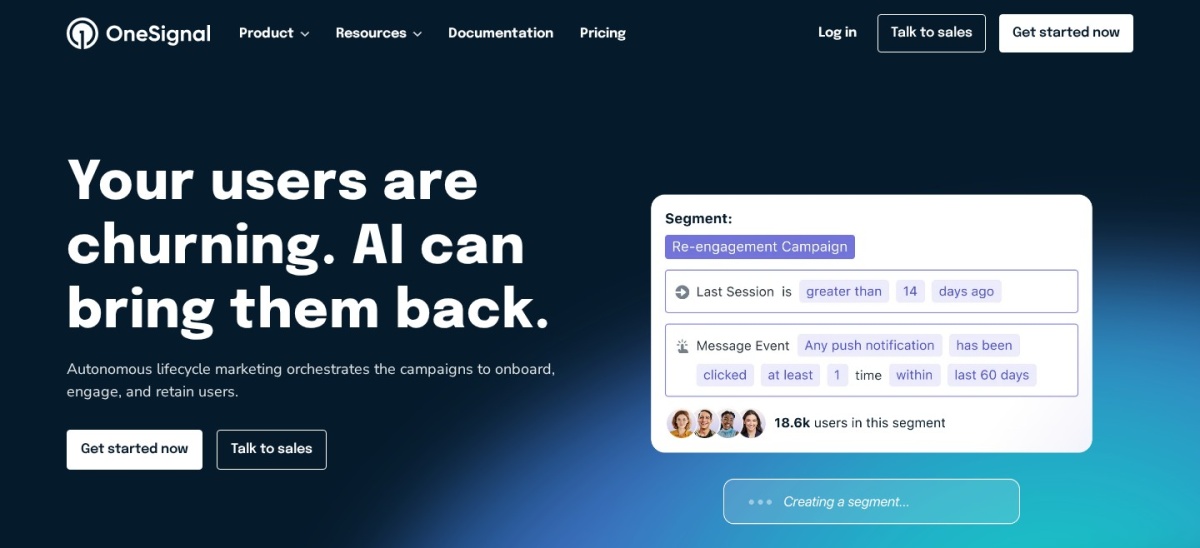
OneSignal homepage, captured Nov 2026.
OneSignal is a push and in-app messaging platform for mobile and web apps, with unlimited mobile push sends on the free tier and up to 10,000 web push subscribers. Growth adds advanced segmentation, A/B testing and journeys.
The trade off is focus. It is a push specialist, not a full notification workflow engine, so cross-channel preferences and digests need another tool. It suits mobile-first teams that send a lot of push.
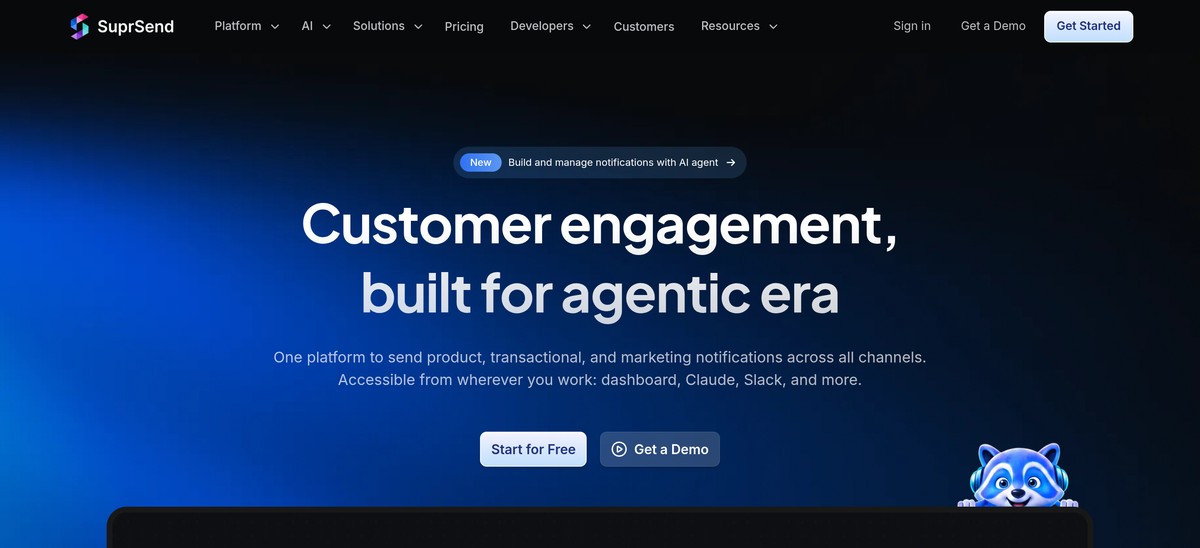
SuprSend is a multi-channel notification platform that covers in-app inbox, email, push, SMS and Slack from one workflow. The free plan covers 10,000 notifications a month, and the inbox syncs read status across browsers and devices.
The trade off is price. Essentials starts at $100 a month for 50,000 notifications, which is a real commitment for a small app. It suits SaaS teams that send every kind of notification from one place.
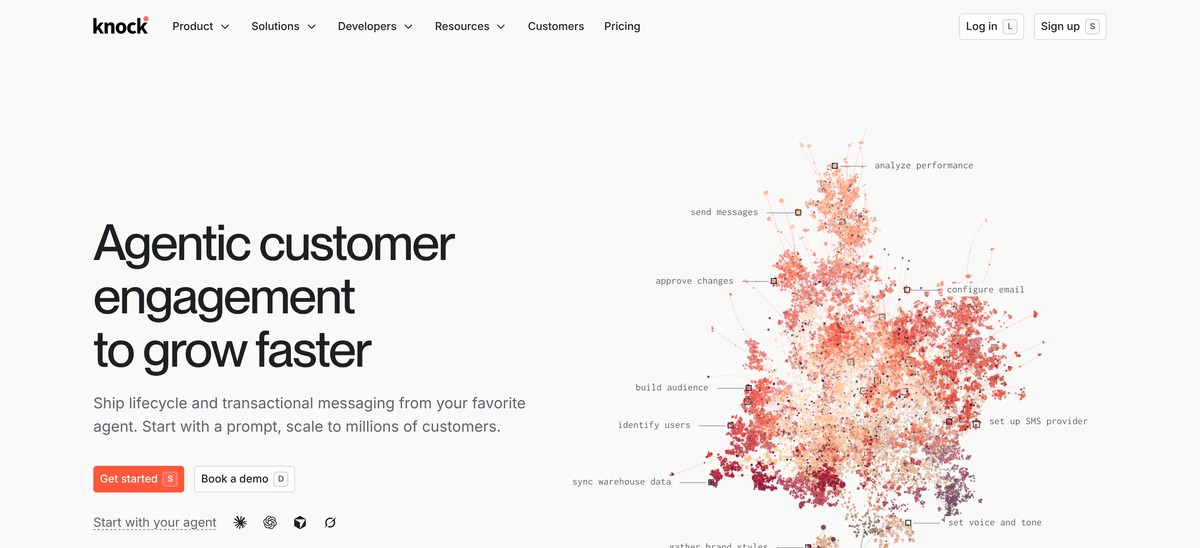
Knock is a notification workflow platform for product teams, with an in-app feed, toasts, preferences and batching configured in a dashboard. Developers integrate once, then non-engineers can change routing, delays and digests without a deploy.
The trade off is price. Starter costs $250 a month for 50,000 messages, which prices out side projects. It suits product teams that want notification logic out of the codebase.
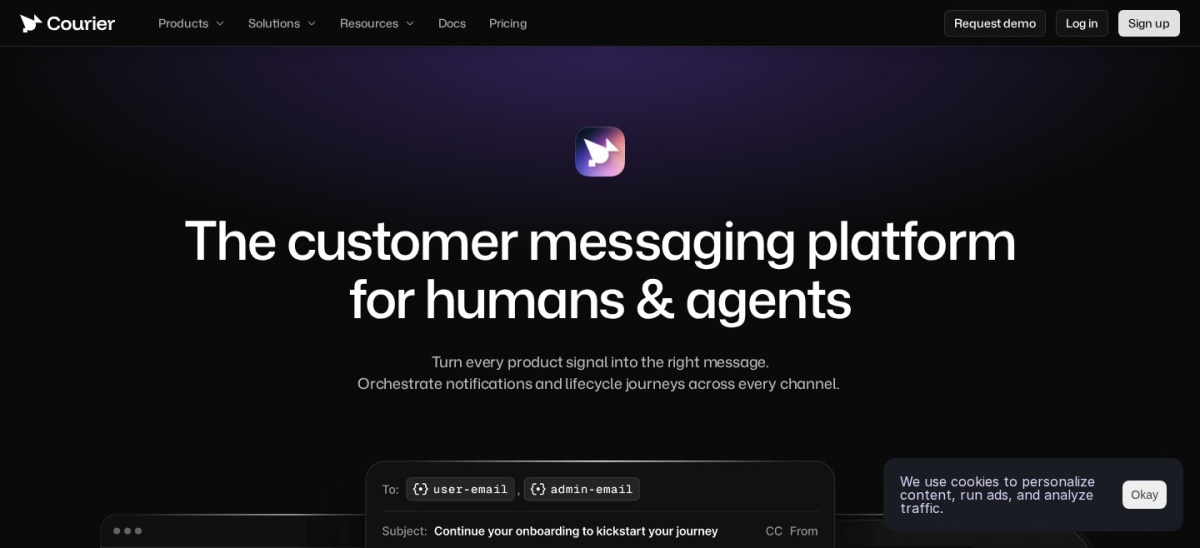
Courier is a notification orchestration layer that routes every message through one API to more than 80 providers, including SendGrid, Twilio and Firebase. You keep your delivery accounts and send email, SMS, push and in-app from a single call.
The trade off is that you still pay the providers. The free tier covers 10,000 sends a month, then billing is $0.005 per send with no platform fee. It suits teams that already use several delivery providers.
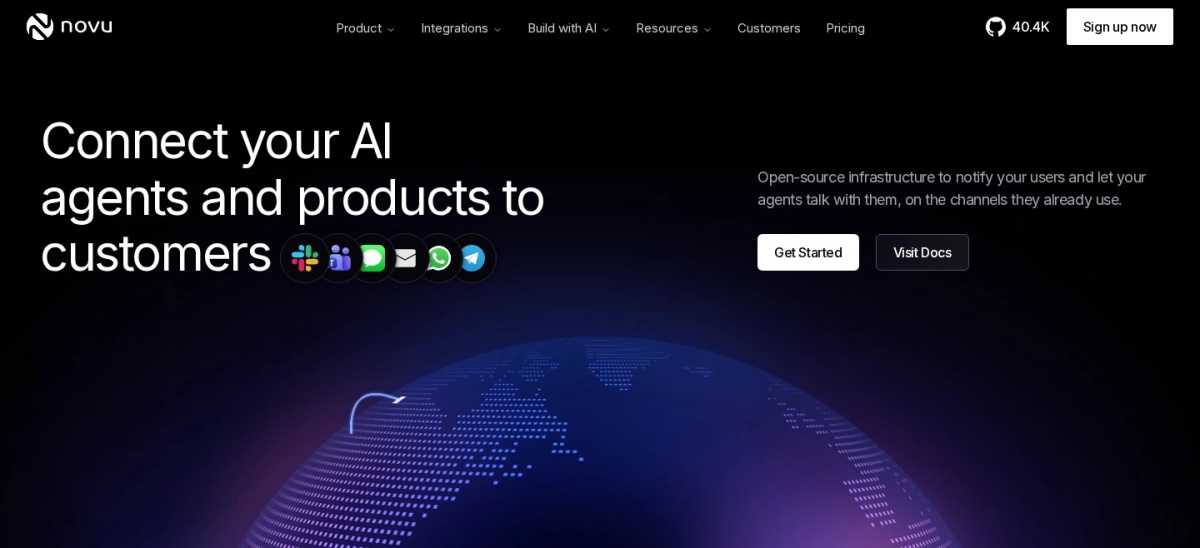
Novu is open-source notification infrastructure that you can self-host for free, with workflows in TypeScript, an inbox component and snooze support. The cloud plan covers 10,000 workflow runs a month free, and Pro starts at $30 a month.
The trade off is maturity. It holds the smallest G2 review base here, and self-hosting means you run the infrastructure. It suits teams that want to own their notification stack.
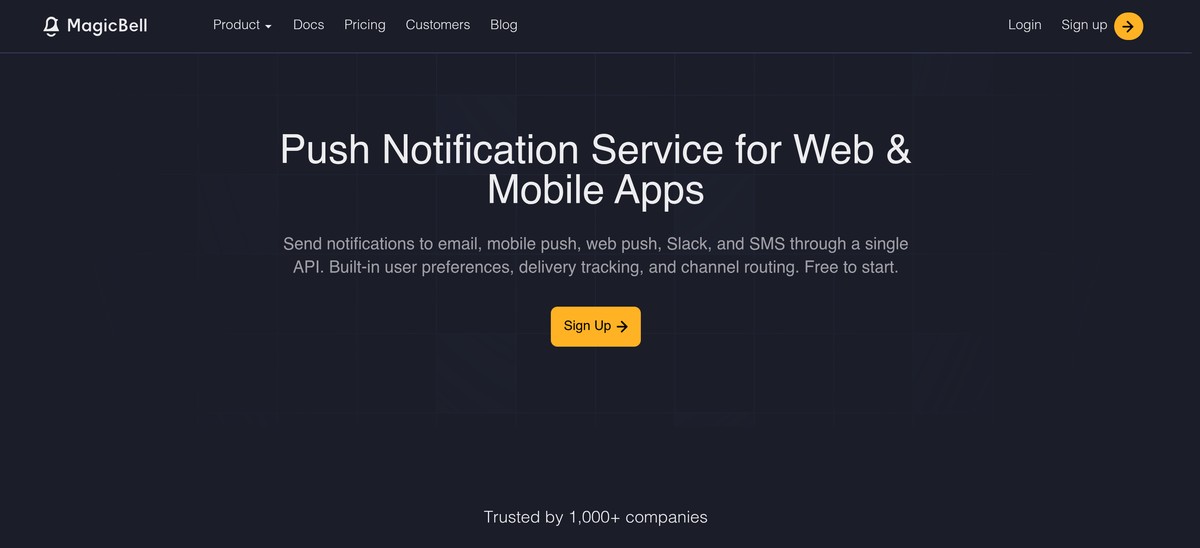
MagicBell is a drop-in notification inbox for web apps, with a bell icon, feed, unread counts and toasts that work the same afternoon. It also sends email, push, SMS and Slack from one broadcast call.
The trade off is price. The free Builder plan ends at 1,000 deliveries a month, and Startup jumps to $249 a month. It suits teams that need an inbox fast and nothing else.
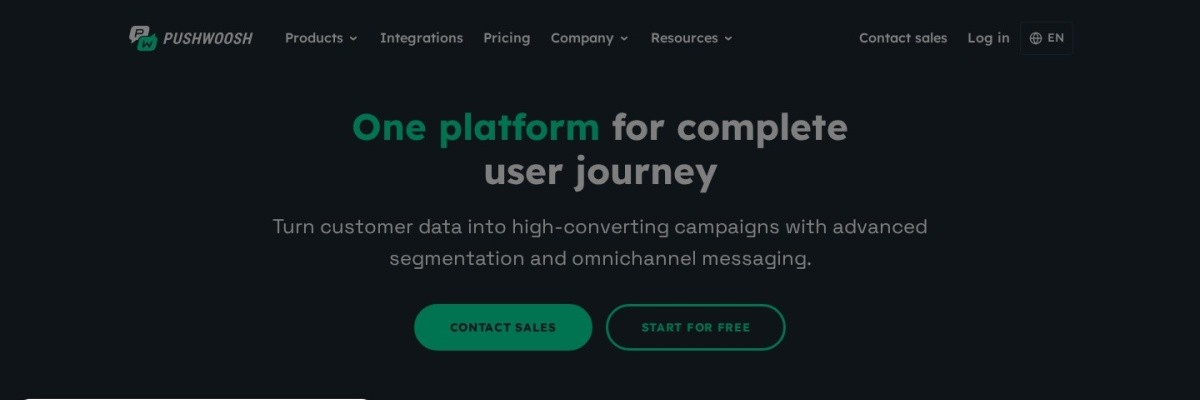
Pushwoosh is a cross-platform push platform with SDKs for mobile, web and Unity, covering push, in-app messages and email. It suits teams that ship games or apps on many platforms from one dashboard.
The trade off is breadth. It is a push tool, not a workflow engine, so in-app inboxes and cross-channel preferences are thinner than Knock or SuprSend. It suits app teams that need push everywhere.
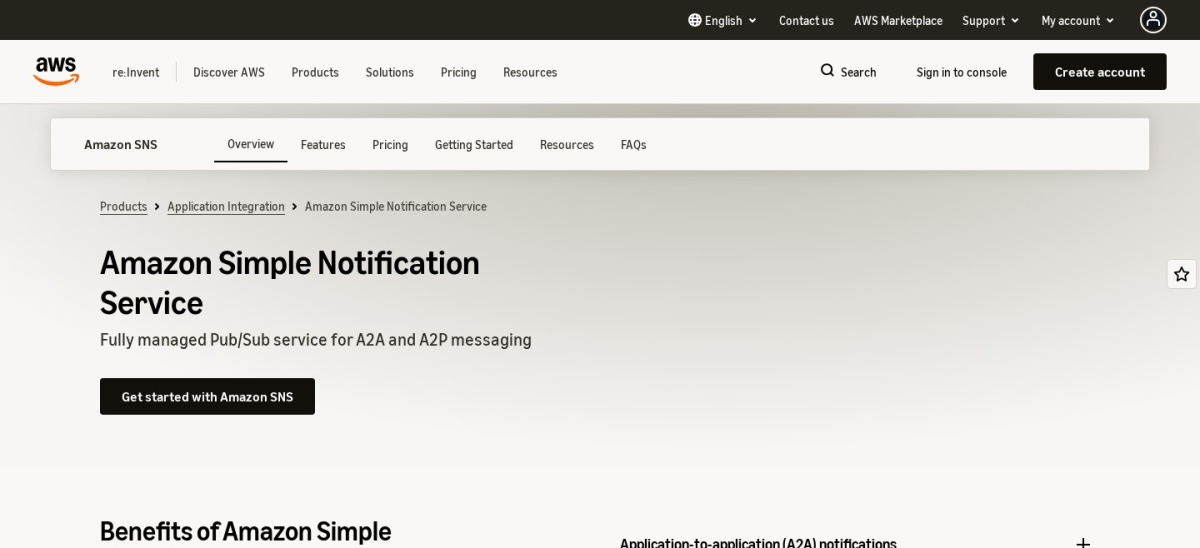
Amazon SNS is a fully managed messaging service from AWS that sends push notifications, SMS and email from one API. The free tier covers 1 million publishes a month, and after that you pay $0.50 per million requests.
The trade off is that it is plumbing, not a product. There is no inbox component, no template designer and no preference center, so you build all of that yourself. It suits teams already on AWS that want cheap fan-out.
Push is for alerts. It reaches users outside your app, on the lock screen or in the browser, and it disappears once read.
An inbox is for history. It keeps mentions, approvals and order updates inside your app until the user reads or archives them.
Most apps need both: push to pull users back, and an inbox so nothing important is lost. SuprSend, Knock and Courier cover both in one workflow.
How we chose
We started from the notification platforms with verifiable G2 ratings and a free tier, then kept eight that cover push, in-app inboxes, workflows and self-hosting.
Prices come from each vendor pricing page, checked on 26 November 2026, with OneSignal, SuprSend and Knock confirmed on their own pricing pages. Ratings and review counts come from G2 on the same day. Where a vendor shows a sale, the list shows the regular price.
We left out tools with no verifiable G2 rating and tools that only send email. No vendor paid for a place, and we do not claim hands-on testing for this list.
How to choose notification software
Start with your main channel, then check the free tier against your volume.
List your channels. Write down every channel you send today: push, email, SMS, Slack and in-app. A push-only tool will not cover the rest.
Check the free allowance. Compare your monthly volume with the free tier. Ten thousand free sends covers a small app, but not a growing one.
Decide hosted or self-hosted. Pick Novu if you must own the data path. Every other tool here is hosted and faster to start.
Test the inbox. Send a message, read it on two devices, and check the read status syncs. A broken inbox creates more support tickets than no inbox.
FAQ
What is the best notification software for developers?
OneSignal is the best notification software for developers who need push at scale, with unlimited mobile push on the free tier. SuprSend is the best all-round platform with an inbox, and Knock suits product teams that need workflows without code.
What is the difference between push notifications and in-app notifications?
Push notifications reach users outside your app, on the phone lock screen or in the browser. In-app notifications appear inside your app as a bell, feed or toast, and stay visible until the user reads or archives them.
Is there a free notification API?
Yes. OneSignal gives unlimited mobile push free, while Courier, Knock, Novu and SuprSend each give 10,000 free sends, messages or runs a month. Amazon SNS gives 1 million free publishes a month, and MagicBell gives 1,000 free deliveries.
Can I self-host notification software?
Yes, Novu is the only tool here with a free self-hosted option, and its whole platform is open source. Every other tool on this list is hosted, so your messages pass through the vendor cloud.
How much does notification software cost?
Entry prices run from 13 dollars a month for Pushwoosh to 250 dollars a month for Knock Starter. Most teams start free, and usage-based tools such as Courier charge half a cent per send after a free 10,000 sends a month.
Do I need a notification inbox?
You need one if users miss messages. An inbox keeps a readable history of alerts, mentions and approvals inside your app, with unread counts and archive controls. Push alone works for alerts, but not for anything a user must come back to.
SaaS SEO and WordPress specialist with about 8 years of experience. Rakib compares WordPress plugins, themes, hosting and software using public pricing, documentation and user reviews. See how we rank.