OnPay is our top pick for nonprofit payroll with a $49/month base fee plus $6 per person and 50-state tax filing. For broader integrations or global teams, consider Gusto or Deel.
How we make this list: we compare pricing pages, product documentation and public user reviews, then re-check every price before each update. No product paid for a place. Disclosure.
OnPay starts at $49/mo plus $6/person and includes unlimited pay runs and 50-state tax filing.
Gusto starts at $49/mo plus $6/person and connects with accounting tools like QuickBooks and Aplos.
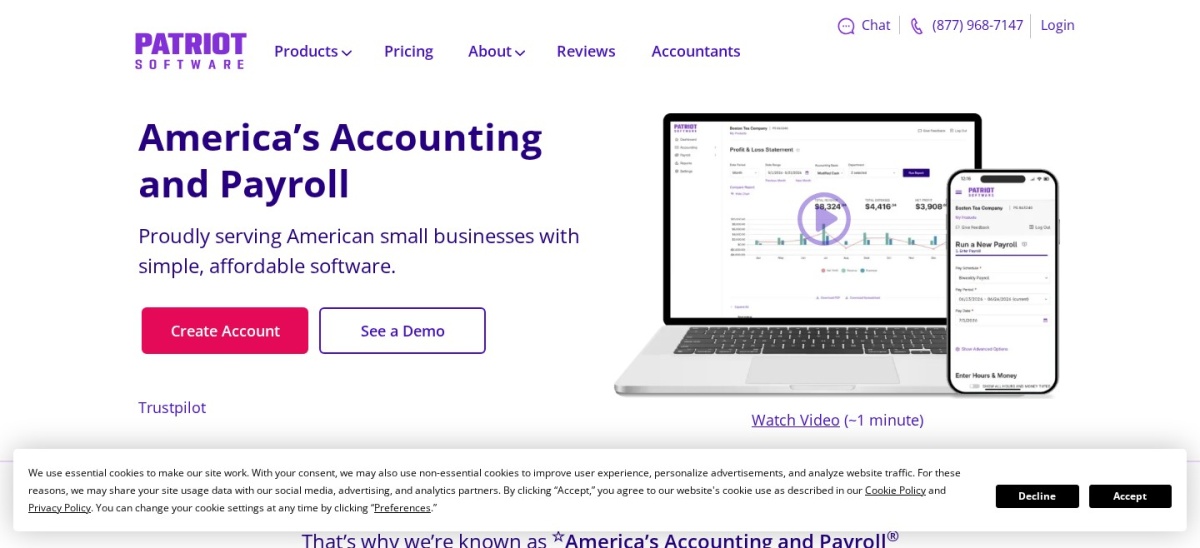
Patriot Software starts at $17/mo plus $4 per worker for budget-minded payroll.
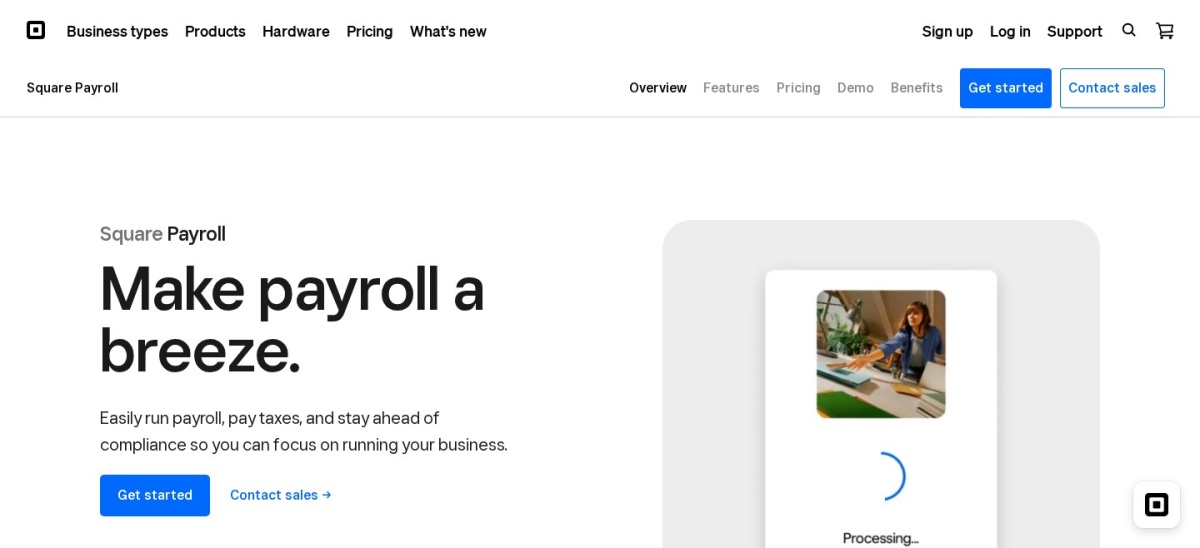
Square Payroll starts at $6/mo per contractor or $35/mo plus $6/person for full-service payroll.
Deel starts at $5/mo per user for HR or $29/mo per employee for global payroll across countries.
What nonprofits should look for in payroll software
Nonprofit payroll involves tracking wages across restricted grants, unrestricted funds, and multiple programs without overpaying for enterprise HR modules. Many organizations also employ part-time staff, seasonal workers, and independent contractors alongside salaried team members.
Exempt tax rules and multi-state compliance matter as soon as staff work remotely or across state lines. Look for platforms that automate tax filings, support department or fund mapping in your general ledger, and keep per-person fees predictable as headcount shifts.
Before signing a contract, map out your full headcount and needed add-ons such as time tracking, benefits administration, or contractor payments. Base monthly fees often look low until per-user charges and optional HR modules are added.
Best for small nonprofits wanting straightforward pricing
Base price$49/mo + $6/person
Pay runsUnlimited
Tax filing50-state automated
Free trial1 month free
onpay.com
OnPay homepage, captured Nov 2026.
OnPay is a payroll and HR platform with a published entry rate of $49 per month plus $6 per person. It includes unlimited pay runs, 50-state tax filings, and worker data migration help.
The trade off is that deeper HR tools sit behind add-ons and per-person fees scale as headcount grows. It suits small nonprofits that want predictable base pricing and full-service tax handling.
What we like
Transparent $49/mo base plus $6/person pricing
Unlimited pay runs and 50-state tax filing included
Free data migration assistance when switching
High 4.8/5 rating across 471 Capterra reviews
Watch out for
Per-person charges add up for larger teams
Fewer native integrations than some larger HR suites
Paid plans add benefits administration and optional HR add-ons on top of the $49/mo base.Visit onpay.com
02
Gusto
4.6/5on Capterra (4,404 reviews, checked Nov 2026)
Starts at$49/mo
Best for nonprofits needing accounting and benefits integrations
Entry plan$49/mo + $6/person
Higher tiersPlus from $80/mo + $12/person
Accounting syncQuickBooks and Aplos
BenefitsHealth, 401(k) & savings
gusto.com
Gusto homepage, captured Nov 2026.
Gusto is a payroll, benefits, and HR platform whose Simple plan starts at $49 per month plus $6 per person. It automates tax filings, supports W-2 and 1099 workers, and connects with tools like QuickBooks and Aplos.
The trade off is that moving to Plus for multi-state payroll and expanded features raises costs to $80 per month plus $12 per person. It suits growing nonprofits that value clean workflows and third-party app integrations.
What we like
Wide integration ecosystem including QuickBooks and Aplos
Built-in employee benefits, 401(k), and financial tools
Simple self-service onboarding for staff and contractors
Watch out for
Multi-state support requires stepping up to higher-priced tiers
Per-person costs climb noticeably as staff count expands
Higher tiers unlock multi-state payroll, time tracking, and expanded HR workflows.Visit gusto.com
03
Patriot Software
4.8/5on Capterra (3,967 reviews, checked Nov 2026)
Starts at$17/mo
Best for tight budgets and straightforward payroll runs
Starting price$17/mo + $4/worker
Payroll runsUnlimited
Accounting add-onAvailable from $20/mo
SupportPhone, chat & email
patriotsoftware.com
Patriot Software homepage, captured Nov 2026.
Patriot Software is a payroll and accounting provider starting at $17 per month plus $4 per employee or contractor. It covers unlimited payroll runs, direct deposit, tax filings, and an employee portal.
The trade off is that its interface and HR suite are simpler than all-in-one HR platforms. It suits budget-conscious nonprofits that want low monthly base fees and direct support.
What we like
Low $17/mo starting base fee plus $4 per worker
Unlimited payroll runs and free direct deposit included
Optional accounting software available from $20/mo
Watch out for
Fewer built-in HR and talent modules than larger suites
Focused on US payroll operations rather than international teams
Full-service tax filing, time and attendance, and accounting are available on paid plans.Visit patriotsoftware.com
04
Square Payroll
4.7/5on Capterra (622 reviews, checked Nov 2026)
Starts at$6/mo
Best for event-based or contractor-heavy teams
Contractor plan$6/mo per person paid
Full-service plan$35/mo + $6/person
Pay runsUnlimited per month
Inactive monthsFree seasonal inactivity
squareup.com
Square Payroll homepage, captured Nov 2026.
Square Payroll is a payroll service starting at $6 per month per contractor paid, or $35 per month plus $6 per person for employees and contractors. It supports unlimited pay runs, tax filings, and free seasonal inactivity.
The trade off is that full employee payroll adds a $35 monthly base fee and optional add-ons cost extra. It suits nonprofits with seasonal pauses or heavy contractor payments.
What we like
Low $6/mo per-contractor option with no monthly base fee
Free seasonal inactivity for organizations that pause payroll
Unlimited pay runs and automated federal/state tax filings
Watch out for
Full employee payroll adds a $35/mo base charge
Mailed paper W-2s or 1099s carry a $3 annual per-form fee
4.9/5on Capterra (4,886 reviews, checked Nov 2026)
Starts at$8/mo
Best for unifying payroll, HR, and IT workflows
Starting rateFrom $8/mo per user
ModelModular HR, payroll & IT
Global reachMulti-state & international
AutomationWorkflow & permission rules
rippling.com
Rippling homepage, captured Nov 2026.
Rippling is a modular workforce platform combining payroll, HR, and IT management with entry pricing starting from $8 per user per month. It automates employee onboarding, tax filings, and role-based permissions in one system.
The trade off is that enabling extra modules increases total monthly spend and initial setup can take time. It suits mid-sized nonprofits consolidating HR, payroll, and device or app access.
What we like
High 4.9/5 rating across 4,886 Capterra reviews
Connects payroll with HR records, time tracking, and IT access
Automates multi-state compliance and workflow approvals
Watch out for
Module add-ons can raise total costs for larger teams
Initial configuration can feel involved for first-time admins
Adding payroll, benefits, and IT modules expands automation beyond the entry platform rate.Visit rippling.com
06
Justworks
4.6/5on Capterra (746 reviews, checked Nov 2026)
Starts at$8/mo
Best for outsourced HR compliance and group benefits
Payroll Only$8/mo per user
PEO Basic$79/mo per user
PEO Plus$124/mo per user
Support24/7 customer support
justworks.com
Justworks homepage, captured Nov 2026.
Justworks is a payroll and professional employer organization platform starting at $8 per user per month for Payroll Only and $79 per user per month for PEO Basic. It handles employer payroll tax filings, contractor payments, and group benefit options.
The trade off is that PEO plans charge higher per-user rates and benefits renewals can vary. It suits nonprofits that want guided compliance support or pooled employee benefits.
What we like
Entry Payroll Only plan starts at $8 per user per month
PEO plans provide access to group medical, dental, and vision options
24/7 support and guided onboarding workflows
Watch out for
PEO tiers cost significantly more per user than standalone payroll
Some users note less flexibility on benefit package customization
PEO tiers add HR consulting, liability coverage, and access to group health plans.Visit justworks.com
07
Deel
4.8/5on Capterra (4,326 reviews, checked Nov 2026)
Starts at$5/mo
Best for international staff and global contractors
HR starting priceFrom $5/mo per user
Global payrollFrom $29/mo per employee
ContractorsFrom $49/mo per contractor
EOR optionFrom $599/mo per employee
deel.com
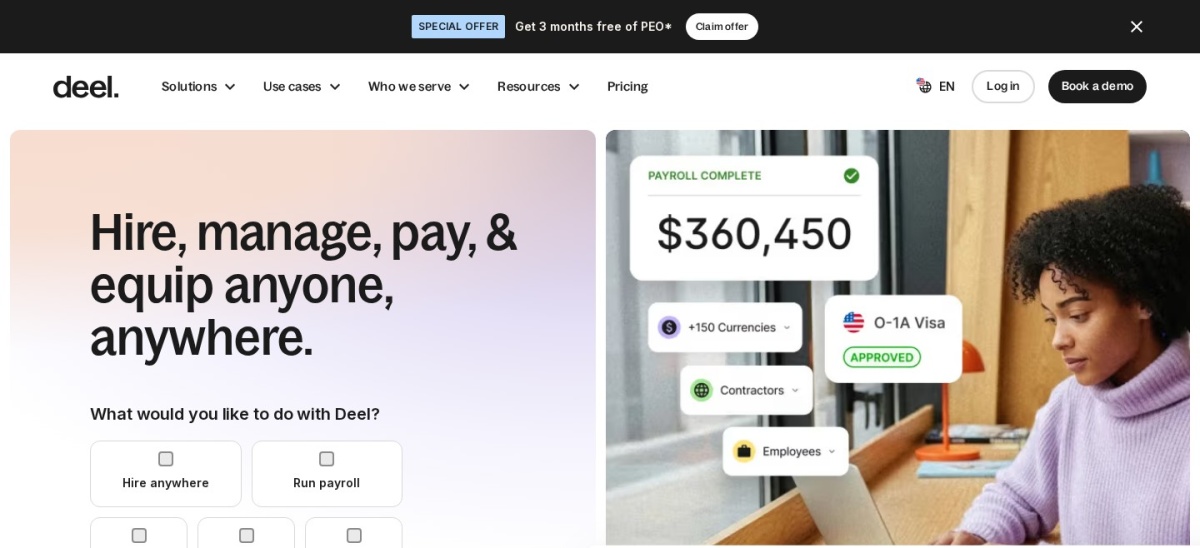
Deel homepage, captured Nov 2026.
Deel is a global workforce and payroll platform with HR starting from $5 per user per month and global payroll starting from $29 per employee per month. It supports multi-currency contractor payouts, local compliance, and international hiring.
The trade off is that specialized services like contractor management and employer-of-record hiring carry separate per-worker rates. It suits nonprofits paying distributed teams or contractors across borders.
What we like
Strong 4.8/5 rating across 4,326 Capterra reviews
Handles multi-country payroll and contractor payments in one hub
Streamlined onboarding and local compliance workflows
Watch out for
Global payroll and EOR plans cost more than basic domestic tools
Separate fees apply depending on worker classification and add-ons
Payroll, contractor, and employer-of-record plans add localized tax compliance and cross-border payouts.Visit deel.com
Tracking payroll across grants and funds
Nonprofits often split a single employee's hours across multiple grants, programs, or cost centers to satisfy funder reporting. If your payroll system does not export clean department or fund breakdowns, finance staff have to re-key numbers into spreadsheets after every pay run.
Check how each payroll tool maps wages into your accounting ledger before committing. Pair your payroll choice with clear time-tracking rules so restricted grant expenses stay documented from day one.
How we chose
We selected seven established payroll platforms that serve nonprofit teams, from small domestic organizations to distributed groups with contractors and international staff. Our shortlist balances published pricing clarity, core tax filing features, and accounting or HR capabilities.
All ratings, review counts, and starting prices were checked on 22 Nov 2026 from public review directories and vendor pricing pages. Where vendors run promotions or multi-tier pricing, we record the lowest published entry rate and note tier trade-offs.
We excluded platforms that hide all pricing behind custom quotes or focus solely on niche enterprise suites without transparent entry tiers. No vendor paid for a place, and we do not claim testing for this list.
How to choose payroll software for your nonprofit
Follow four practical steps to match a payroll platform to your team size and compliance needs:
List every worker type and location. Count full-time staff, part-time employees, seasonal workers, and independent contractors across all states or countries where people work.
Check accounting and fund reporting compatibility. Confirm that payroll exports or syncs cleanly with your accounting ledger so grant and program costs stay organized.
Model total cost at your actual headcount. Multiply per-person fees by your active team and check whether multi-state support or HR tools require a higher tier.
Verify tax filing and off-cycle support. Make sure automated tax filings, year-end forms, and off-cycle pay runs match how often your organization pays staff.
FAQ
Do nonprofits get special payroll software pricing?
Most payroll providers do not publish a flat universal nonprofit discount on their main pricing pages. Instead, nonprofits usually compare transparent base-plus-per-person plans or request custom quotes when evaluating larger HR suites.
What is the cheapest payroll option for a small nonprofit?
For paying contractors only, Square Payroll starts at $6 per month per person paid. For W-2 employees, Patriot Software starts at $17 per month plus $4 per worker, while OnPay and Gusto both start at $49 per month plus $6 per person.
Should a nonprofit pick a payroll-only tool or a PEO?
Payroll-only tools usually cost less per person and fit small teams with straightforward benefits. A PEO such as Justworks can help when you want shared HR support or group health benefits, though per-user fees are higher.
How do payroll platforms handle 1099 contractors?
Most platforms on this list let you pay contractors alongside W-2 employees and generate year-end tax forms. If you mostly pay contractors or seasonal helpers, check whether a contractor-only rate avoids paying a full monthly base fee.
What happens when a nonprofit has employees in multiple states?
Hiring across state lines adds registration, withholding, and filing rules in each state. Confirm that your chosen plan includes multi-state payroll without forcing an unexpected upgrade to a costly tier.
Can we switch payroll providers mid-year?
Yes, many providers support mid-year migrations by importing year-to-date wage and tax records. Plan the transition around a pay-period boundary and verify tax filing responsibilities before your first run.
SaaS SEO and WordPress specialist with about 8 years of experience. Rakib compares WordPress plugins, themes, hosting and software using public pricing, documentation and user reviews. See how we rank.