Gusto leads for small businesses with a $49/month base plus $6/person plan and more than 200,000 business customers. OnPay fits teams wanting multi-state filing on a $49/month base plus $6/worker plan, while Patriot Software suits tight budgets at $17/month plus $4/worker.
How we make this list: we compare pricing pages, product documentation and public user reviews, then re-check every price before each update. No product paid for a place. Disclosure.
Patriot Software starts at $17/month plus $4/worker paid on Basic Payroll, making it the lowest regular entry price on this list.
Square Payroll starts at $35/month plus $6/person paid, with a $6/person option for contractor-only pay runs.
Gusto and OnPay both list a $49/month base plus $6/person regular entry rate, but OnPay includes multi-state payroll in that base plan.
QuickBooks Workforce starts at $50/month base plus $7/employee on Workforce Payroll, with time tracking added in Workforce Premium.
Remote lists Global Payroll starting at $19/employee/month and Contractor Management starting at $29/contractor/month with no base fee.
No tool on this list offers a permanent free payroll plan, though several provide introductory discounts or free trials.
What to look for when comparing payroll software
Most payroll vendors charge a flat monthly base fee plus a per-worker fee, though some global platforms charge per active worker with no base fee. Because headcount changes over the year, check whether a provider bills for every person on your roster or only people paid each month.
Check what is included in the regular entry tier before comparing base prices. Features like multi-state tax filing, next-day direct deposit, time tracking, and workers' compensation administration often sit in higher tiers or separate add-ons.
Pay attention to introductory promotions versus regular list rates. Many providers advertise half-off base fees or free first months, while regular monthly rates apply once the promotional window ends.
Decide whether you need domestic payroll, multi-state compliance, contractor payments, or international employees across local entities. Picking a tool matched to your worker types avoids awkward workarounds or extra fees later.
Gusto is an online payroll and people platform serving more than 200,000 businesses with a 4.6/5 rating across 14,221 G2 reviews. Its regular Simple plan costs $49/month plus $6/person/month and includes unlimited payroll runs, tax filings and payments, and basic PTO policies.
The trade off is that Simple covers one state by default, while next-day pay costs an extra $15/month plus $3/person unless you upgrade to Plus at $80/month plus $12/person. It suits growing small businesses that want clean workflows and optional HR or benefits add-ons.
What we like
Clear interface for running payroll and managing worker profiles
Unlimited monthly pay runs and automated tax filings on Simple
Easy integration with benefits, time tracking, and accounting tools
Watch out for
Simple plan is limited to a single state without add-ons
Next-day direct deposit and priority support cost extra on Simple
Per-person fees rise noticeably on Plus and Premium tiers
Paid upgrades and add-ons add multi-state payroll, next-day pay, time tracking, and HR tools.Visit gusto.com
02
OnPay
4.8/5on G2 (424 reviews, checked Nov 2026)
Starts at$49/mo + $6/mo + $6/person
Best for straightforward multi-state payroll value
Regular base$49/mo + $6/worker
State coverageAll 50 states included
Rating4.8/5 on G2
Setup feesNone listed
onpay.com
OnPay homepage, captured Nov 2026.
OnPay is a payroll and HR platform rated 4.8/5 across 424 G2 reviews, known for predictable pricing and support. Its regular entry plan starts at a $49/month base fee plus $6/worker/month and includes unlimited pay runs, W-2s and 1099s, and tax filings across all 50 states.
The trade off is that dedicated HR resources and time tracking cost extra unless bundled, and some users ask for deeper time-tracking integrations. It suits small businesses and nonprofits that want multi-state payroll without tier jumps.
What we like
Includes 50-state tax filings and unlimited pay runs in the base plan
Strong 4.8/5 user rating with frequent praise for support
No implementation or integration fees listed on the base plan
Watch out for
Time tracking and live HR support require add-ons or bundles
Fewer total G2 reviews than larger enterprise competitors
Smaller add-on marketplace than broad HR suites
HR and Time Tracking add-ons or bundles add compliance resources, live HR help, and shift tracking.Visit onpay.com
03
Patriot Software
4.8/5on G2 (630 reviews, checked Nov 2026)
Starts at$17/mo + $4/mo + $4/person
Best for low-cost small-business payroll
Regular base$17/mo + $4/worker
Full service$37/mo + $5/worker
Rating4.8/5 on G2
Pay runsUnlimited payrolls
patriotsoftware.com
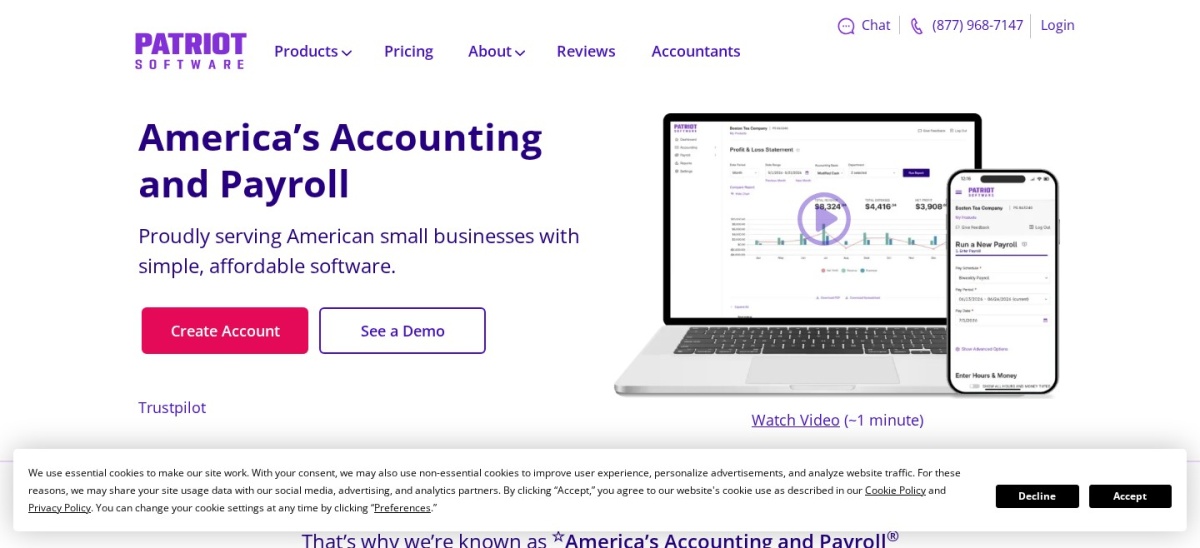
Patriot Software homepage, captured Nov 2026.
Patriot Software provides online payroll and accounting tools with a 4.8/5 rating across 630 G2 reviews. Its regular Basic Payroll plan is $17/month plus $4/worker paid and includes unlimited payrolls, free direct deposit, and an employee portal.
The trade off is that Basic Payroll is self-service for tax filings, while Full Service Payroll costs $37/month plus $5/worker and adds $12/month per additional state. It suits cost-conscious small businesses that want low base rates and straightforward pay runs.
What we like
Lowest regular entry base price at $17/month plus $4/worker
Unlimited payroll runs and free direct deposit included
High 4.8/5 rating on G2 with strong support feedback
Watch out for
Full-service tax filing costs more at $37/month plus $5/worker
Extra states add $12/month each on Full Service Payroll
Time & Attendance and HR Software are separate monthly add-ons
Full Service Payroll and add-ons add tax filing and remittance, extra state filings, time tracking, and HR tools.Visit patriotsoftware.com
04
Square Payroll
4.2/5on G2 (30+ reviews, checked Nov 2026)
Starts at$35/mo + $6/mo + $6/person
Best for retail, hospitality, and POS-connected teams
Regular base$35/mo + $6/person
Contractor rate$6/mo per person
State coverageMultistate included
Rating4.2/5 on G2
squareup.com
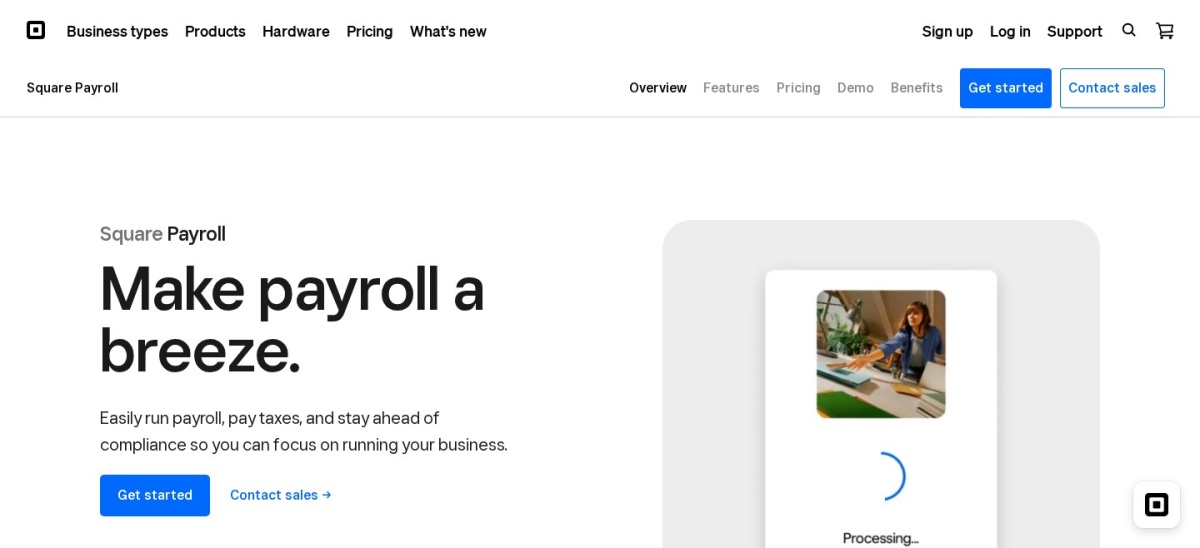
Square Payroll homepage, captured Nov 2026.
Square Payroll is a payroll platform designed for small businesses and Square point-of-sale users, holding a 4.2/5 rating on G2. Its regular full-service plan is $35/month plus $6/person paid and includes unlimited pay runs, multistate payroll, and federal and state tax filings.
The trade off is that paper W-2 or 1099 mailings carry a $3/form annual fee and workers' compensation is an add-on, while its G2 score trails peers. It suits shops and restaurants already syncing shifts, tips, and timecards through Square.
What we like
Lower regular base fee at $35/month plus $6/person paid
Includes multistate payroll and tip or timecard imports
Offers a $6/person/month contractor-only payroll option
Watch out for
Lower G2 rating than OnPay, Gusto, and Patriot
Mailed paper W-2s and 1099s cost $3 per form per year
Workers' compensation and amendment services cost extra
Add-ons cover workers' compensation, paid tax amendments, and optional retirement or benefit integrations.Visit squareup.com
05
QuickBooks Workforce
4.4/5on Capterra (299 reviews, checked Nov 2026)
Starts at$50/mo + $7/mo + $7/person
Best for teams already running QuickBooks accounting
Regular base$50/mo + $7/emp
Next tier$88/mo + $13/emp
Rating4.4/5 on Capterra
Deposit speedNext-day on base plan
quickbooks.intuit.com
QuickBooks Workforce homepage, captured Nov 2026.
QuickBooks Workforce is Intuit's payroll service for small and mid-sized businesses, holding a 4.4/5 category rating across 299 Capterra reviews. Its regular Workforce Payroll plan costs $50/month plus $7/employee/month and includes full-service payroll, next-day direct deposit, and 1099 e-filing.
The trade off is that time tracking and same-day direct deposit require Workforce Premium at $88/month plus $13/employee, and payroll is billed separately from QuickBooks accounting. It suits businesses already using QuickBooks for bookkeeping that want tight ledger syncing.
What we like
Tight integration with QuickBooks accounting workflows
Next-day direct deposit included on Workforce Payroll
Clear three-tier ladder with predictable per-employee rates
Watch out for
Time tracking and same-day deposit sit on higher-priced tiers
Introductory discounts expire to higher regular base rates
Separate subscription from QuickBooks Online accounting plans
Workforce Premium and Elite add time tracking, same-day pay, HR tools, and tax penalty protection.Visit quickbooks.intuit.com
06
Remote
4.8/5on G2 (5,000+ reviews, checked Nov 2026)
Starts at$19/mo
Best for international payroll and global contractors
Global PayrollFrom $19/emp/mo
ContractorsFrom $29/contractor/mo
Base feeNo base fee listed
Customer scale30,000+ companies
remote.com
Remote homepage, captured Nov 2026.
Remote is a global workforce and payroll platform used by more than 30,000 companies, with a 4.8/5 rating on G2. Its Global Payroll plan starts at $19/employee/month with no base fee, while Contractor Management starts at $29/contractor/month.
The trade off is that Employer of Record hiring starts at $599/employee/month for annual contracts, and domestic small-business tools feel less tailored than US-first suites. It suits distributed teams paying international staff or contractors across countries.
What we like
Transparent starting rates with no platform base fee listed
Supports global payroll, contractor payments, and EOR on one platform
Strong 4.8/5 G2 rating with multi-currency payout support
Watch out for
EOR employment starts at $599/employee/month on annual terms
Higher per-person cost than domestic-only small-business plans
More specialized for cross-border teams than simple local shops
Higher-tier global plans and EOR or PEO services add full local legal employment and compliance protections.Visit remote.com
07
Deel
4.7/5on G2 (7,498 reviews, checked Nov 2026)
Starts at$49/mo
Best for high-volume global contractors and EOR
ContractorsFrom $49/contractor/mo
EOR employeesFrom $599/emp/mo
Rating4.7/5 on G2
Customer scale40,000+ companies
deel.com
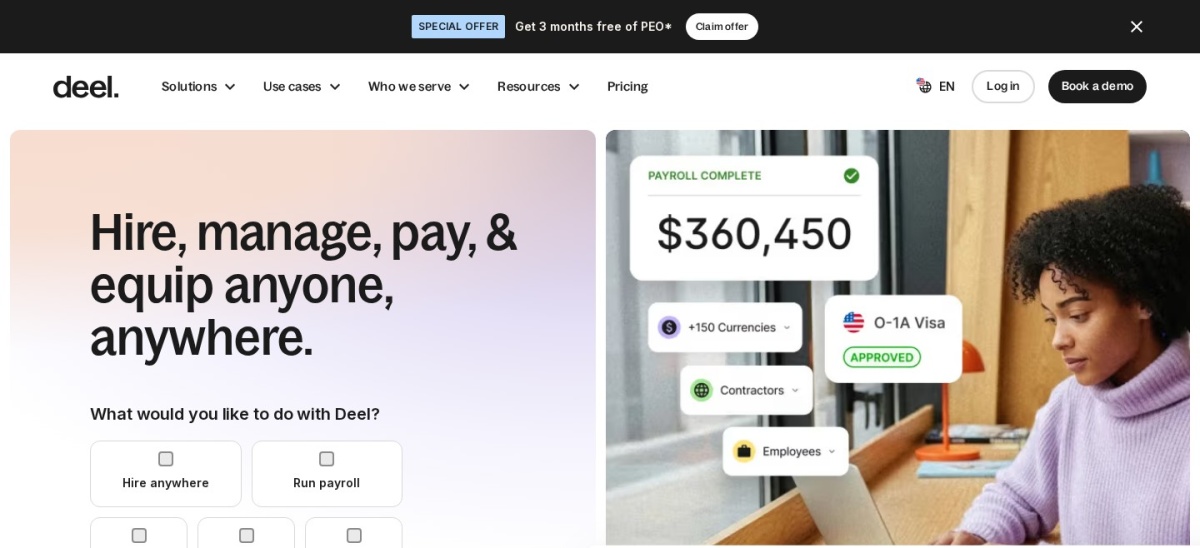
Deel homepage, captured Nov 2026.
Deel is a global payroll and compliance platform serving over 40,000 companies, holding a 4.7/5 rating across 7,498 G2 reviews. Its contractor management pricing starts at $49/contractor/month, while Employer of Record starts at $599/employee/month.
The trade off is that per-worker EOR fees scale steeply as headcount grows, and reviewers note occasional mobile app friction. It suits companies hiring international contractors or employees across many countries without setting up local entities.
What we like
Large footprint with 40,000+ companies and 7,498 G2 reviews
Handles contractor payments, global payroll, and EOR in one place
Supports payments across 120+ currencies
Watch out for
EOR rates start at $599/employee/month and add up fast
Per-worker pricing can grow expensive for larger teams
Some users report mobile app quirks and multi-step setup
Global Payroll, US PEO, and EOR tiers expand coverage to full-time employees and multi-country entities.Visit deel.com
How base + per-worker fees add up
A low monthly base fee can look cheap on paper until you multiply the per-person rate across your full headcount. On a plan charging $49/month plus $6/person, a 10-person team pays $109/month before add-ons, while a 20-person team pays $169/month.
By contrast, a platform with a lower base fee or no base fee can sometimes cost less for small or contractor-heavy teams, depending on which tier you need. Always model your actual headcount and pay frequency over a full 12-month cycle.
How we chose
We built this list by looking at established payroll software platforms actively serving small businesses, growing teams, and international employers across public software directories and vendor documentation.
All prices, plan tiers, ratings, and review counts were checked on 22 Nov 2026 using official vendor pricing pages and public review directories such as G2 and Capterra.
We excluded WordPress plugins, tools lacking transparent entry pricing, and platforms with thin public review coverage so the comparison stays practical and verifiable. No vendor paid for a place, and we do not claim testing for this list.
How to choose the right payroll software
Follow four practical steps to match a payroll platform to your team size and compliance needs:
Map your worker mix first. List how many W-2 employees, 1099 contractors, and international workers you pay so you do not overbuy domestic or global features.
Check state and tax filing rules. Confirm whether multi-state tax filing, local tax payments, and year-end forms are included in the base plan or billed extra.
Calculate regular monthly totals. Multiply the regular base fee and per-person fee by your team size rather than relying on short-term promotional discounts.
Review add-on costs before signing. Check pricing for time tracking, next-day pay, benefits administration, and workers' compensation so essential extras do not surprise your budget.
FAQ
How much does small-business payroll software usually cost?
Many small-business payroll plans charge a monthly base fee around $17 to $50 plus a per-person fee around $4 to $7 per month. Your total bill depends on headcount, pay schedule, and add-ons like time tracking or next-day deposits.
Do payroll tools charge for every employee or only those paid?
Policies vary by vendor and plan, so check the billing terms before signing up. Some plans charge for active workers paid in a given month, while others bill per active headcount or require separate contractor fees.
Is there a difference between domestic payroll and global payroll?
Yes, domestic payroll focuses on local tax filings, direct deposit, and labor rules within one country, while global payroll handles multi-currency payouts, international compliance, and sometimes Employer of Record hiring. Global EOR plans typically cost far more per person than local payroll.
Should I watch out for promotional payroll pricing?
Yes, vendors frequently run discounted base fees or free initial periods that revert to standard rates later. Always compare regular list prices alongside per-worker fees to see your true ongoing cost.
What extra features do businesses commonly add to payroll?
Common add-ons include time clocks and shift scheduling, workers' compensation administration, health and retirement benefits, and faster direct deposit speeds. Decide which features your team actually uses before paying for higher tiers.
Can payroll software integrate with accounting and time-tracking tools?
Most modern payroll platforms sync pay runs, hours, and tax data with accounting software or time-tracking apps to reduce manual re-entry. Check native integrations with your existing accounting and scheduling stack before switching.
SaaS SEO and WordPress specialist with about 8 years of experience. Rakib compares WordPress plugins, themes, hosting and software using public pricing, documentation and user reviews. See how we rank.