Gusto is the best payroll and scheduling software overall, trusted by 500,000+ businesses with Simple plans starting at $49/mo plus $6/mo per person and scheduling on Plus or as an add-on. Choose Homebase for hourly shift scheduling with a free Basic tier for 10 employees, or Patriot Software for low-cost payroll starting at $17/mo plus $4/worker.
How we make this list: we compare pricing pages, product documentation and public user reviews, then re-check every price before each update. No product paid for a place. Disclosure.
Gusto holds a 4.6/5 rating across 14,238 G2 reviews, with Simple starting at $49/mo plus $6/mo per person and Plus at $80/mo plus $12/mo per person.
Homebase offers a free Basic plan for 1 location and up to 10 employees, with Essentials at $30/mo per location and payroll at $49/mo plus $6/mo per employee paid.
Patriot Software starts at $17/mo plus $4/worker for Basic Payroll and $37/mo plus $5/worker for Full Service Payroll, with a 4.8/5 G2 rating across 630 reviews.
OnPay charges $49/mo plus $6/worker for Payroll Essentials with a Time Tracking add-on at $15/mo plus $4/worker, holding a 4.8/5 rating across 424 G2 reviews.
Square Payroll charges $35/mo plus $6/person for full-service payroll or $6/person for contractor-only pay runs, backed by a 4.2/5 G2 rating across 31 reviews.
What to look for in payroll and scheduling software
Payroll and shift scheduling solve two connected problems: turning clocked hours and pay rules into accurate paychecks and tax filings, and publishing clear schedules that match labor demand. Some platforms bundle both natively, while others specialize in one side and sync approved timesheets into payroll.
Pricing usually combines a monthly base fee with a per-worker or per-location fee, plus add-ons for time tracking, next-day pay, or benefits. Always check whether scheduling, multi-state tax filing, or contractor payments sit in the base tier or cost extra.
Hourly teams with tips, shift swaps, or multiple locations need strong mobile clocks and schedule templates, whereas salaried or multi-state teams often prioritize tax automation, HR records, and accounting sync.
Before committing, confirm how late pay runs can be edited or canceled, whether direct deposit carries extra fees, and how year-end W-2 and 1099 forms are handled.
Gusto is a cloud payroll and HR platform used by 500,000+ businesses, starting on the Simple plan at $49/mo plus $6/mo per person with unlimited payrolls, tax filings, and basic PTO policies. Time tracking and scheduling are included on Plus ($80/mo plus $12/mo per person) or available as a Time & Attendance Plus add-on for $6/mo per person on Simple.
The trade off is that scheduling and next-day pay cost extra on the entry plan, and per-person fees scale as headcount grows from its $588/yr base. It suits small and growing teams that want payroll, benefits administration, and scheduling in one system.
What we like
Transparent base pricing with unlimited pay runs and tax filings
Time tracking and scheduling available on Plus or as a Simple add-on
Supports W-2 employees and contractors across 120+ countries
Strong 4.6/5 G2 rating across 14,238 reviews
Watch out for
Per-person monthly fees add up as headcount increases
Scheduling and next-day pay are not included in the base Simple tier
Some reviewers report support delays during tax or payment issues
Plus ($80/mo + $12/person) adds scheduling, multi-state payroll, and next-day pay.Visit gusto.com
02
Homebase
4.6/5on G2 (664 reviews, checked Nov 2026)
Paid from$30/mo
Best for hourly shift scheduling and time clocks
Free planBasic ($0 for 1 site, up to 10 staff)
Entry paid tierEssentials ($30/location/mo)
Payroll add-on$49/mo base + $6/employee paid
G2 rating4.6/5 (664 reviews)
joinhomebase.com
Homebase homepage, captured Nov 2026.
Homebase is a workforce scheduling, time-tracking, and payroll platform built around hourly teams, offering a free Basic plan for 1 location and up to 10 employees with basic scheduling and time tracking. Paid scheduling starts on Essentials at $30/mo per location, while Payroll is available as an add-on at $49/mo plus $6/mo per employee paid.
The trade off is that adding payroll on top of a paid location plan raises the monthly bill above the $360/yr Essentials base. It suits restaurants, retail stores, and service businesses managing hourly shifts.
What we like
Free Basic plan covers basic scheduling and time tracking for up to 10 staff
Built for hourly shift management, time clocks, and team messaging
Payroll can be added to any plan with employee onboarding included
Watch out for
Payroll costs extra ($49/mo + $6/employee paid) on top of location plans
Free plan caps usage at 1 location and 10 employees
Add-ons like Tip Manager ($25/mo/location) and Task Manager ($13/mo/location) cost extra
Plus ($70/mo/location) adds AI-powered scheduling, and Payroll adds automated pay runs.Visit joinhomebase.com
03
Patriot Software
4.8/5on G2 (630 reviews, checked Nov 2026)
Starts at$17/mo + $4/worker/mo
Best budget payroll for small US businesses
Entry planBasic Payroll ($17/mo + $4/worker)
Full serviceFull Service Payroll ($37/mo + $5/worker)
Direct depositIncluded with no extra software fee
G2 rating4.8/5 (630 reviews)
patriotsoftware.com
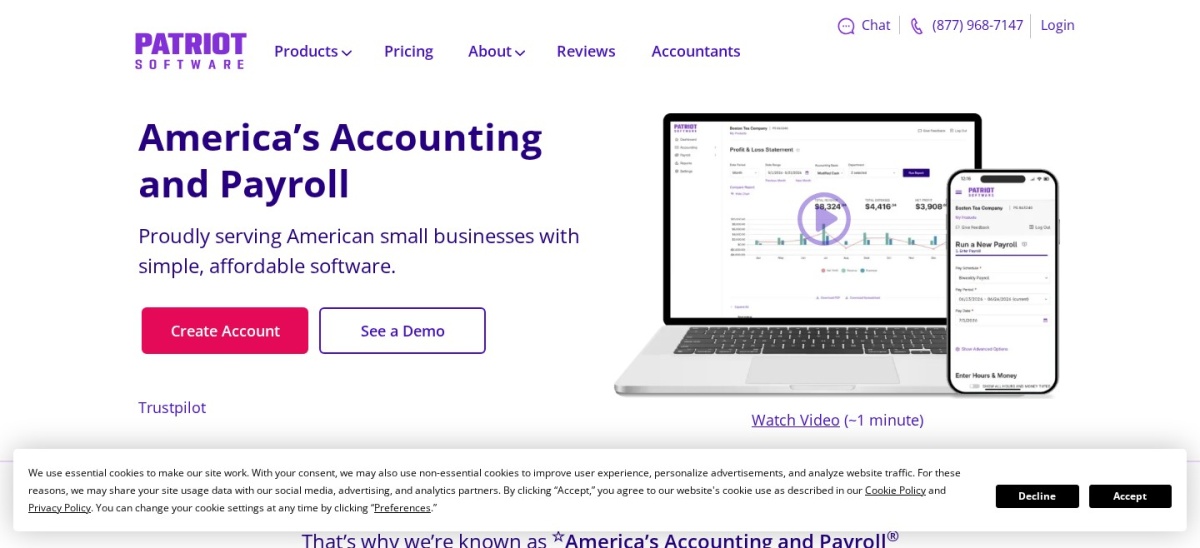
Patriot Software homepage, captured Nov 2026.
Patriot Software is an online payroll and accounting provider for small businesses, starting with Basic Payroll at $17/mo plus $4 per employee or 1099 contractor paid. It includes free direct deposit and charges only for workers paid in a given month.
The trade off is that Basic Payroll requires you to handle tax filings yourself, while Full Service Payroll starts at $37/mo plus $5/worker and multi-state filing adds $12/mo per additional state from its $204/yr base. It suits cost-conscious US employers with straightforward pay runs.
What we like
Low entry pricing starting at $17/mo plus $4 per worker paid
Charges only for workers included in a payroll run that month
High 4.8/5 rating across 630 G2 reviews with praised support
Watch out for
Basic tier does not include full-service tax filing
Additional states carry a $12/mo multi-state filing fee
Focused on US payroll rather than global workforce management
Full Service Payroll ($37/mo + $5/worker) handles federal, state, and local tax filings.Visit patriotsoftware.com
04
Square Payroll
4.2/5on G2 (31 reviews, checked Nov 2026)
Starts at$35/mo + $6/person/mo
Best for Square point-of-sale and retail teams
Employee plan$35/mo + $6/person paid
Contractor plan$6/person paid per month
Tax filingsFederal and state filings included
G2 rating4.2/5 (31 reviews)
squareup.com
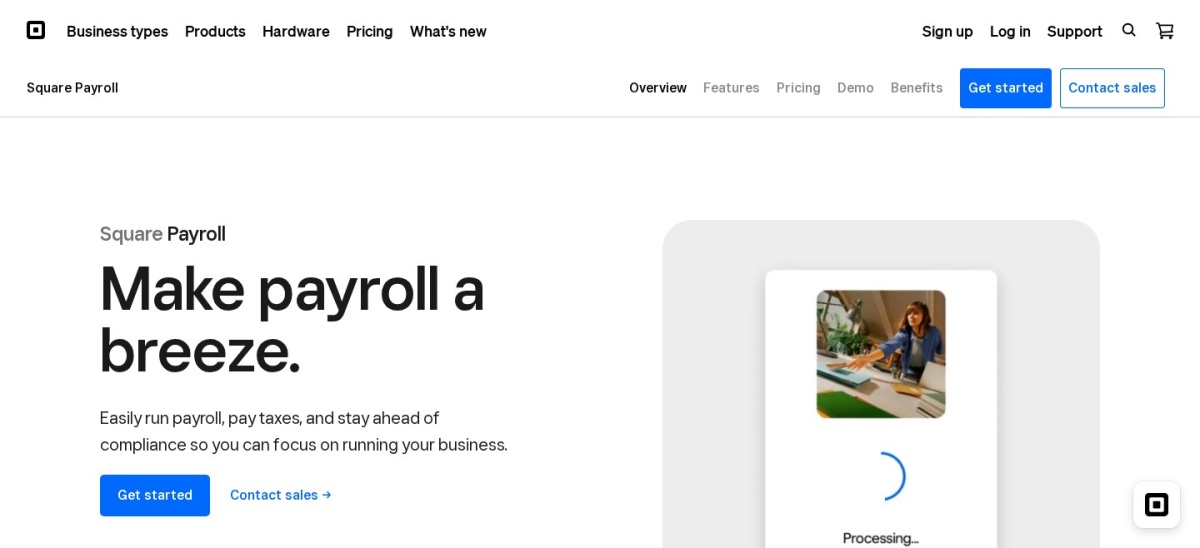
Square Payroll homepage, captured Nov 2026.
Square Payroll is a payroll platform built to pair with Square point-of-sale timecards and tip data, costing $35/mo plus $6 per person paid for employees and contractors, or $6 per contractor paid on contractor-only runs. Federal and state payroll tax filings and W-2 or 1099 forms are included.
The trade off is a smaller G2 review footprint (31 reviews at 4.2/5) and a $420/yr base for full-service employee payroll. It suits businesses already running Square POS and shifts.
What we like
Includes federal and state tax filings at $35/mo plus $6/person
Contractor-only option costs $6 per person paid
Connects directly with Square timecards and tips
Watch out for
Lower G2 rating (4.2/5) and fewer reviews than larger payroll rivals
Benefits administration can add extra costs depending on setup
Best fit when paired with Square ecosystem tools
Automates W-2, W-3, 1099-NEC, and quarterly tax filings across states.Visit squareup.com
05
OnPay
4.8/5on G2 (424 reviews, checked Nov 2026)
Starts at$49/mo + $6/worker/mo
Best flat-structure payroll with optional time tracking
Base payrollPayroll Essentials ($49/mo + $6/worker)
Time tracking+$15/mo + $4/worker add-on
Pay runsUnlimited runs + 50-state tax filings
G2 rating4.8/5 (424 reviews)
onpay.com
OnPay homepage, captured Nov 2026.
OnPay is a small-business payroll platform priced at $49/mo plus $6 per worker per month for Payroll Essentials, including unlimited pay runs, multi-state tax filings, and accounting integrations. Time Tracking is available as an add-on for $15/mo plus $4 per worker.
The trade off is that scheduling and time tracking require add-ons or bundling on top of the $588/yr base fee. It suits small businesses and nonprofits that want straightforward payroll and strong 4.8/5 G2 support ratings.
What we like
Single clear base payroll plan with unlimited pay runs and multi-state filings
High 4.8/5 rating across 424 G2 reviews
Optional Time Tracking and HR add-ons or bundles
Watch out for
Time tracking is an extra add-on rather than built into base payroll
Direct mail for year-end forms costs $10 per form (self-print is free)
No free plan tier beyond trial offers
Adding Time Tracking (+$15/mo + $4/worker) or HR bundles adds time clocks and PTO tools.Visit onpay.com
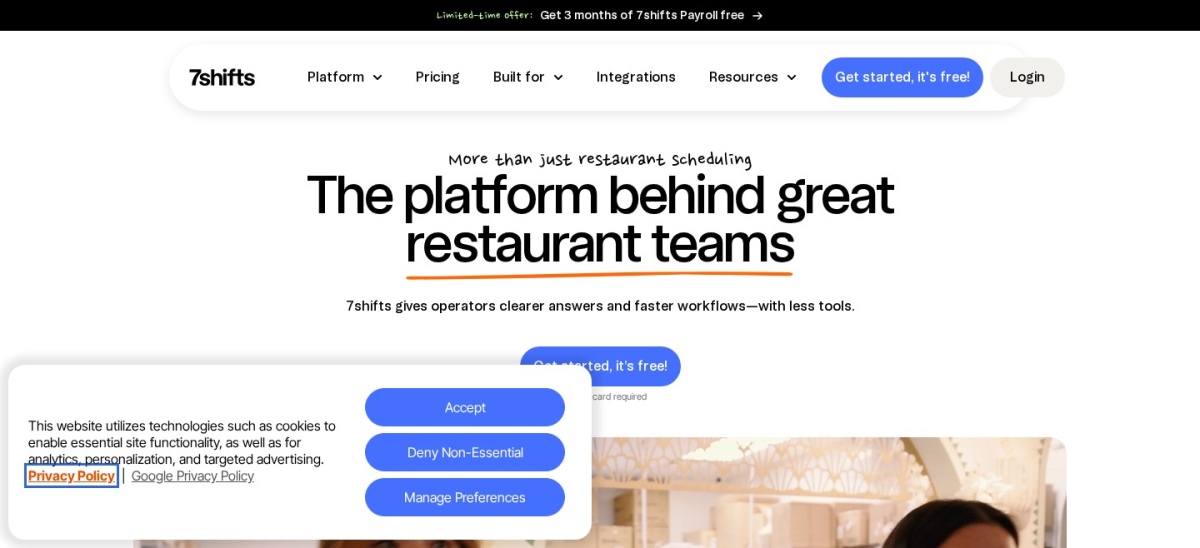
7shifts is a restaurant workforce scheduling and labor platform used by 55,000+ restaurants, offering a free Comp plan for 1 location and up to 15 employees. Paid scheduling starts on Essentials at $39.99/mo per location, while 7shifts Payroll is listed at $39.99/mo per location plus $6/mo per employee paid.
The trade off is that restaurant-specific tools like tip management, task management, and payroll sit on higher tiers or add-ons above the $479.88/yr Essentials base. It suits single-site and multi-location restaurants.
What we like
Free Comp plan for 1 location with up to 15 staff
Purpose-built around restaurant shifts, labor costs, and POS integrations
Offers an integrated 7shifts Payroll option for US teams
Watch out for
Focused on food service and hospitality rather than general office teams
Per-location pricing multiplies across multi-store groups
Extra modules like Tip Management and Task Management add cost
Pro ($79.99/mo) and 7shifts Payroll add deeper labor controls and employee pay runs.Visit 7shifts.com
07
Deputy
4.6/5on G2 (666 reviews, checked Nov 2026)
Starts at$5/mo
Best for shift compliance and multi-site scheduling
Deputy is a shift scheduling and time-tracking platform serving 390,000+ customers, starting on the Lite plan at $5 per user per month on annual billing ($60/yr per user). It focuses on shift templates, mobile clock-ins, and labor compliance rules across retail, healthcare, and hospitality.
The trade off is that Deputy does not have a permanent free tier, and adding Deputy Payroll ($8/user/mo plus a $49/mo base fee) increases total cost significantly. It suits shift-heavy teams that need scheduling compliance and payroll handoff.
What we like
Low per-user annual starting rate on Lite ($5/user/mo)
Strong shift scheduling and compliance tools for hourly teams
4.6/5 G2 rating across 666 reviews
Watch out for
No free plan tier (offers a 30-day free trial)
Payroll add-on carries both a $49/mo base fee and per-user charges
Minimum user or monthly invoice rules apply
Core ($6.50/user/mo) and Deputy Payroll add deeper forecasting, compliance, and pay runs.Visit deputy.com
All-in-one suites vs. dedicated scheduling tools
Platforms like Gusto keep employee records, tax filings, and time tracking inside one system, which reduces manual data entry between HR and payroll. Dedicated shift schedulers like Homebase, 7shifts, and Deputy often give hourly managers richer schedule templates and time-clock controls, then sync hours or add payroll.
If your team is mostly salaried or office-based, start with payroll and add time tracking only if needed. If you manage variable hourly shifts across multiple days or locations, test how shift swaps, breaks, and overtime rules export before payday.
How we chose
We built this shortlist from established payroll and workforce scheduling platforms serving small and growing businesses, focusing on products with clear public pricing and active customer review histories.
All prices, plan tiers, and G2 ratings and review counts were checked on 22 Nov 2026 from each vendor's official pricing page and public G2 review listings.
We excluded tools without published regular pricing or those focused strictly on enterprise custom quotes, and we use regular published list prices rather than temporary promotions. No vendor paid for a place, and we do not claim testing for this list.
How to choose payroll and scheduling software
Follow four steps to match a platform to your team size and pay schedule:
Map your worker mix first. Count full-time employees, hourly shift workers, and 1099 contractors so you can compare base fees plus per-person or per-location charges.
Check where scheduling lives. Decide whether you want scheduling built into the payroll tool or a shift-first scheduler that syncs approved hours into payroll.
Verify tax and compliance coverage. Confirm whether federal, state, and local tax filings are included or cost extra in additional states.
Calculate total annual cost at realistic headcount. Multiply base and per-seat rates across 12 months, including any required time-tracking or payroll add-ons.
FAQ
Which tool is best overall for payroll and scheduling?
Gusto is our top pick overall for combining payroll, tax filings, and optional time tracking and scheduling in a clean interface, with Simple starting at $49/mo plus $6/mo per person.
Is there a free plan for payroll and scheduling software?
Homebase offers a free Basic plan for 1 location and up to 10 employees, and 7shifts offers a free Comp plan for 1 location and up to 15 employees, though full payroll typically requires a paid plan.
What is the cheapest paid option on this list?
Patriot Software starts at $17/mo plus $4/worker ($204/yr base) for Basic Payroll, while Deputy starts at $5/user/mo ($60/yr per user) on annual billing for scheduling.
Do payroll tools charge extra for multi-state tax filings?
Some include multi-state payroll in higher tiers or base plans, while others add state fees—for example, Patriot Software charges $12/mo per additional state beyond your initial state.
Should restaurants pick a shift scheduler or a general payroll tool?
Restaurants often prefer shift-focused tools like Homebase or 7shifts for schedules, tips, and POS timecards, or pair a payroll provider with time tracking that exports hours cleanly.
How are per-employee fees usually billed?
Most payroll providers charge a monthly base fee plus a monthly fee for each employee or contractor paid during that billing period, while shift schedulers may bill per user or per location.
SaaS SEO and WordPress specialist with about 8 years of experience. Rakib compares WordPress plugins, themes, hosting and software using public pricing, documentation and user reviews. See how we rank.