Gusto is the best payroll automation software for most small teams, with automated tax filings and multi-state support starting at $49/mo plus $6 per person. Choose OnPay for flat base pricing without tier lockouts, or Patriot Software if you want a lower monthly base fee.
How we make this list: we compare pricing pages, product documentation and public user reviews, then re-check every price before each update. No product paid for a place. Disclosure.
#2 Runner-up
OnPay
All-50-state payroll and tax filings at $49/mo + $6/worker
Gusto serves 500,000+ businesses and holds a 4.6/5 rating across 14,238 G2 reviews.
Patriot Software starts at $17/mo base plus $4 per worker for Basic Payroll.
Square Payroll charges $35/mo base plus $6 per person paid for full-service payroll.
OnPay holds a 4.8/5 rating across 424 G2 reviews with a $49/mo base plus $6/worker rate.
Homebase reaches 150,000+ small businesses and adds payroll for $49/mo base plus $6 per employee.
What to look for in payroll automation software
Payroll automation software calculates wages, deducts taxes, sends direct deposits, and files federal, state, and local tax forms on schedule. Automated rules also handle overtime, bonuses, commissions, and contractor payments without manual spreadsheet math.
Check whether a vendor charges a flat monthly base fee plus a per-person fee, and verify what is included in that entry plan. Some providers put multi-state payroll, next-day direct deposit, or time tracking into higher tiers or paid add-ons.
Look closely at how hours and tips reach payroll. Hourly teams, retail shops, and restaurants save hours when timecards, schedules, and tips sync directly into the pay run instead of getting re-typed by hand.
Confirm how tax filings and year-end forms work before signing up. Most full-service plans file W-2s, 1099-NECs, and quarterly tax returns automatically, while lower-cost self-service tiers may leave tax deposits up to you.
For restaurant scheduling, tip pooling, and payroll
$480/yr
No free plan
4.5/5
Price ladder: cheapest paid plan per year
List prices, USD, checked Nov 2026
Patriot$204
Square$420
OnTheClock$480
7shifts$480
Gusto$588
OnPay$588
Homebase$588
The 7 best payroll automation software
01
Gusto
4.6/5on G2 (14,238 reviews, checked Nov 2026)
Starts at$588/yr
Best for automated small-business payroll and tax filings
Entry planSimple ($49/mo + $6/person)
Pay runsUnlimited per month
Tax filingsAutomated federal & state
G2 rating4.6/5 (14,238 reviews)
gusto.com
Gusto homepage, captured Nov 2026.
Gusto is a cloud payroll and HR platform serving more than 500,000 small businesses. Its Simple plan starts at $49/mo plus $6/mo per person and includes unlimited payroll runs, automated tax filings and payments, basic PTO policies, and holiday pay.
The trade off is that multi-state payroll, next-day direct deposit, and time tracking sit on higher tiers or paid add-ons starting from $588/yr on the $49/mo base plan before per-person fees. It suits small businesses that want clean self-service payroll and clear tax automation.
What we like
Unlimited monthly pay runs on the entry plan
Automated federal and state tax filings included
Clear interface with employee self-service profiles
Large review base with 14,238 G2 ratings
Watch out for
Per-person fees add up as headcount grows
Next-day pay and time tracking cost extra on Simple
Best for flat-structure payroll with multi-state tax filing
Entry planPayroll Essentials ($49/mo + $6/worker)
State coverageAll 50 states included
Year-end formsW-2s and 1099s included
G2 rating4.8/5 (424 reviews)
onpay.com
OnPay homepage, captured Nov 2026.
OnPay is an online payroll service built for small and mid-sized teams managing from 1 to 500+ workers. Its Payroll Essentials plan is $49/mo base plus $6/mo per worker, covering unlimited pay runs, federal, state, and local tax filings across all 50 states, and W-2 and 1099 forms.
The trade off is that HR tools and time tracking are sold as separate add-ons above the $588/yr base rate before per-worker charges. It suits teams that want multi-state tax filing without paying for a higher base tier first.
What we like
All 50-state tax filings and payments included at base price
No extra fees per pay run or bonus run
Includes W-2s, 1099s, and year-end filings
High 4.8/5 score across 424 G2 reviews
Watch out for
Time tracking and HR features require extra add-ons
Less suited to complex custom reporting workflows
Add-ons and bundles add HR tools, compliance resources, and time tracking.Visit onpay.com
03
Patriot Software
4.8/5on G2 (630 reviews, checked Nov 2026)
Starts at$204/yr
Best for a low monthly base fee on small budgets
Entry planBasic Payroll ($17/mo + $4/worker)
Full-service tier$37/mo + $5/worker
Employee portalIncluded on Basic Payroll
G2 rating4.8/5 (630 reviews)
patriotsoftware.com
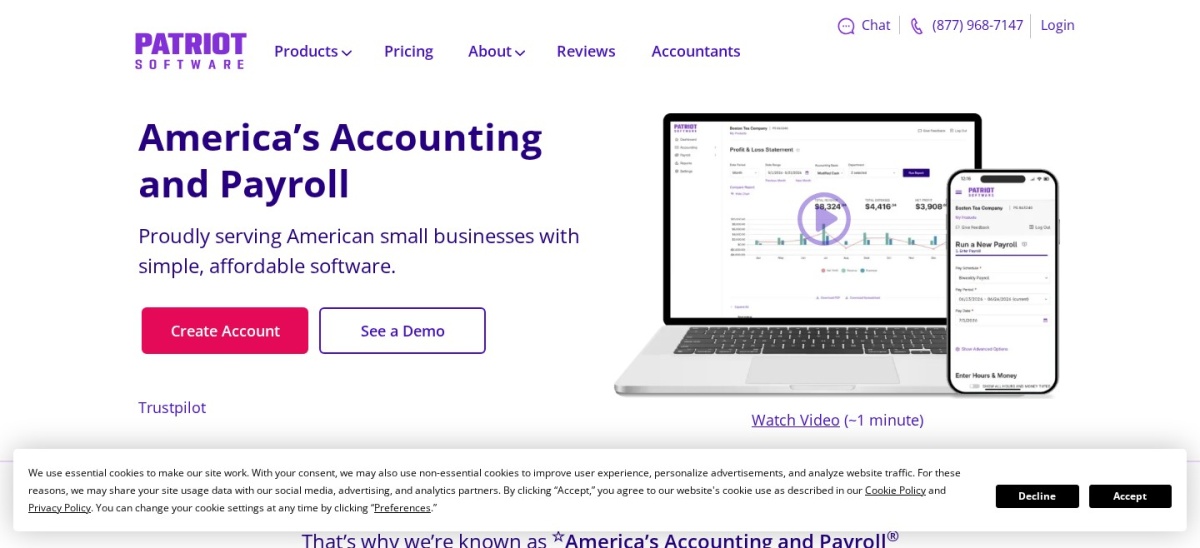
Patriot Software homepage, captured Nov 2026.
Patriot Software provides online payroll and accounting tools for small businesses with up to 500 employees. Basic Payroll starts at $17/mo base plus $4/mo per worker paid and includes direct deposit, an employee portal, and net-to-gross pay tools.
The trade off is that Basic Payroll leaves tax deposits and filings to you, while Full Service Payroll is $37/mo plus $5/mo per worker and starts at $204/yr on the Basic base before worker fees. It suits budget-minded owners who want low base pricing.
What we like
Low $17/mo base fee on Basic Payroll
Includes direct deposit and employee self-service portal
Optional Full Service tier handles tax deposits and filings
Rated 4.8/5 across 630 G2 reviews
Watch out for
Basic plan does not handle tax deposits and filings for you
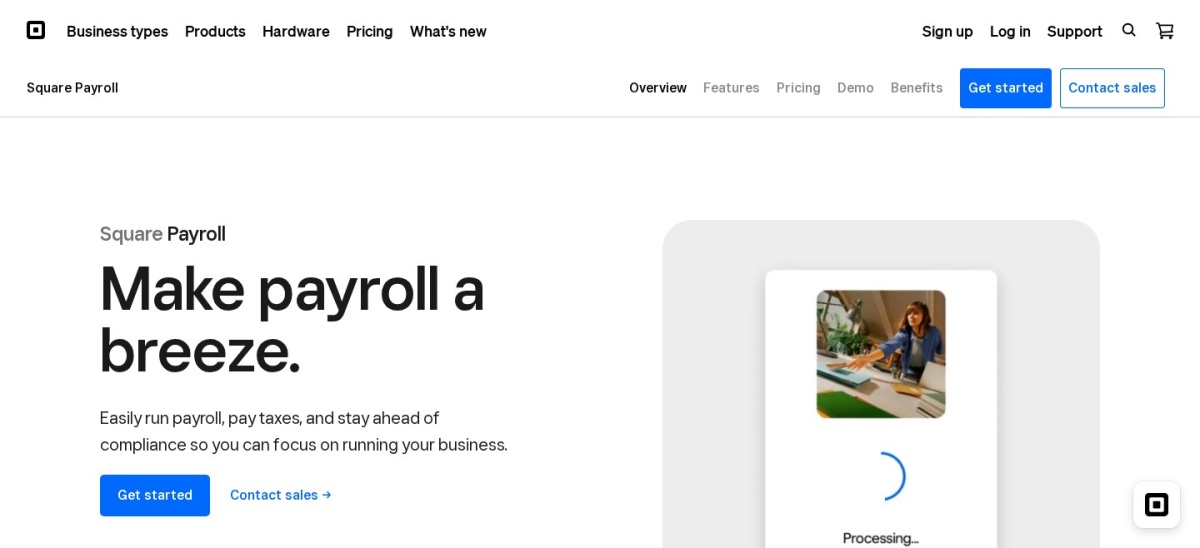
Square Payroll automates pay runs, direct deposits, and tax filings for employees and contractors. Full-service payroll is $35/mo plus $6/mo per person paid, with unlimited pay runs, automatic federal and state tax filings, and Square POS timecard and tip imports.
The trade off is that it fits businesses filing Form 941 or 944 rather than household or agricultural employers, and starts at $420/yr on the full-service base before per-person fees. It suits retail, cafe, and service shops using Square.
What we like
Imports timecards and tips directly from Square POS
Includes automated federal and state tax filings
Contractor-only option available at $6/mo per person paid
No long-term contracts required
Watch out for
Does not support household or agricultural employees
Best for hourly teams needing shifts, timecards, and payroll
Payroll add-on$49/mo + $6/employee paid
Pay runsUnlimited runs & tax filing
Customer base150,000+ small businesses
G2 rating4.6/5 (661 reviews)
joinhomebase.com
Homebase homepage, captured Nov 2026.
Homebase combines team scheduling, time tracking, and payroll for more than 150,000 small businesses. Its payroll add-on costs $49/mo plus $6/mo per employee paid and includes unlimited payroll runs, automated tax filing, W-2s, 1099s, and new-hire onboarding.
The trade off is that faster deposits, tip management, and multi-location scheduling plans cost extra on top of the $588/yr payroll base before employee fees. It suits hourly teams that track shifts and timesheets in one place.
What we like
Connects employee time tracking and onboarding with payroll
Includes unlimited pay runs, tax filing, W-2s, and 1099s
Can pair with Homebase's free Basic scheduling tier
Trusted by 150,000+ small businesses
Watch out for
Next-day payroll and add-ons like Tip Manager cost extra
Multi-location scheduling tiers add separate monthly fees
Best for GPS time clocks paired with integrated payroll
Payroll add-on$40/mo + $6/employee
Time tracking$4/emp/mo + $5/mo base
Time controlsGPS, geofencing & PTO
G2 rating4.4/5 (329 reviews)
ontheclock.com
OnTheClock homepage, captured Nov 2026.
OnTheClock is a time-tracking and scheduling platform used by more than 16,000 businesses that adds integrated payroll for $40/mo base plus $6/mo per employee. That payroll add-on covers unlimited pay runs, integrated timecards and PTO, direct deposit, and state and federal tax compliance.
The trade off is a required one-time $250 payroll migration/onboarding fee, with the payroll base alone at $480/yr before per-employee and setup fees. It suits field, retail, and service teams that rely on GPS and geofenced clock-ins.
What we like
GPS, geofencing, IP controls, and PTO flow into pay runs
Includes federal and state tax compliance and direct deposit
Standalone time tracking starts lower at $5/mo + $4/employee
Serves more than 16,000 businesses
Watch out for
Requires a one-time $250 payroll migration and onboarding fee
Industry and company restrictions apply to payroll eligibility
The payroll add-on brings approved timecards, PTO, and tax filings into one run.Visit ontheclock.com
07
7shifts
4.5/5on G2 (130 reviews, checked Nov 2026)
Starts at$480/yr
Best for restaurant scheduling, tip pooling, and payroll
Payroll rate$39.99/loc/mo + $6/emp
Industry focusRestaurants & hospitality
POS linksSquare, Toast, Clover & more
G2 rating4.5/5 (130 reviews)
7shifts.com
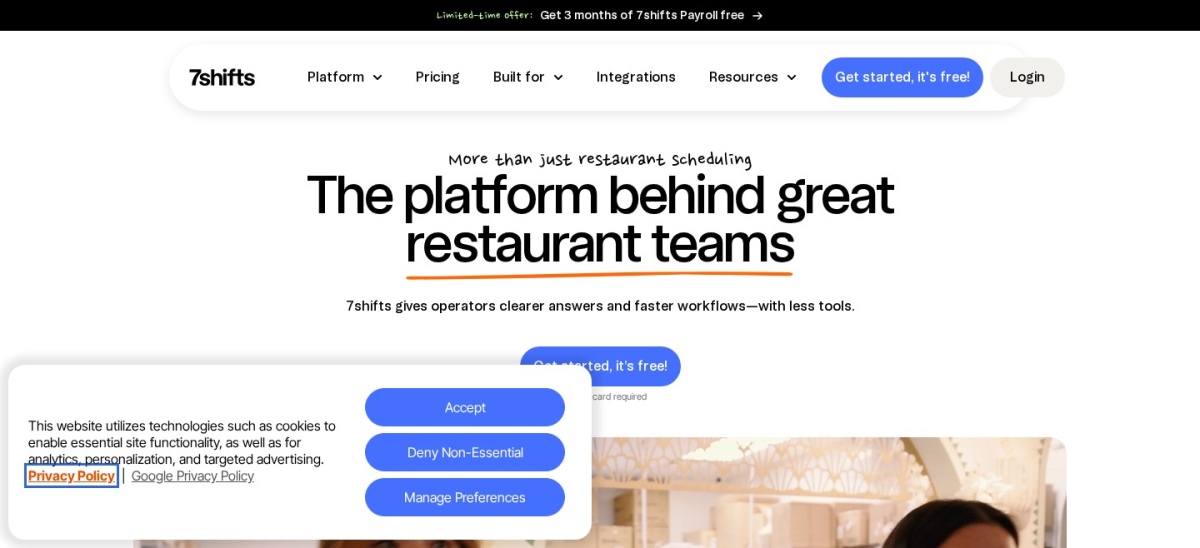
7shifts homepage, captured Nov 2026.
7shifts is a restaurant workforce platform used by more than 55,000 restaurants for shift scheduling, labor forecasting, and tip workflows. Its 7shifts Payroll add-on is $39.99/mo per location plus $6/mo per employee paid, syncing shifts and tip data into pay runs.
The trade off is that it is built for restaurants rather than general office teams, with payroll starting at $480/yr per location before employee fees and add-ons. It suits restaurant operators that want scheduling and tip tracking tied to payroll.
What we like
Built specifically around restaurant shifts, labor, and tips
Connects with restaurant POS systems such as Toast and Square
Free Comp plan available for one location up to 15 staff
Rated 4.5/5 across 130 G2 reviews
Watch out for
Priced per location plus per paid employee
Add-ons like Tip Management and Task Management cost extra below Premium
7shifts Payroll and higher tiers add wage payments, tax filings, and tip tools.Visit 7shifts.com
How base + per-person math works
Most small-business payroll plans combine a monthly base fee with a monthly fee for each employee or contractor paid. A $49/mo base with $6/mo per person costs $79/mo for five people or $109/mo for ten people.
Check whether inactive workers are billed during quiet months and whether contractor-only pay runs cost less. Some platforms only bill active payees in the months you pay them, while others charge a monthly minimum or setup fee.
How we chose
We built this shortlist by looking at established payroll automation platforms listed across G2 and Capterra for small and growing teams. Every product on the list is a standalone SaaS platform rather than a WordPress plugin.
We checked vendor pricing pages and G2 review data on 22 Nov 2026 to record regular non-promotional US starting rates and public ratings. Where a vendor offers a promotional discount, we list the standard price in the pricing fields and note add-on or tier limits in the copy.
We excluded tools that lacked transparent published pricing or did not fit standalone payroll automation for small teams. No vendor paid for a place, and we do not claim testing for this list.
How to pick the right payroll platform in 4 steps
Follow these four checks before signing up for a payroll plan.
Calculate your real monthly bill at current headcount. Multiply the per-person fee by your active staff and add the monthly base fee to see what you will actually pay each month.
Confirm which taxes are filed automatically. Check whether federal, state, and local tax deposits and year-end W-2 or 1099 filings are included in the entry tier or require a higher plan.
Check how hours and tips move into payroll. Pick a platform that syncs with your POS or time clock if you manage hourly shifts, overtime, or tip pools.
Watch for setup fees and add-on paywalls. Factor in one-time migration fees, next-day payment charges, and multi-state filing rules before committing.
FAQ
What does payroll automation software do?
Payroll automation software calculates employee pay, withholds taxes, sends direct deposits or checks, and files federal, state, and local payroll tax forms on schedule. Many tools also generate W-2 and 1099 forms and sync hours from time clocks.
How much does payroll software usually cost?
Small-business payroll plans commonly charge a monthly base fee plus a per-person monthly fee. Entry tiers on this list start from $17/mo base at Patriot Software up to $49/mo base at Gusto and OnPay, plus per-worker fees.
Should I watch out for promotional intro pricing?
Yes. Several payroll vendors advertise introductory discounts or free trial months before billing at the standard rate. Always budget around the regular monthly base and per-person fee so your costs do not jump unexpectedly.
What is the difference between base fees and per-person fees?
The base fee is a recurring monthly charge for the account, while the per-person fee multiplies by each employee or contractor you pay in a given period. Adding staff increases your bill even when the base fee stays the same.
Do payroll tools handle multi-state employees?
Many platforms support multi-state payroll, though rules vary by plan and vendor. Some include multi-state filing in their base payroll tier, while others require an upgrade or separate state registration setup.
When does a POS or time-clock payroll tool make sense?
A POS or time-clock payroll tool is helpful when your team works hourly shifts, earns tips, or clocks in across locations. Syncing approved hours directly into payroll cuts manual entry and reduces timesheet errors.
SaaS SEO and WordPress specialist with about 8 years of experience. Rakib compares WordPress plugins, themes, hosting and software using public pricing, documentation and user reviews. See how we rank.