Krisp is a top choice for real-time noise cancellation on live calls, rated 4.7 out of 5 across 1,620 G2 reviews. Pick Audacity for free offline audio cleanup or Auphonic for automated podcast leveling and noise reduction.
How we make this list: we compare pricing pages, product documentation and public user reviews, then re-check every price before each update. No product paid for a place. Disclosure.
Krisp handles real-time noise cancellation on calls and offers a free trial before paid plans starting at $8/mo billed annually ($16/mo monthly).
Audacity is free and open-source on Windows, macOS and Linux, rated 4.5/5 from 460 G2 reviews.
Auphonic gives 2 free hours of processed audio per month and starts at $13/mo monthly ($11/mo yearly) for recurring credits.
Acon Digital Restoration Suite 3 uses a one-time license with a $99 list price (shown on sale for $69) rather than a subscription.
Paid plans across these tools range from $8/mo to $33.99/mo or one-time licenses up to $295.
What noise reduction software should cover
Background noise shows up in two main places: live calls and recorded audio or video files. A tool built for live meetings needs low latency, while a post-production editor needs clean frequency control.
Some tools rely on noise profiles or manual editing, while others apply automated speech cleanup and loudness leveling in one pass. Over-aggressive filtering can make voices sound hollow or clipped.
Free tiers are useful for testing how a tool handles your microphone and room tone before you commit. Pay close attention to monthly hour limits, export formats and whether billing is monthly or annual.
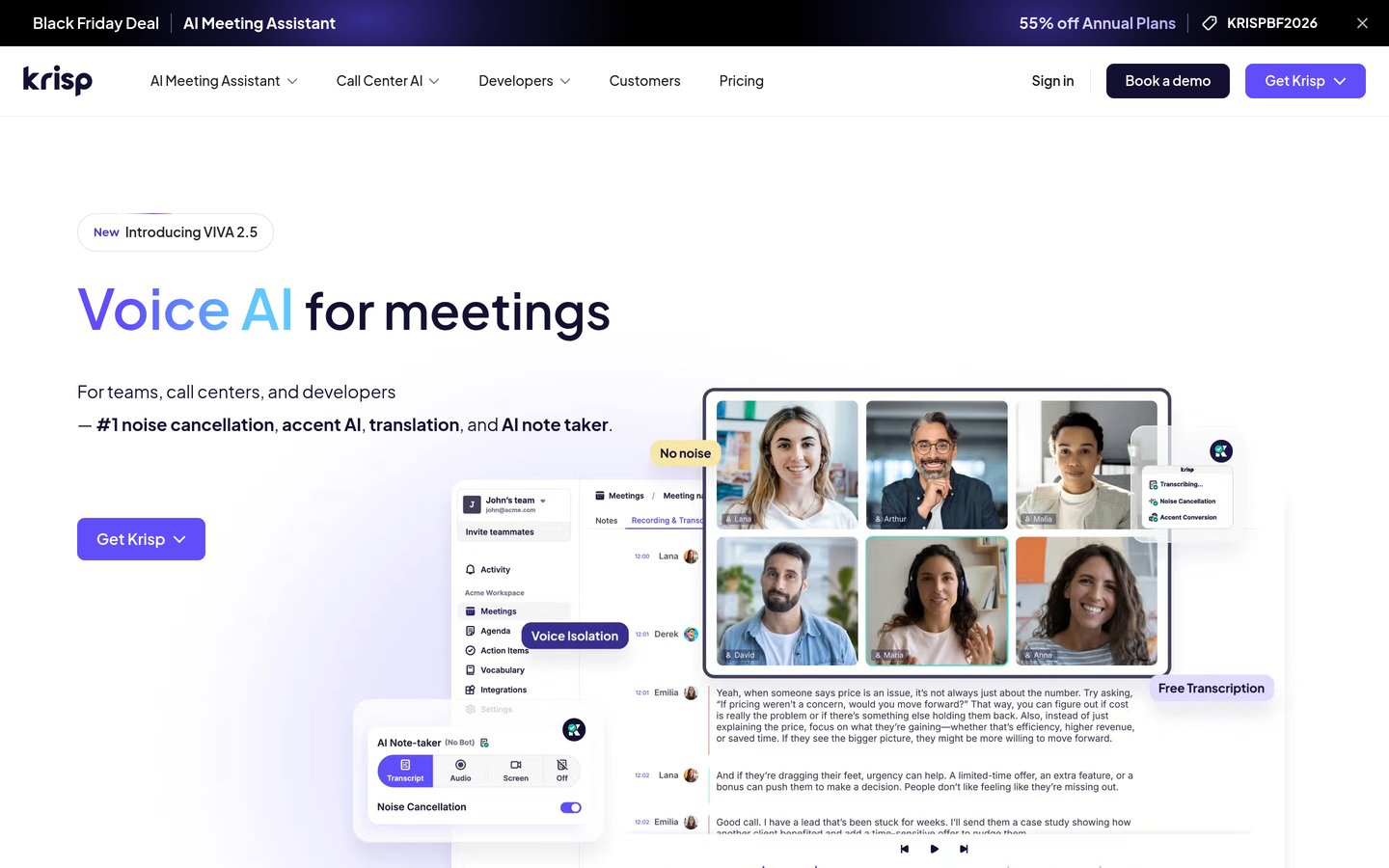
Krisp is a voice communication app that removes background noise, echo and background voices during live calls and meetings. It starts with a 7-day free trial and holds a 4.7/5 rating from 1,620 reviews on G2.
The trade off is subscription billing for ongoing use. Core lists at $8/mo/user billed annually ($96/yr) or $16/mo/user billed monthly (a promotional discount was also listed on its pricing page). It suits remote workers and teams on frequent calls.
What we like
Works across conferencing apps in real time
Includes meeting recording, transcription and notes
High G2 rating across 1,620 reviews
Watch out for
Ongoing use requires a paid plan after the trial
Monthly billing costs twice as much as annual
Core adds unlimited noise cancellation and AI meeting notesVisit krisp.ai
02
Audacity
4.5/5on G2 (460 reviews, checked Nov 2026)
PriceFree
Best free offline audio editor
PlatformsWindows, macOS, Linux
LicenseFree, open-source
Paid planNone ($0)
G2 rating4.5/5 (460)
audacityteam.org
Audacity homepage, captured Nov 2026.
Audacity is a free, open-source multitrack audio editor for Windows, macOS and Linux. It includes noise reduction and suppression tools alongside waveform and spectrogram views, with a 4.5/5 rating from 460 G2 reviews.
The trade off is a desktop workflow rather than automated cloud cleanup. It costs $0 with no paid tiers, and it suits budget-conscious editors who prefer working locally on files.
What we like
Completely free and open-source
Runs on Windows, macOS and Linux
Supports third-party plugins and formats
Watch out for
Interface feels dated to some reviewers
Manual cleanup takes more effort than one-click tools
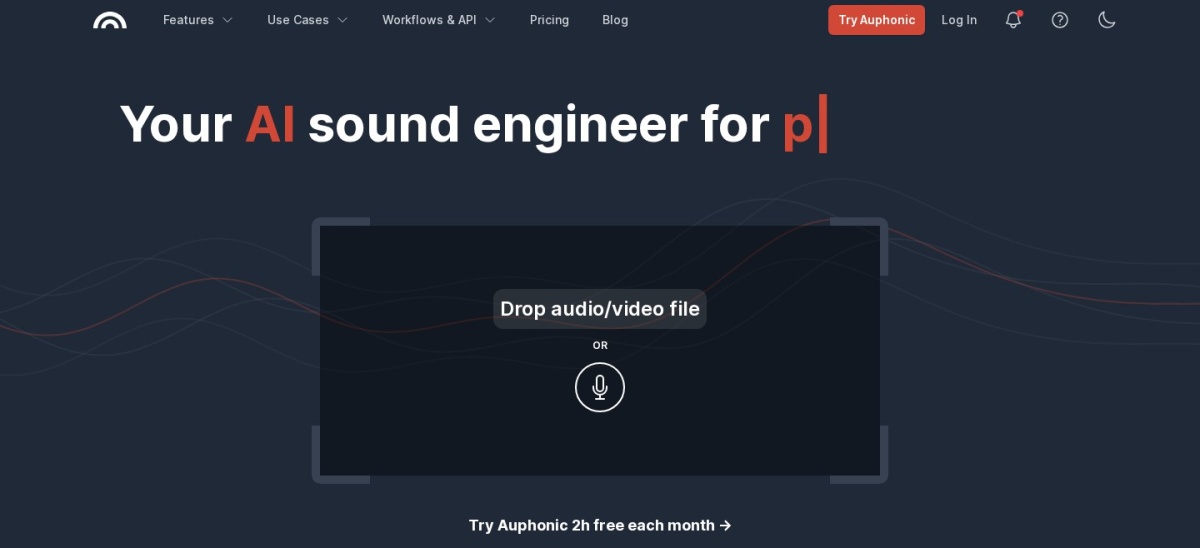
Auphonic is a cloud audio post-production service that combines noise and reverb reduction with intelligent leveling and loudness targets. Its free plan covers 2 hours of processed audio per month, and it holds a 4.2/5 rating from 10 G2 reviews.
The trade off is hour-based limits and a jingle on free productions. Paid recurring credits start at $13/mo for Auphonic S (9 hours/month, or $11/mo yearly; one-time 5-hour credits list at $12), suiting podcasters and spoken-word creators.
What we like
Includes 2 free hours of processing every month
Combines noise reduction with leveling and loudness
Offers both recurring plans and non-expiring credits
Watch out for
Free exports include an Auphonic jingle
Small review count on G2 compared to larger suites
Descript is a transcript-based audio and video editor featuring Studio Sound to remove background noise and enhance speech. It offers a free plan with 60 media minutes per month and holds a 4.6/5 rating across 938 G2 reviews.
The trade off is monthly media-hour and AI-credit limits tied to a subscription. Hobbyist starts at $16/mo per person billed annually ($24/mo monthly), fitting creators who edit spoken content alongside text.
What we like
Edits audio and video directly from a transcript
Includes Studio Sound speech cleanup and filler removal
Rated 4.6/5 across 938 reviews on G2
Watch out for
Free plan caps media at 60 minutes per month
AI credits and media hours reset monthly
Hobbyist increases limits to 10 media hours and 400 AI credits/moVisit descript.com
05
Acon Digital Restoration Suite
4.9/5on Acon Digital (33 reviews, checked Nov 2026)
Paid from$99 one-time
Best one-time plugin suite for repair
License typeOne-time purchase
Regular price$99 (on sale for $69)
Free trialAvailable, no card
Vendor rating4.9/5 (33)
acondigital.com
Acon Digital Restoration Suite homepage, captured Nov 2026.
Acon Digital Restoration Suite is a plugin collection for noise, hum, click and clipping removal across compatible audio hosts. It offers a free trial with no credit card required and shows a 4.9/5 rating from 33 reviews on Acon Digital.
The trade off is that it runs as plugins inside a host application rather than a standalone call app. It lists at $99 one-time (shown on sale for $69), fitting editors who want perpetual plugins without a subscription.
What we like
One-time purchase with no recurring subscription
Covers noise, hum, clicks and clipping in one suite
Best for multitrack editing and Premiere workflows
Free option7-day free trial
Annual plan$22.99/mo billed monthly
Monthly plan$33.99/mo on G2
G2 rating4.4/5 (432)
adobe.com
Adobe Audition homepage, captured Nov 2026.
Adobe Audition is a desktop audio workstation with multitrack mixing, waveform editing, spectral display and restoration tools. It includes a 7-day free trial and holds a 4.4/5 rating from 432 G2 reviews.
The trade off is a subscription model with a learning curve for spectral tools. Adobe lists Audition at $22.99/mo on an annual plan billed monthly ($33.99/mo flat rate listed on G2), fitting video and audio editors in Adobe workflows.
What we like
Combines multitrack, waveform and spectral views
Pairs directly with Adobe video editing workflows
Includes a 7-day free trial
Watch out for
Subscription only with no one-time purchase
Steeper learning curve for beginners
Paid plan unlocks full desktop editing and restoration toolsVisit adobe.com
07
DaVinci Resolve
4.7/5on G2 (223 reviews, checked Nov 2026)
Paid from$295 one-time
Best video suite with a one-time Studio upgrade
Free editionFree desktop version
Studio license$295 one-time
Core audioFairlight audio suite
G2 rating4.7/5 (223)
blackmagicdesign.com
DaVinci Resolve homepage, captured Nov 2026.
DaVinci Resolve is a desktop post-production suite combining video editing, color grading, visual effects and Fairlight audio tools. It offers a free edition and holds a 4.7/5 rating across 223 G2 reviews.
The trade off is a heavy application built for full video production rather than quick voice notes. DaVinci Resolve Studio is a $295 one-time purchase, suiting video editors who want editing and audio cleanup in one app.
What we like
Free version available for desktop post-production
One-time $295 Studio license with no subscription
Includes Fairlight audio tools alongside video editing
Live calls vs recorded files: pick the right workflow
Real-time call tools filter your microphone and incoming audio on the fly so meetings stay clear without an editing step.
File editors and restoration suites work on recorded tracks where you can preview changes, check loudness or inspect problem spots before exporting.
How we chose
We selected established desktop, plugin and cloud tools that offer noise reduction or audio cleanup for calls, podcasts, audio editors or video post-production.
Pricing and review figures were checked on 22 November 2026 from vendor pricing pages and public review listings. Where a product showed a sale price, we noted the regular price and sale in the entry.
We excluded unverified or inactive tools and left out products without confirmed pricing on a checked source. No vendor paid for a place, and we do not claim testing for this list.
How to choose noise reduction software
Match the tool to where your noise happens and how often you clean files.
Decide between live calls and recorded files. Pick a live call app like Krisp if noise happens during meetings, or an editor or suite if you clean recorded audio and video.
Check free limits before paying. Test free tiers or trials with your own microphone and room audio to hear whether speech stays natural.
Compare monthly, annual and one-time costs. A one-time license can cost less over time than a monthly subscription if you edit regularly.
Avoid over-filtering your voice. Heavy noise reduction can strip warmth and add artifacts, so start gently and listen back.
FAQ
What is the best noise reduction software for live calls?
Krisp is a leading option for live meetings and calls, with a 4.7 out of 5 rating across 1,620 reviews on G2. It starts with a 7-day free trial before paid plans starting at $8 per month billed annually.
Is there a good free noise reduction tool?
Yes. Audacity is free and open-source on Windows, macOS and Linux, and Auphonic provides 2 free hours of processed audio per month on its free tier.
Should I choose a subscription or a one-time license?
If you edit audio for years and already use a compatible host, a one-time license like Acon Digital Restoration Suite ($99 regular price) avoids ongoing monthly fees. Subscriptions fit workflows that need ongoing cloud minutes or bundle extra apps.
Can noise reduction hurt voice quality?
Yes. Setting noise removal too high can make speech sound thin, robotic or clipped. Using a lighter setting usually preserves a more natural voice.
Do video editors include noise reduction?
Yes. Tools like DaVinci Resolve and Adobe Audition combine audio cleanup and mixing with video and post-production workflows.
SaaS SEO and WordPress specialist with about 8 years of experience. Rakib compares WordPress plugins, themes, hosting and software using public pricing, documentation and user reviews. See how we rank.