Onshape is the best modeling software for 3D printing when dimensional accuracy and collaboration matter, with a 4.5/5 Capterra rating from 357 reviews. Rhino is better for complex curved surfaces, while SketchUp offers a simpler approach to geometric modeling.
How we make this list: we compare pricing pages, product documentation and public user reviews, then re-check every price before each update. No product paid for a place. Disclosure.
Onshape Standard costs $1,500/year and includes private document storage.
Rhino offers a $995 perpetual commercial license for complex surface modeling.
SketchUp Go starts at $129/year for browser and iPad modeling.
Blender scores 4.7/5 from 955 Capterra reviews and suits artistic modeling.
FreeCAD scores 4.3/5 from 143 Capterra reviews and has no mandatory subscription.
What modeling software for 3D printing should offer
Good 3D printing design software helps you create closed geometry that a slicer can interpret. Models with missing faces, overlapping surfaces or incorrect dimensions can cause printing problems.
Parametric CAD is particularly useful for mechanical components. It allows you to modify dimensions and design relationships without rebuilding an entire object.
Mesh modeling and digital sculpting are better suited to figurines, decorative objects and organic shapes. These workflows may require additional mesh inspection before printing.
Check export formats, commercial licensing, operating system compatibility and whether your projects remain accessible without an active subscription.
Onshape is a browser-based CAD platform for mechanical components, assemblies and product prototypes. Its Standard subscription costs $1,500 annually and provides private project storage alongside professional modeling tools.
The trade off is that free documents are public and restricted to noncommercial use, while Standard costs $1,500 per user annually. It suits engineering teams and experienced designers who frequently revise functional printed parts.
What we like
Dimension-driven solid modeling
Integrated project version history
Browser-based collaboration
Private storage on Standard
Watch out for
Expensive commercial subscription
Public documents on the free plan
Internet-dependent workflow
Standard adds commercial use and unlimited private storage.Visit onshape.com
02
Rhino
4.4/5on G2 (192 reviews, checked Nov 2026)
Starts at$995 one-time
Best for complex curved models
ModelingNURBS and mesh
PlatformWindows and macOS
LicensePerpetual
Commercial price$995
rhino3d.com
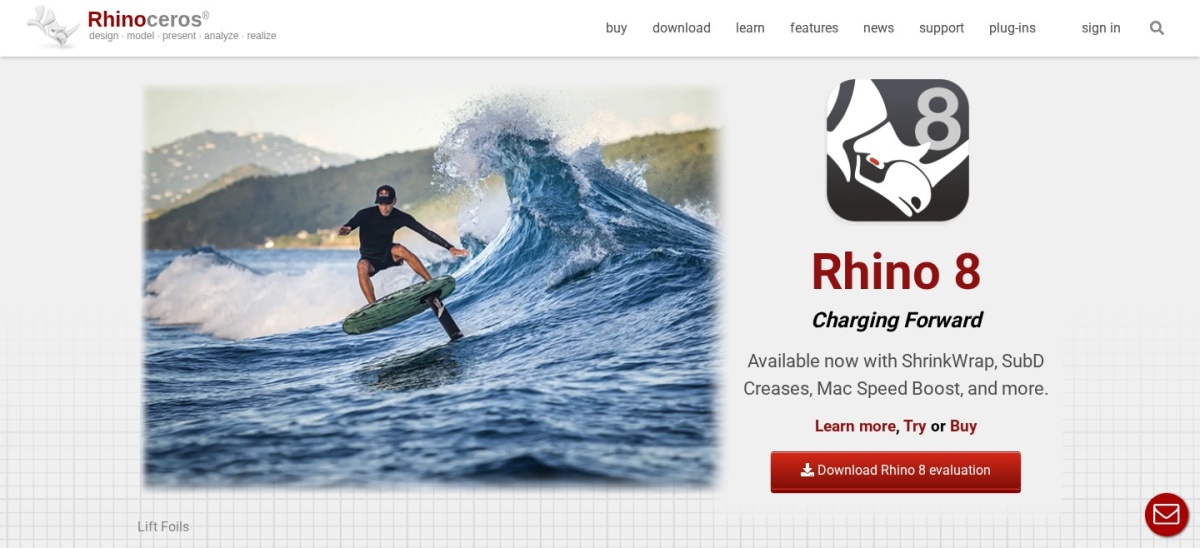
Rhino homepage, captured Nov 2026.
Rhino is a professional modeling application for complex surfaces, jewelry, product designs and curved objects. Its $995 commercial license provides precision geometry tools without requiring a recurring software subscription.
The trade off is the $995 upfront expense and the time needed to learn its modeling commands. It suits experienced designers creating intricate printable objects that are difficult to construct using basic solid modeling tools.
What we like
Detailed curved surface modeling
Perpetual commercial license
Suitable for intricate product geometry
Extensive modeling commands
Watch out for
High initial purchase price
Steep learning curve
Surface models require printability checks
The commercial license provides the full modeling application.Visit rhino3d.com
03
SketchUp
4.5/5on Capterra (1,048 reviews, checked Nov 2026)
Paid from$129/yr
Best for simple geometric designs
ModelingDirect geometry
Entry platformWeb and iPad
Cloud storageUnlimited on Go
Paid planGo
sketchup.com
SketchUp homepage, captured Nov 2026.
SketchUp is a direct modeling application for creating geometric objects and spatial designs. Its $129 annual Go plan includes browser and iPad modeling, reusable design assets and unlimited cloud storage.
The trade off is that the $129 Go subscription does not include the desktop editor or its extension ecosystem. It suits users creating straightforward architectural models, enclosures and geometric objects who prefer visual editing.
FreeCAD is a free parametric modeling application designed around accurately dimensioned physical objects. Its open-source licensing allows users to download, modify and use the software without purchasing a subscription, and it has a 4.3/5 Capterra rating.
The trade off is usability rather than price, since FreeCAD has no mandatory paid plan but requires familiarity with its modeling workbenches. It suits budget-conscious makers creating replacement components, brackets and mechanical prototypes.
Blender is a free 3D creation application suitable for sculpting figurines, decorative objects and organic shapes. Its modeling and mesh editing capabilities are available without a software subscription, and it scores 4.7/5 across 955 Capterra reviews.
The trade off is complexity rather than price, although its free licensing removes recurring software costs. It suits artists and experienced hobbyists who prioritize visual detail over conventional mechanical CAD constraints.
Tinkercad is a free browser-based design application from Autodesk that introduces modeling through basic geometric objects. It has a 4.6/5 Capterra rating from 53 reviews and offers an accessible starting point for printable designs.
The trade off is limited modeling depth rather than price, because Tinkercad has no conventional paid subscription. It suits beginners learning to combine shapes, create openings and construct uncomplicated objects.
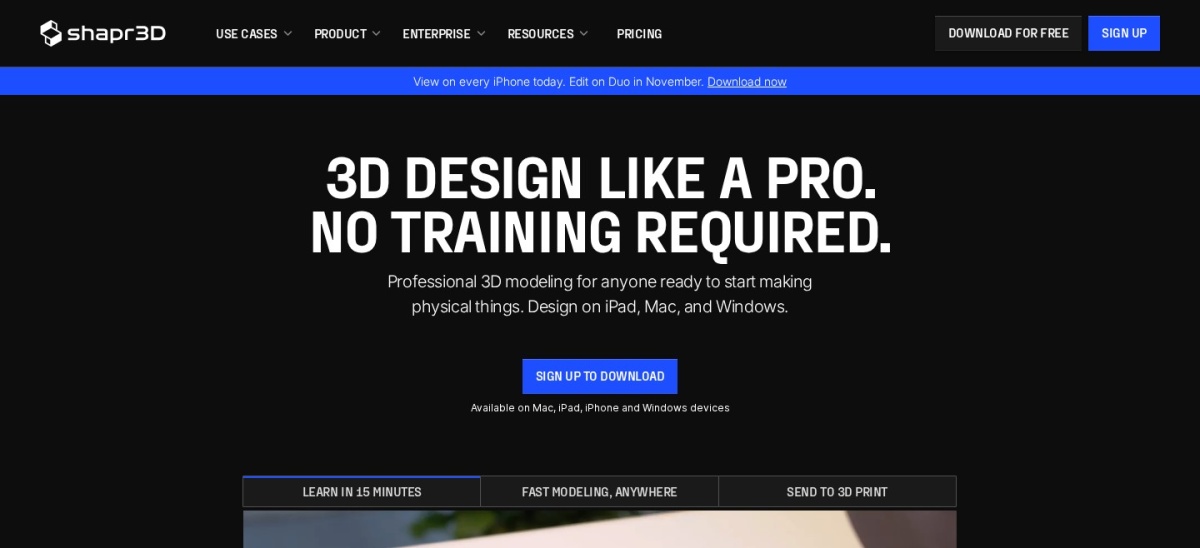
Shapr3D is a precision CAD application designed for touch-based and desktop modeling. Its free plan supports 2 projects and basic-quality STL and 3MF exports, while the paid Solo plan removes project limits and expands export capabilities.
The trade off is restricted export quality on the free plan, and the current regular Solo subscription price could not be independently confirmed. It suits designers who prefer tablet-based editing and straightforward solid modeling.
What we like
Touch-friendly modeling interface
Dimension-based design tools
Free STL and 3MF exports
Cross-device project access
Watch out for
Free projects are limited
Basic-quality free mesh exports
Regular paid price requires further verification
Solo adds unlimited projects and higher-quality exports.Visit shapr3d.com
Parametric CAD vs mesh modeling for 3D printing
Choose parametric CAD when dimensions, hole placement and component fit matter. Adjustable dimensions are particularly useful when refining a prototype after printing.
Choose mesh modeling for characters, sculptures and decorative shapes. Inspect the finished geometry for holes, intersecting surfaces and thin features before exporting it to your slicer.
How we chose
We shortlisted established modeling applications used for mechanical design, artistic modeling, product development and beginner-level fabrication. Rankings reflect modeling suitability, licensing, export capabilities and public user reviews.
Sources were retrieved after that date, so historical prices cannot be guaranteed. Blender's official pricing documentation could not be opened successfully, and Shapr3D's regular paid price remains unconfirmed; its Custom value is a placeholder rather than a verified quotation.
We excluded standalone slicers, rendering-only applications and tools without sufficient relevant modeling capabilities. No vendor paid for a place, and we do not claim testing for this list.
How to choose modeling software for 3D printing
Start with the objects you want to print, then compare modeling features, export restrictions and licensing costs.
Choose the right modeling approach. Use parametric CAD for functional components and mesh modeling for sculptures, characters and decorative objects.
Check supported export formats. Confirm that the selected software exports geometry in a format your slicer accepts, without unacceptable resolution restrictions.
Evaluate the complete workflow. Consider modeling, geometry inspection, slicer compatibility and the ease of revising dimensions after a prototype is printed.
FAQ
What is the best modeling software for 3D printing?
Onshape is a strong overall choice for accurately dimensioned components and collaborative product design. Rhino is better suited to complex curved surfaces, while Blender is preferable for artistic sculptures and detailed figurines.
What is the easiest 3D printing design software for beginners?
Tinkercad is an accessible starting point because it uses familiar geometric objects and browser-based editing. Beginners can learn basic modeling concepts before moving to more advanced parametric design applications.
Is FreeCAD or Blender better for 3D printing?
FreeCAD is generally better for mechanical components that require editable dimensions and geometric relationships. Blender is better for organic shapes, characters and artistic objects that benefit from detailed mesh editing and digital sculpting.
Do I need paid software to create 3D printable models?
No. FreeCAD, Blender and Tinkercad provide modeling capabilities without mandatory subscriptions. Paid applications become more attractive when you need particular professional workflows, private cloud storage, advanced collaboration or specialized modeling tools.
What file format should I use for 3D printing?
STL and 3MF are common formats for transferring models to slicing applications. Keep the original editable design file as well, because exported mesh files may not retain the original modeling history or constraints.
Is modeling software the same as slicing software?
No. Modeling software creates or modifies the geometry of an object. Slicing software prepares that geometry for a printer by generating layers, support structures and machine instructions based on the selected printing settings.
SaaS SEO and WordPress specialist with about 8 years of experience. Rakib compares WordPress plugins, themes, hosting and software using public pricing, documentation and user reviews. See how we rank.