Canva is the best flyer maker software for most people, with a free plan for flyer templates and stock photos and Pro at $144 a year adding 3.6 million templates, background removal and resizing. PosterMyWall suits posters with email and event tools, while Adobe Express suits Adobe stock fans at $9.99 a month.
How we make this list: we compare pricing pages, product documentation and public user reviews, then re-check every price before each update. No product paid for a place. Disclosure.
Canva leads with 3.6 million templates on Pro and the largest free plan in this list.
Adobe Express is the cheapest full-featured pick for individuals at $9.99 a month with no annual commitment.
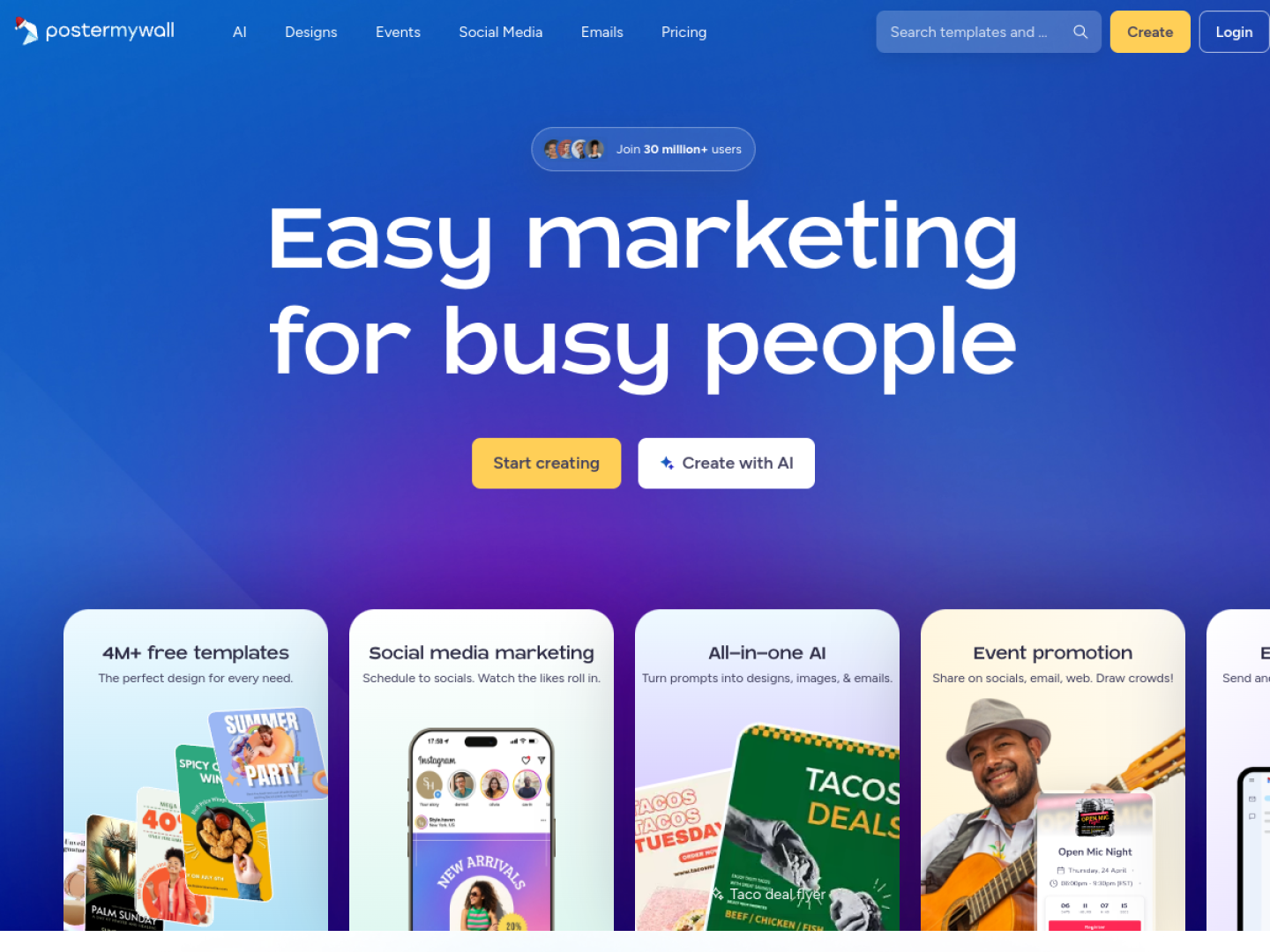
PosterMyWall is the only tool here that pairs flyer design with email sends, social scheduling and event pages.
Venngage and Piktochart lean toward infographics, so check their flyer templates before you pay.
Every tool here has a free plan, and paid plans start at $4.95 a month billed yearly for Desygner Pro+.
What to look for in a flyer maker
A flyer maker should give you print-ready sizes first. Look for A4, A5, letter and half-page presets, plus PDF export at print quality, so the design you see on screen matches the printed page.
Templates matter more than editing power for most flyers. A large template library with event, sale and real-estate flyers saves more time than any single editing feature.
Check the free plan before you commit. Some free plans block downloads, as Venngage does, or cap them at three a month, as Snappa does. Our guide on adding a PDF to WordPress shows how exported flyers can be shared from a site.
Price gaps are wide. Paid plans run from $4.95 a month billed yearly to $18 a month, so a tool that looks cheap monthly can cost more over a year.
Canva is an online design tool with the largest template library in this list. The free plan covers flyer templates, stock photos and basic editing, while Pro adds 3.6 million templates, 141 million premium assets, background removal, Magic Resize and 100GB of storage.
The trade off is price and paywalls. Pro costs $144 a year or $18 a month, and many of the best templates and stock photos sit behind the paywall, so free users hit limits fast. It suits anyone who makes flyers, social posts and presentations in one place.
What we like
Huge template and stock library
Free plan covers basic flyers
Magic Resize and background removal on Pro
Brand Kits keep flyers consistent
Watch out for
Best templates and assets need Pro
Pro costs more than most rivals here
Monthly billing costs $18, a third more than yearly
Pro adds premium templates, Magic Resize and 100GB storageVisit canva.com
02
Adobe Express
4.4/5on G2 (1,100+ reviews, checked Nov 2026)
Paid from$9.99/mo
Best value for individuals
Free planYes, 25 AI credits/mo
Premium$9.99/mo, no contract
Firefly credits250 a month on Premium
Paid planPremium, $9.99/mo
adobe.com
Adobe Express homepage, captured Nov 2026.
Adobe Express is Adobe's browser and mobile design app for flyers, social posts and short videos. The free plan includes templates, Adobe Fonts and 5GB of storage, while Premium at $9.99 a month adds premium templates, Adobe Stock photos, 250 Firefly credits a month, brand kits and 100GB of storage.
The trade off is a smaller template library than Canva and a price that differs by page. Adobe's pricing page lists Premium at $9.99 a month, while its home page showed $11.99 on the same day in November 2026, so check the price at checkout. It suits creators who already use Adobe Stock or Creative Cloud.
What we like
Cheapest full-featured plan for one person
No annual commitment on Premium
Adobe Stock photos and 30,000+ fonts
Free for Creative Cloud subscribers
Watch out for
Fewer templates than Canva
Home page and pricing page show different prices
Firefly credits cap AI use at 250 a month
Premium adds Stock photos, brand kits and 250 AI credits a monthVisit adobe.com
03
PosterMyWall
4.7/5on G2 (71 reviews, checked Nov 2026)
Paid from$109/yr
Best for posters and local marketing
Templates4M+
Free planYes, limited downloads
Email sends3,000/mo on Premium
Paid planPremium, $109/yr
postermywall.com
PosterMyWall homepage, captured Nov 2026.
PosterMyWall is a design and marketing tool built around posters and flyers. The free plan covers 4 million templates with limited downloads and no watermark, while Premium at $13 a month or $109 a year adds unlimited downloads, AI tools, Brand Kits, 3,000 email sends a month and social scheduling.
The trade off is a narrower editor than Canva. Some reviewers call the templates more stock-looking, and advanced publishing features such as unlimited social accounts need Premium Plus at $30 a month. It suits small businesses that design a flyer and then email it, post it and sell tickets from one account.
VistaCreate is a template-based design tool for small business graphics. The free Starter plan includes 100,000 templates, 1 million photos and videos, and 10GB of storage, while Pro at $10 a month billed yearly adds 200,000 templates, 170 million assets, 100 AI image generations a month and up to 10 team seats.
The trade off is depth. The editor covers the basics well but has fewer advanced features than Canva or Adobe Express, and the free plan locks most premium content behind Pro. It suits small teams that want one cheap plan for up to 10 people.
Venngage is a visual content tool built for infographics, reports and charts, with flyer templates that suit data-heavy designs. The free plan allows 5 designs with public sharing only and no downloads, while Premium at $10 a month billed yearly adds unlimited designs, PNG export, private sharing and 160 AI credits a day.
The trade off is export limits. PDF and PowerPoint export and brand kits sit on the Business plan at $24 a month billed yearly, so Premium flyers leave as PNG files only. It suits marketers and teachers who turn numbers into a one-page flyer.
Piktochart is a visual design tool that turns text and documents into infographics, presentations and flyers. The free plan includes 60 AI credits a month and 2 PNG downloads, while Pro at $10 a month billed yearly adds 500 AI credits, unlimited PNG downloads and team collaboration.
The trade off is export range. PDF and PowerPoint downloads sit on the Business plan at $17 a month billed yearly, and the free plan's two downloads run out fast. It suits people who start from a report or a brief and want a finished visual quickly.
Snappa is a focused design tool for quick marketing graphics, including flyers, social posts and thumbnails. The free plan allows 3 downloads a month, while Pro at $10 a month billed yearly adds unlimited downloads, 50-plus projects, custom fonts and background removal, with 5 million stock photos on every plan.
The trade off is scope. Snappa exports JPG and PNG only, with no PDF, vector or animation output, so it cannot make a print-ready flyer file on its own. It suits anyone who needs a finished graphic in minutes and does not need print output.
Desygner is a cloud design tool for small businesses and franchises that need consistent branding. The free plan includes thousands of templates, millions of free images and icons, and 300-plus design formats, while Pro+ at $4.95 a month billed yearly unlocks premium templates, brand kits and a large image library.
The trade off is polish. Reviewers call the interface dated next to Canva, AI features use credits that run out fast, and full team controls need the Business plan. It suits multi-location businesses that want local teams to use locked brand templates.
Picsart is a browser-based photo and video editor with AI generation and a large template library. The free account covers basic editing, while Pro at $15 a month or $126 a year adds 500 AI credits a month, 100GB of storage, 3-plus brand kits, bulk edits of up to 50 images and 300 million editable photos and templates.
The trade off is the credit system. AI generation runs on monthly credits, and the pricing page lists Pro credits as a fixed amount with no number, so heavy AI users cannot plan volume in advance. It suits creators who want photo editing and AI generation in one browser tab.
What we like
Strong AI photo and video tools
300M+ editable photos and templates
Bulk editing up to 50 images on Pro
Brand kits included on Pro
Watch out for
AI use is capped by monthly credits
Pro credit amount is not stated on the pricing page
Every tool here has a free plan, but the free plans differ more than the paid ones. Canva, Adobe Express and VistaCreate give you usable flyers for free, while Venngage blocks downloads entirely and Snappa caps them at three a month.
Paid plans mostly add downloads, premium templates and brand kits. The cheapest way in is Desygner Pro+ at $4.95 a month billed yearly, and the dearest single-user plan is Canva Pro at $144 a year.
If you only make a flyer now and then, start free and check the download limit first. A tool that looks free can still charge you to save the finished flyer.
How we chose
We started from the design tools most often recommended for flyers and posters, then kept nine established tools with a free plan and a public pricing page.
Prices come from each vendor's pricing page, checked on 25 November 2026. Ratings come from G2 on the same day. Where a vendor shows a sale price, the list shows the regular price.
We left out tools with no public pricing and tools built only for print shops. No vendor paid for a place, and we do not claim hands-on testing for this list.
How to choose a flyer maker
Start with how the flyer will reach people, then pick the tool that fits that route.
Decide print or screen first. A printed flyer needs PDF export at print quality, while a screen flyer only needs JPG or PNG. Snappa, for example, has no PDF export.
Check the free plan's download limit. Venngage blocks downloads on its free plan and Snappa allows three a month. See how to add a PDF to WordPress if you plan to share flyers from your site.
Count the flyers you make each month. Occasional flyers fit a free plan, while weekly flyers need unlimited downloads and brand kits. Compare the yearly price, not the monthly one.
Try the templates for your kind of flyer. Event, sale and real-estate flyers need different layouts. Pick the tool whose templates already look close to what you need.
FAQ
What is the best flyer maker software?
Canva is the best flyer maker software for most people. Its free plan covers flyer templates and stock photos, and Pro at $144 a year adds 3.6 million templates, background removal and resizing. PosterMyWall is the better pick for posters with email and event tools.
Can I make a flyer for free?
Yes. Every tool in this list has a free plan, and Canva, Adobe Express and VistaCreate all let you design and download flyers without paying. Check the download rules first, because Venngage blocks downloads on its free plan and Snappa allows only three a month.
Which flyer maker is best for print?
PosterMyWall is the strongest pick for print, because it is built around posters and flyers and exports PDF files. Canva is the best all-rounder, with the largest template library in this list. Avoid Snappa for print, because it exports JPG and PNG only.
What is the cheapest flyer maker?
Desygner has the cheapest paid plan here at $4.95 a month billed yearly, or $9.95 a month billed monthly. Its free plan covers thousands of templates, so many users never need to pay. Adobe Express Premium at $9.99 a month is the cheapest full-featured plan for one person.
Do I need a paid plan to remove watermarks?
It depends on the tool. PosterMyWall free downloads carry no watermark, while Canva and Adobe Express put premium templates and assets behind their paid plans. Check each free plan before you design, because watermark rules are not the same everywhere.
Can I use these tools on my phone?
Yes, most of them work in a mobile browser, and Canva, Adobe Express, VistaCreate and Picsart also offer mobile apps. Flyers are easier to build on a desktop screen, so use the phone mainly for small edits and quick shares.
SaaS SEO and WordPress specialist with about 8 years of experience. Rakib compares WordPress plugins, themes, hosting and software using public pricing, documentation and user reviews. See how we rank.